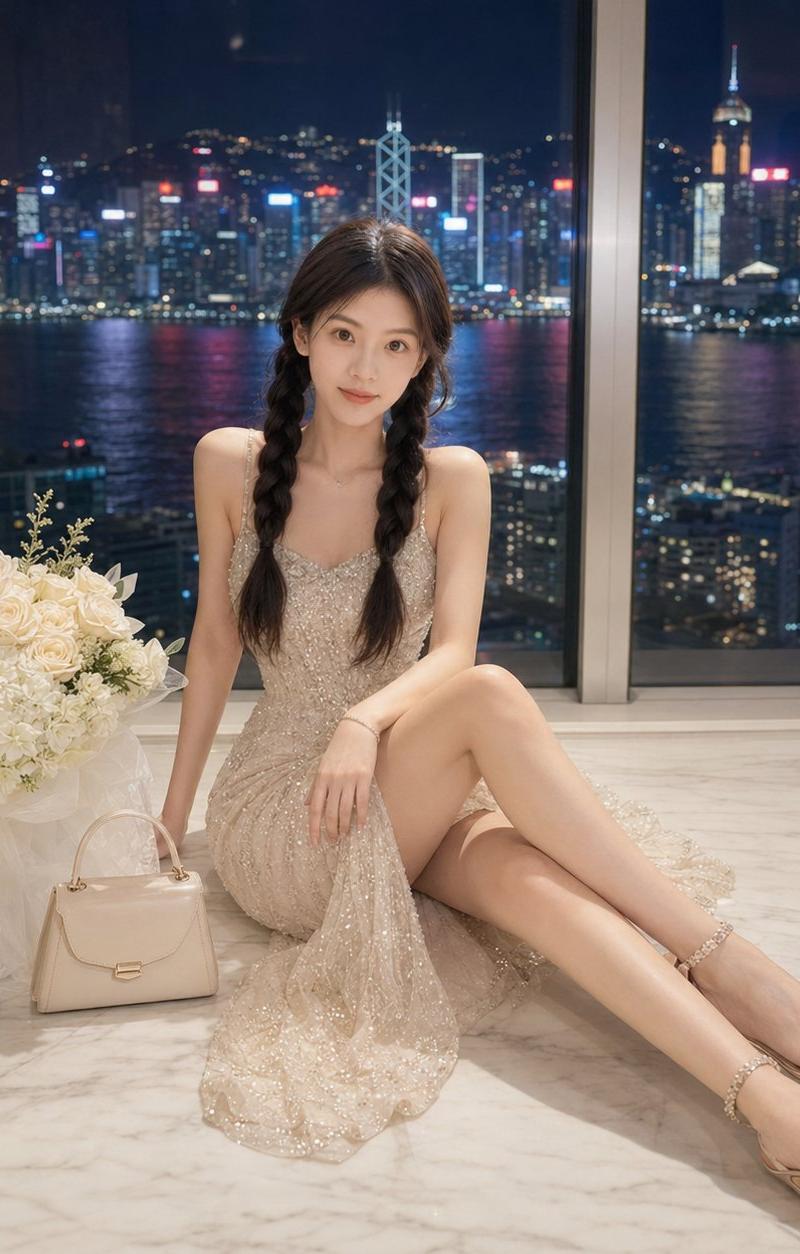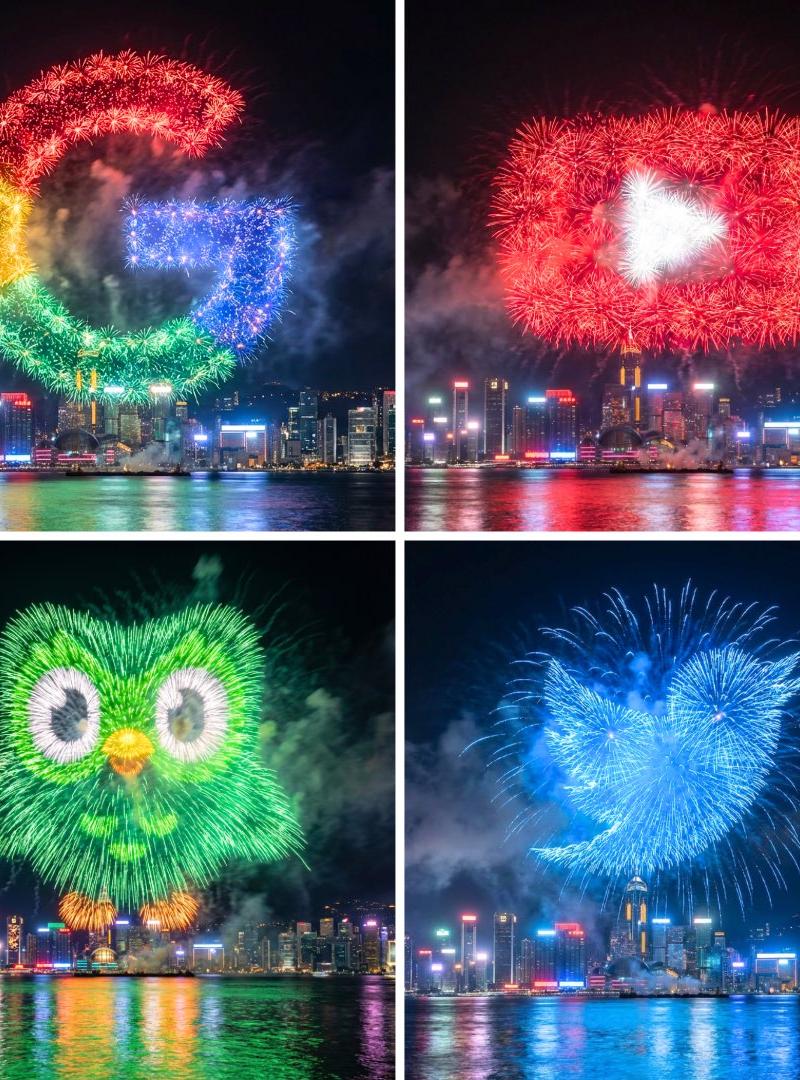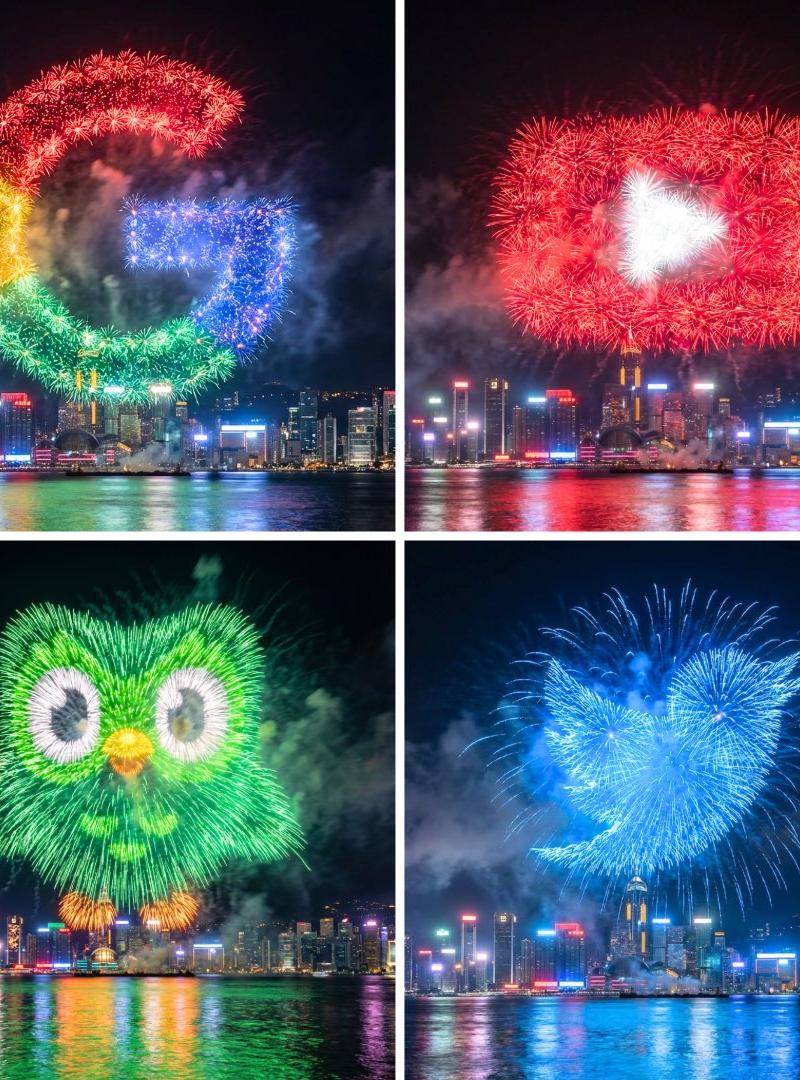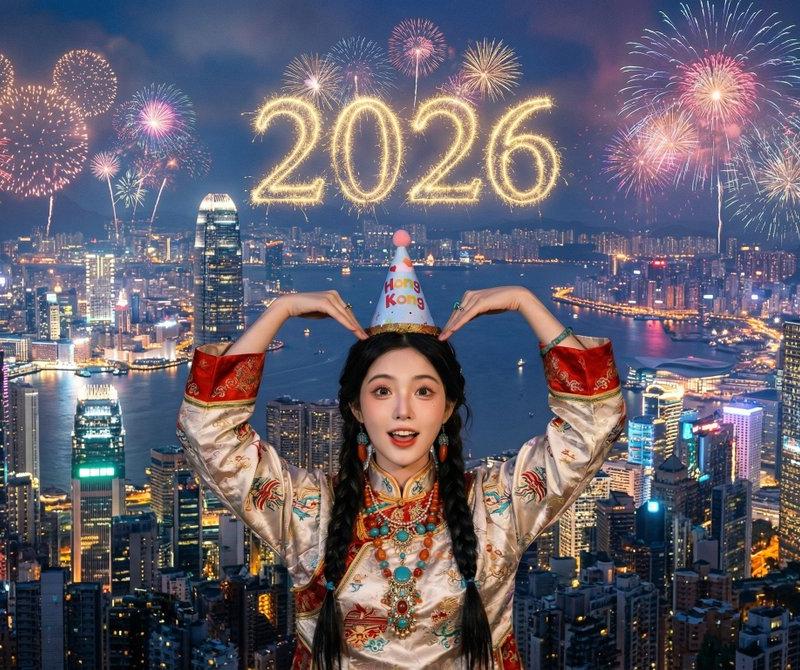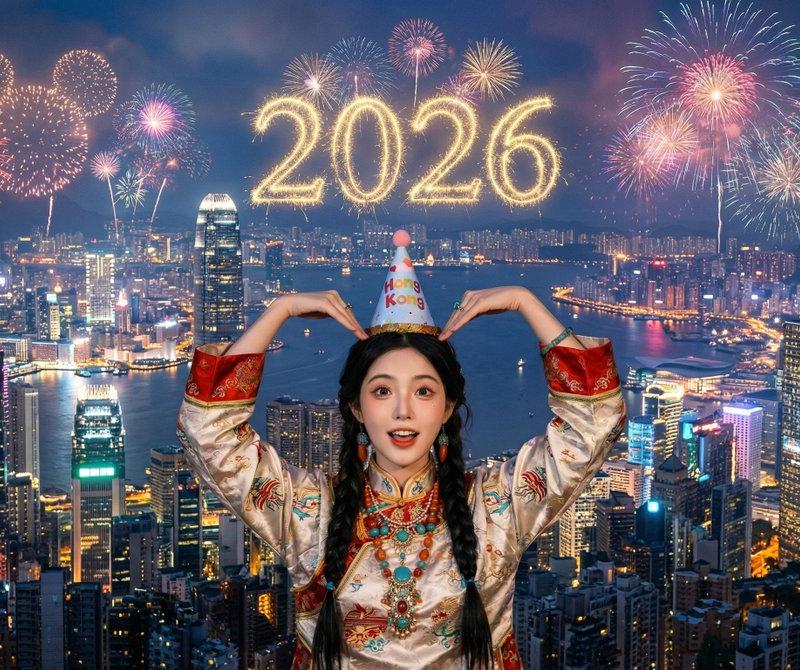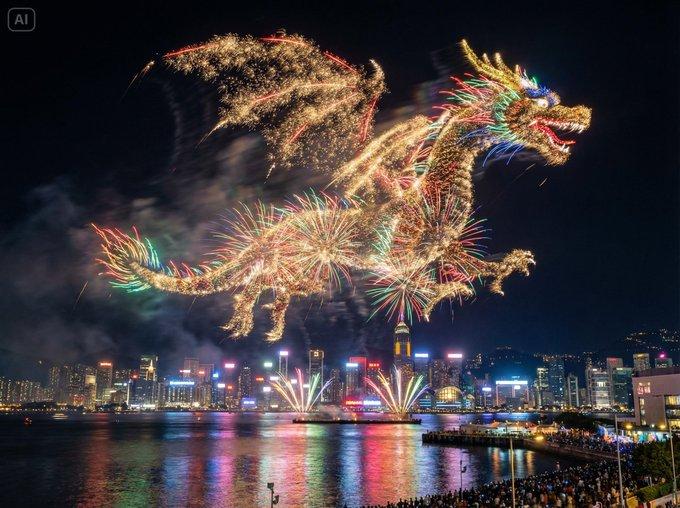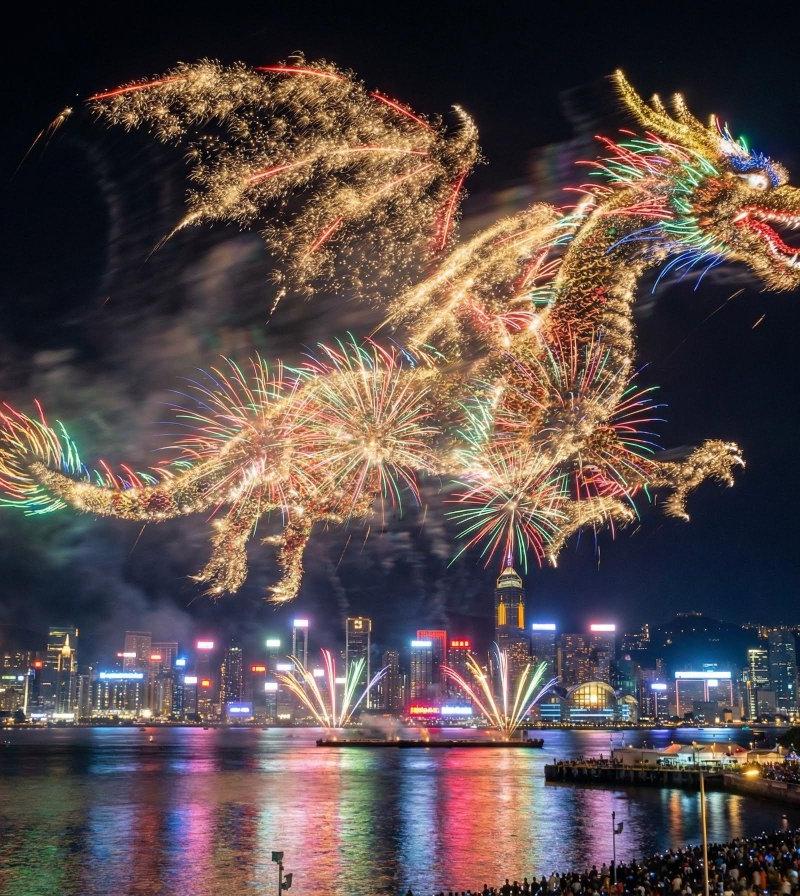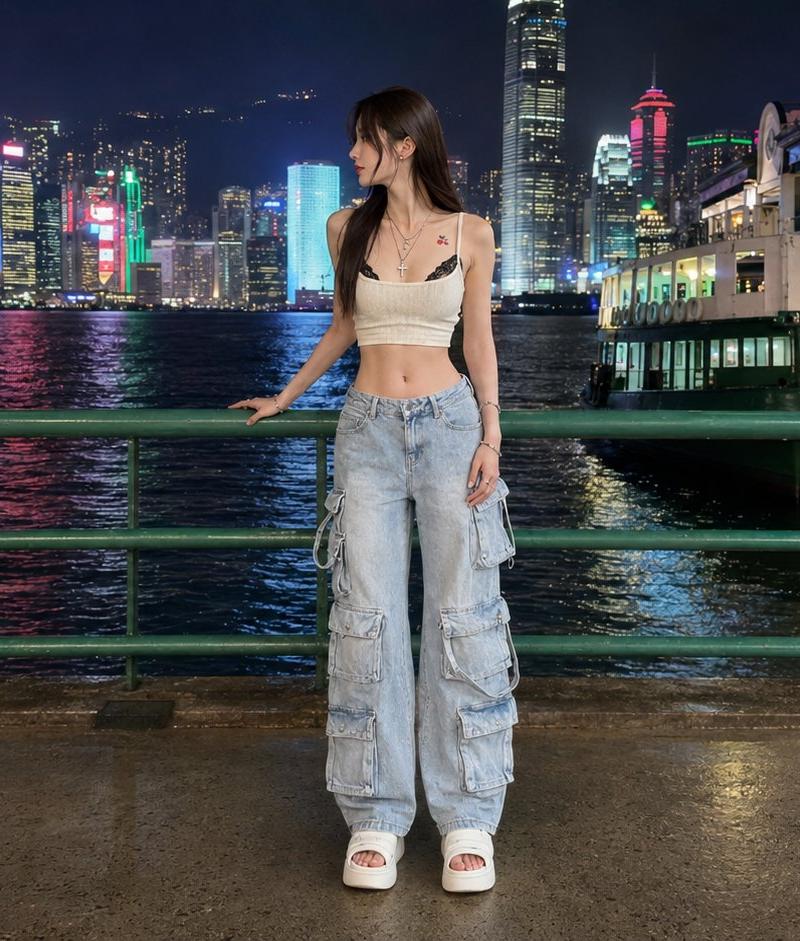
香港海滨夜景人像
提示词
Create a realistic full-body nighttime travel portrait of {argument name="subject" default="a young East Asian woman"} standing on a waterfront promenade in Hong Kong, facing slightly left with her head turned toward the illuminated skyline. She is centered in the frame behind a green metal railing, one hand lightly resting on the rail and the other relaxed at her side. She wears {argument name="outfit" default="a cream cropped camisole, layered necklaces, very baggy light blue multi-pocket cargo jeans, and white platform slide sandals"}; include exactly 5 visible outfit/accessory elements: cream crop top, layered necklaces, baggy cargo jeans with multiple side pockets, white platform sandals, and small tattoos near the collarbone/upper chest. The background shows Victoria Harbour at night with dark rippling water, colorful neon reflections, dense skyscrapers, and recognizable Hong Kong-style towers, plus a brightly lit pier or ferry terminal building on the right. Use a wide horizontal 16:9 composition, eye-level camera, full-body framing with space above the skyline, wet pavement reflecting lights, crisp flash-lit subject against a detailed city nightscape, natural skin texture, realistic street photography look, high dynamic range, sharp focus, no text, no watermark.- 分类
- 图表信息图
- 模型
- GPT Image 2
- 来源作者
- Nailai7981
- 原始语言
- en
- 来源 ID
- 24527
- 发布时间
- 2026年6月6日
浏览量991