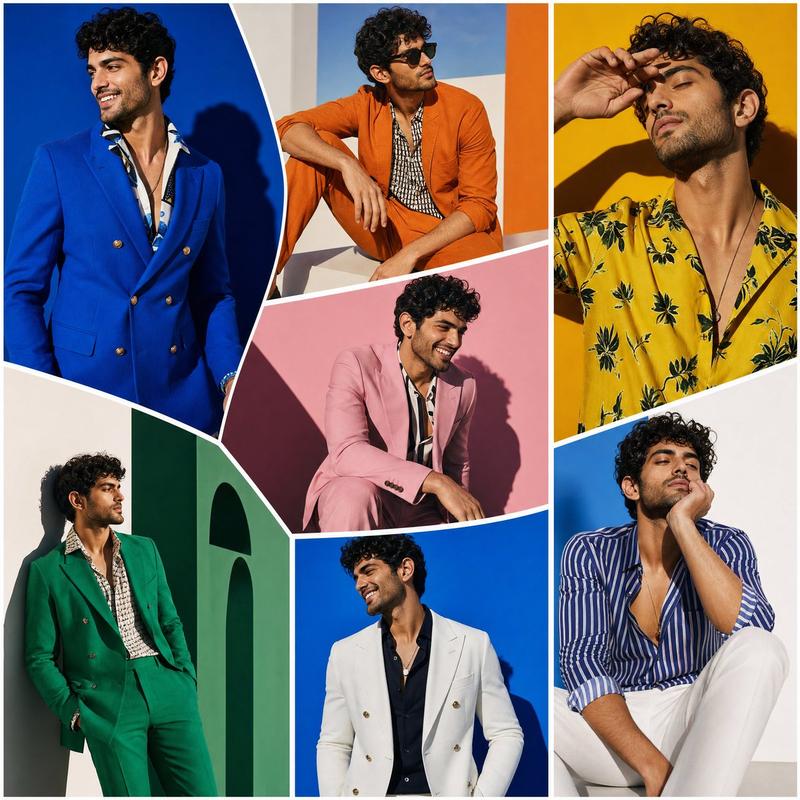
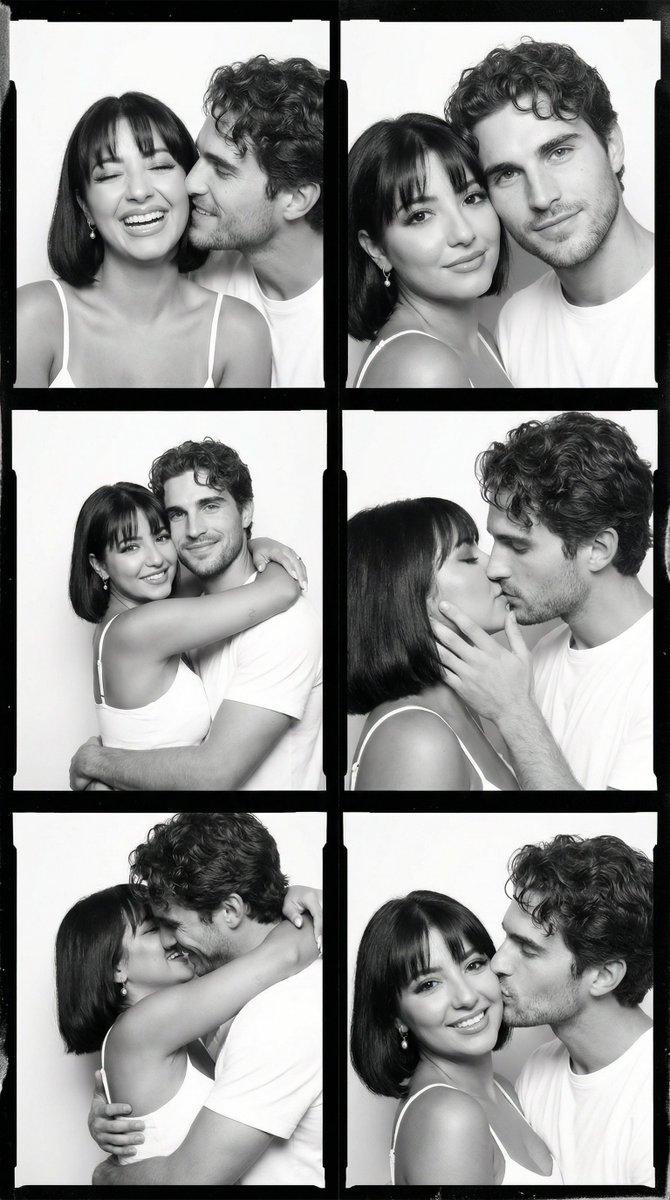
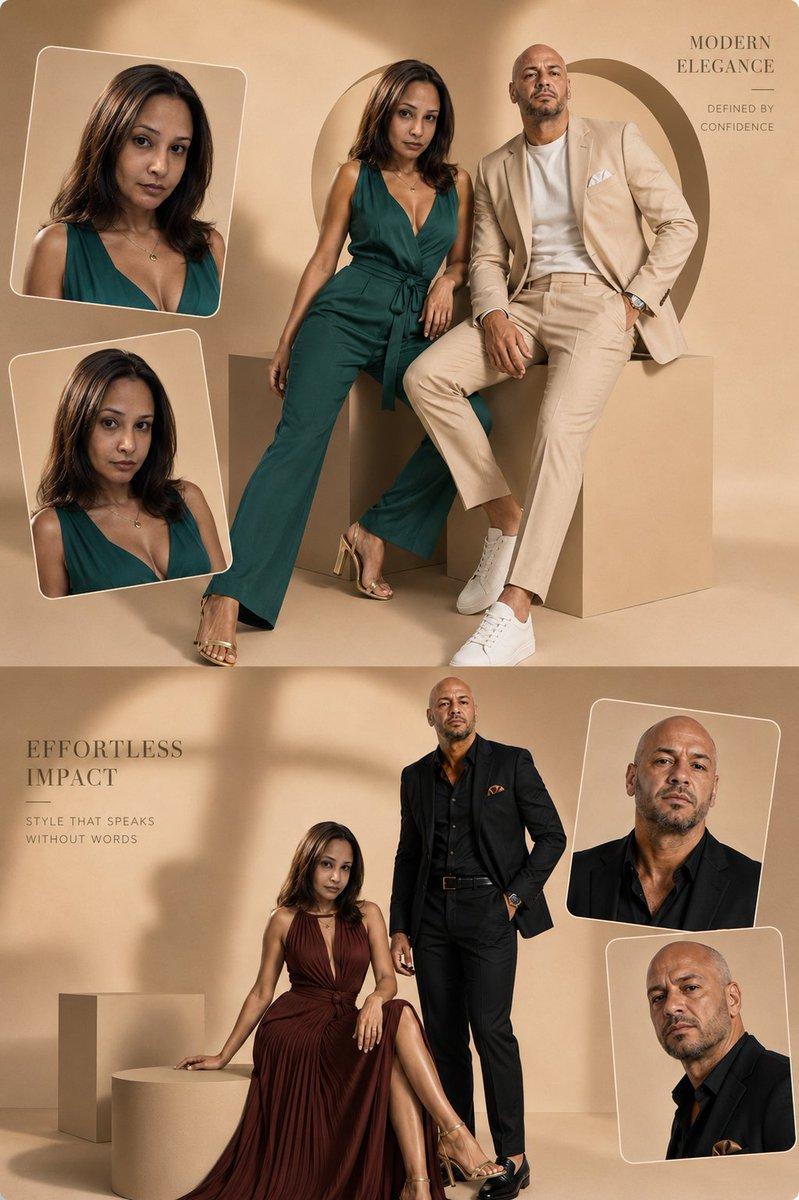
Monochrome Couple Studio Collage
Prompt
Create a chic black-and-white monochrome couple photoshoot collage with a torn-paper scrapbook layout. The canvas is vertical portrait, 2:3 aspect ratio, filled edge to edge with overlapping grayscale photo fragments separated by rough white ripped-paper borders. Show a minimalist photography studio setting with pale vertical wall panels, smooth light floor, soft natural window light, and occasional studio equipment. The couple appears consistently across all shots: a young woman with {argument name="woman hair style" default="brown hair in a loose messy bun"}, wearing an oversized white button-up shirt with sleeves slightly rolled, relaxed straight-leg blue jeans rendered in grayscale, and black pointed high heels; and a tall young man with {argument name="man hair style" default="thick black wavy hair"}, wearing a black bomber jacket over a plain white T-shirt, slim black trousers, and polished black dress shoes. Keep the mood editorial, intimate, elegant, minimalist, and fashion-magazine inspired; faces may be softly obscured or out of focus for anonymity.

Layout: Include exactly 9 distinct photo fragments in the collage. 1) Top-left full-body standing portrait: the woman leans lightly against the man, arms crossed, one leg crossed in front, man standing with hands in pockets against vertical panel wall. 2) Top-right wide close-up: both seated or leaning close, woman resting her chin on her hand, man looking toward her, cropped at shoulders. 3) Center-left narrow close-up: woman in profile looking toward the man, loose bun visible. 4) Center small close-up: man in partial profile beside the woman, cropped tightly. 5) Center-right close-up: overlapping faces and shoulders, woman partly hidden behind man, torn edge across the top. 6) Mid-left seated portrait: couple sitting casually side by side on a low block, woman with knees bent, man leaning forward with forearms on knees. 7) Mid-right behind-the-scenes studio shot: a photographer seen from behind holding a camera, photographing the couple standing near a large black umbrella softbox on a light stand. 8) Bottom-left large intimate close-up: woman and man leaning close together, cropped dramatically from shoulders upward. 9) Bottom-right full-body standing portrait: couple standing apart but angled toward each other; woman with hands in pockets, man leaning with one leg crossed and hands in pockets against the paneled wall.

Visual style: high-contrast but soft grayscale photography, realistic fashion editorial lighting, subtle film grain, crisp clothing texture, clean studio background, no color except the original jeans should read as gray in monochrome. Use torn white paper edges with uneven fibers and layered collage shadows. No text, no logos, no watermark, no decorative stickers, no extra people except the photographer in the behind-the-scenes fragment.- Category
- Charts & Infographics
- Model
- GPT Image 2
- Creator
- Hania Ai
- Source language
- en
- Source ID
- 24542
- Published
- Jun 6, 2026
Views7.6K