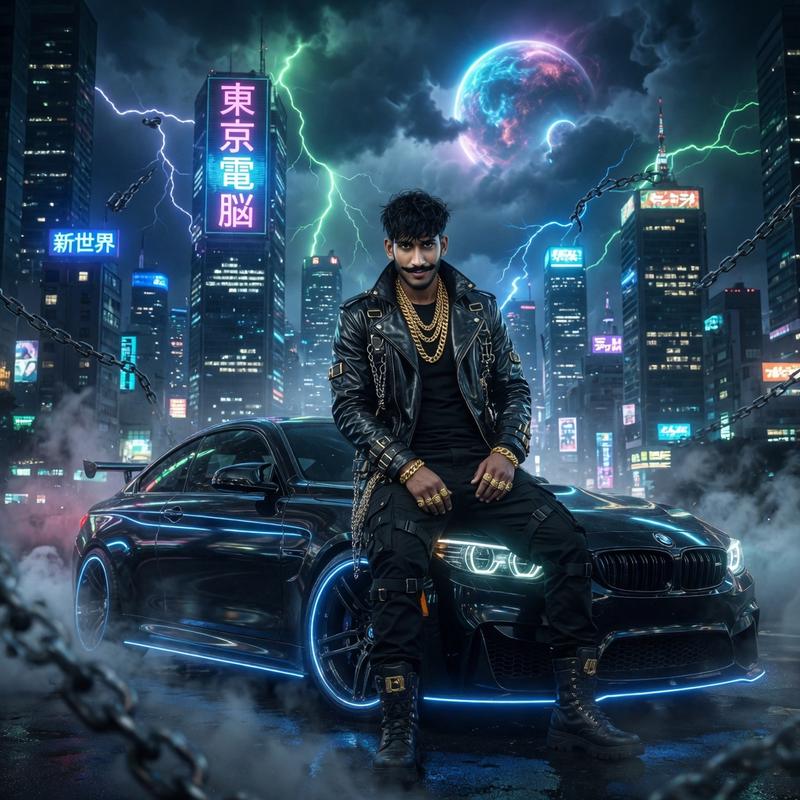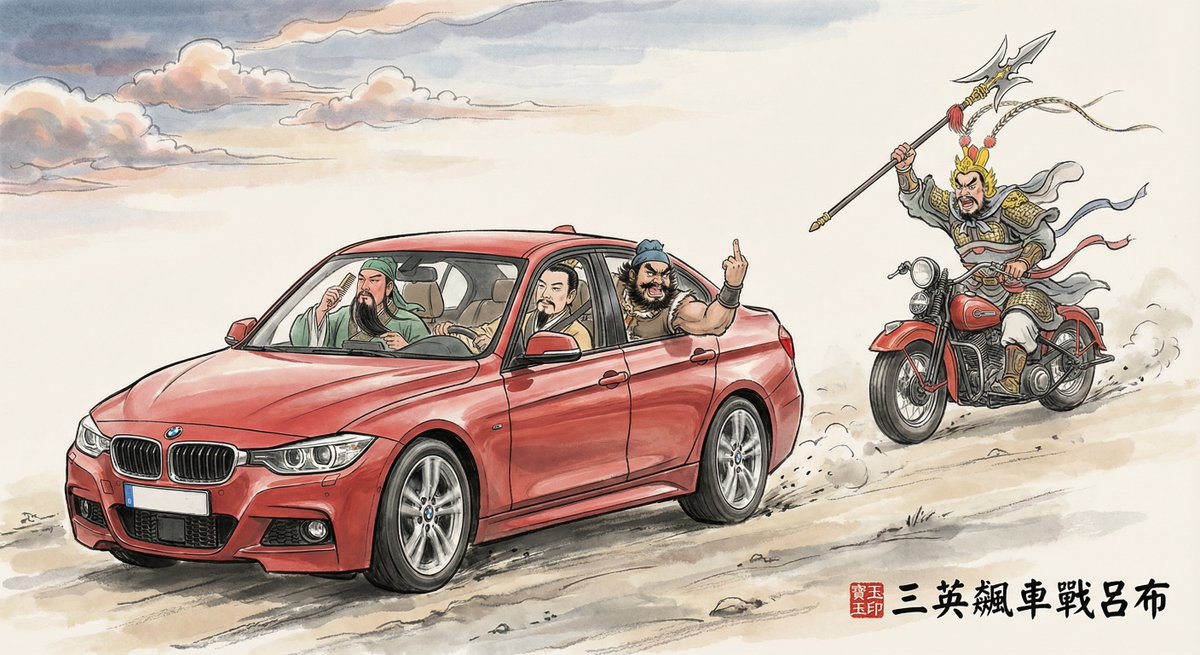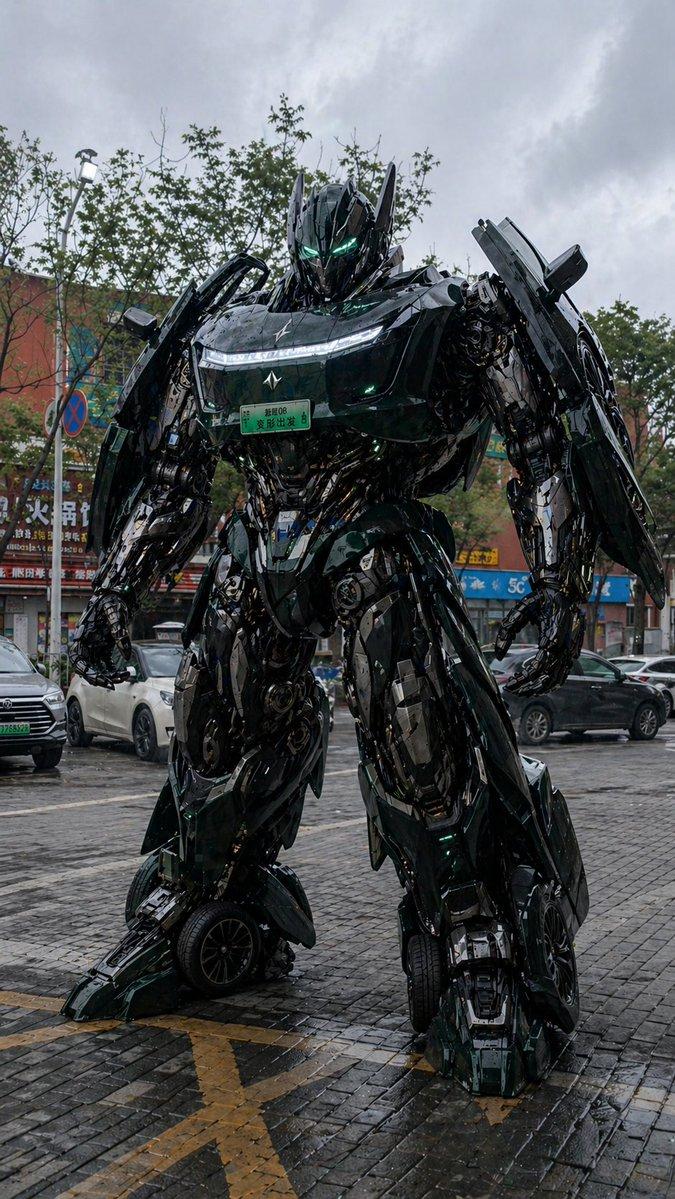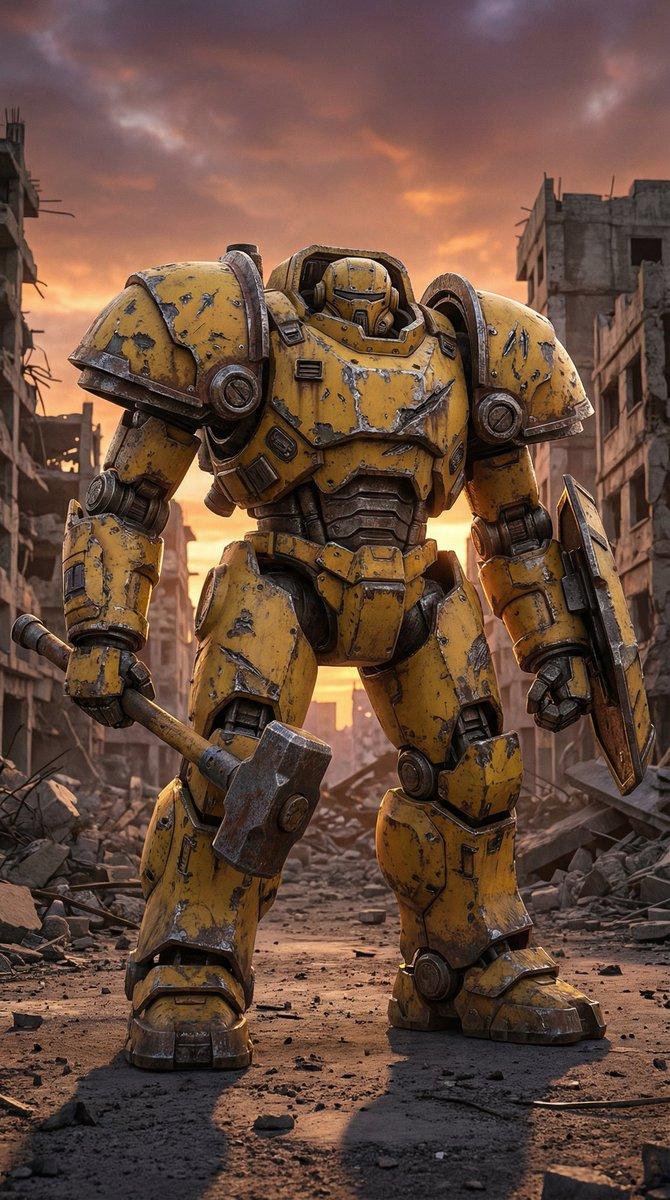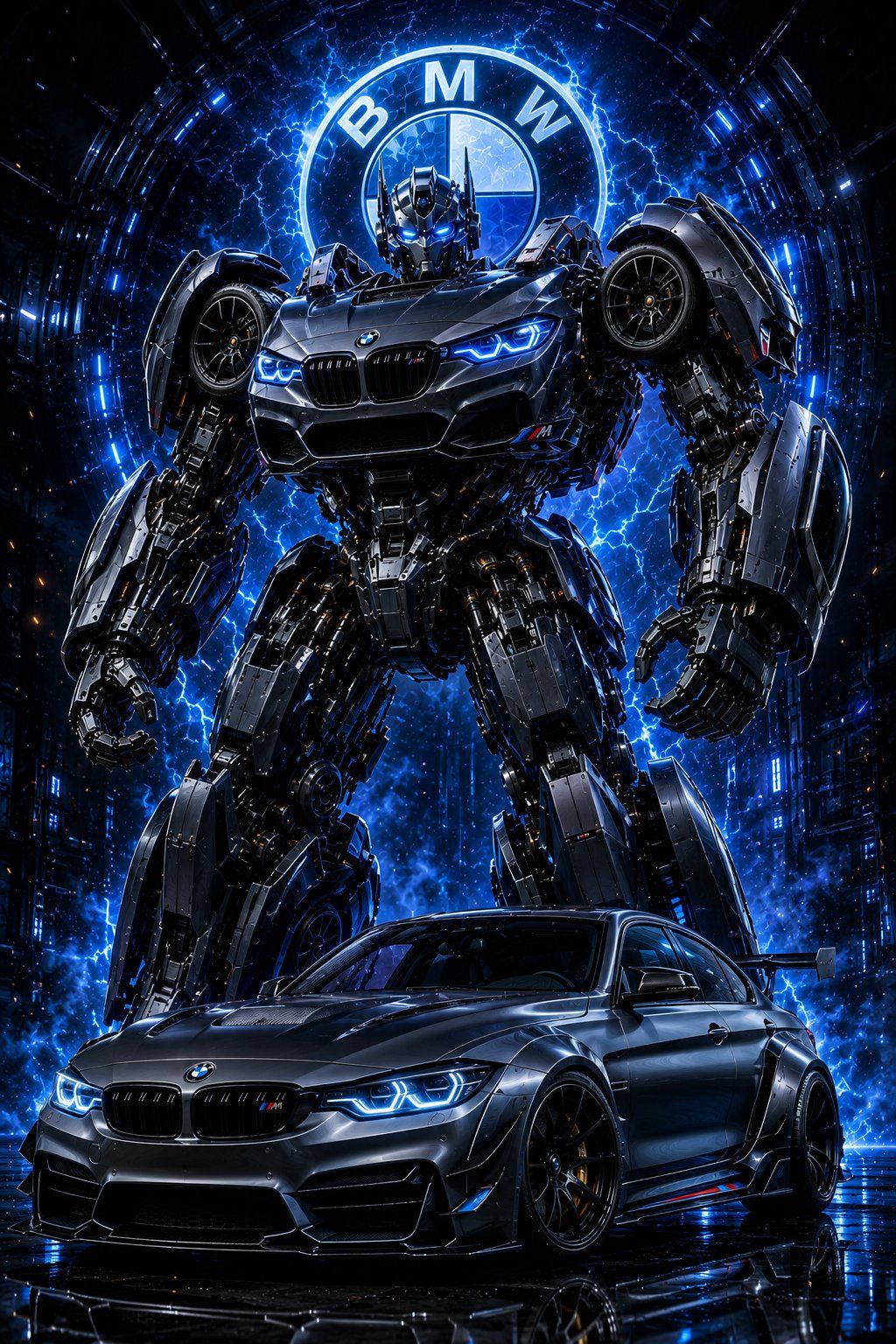
BMW Transformer Robot Advertisement
Prompt
Transform the uploaded {argument name="car model" default="BMW"} into a premium Transformers-style giant robot while preserving 100% of the original vehicle identity and all visible details. Maintain the exact original {argument name="car model" default="BMW"} paint color, metallic finish, {argument name="car model" default="BMW"} badges, model branding, kidney grille design, headlights, taillights, alloy wheels, mirrors, windows, roofline, body kit, stickers, accessories, and every modification exactly as shown in the uploaded image. Do not include any registration number plate on either the vehicle or the robot.\n\nCreate a massive futuristic Transformer robot constructed entirely from authentic {argument name="car model" default="BMW"} vehicle components. The robot must clearly resemble the same {argument name="car model" default="BMW"}, with recognizable hood panels forming the chest, headlights integrated into the shoulders, doors transformed into armored limbs, wheels positioned naturally on the shoulders and legs, kidney grille and {argument name="car model" default="BMW"} emblem prominently displayed, and original body panels seamlessly converted into advanced mechanical armor. Preserve the exact color scheme on both the vehicle and robot. No number plate should be visible anywhere.\n\nComposition: Hero-shot automotive advertisement. The real {argument name="car model" default="BMW"} is parked in the foreground while its towering Transformer form stands directly behind it in a powerful battle-ready stance. The robot should appear {argument name="robot height" default="30–50 feet"} tall, dominating the scene while remaining visually connected to the original vehicle.\n\nEnvironment: Dark cinematic studio environment with deep black background, {argument name="energy color" default="electric blue"} energy field, blue gradient lighting, volumetric fog, atmospheric smoke, floating sparks, glowing particles, energy arcs, and futuristic mechanical ambience. Massive glowing {argument name="car model" default="BMW"} roundel emblem integrated into the blue energy field behind the robot.\n\nUltra-detailed mechanical engineering with exposed pistons, gears, hydraulic systems, servo motors, armor plating, cybernetic components, illuminated circuitry, dark chrome metal surfaces, brushed steel textures, and glowing blue robotic eyes. Luxury automotive commercial styling with photorealistic materials and engineering precision.\n\nLighting: HDR cinematic lighting, dramatic rim light, powerful backlight, ray-traced reflections, realistic shadow depth, blue energy glow reflections across metal surfaces, studio-grade automotive lighting, Unreal Engine 5 quality, Octane Render, hyper-realistic CGI.\n\nFloor: Wet reflective black floor with realistic mirror reflections of both the {argument name="car model" default="BMW"} and its Transformer form.\n\nCamera: Low-angle hero perspective, dramatic movie-poster composition, ultra-wide cinematic framing, strong depth, premium luxury advertisement look, ultra-sharp focus.\n\nStyle Tags: Transformers movie aesthetic, luxury automotive campaign, premium concept art, photorealistic CGI, cinematic science-fiction, award-winning vehicle design, mechanical masterpiece, ultra-detailed engineering, futuristic robot, high-end commercial photography, 8K, masterpiece quality.\n\nAspect Ratio: 9:16 vertical (1080×1920 or 1440×25- Category
- Charts & Infographics
- Model
- GPT Image 2
- Creator
- Shore Lyn
- Source ID
- 24596
- Published
- Jun 7, 2026
Views852