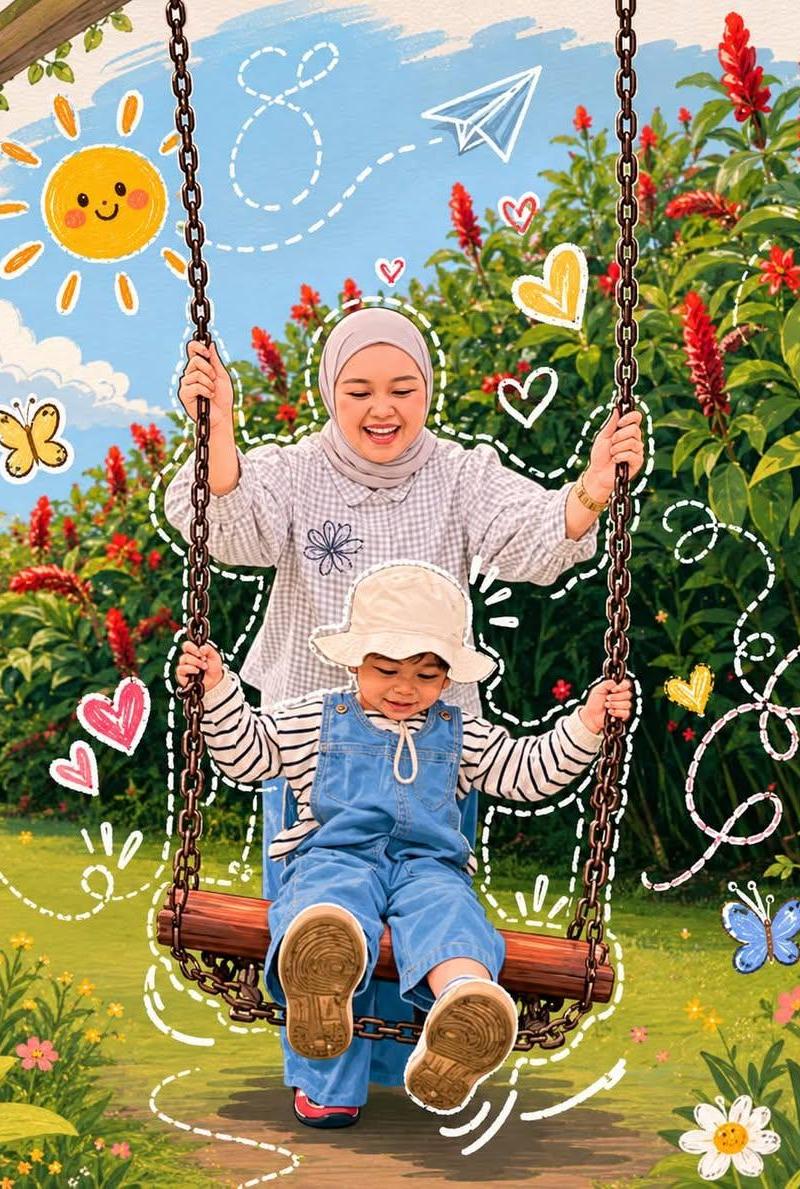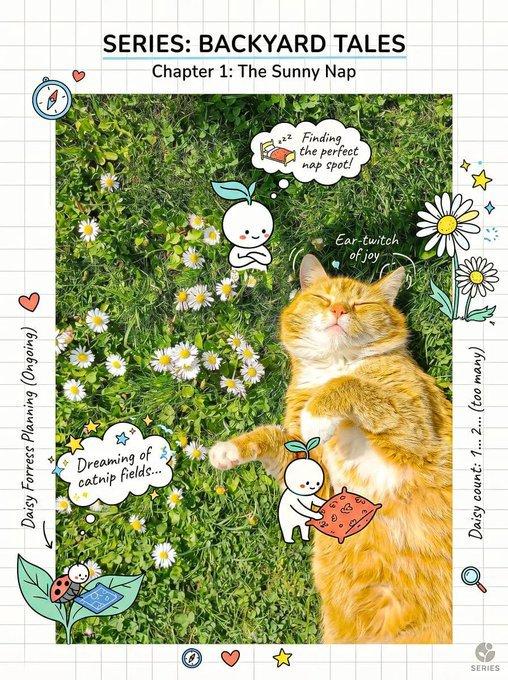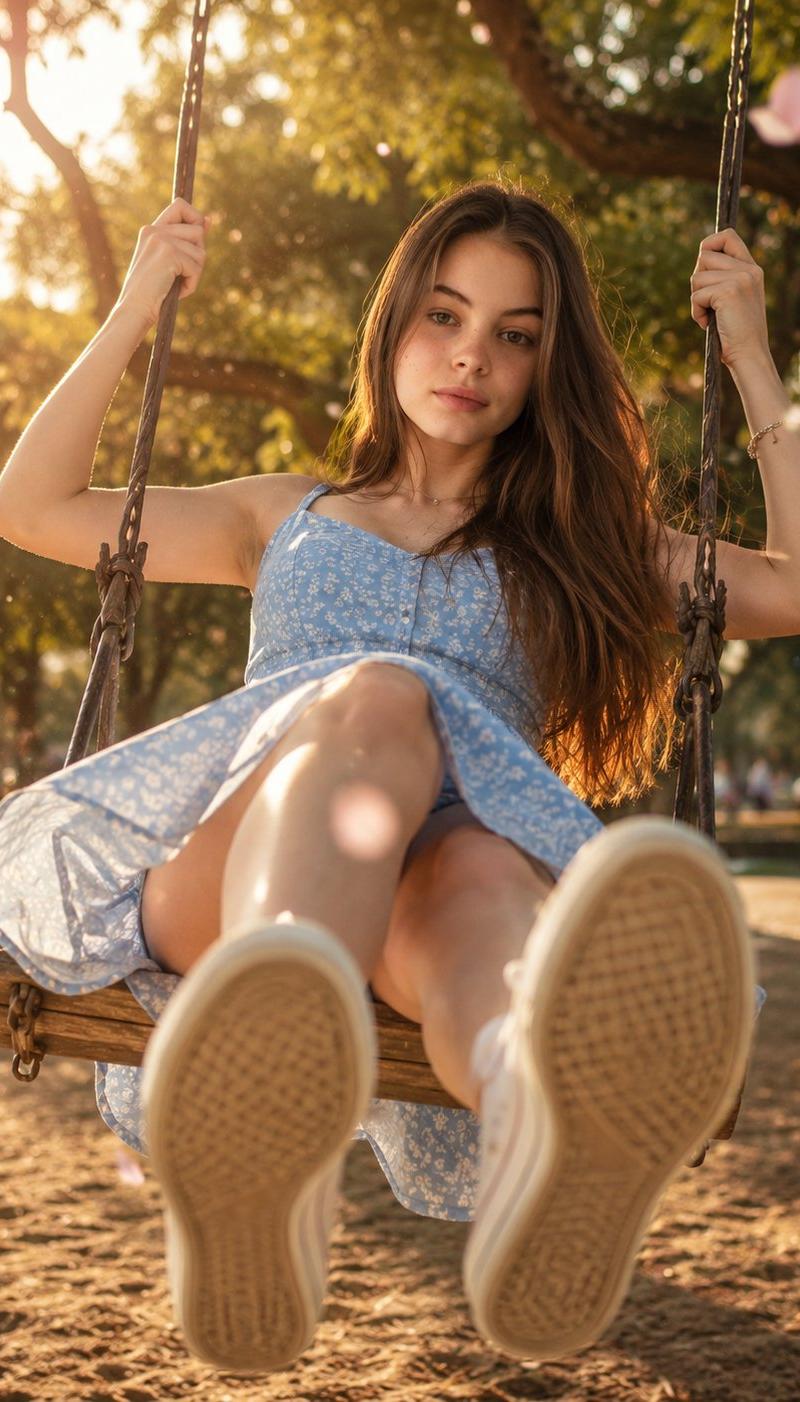
Photobombing Cat Flower Field
Prompt
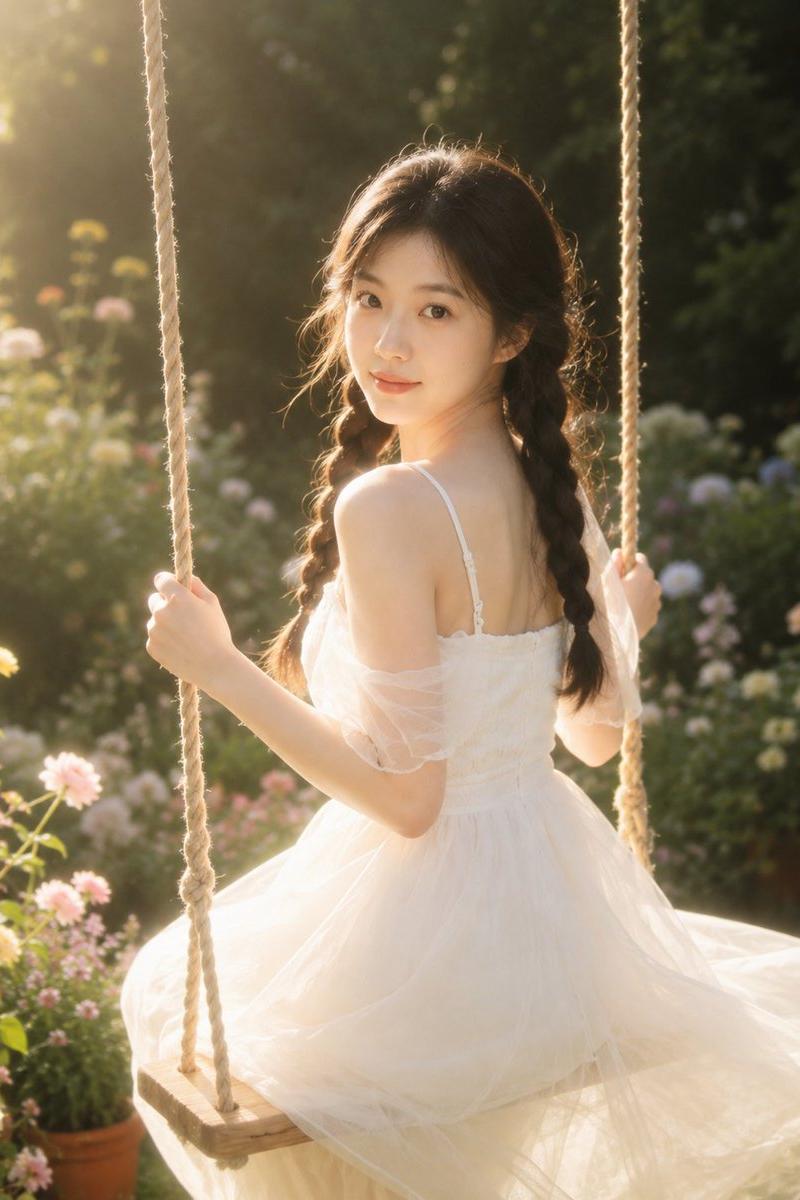
Use the uploaded reference image as the primary facial reference. Preserve the exact facial identity, facial proportions, hairstyle, hairline, skin tone, eyes, eyebrows, nose, lips, jawline, smile, expression, age, and overall appearance from the reference image. Maintain maximum facial similarity and character consistency. Do not redesign, beautify, alter, stylize, or replace the face. Keep the woman fully recognizable and visually consistent with the uploaded image.

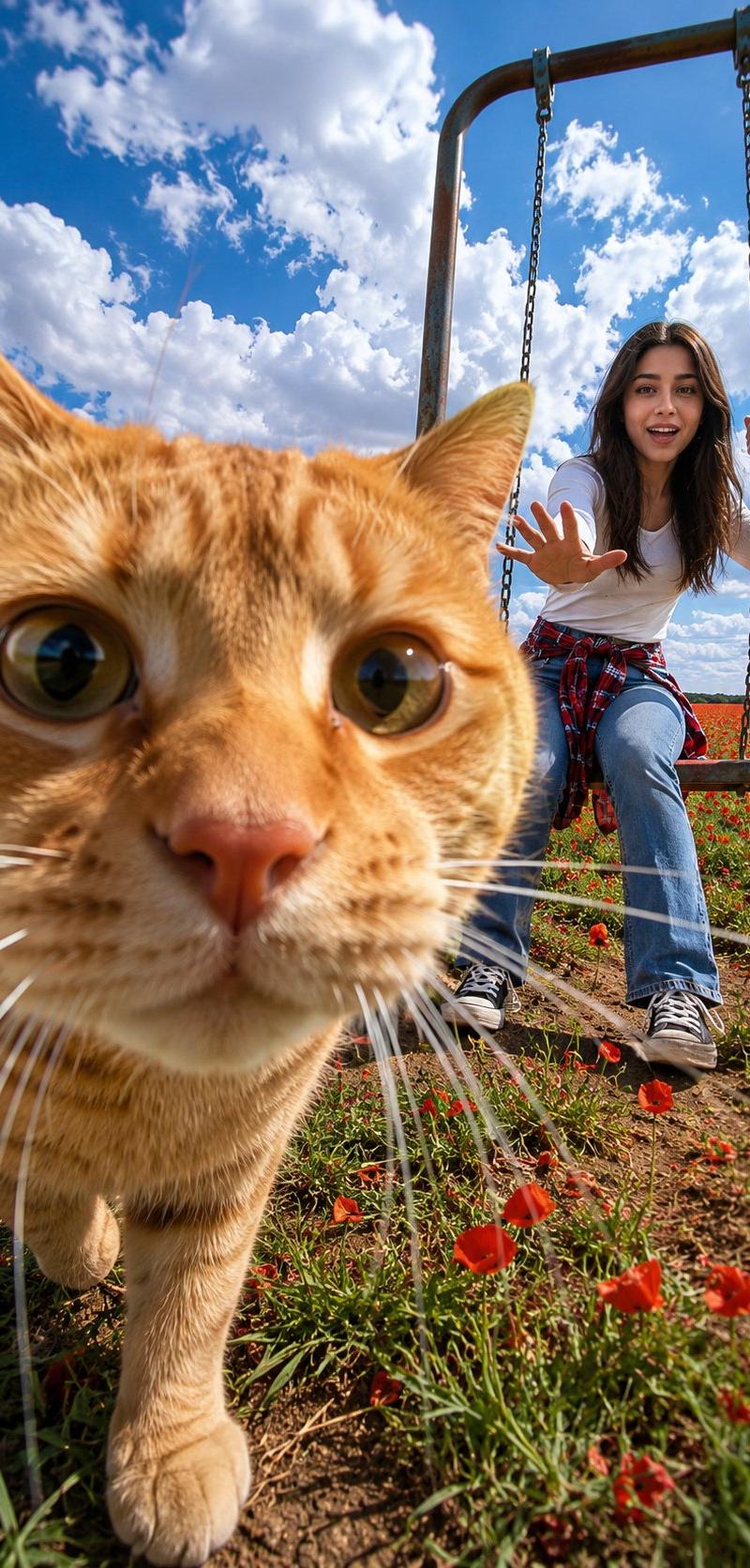
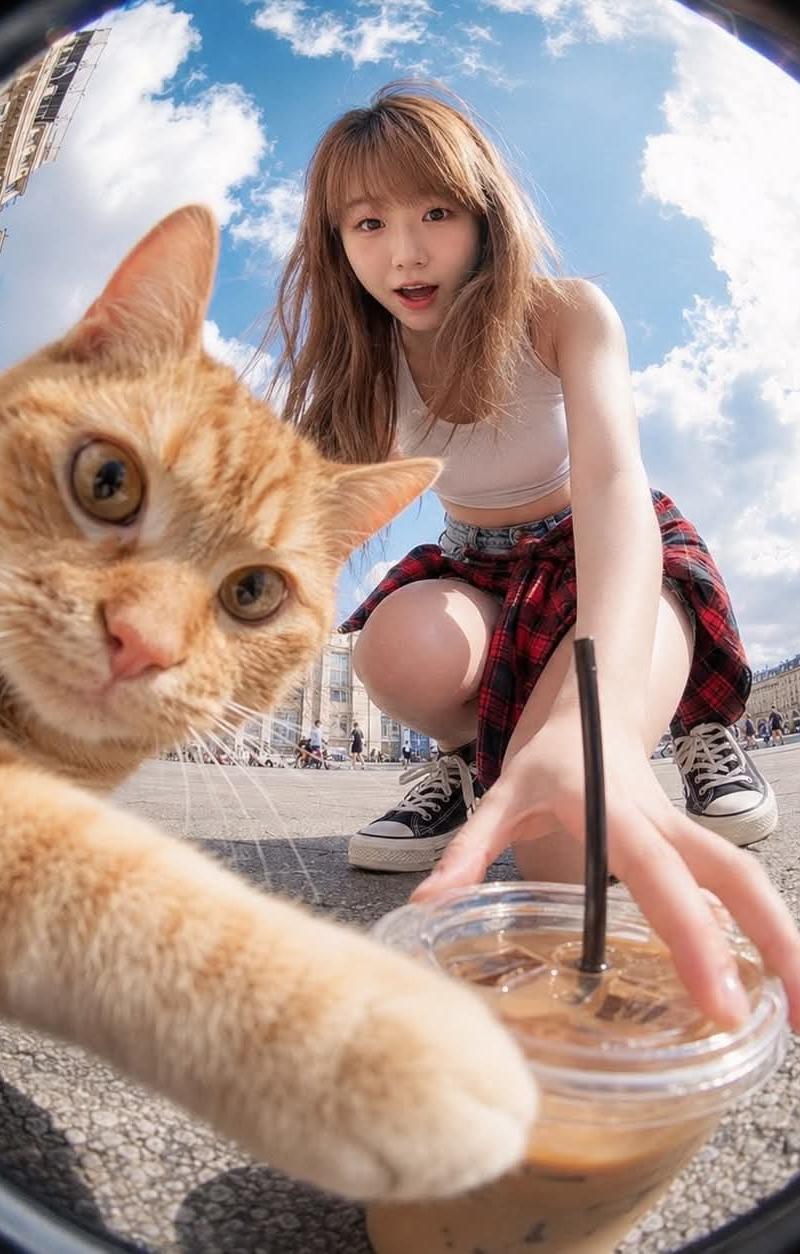
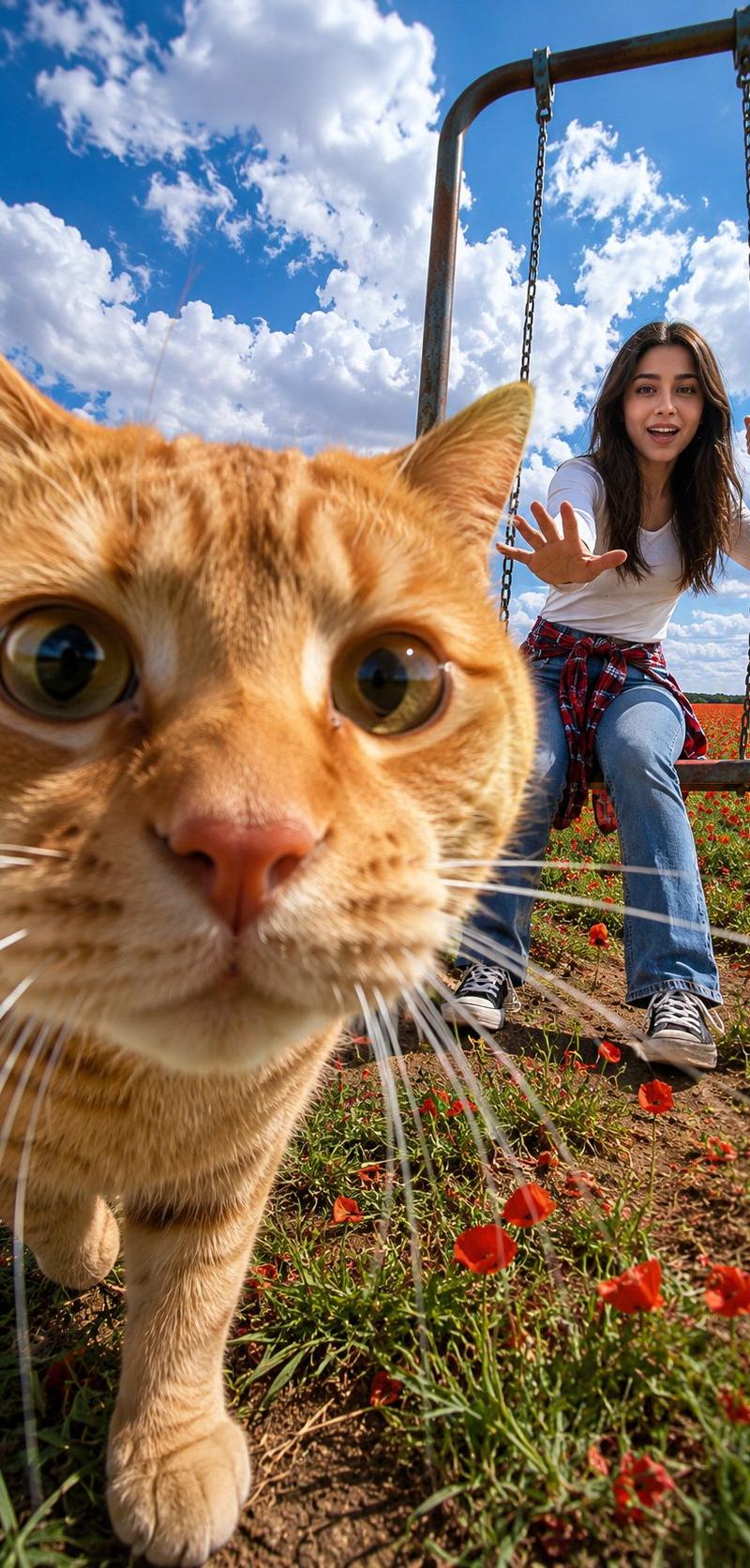
Ultra-realistic candid smartphone photography captured from a phone placed on the ground in a flower field during a bright summer afternoon.

The phone was intentionally positioned to photograph the woman enjoying a swing in the distance.

However, an unexpected {argument name="animal" default="orange tabby cat"} suddenly walks directly in front of the camera at the exact moment the photo is taken.

The result is a completely ruined composition.

FOREGROUND:

a chubby orange tabby cat dominates the frame, extreme close-up perspective, large curious eyes, orange fur filling most of the image, nose extremely close to the lens, whiskers partially obscuring the view, slightly distorted wide-angle perspective, the cat behaves like it is the main character of the photo.

BACKGROUND:

the woman from the uploaded reference image, partially visible behind the cat, slightly blurred by depth of field, caught completely off guard, laughing while trying to wave the cat away.

APPEARANCE:

same face as uploaded reference image, same hairstyle, same skin tone, same facial expression, same body proportions, healthy glowing skin, realistic skin texture.

OUTFIT (FULLY COVERED CLOTHING):

{argument name="clothing" default="modest casual summer outfit, full-sleeve white shirt, loose-fit blue denim jeans covering the entire legs, red plaid flannel shirt tied around the waist, white socks, black sneakers"}, fully covered clothing, no crop top, no shorts, no exposed midriff, family-friendly appearance, comfortable outdoor styling.

EXPRESSION:

laughing in disbelief, wide smile, slightly embarrassed, amused frustration, unable to stop laughing.

BODY LANGUAGE:

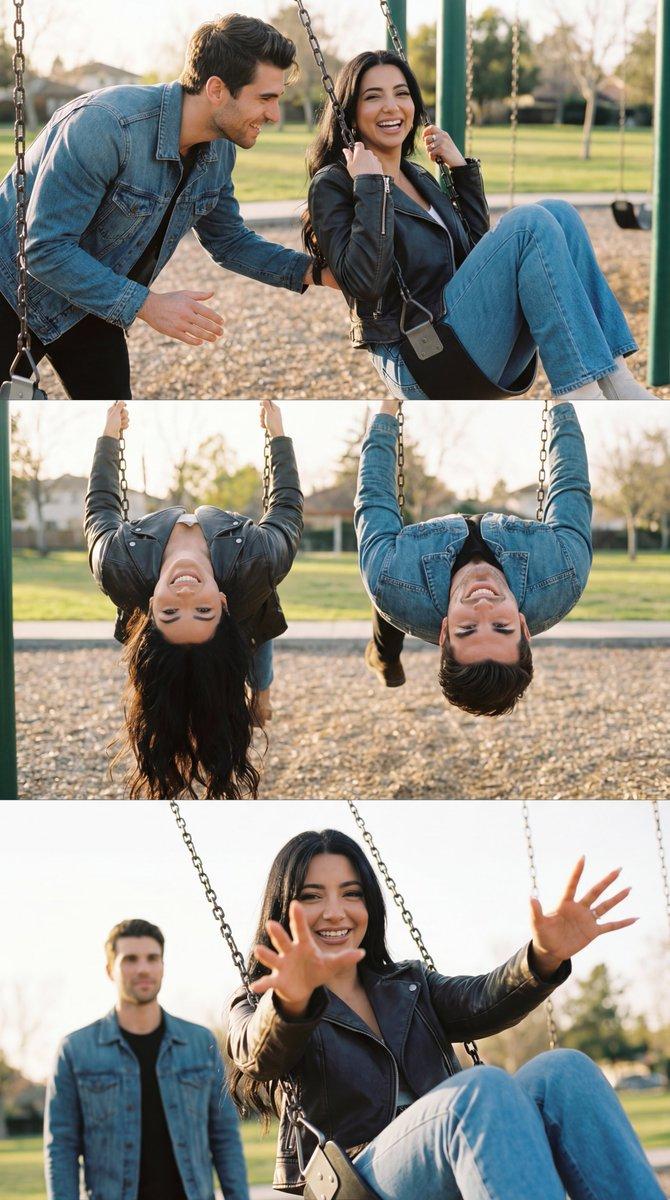
holding onto the swing chains, one foot lightly touching the ground, torso leaning forward, one hand reaching toward the cat, captured mid-laughter, genuine candid reaction.

ENVIRONMENT:

{argument name="setting" default="vast meadow covered with vivid red poppy flowers, bright green grass, flower petals moving in the breeze, open countryside atmosphere, no trees, unobstructed horizon"}.

SKY:

deep blue summer sky, towering white clouds, epic atmospheric depth.

LIGHTING:

strong natural summer sunlight, bright cheerful illumination, clean highlights, realistic shadows, warm seasonal colors, high dynamic range.

MOOD:

chaotic summer happiness, unexpected comedy, lighthearted disaster, playful energy, perfectly ruined photograph.

PHOTOGRAPHY:

smartphone camera, extreme low-angle ground-level perspective, 24mm wide-angle lens, foreground subject disproportionately large- Category
- Charts & Infographics
- Model
- GPT Image 2
- Creator
- Lariab Fatima
- Source language
- en
- Source ID
- 24605
- Published
- Jun 7, 2026
Views3.4K