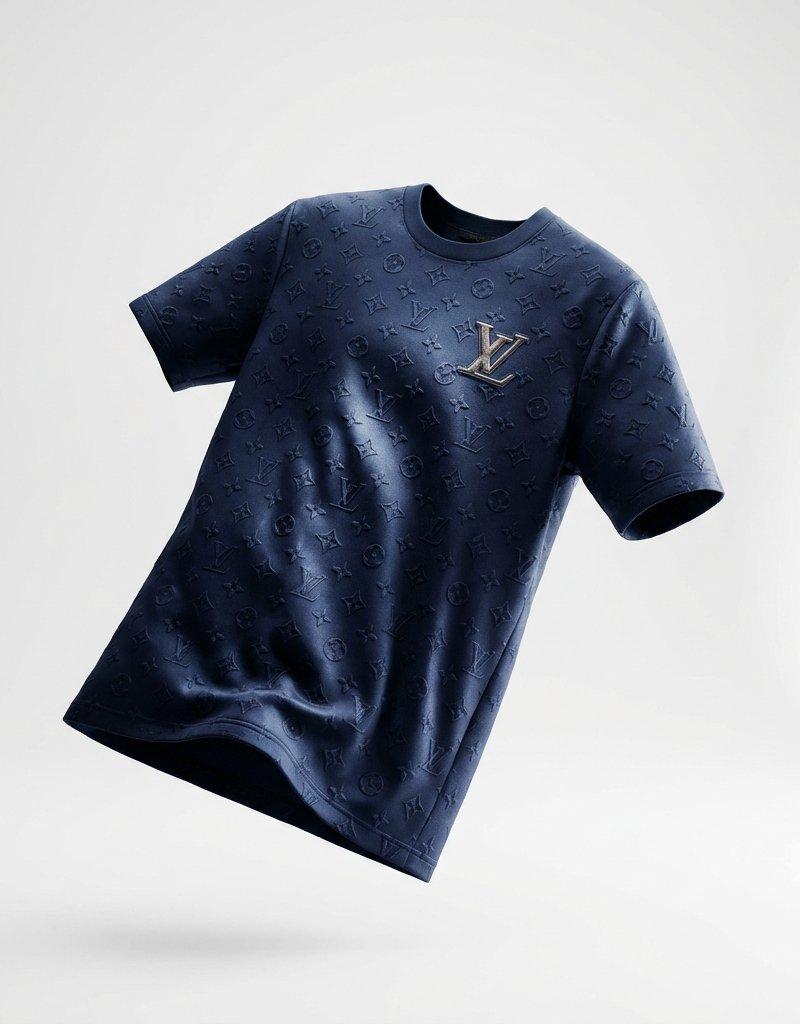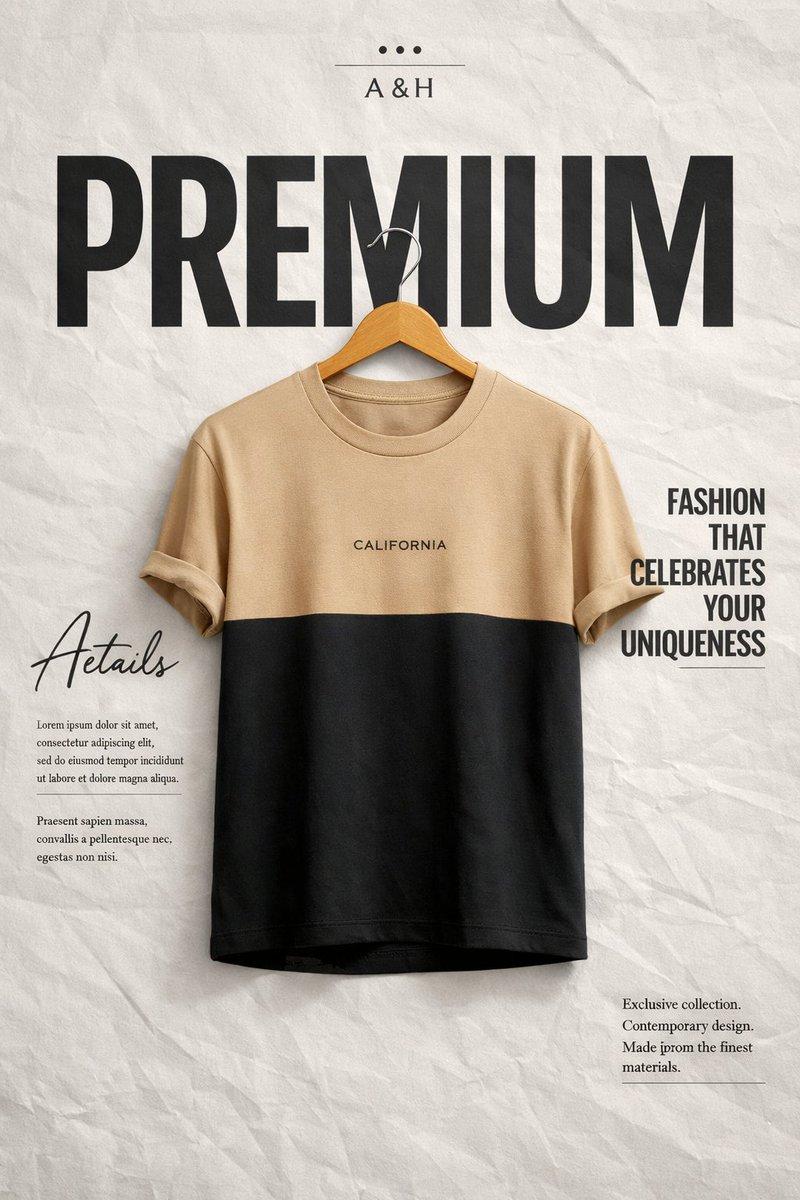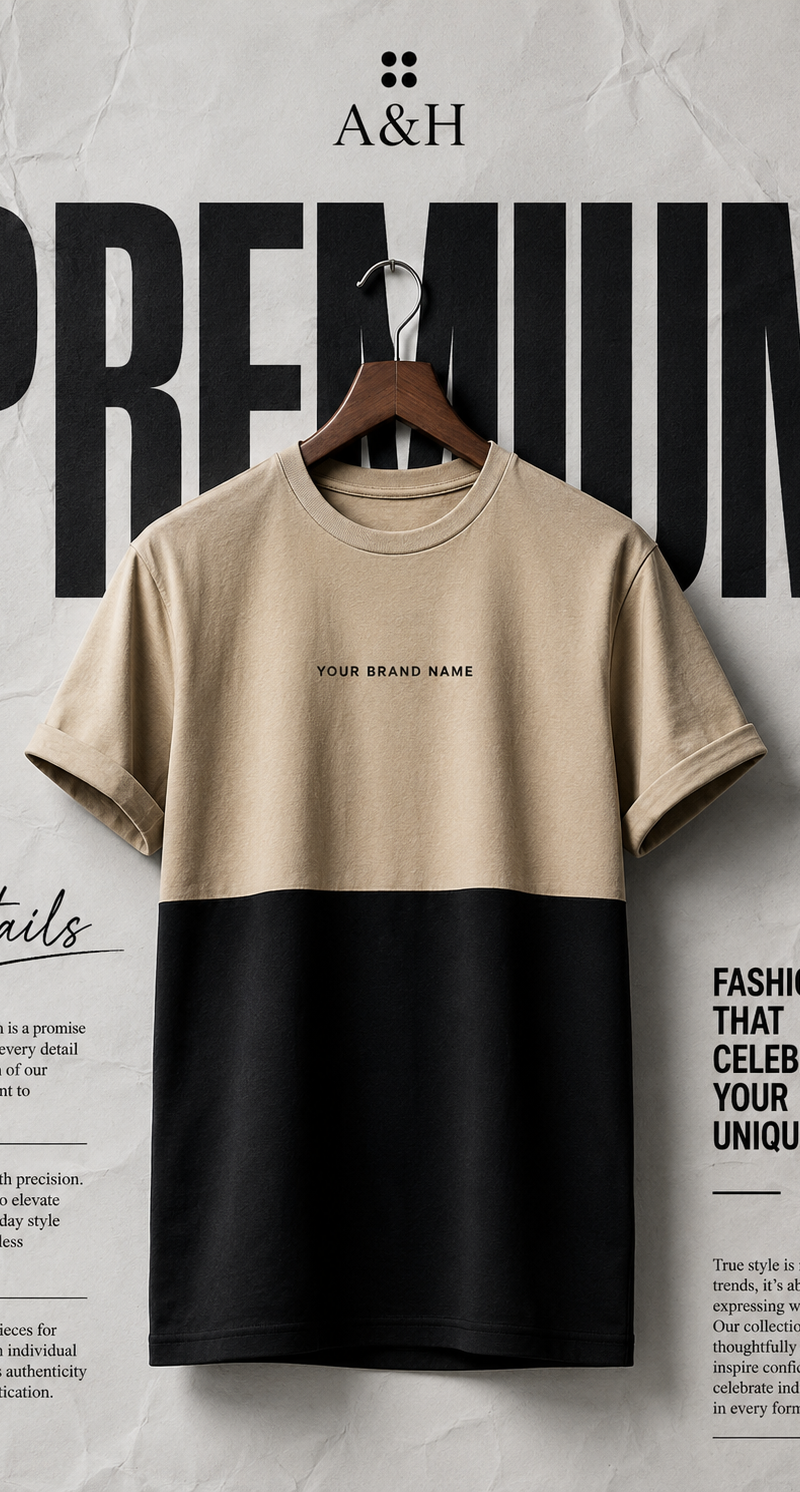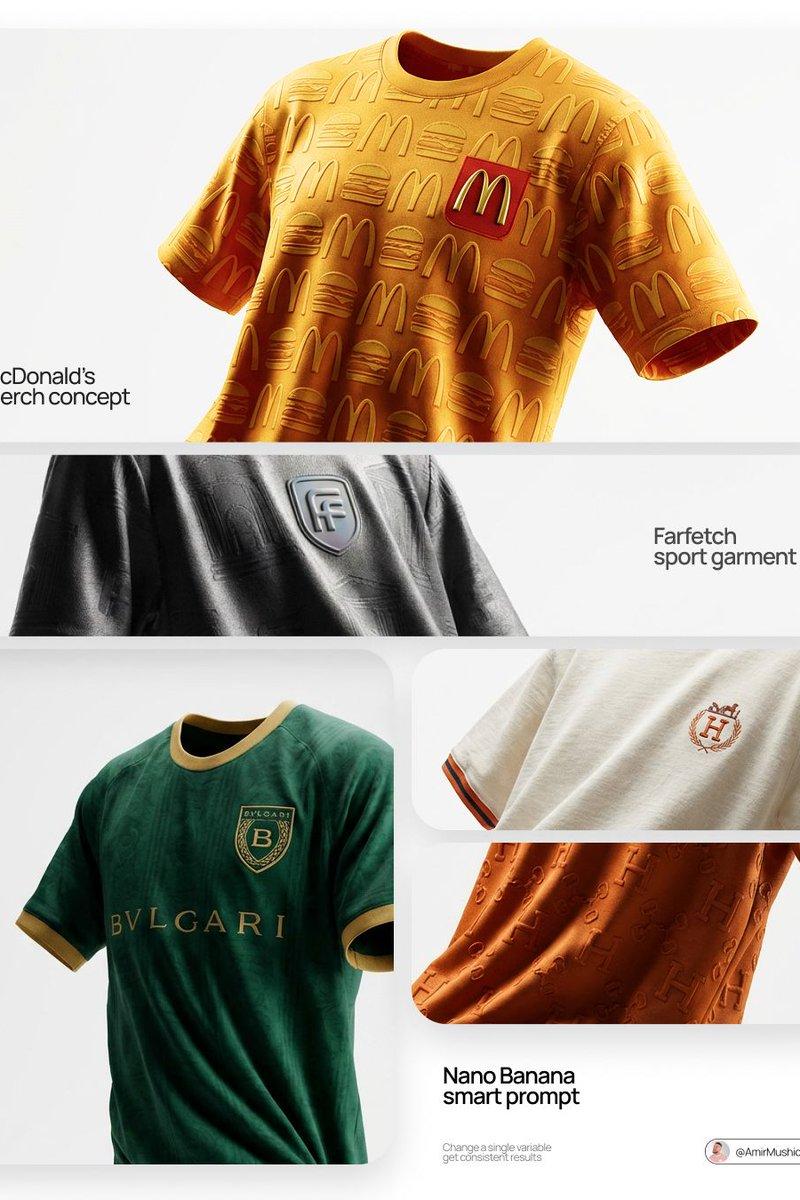
ChatGPT 基础课程产品视觉图
提示词
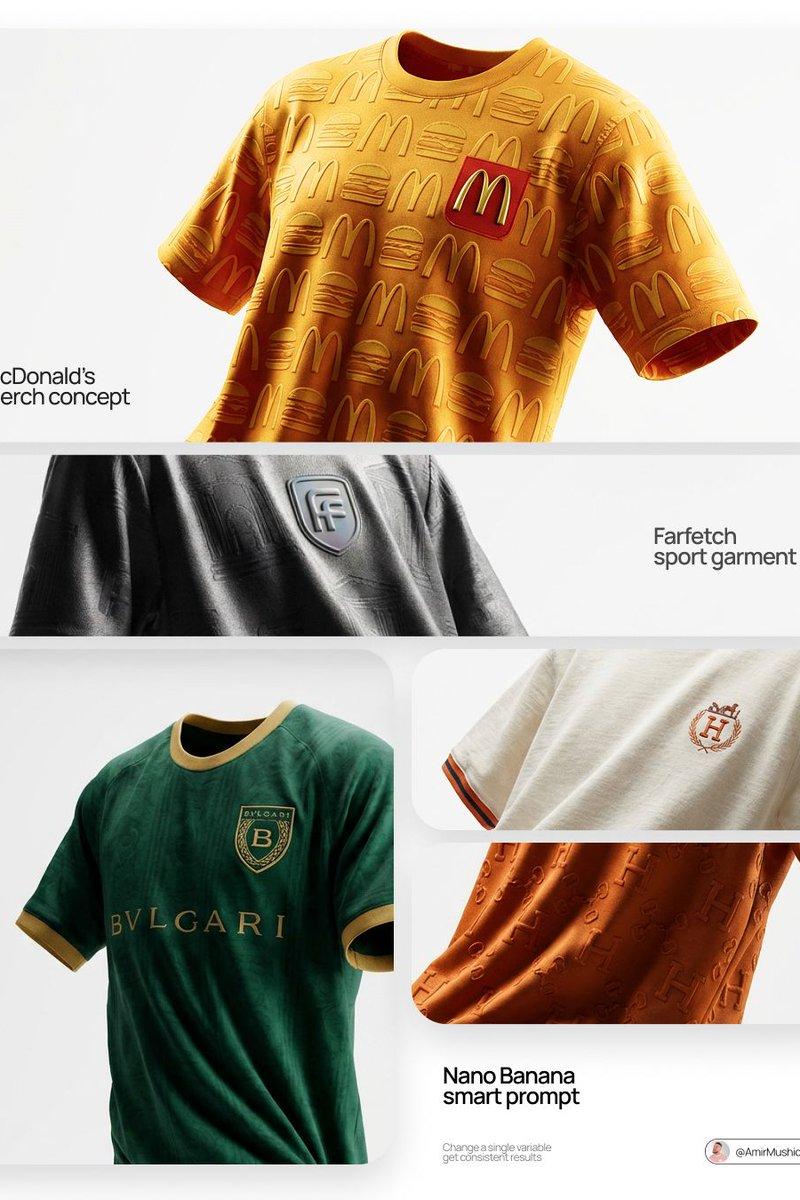
Create a polished square promotional hero graphic for an online class about using ChatGPT for commercial product visuals. Canvas: 1:1 aspect ratio, dark navy-to-charcoal gradient background with a subtle studio floor reflection and soft vignette. Center the composition on a premium blank {argument name="product type" default="t-shirt"} floating in midair, rendered as a realistic 3D product mockup with smooth fabric texture, short sleeves, rounded collar, and no logos. Lighting should be dramatic studio-soft with warm golden rim light from the left and cool electric blue light from the right, creating a high-end ecommerce product photography feel. Surround the product with glowing gold circuit-board traces, small luminous nodes, and scattered bokeh particles, suggesting AI prompt engineering and automated commerce workflows. Add exactly 3 semi-transparent dark glassmorphism code-terminal windows around the product: one upper left, one upper right, and one lower left/lower right area split visually by perspective; each window has rounded corners, tiny red/yellow/green window dots, faint monospace code snippets, and subtle blur, but text can be mostly decorative except the upper-left terminal title should read “$ prompt engineering terminal”. Make the terminals look like prompt and JSON/code panels controlling the product render. At the bottom center, add large clean typography with the title “{argument name="headline text" default="ChatGPT"}” in white and the subtitle “{argument name="subtitle text" default="Foundations"}” in warm gold. Overall style: commercial-grade tech course thumbnail, premium Shopify/ecommerce product visual, cinematic lighting, crisp high-resolution render, balanced negative space, no watermark, no extra logos, no people.- 分类
- 图表信息图
- 模型
- GPT Image 2
- 来源作者
- DDS Vibe Academy
- 原始语言
- en
- 来源 ID
- 24676
- 发布时间
- 2026年6月7日
浏览量50