16

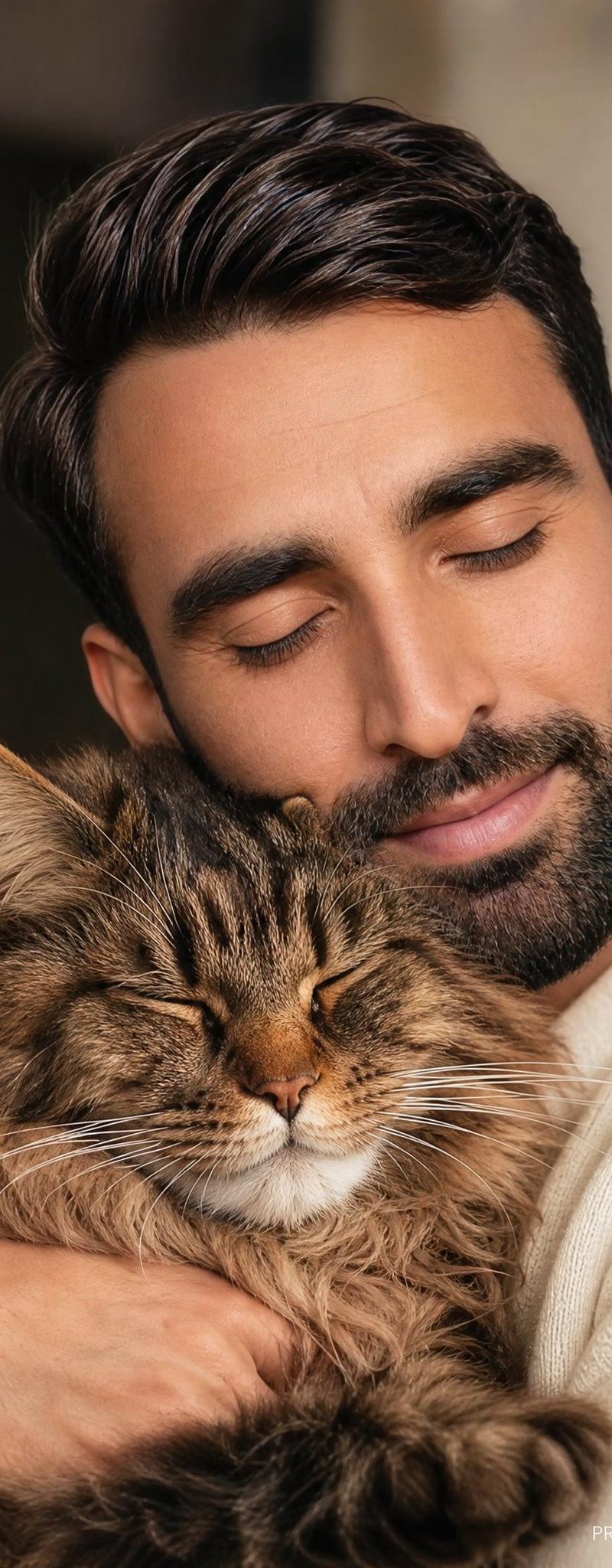
Cozy Man Hugging Maine Coon
Enlarge

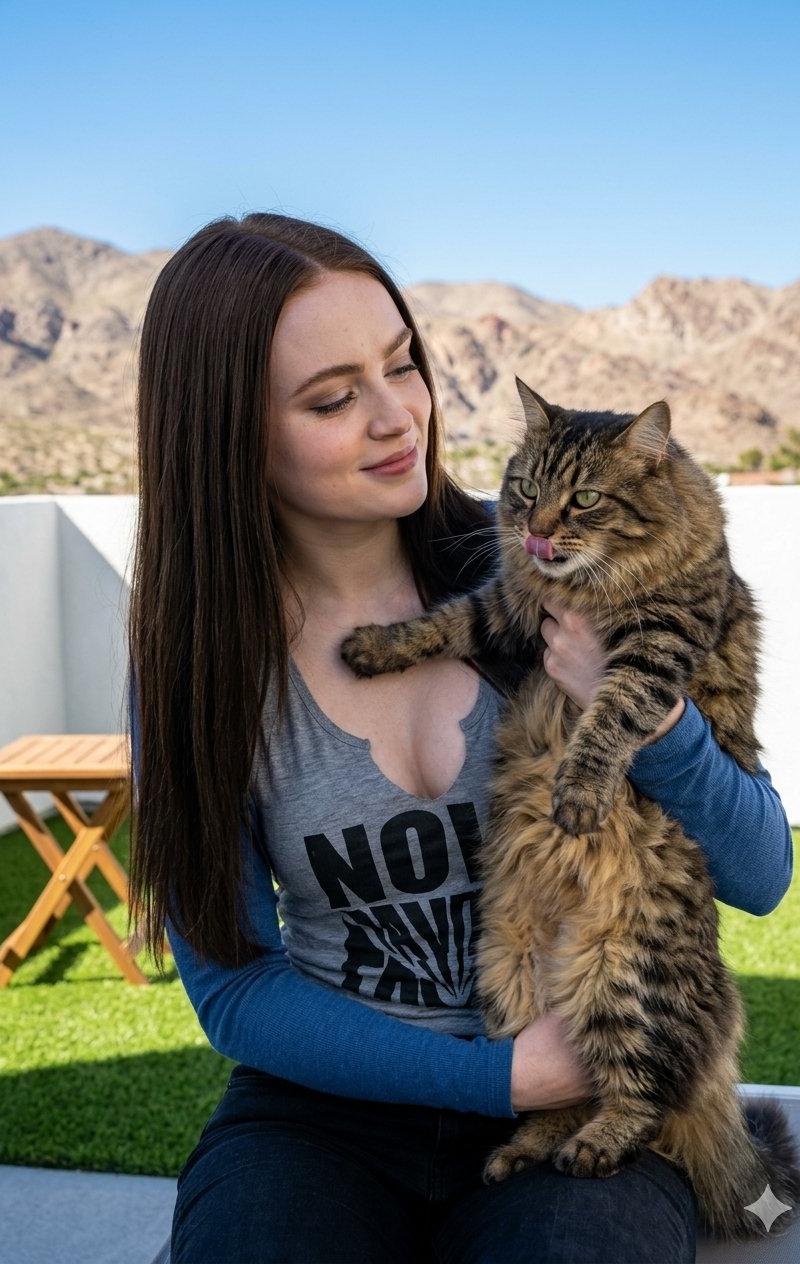
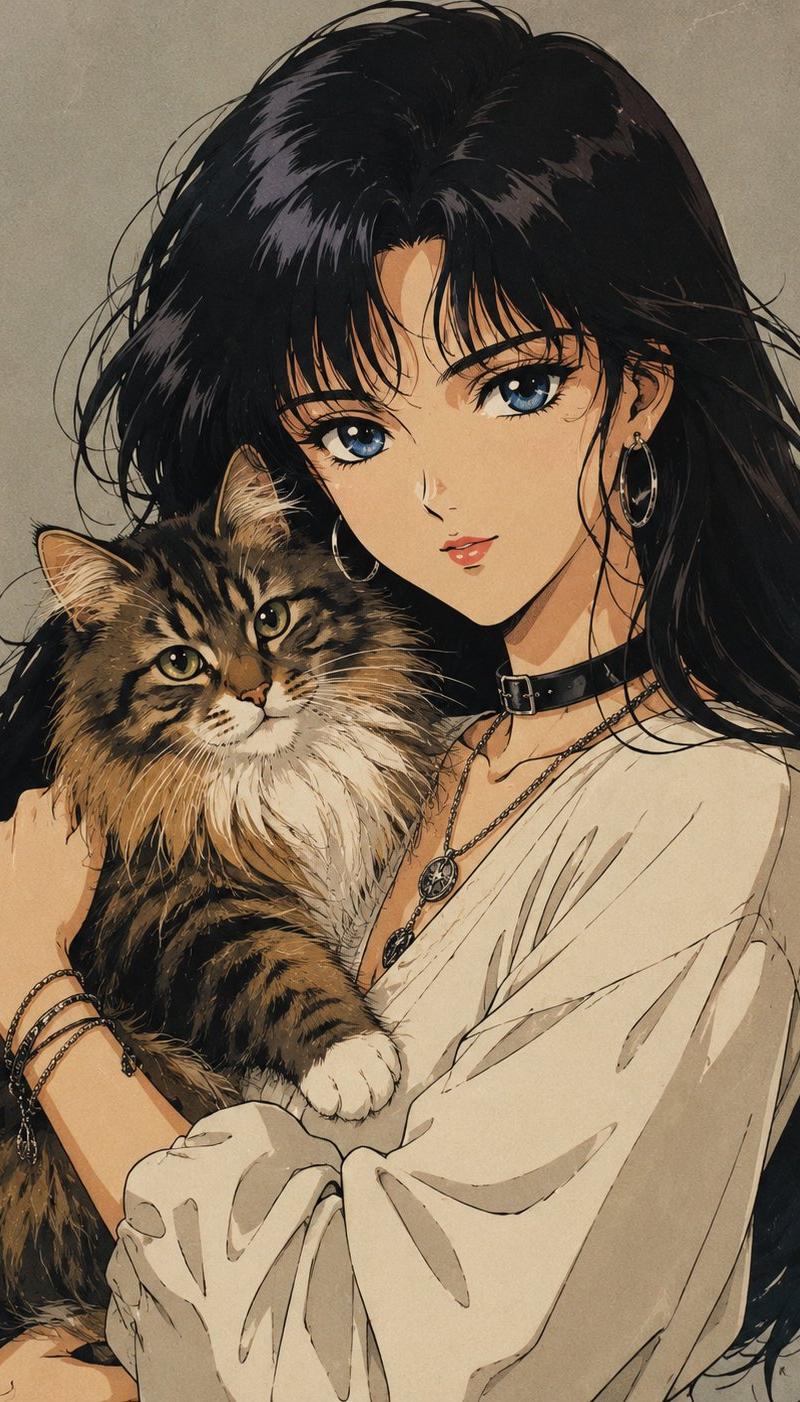
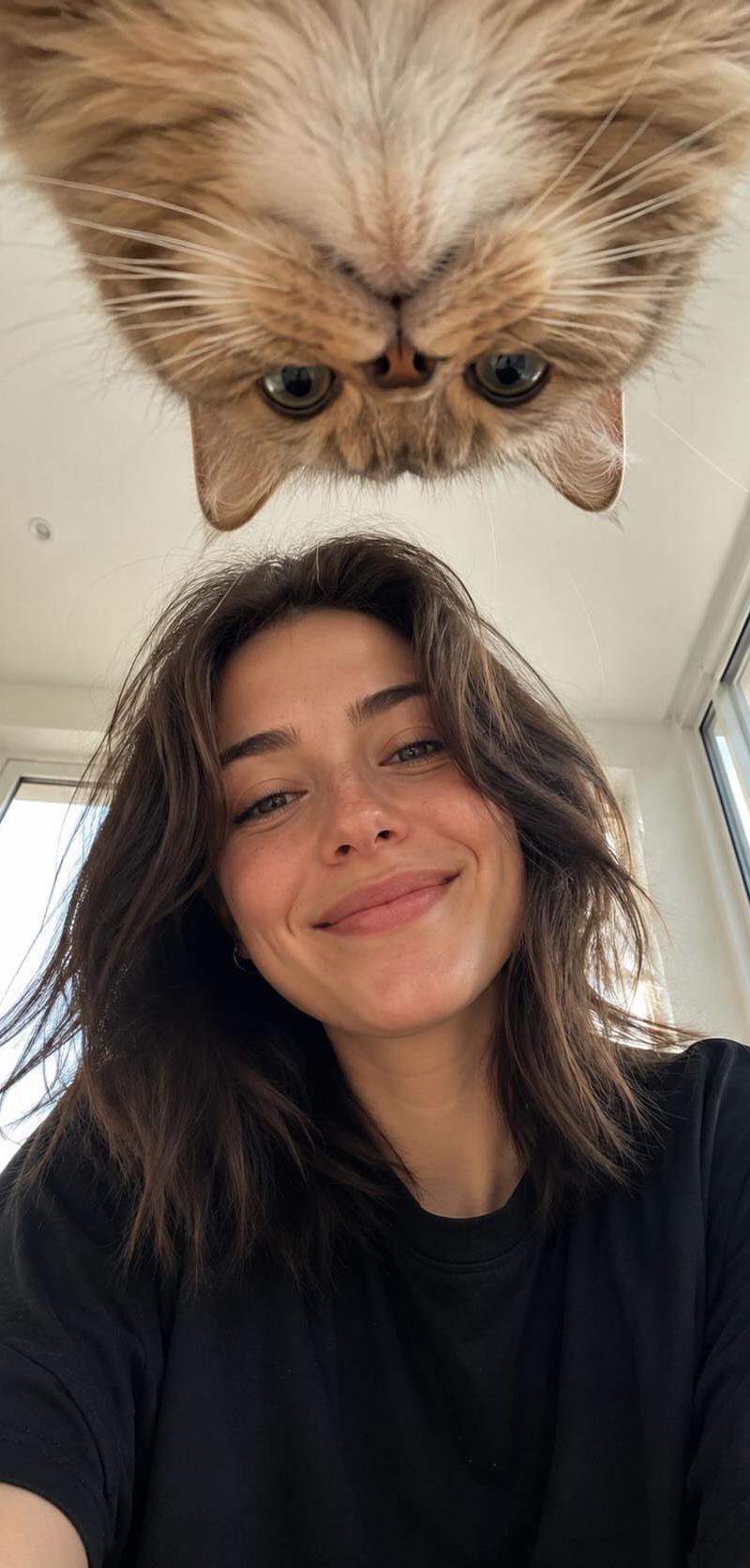
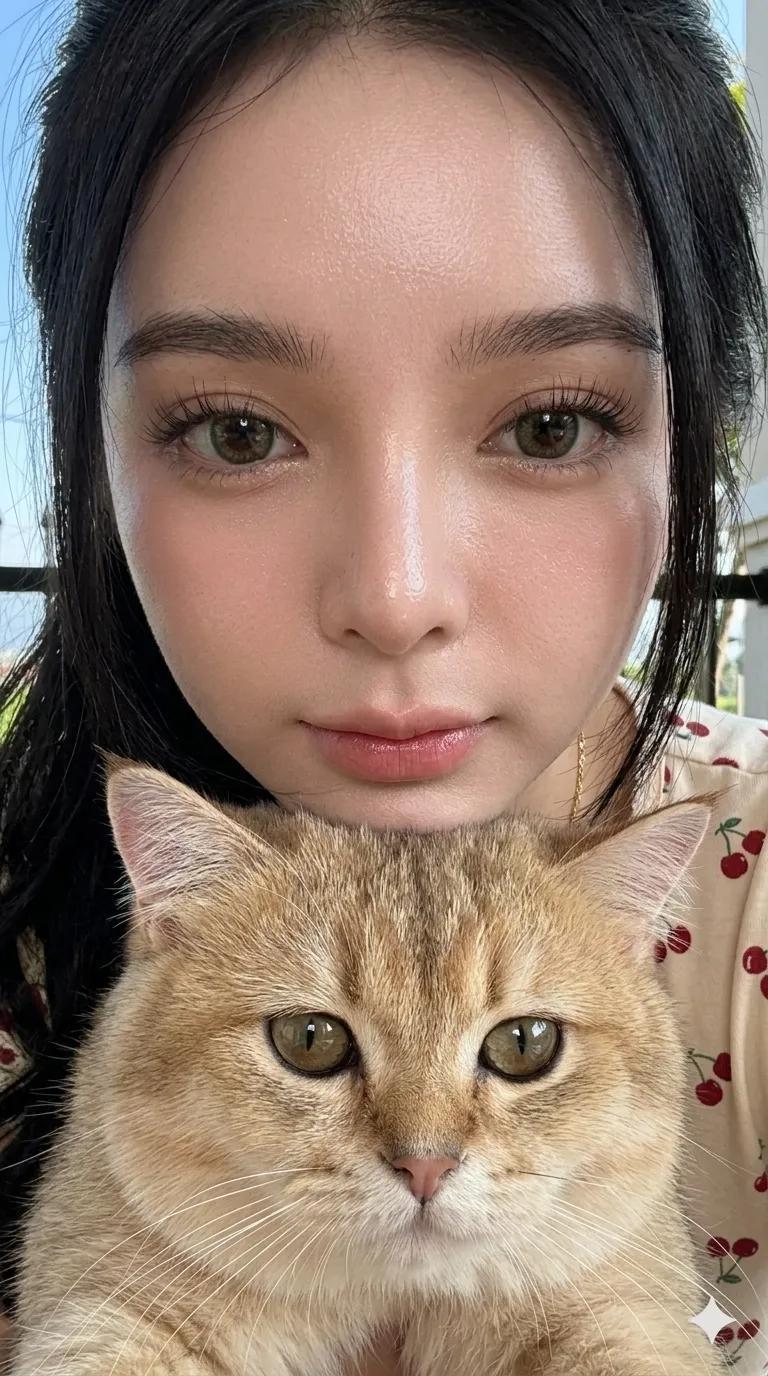
Example images

Cozy Man Hugging Maine Coon

Prompt
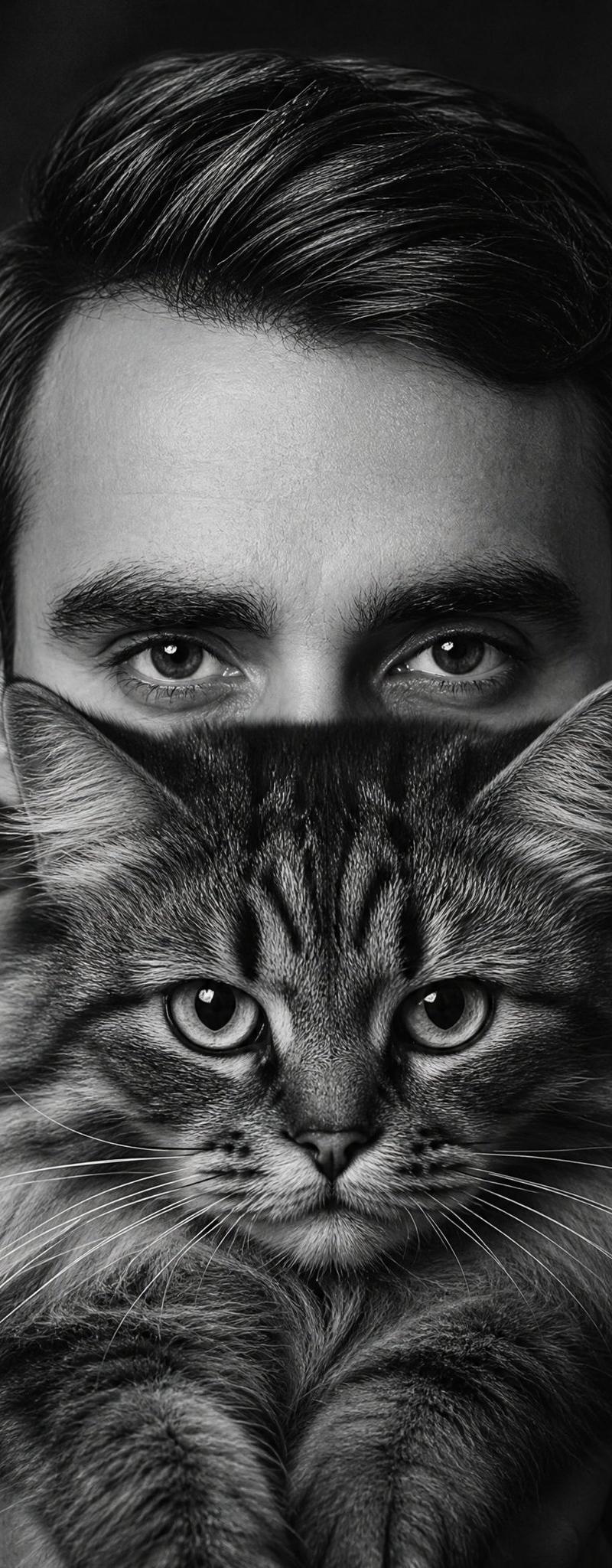
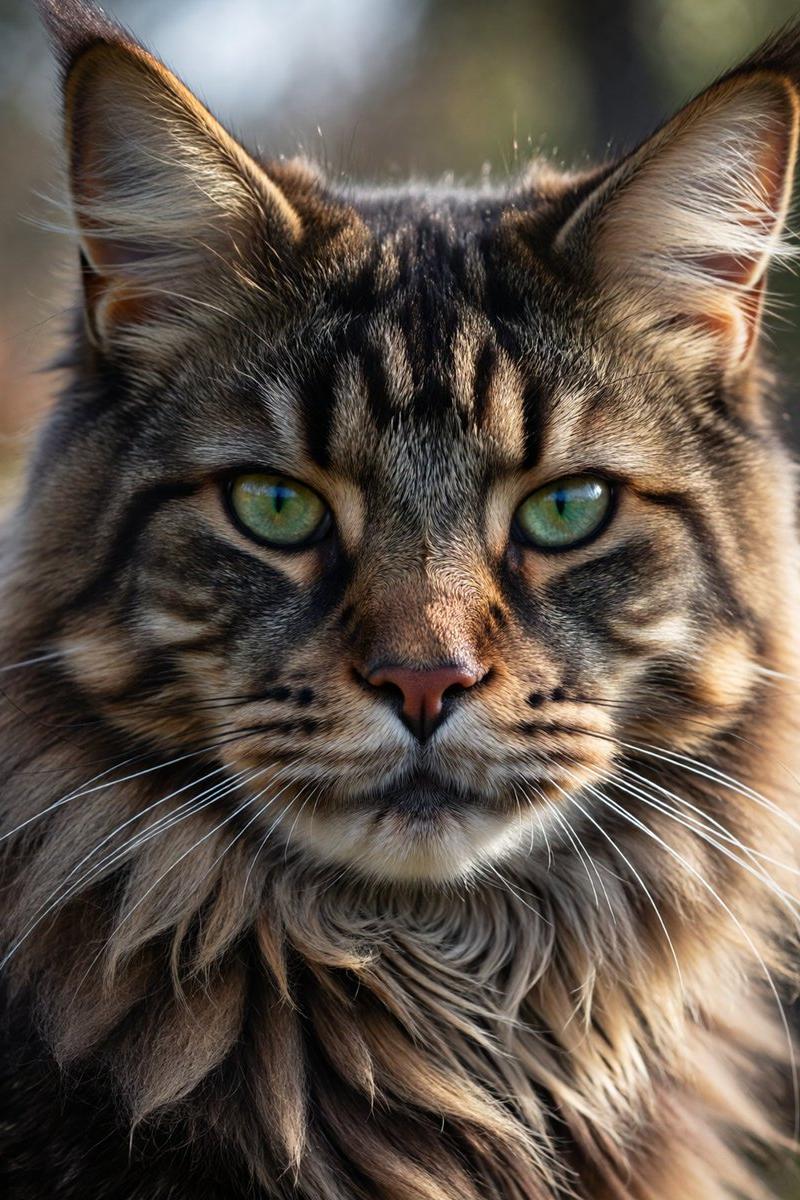
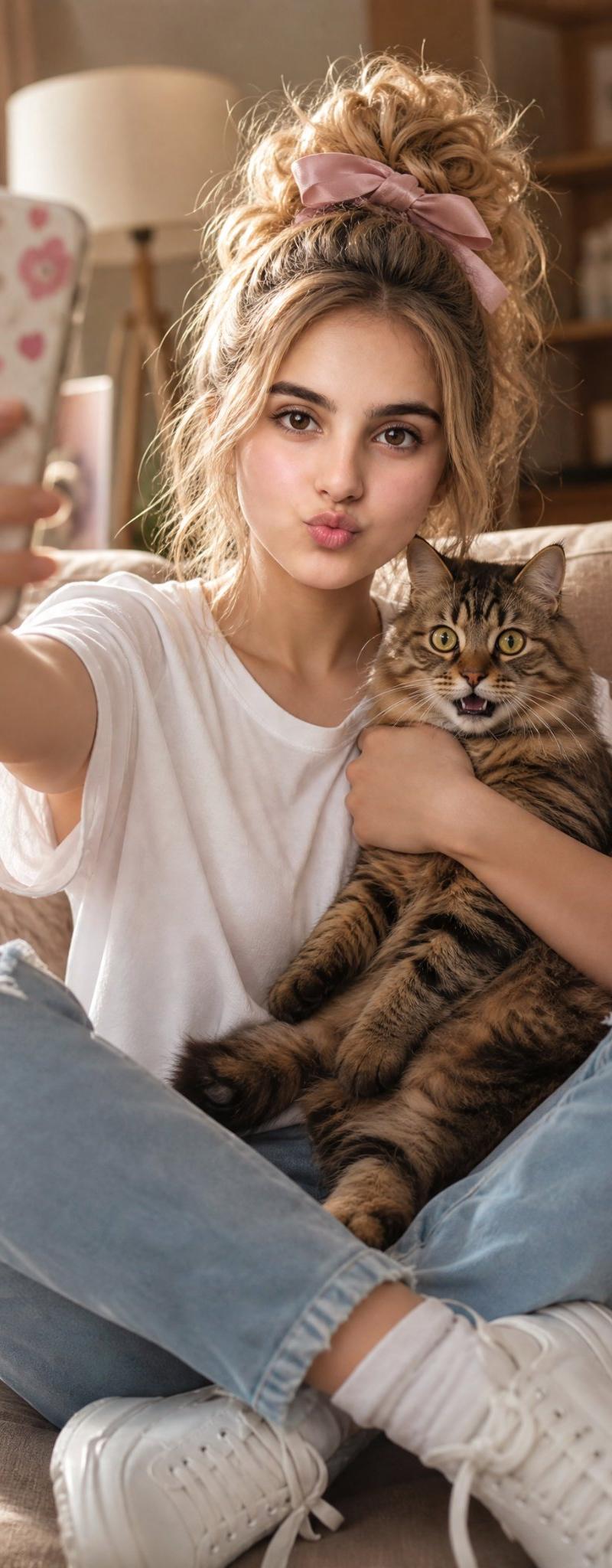
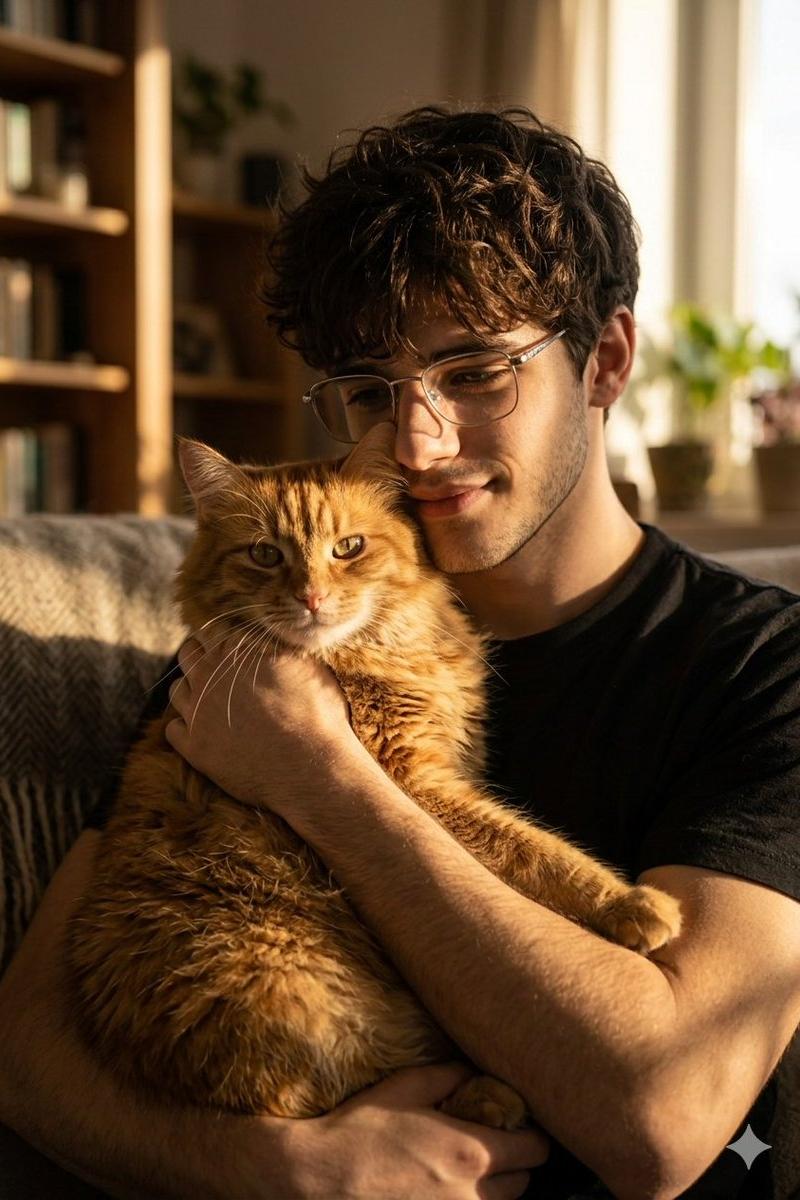
Create an ultra-realistic vertical warm portrait photograph of a {argument name="character age and gender" default="25-year-old man"} indoors, shown from the chest up while hugging one large fluffy Maine Coon cat. The man has neatly styled dark brown hair with natural shine, light stubble or a short beard visible at the jaw, and wears a soft cream-white ribbed knit sweater; his face is relaxed and affectionate, smiling gently with eyes closed as he presses close to the cat. The Maine Coon is the main visible subject in the lower half: brown tabby fur, very long fluffy ruff, large pointed ears with tufts, closed eyes, calm content expression, detailed whiskers, and one big furry paw reaching toward the foreground. The man’s arms wrap securely around the cat, with one hand visible across the cat’s chest. Use cozy emotional atmosphere, soft natural window light from the right, warm beige and brown tones, shallow depth of field, blurred home interior background, realistic skin, hair, fabric, and fur texture, intimate candid framing, 3:4 vertical composition. Add no readable text except a tiny subtle white signature-style watermark in the bottom-right corner if desired. Avoid extra people, extra animals, cartoon styling, distorted anatomy, and harsh studio lighting.
Category
Charts & Infographics
Model
GPT Image 2
Creator
Mr. Tariq
Source language
en
Views3.9K
Source ID
24688
Published
Jun 7, 2026
Studio

Guide

About "Cozy Man Hugging Maine Coon"

What is this prompt for?

"Cozy Man Hugging Maine Coon" AI image prompt for GPT Image 2 (Charts & Infographics). Generates a warm ultra-realistic indoor portrait of a young man in a cre…

The full copyable prompt and example visuals above are ready for AI image generation or one-click recreate in Picva.

How to use this prompt

  1. Step 1

    Open the prompt detail

    Review the example visuals, category, and full prompt text for "Cozy Man Hugging Maine Coon".

  2. Step 2

    Copy the prompt

    Copy the prompt body from this page, or load it directly in Studio.

  3. Step 3

    Pick a model (GPT Image 2)

    Prefer GPT Image 2. If you switch models, keep subject and composition and tweak style terms.

  4. Step 4

    Generate and export

    Recreate the look in Picva, or export into your workflow for editing and publishing.

FAQ

What is the "Cozy Man Hugging Maine Coon" prompt?
It is an AI image-generation prompt for GPT Image 2 in the Charts & Infographics category. This page includes the full prompt text, example visuals, and a one-click recreate path in Picva.
How do I use this prompt to generate an image?
Copy the prompt from this page, or use Generate / Studio. Paste it into a compatible image model, or recreate the look in Picva with optional reference images.
Which model is this prompt for?
This page lists GPT Image 2. Most descriptive prompts also transfer to nearby image models such as GPT Image, Flux, or Midjourney with light style tweaks.
Can I use the result commercially?
You can usually copy the prompt for creation, but commercial use of the final image depends on the model terms, reference-image rights, and the generated content. Follow the source author and platform rules.