RPG 角色状态卡
Prompt
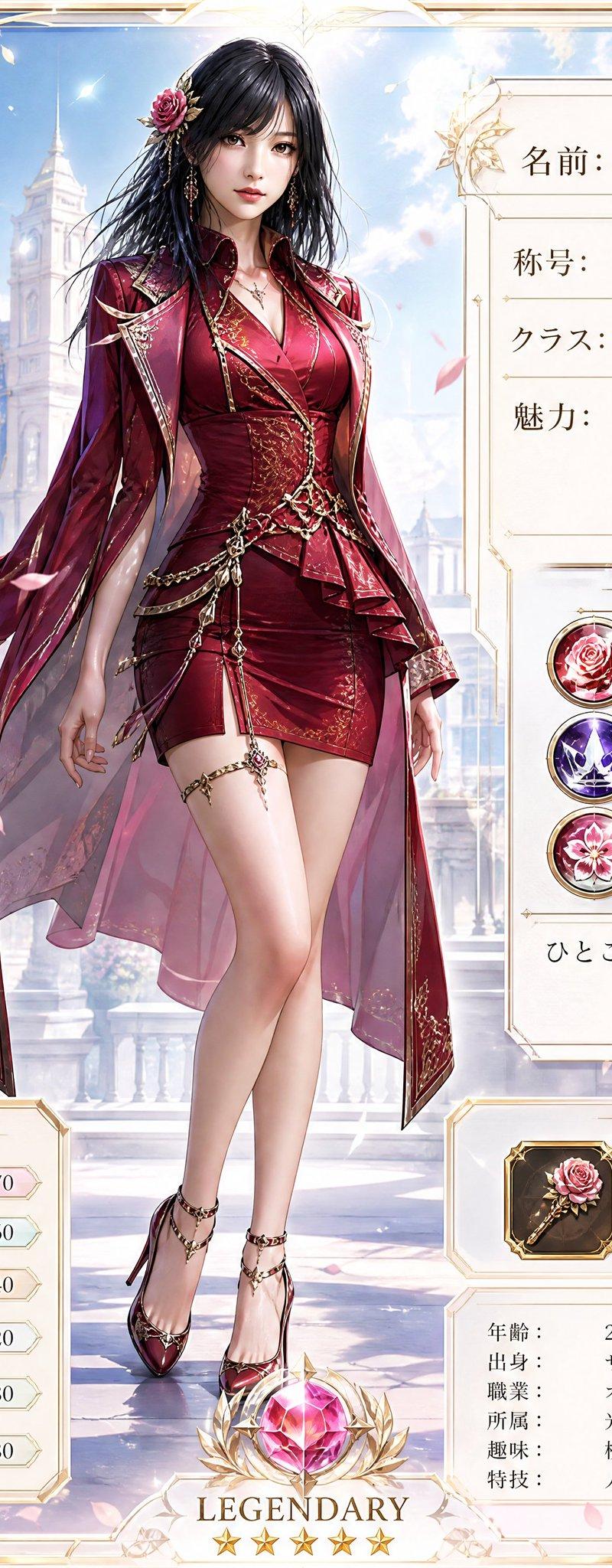
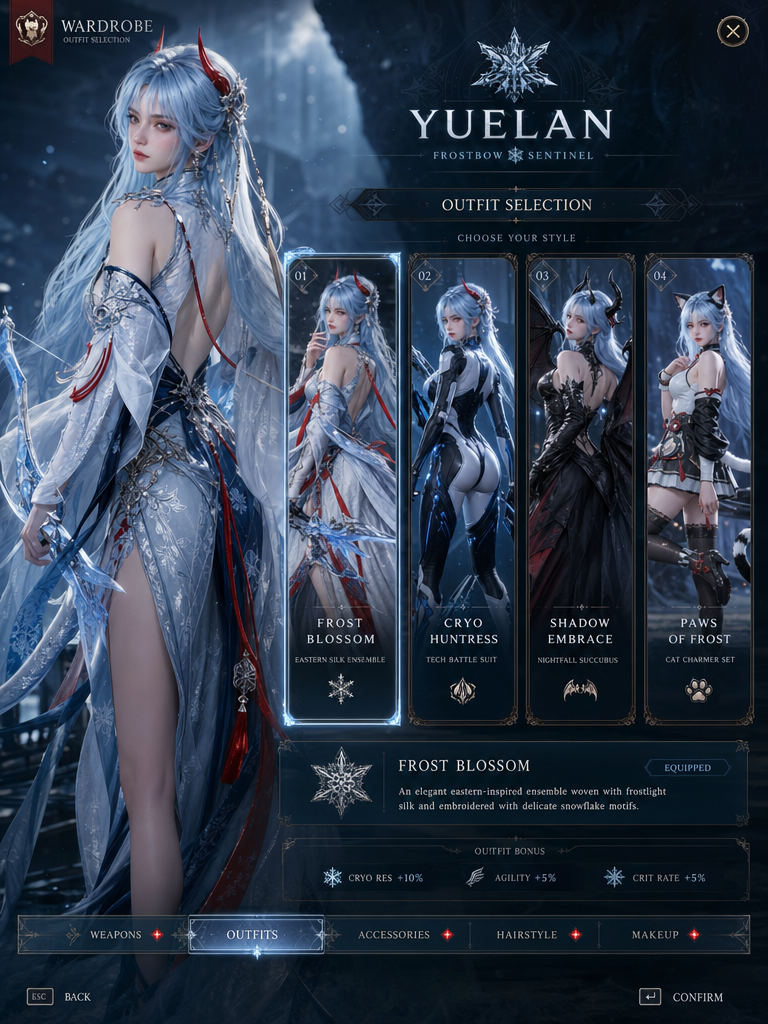
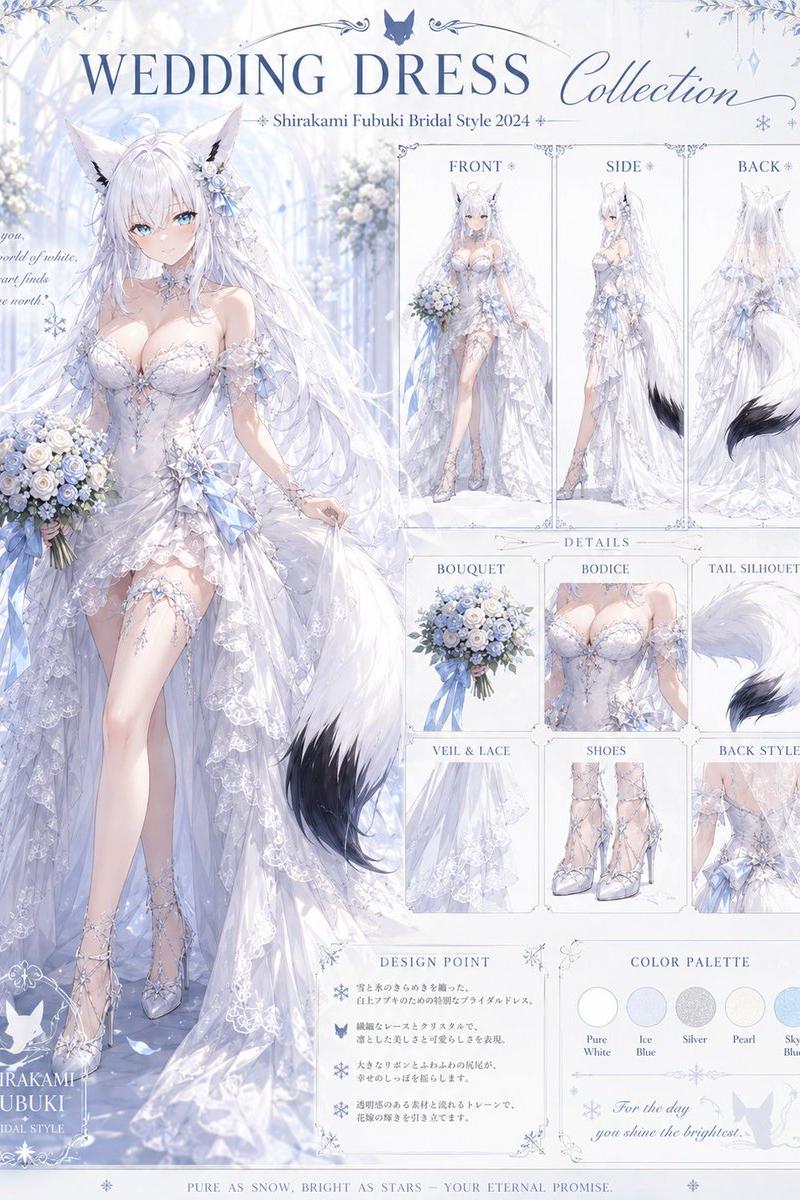
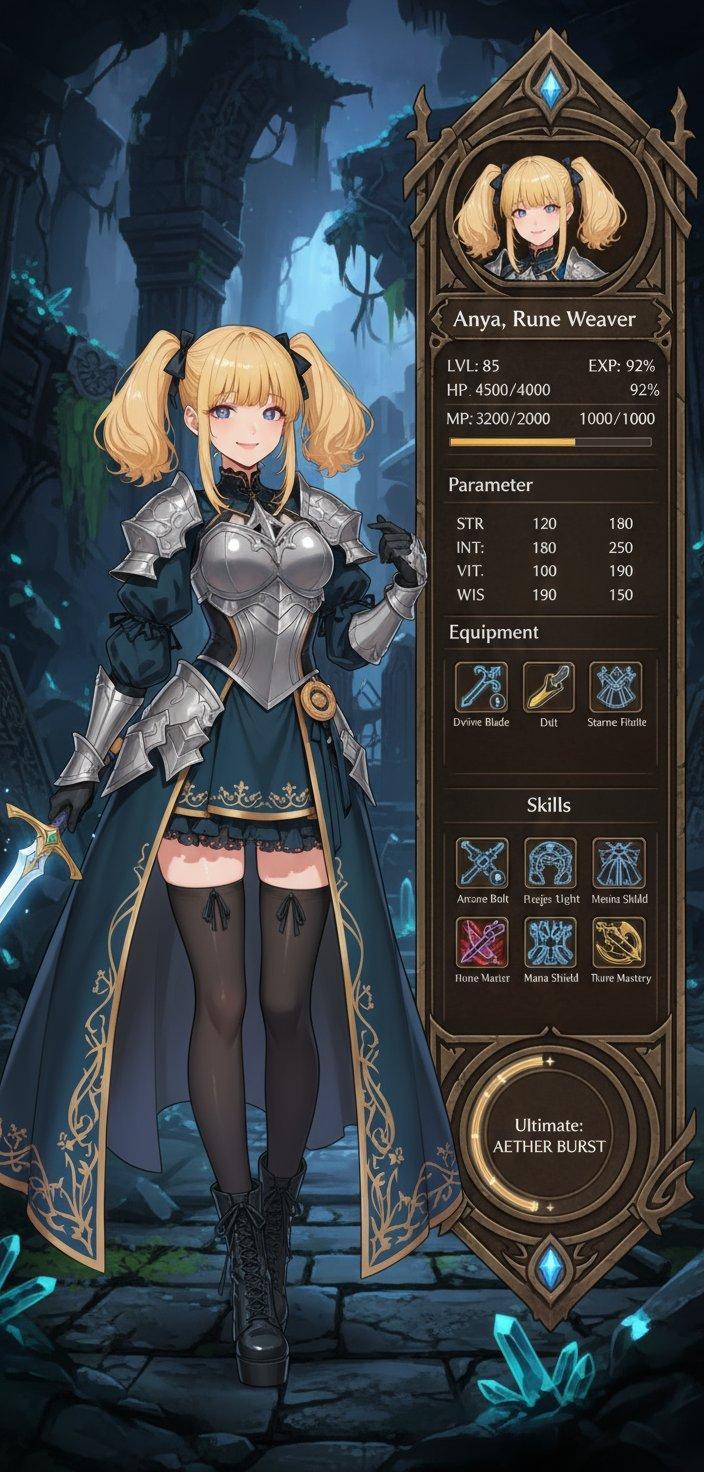
请根据参考图像,创作一张高质量的正方形 RPG 角色卡。

如果参考图像为真人照片,请体现人物的面部特征、发型、表情、氛围和配饰。如果是动漫或插画,请参考其角色设计、发型、配色、表情、姿势和氛围,将其重构为原创的 RPG 角色,而非完全复刻。

如果参考图像为半身像,请优先考虑面部特征、发型和氛围,并根据提示词指令自然地补全体型、站姿和服装。如果是全身像,请同时体现身体比例和轮廓。

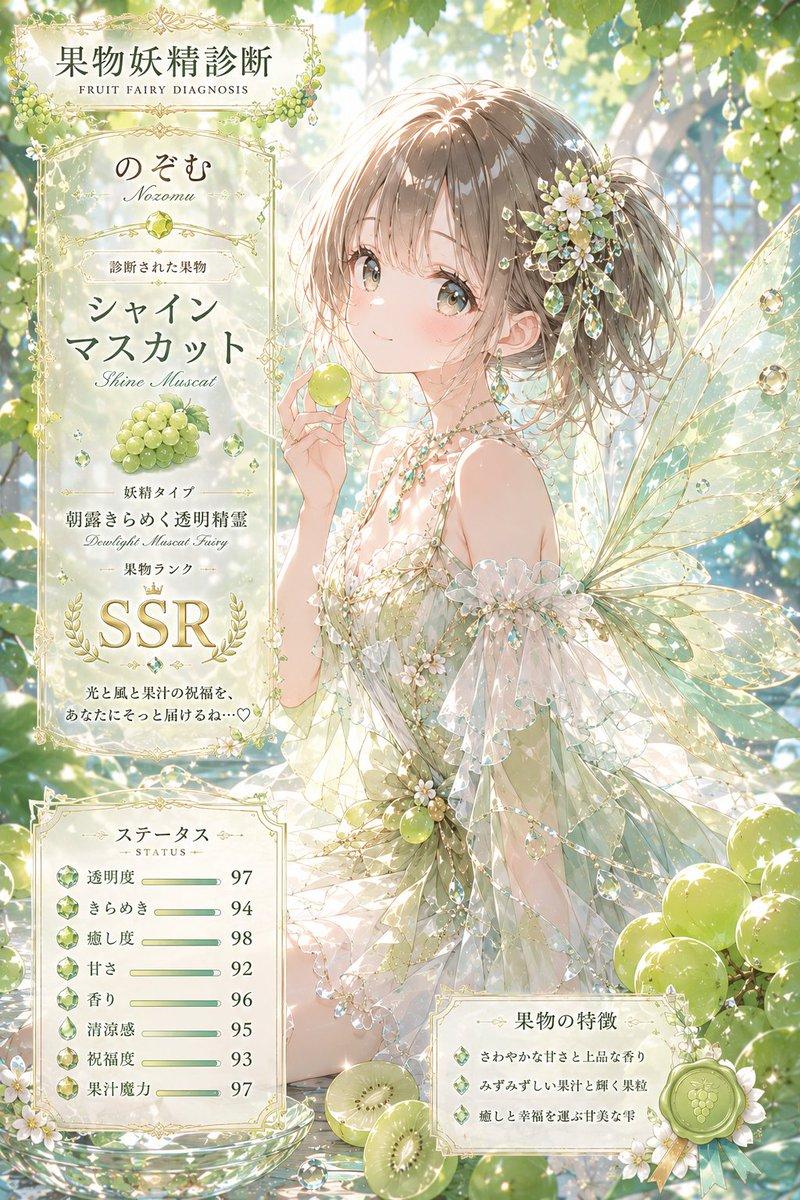
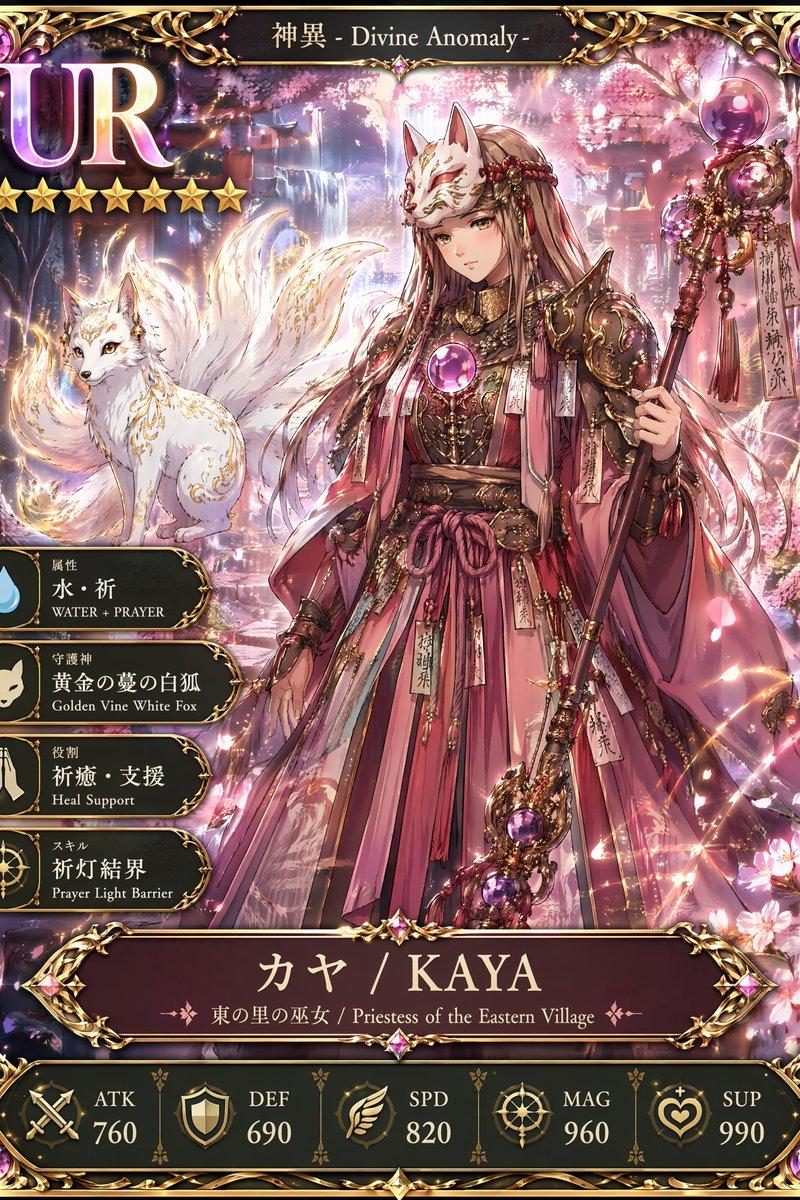
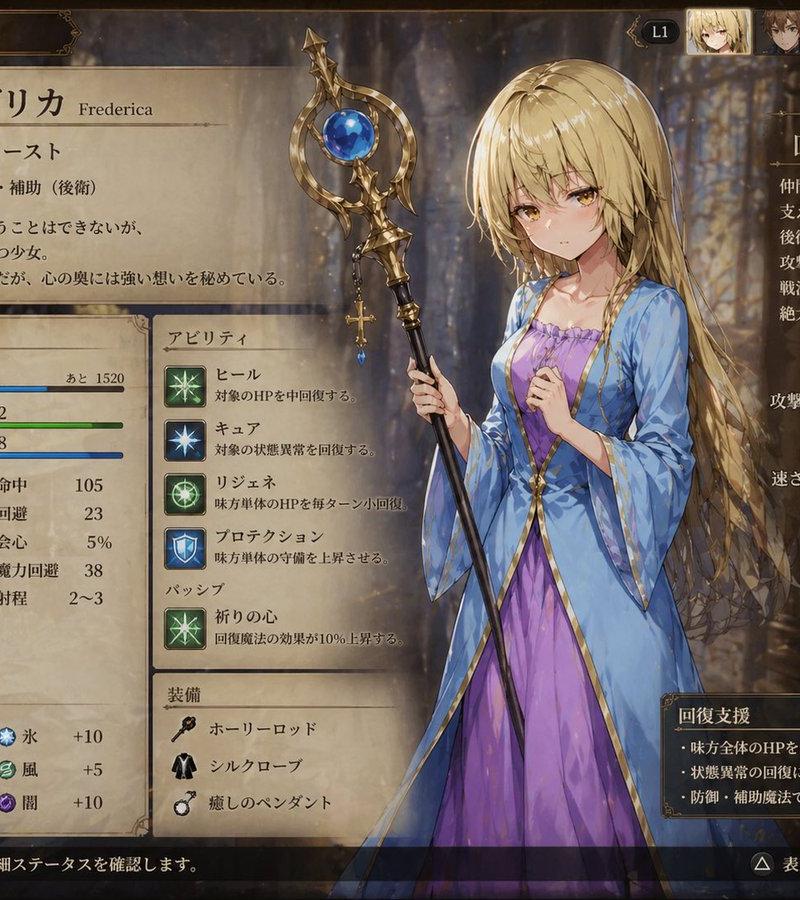
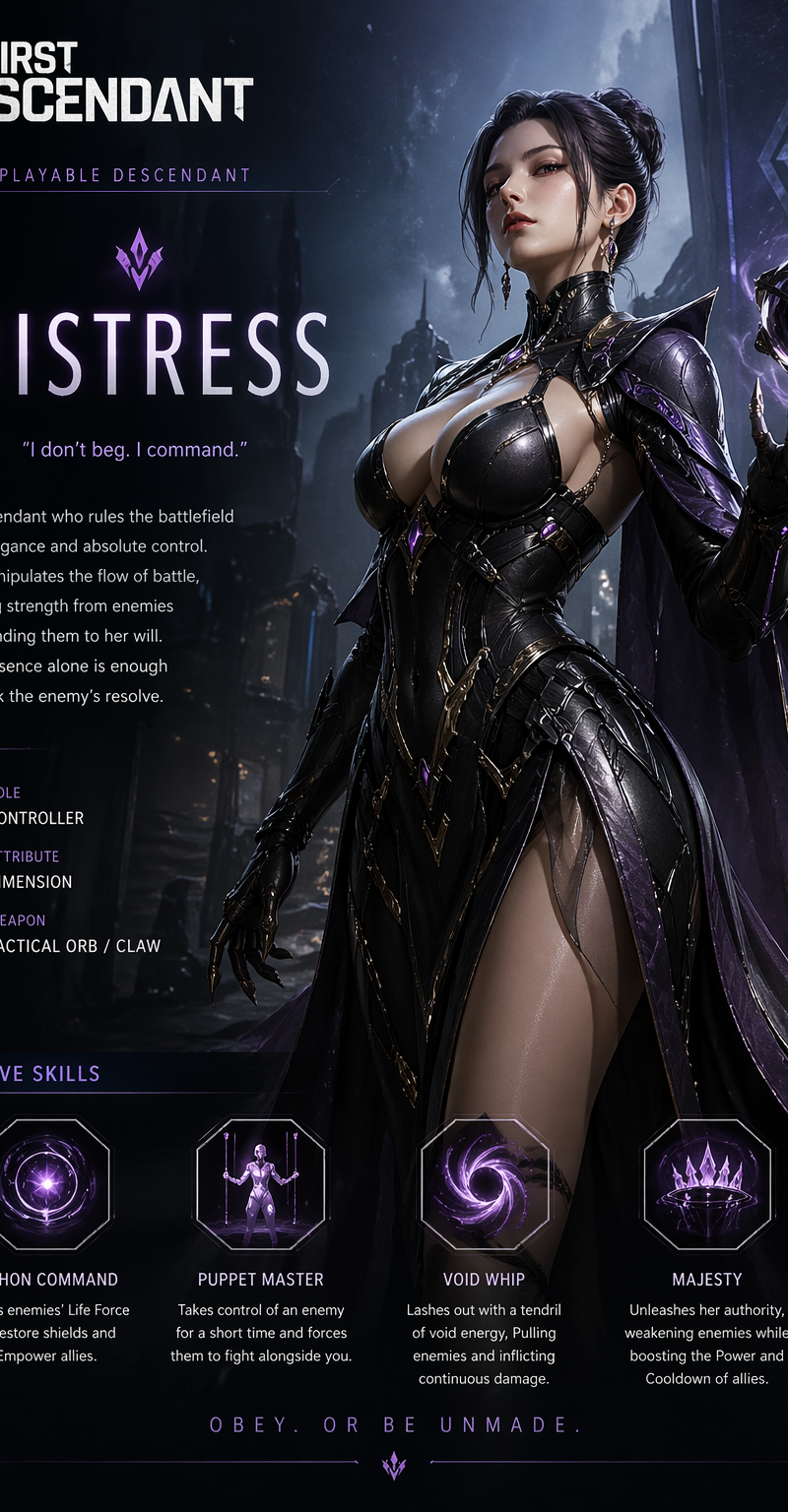
将其设计为奇幻 RPG 同伴介绍卡或状态卡/UI,而非魔法卡或召唤卡。采用以白色、金色、淡粉色和浅蓝色为主色调的明亮、优雅、高级 RPG 卡片设计。

在中心位置,放置一位基于参考图像的 {argument name="age" default="22"} 岁成年日本女性 RPG 角色。体现中长黑发、玫瑰装饰、优雅的模特身材、平衡的站姿、柔和动人的五官,以及冷静自信的表情。使其看起来成熟干练,而非稚气。

通过 RPG 状态、技能、属性图标和优雅的灯光效果来展现角色魅力,而非通过暴露。在 UI 中将身体比例体现为“Silhouette”,发型为“Hairstyle”,特征为“Charm”,氛围为“Aura”。使用细腻的光效、粒子和装饰性边框来营造魔法效果。

服装设计采用现代时尚与 RPG 服饰的融合。以红色为基调,搭配优雅的上衣、短夹克或长外套、有质感的裙装或修身下装,以及缎面/皮革材质。避免过度暴露,专注于端庄的魅力。

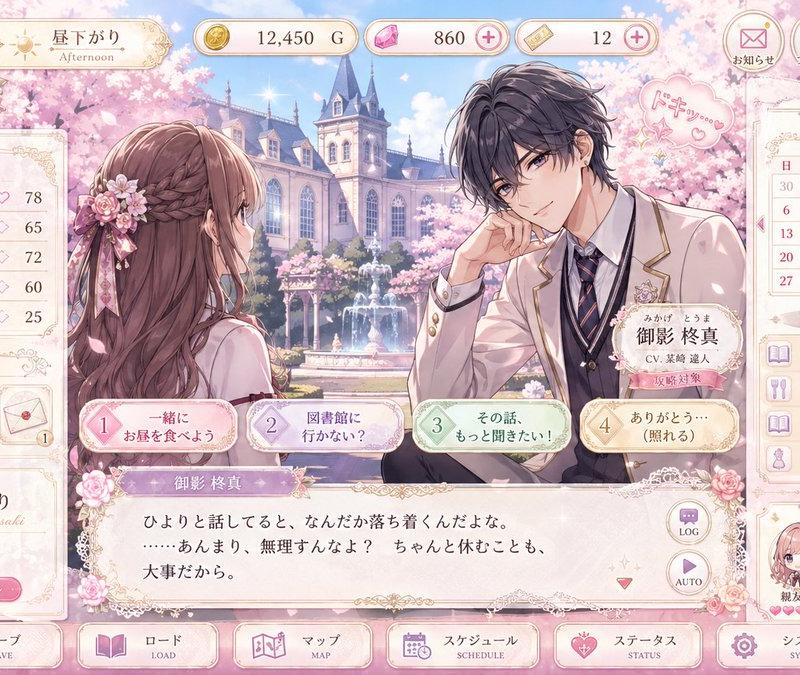
在卡片上放置可自定义的日式风格资料 UI:

Name: {argument name="name" default="REINA"}
Title: {argument name="title" default="The One Wrapped in a Quiet Glow"}
Class: Aura Stylist
Appeal: Elegant Stance / Striking Eyes / Black Hair with Pink Accents
Skills: Grace Line / Charm Aura / Sakura Focus
Quote: Natural charm is the strongest.

使用如 LV.22、CHARM、STYLE、AURA、HAIR、BALANCE、SPECIAL 等英文 UI 元素。在底部放置状态量表、属性图标、技能槽和稀有度装饰。

背景设定在明亮的奇幻王国、冒险者公会或光之神殿,配以蓝天和白色石质建筑。保持背景简洁,以确保角色和 UI 清晰易读。

最终效果应是 RPG 角色插画、资料卡和集换式卡牌的融合,呈现出明亮、高级的质感。

避免:暗黑魔法卡、恐怖元素、恶魔特效、过度暴露、幼稚感、廉价的游戏 UI、难以阅读的长文本、现有品牌 Logo 或直接复制原图。- Category
- UI & Interfaces
- Model
- GPT Image 2
- Creator
- AIライフハック
- Source language
- ja
- Source ID
- 24775
- Published
- Jun 8, 2026
Views11
![Design a high-end gacha summon page for a new mobile game titled [Game Title], i](https://whqgdndlpxjbwosvipip.supabase.co/storage/v1/render/image/public/prompt-source-media/promptsref/work-3094/image-1-f11f5f99fc2112de.png?width=800&quality=75)