17

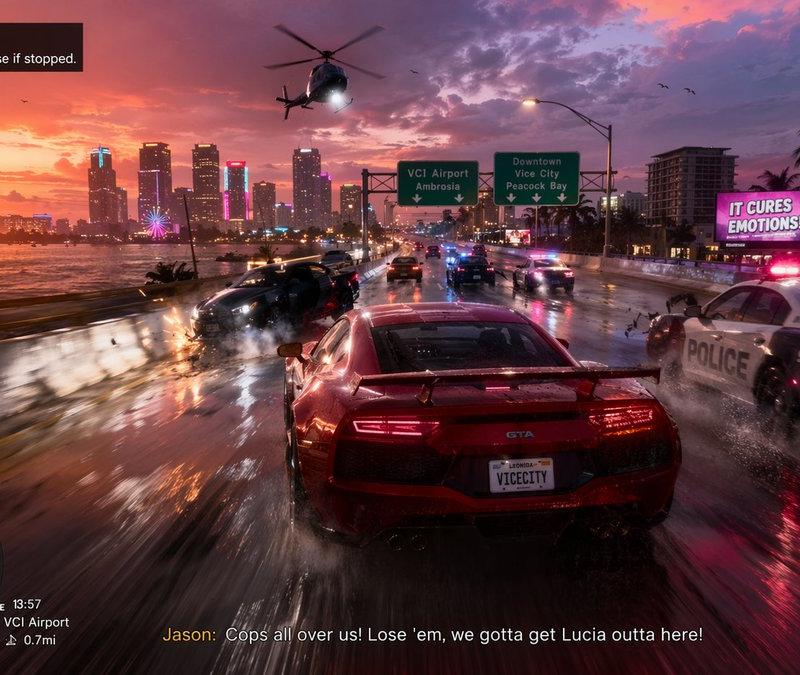
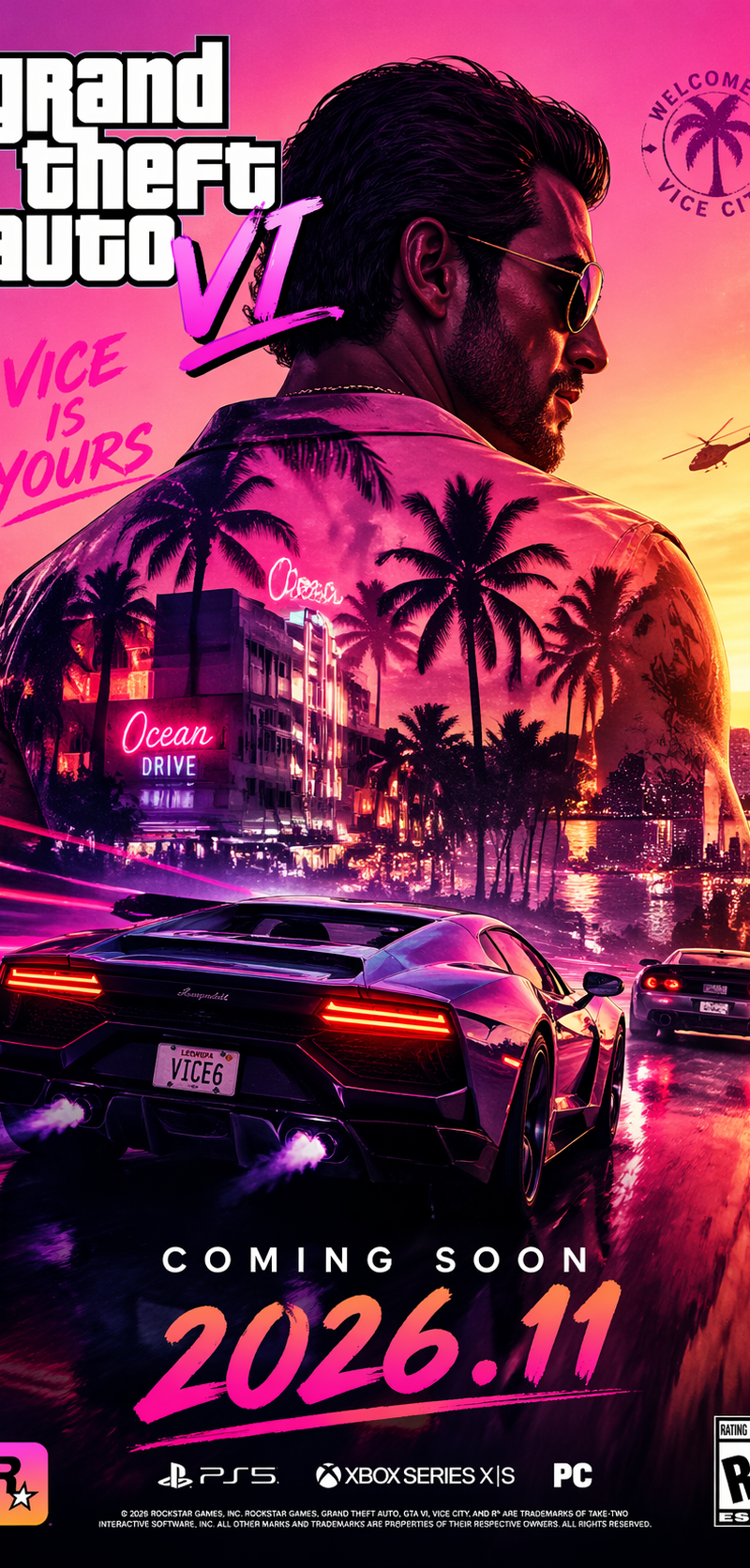
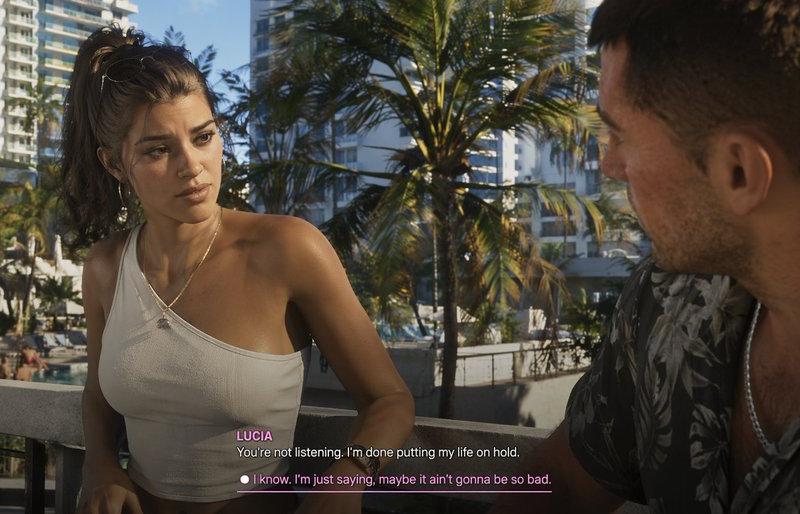
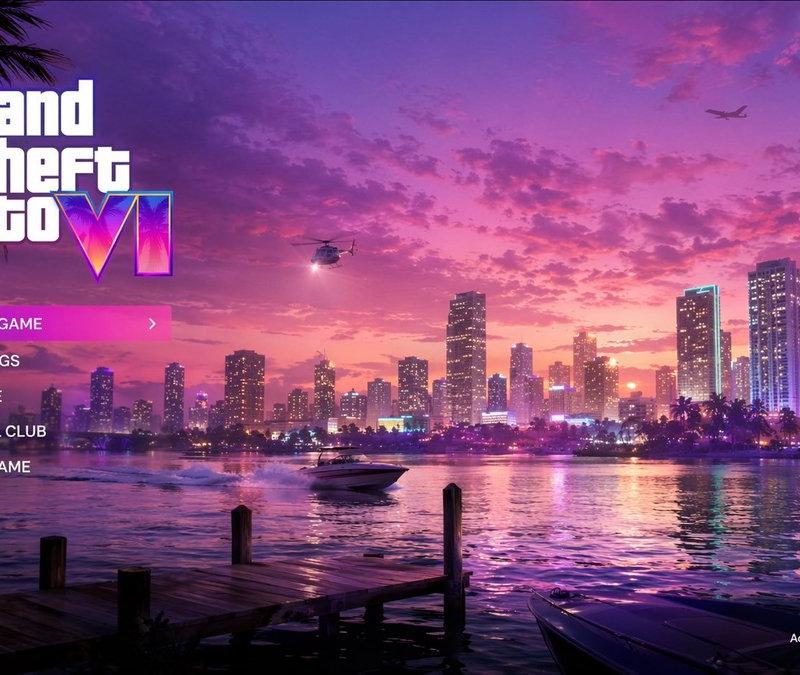
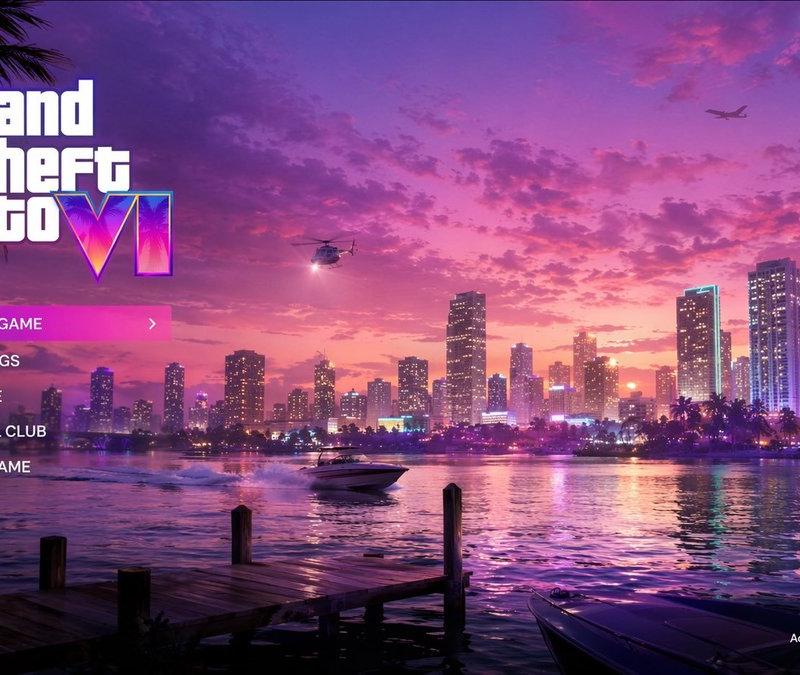
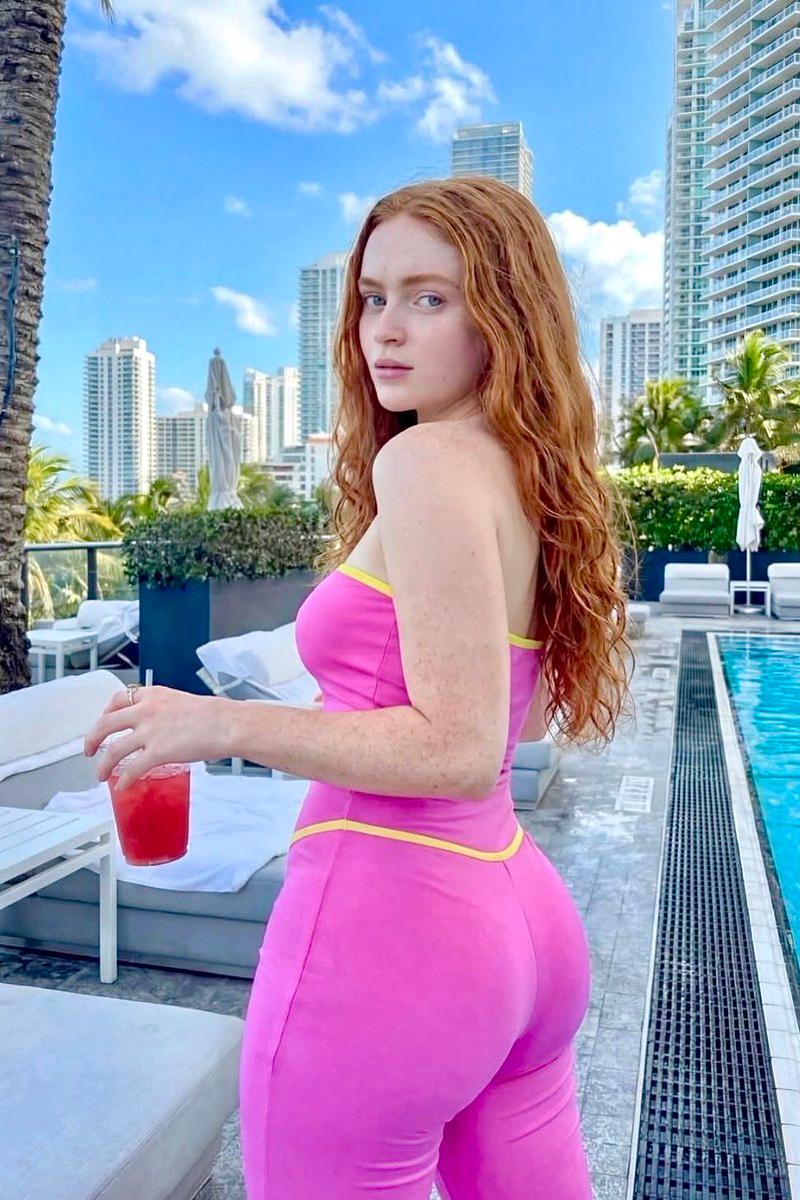
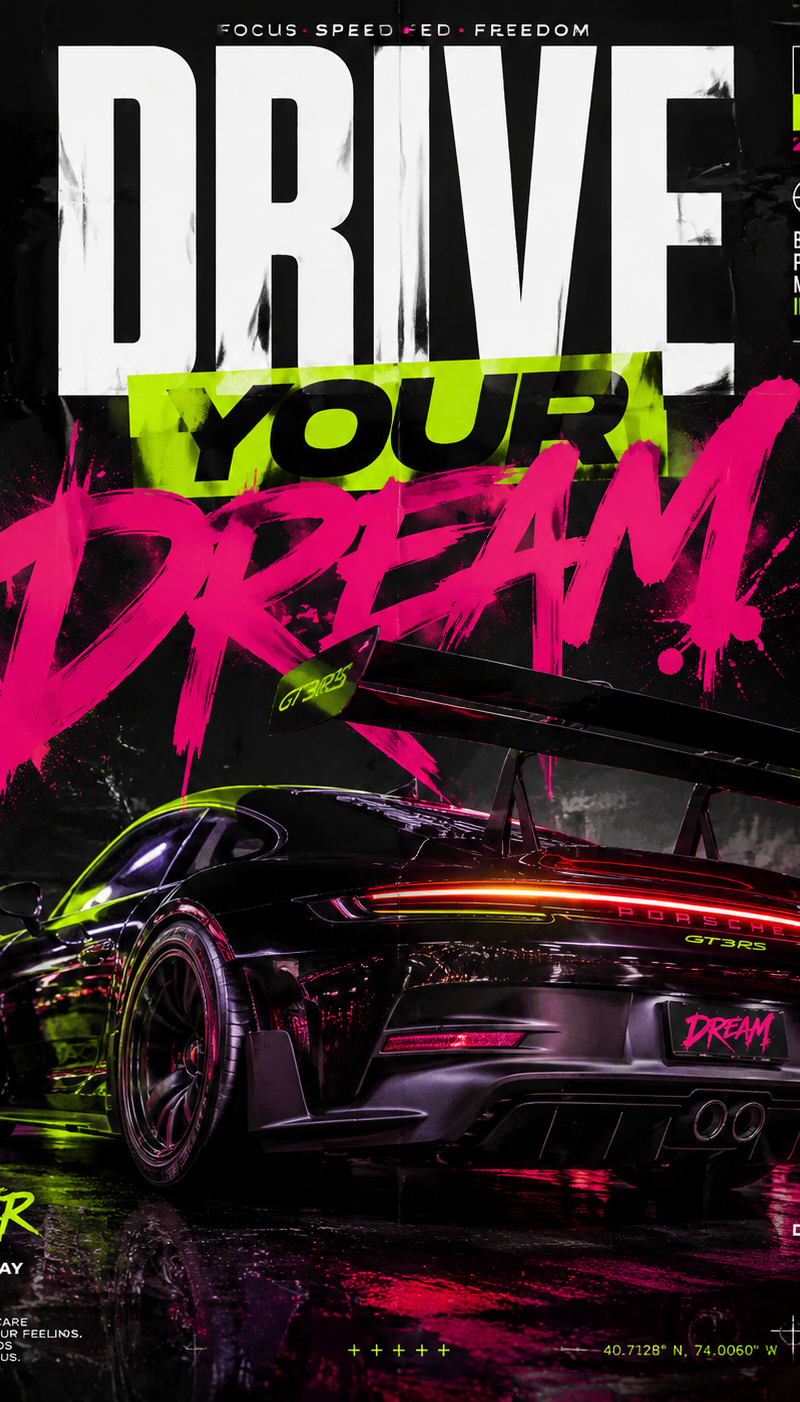
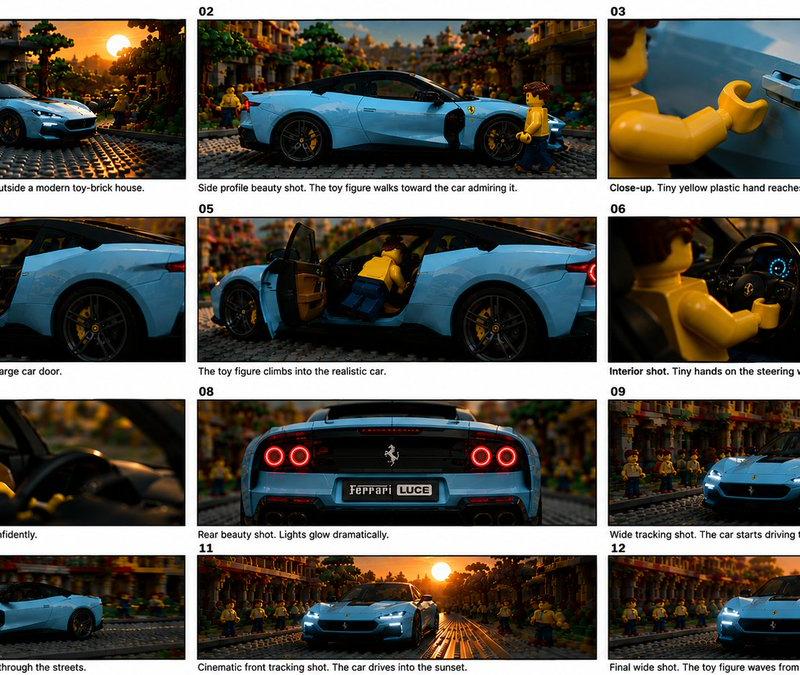
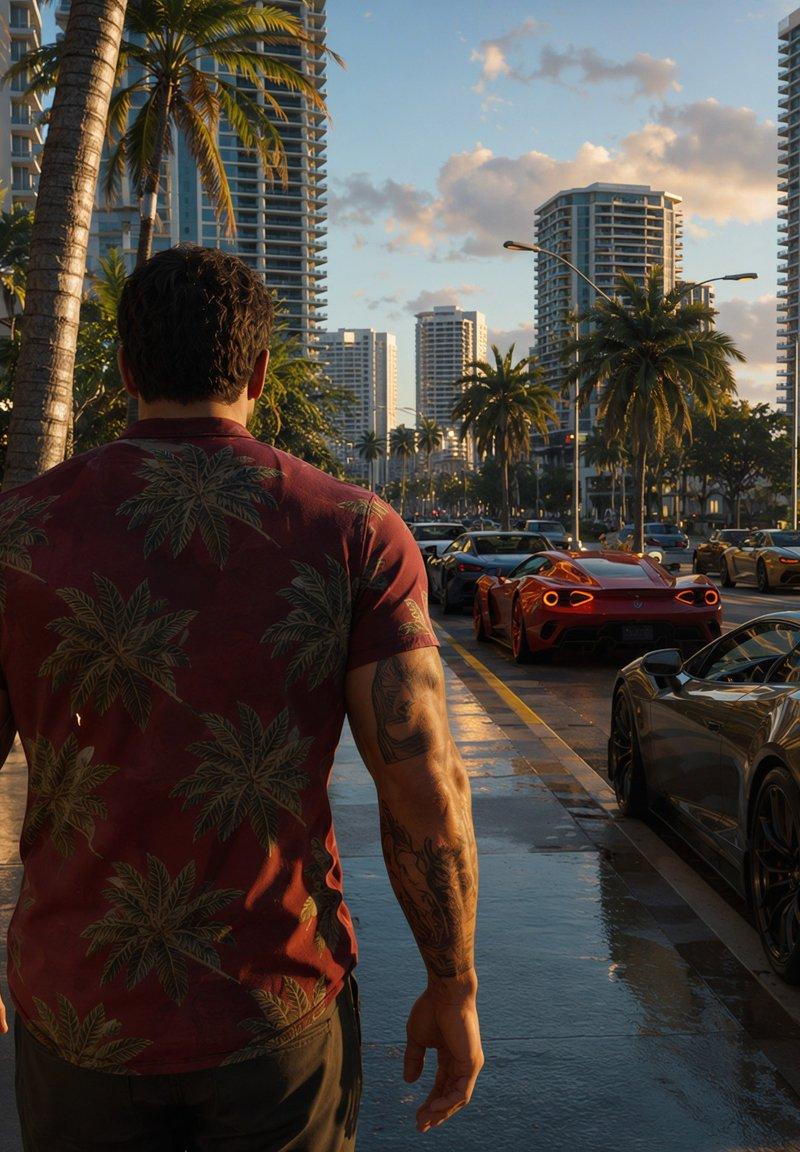
迈阿密开放世界游戏截图
Enlarge

Example images

迈阿密开放世界游戏截图

Prompt
Create a photorealistic 4K open-world video game screenshot inspired by modern Miami crime-adventure gameplay. The camera is third-person, positioned behind a single male protagonist walking forward on a wet coastal city sidewalk at golden hour. He has short dark hair, muscular tattooed arms, and wears a dark red tropical palm-print shirt, dark pants, and a black wristwatch. The scene shows a luxurious palm-lined boulevard with tall glass high-rise condos, hotel balconies, lush tropical plants on the left, busy traffic on the right, and warm sunset light reflecting off rain-slick pavement. Include exactly 5 prominent vehicles: a black supercar parked in the right foreground, a red sports car ahead in the center lane, a gold sports car farther ahead, a white SUV on the right, and a small distant car in traffic. Add many palm trees, streetlights, pedestrians in the distance, realistic shadows, cinematic reflections, and ultra-detailed urban density. Place a circular minimap HUD in the bottom-left corner showing grayscale city streets, a turquoise coastline, a small triangular player marker, and tiny route icons, matching a polished AAA game interface. Use realistic lens perspective, high dynamic range lighting, crisp textures, atmospheric depth, and no visible title text or watermark.
Category
Charts & Infographics
Model
GPT Image 2
Creator
danmagdav
Source language
en
Views0
Source ID
24831
Published
Jun 8, 2026
Studio

Guide

About "迈阿密开放世界游戏截图"

What is this prompt for?

"迈阿密开放世界游戏截图" AI image prompt for GPT Image 2 (Charts & Infographics). 生成一张具有电影感的第三人称 4K 游戏风格街景,包含主角、豪华轿车、棕榈树、高层建筑以及小地图 HUD。 Copy it on Picva and recreate the…

The full copyable prompt and example visuals above are ready for AI image generation or one-click recreate in Picva.

How to use this prompt

  1. Step 1

    Open the prompt detail

    Review the example visuals, category, and full prompt text for "迈阿密开放世界游戏截图".

  2. Step 2

    Copy the prompt

    Copy the prompt body from this page, or load it directly in Studio.

  3. Step 3

    Pick a model (GPT Image 2)

    Prefer GPT Image 2. If you switch models, keep subject and composition and tweak style terms.

  4. Step 4

    Generate and export

    Recreate the look in Picva, or export into your workflow for editing and publishing.

FAQ

What is the "迈阿密开放世界游戏截图" prompt?
It is an AI image-generation prompt for GPT Image 2 in the Charts & Infographics category. This page includes the full prompt text, example visuals, and a one-click recreate path in Picva.
How do I use this prompt to generate an image?
Copy the prompt from this page, or use Generate / Studio. Paste it into a compatible image model, or recreate the look in Picva with optional reference images.
Which model is this prompt for?
This page lists GPT Image 2. Most descriptive prompts also transfer to nearby image models such as GPT Image, Flux, or Midjourney with light style tweaks.
Can I use the result commercially?
You can usually copy the prompt for creation, but commercial use of the final image depends on the model terms, reference-image rights, and the generated content. Follow the source author and platform rules.