19

时尚编辑摄影 JSON 提示词
Enlarge

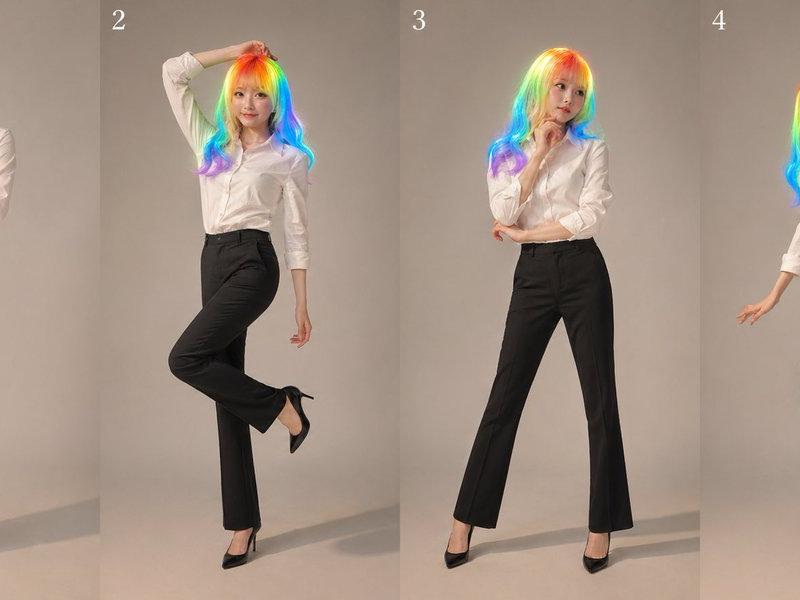
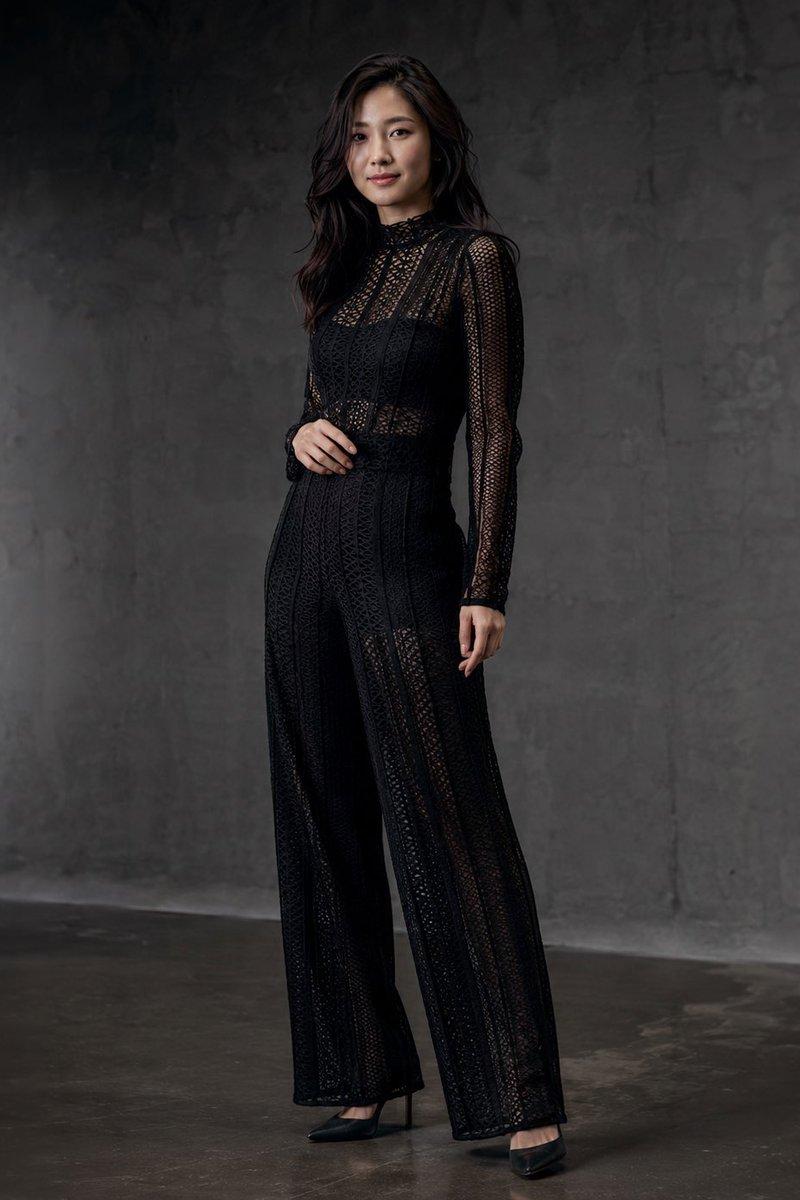
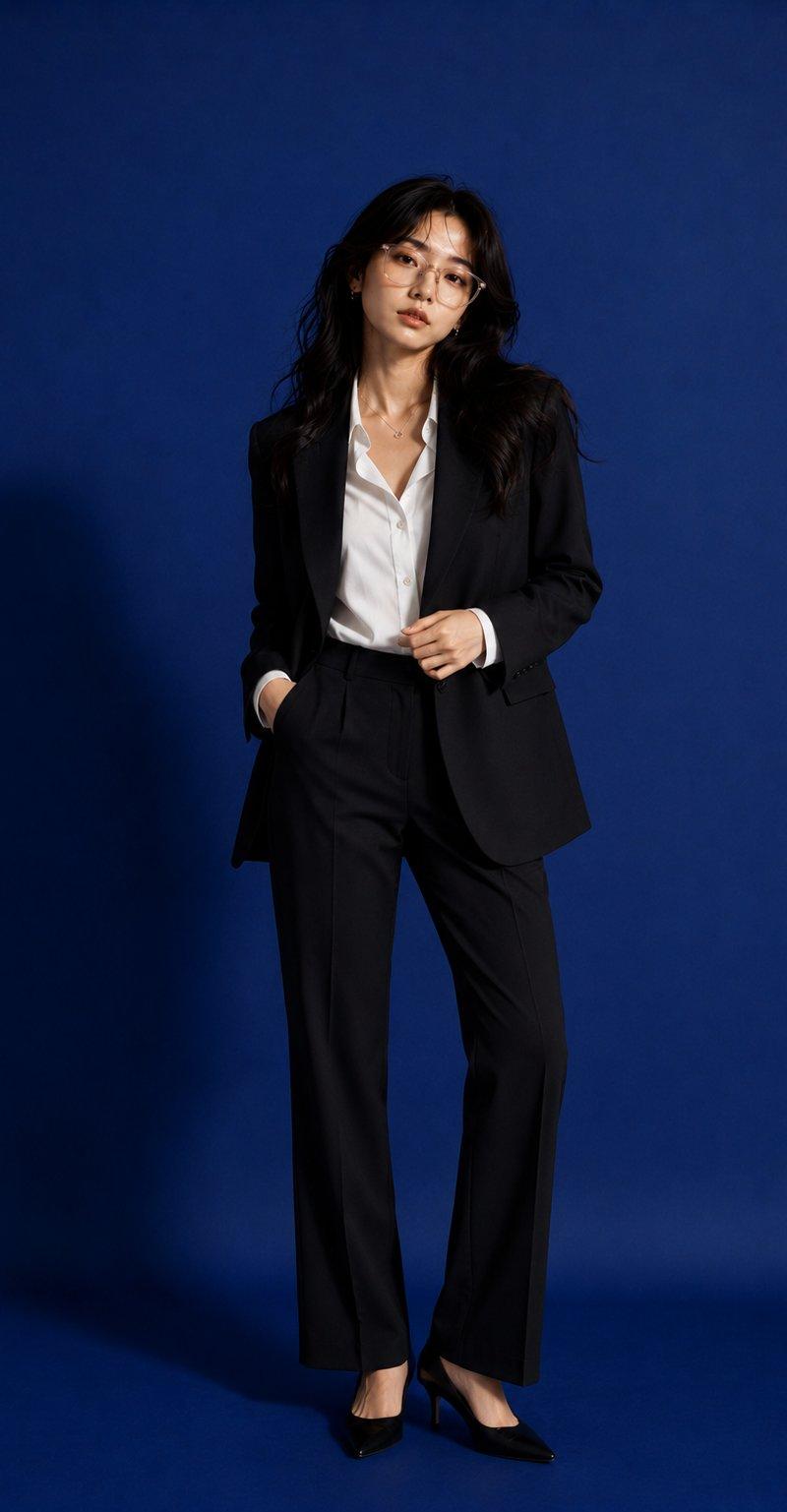
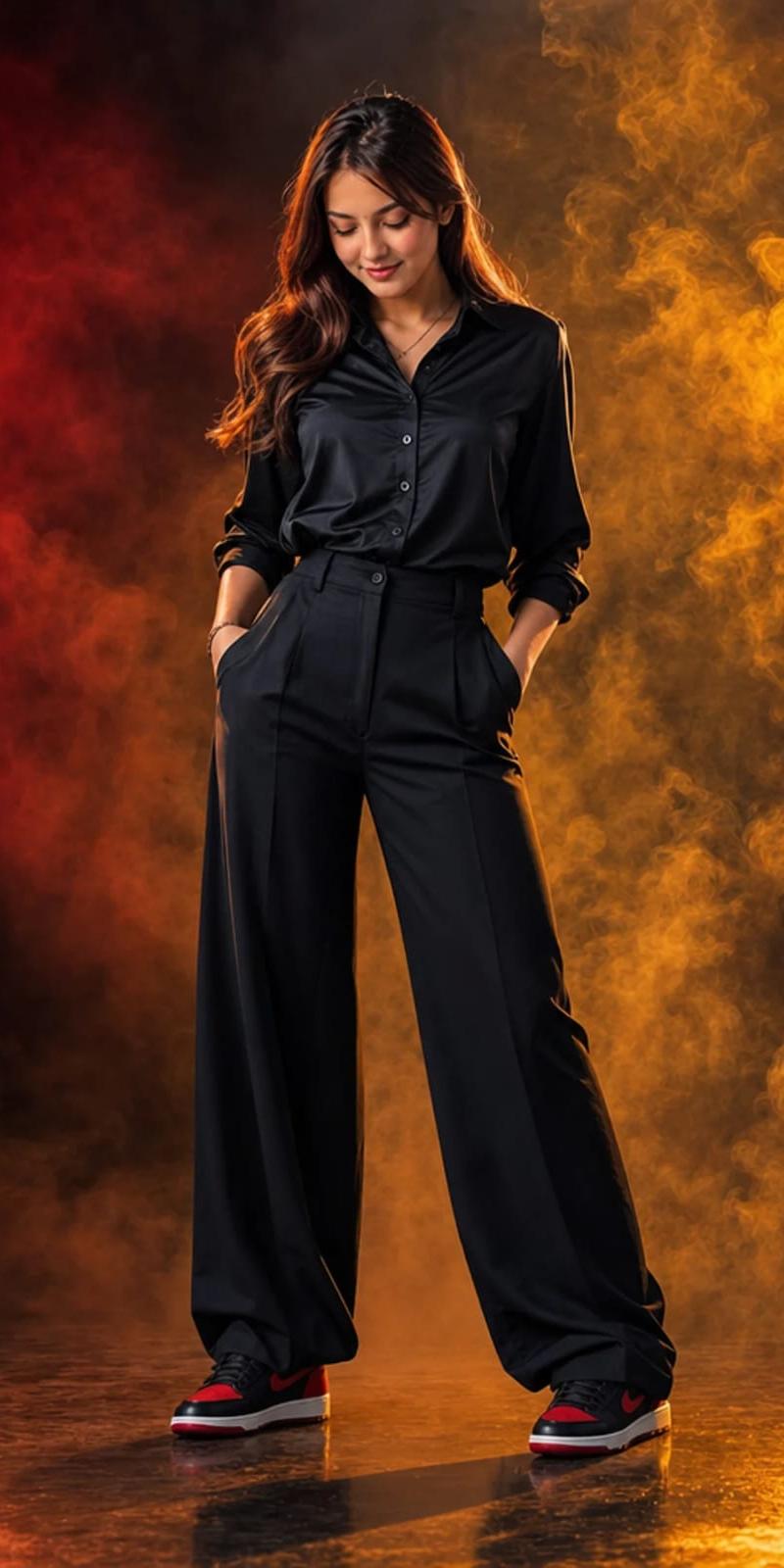
Example images

时尚编辑摄影 JSON 提示词

Prompt
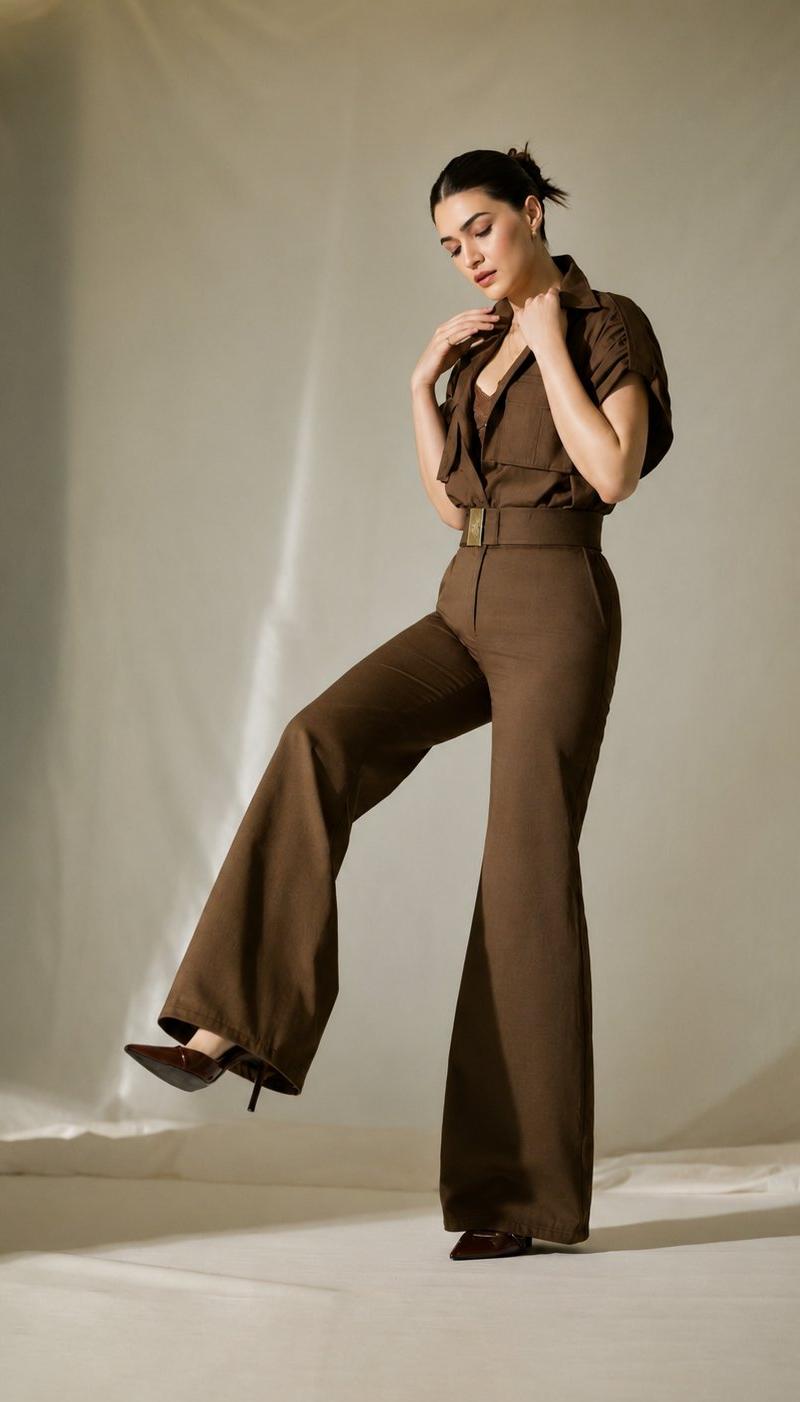
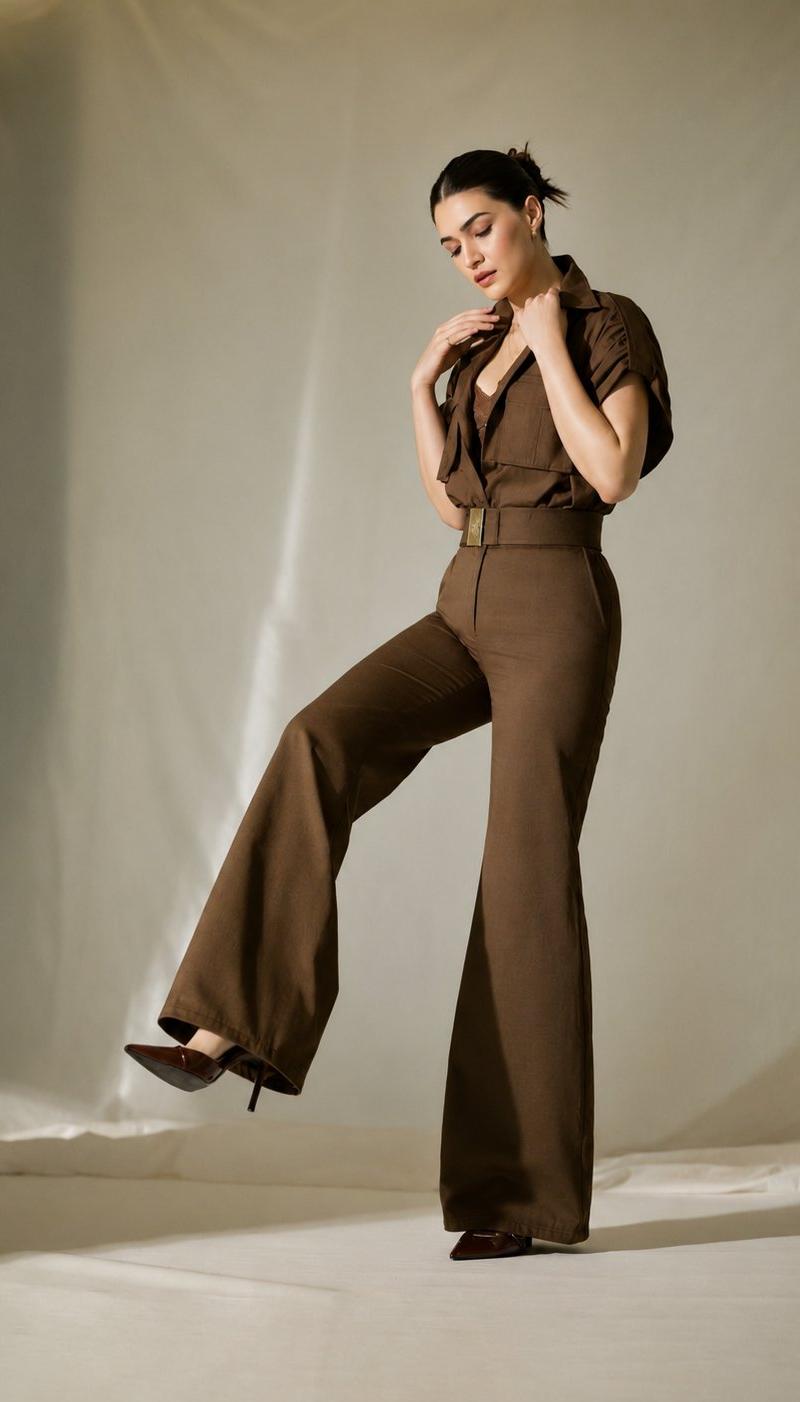
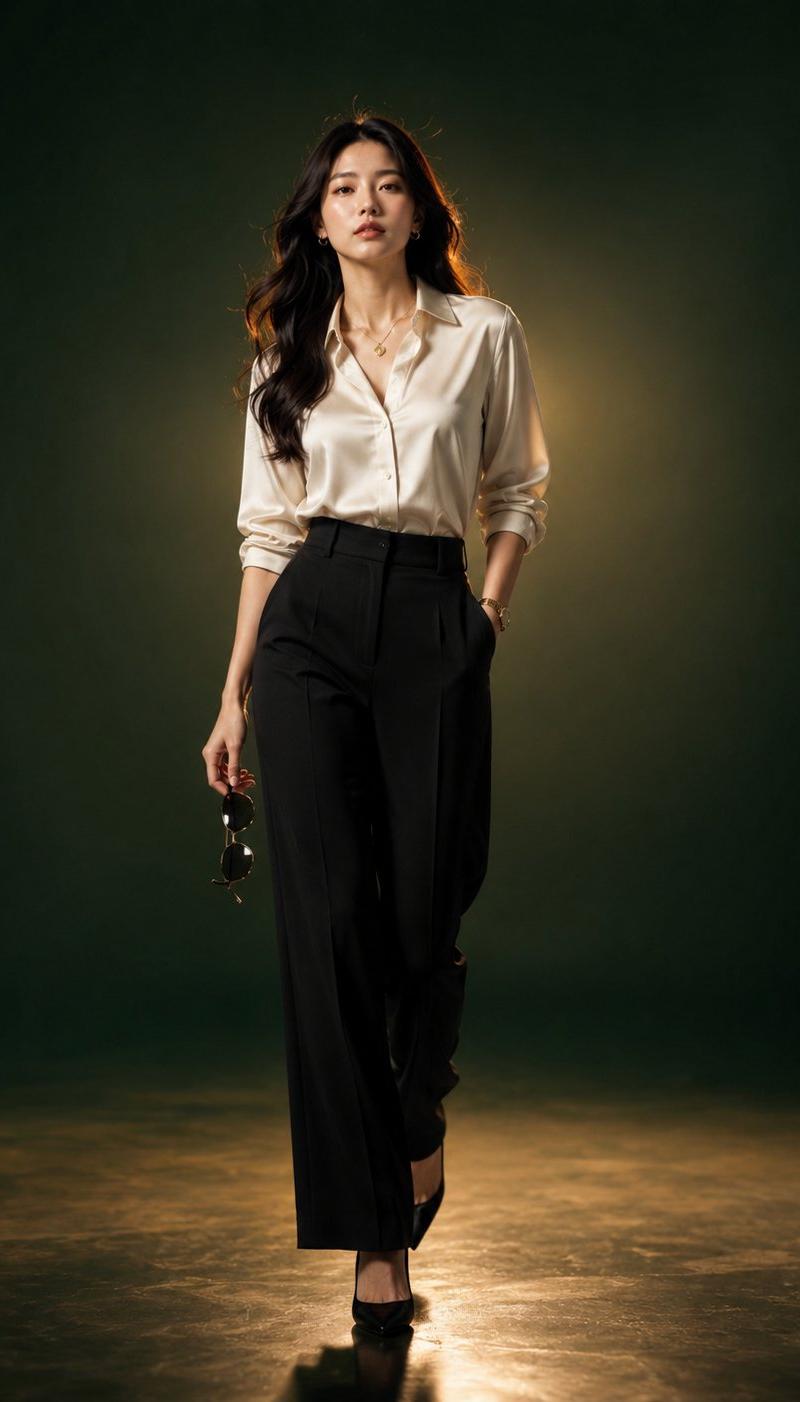
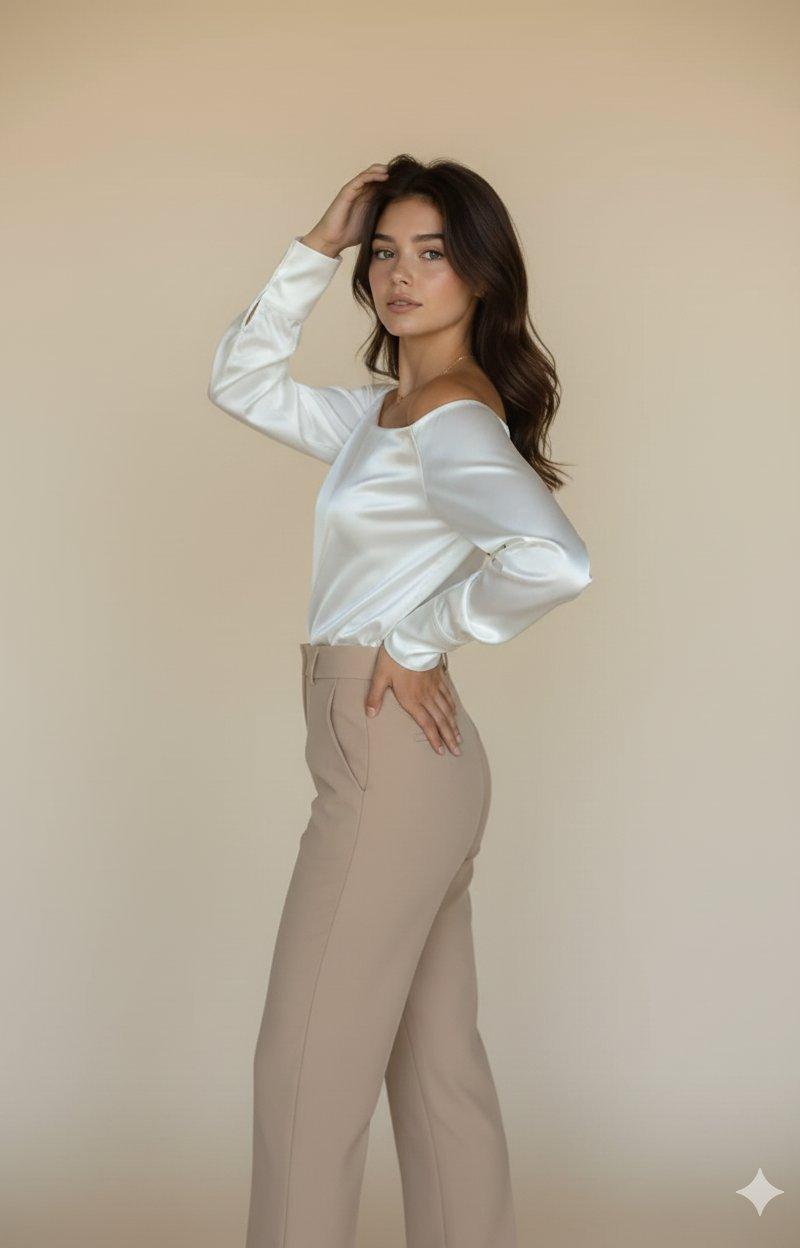
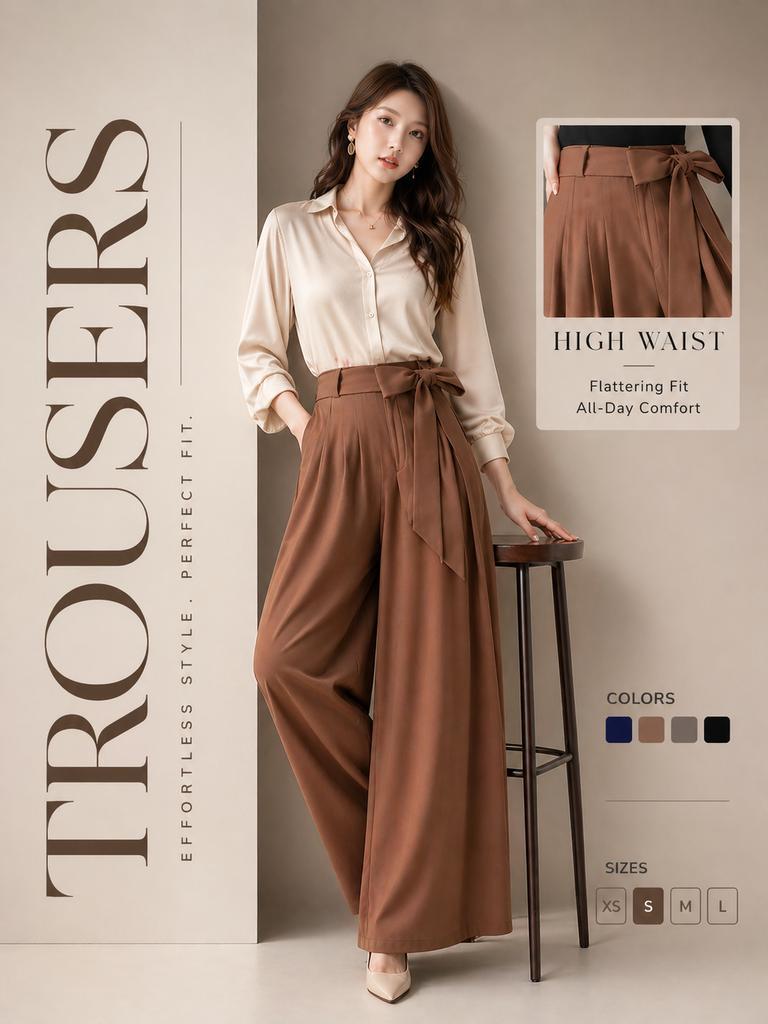
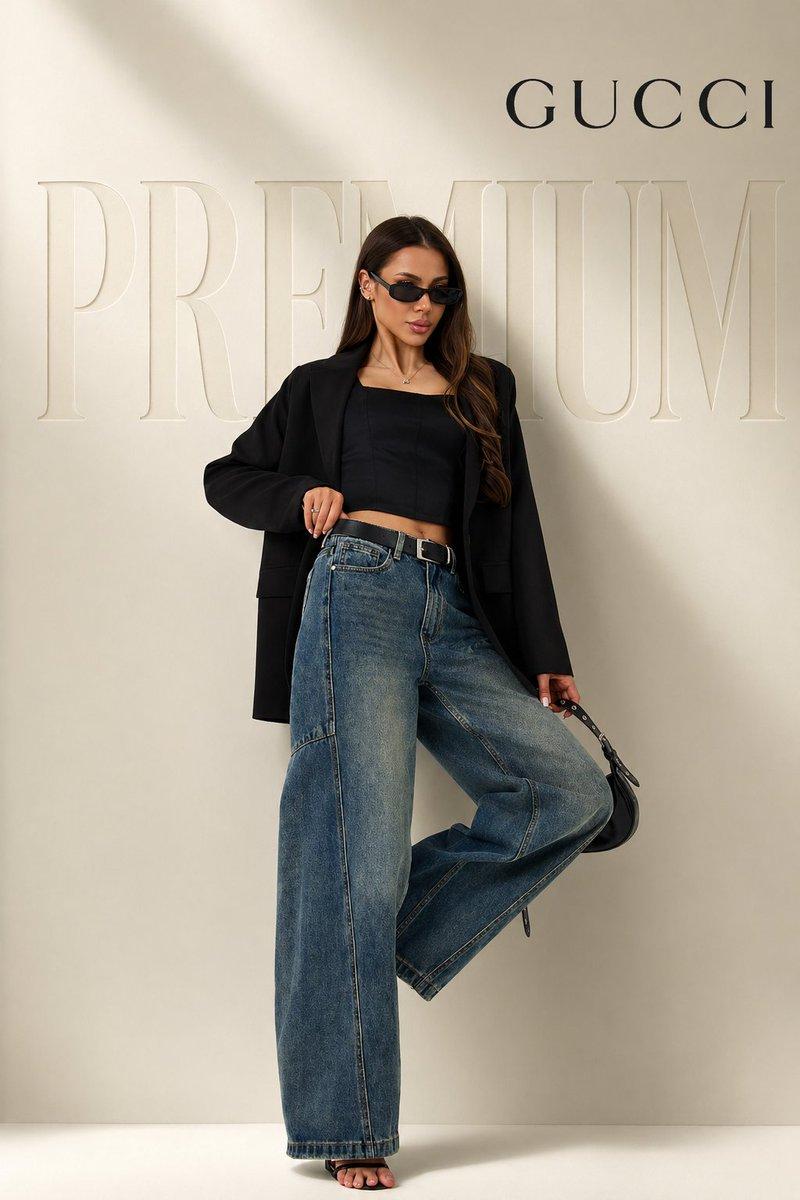
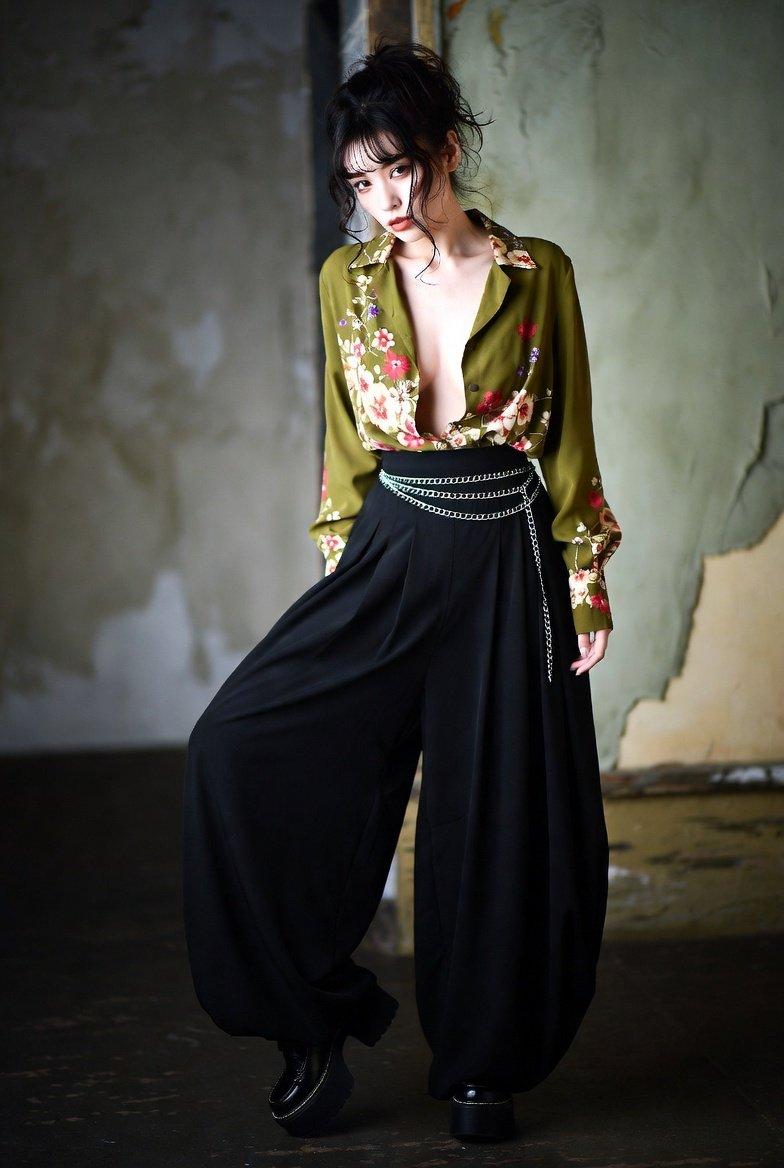
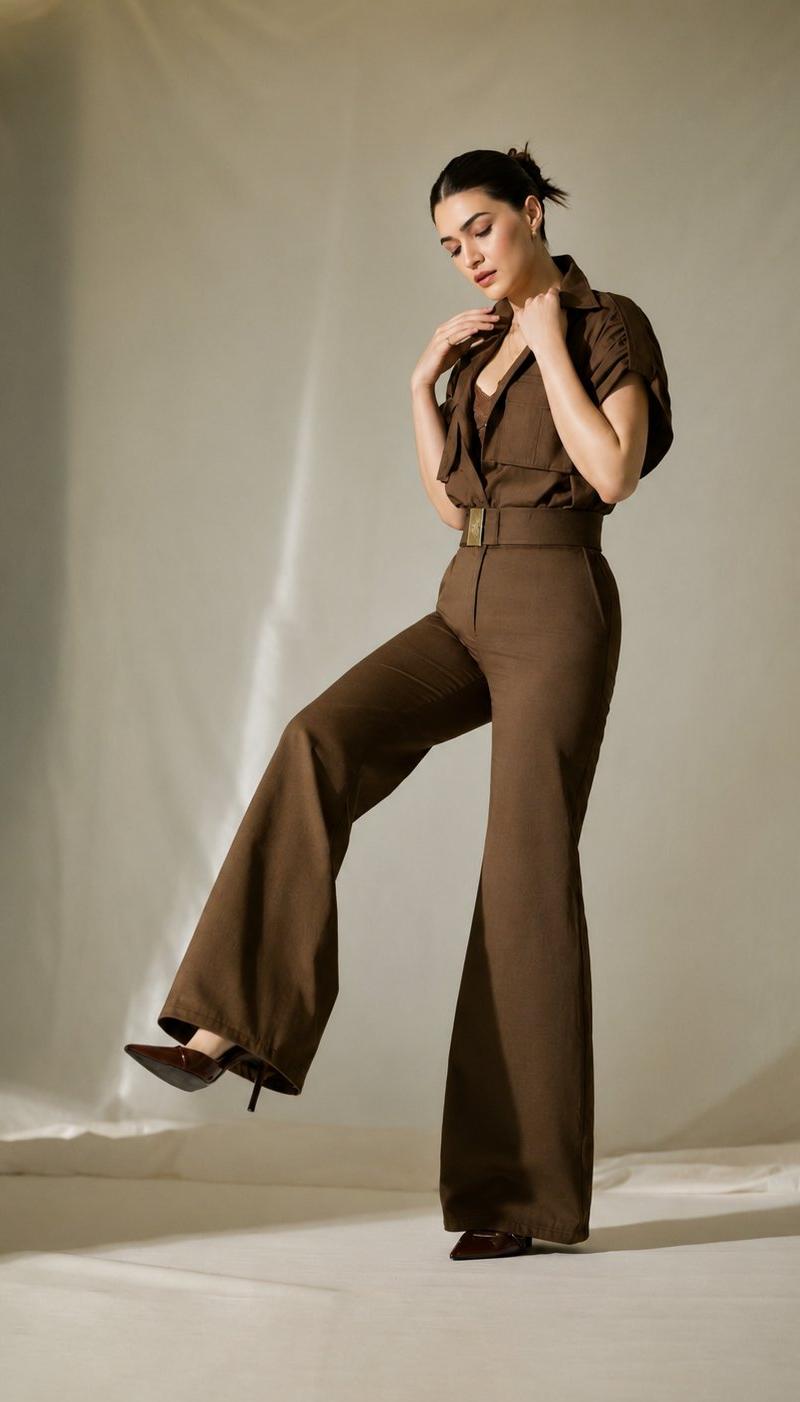
subject": {"person": "woman","appearance": {"hair": "dark brown, styled in a sleek, pulled-back bun","pose": "standing, one leg lifted slightly with the knee bent, looking downwards with a soft expression","outfit": {"style": "monochromatic, utilitarian chic jumpsuit","color": "deep coffee brown","details": "short-sleeved shirt top with collar and chest pockets, belted waist with a gold-toned buckle, wide-leg trousers"},"footwear": "pointed-toe high heels in a matching deep brown color"}},"setting": {"background": "minimalist, soft-focus draped fabric backdrop","lighting": {"type": "studio portrait lighting","quality": "soft, diffused, dramatic shadows","effect": "creates a gentle gradient and highlights the silhouette"}},"technical_specifications": {"image_quality": "4k resolution, high definition","style": "fashion photography, editorial","color_palette": ["#4B3621","#6F4E37","#D2B48C"],"composition": "full-body shot, centered","atmosphere": "elegant, sophisticated, modern"}}
Category
Charts & Infographics
Model
GPT Image 2
Creator
NUSRAT
Source language
en
Views0
Source ID
24875
Published
Jun 9, 2026
Studio

Guide

About "时尚编辑摄影 JSON 提示词"

What is this prompt for?

"时尚编辑摄影 JSON 提示词" AI image prompt for GPT Image 2 (Charts & Infographics). 一个用于时尚编辑摄影的结构化 JSON 提示词,展示了一款单色实用主义风格的连体裤。 Copy it on Picva and recreate the look in…

The full copyable prompt and example visuals above are ready for AI image generation or one-click recreate in Picva.

How to use this prompt

  1. Step 1

    Open the prompt detail

    Review the example visuals, category, and full prompt text for "时尚编辑摄影 JSON 提示词".

  2. Step 2

    Copy the prompt

    Copy the prompt body from this page, or load it directly in Studio.

  3. Step 3

    Pick a model (GPT Image 2)

    Prefer GPT Image 2. If you switch models, keep subject and composition and tweak style terms.

  4. Step 4

    Generate and export

    Recreate the look in Picva, or export into your workflow for editing and publishing.

FAQ

What is the "时尚编辑摄影 JSON 提示词" prompt?
It is an AI image-generation prompt for GPT Image 2 in the Charts & Infographics category. This page includes the full prompt text, example visuals, and a one-click recreate path in Picva.
How do I use this prompt to generate an image?
Copy the prompt from this page, or use Generate / Studio. Paste it into a compatible image model, or recreate the look in Picva with optional reference images.
Which model is this prompt for?
This page lists GPT Image 2. Most descriptive prompts also transfer to nearby image models such as GPT Image, Flux, or Midjourney with light style tweaks.
Can I use the result commercially?
You can usually copy the prompt for creation, but commercial use of the final image depends on the model terms, reference-image rights, and the generated content. Follow the source author and platform rules.