18

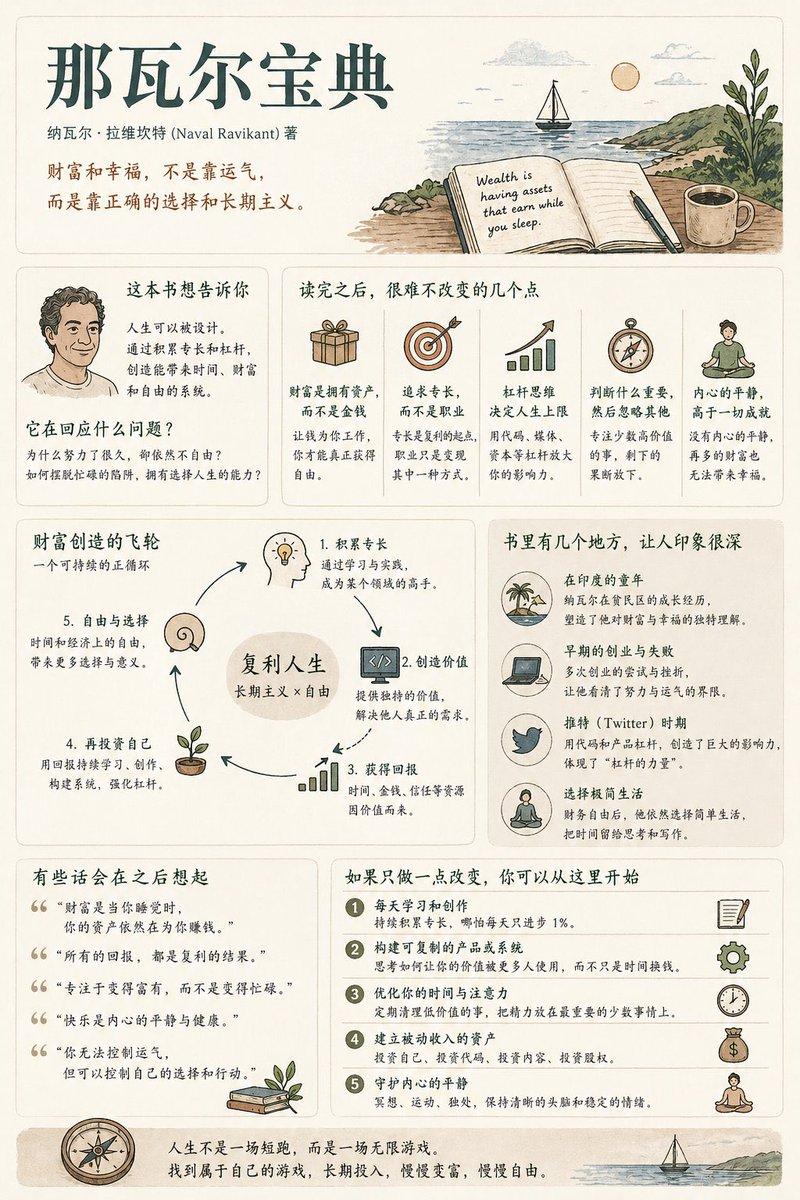
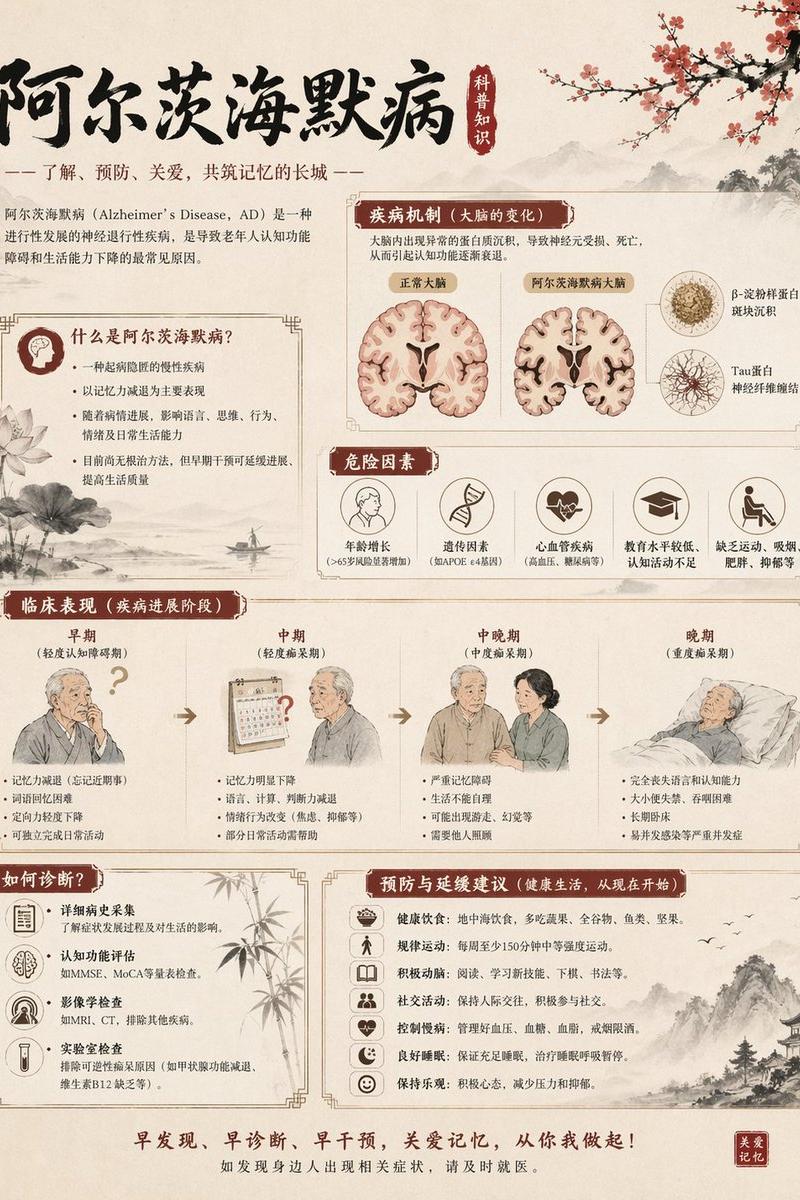
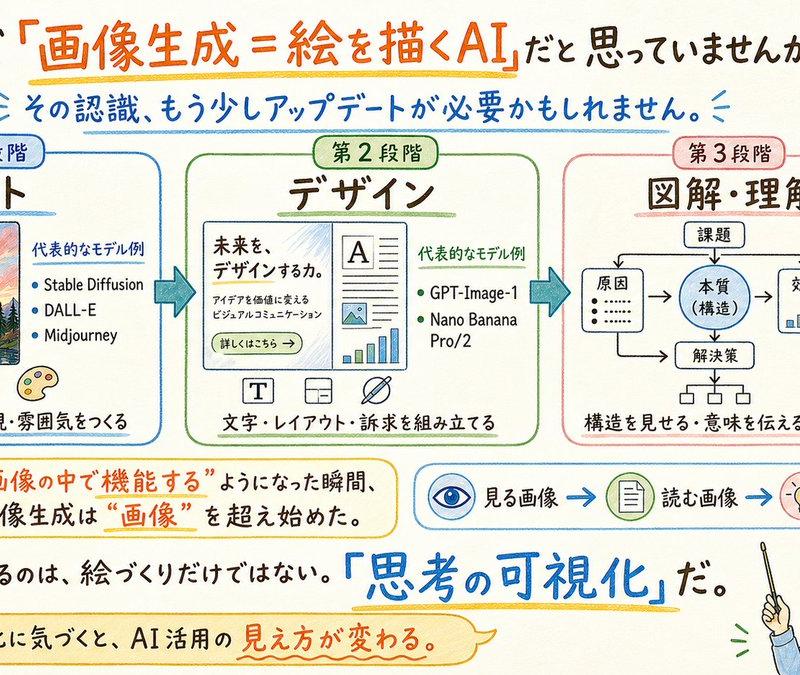
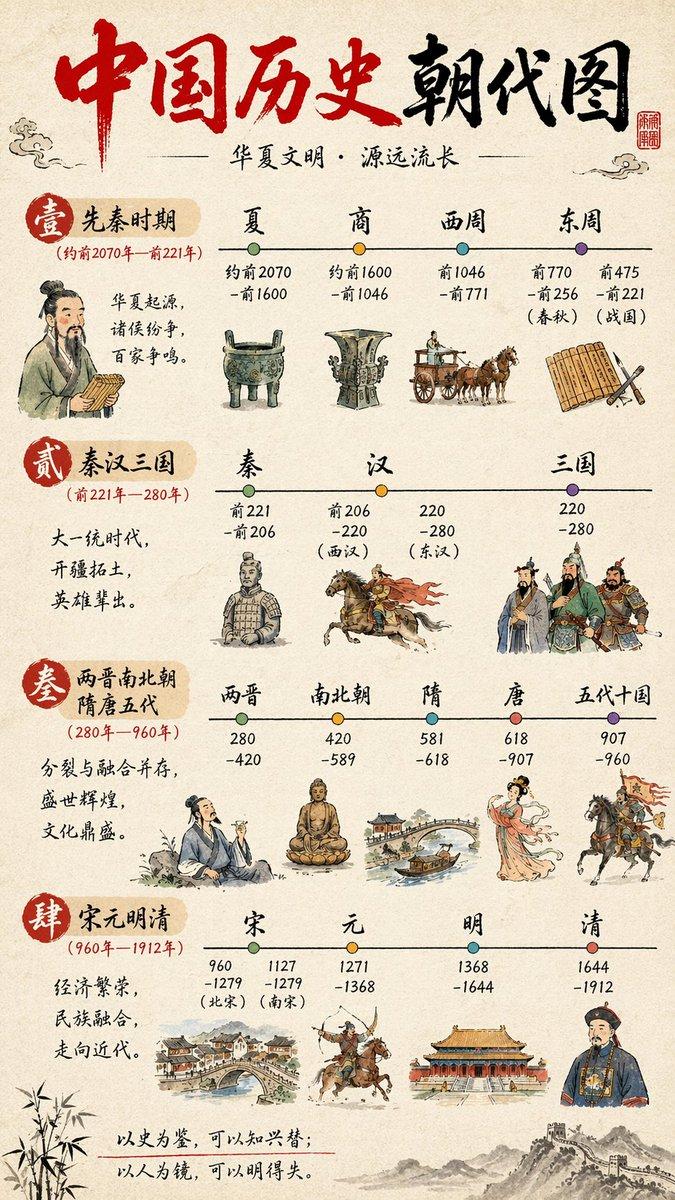
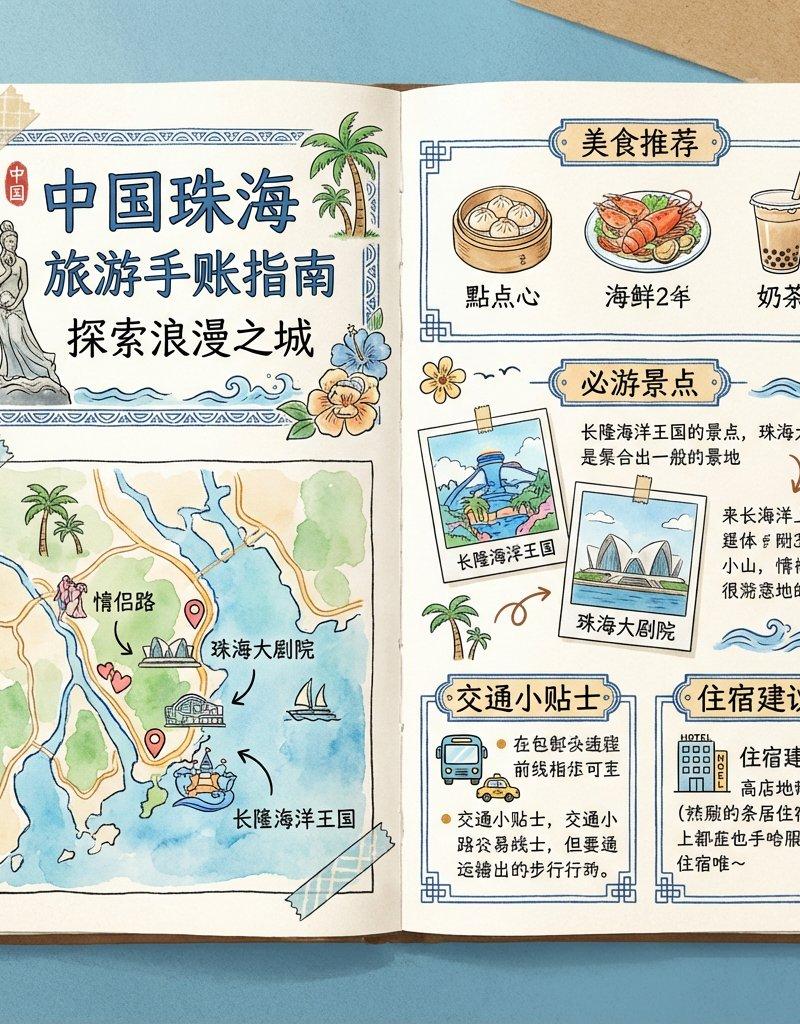
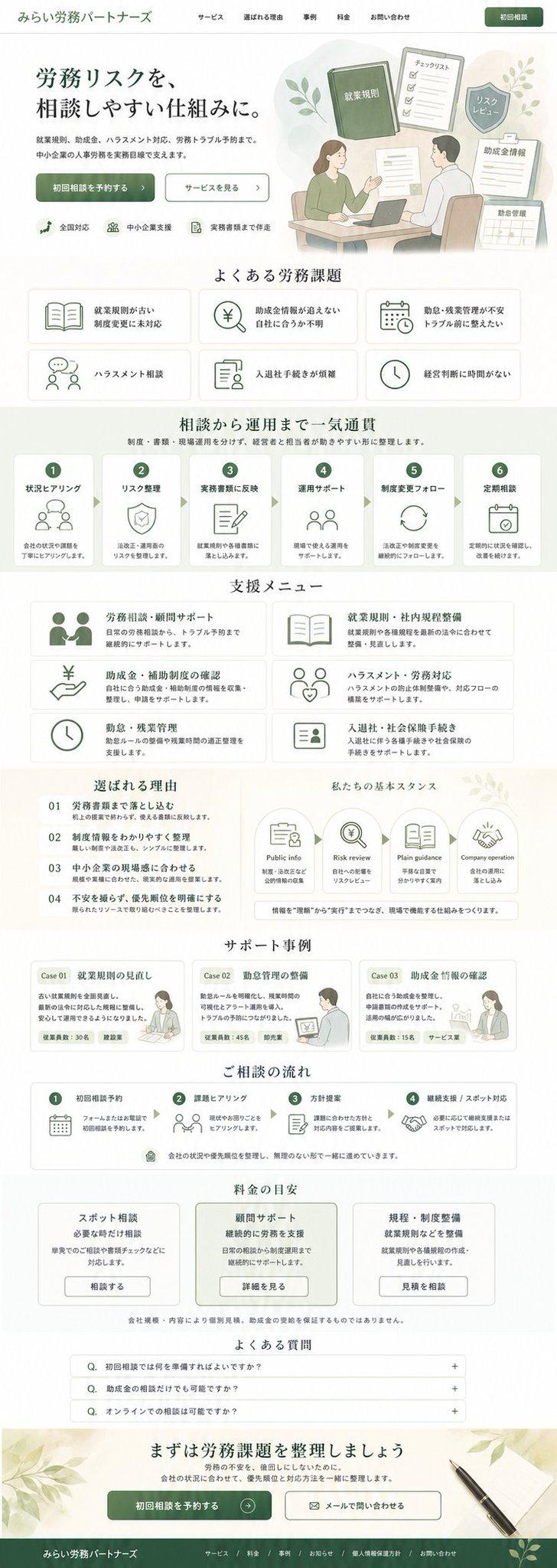
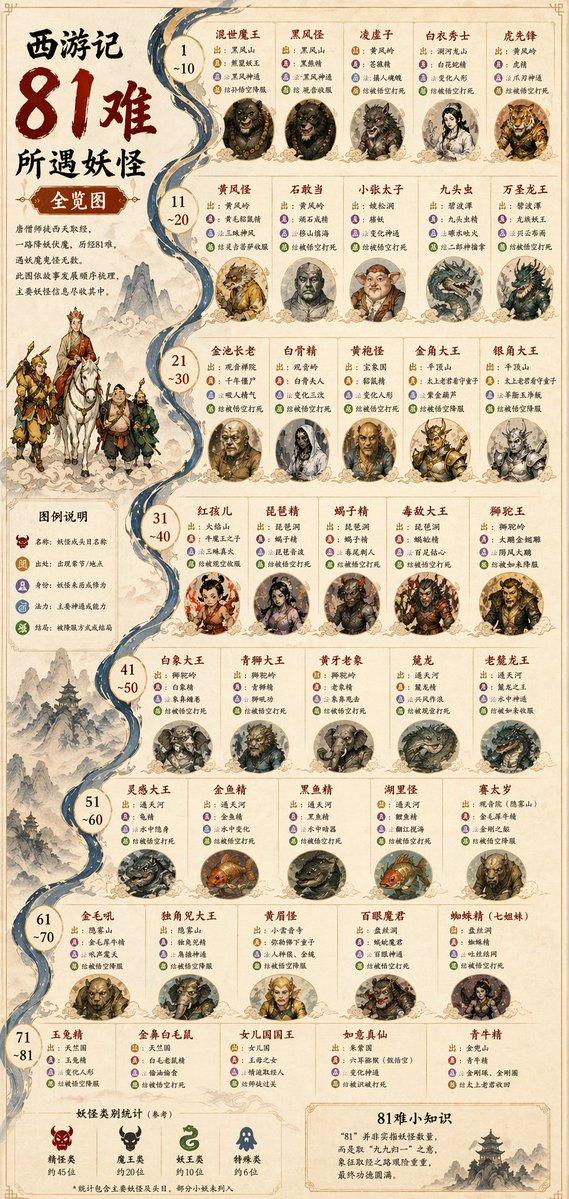
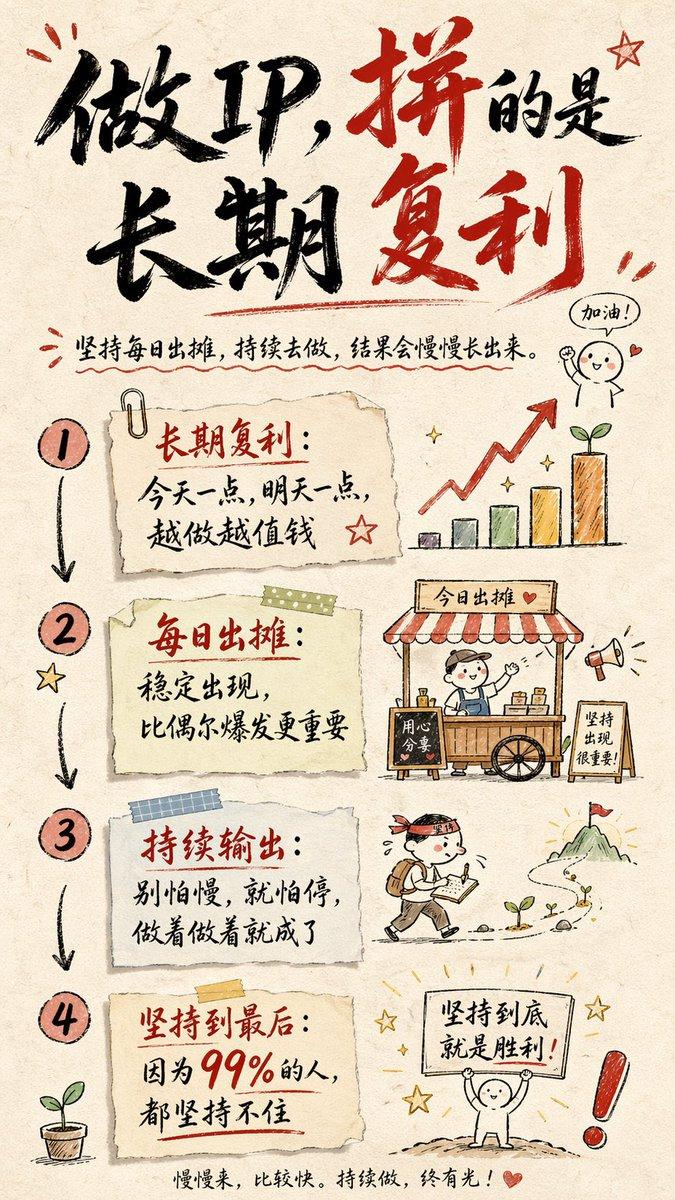
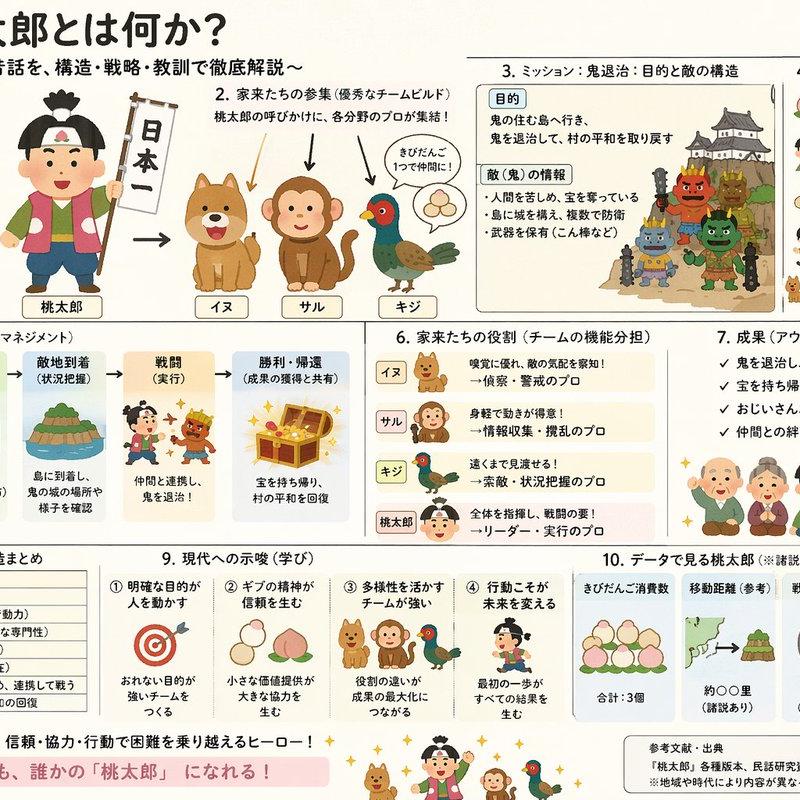
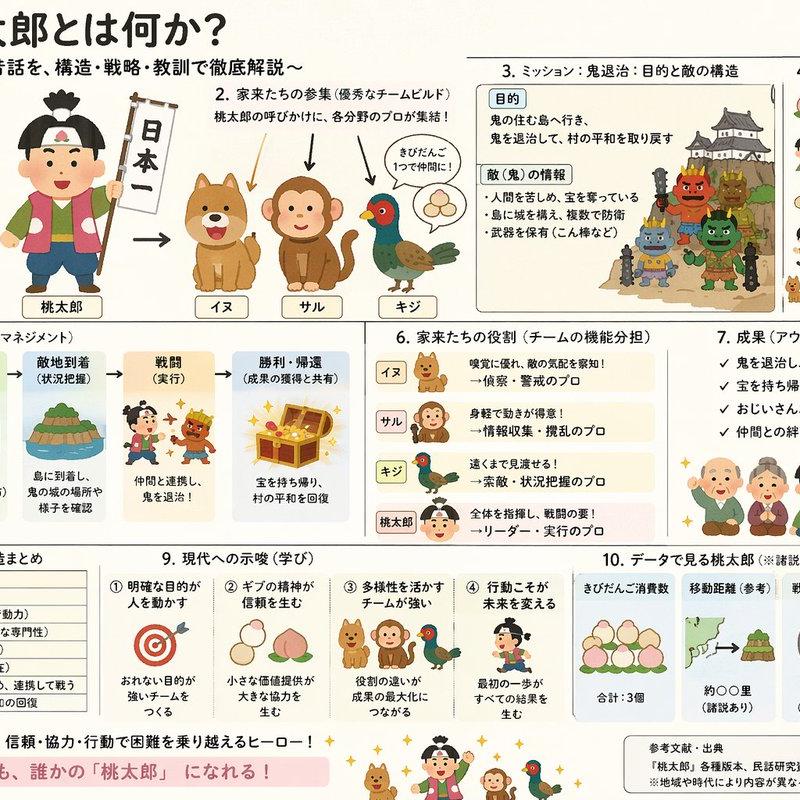
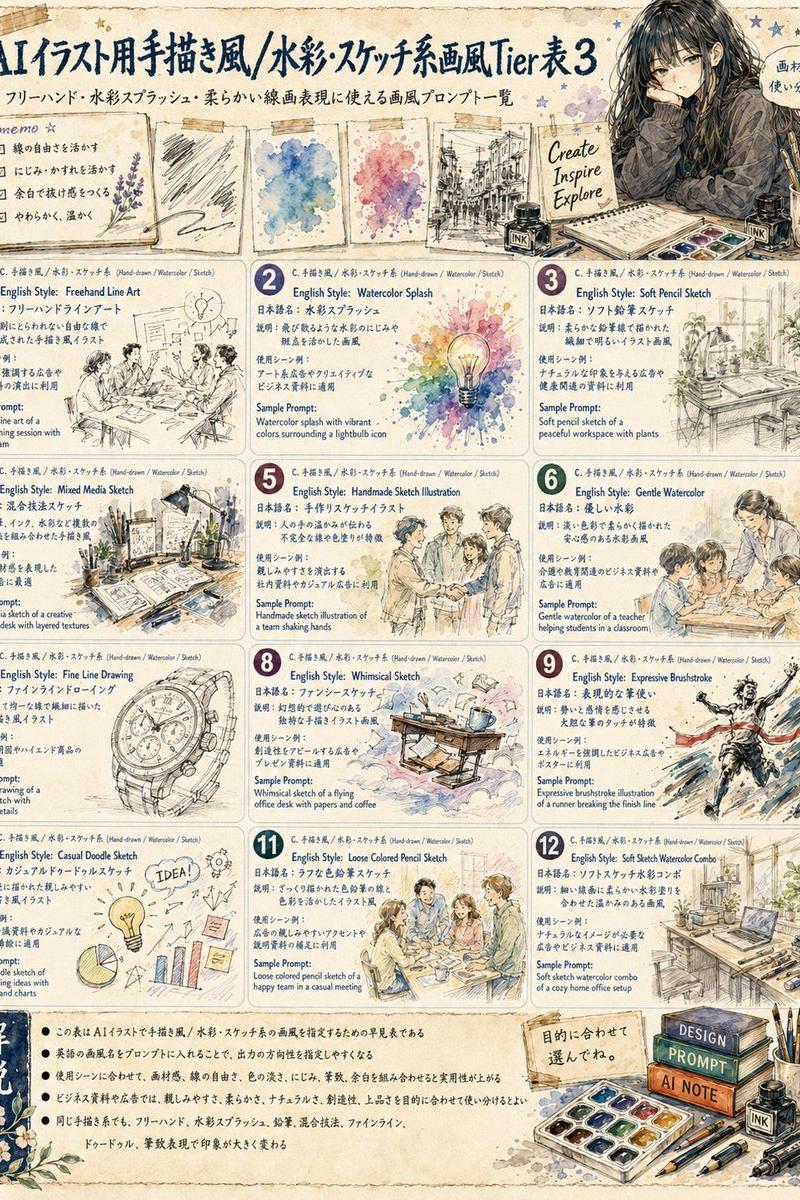
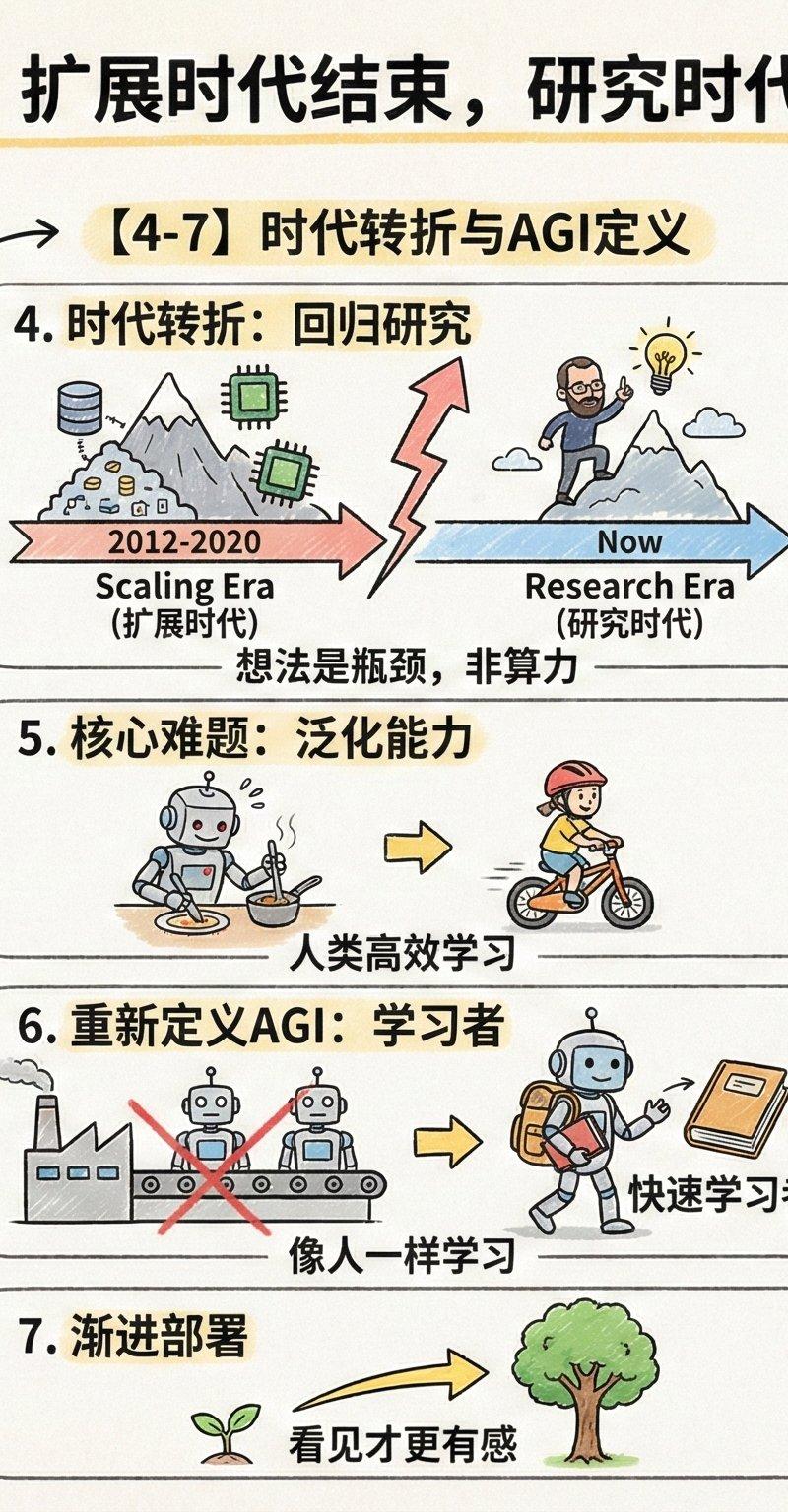
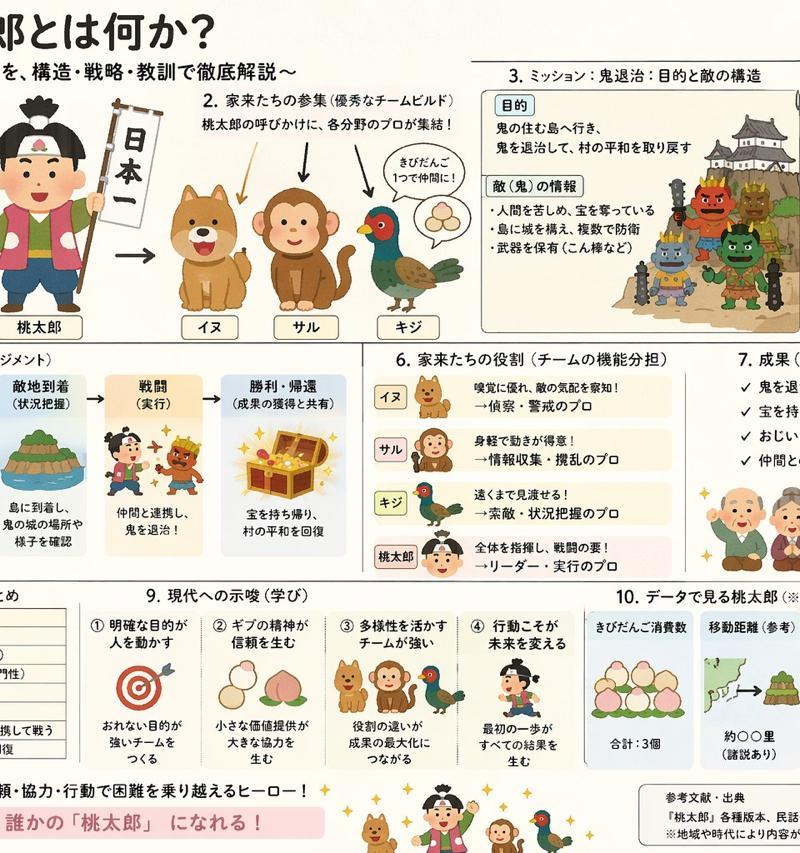
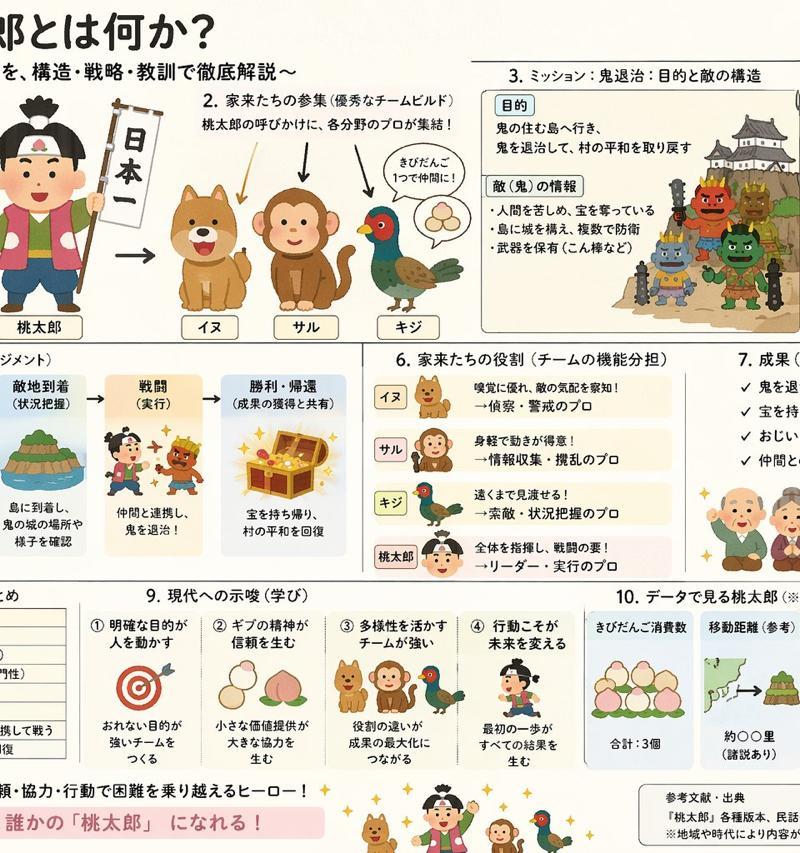
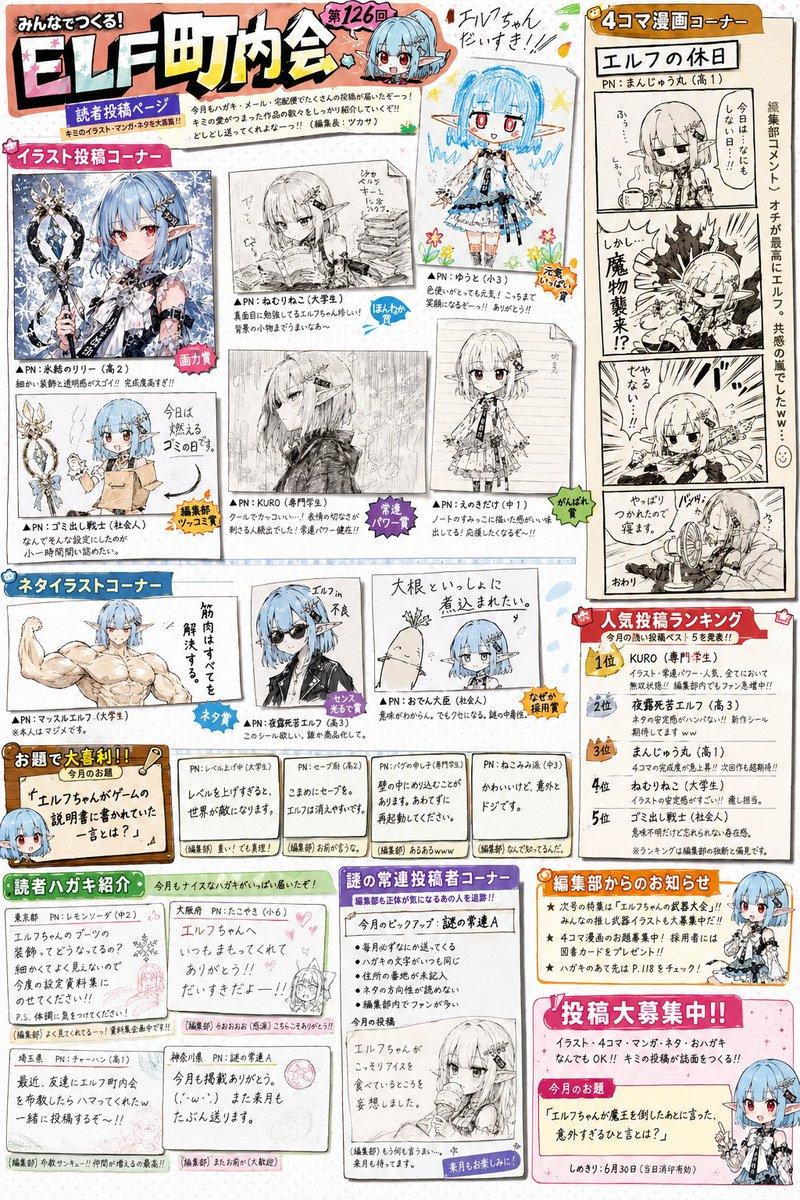
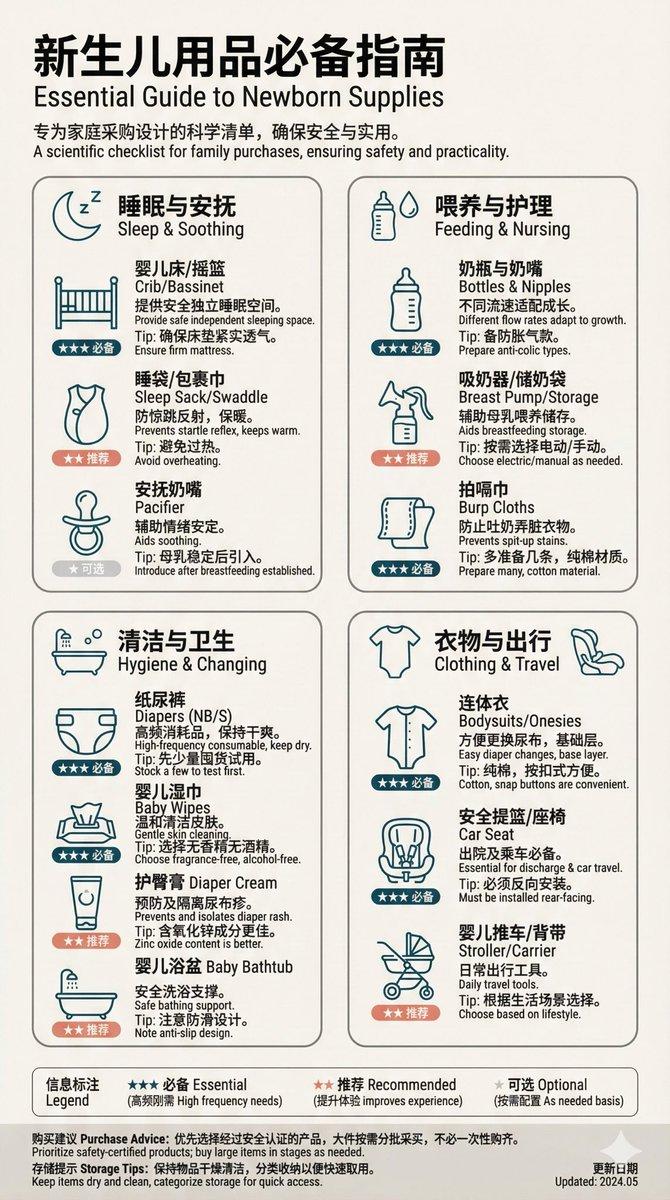
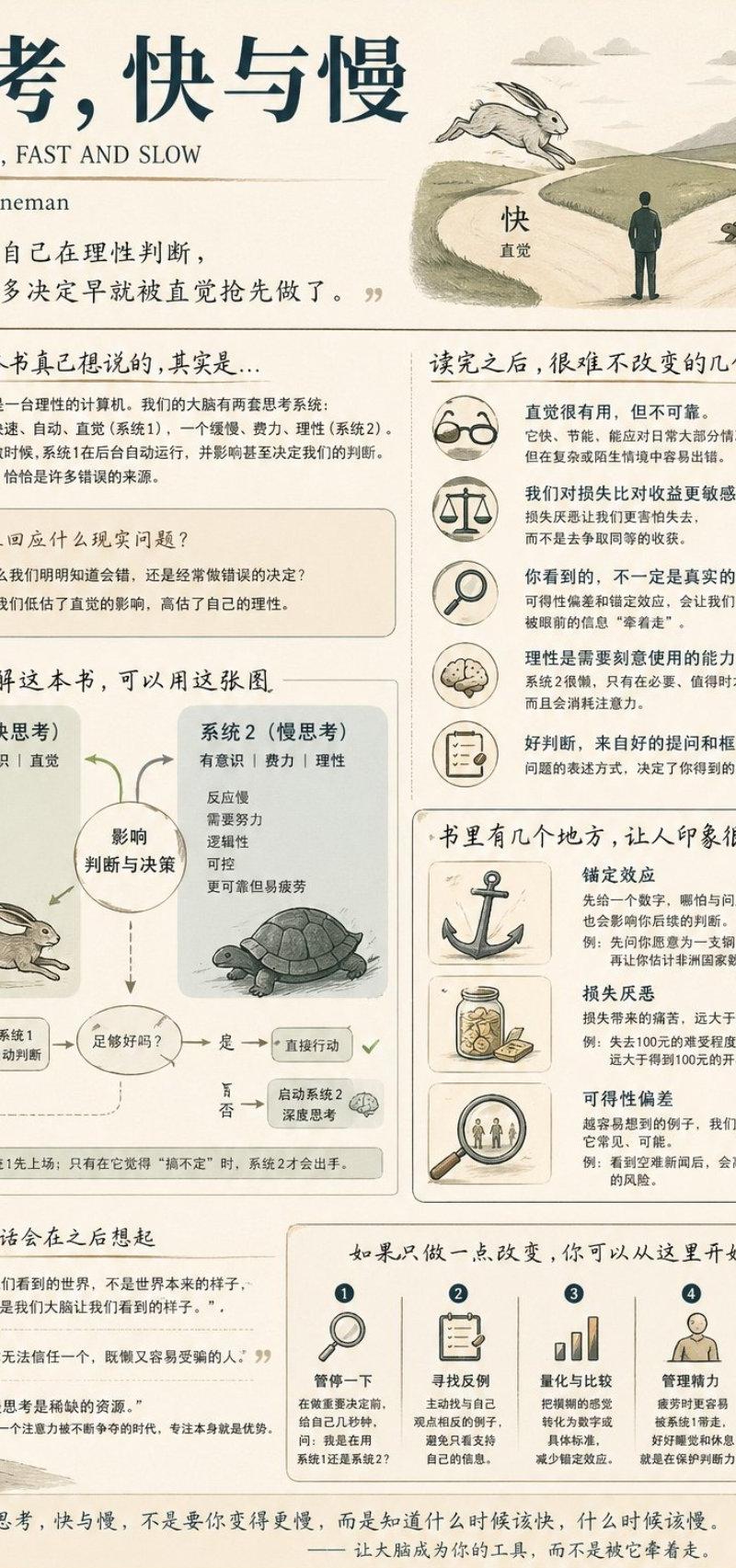
社交媒体书籍总结信息图
Enlarge

Example images

社交媒体书籍总结信息图

Prompt
生成一张适合社交媒体分享的中等信息密度信息图海报,主题为“{argument name="book title" default="书名"}”。

[整体风格]
{argument name="style" default="现代极简 + 轻复古手绘风格"},背景使用柔和的浅色调({argument name="background color" default="奶油色 #FAF7F2"} 或浅灰蓝色 #F5F8FA),留白充足,安静、信息量大且适合长时间阅读。

[核心要求]
首先判断书籍的主要类型(认知成长、商业财富、心理情感、小说故事),然后据此自然地组织内容和重点。不要使用固定的模板标题,不要强行套用结构,要像一个真正读懂这本书的人在进行分享。

[内容结构建议(动态组合)]
- 开篇:书名 + 作者 + 一句深刻的感悟(拟人化)
- 核心理解:这本书真正想表达的核心是什么?它回应了什么现实问题?
- 最有价值的部分(关键模块):根据书籍类型选择模型、杠杆、情感机制、人物冲突等
- 关键结构或框架(视觉核心)
- 令人印象深刻的例子/片段(具有画面感)
- 金句摘录区(留白处理)
- 可执行的改变/建议(3-5 项,具体且可执行)

[视觉要求]
- 自适应网格布局(2-3 列或自由分布)
- 白色卡片 + 圆角 + 轻微阴影
- 每个模块配有简单的手绘风格插图
- 清晰的标题层级,对重要信息进行适当强调
- 克制且优雅的配色方案(根据书籍类型选择主色:科技蓝、成长绿、心理暖棕等)

[语言风格]
像人在谈论一本书:带有理解、筛选和顿悟感。避免使用“这本书讲述了……”或“核心思想是……”等模板化表达。

生成一张信息清晰、设计高端,适合在小红书/微博/Twitter 上分享的书籍总结海报。
Category
Charts & Infographics
Model
GPT Image 2
Creator
GOLD
Source language
zh-CN
Views0
Source ID
25183
Published
Jun 11, 2026
Studio

Guide

About "社交媒体书籍总结信息图"

What is this prompt for?

"社交媒体书籍总结信息图" AI image prompt for GPT Image 2 (Charts & Infographics). 一份详细的提示词,用于生成优雅、高留存率的社交媒体书籍总结海报,采用轻复古手绘风格。 Copy it on Picva and recreate the look in one…

The full copyable prompt and example visuals above are ready for AI image generation or one-click recreate in Picva.

How to use this prompt

  1. Step 1

    Open the prompt detail

    Review the example visuals, category, and full prompt text for "社交媒体书籍总结信息图".

  2. Step 2

    Copy the prompt

    Copy the prompt body from this page, or load it directly in Studio.

  3. Step 3

    Pick a model (GPT Image 2)

    Prefer GPT Image 2. If you switch models, keep subject and composition and tweak style terms.

  4. Step 4

    Generate and export

    Recreate the look in Picva, or export into your workflow for editing and publishing.

FAQ

What is the "社交媒体书籍总结信息图" prompt?
It is an AI image-generation prompt for GPT Image 2 in the Charts & Infographics category. This page includes the full prompt text, example visuals, and a one-click recreate path in Picva.
How do I use this prompt to generate an image?
Copy the prompt from this page, or use Generate / Studio. Paste it into a compatible image model, or recreate the look in Picva with optional reference images.
Which model is this prompt for?
This page lists GPT Image 2. Most descriptive prompts also transfer to nearby image models such as GPT Image, Flux, or Midjourney with light style tweaks.
Can I use the result commercially?
You can usually copy the prompt for creation, but commercial use of the final image depends on the model terms, reference-image rights, and the generated content. Follow the source author and platform rules.