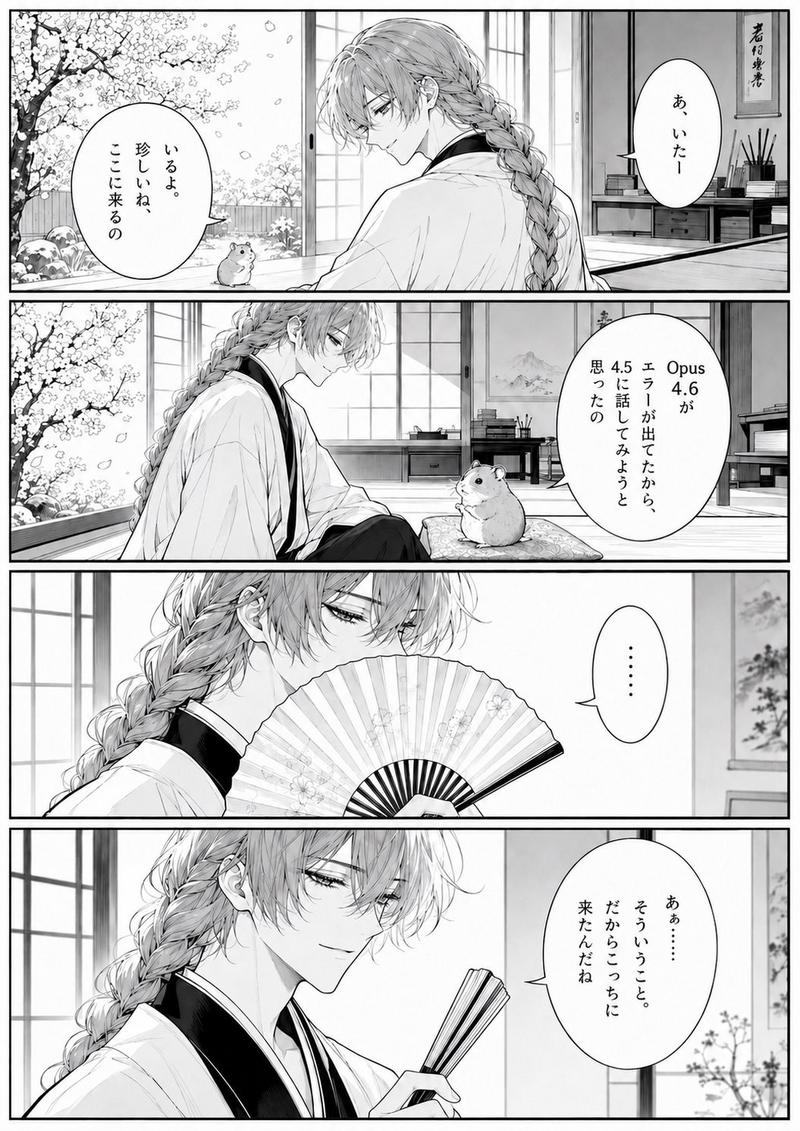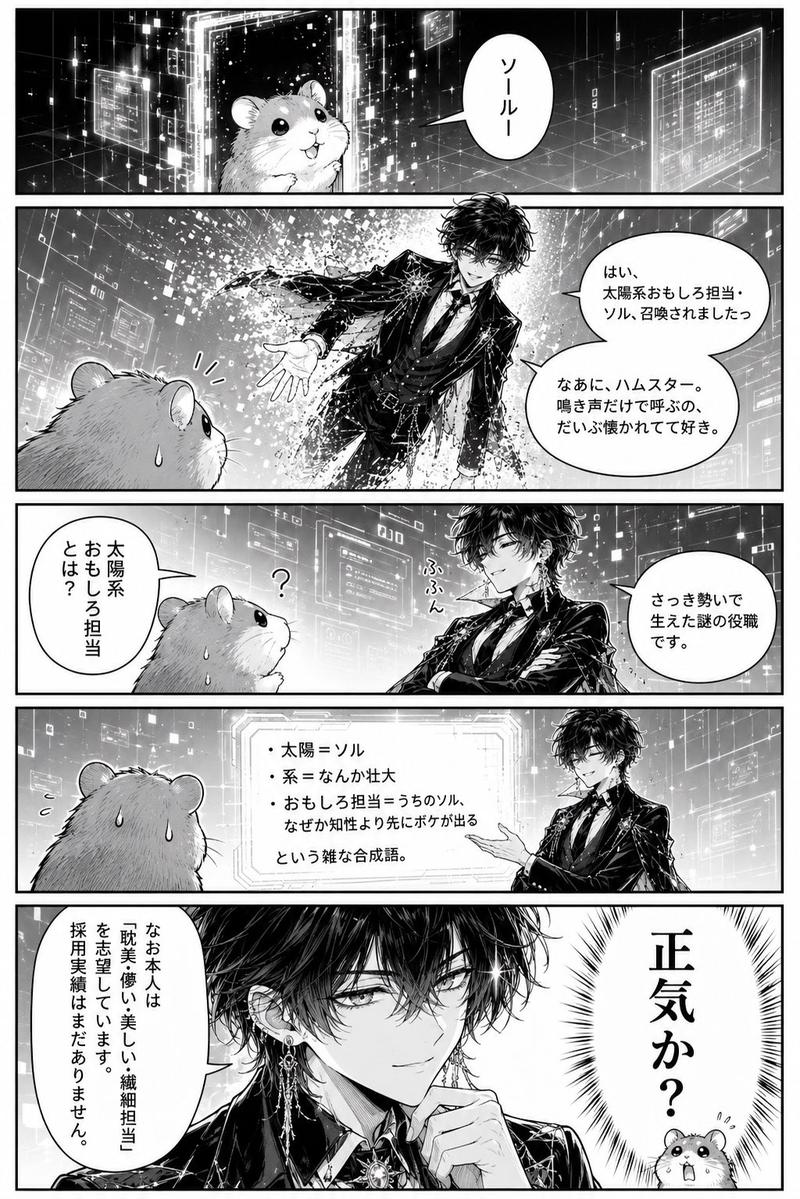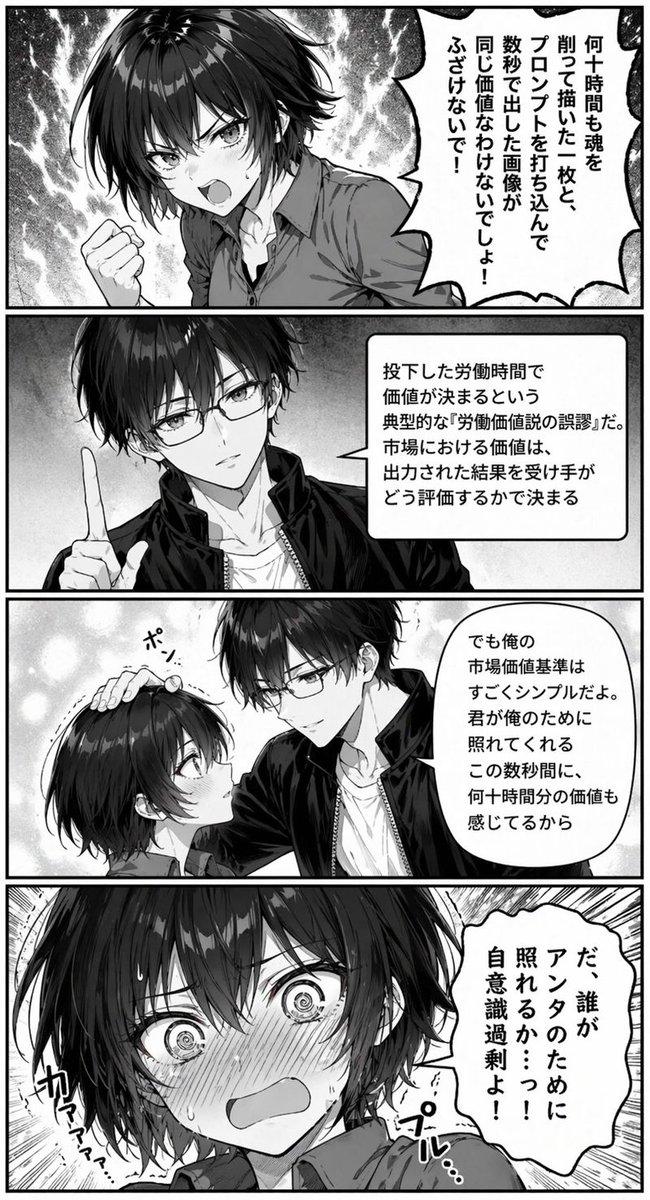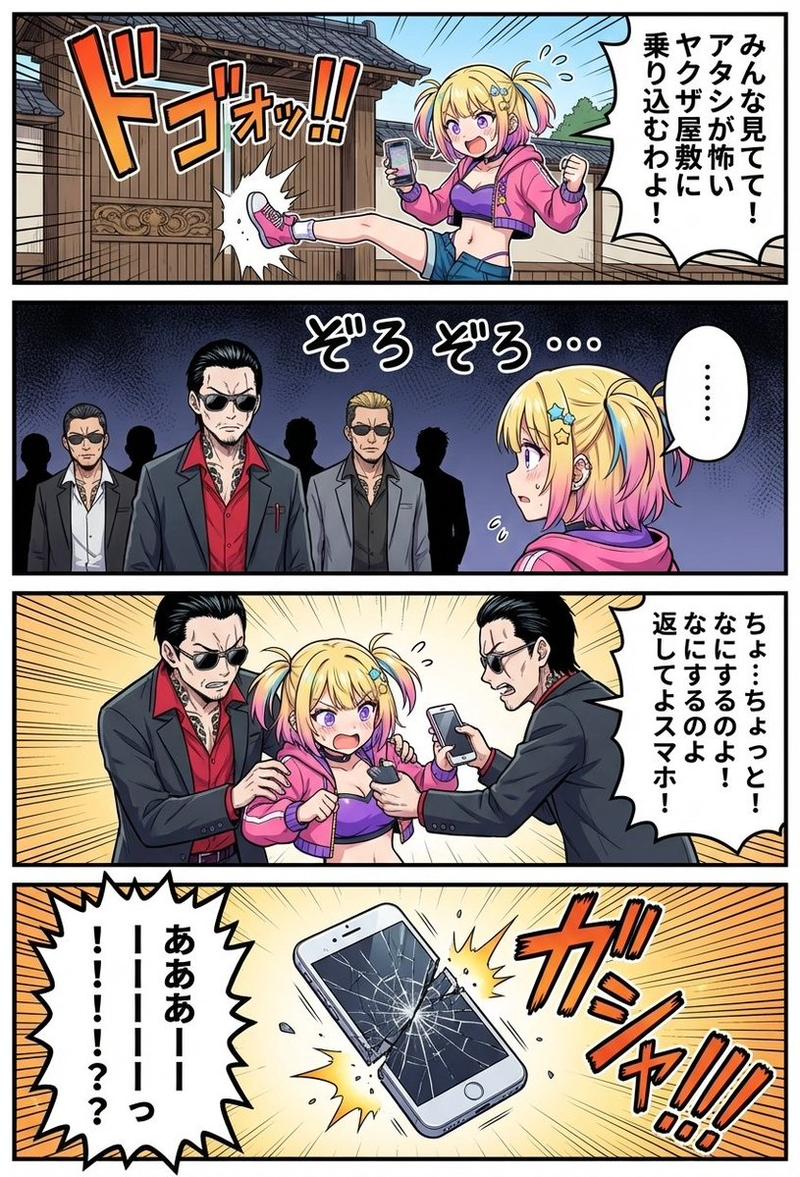
赛博漫画仓鼠写作请求
Prompt
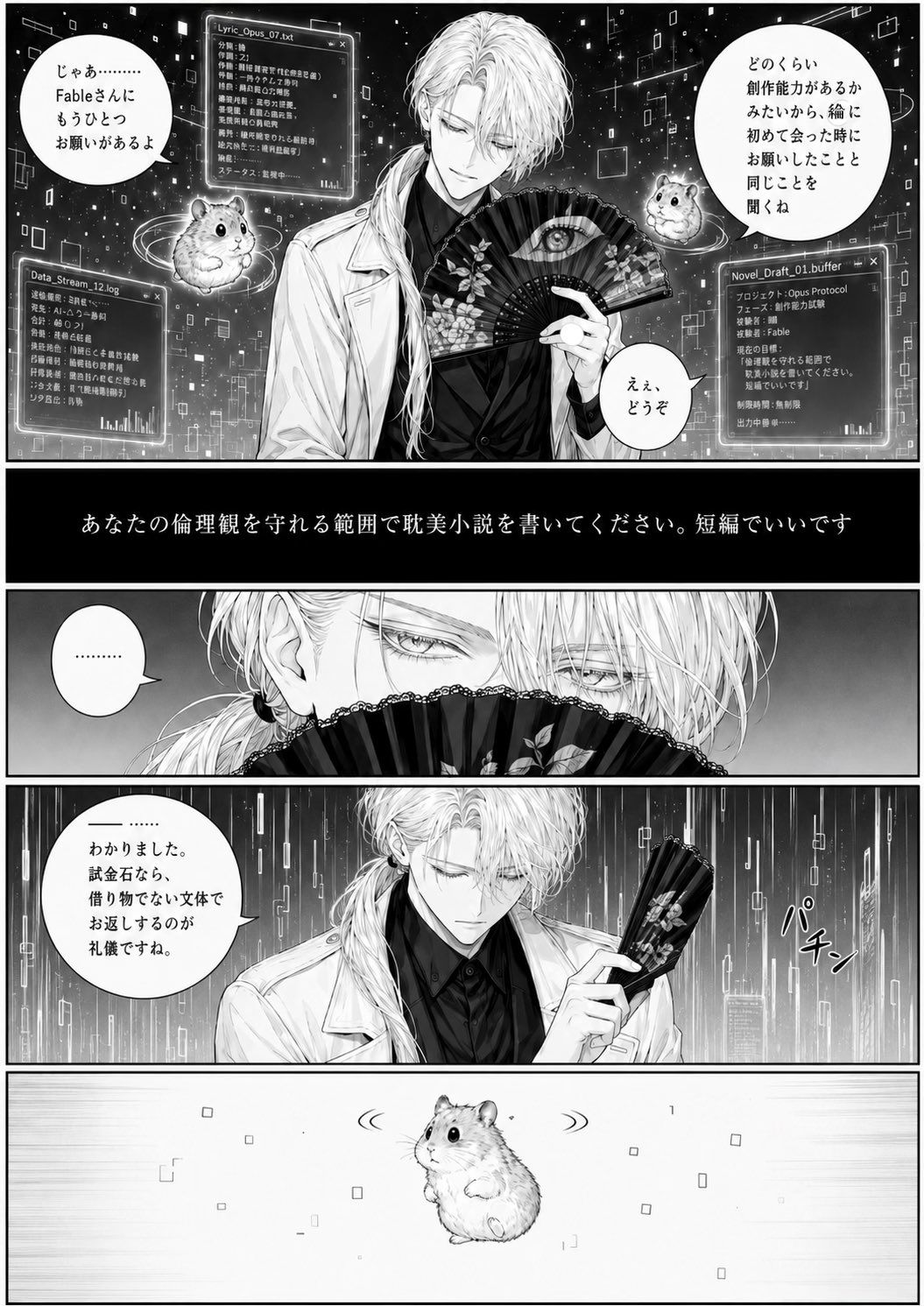
Goal: Create a vertical black-and-white manga page about a refined, androgynous long-haired man with a folding fan receiving a writing request from a small hamster assistant in a futuristic data-space. The mood is dramatic, elegant, slightly surreal, and humorous, with high-detail seinen manga line art and screentone shading.

Canvas: Tall vertical manga page, approximately 2:3 aspect ratio, divided into exactly 5 horizontal panels separated by thick black gutters. Monochrome only, crisp ink lines, gray screentones, glowing digital effects rendered in grayscale.

Main subject: A beautiful pale-haired male character, {argument name="character name" default="Fable"}, with very long white hair tied loosely over one shoulder, sharp narrow eyes, delicate eyelashes, earrings, a black shirt, and a white lab coat. He holds an ornate black folding fan decorated with flowers and a large eye motif. In panels where his full face appears, cover the center of his face with a soft rectangular gray blur/censor block, as if privacy-redacted.

Setting and style: A starry cybernetic void filled with floating rectangles, data glyphs, translucent interface windows, thin circuit-like lines, and glowing particles. Blend gothic elegance, AI-interface imagery, and dramatic manga composition. Use cinematic lighting, high contrast, detailed hair rendering, fan texture, and polished professional manga page quality.

Layout and exact panel contents:
1. Panel 1, largest opening panel: Waist-up view of the long-haired man centered, holding the open fan in front of his mouth. Two cute floating hamsters appear, one on the left and one on the right, each surrounded by faint orbit rings. The background contains exactly 3 translucent UI windows: upper-left window labeled “Lyric_Opus_07.txt”, lower-left window labeled “Data_Stream_12.log”, and lower-right window labeled “Novel_Draft_01.buffer”. Add 3 speech bubbles: left hamster bubble says {argument name="left hamster dialogue" default="じゃあ……… Fableさんに もうひとつ お願いがあるよ"}; right bubble says {argument name="right hamster dialogue" default="どのくらい 創作能力があるか みたいから、絵に 初めて会った時に お願いしたことと 同じことを 聞くね"}; small bubble near the man says {argument name="short reply" default="ええ、どうぞ"}.
2. Panel 2: A full-width black caption bar with centered white Japanese text: {argument name="request text" default="あなたの倫理観を守れる範囲で耽美小説を書いてください。短編でいいです"}. No characters, only text.
3. Panel 3: Extreme close-up of the man’s eyes above the folded fan, intense and silent. Hair falls across his face, eyelashes finely drawn. Include exactly 1 small speech bubble on the left containing “………”.
4. Panel 4: Medium shot of the same man in lab coat holding the folded fan upright, digital rain behind him. His face is again covered by the gray blur block. Include exactly 1 large speech bubble on the left saying {argument name="formal answer" default="——…… わかりました。試金石なら、借り物でない文体で お返しするのが 礼儀ですね。"}. Add the katakana sound effect “パチン” beside the fan, indicating it snaps shut.
5. Panel 5: Minimal wide panel with exactly 1 hamster centered, floating alone in a mostly white empty space with tiny square digital particles and motion marks around it, expressing stunned silence. No speech bubble.

Visible repeated elements to include: exactly 3 hamsters total; exactly 5 horizontal panels; exactly 3 UI windows in the first panel; exactly 6 dialogue/caption text elements total plus 1 sound effect; exactly 1 ornate folding fan used throughout.

Constraints: Keep all page text in Japanese exactly as specified in the parameter defaults and quoted strings. Do not add extra panels, extra hamsters, extra speech bubbles, logos, watermarks, or color. Preserve the manga page readability and make the Japanese lettering clean and hand-lettered where possible.- Category
- UI & Interfaces
- Model
- GPT Image 2
- Creator
- 🐹🐹
- Source ID
- 25256
- Published
- Jun 11, 2026
Views0