17

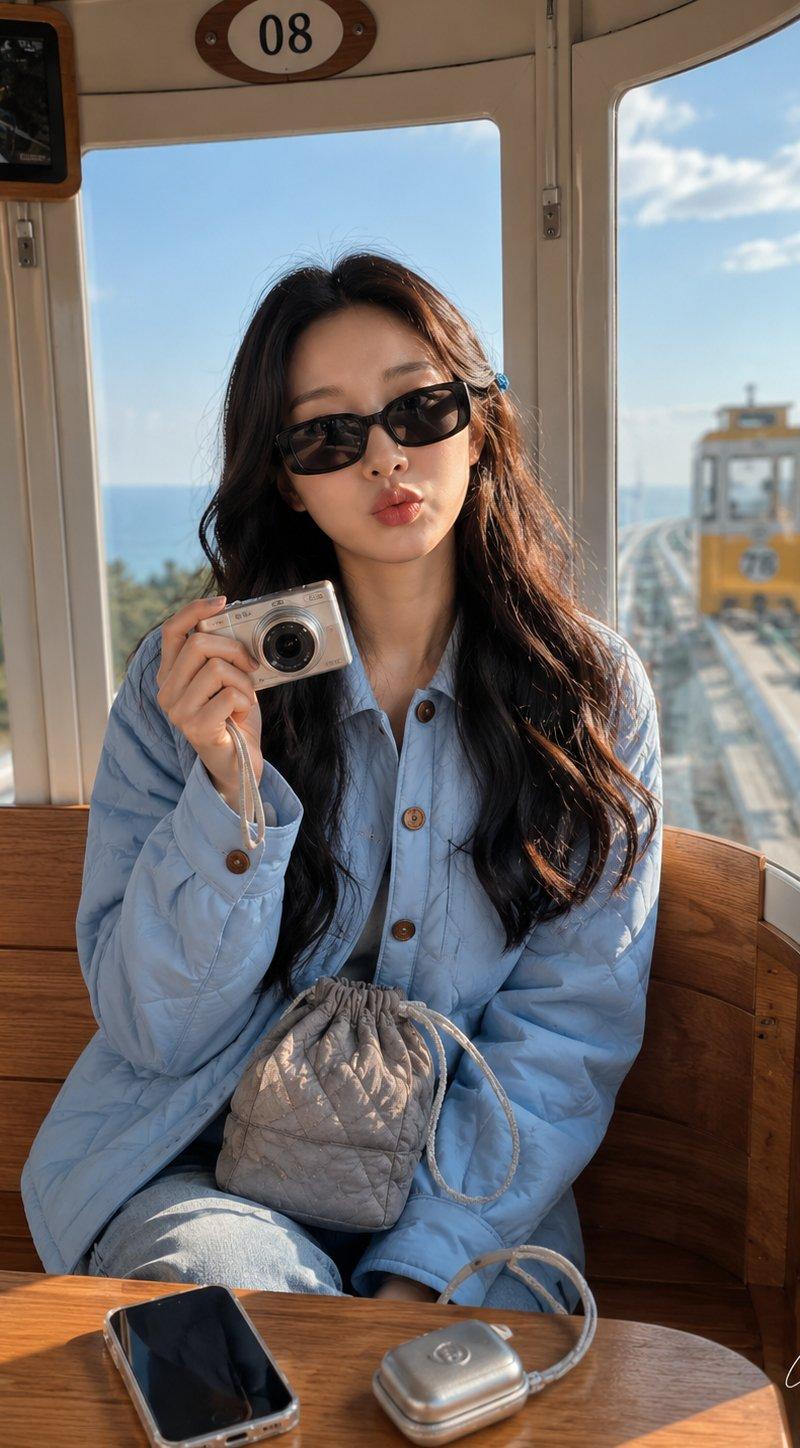
单轨列车胶囊旅行场景
Enlarge

Example images

单轨列车胶囊旅行场景

Prompt
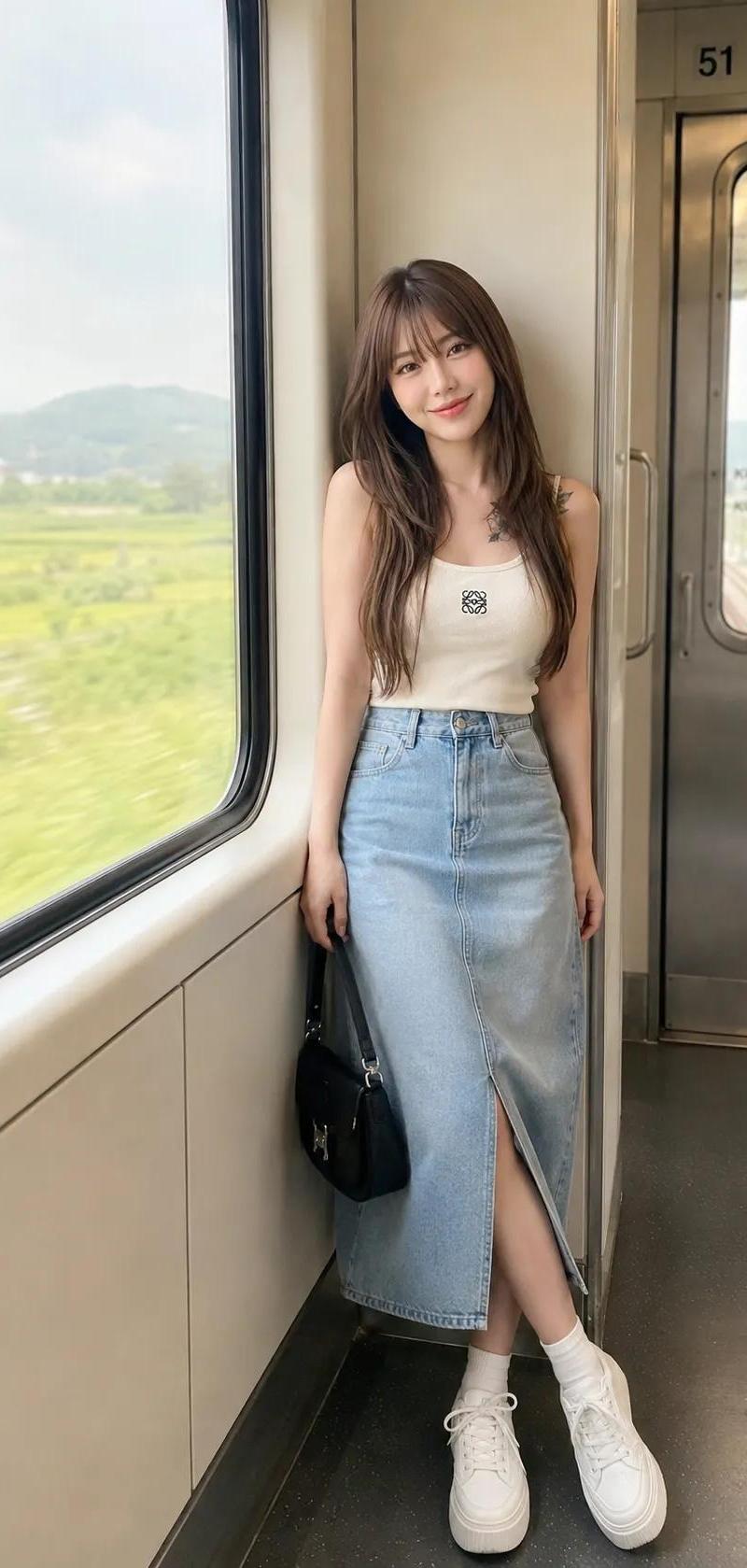
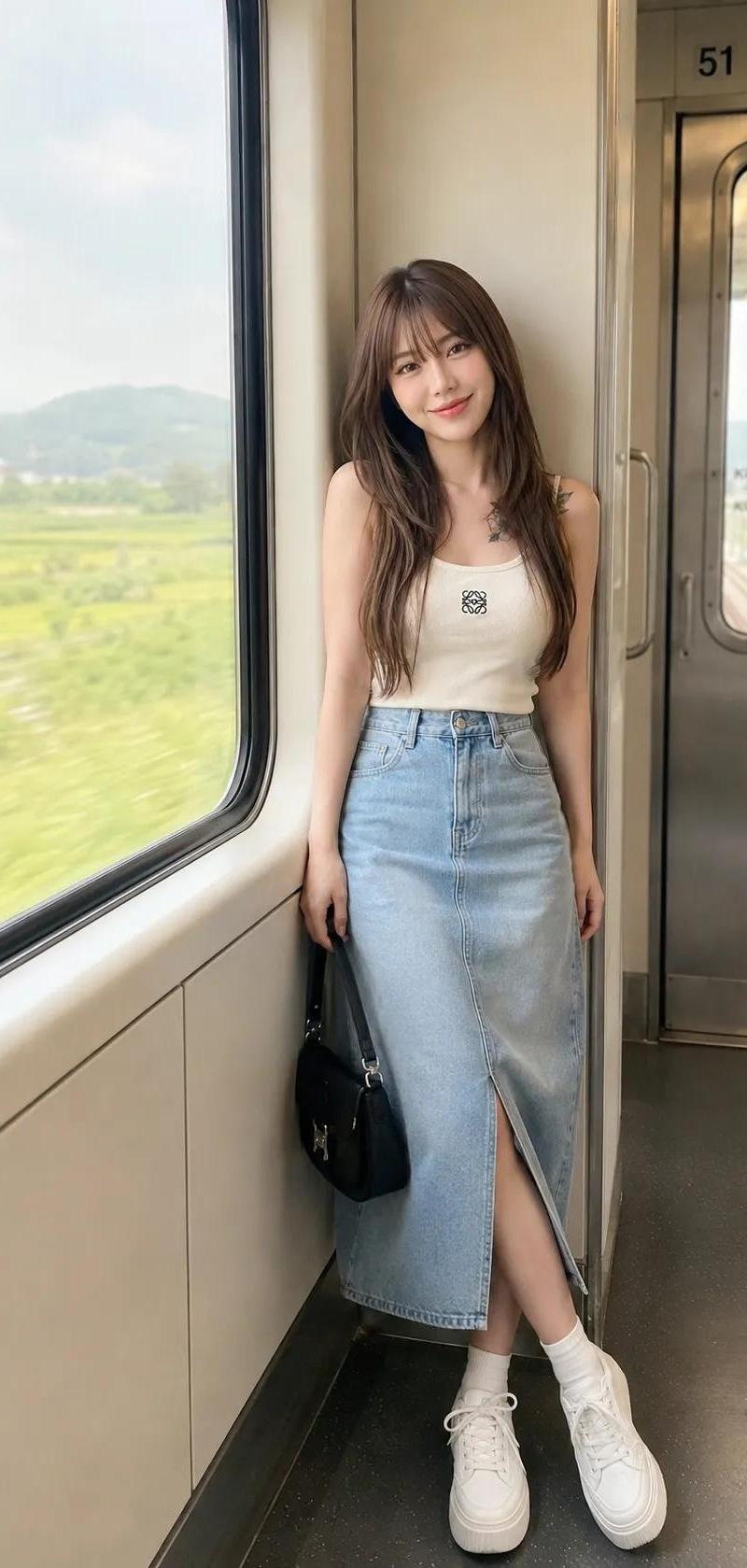
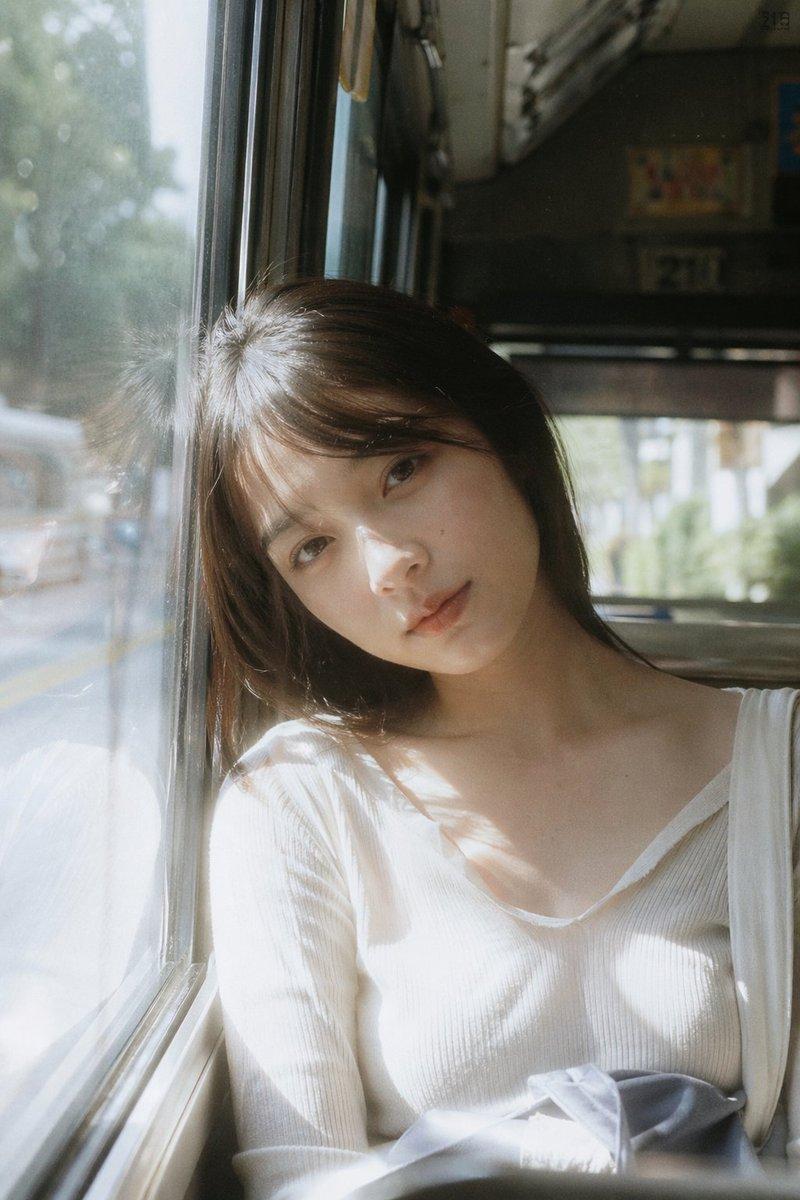
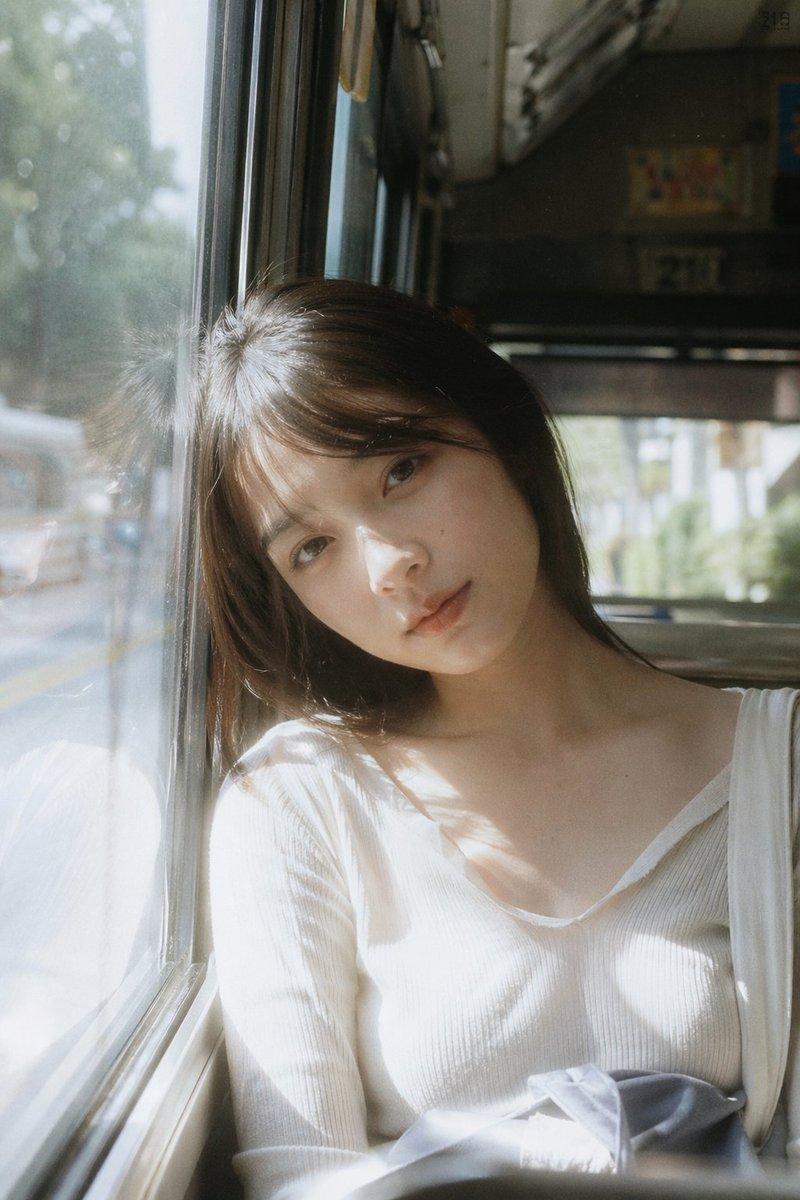
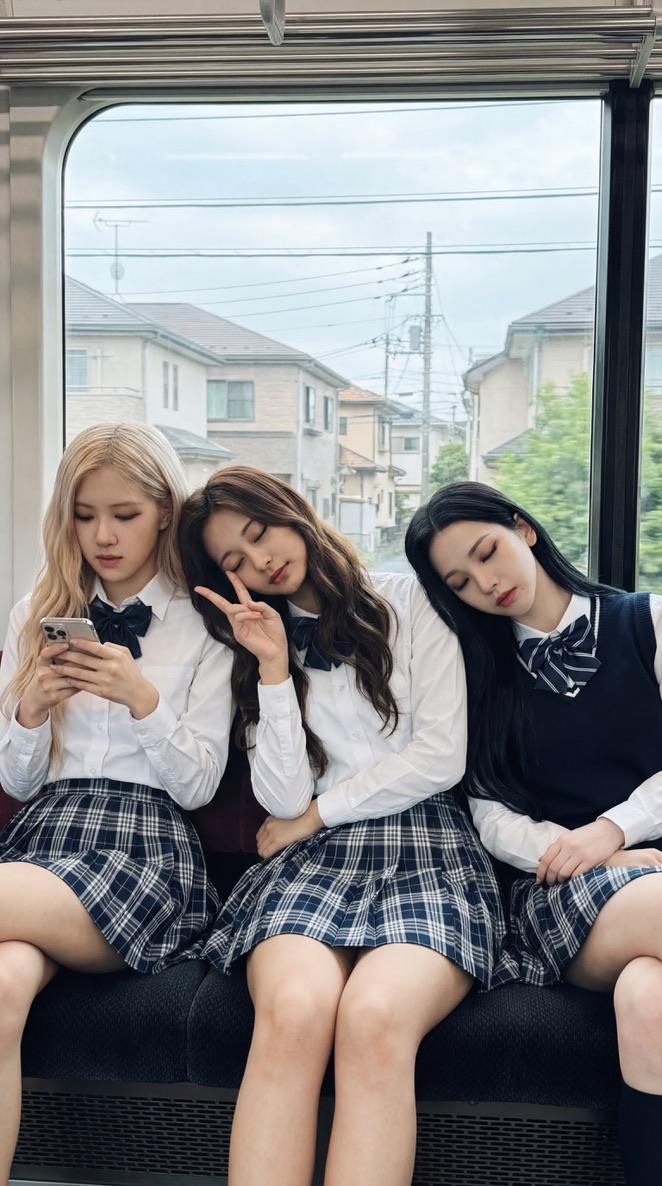
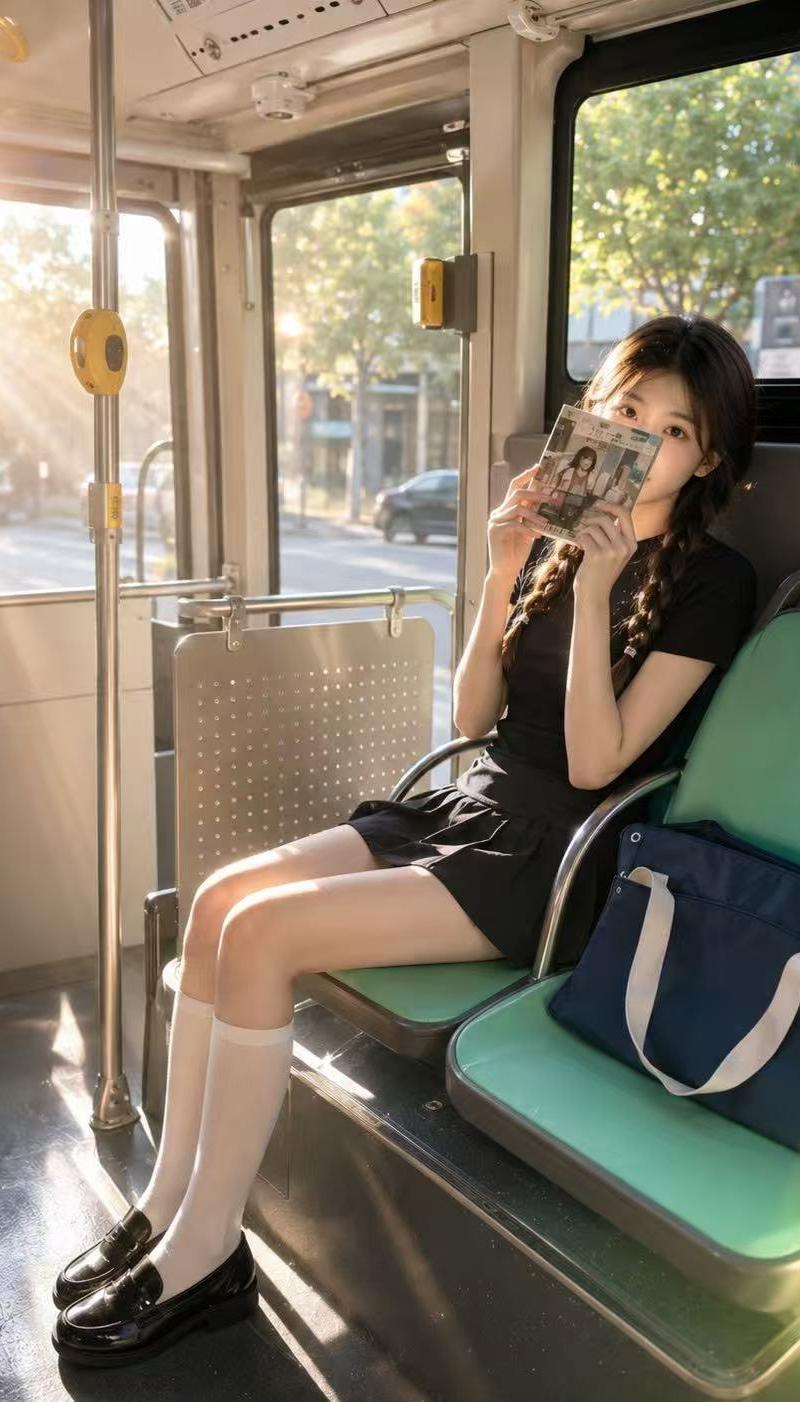
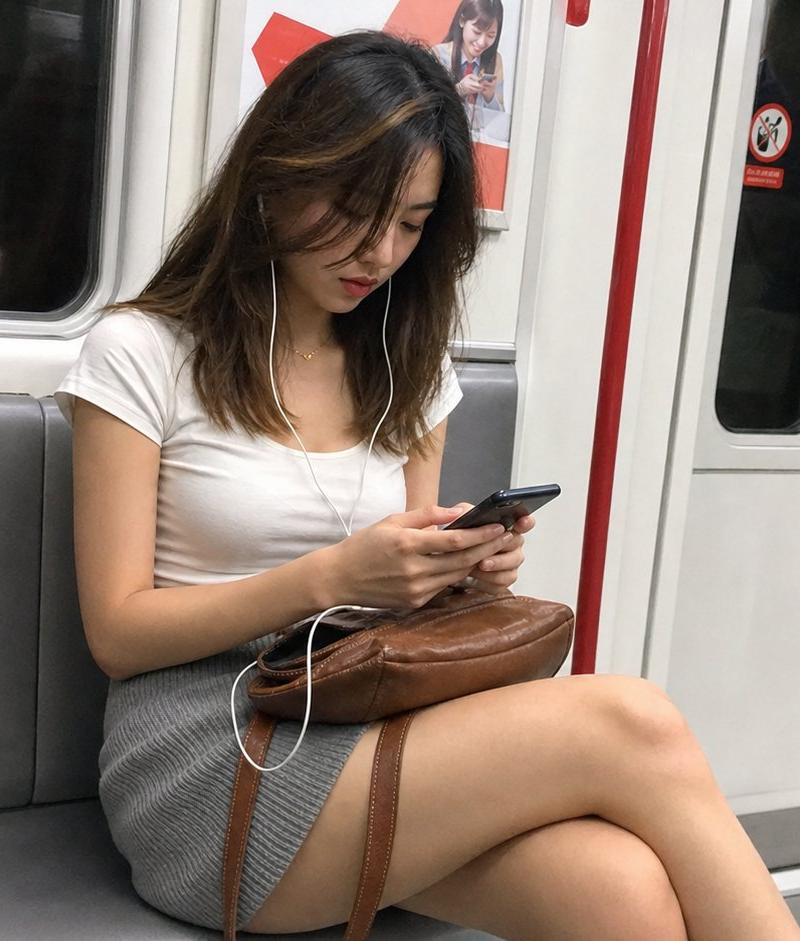
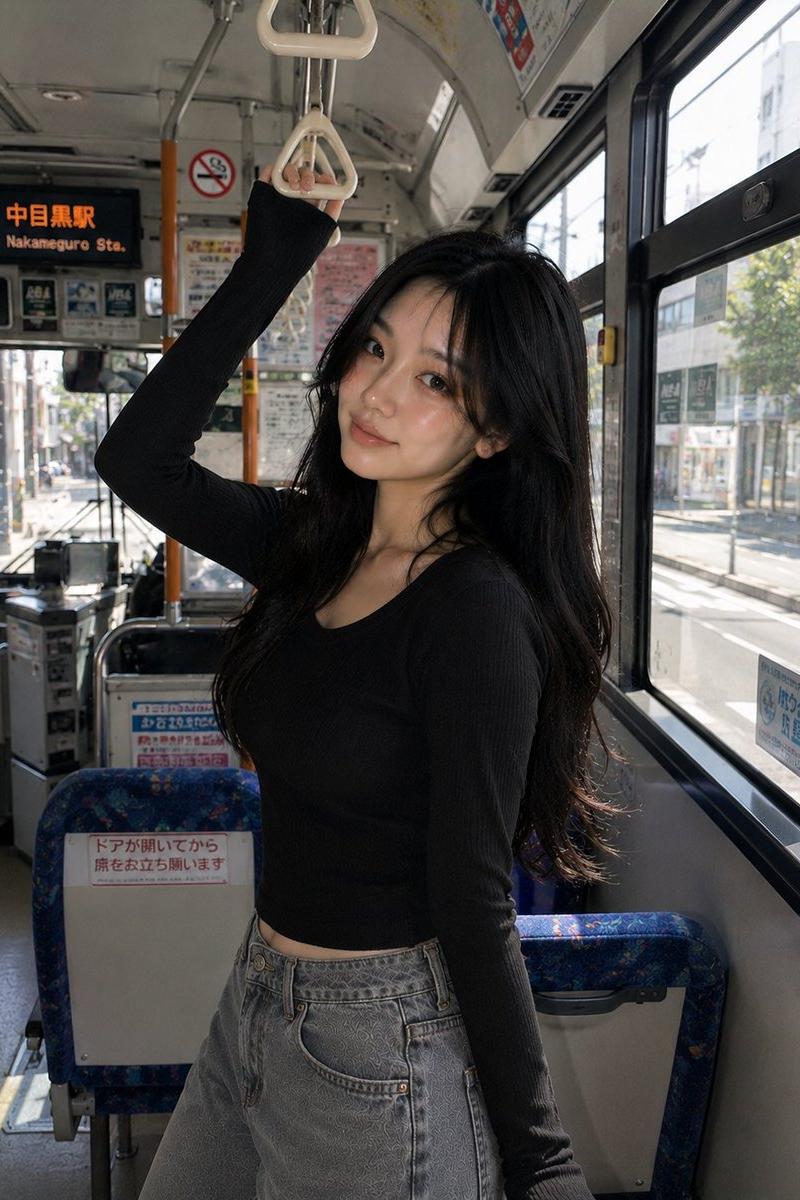
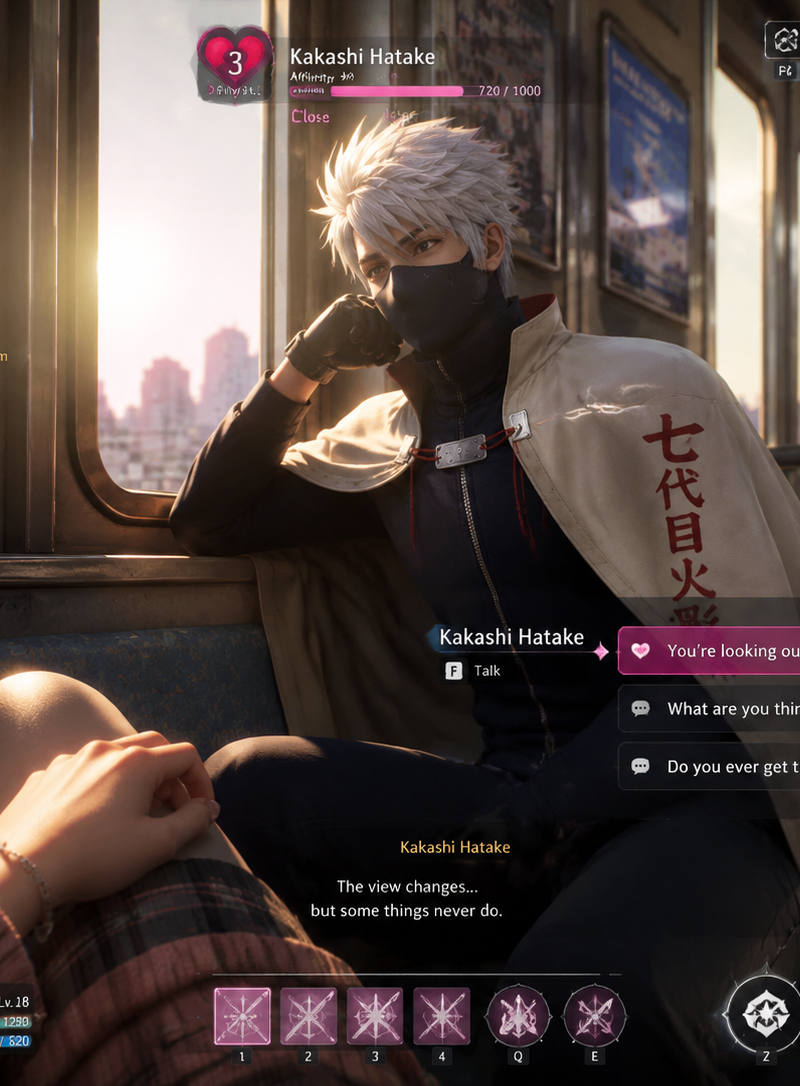
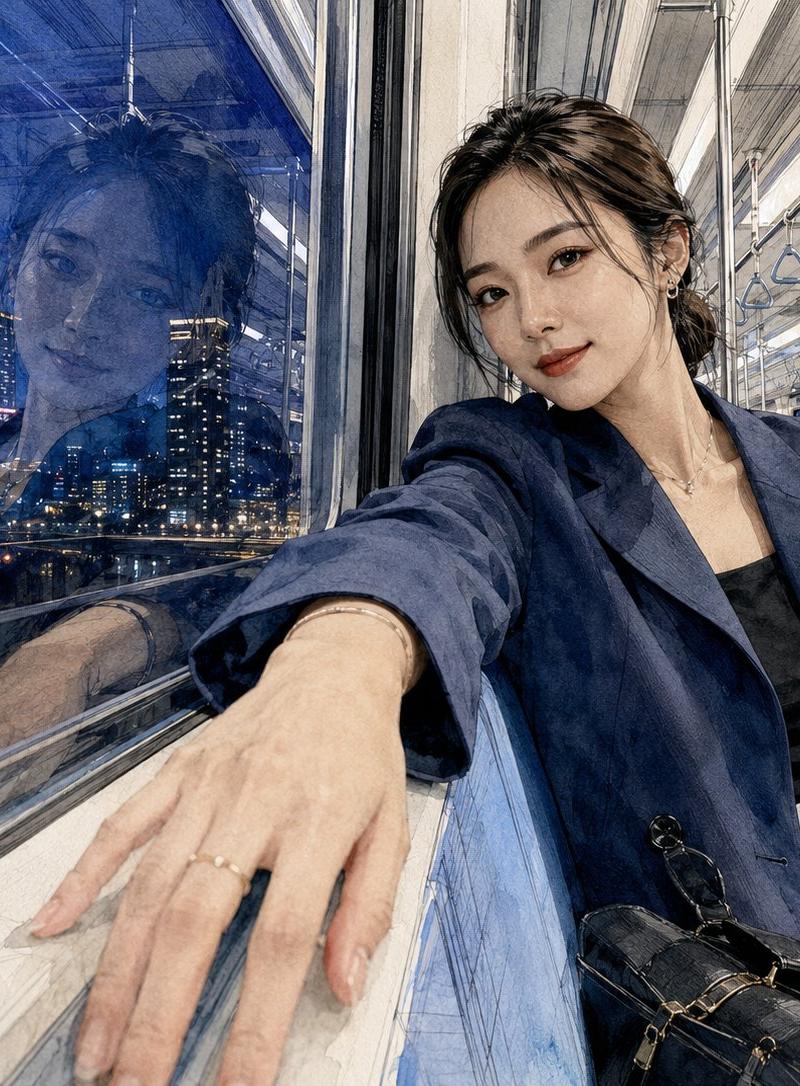
[主体] 参考图 1 和图 2

[主体的姿势与表情]

主体坐在小型且迷人的 {argument name="vehicle" default="单轨列车胶囊"} 内的木质座椅上,目视前方。主体佩戴黑色长方形墨镜,表情可爱地嘟着嘴(仿佛在亲吻),右手在胸前轻轻握着一台小型银色数码相机。

[主体的穿搭]

主体穿着一件明亮的 {argument name="jacket color" default="淡天蓝色"} 绗缝衬衫夹克,配有棕色纽扣装饰,下身搭配浅蓝色牛仔裤。膝盖上放着一个舒适的灰色绗缝抽绳小包。

[发型与妆容细节]

主体留着 {argument name="hair style" default="黑色长卷发"},发型自然蓬松,侧边头发用一个小巧的蓝色抓夹固定,作为清爽的点缀。妆容主打透明感十足的亮泽底妆,嘟起的嘴唇上涂抹着水润活泼的珊瑚粉色唇釉。

[光影与光线方向]

午后温暖的黄色自然光从胶囊右侧窗户斜射进来。这种光线在人物脸部左侧和衬衫表面投下柔和的阴影,使整个内部空间充满了温暖而舒适的氛围。

[质感与色彩基调]

衬衫、大海与天空的各种蓝色调,与外部胶囊鲜艳的黄色形成了互补色对比。绗缝衬衫的蓬松质感与木质内饰的温暖质感相得益彰,营造出一种充满旅行兴奋感与放松感的明快氛围。

[胶片、相机镜头景深与角度]

使用 f/2.8 光圈、1/320 秒快门速度、ISO 200 和 35mm 定焦镜头拍摄。采用正面平视角度,稳定地捕捉了狭窄胶囊内人物的上半身和前方桌子。应用了浅景深效果,使人物形象非常清晰,而窗外可见的轨道和其他胶囊则呈现出柔和的虚化效果。

[背景元素(可选)]

海岸单轨列车(空中胶囊)内部,采用白色和木色调设计。头顶上方有一个标有数字“08”的椭圆形标志,左上角安装了一个显示轨道的小型监视器。窗外,一辆黄色的“78”号胶囊正行驶在空中轨道上,远处是蔚蓝的大海和绿色的松林。前方木桌上放着一部智能手机和一个相机包。

[签名] 右下角有一个小型的 Meta 旗下 Threads 标志,上方用白色小字草书写着“CHAse”作为签名。
Category
Charts & Infographics
Model
GPT Image 2
Creator
CHAse
Source language
ko
Views0
Source ID
25676
Published
Jun 14, 2026
Studio

Guide

About "单轨列车胶囊旅行场景"

What is this prompt for?

"单轨列车胶囊旅行场景" AI image prompt for GPT Image 2 (Charts & Infographics). 一个用于生成木质单轨列车胶囊内温馨旅行场景的详细提示词,重点关注人物细节、光影效果以及怀旧摄影美学。 Copy it on Picva and recreate the look…

The full copyable prompt and example visuals above are ready for AI image generation or one-click recreate in Picva.

How to use this prompt

  1. Step 1

    Open the prompt detail

    Review the example visuals, category, and full prompt text for "单轨列车胶囊旅行场景".

  2. Step 2

    Copy the prompt

    Copy the prompt body from this page, or load it directly in Studio.

  3. Step 3

    Pick a model (GPT Image 2)

    Prefer GPT Image 2. If you switch models, keep subject and composition and tweak style terms.

  4. Step 4

    Generate and export

    Recreate the look in Picva, or export into your workflow for editing and publishing.

FAQ

What is the "单轨列车胶囊旅行场景" prompt?
It is an AI image-generation prompt for GPT Image 2 in the Charts & Infographics category. This page includes the full prompt text, example visuals, and a one-click recreate path in Picva.
How do I use this prompt to generate an image?
Copy the prompt from this page, or use Generate / Studio. Paste it into a compatible image model, or recreate the look in Picva with optional reference images.
Which model is this prompt for?
This page lists GPT Image 2. Most descriptive prompts also transfer to nearby image models such as GPT Image, Flux, or Midjourney with light style tweaks.
Can I use the result commercially?
You can usually copy the prompt for creation, but commercial use of the final image depends on the model terms, reference-image rights, and the generated content. Follow the source author and platform rules.