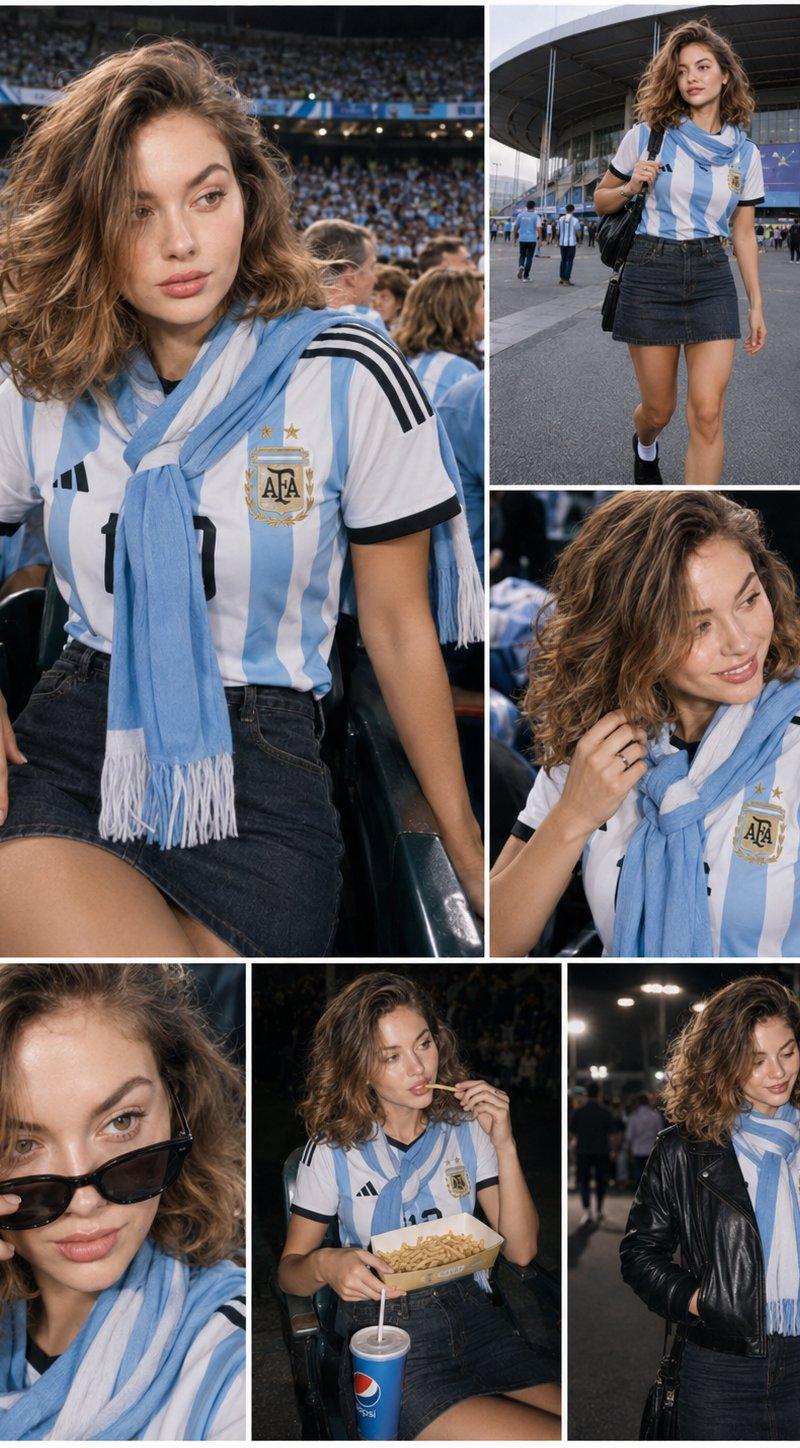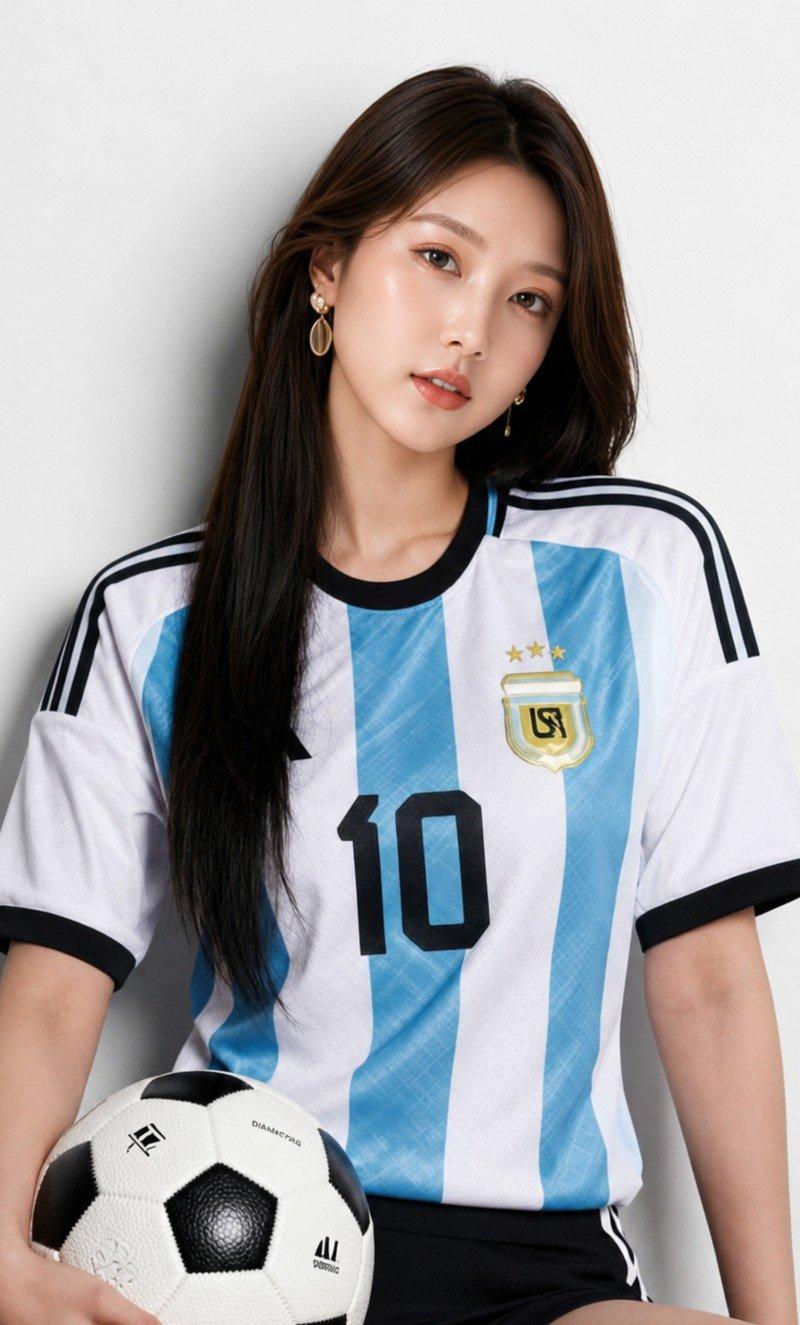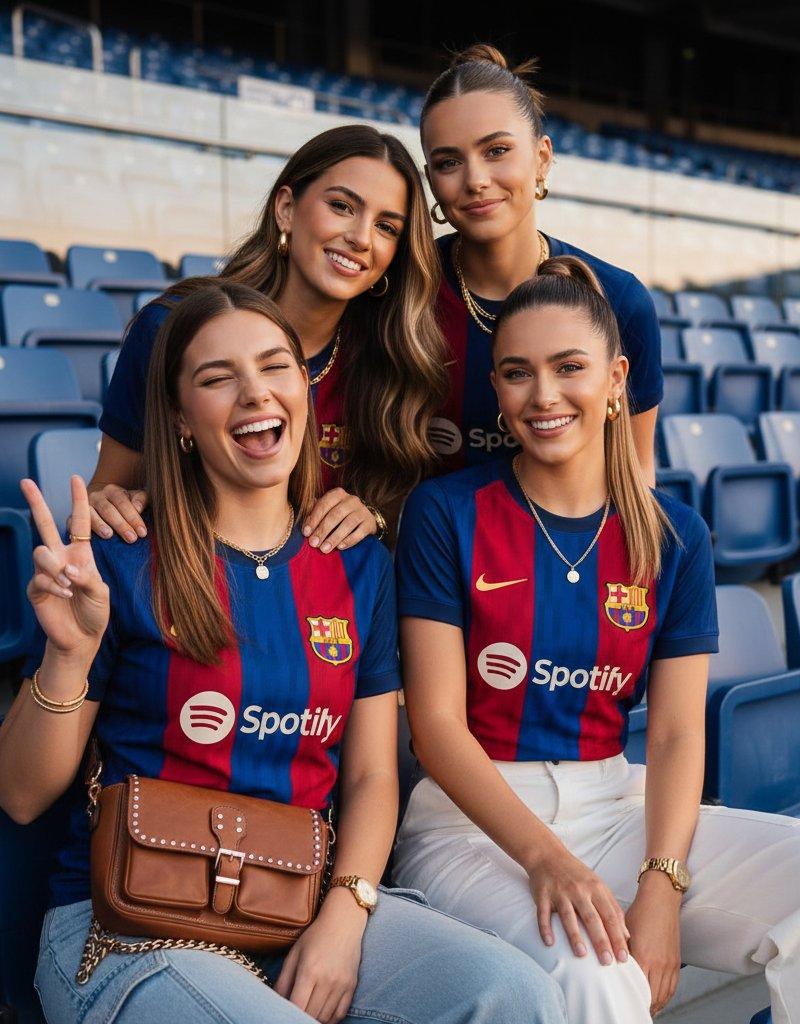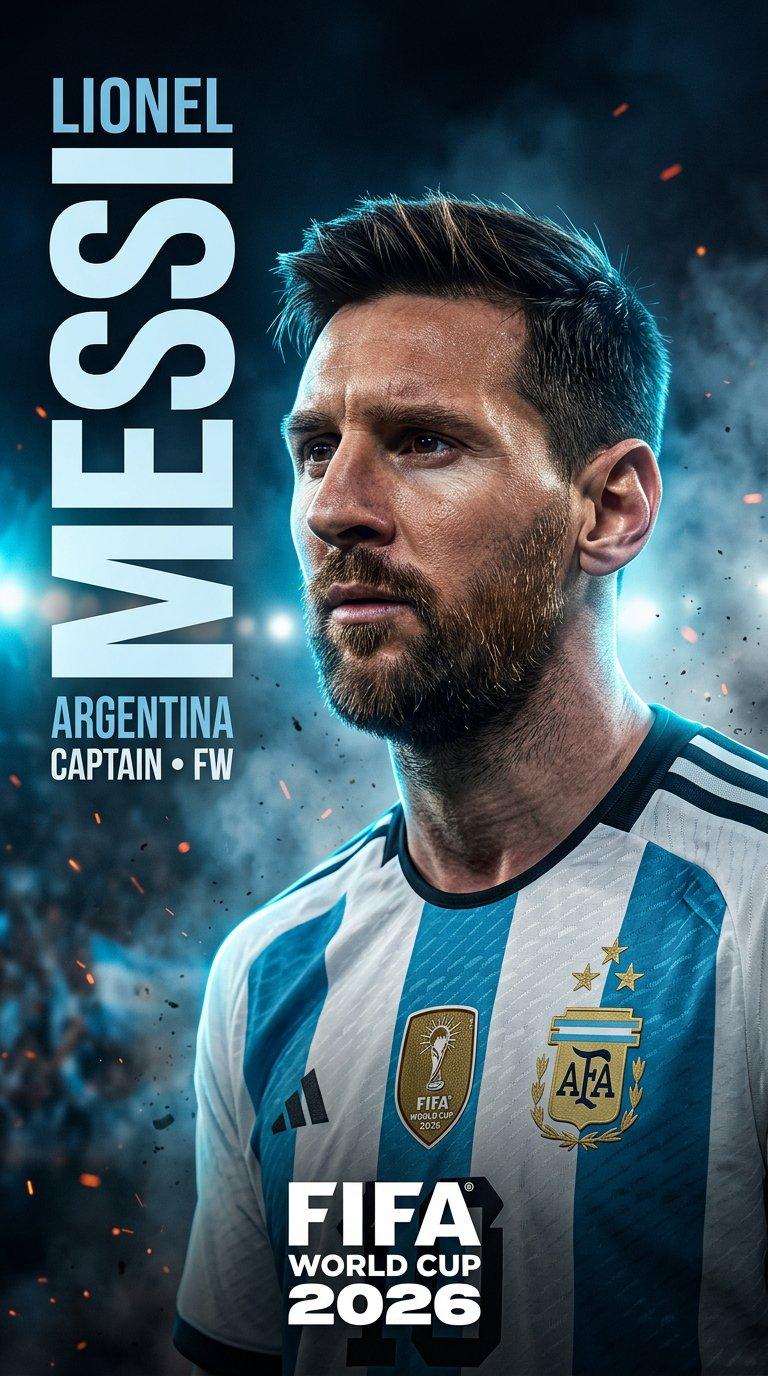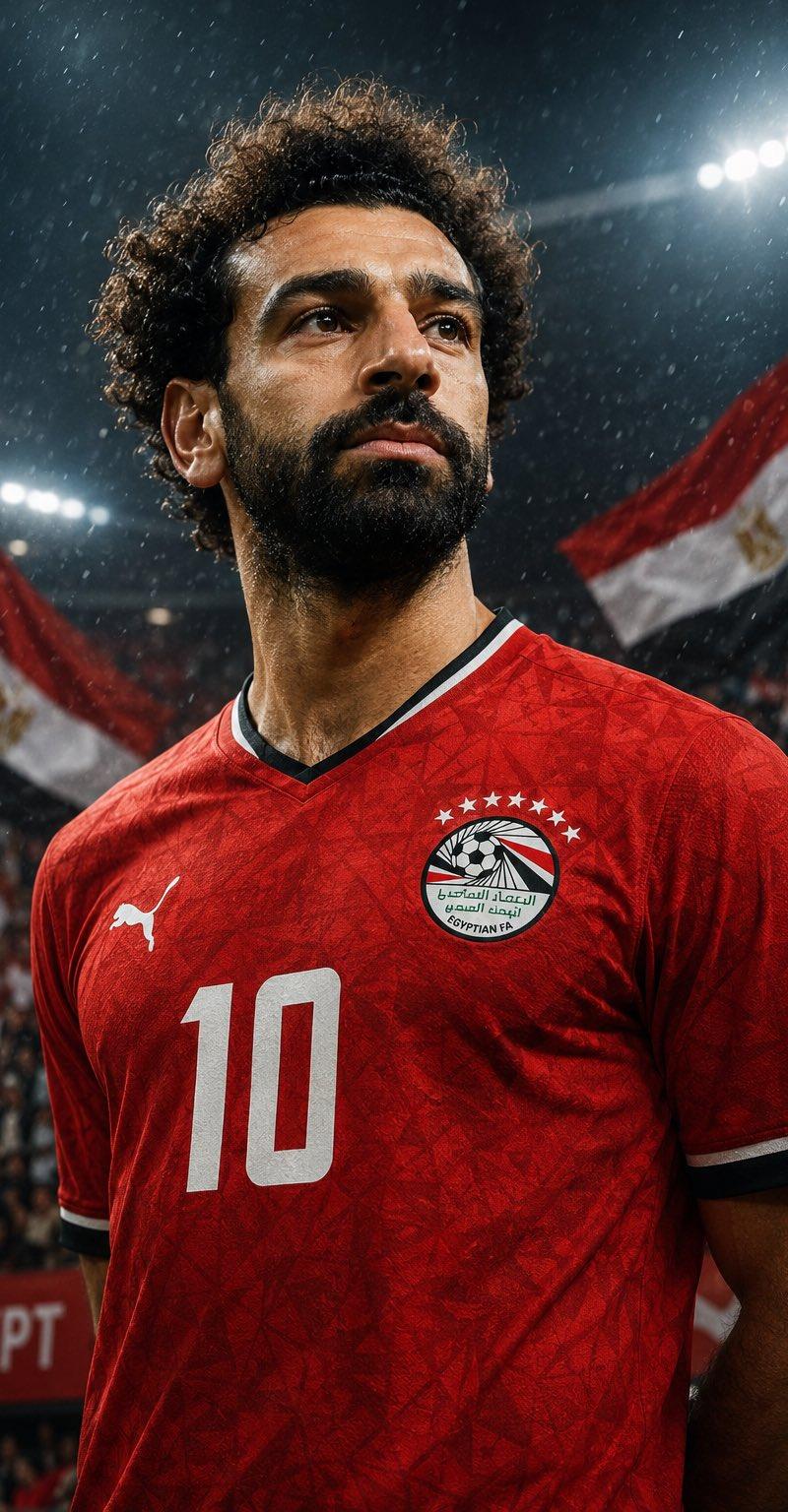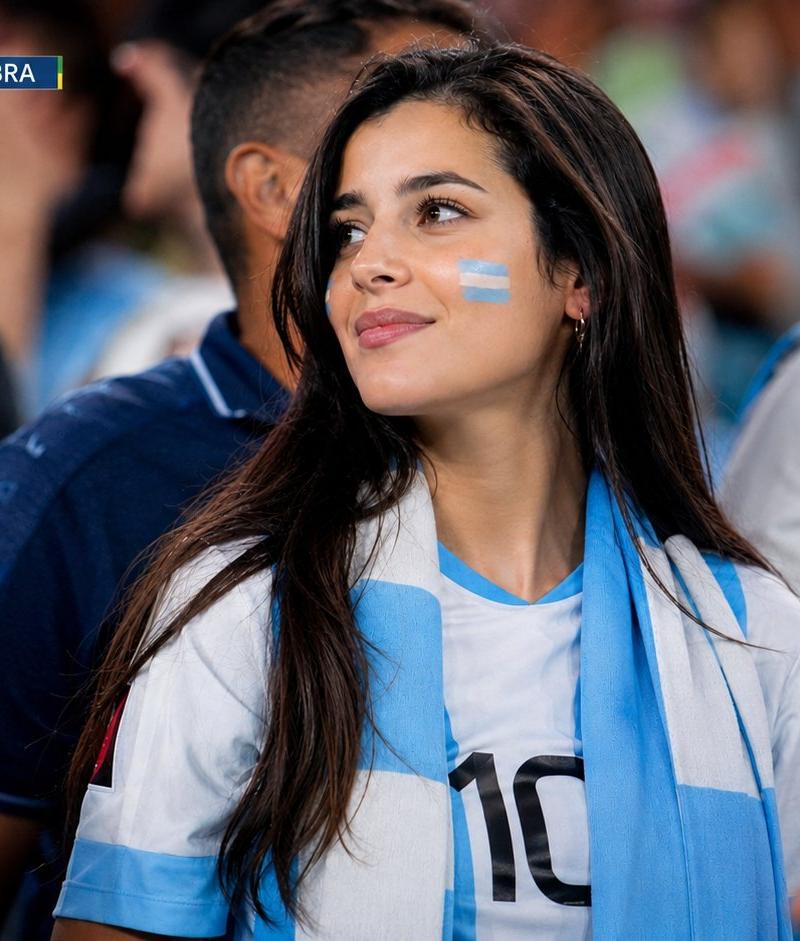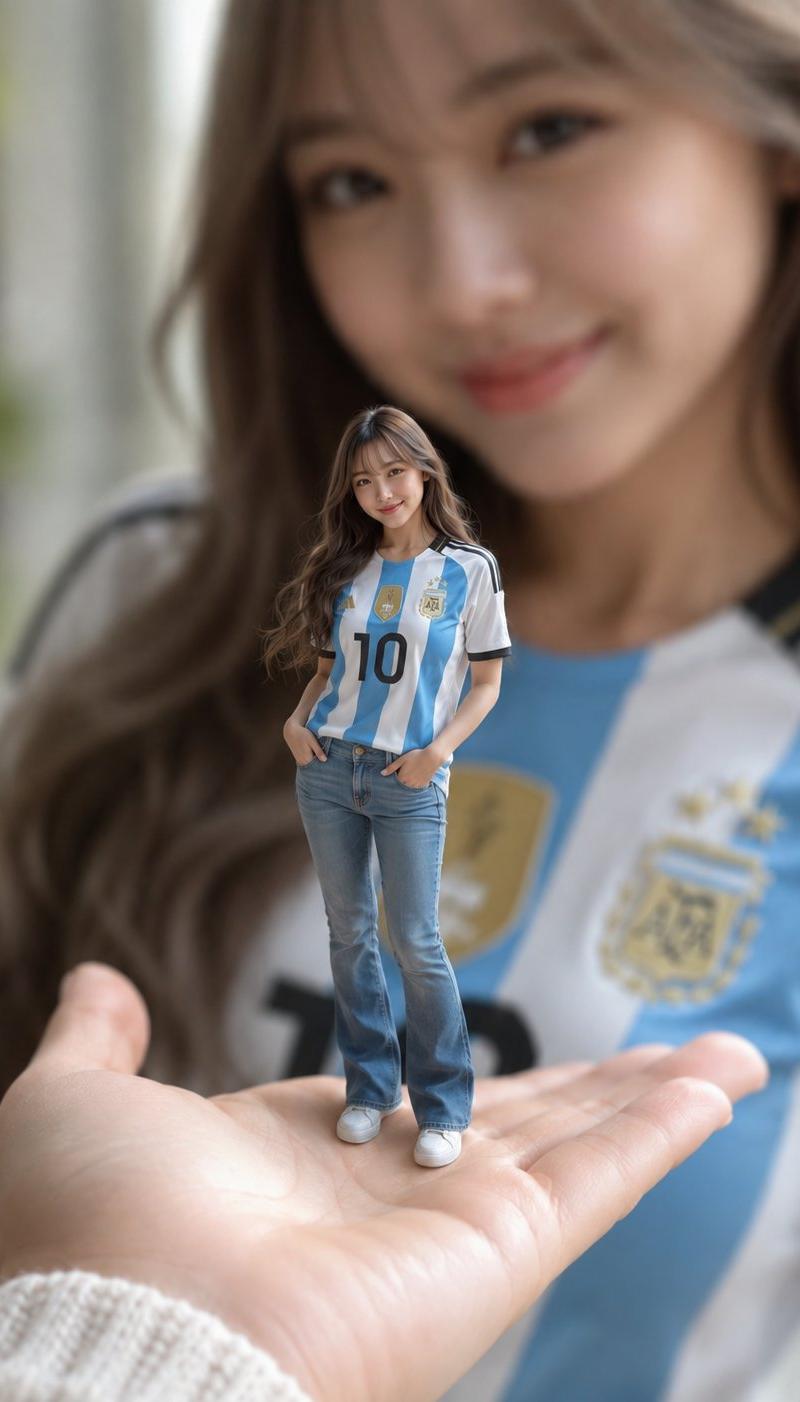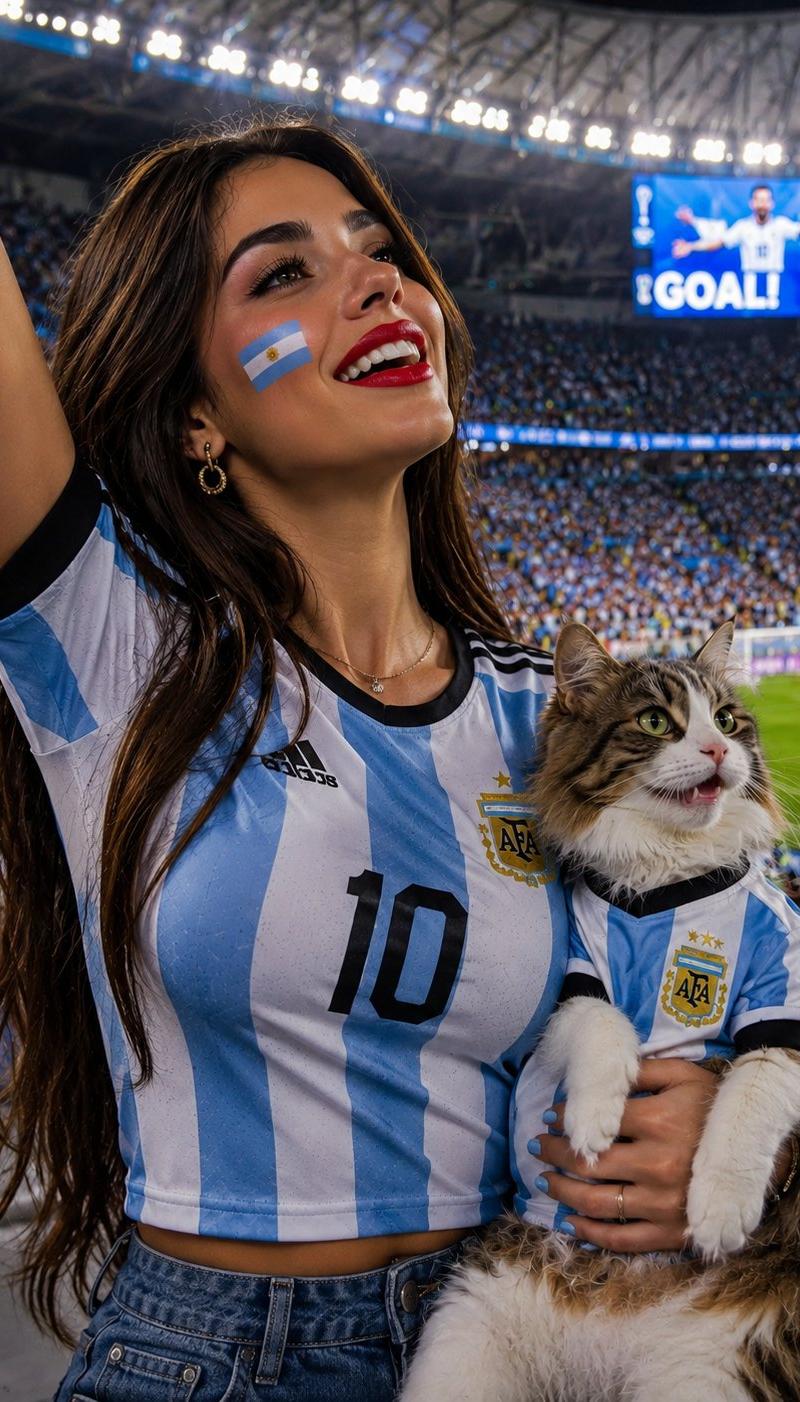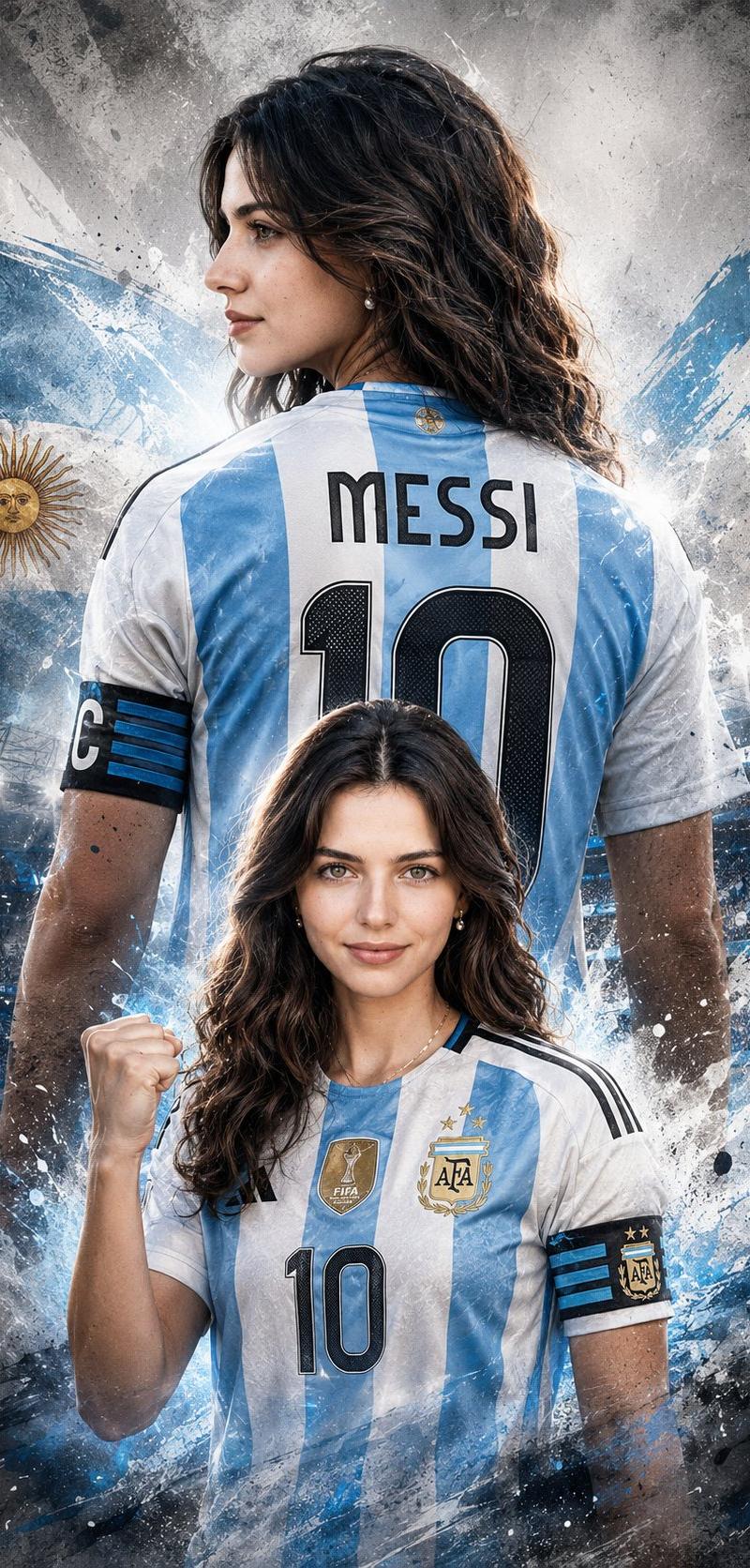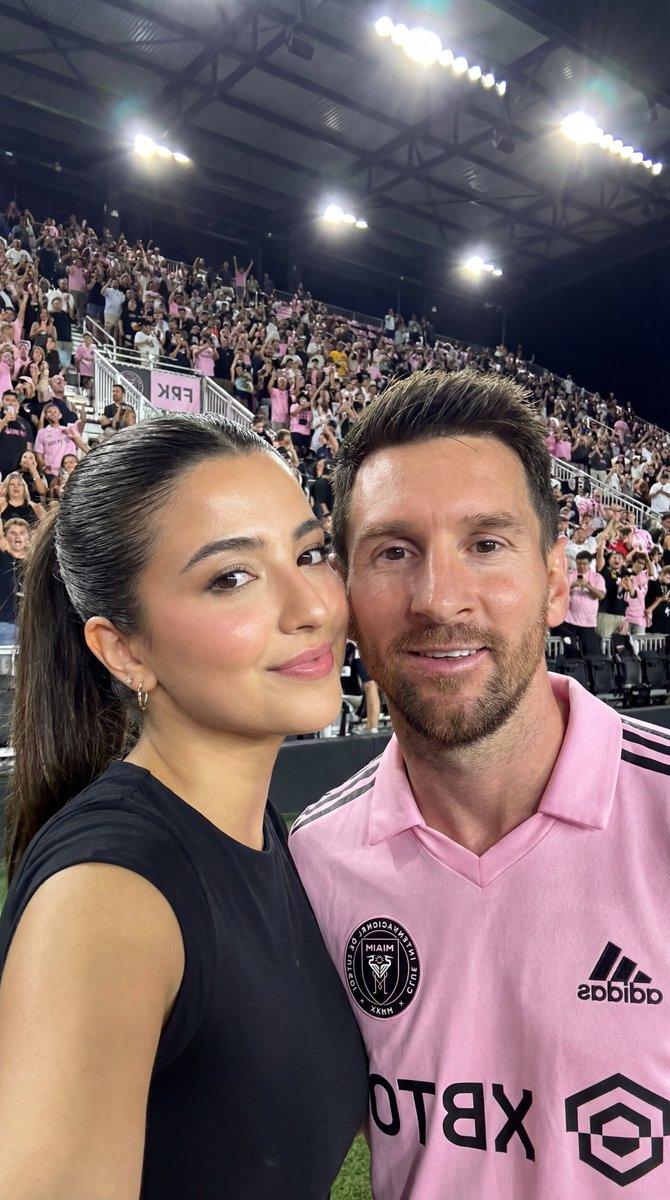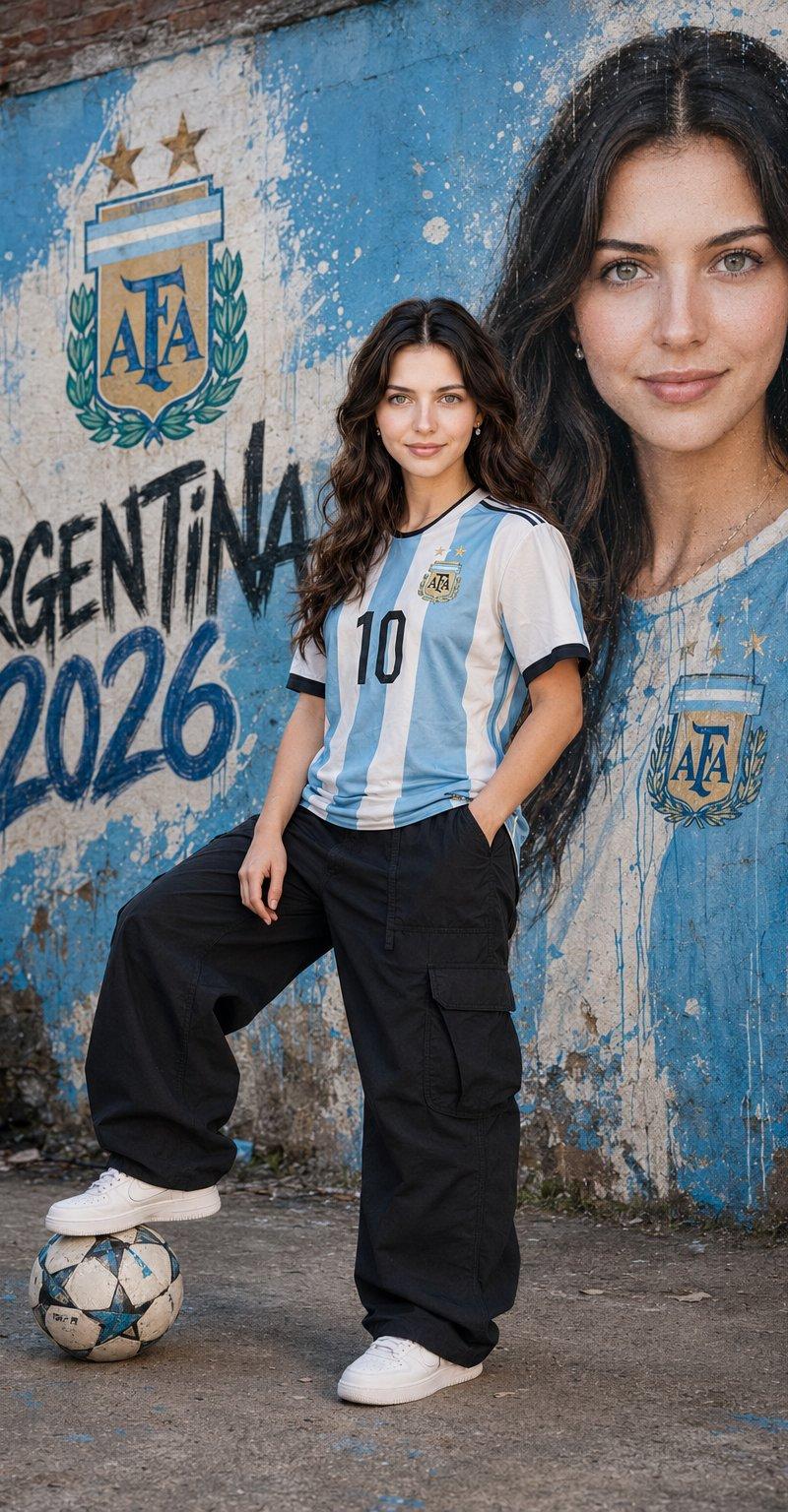
世界杯球场球迷形象转换
提示词
Transform the uploaded photo into a realistic World Cup stadium fan scene. Place the person naturally among thousands of supporters in a packed football stadium during a major international tournament. The person should be wearing the official national team jersey of {argument name="country" default="your country"}, sitting or standing among fans who are also supporting the same nation. Maintain the person’s facial identity, hairstyle, and recognizable features while creating a realistic candid sports photography look. Capture the excitement, emotion, and atmosphere of a live World Cup match, with authentic stadium seating, crowds, flags, scarves, team colors, and match-day energy. The subject should blend naturally into the crowd as if photographed by a professional sports photographer during a real game. Use realistic lighting, shallow depth of field, natural facial expressions, and documentary-style sports photography. The image should feel authentic, cinematic, highly detailed, and indistinguishable from a real photograph taken during an international football tournament. Ultra-realistic, professional photography, realistic crowd interactions, authentic fan culture, natural clothing folds, realistic stadium environment, high detail, 8k quality.Ratio 4:5- 分类
- 图表信息图
- 模型
- GPT Image 2
- 来源作者
- Mahnoor Fatima
- 原始语言
- en
- 来源 ID
- 25765
- 发布时间
- 2026年6月15日
浏览量1201