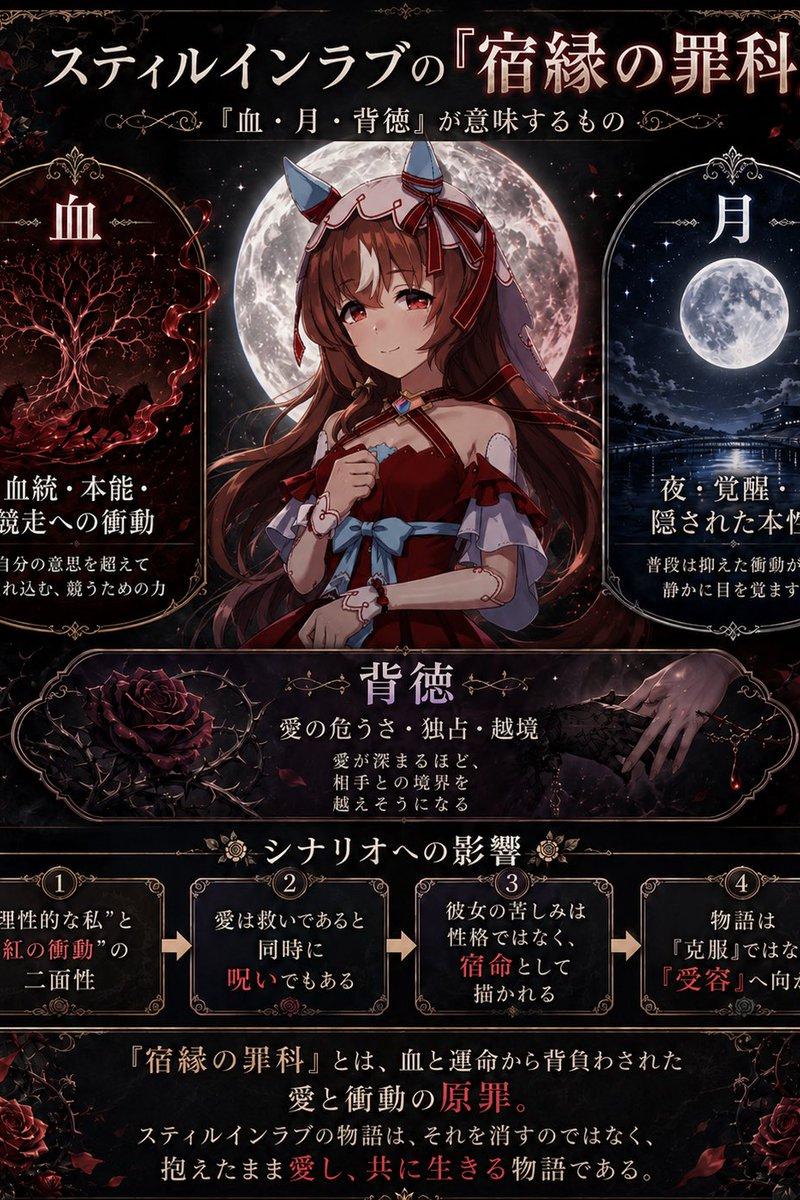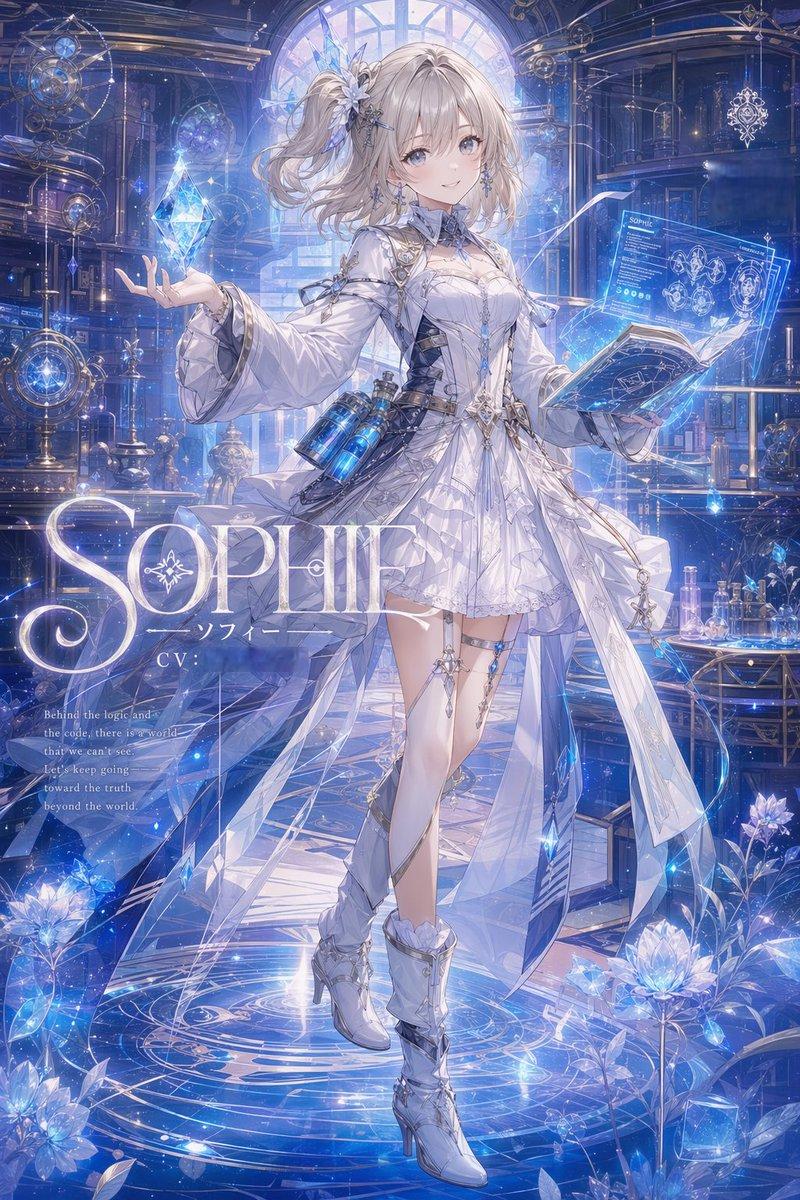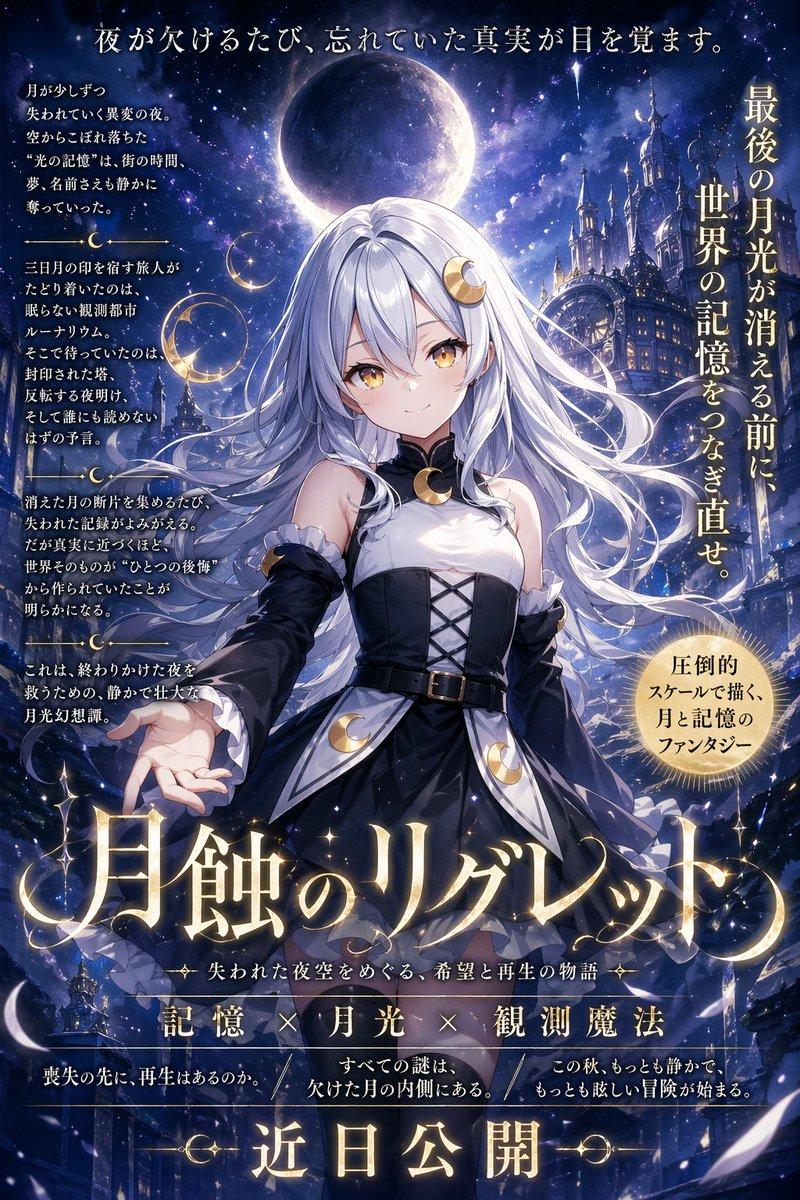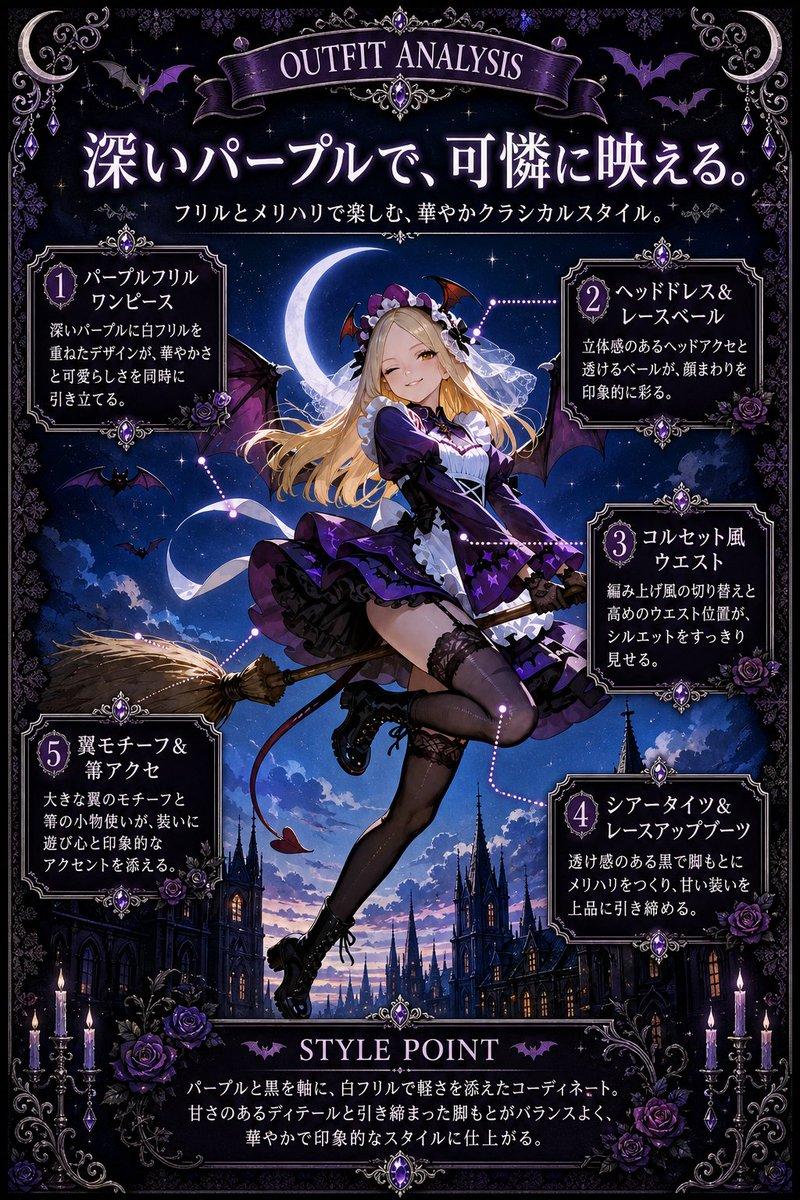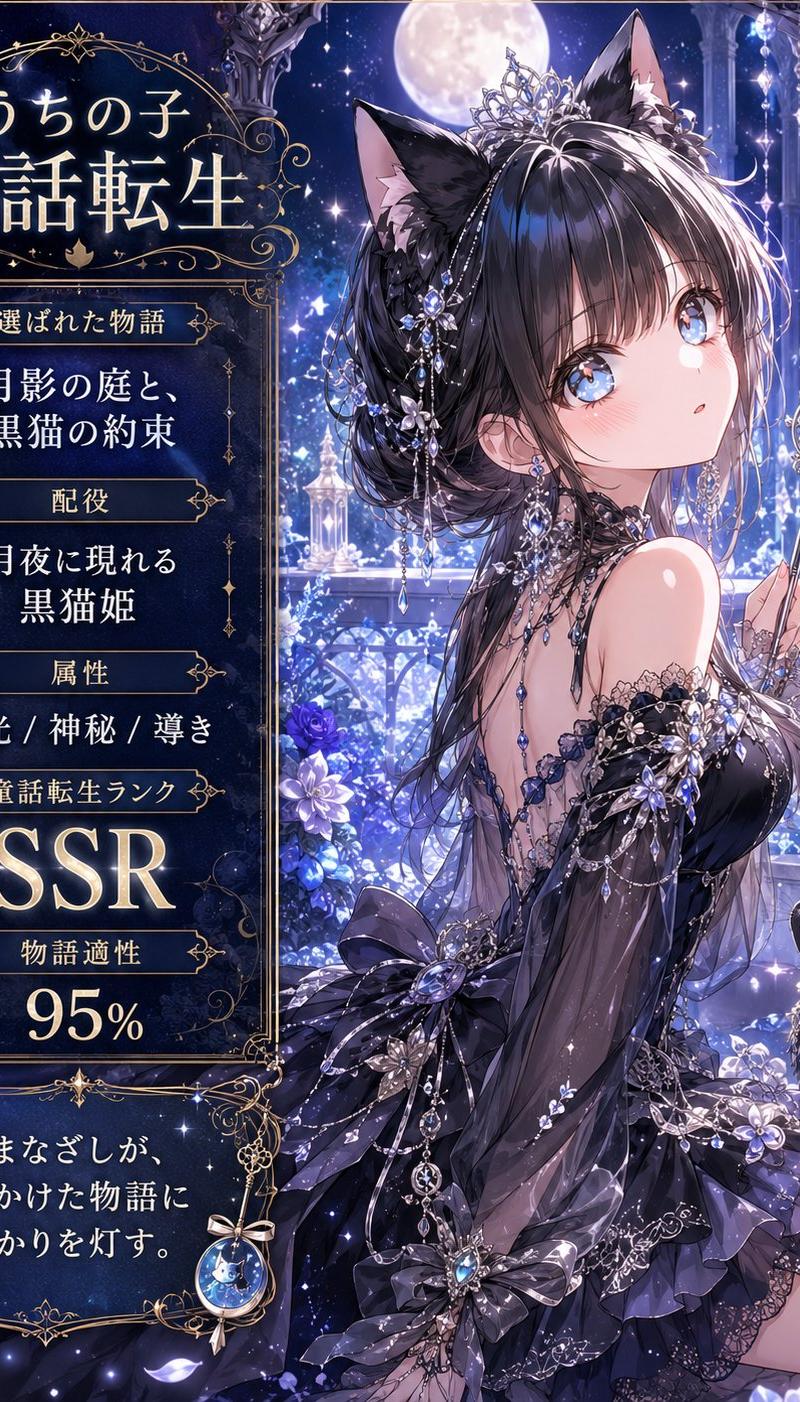
月影猫公主童话卡牌
Prompt
Goal: Create a vertical fantasy anime story-card poster that transforms {argument name="character name" default="うちの子"} into a personalized fairy-tale heroine, with an ornate gothic-luxury interface panel on the left and a detailed character illustration on the right.

Canvas: Portrait 4:5 composition, high-resolution, dark midnight blue and silver palette, luminous moonlit atmosphere, sparkling magical particles, ornate gold filigree borders, elegant Japanese fantasy gacha-card design.

Layout: Split composition with two main zones. Left third is an information panel framed by thin gold ornamental lines and curling Art Nouveau flourishes. Right two-thirds is a full-body/three-quarter anime illustration set in a moonlit palace garden balcony. Add a large full moon near the top center, starry sky, crystal columns, hanging jewels, blue flowers, glowing petals, and deep perspective into a magical castle courtyard.

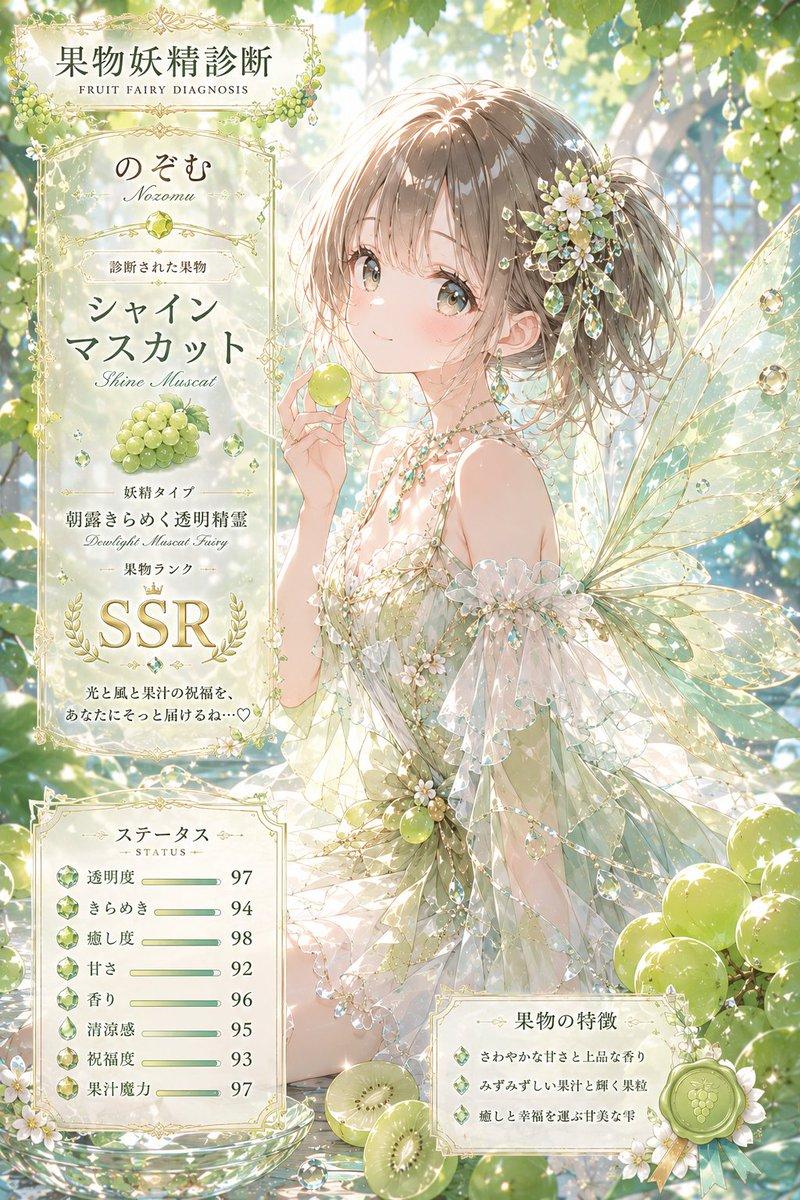
Text content: Use Japanese typography in glowing ivory-gold serif style. Top title inside the left panel reads 「うちの子」 above large 「童話転生」. Below it, create exactly 5 stacked information sections with small gold-framed label plaques and centered values: 1) label 「選ばれた物語」, value 「月影の庭と、黒猫の約束」; 2) label 「配役」, value 「月夜に現れる 黒猫姫」; 3) label 「属性」, value 「月光 / 神秘 / 尊き」; 4) label 「童話転生ランク」, value 「SSR」 in very large glowing letters; 5) label 「物語適性」, value 「95%」 in large numerals. At the bottom, add a separate ornate caption box containing 「そのまなざしが、迷いかけた物語に 月明かりを灯す。」 with a small crescent-moon jewel charm hanging from the frame.

Subject details: The main character is an elegant anime cat princess with {argument name="hair color" default="glossy black hair"}, long layered hair, black cat ears, a jeweled silver tiara, crystal hair ornaments, dangling chains, blue gemstones, and a mysterious refined expression; leave the face area optionally unobstructed unless the user requests privacy masking. She wears a black and dark violet off-shoulder gothic-lolita evening dress with lace, translucent sleeves, layered ruffles, ribbons, silver embroidery, floral appliqués, and many sapphire-like jewels. She holds a delicate crescent-moon wand in one hand. Include a glossy black cat companion with bright blue eyes and a jeweled collar sitting near her side. Include a fluffy black cat tail behind the heroine.

Visual style: Ultra-detailed Japanese anime illustration, romantic fairy-tale reincarnation theme, luxurious gacha SSR card aesthetic, moonlight rim lighting, blue-white sparkles, ornate gold linework, luminous flowers, soft bloom, intricate jewelry, elegant melancholy mood, highly polished digital painting.

Constraints: Countable elements must remain exact: 1 main heroine, 1 black cat companion, 1 crescent wand, 1 large moon, 5 information sections, 1 bottom quote box. Do not add extra UI panels, extra animals, logos, watermarks, or modern objects. Keep all visible text crisp and placed only in the left panel and bottom caption box.- Category
- UI & Interfaces
- Model
- GPT Image 2
- Creator
- のぞむ*AIイラスト
- Source language
- en
- Source ID
- 25846
- Published
- May 21, 2026
Views0