10

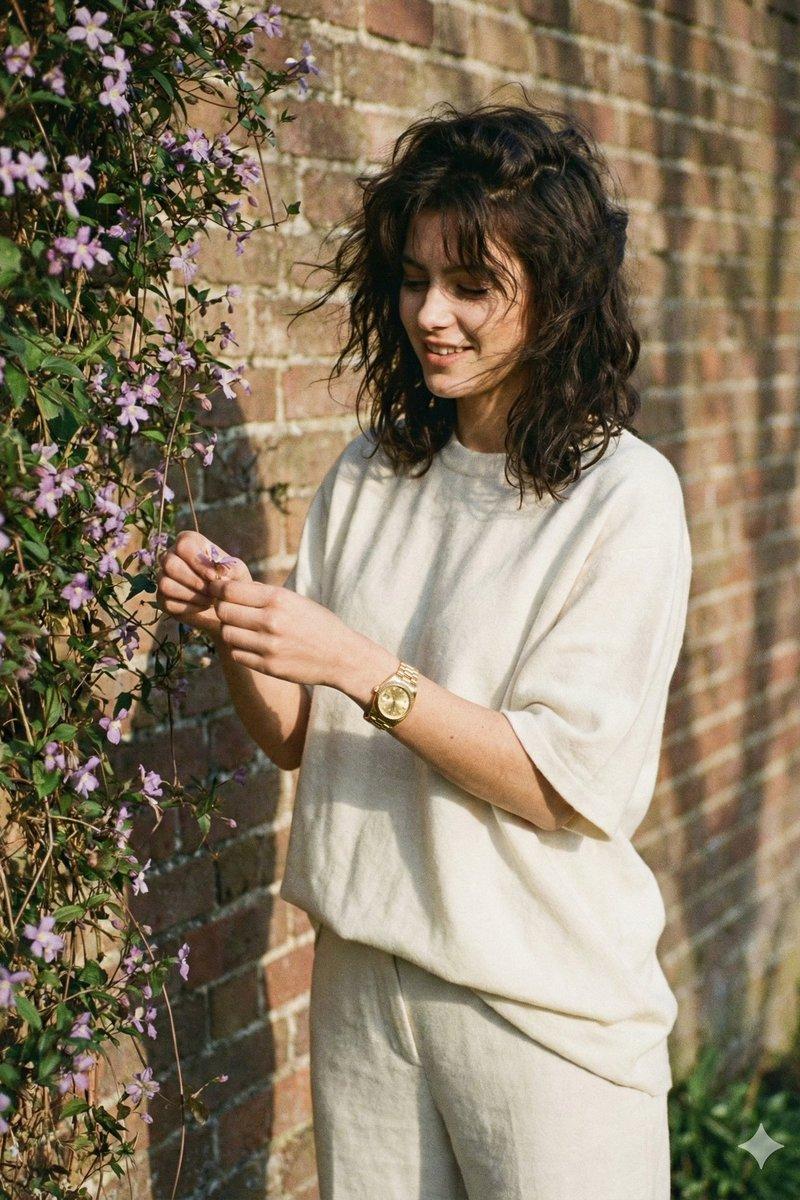
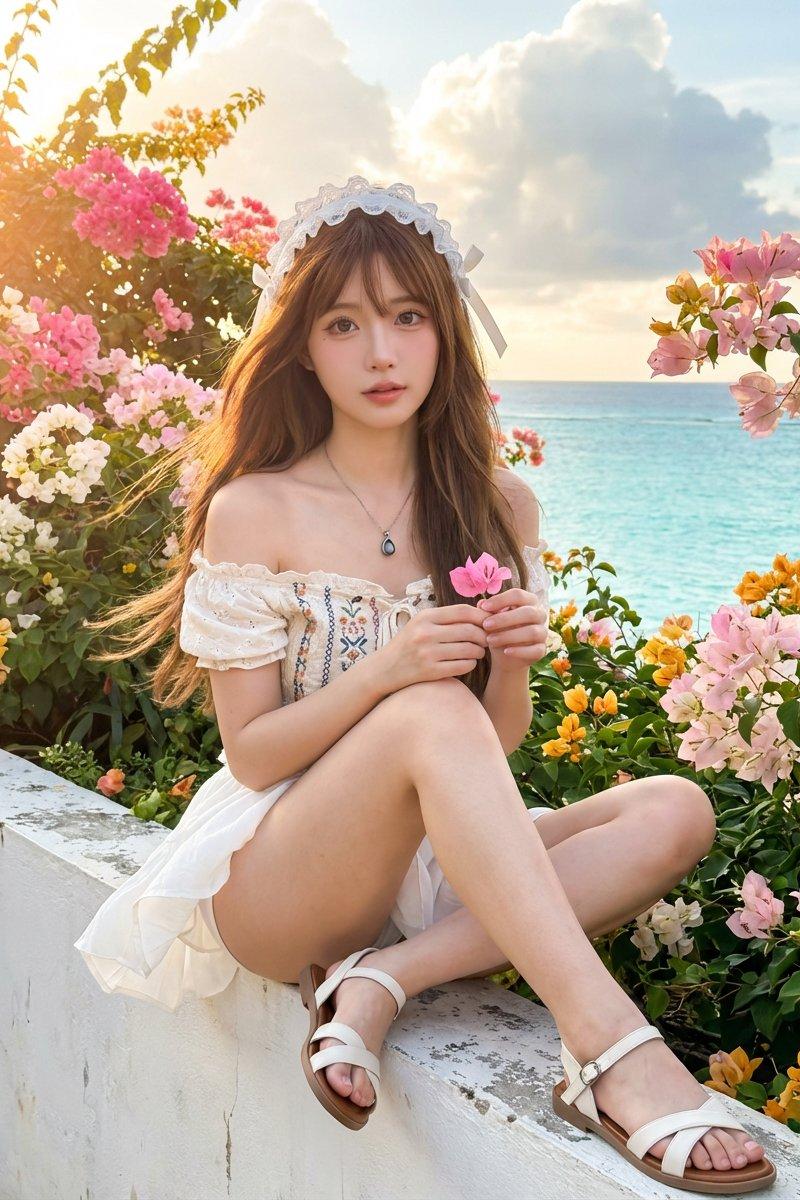
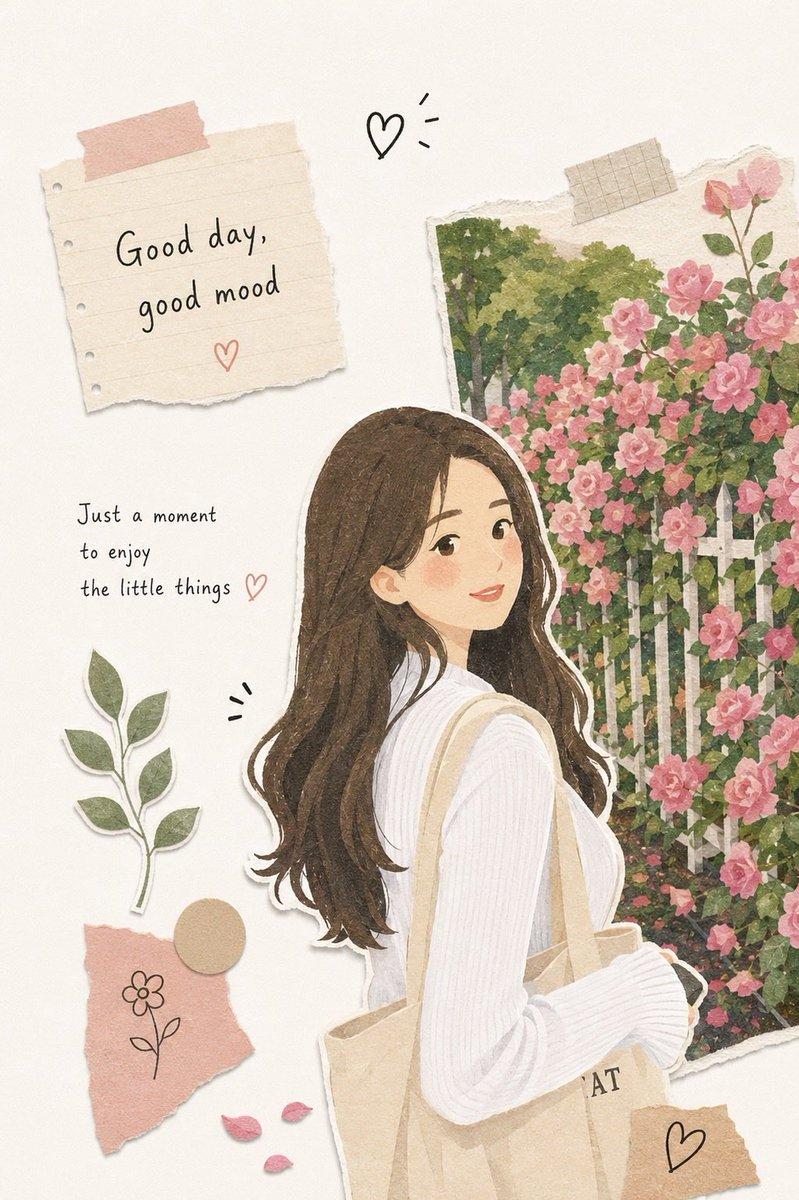
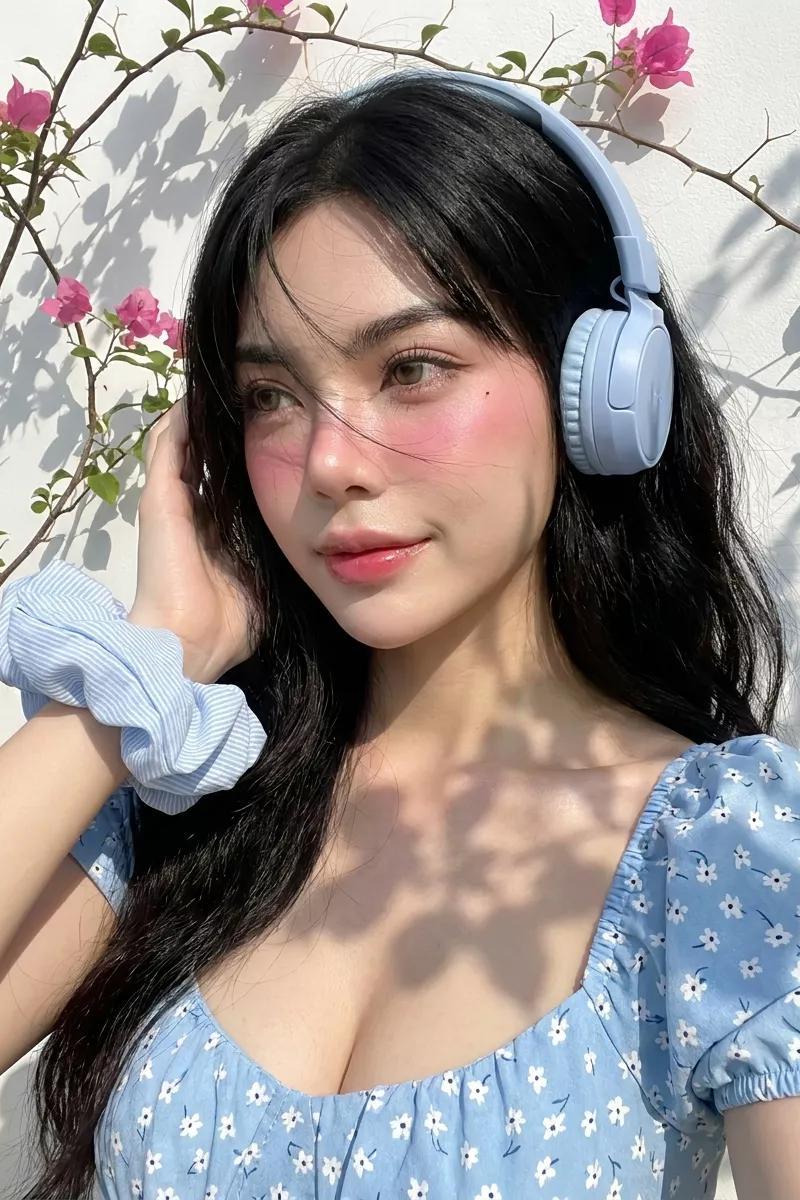
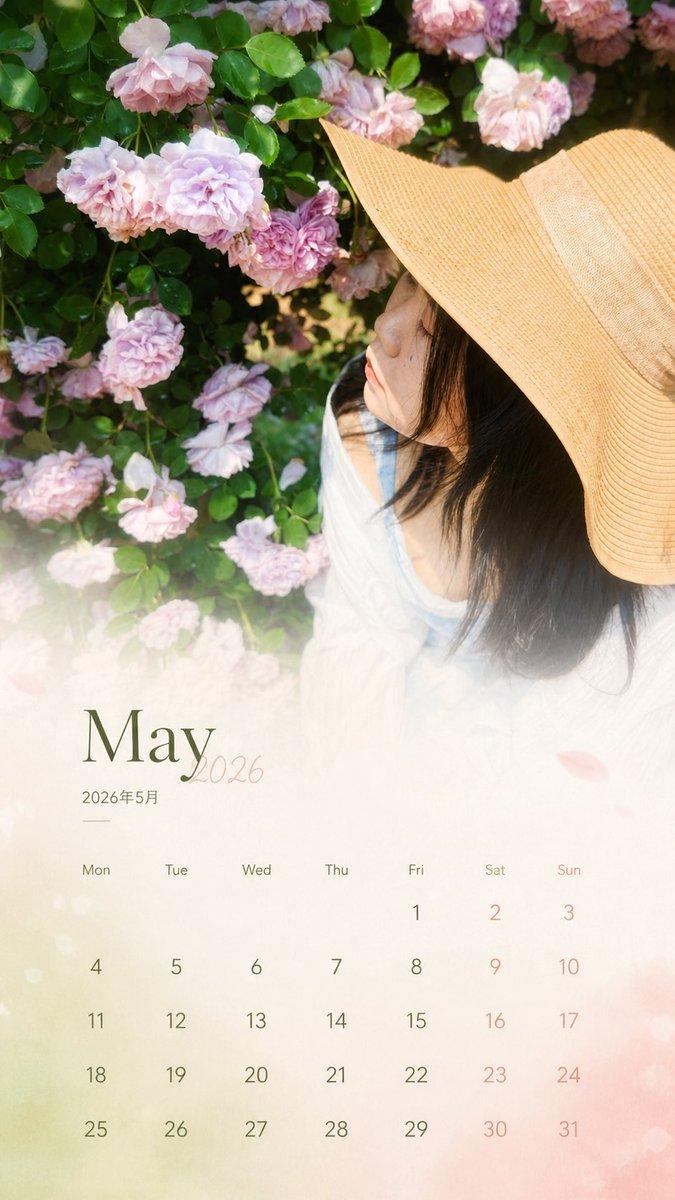
花藤下的复古女性
Enlarge

Example images

花藤下的复古女性

Prompt
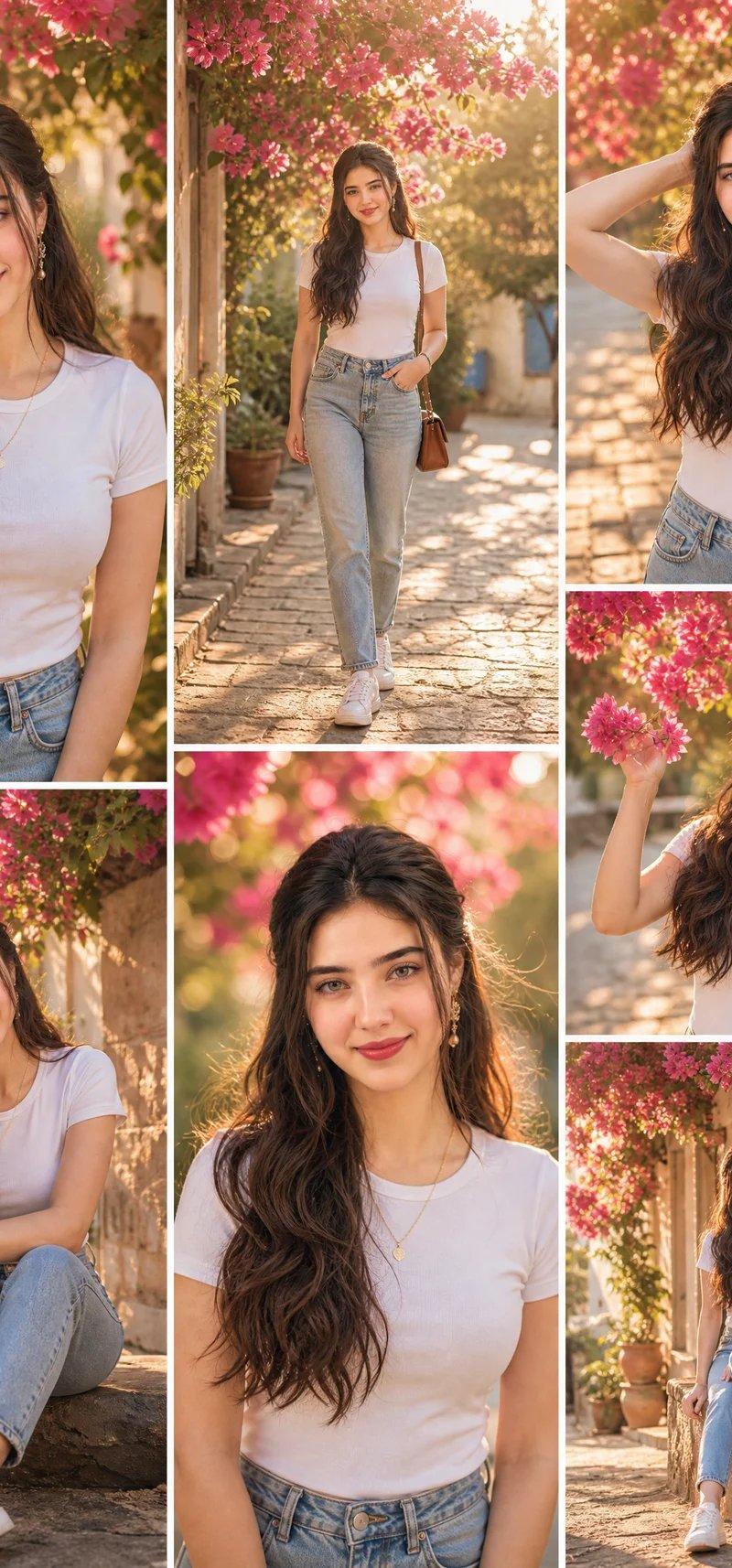
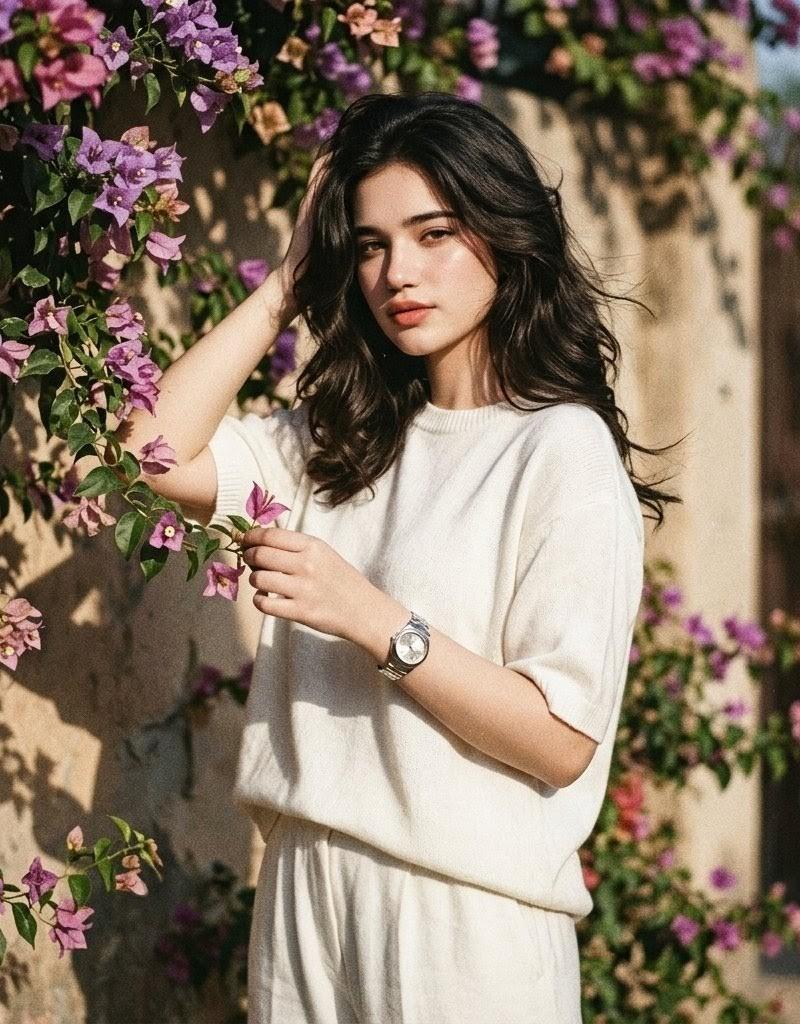
Create a square 1:1 grainy retro vintage fashion photograph of a {argument name="subject" default="young woman"} standing outdoors in front of a sunlit beige stucco wall covered with flowering vines. She wears a loose ivory-white wool short-sleeve T-shirt and matching relaxed white pants with a gathered elastic waist, plus a shiny silver luxury formal wristwatch. Her hair is {argument name="hair style" default="voluminous dark brown 1990s movie baddie waves"}, wind-swept and glamorous. Pose her facing the camera: one hand lifted to the side of her head, the other hand gently plucking or holding one purple flower from the vine. Surround her with abundant bougainvillea-like blossoms in purple, pink, and magenta with deep green leaves, especially along the left side and upper background. Use warm harsh afternoon sunlight with strong natural shadows on the wall, shallow depth of field, slightly soft focus, analog film grain, muted vintage colors, and candid editorial styling. The face should be intentionally anonymized with a centered soft rectangular blur/mosaic over the facial features while the rest of the image remains detailed. No text, no watermark, no extra people.
Category
Charts & Infographics
Model
GPT Image 2
Creator
Alina Ai
Source language
en
Views0
Source ID
25854
Published
Jun 15, 2026
Studio

Guide

About "花藤下的复古女性"

What is this prompt for?

"花藤下的复古女性" AI image prompt for GPT Image 2 (Charts & Infographics). 一张复古风格的时尚照片,描绘了一位身着白衣的女性在紫色花藤旁摆拍,适用于编辑类生活方式影像。 Copy it on Picva and recreate the look in on…

The full copyable prompt and example visuals above are ready for AI image generation or one-click recreate in Picva.

How to use this prompt

  1. Step 1

    Open the prompt detail

    Review the example visuals, category, and full prompt text for "花藤下的复古女性".

  2. Step 2

    Copy the prompt

    Copy the prompt body from this page, or load it directly in Studio.

  3. Step 3

    Pick a model (GPT Image 2)

    Prefer GPT Image 2. If you switch models, keep subject and composition and tweak style terms.

  4. Step 4

    Generate and export

    Recreate the look in Picva, or export into your workflow for editing and publishing.

FAQ

What is the "花藤下的复古女性" prompt?
It is an AI image-generation prompt for GPT Image 2 in the Charts & Infographics category. This page includes the full prompt text, example visuals, and a one-click recreate path in Picva.
How do I use this prompt to generate an image?
Copy the prompt from this page, or use Generate / Studio. Paste it into a compatible image model, or recreate the look in Picva with optional reference images.
Which model is this prompt for?
This page lists GPT Image 2. Most descriptive prompts also transfer to nearby image models such as GPT Image, Flux, or Midjourney with light style tweaks.
Can I use the result commercially?
You can usually copy the prompt for creation, but commercial use of the final image depends on the model terms, reference-image rights, and the generated content. Follow the source author and platform rules.