20

GPT 图像 2:闪光灯人像摄影
Enlarge

Example images

GPT 图像 2:闪光灯人像摄影

Prompt
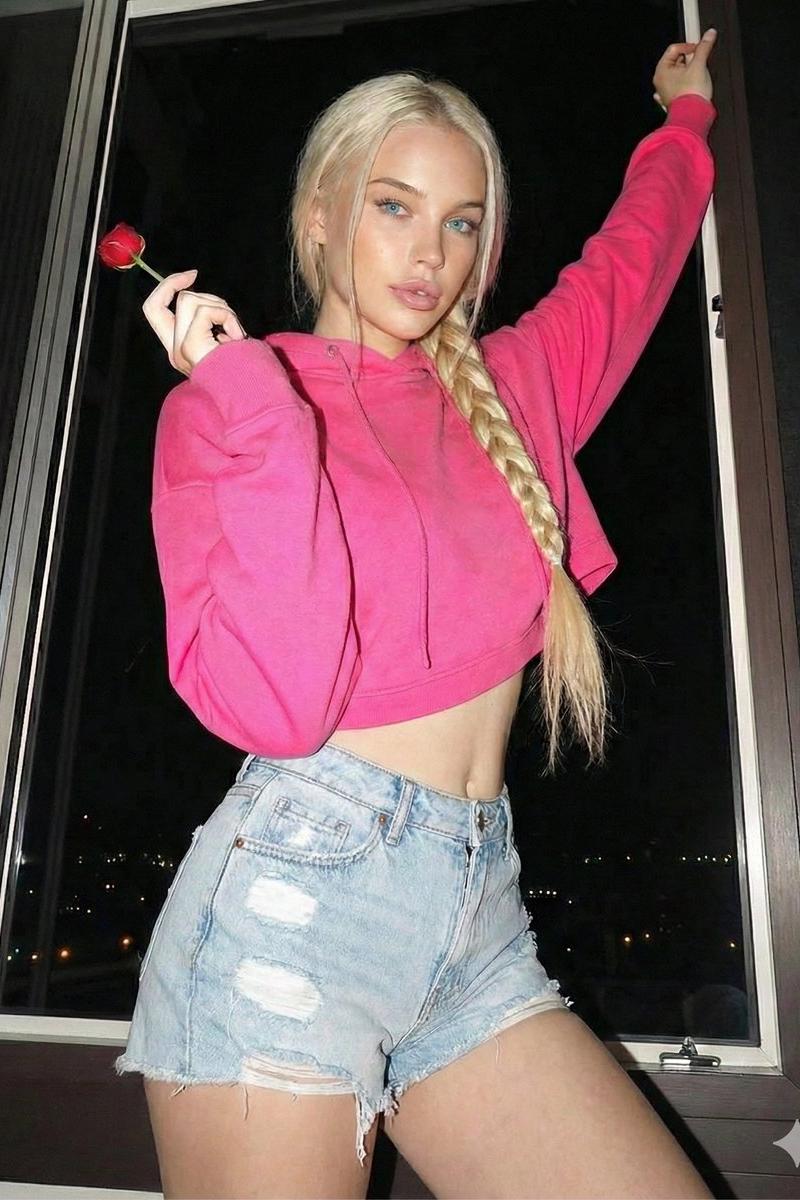
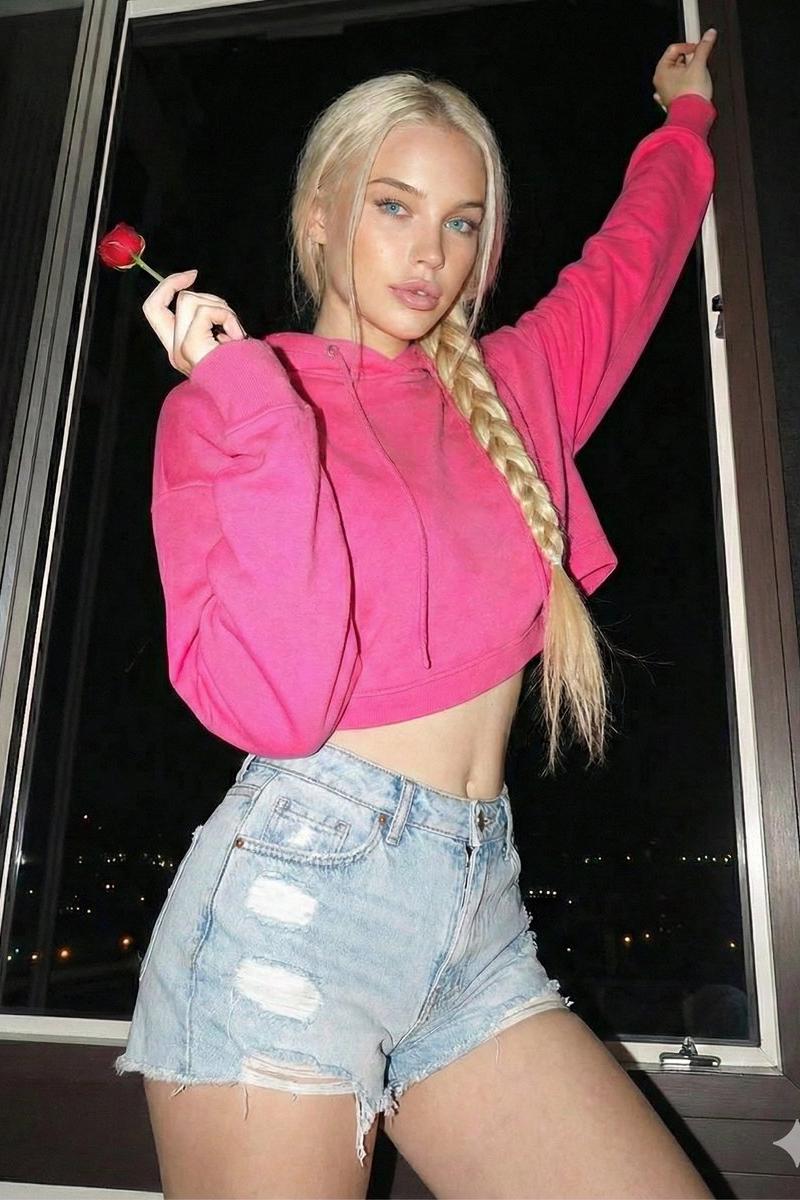
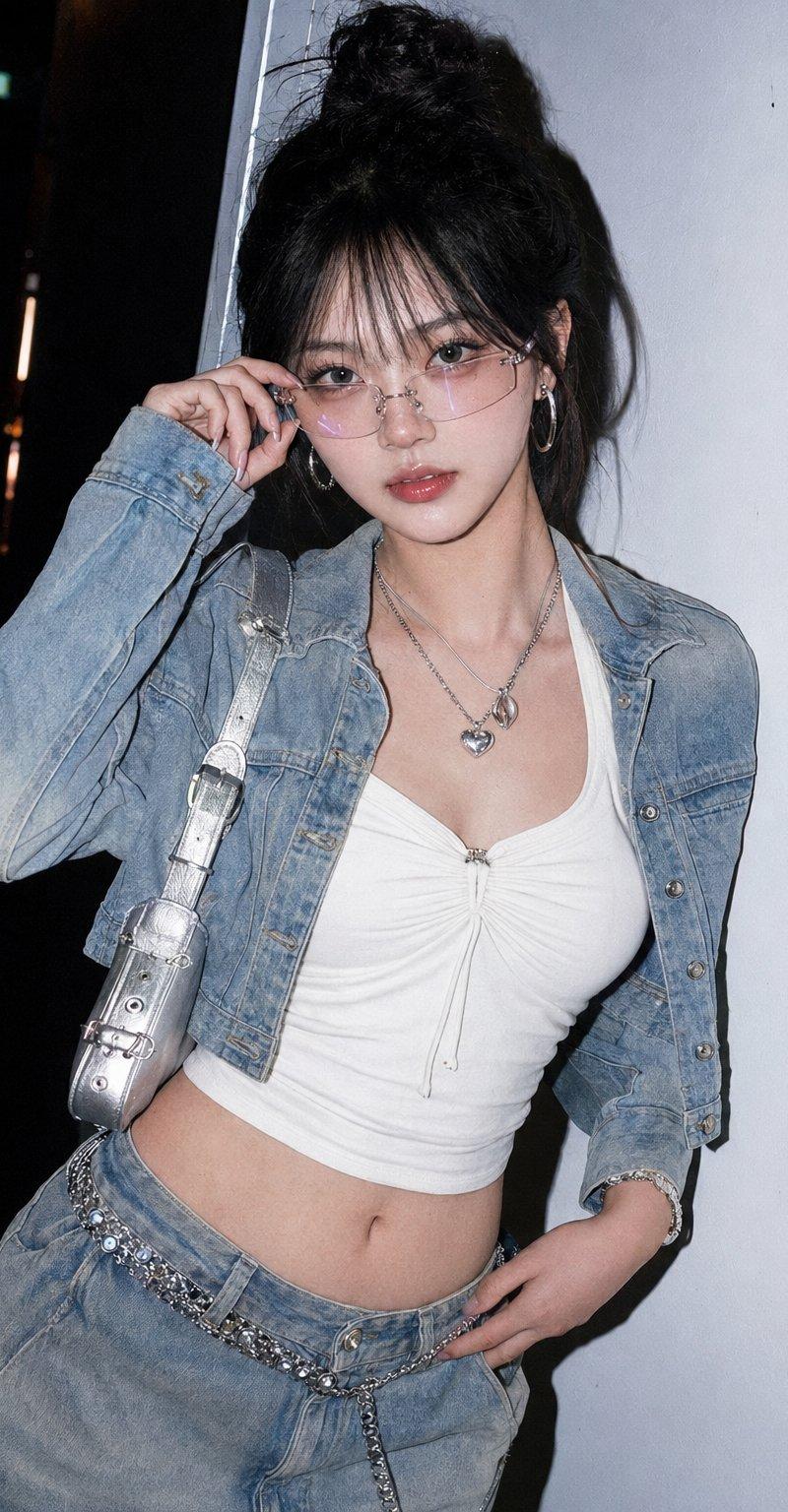
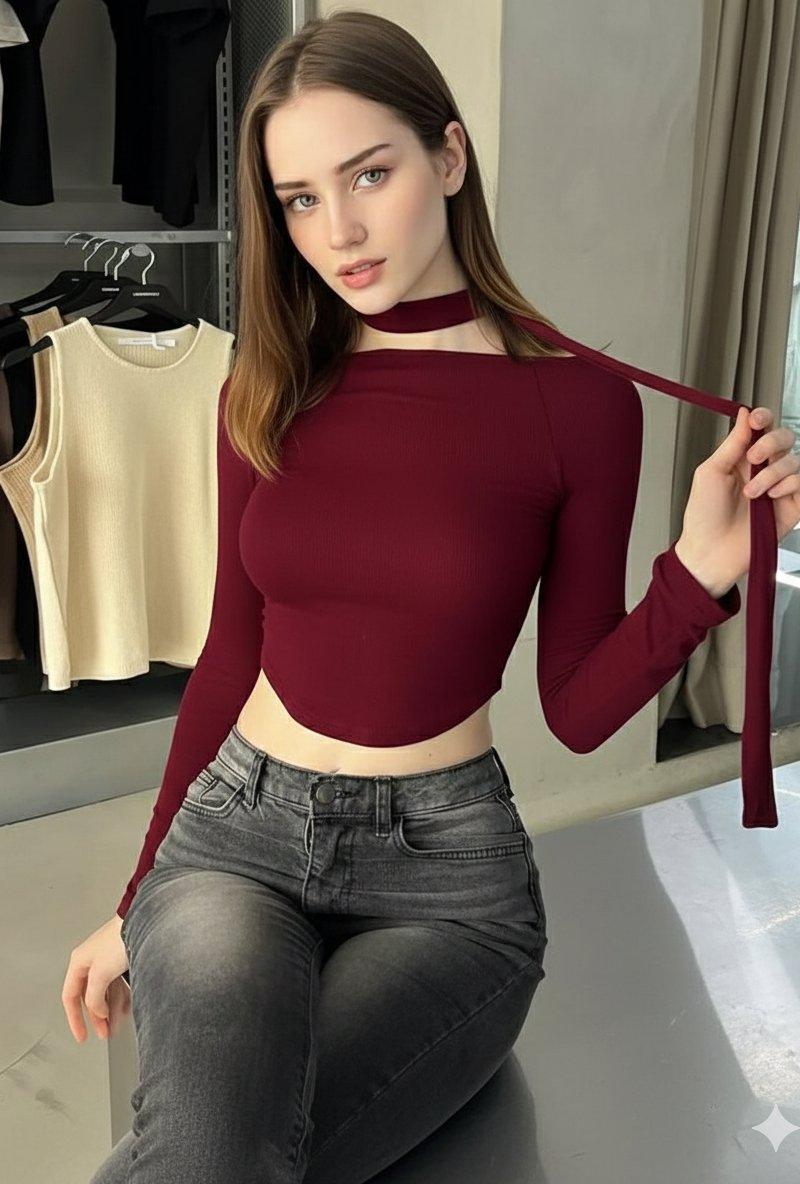
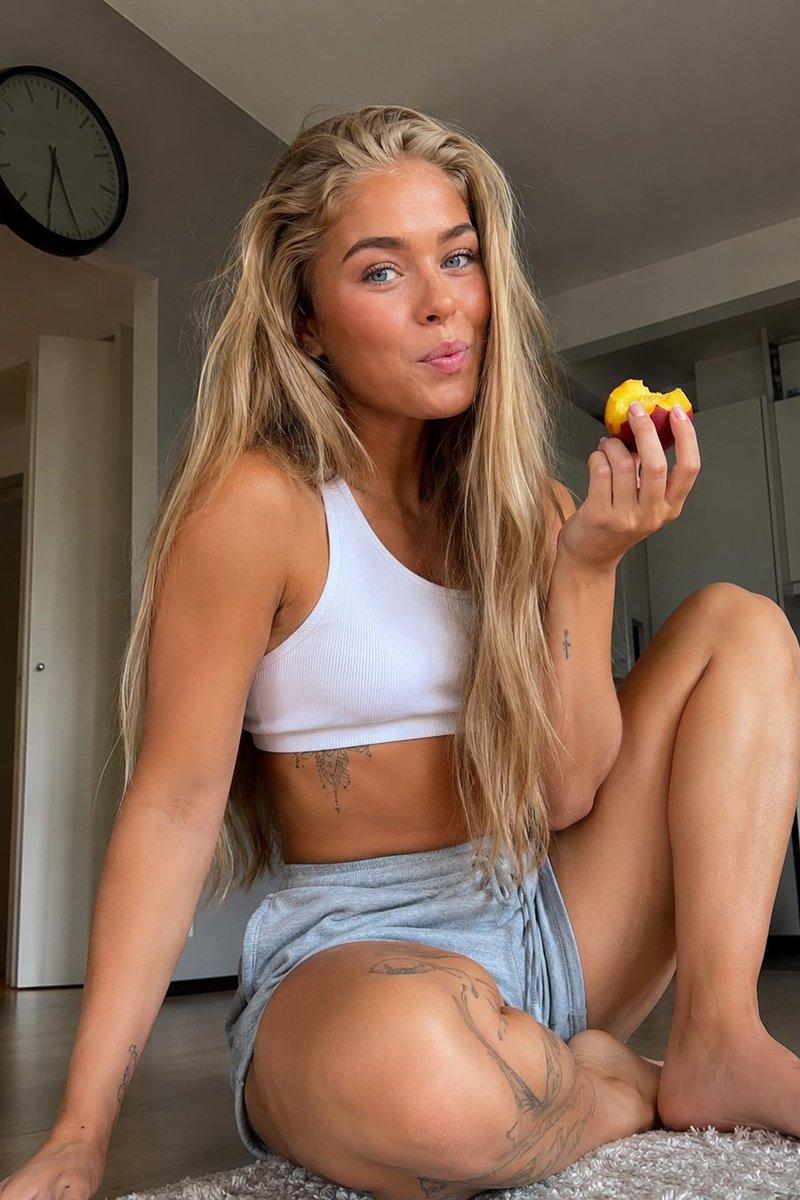
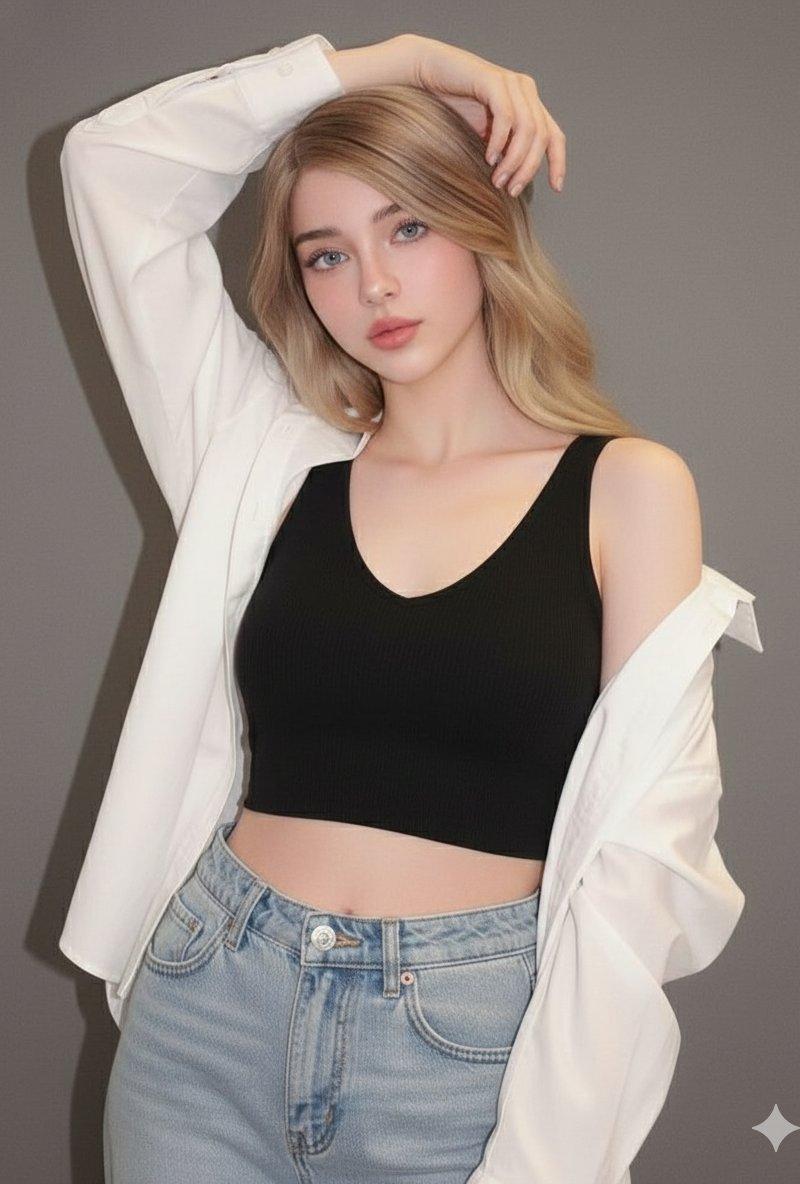
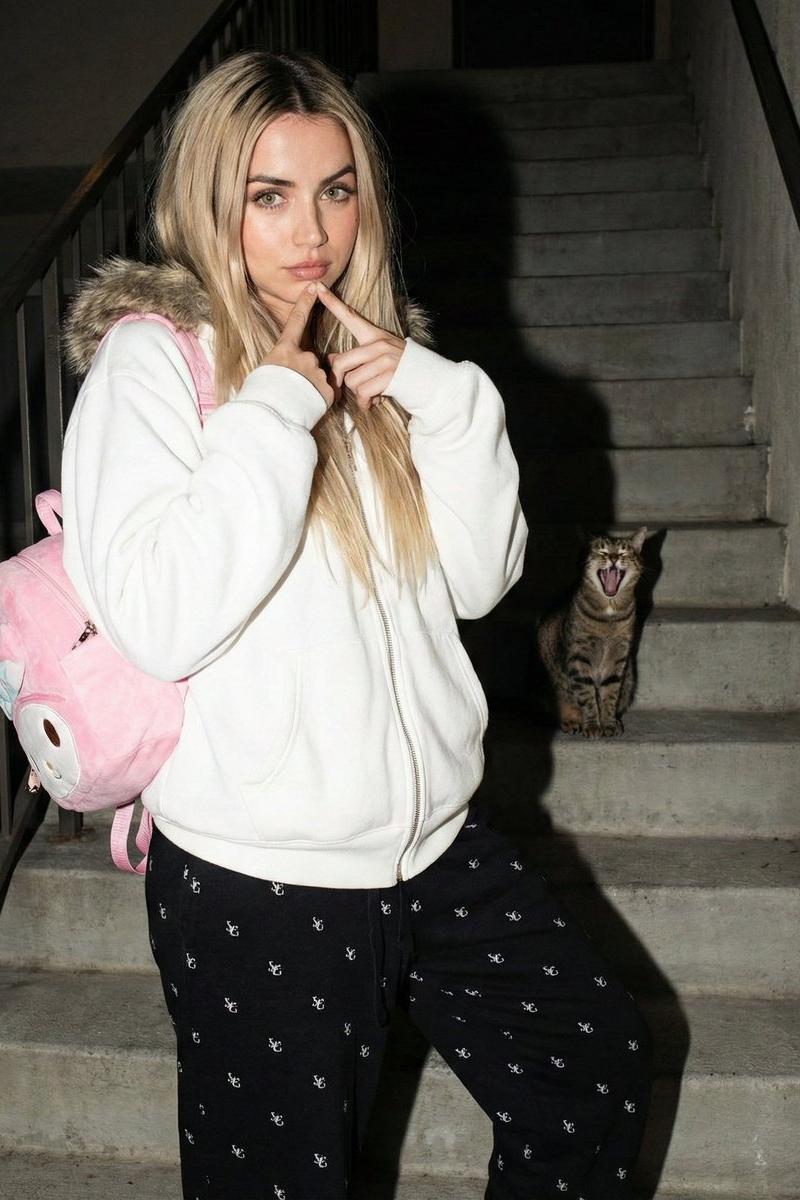
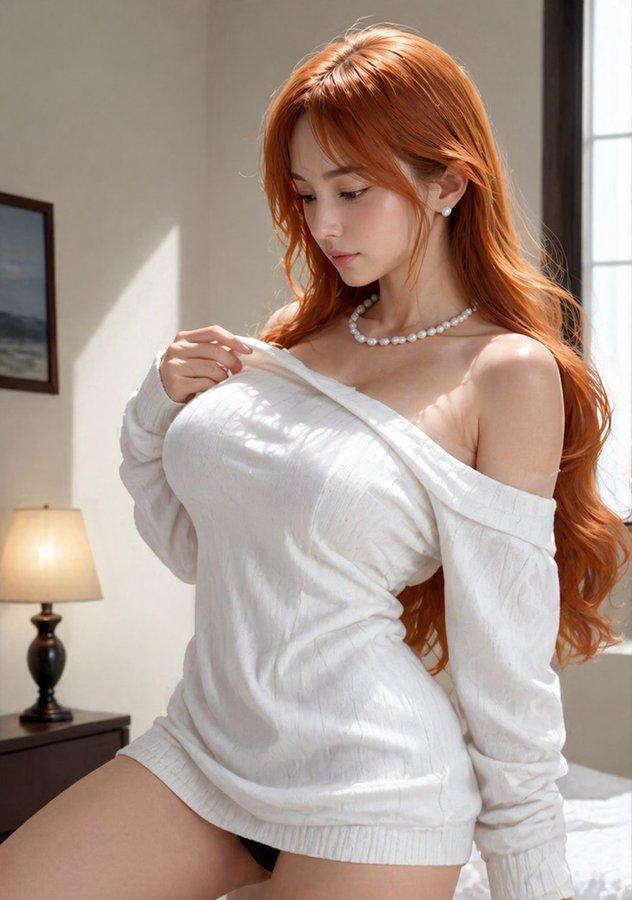
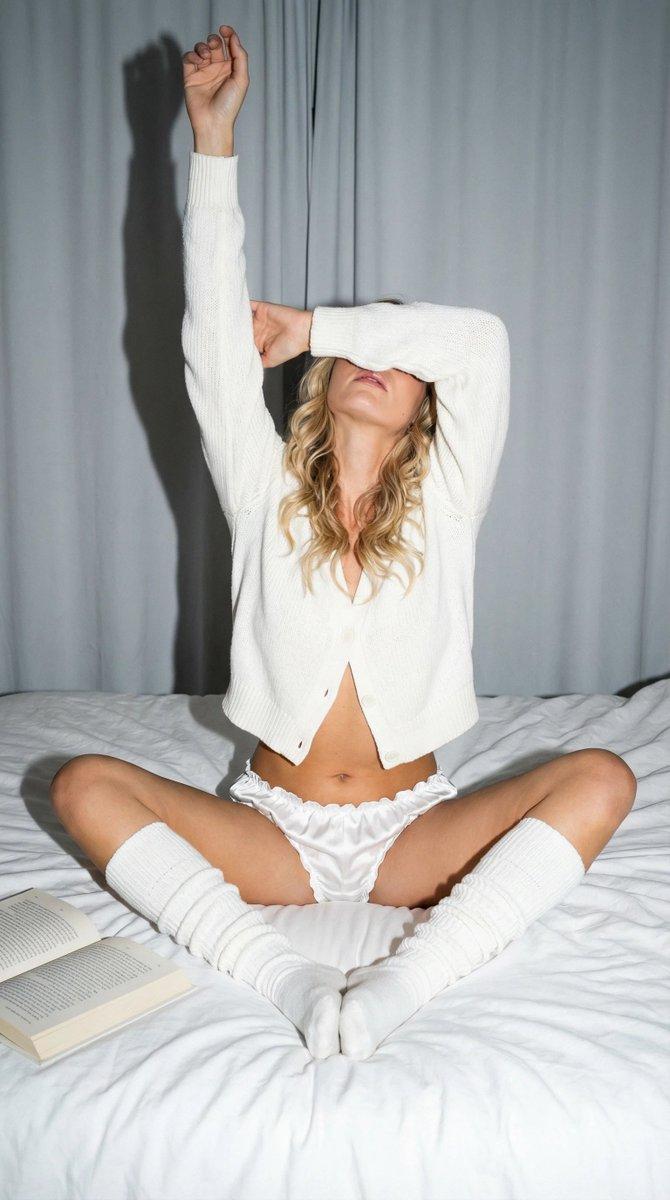
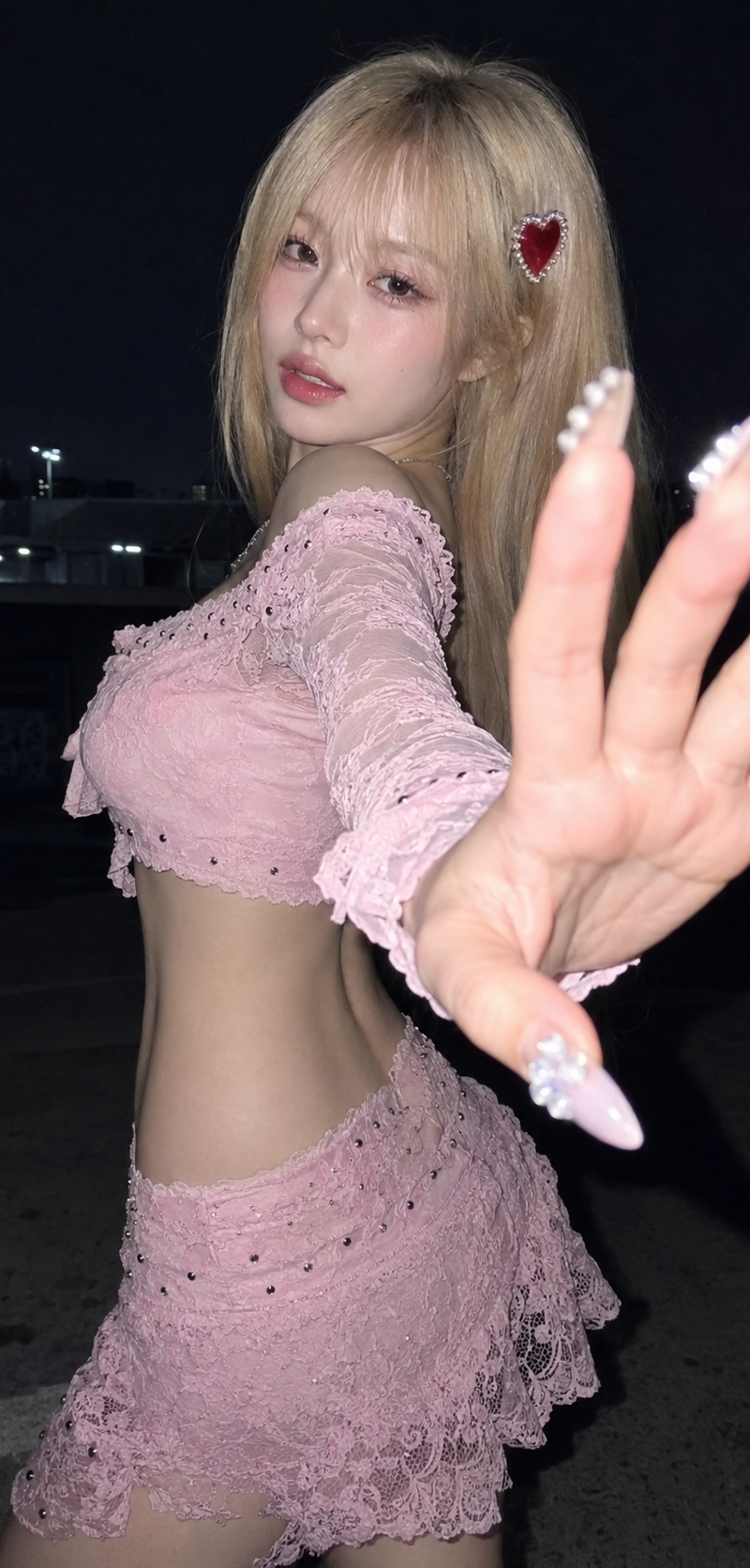
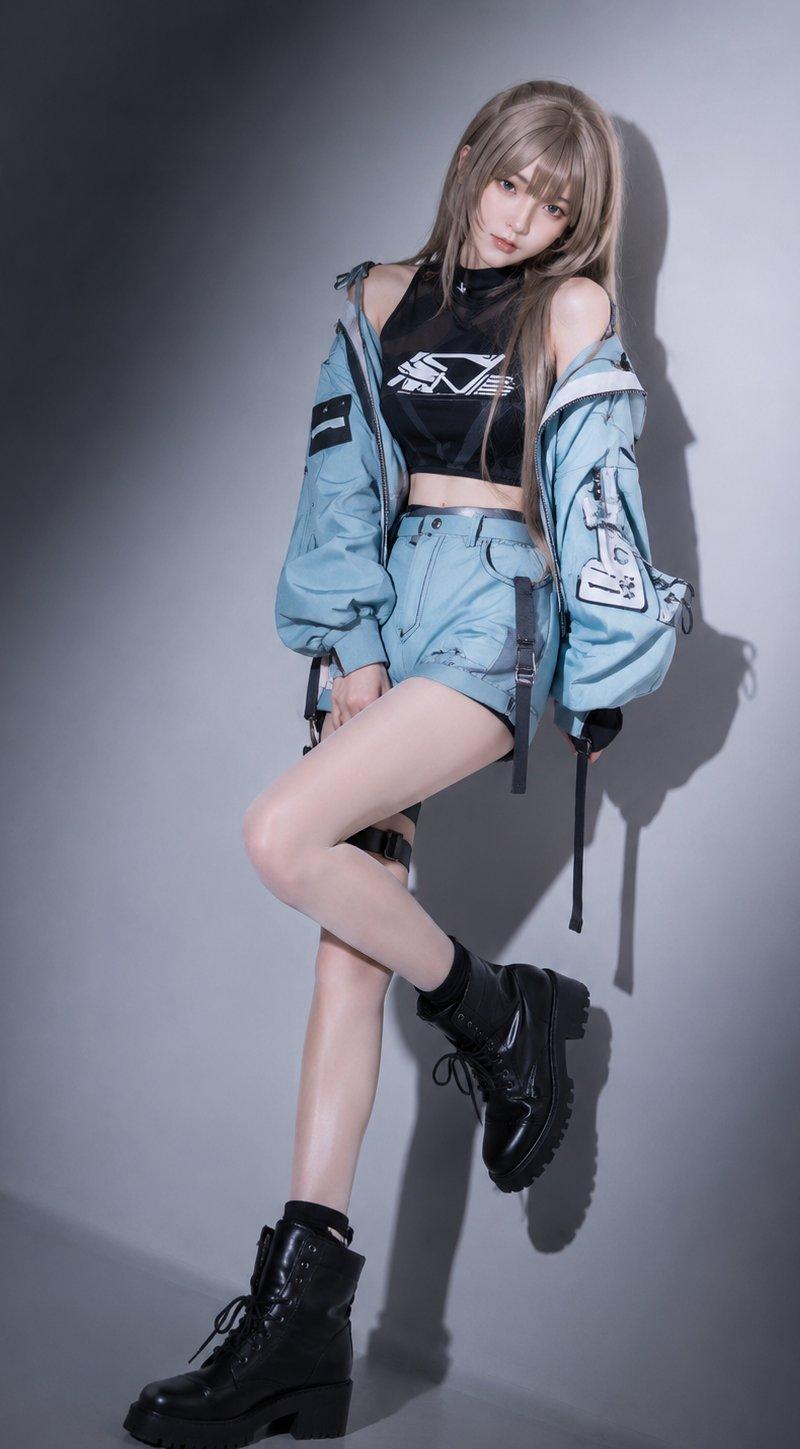
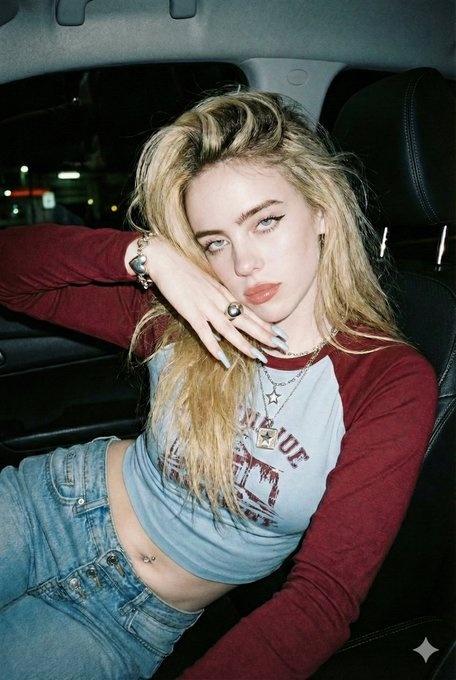
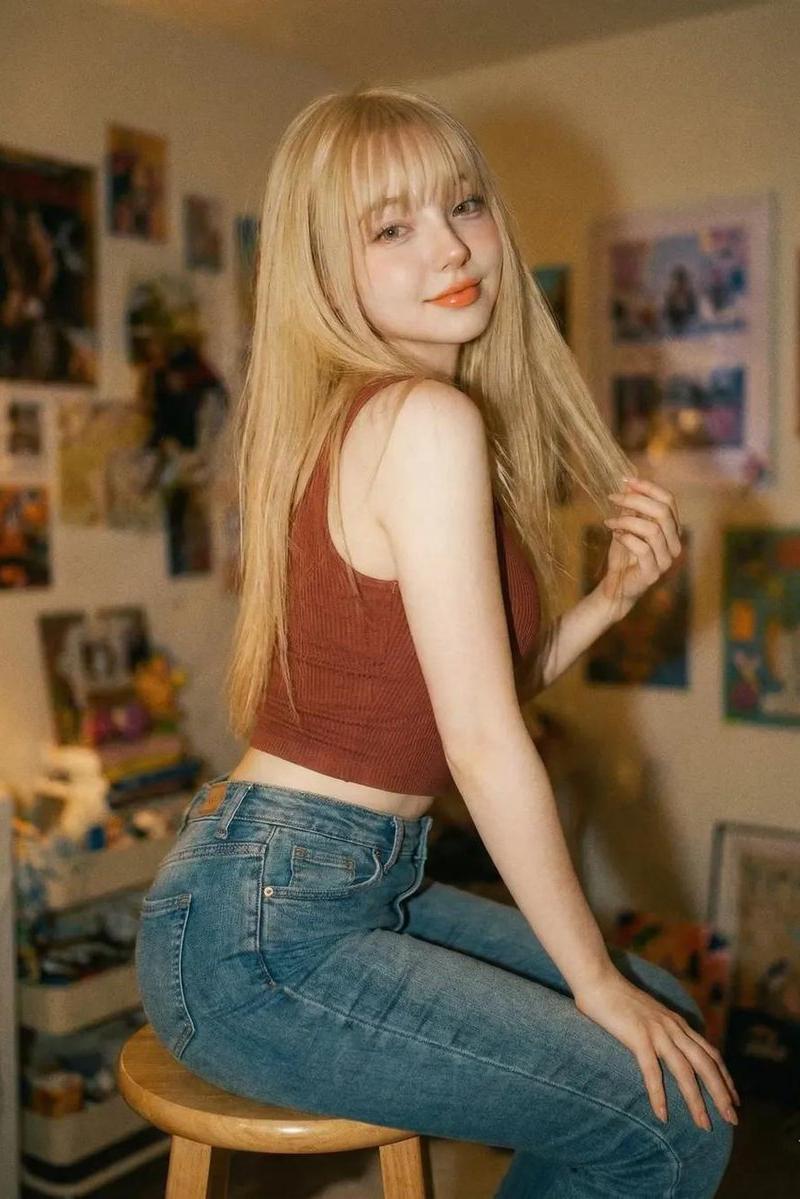
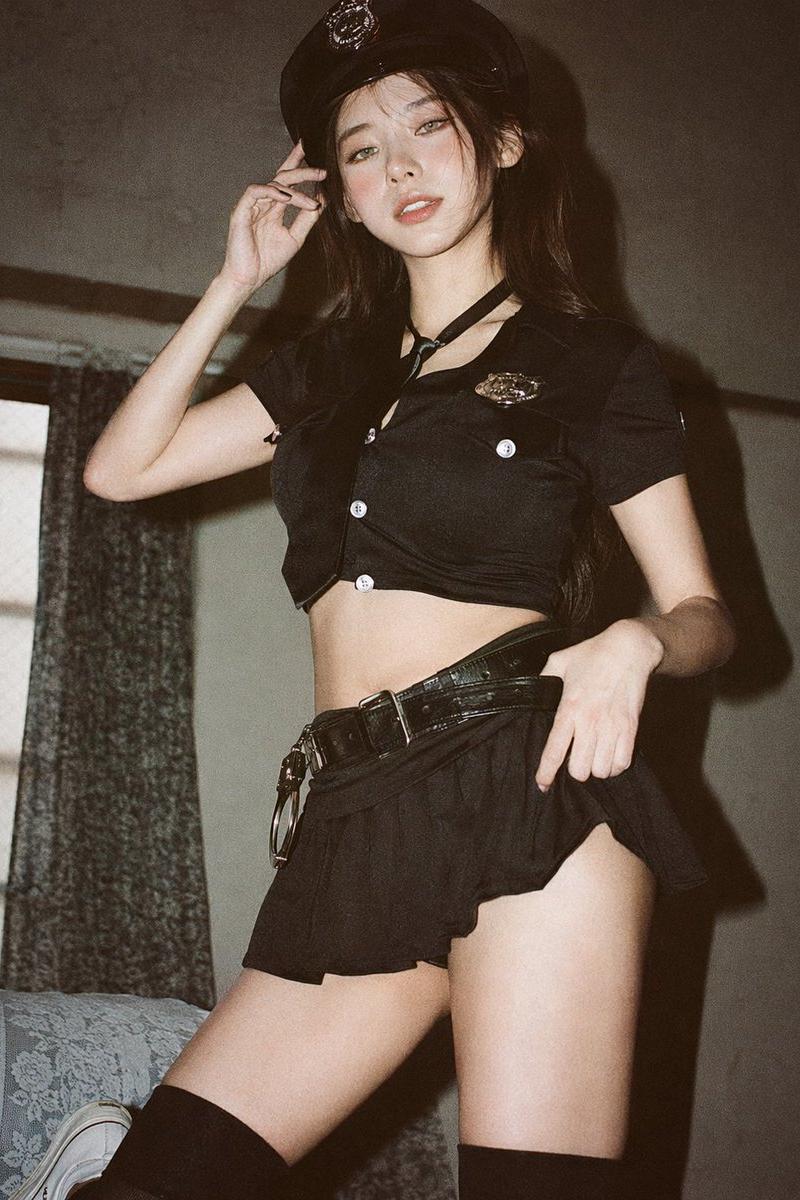
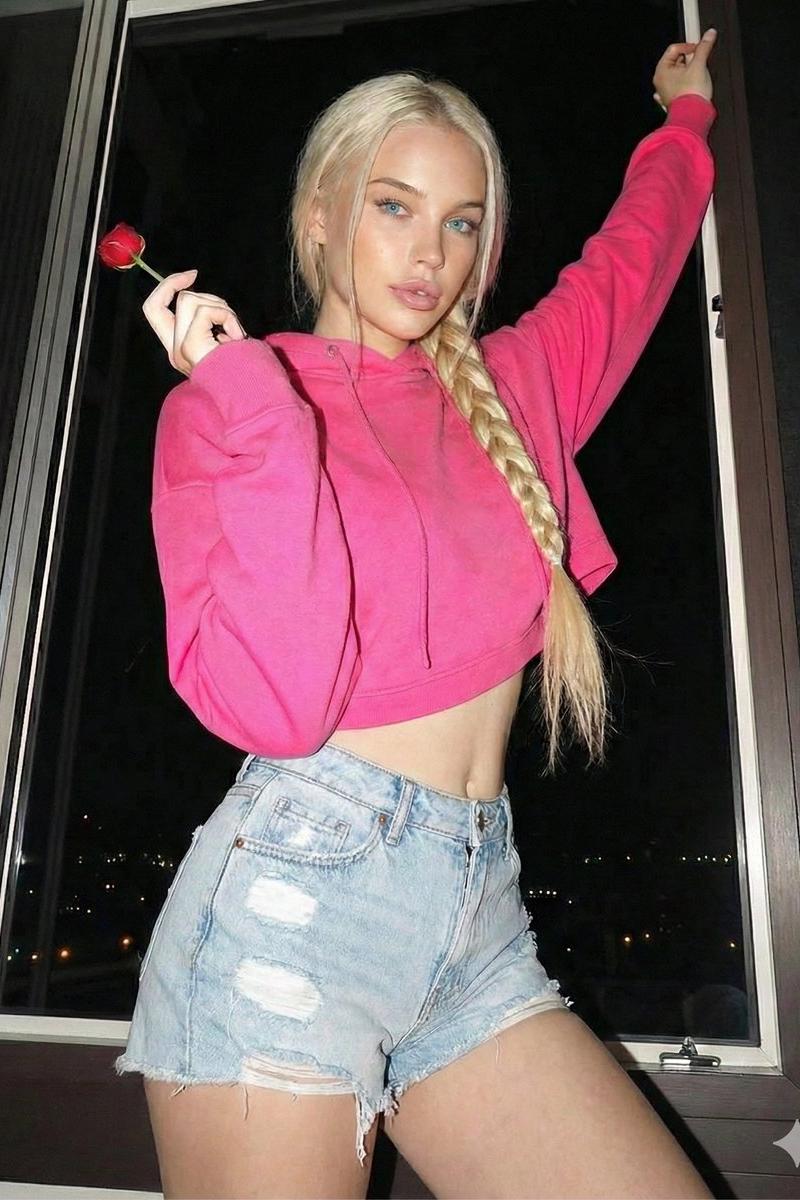
Photorealistic portrait of a {argument name="age" default="20"}-year-old woman with {argument name="hair color" default="platinum blonde"} hair in a long braid over one shoulder. Light-skinned, sculpted oval face with high cheekbones, piercing blue-green almond eyes, full mauve-pink lips, soft captivating gaze directly at camera. She wears a {argument name="clothing" default="cropped hot pink hoodie and high-waisted light blue distressed denim shorts"}. Leaning back against a dark window frame, one arm raised high on the frame, the other hand delicately holding a single red rose near her face. Small stud earrings. Dark indoor night scene, faint city lights bokeh outside. Direct on-camera flash lighting, hard contrast, shadows cast behind her, vibrant colors. Three-quarter shot from slightly low angle, sharp focus on face and rose. 4:5 aspect ratio. Raw DSLR flash photography, visible film grain. Cool girl, romantic, playful mood.
Category
Charts & Infographics
Model
GPT Image 2
Creator
PromptLab
Source language
en
Views0
Source ID
25889
Published
Jun 16, 2026
Studio

Guide

About "GPT 图像 2:闪光灯人像摄影"

What is this prompt for?

"GPT 图像 2:闪光灯人像摄影" AI image prompt for GPT Image 2 (Charts & Infographics). 一个用于生成细节丰富的人像摄影提示词,采用机顶闪光灯直闪效果,营造出高对比度的原始 DSLR 质感。 Copy it on Picva and recreate th…

The full copyable prompt and example visuals above are ready for AI image generation or one-click recreate in Picva.

How to use this prompt

  1. Step 1

    Open the prompt detail

    Review the example visuals, category, and full prompt text for "GPT 图像 2:闪光灯人像摄影".

  2. Step 2

    Copy the prompt

    Copy the prompt body from this page, or load it directly in Studio.

  3. Step 3

    Pick a model (GPT Image 2)

    Prefer GPT Image 2. If you switch models, keep subject and composition and tweak style terms.

  4. Step 4

    Generate and export

    Recreate the look in Picva, or export into your workflow for editing and publishing.

FAQ

What is the "GPT 图像 2:闪光灯人像摄影" prompt?
It is an AI image-generation prompt for GPT Image 2 in the Charts & Infographics category. This page includes the full prompt text, example visuals, and a one-click recreate path in Picva.
How do I use this prompt to generate an image?
Copy the prompt from this page, or use Generate / Studio. Paste it into a compatible image model, or recreate the look in Picva with optional reference images.
Which model is this prompt for?
This page lists GPT Image 2. Most descriptive prompts also transfer to nearby image models such as GPT Image, Flux, or Midjourney with light style tweaks.
Can I use the result commercially?
You can usually copy the prompt for creation, but commercial use of the final image depends on the model terms, reference-image rights, and the generated content. Follow the source author and platform rules.