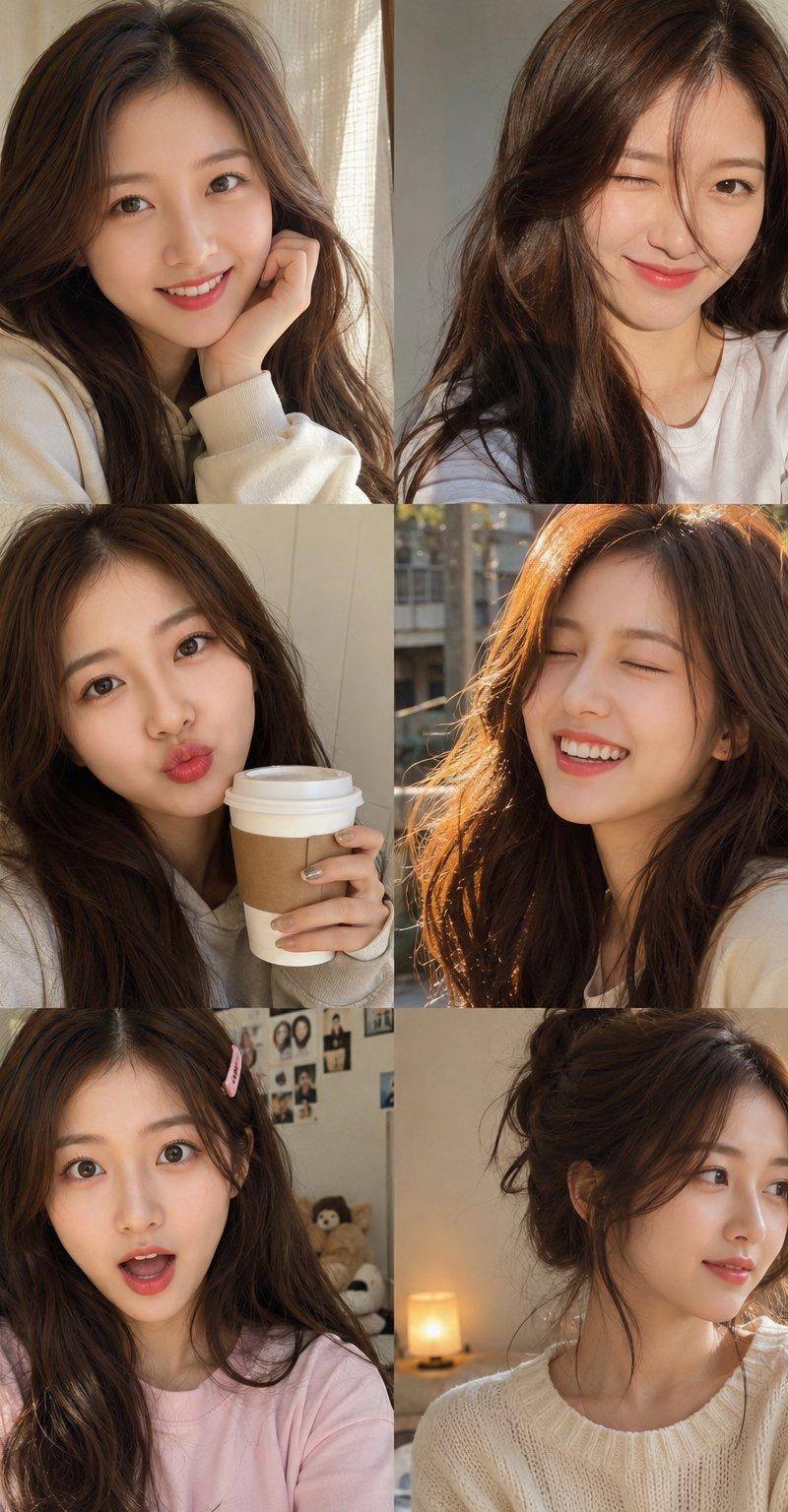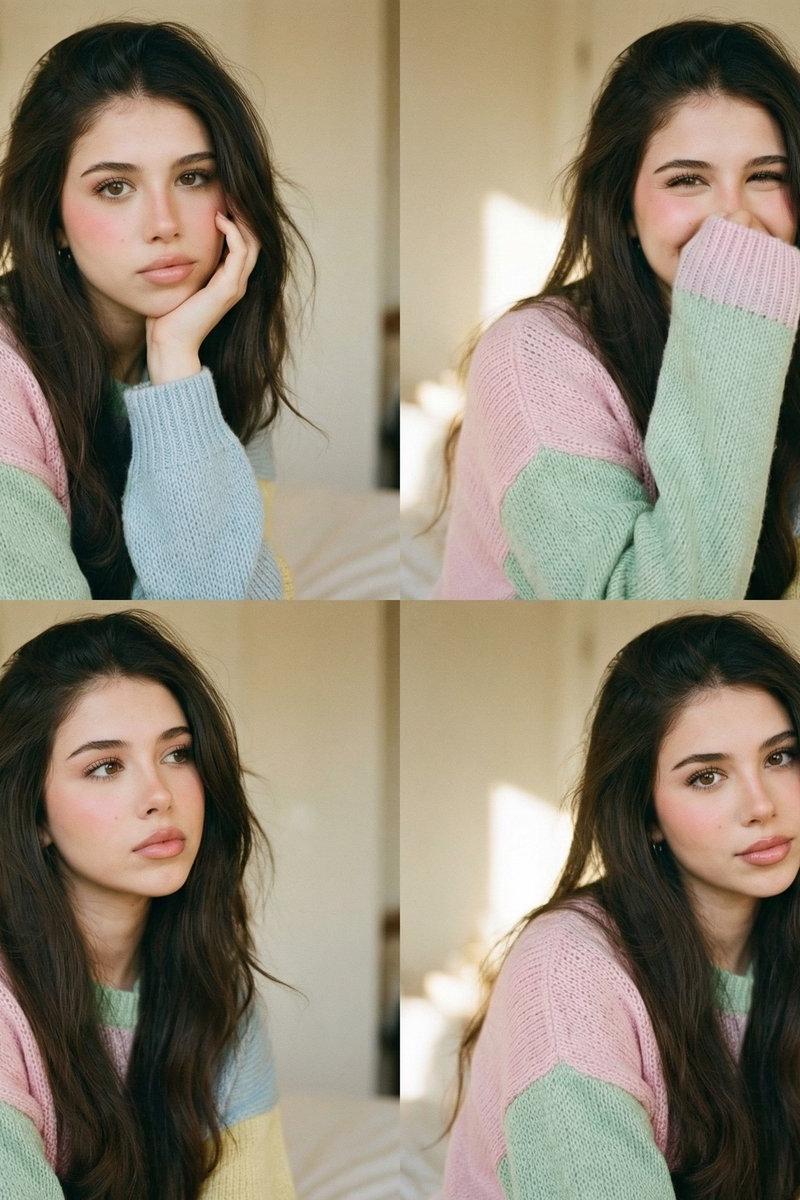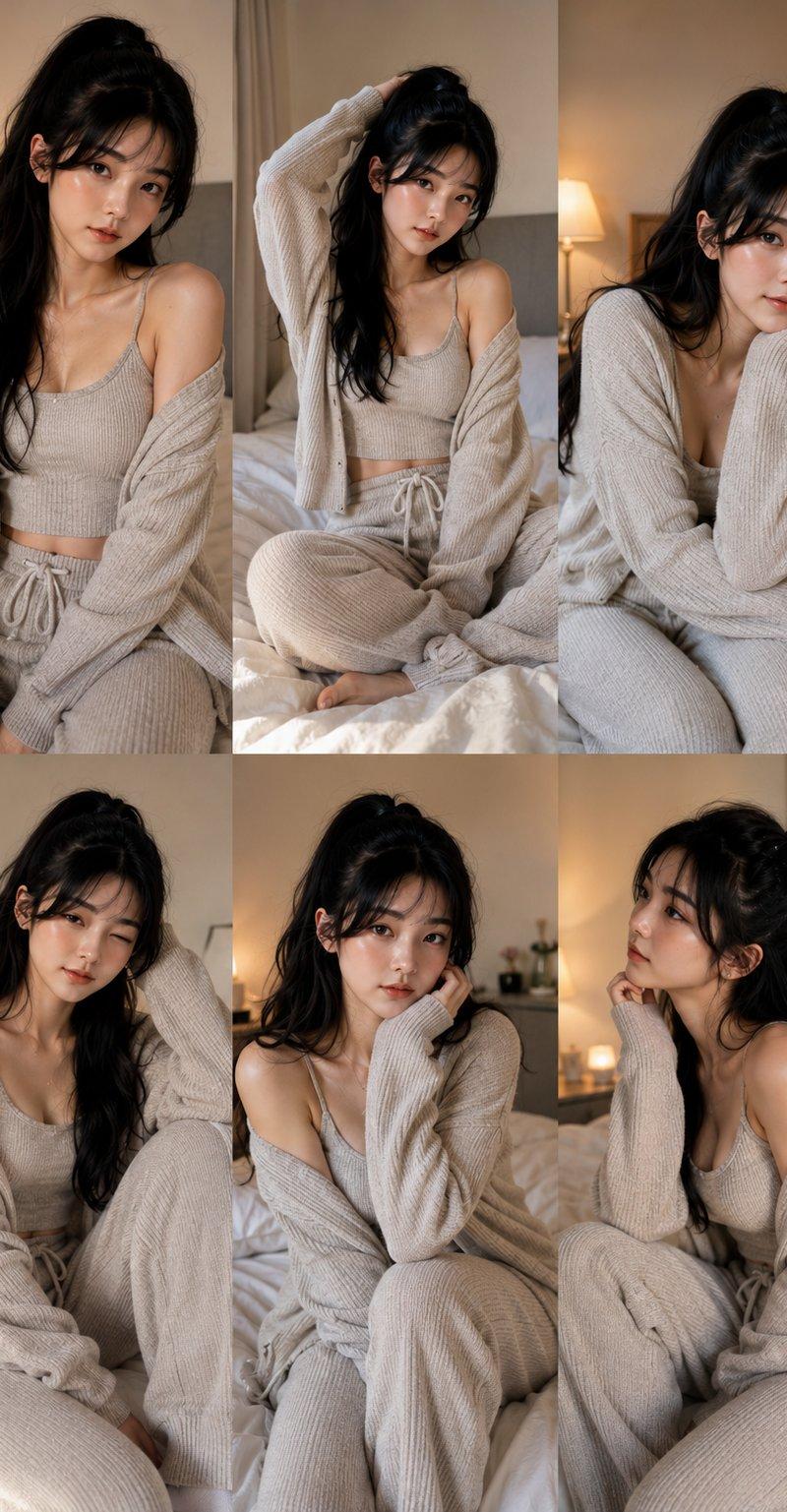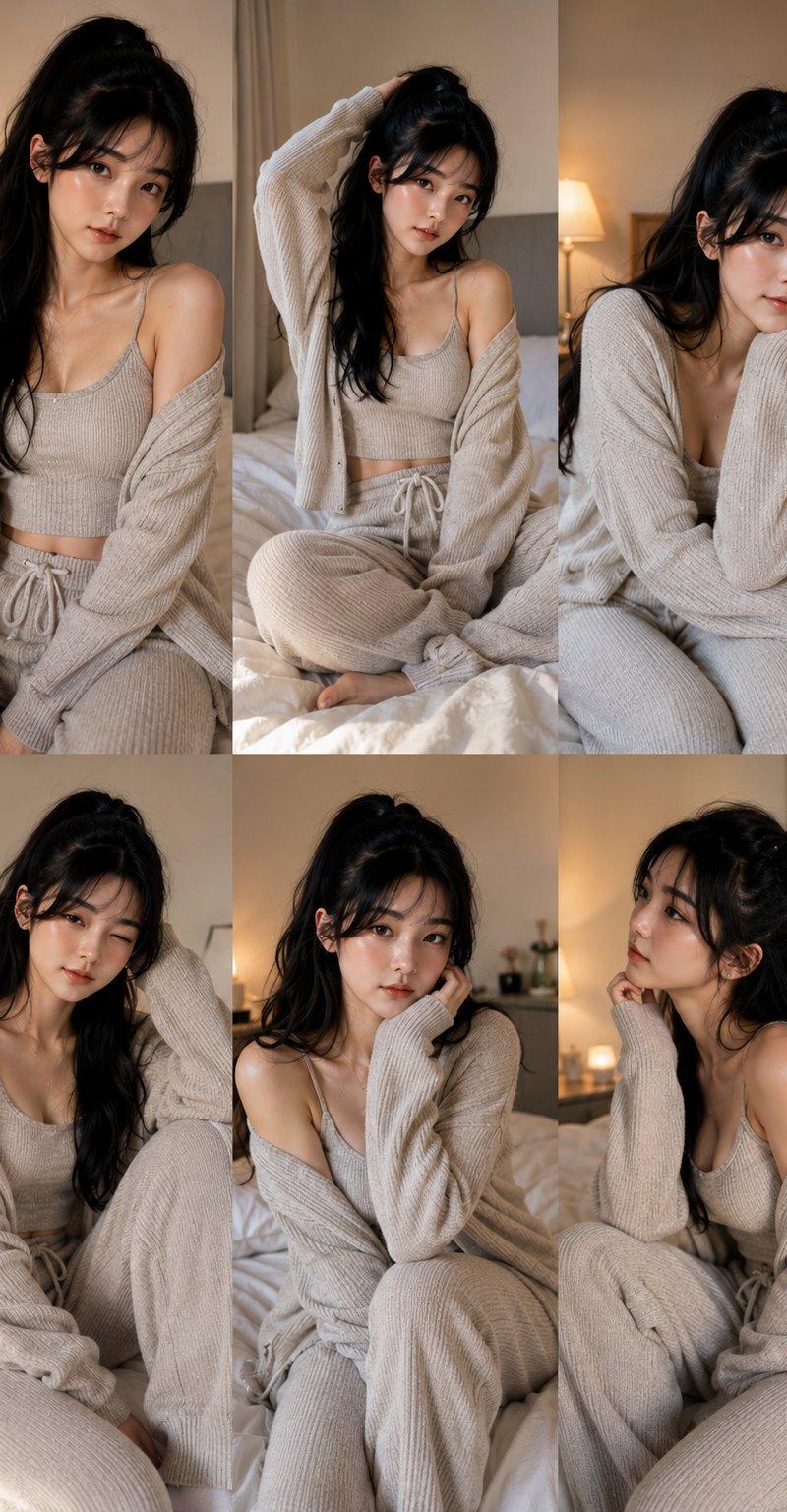
19

手持向日葵的女性肖像
Enlarge

Example images

手持向日葵的女性肖像

Prompt
A candid, warm-toned medium shot of a young woman with long, voluminous wavy dark brown hair, gently looking down at a bright {argument name="flower" default="yellow sunflower"} she is holding in both hands. She has a soft smile, subtle makeup with reddish-pink lipstick, dark red manicured nails, and is wearing a simple {argument name="top" default="cream-colored fitted t-shirt"}, a delicate gold necklace, and stacked silver chain bracelets on her wrist. The setting is a bustling, warmly lit indoor {argument name="environment" default="restaurant or lounge"} at night, featuring large reflective metallic pillars, ambient overhead spotlights, and a softly blurred background of other patrons sitting at tables, creating a cozy and lively atmosphere.
Category
Charts & Infographics
Model
GPT Image 2
Creator
Nadia Ai
Source language
en
Views0
Source ID
25910
Published
Jun 16, 2026
Studio

Guide

About "手持向日葵的女性肖像"

What is this prompt for?

"手持向日葵的女性肖像" AI image prompt for GPT Image 2 (Charts & Infographics). 一张色调温暖的抓拍照片,展现了一位女性在温馨、氛围感十足的餐厅或休息室里欣赏向日葵的情景。 Copy it on Picva and recreate the look in o…

The full copyable prompt and example visuals above are ready for AI image generation or one-click recreate in Picva.

How to use this prompt

  1. Step 1

    Open the prompt detail

    Review the example visuals, category, and full prompt text for "手持向日葵的女性肖像".

  2. Step 2

    Copy the prompt

    Copy the prompt body from this page, or load it directly in Studio.

  3. Step 3

    Pick a model (GPT Image 2)

    Prefer GPT Image 2. If you switch models, keep subject and composition and tweak style terms.

  4. Step 4

    Generate and export

    Recreate the look in Picva, or export into your workflow for editing and publishing.

FAQ

What is the "手持向日葵的女性肖像" prompt?
It is an AI image-generation prompt for GPT Image 2 in the Charts & Infographics category. This page includes the full prompt text, example visuals, and a one-click recreate path in Picva.
How do I use this prompt to generate an image?
Copy the prompt from this page, or use Generate / Studio. Paste it into a compatible image model, or recreate the look in Picva with optional reference images.
Which model is this prompt for?
This page lists GPT Image 2. Most descriptive prompts also transfer to nearby image models such as GPT Image, Flux, or Midjourney with light style tweaks.
Can I use the result commercially?
You can usually copy the prompt for creation, but commercial use of the final image depends on the model terms, reference-image rights, and the generated content. Follow the source author and platform rules.