20

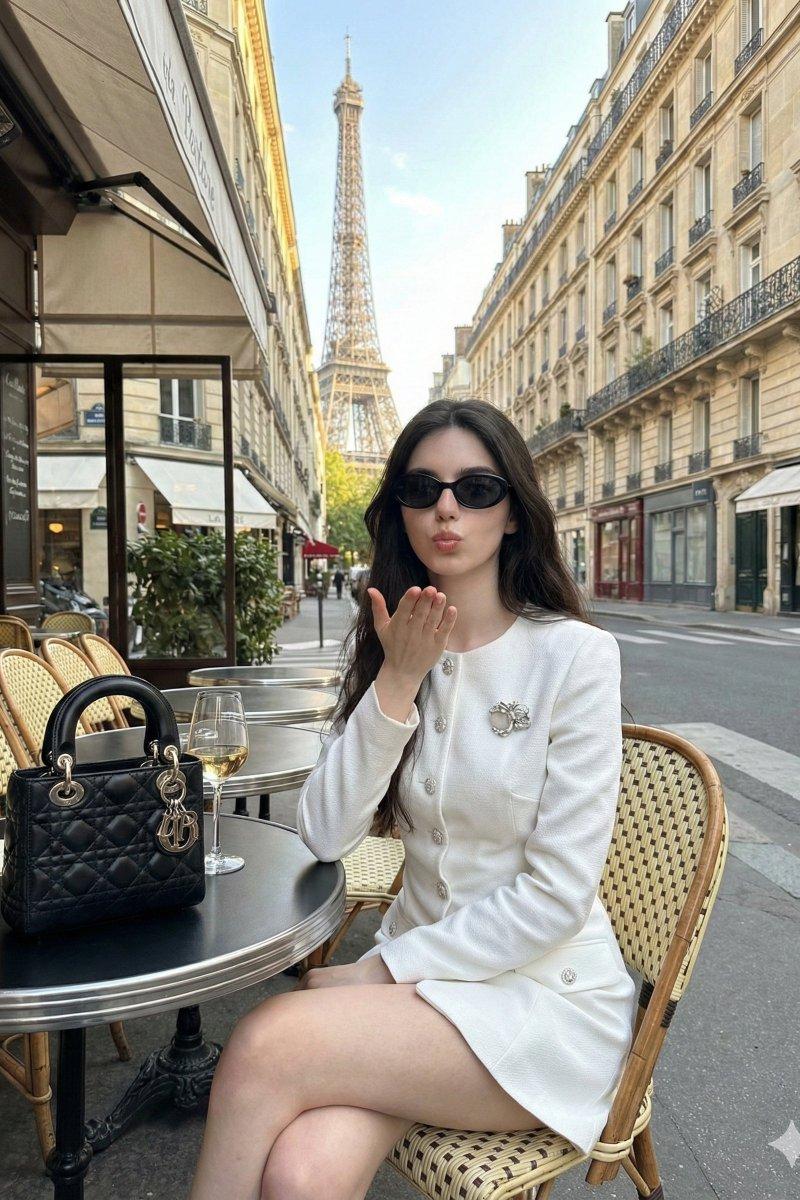
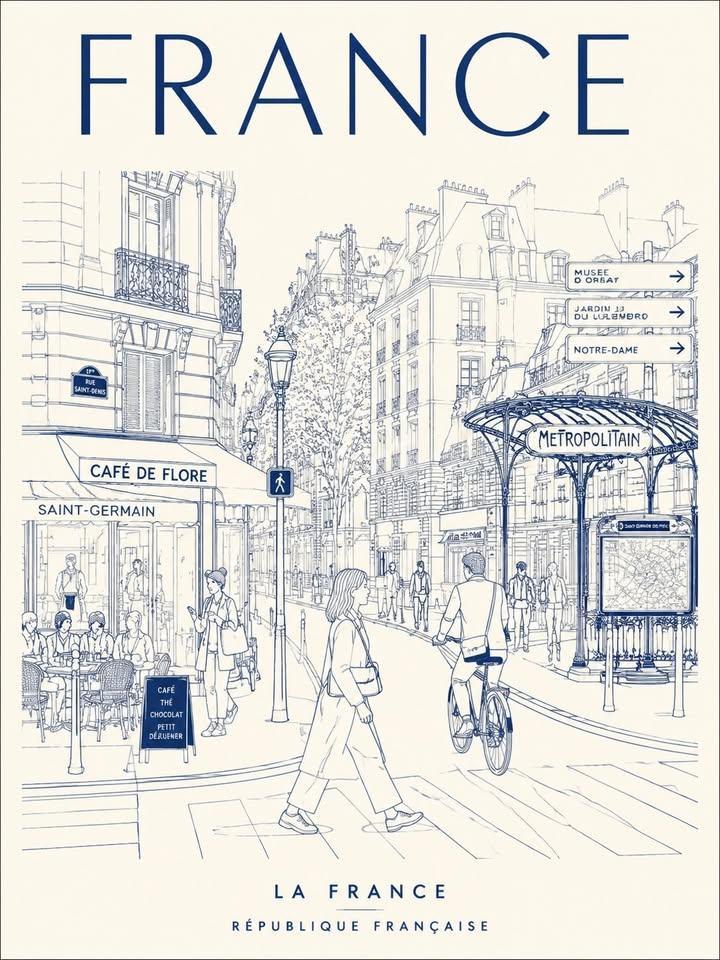
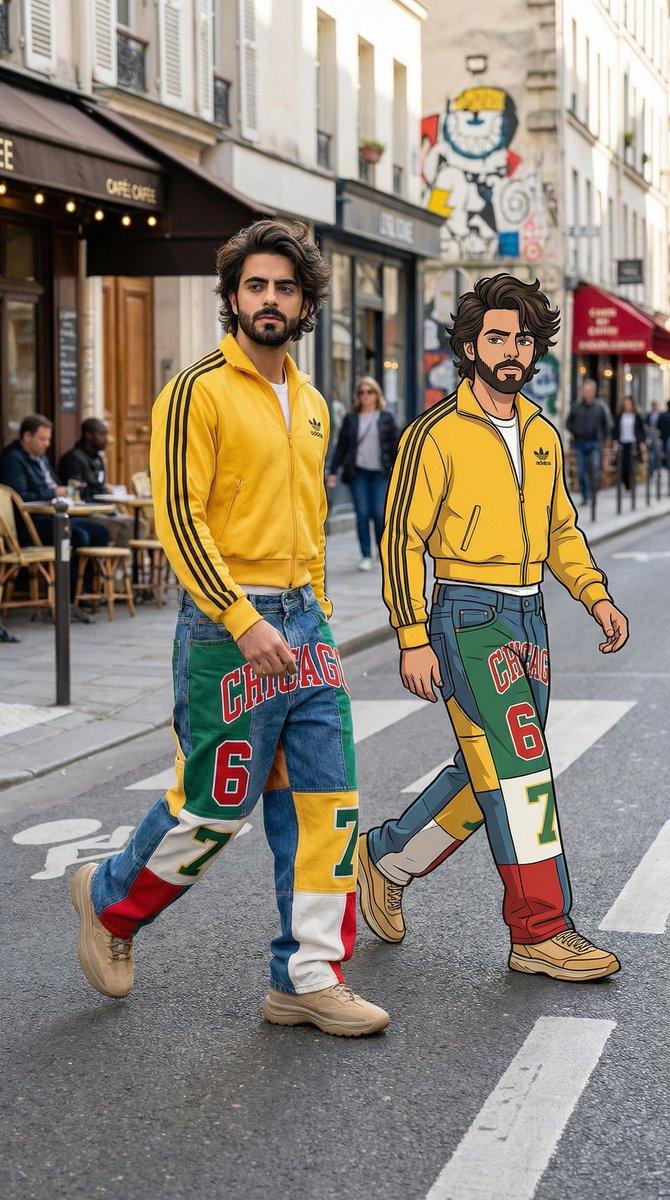
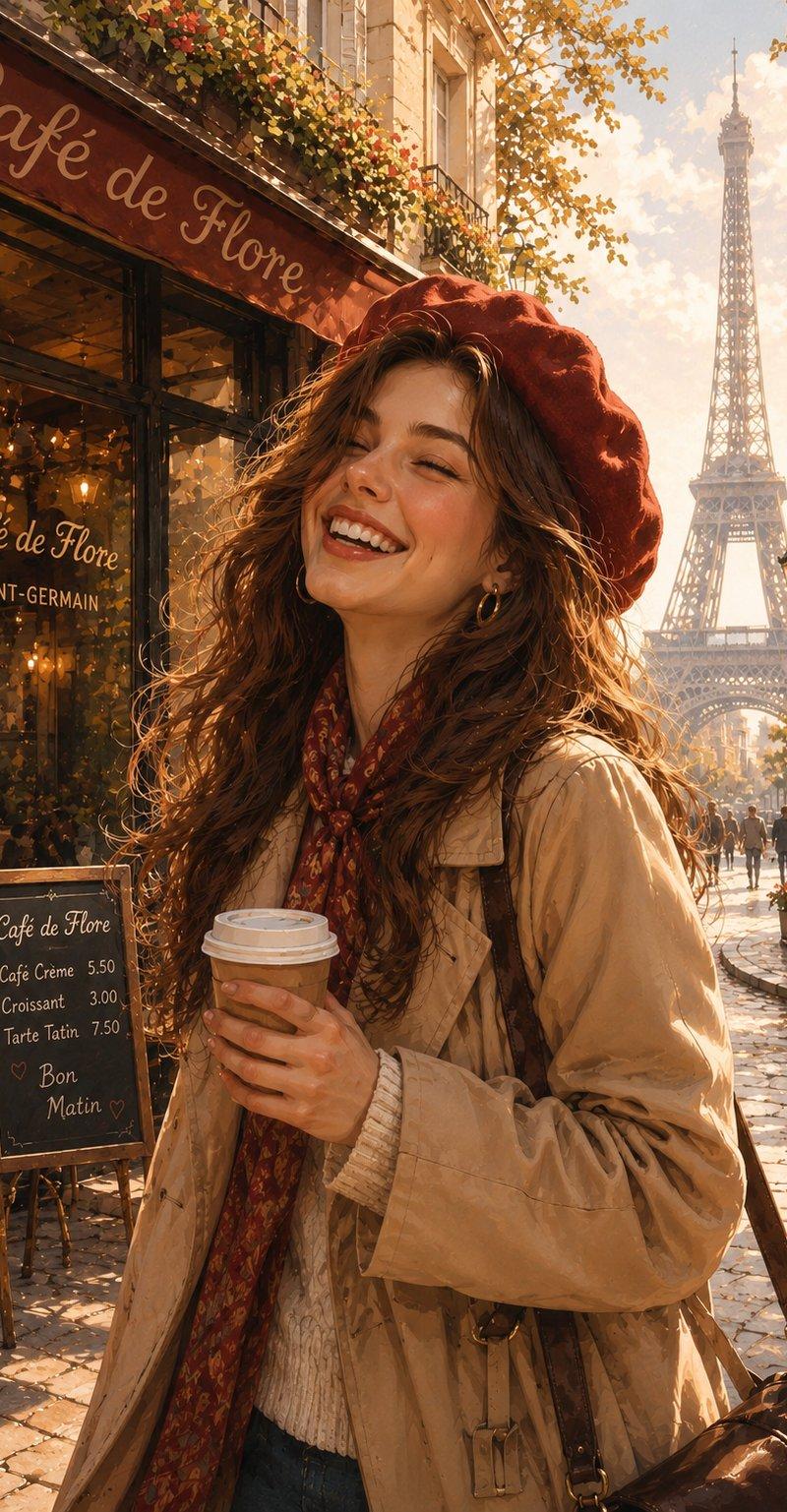
复古 Source Engine 3D 游戏风格
Enlarge

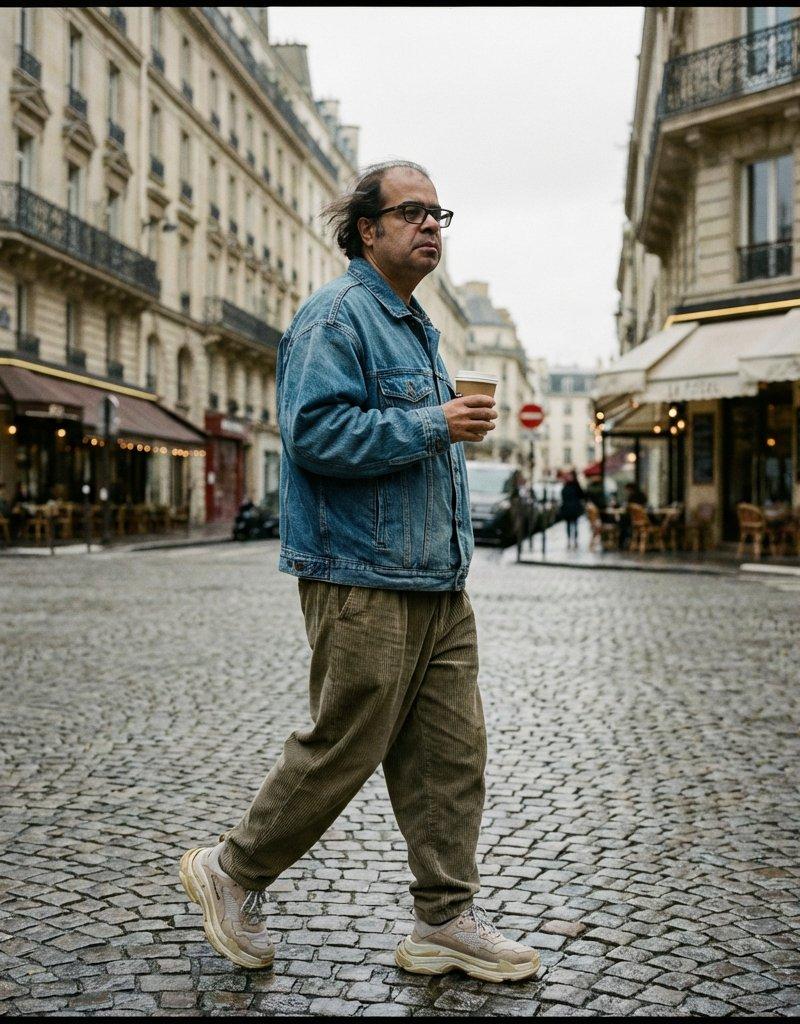
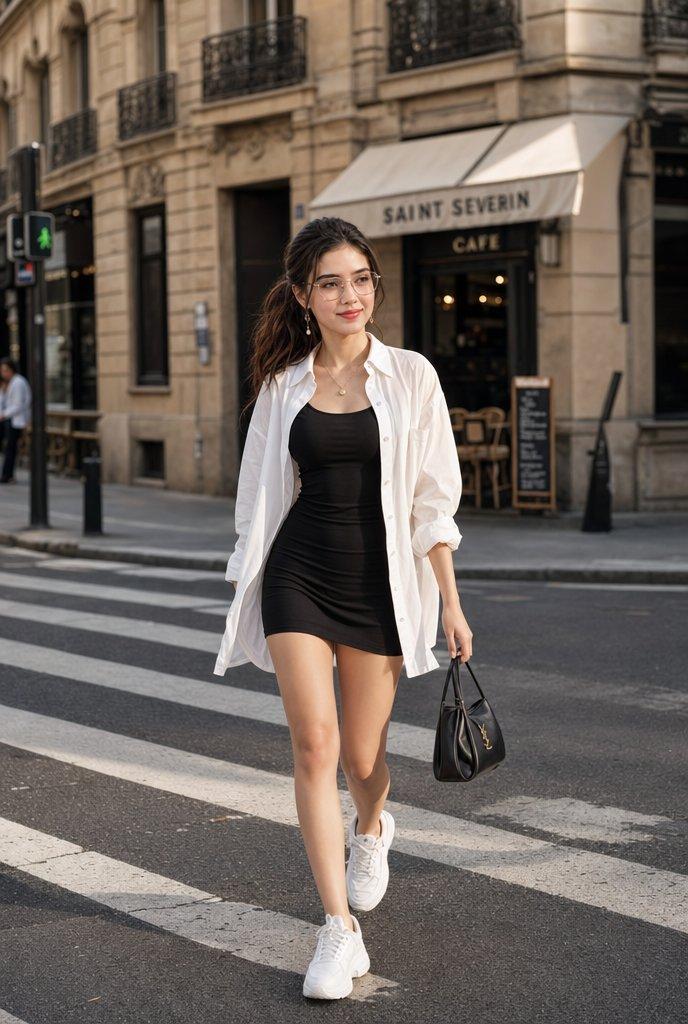
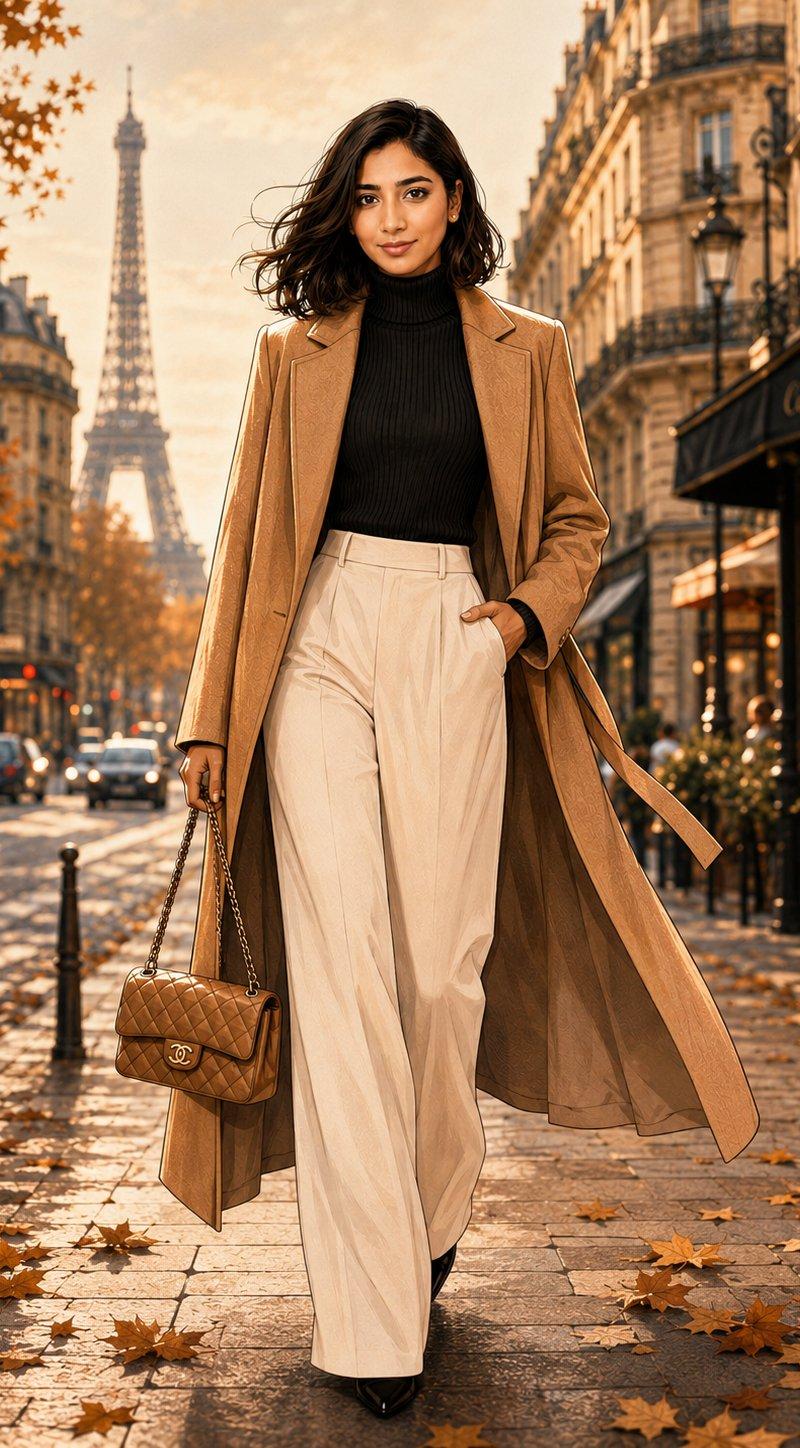
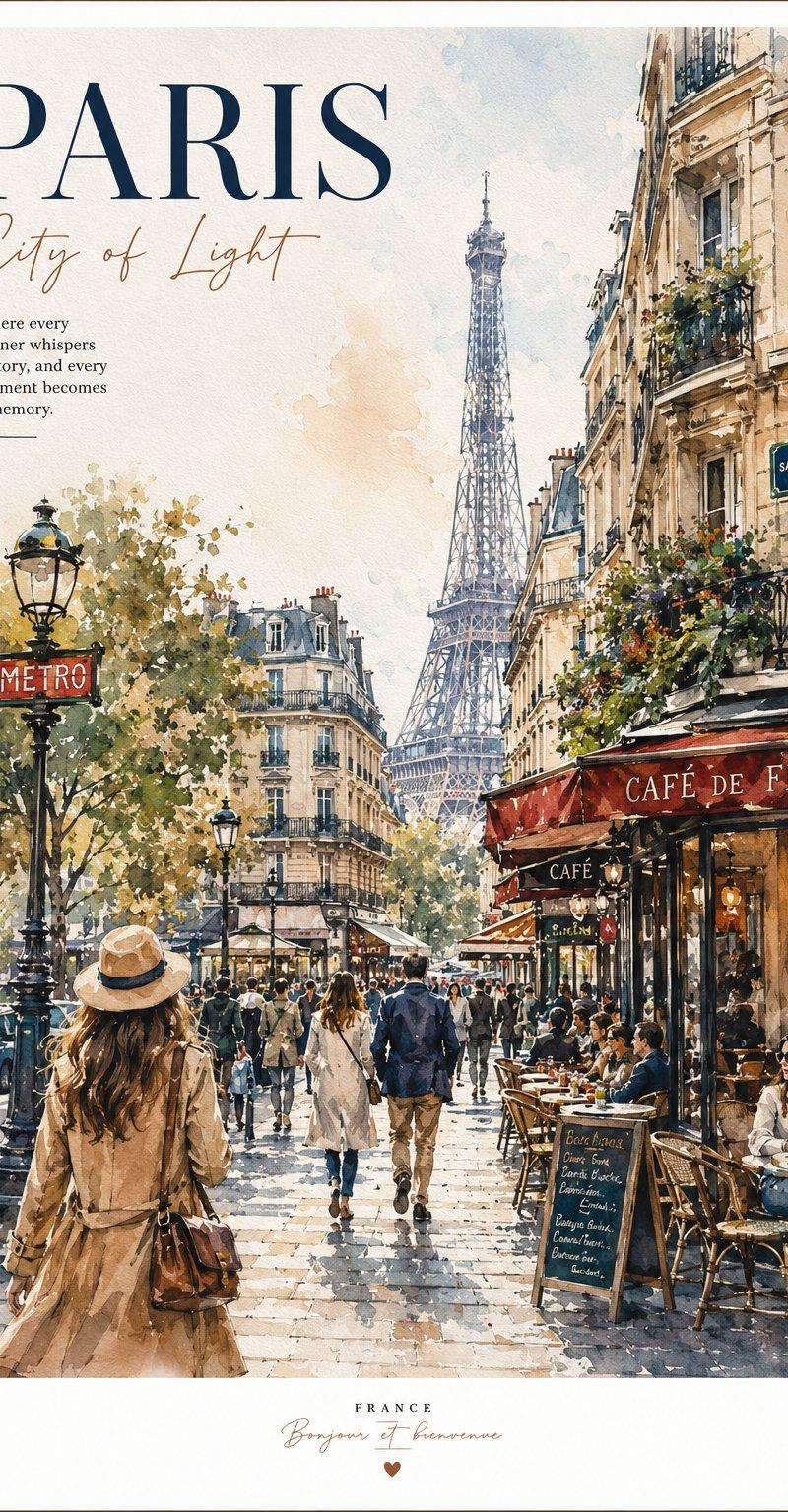
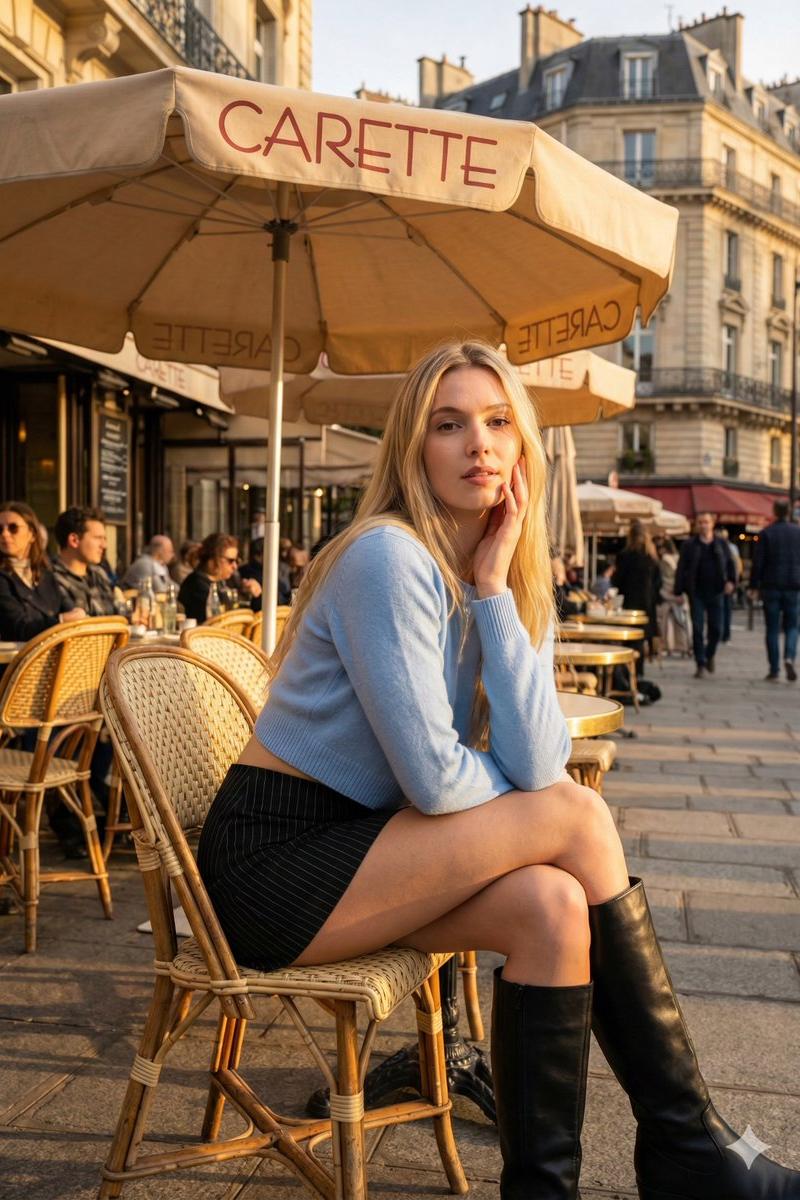
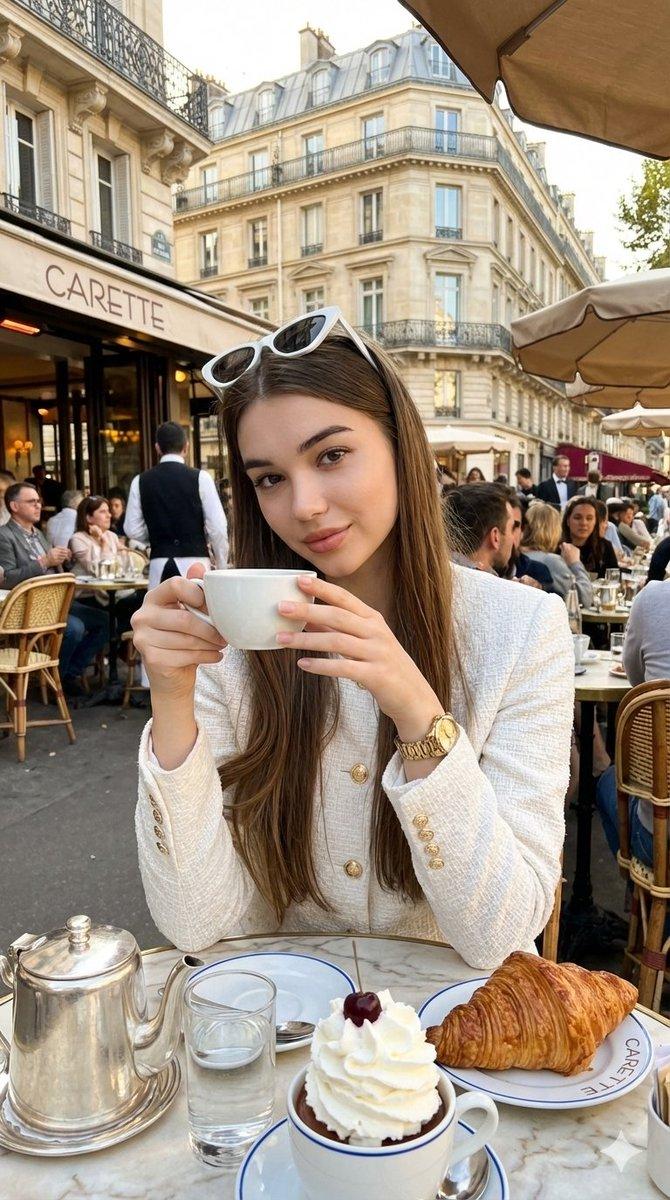
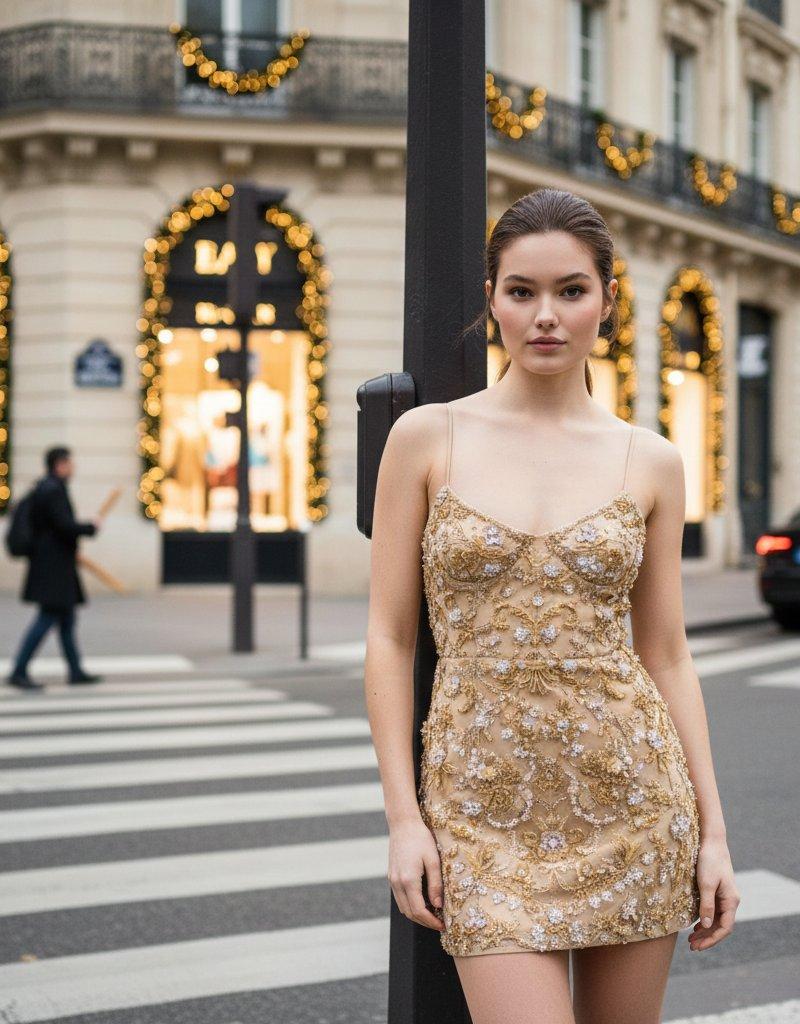
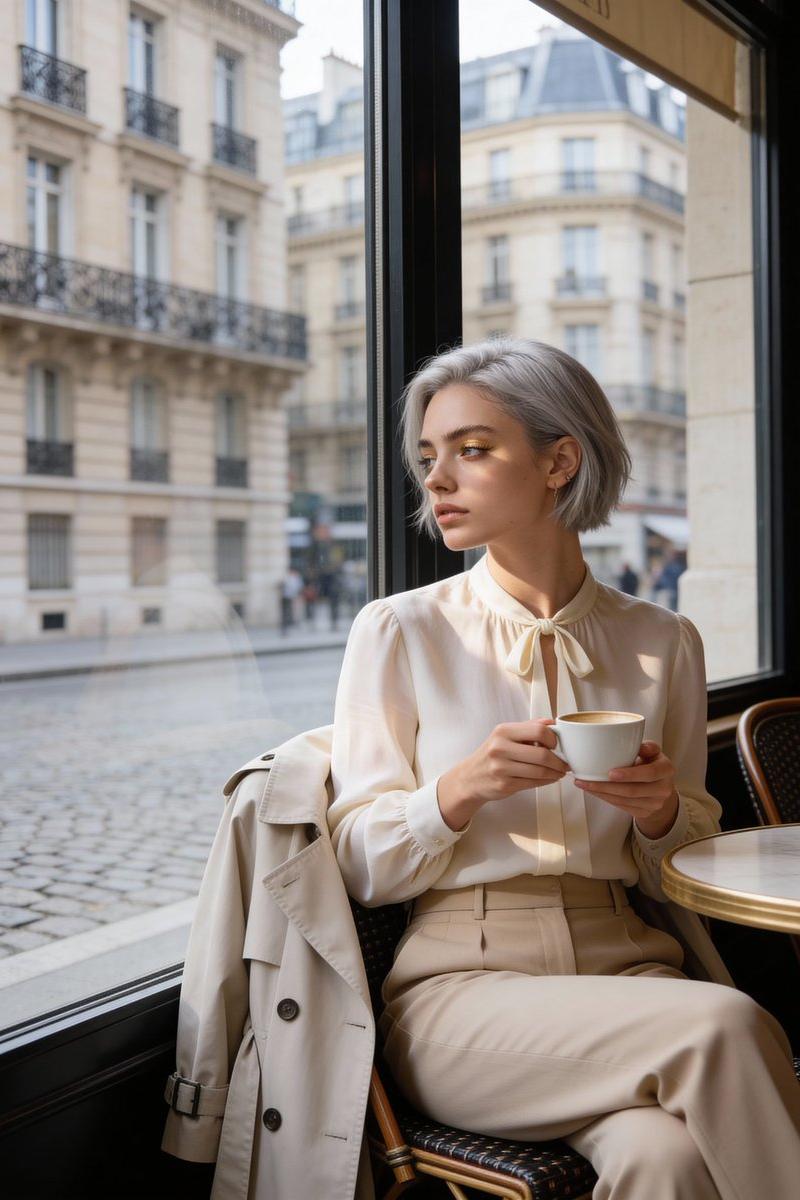
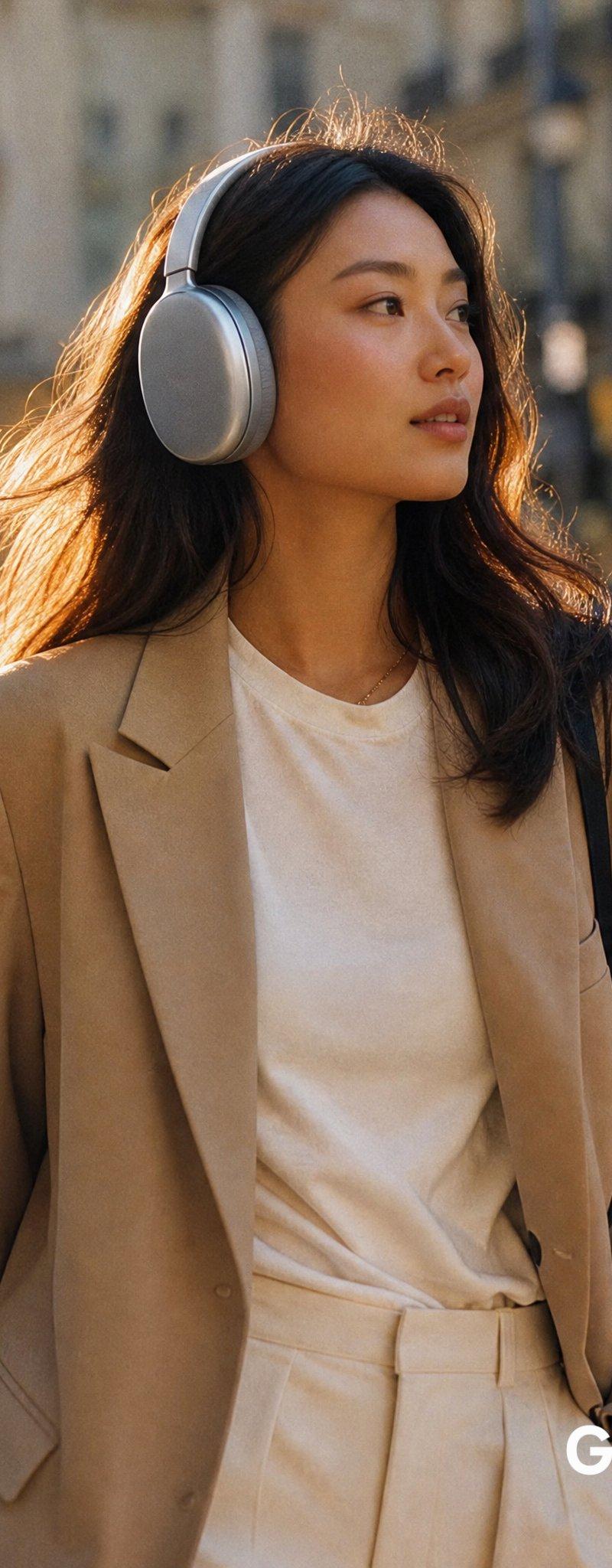
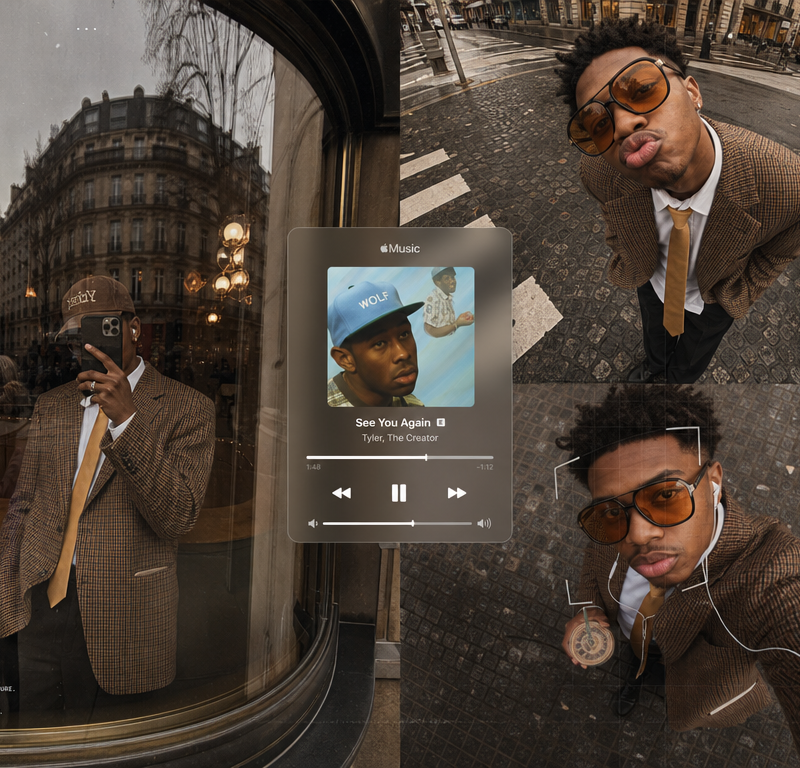
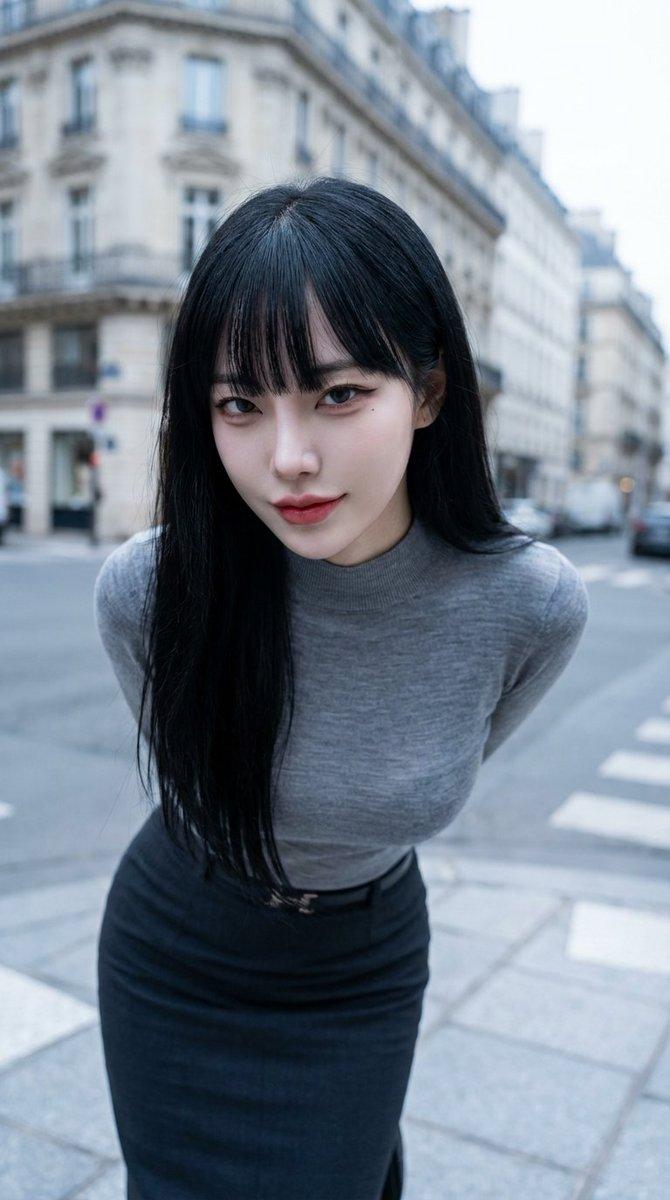
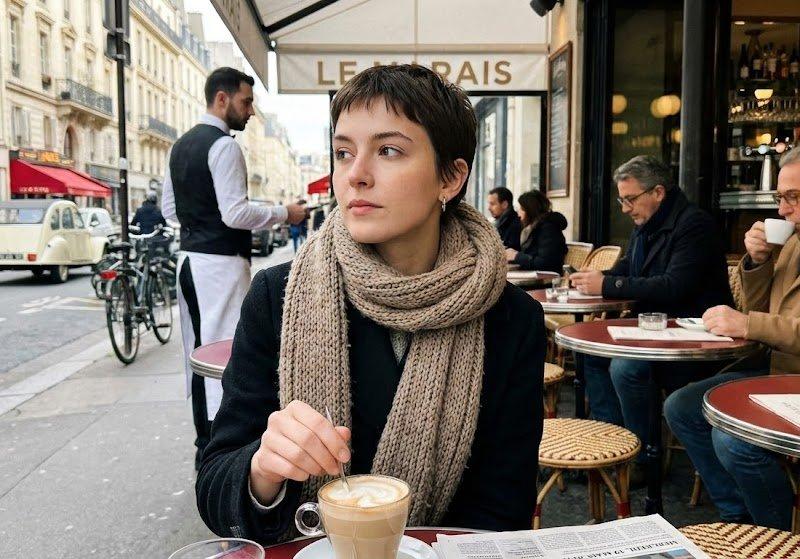
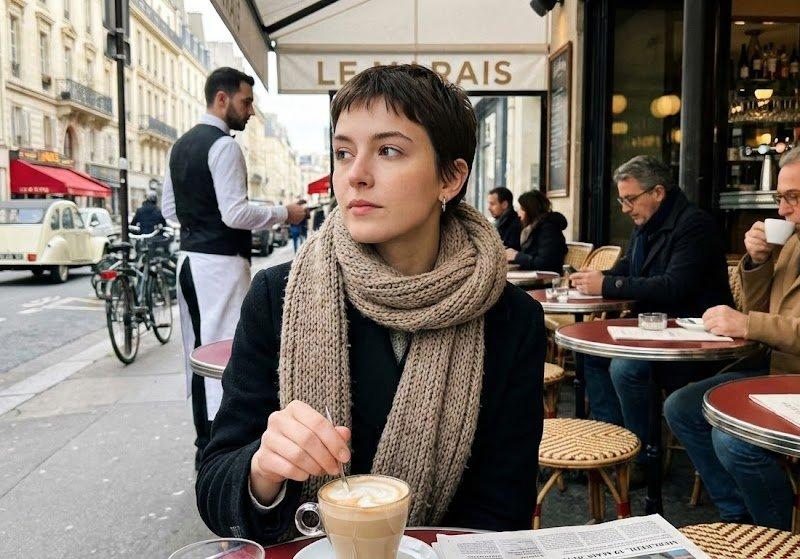
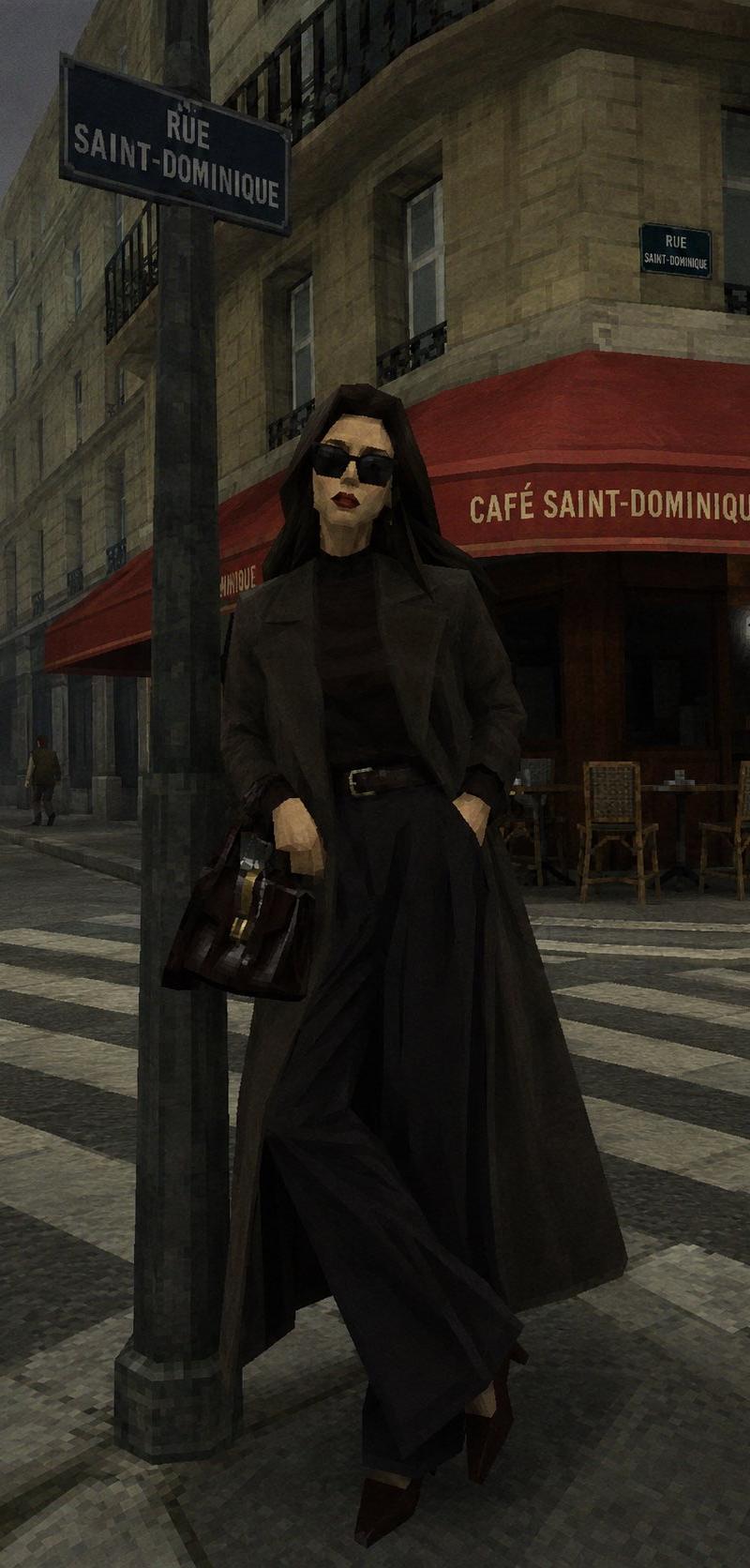
Example images

复古 Source Engine 3D 游戏风格

Prompt
将此照片重制为 {argument name="game engine" default="早期 Source Engine(原始 Source Engine)"} 风格的 3D 游戏截图。保留原图的主体、构图、视角和布局,但将整个场景重新诠释为 {argument name="game scene" default="《Half-Life 2》或早期《Garry’s Mod》地图"} 中的样子。这不仅仅是一个滤镜,而是像将真实照片“重建模”为旧游戏截图一样。人物特征应清晰地呈现出低多边形边缘;不要在面部特征上使用任何圆润的形状,而是用锐角或多边形代替。为图像添加噪点、极细的低像素网格以及轻微的色差效果。风格要求:3D 建模:所有物体、角色、树木、岩石和建筑物都应具有明显的 **Low-Poly** 感,带有略显生硬的边缘和清晰的几何结构。模仿《Half-Life》或《Garry's Mod》早期的视觉质感。纹理贴图:使用略显模糊、重复且细节有限的低分辨率(Low-Res)纹理,呈现早期游戏素材的粗糙感。光影效果:模拟早期游戏引擎中那种独特、杂乱、生硬且略显不自然的光照效果。
Category
Charts & Infographics
Model
GPT Image 2
Creator
MarioTan
Source language
zh-CN
Views0
Source ID
26013
Published
Jun 17, 2026
Studio

Guide

About "复古 Source Engine 3D 游戏风格"

What is this prompt for?

"复古 Source Engine 3D 游戏风格" AI image prompt for GPT Image 2 (Charts & Infographics). 一个将真实照片转换为 21 世纪初 Source Engine 3D 游戏截图的提示词,捕捉了诸如《Half-Life 2》等作品中独特的低多边形(L…

The full copyable prompt and example visuals above are ready for AI image generation or one-click recreate in Picva.

How to use this prompt

  1. Step 1

    Open the prompt detail

    Review the example visuals, category, and full prompt text for "复古 Source Engine 3D 游戏风格".

  2. Step 2

    Copy the prompt

    Copy the prompt body from this page, or load it directly in Studio.

  3. Step 3

    Pick a model (GPT Image 2)

    Prefer GPT Image 2. If you switch models, keep subject and composition and tweak style terms.

  4. Step 4

    Generate and export

    Recreate the look in Picva, or export into your workflow for editing and publishing.

FAQ

What is the "复古 Source Engine 3D 游戏风格" prompt?
It is an AI image-generation prompt for GPT Image 2 in the Charts & Infographics category. This page includes the full prompt text, example visuals, and a one-click recreate path in Picva.
How do I use this prompt to generate an image?
Copy the prompt from this page, or use Generate / Studio. Paste it into a compatible image model, or recreate the look in Picva with optional reference images.
Which model is this prompt for?
This page lists GPT Image 2. Most descriptive prompts also transfer to nearby image models such as GPT Image, Flux, or Midjourney with light style tweaks.
Can I use the result commercially?
You can usually copy the prompt for creation, but commercial use of the final image depends on the model terms, reference-image rights, and the generated content. Follow the source author and platform rules.