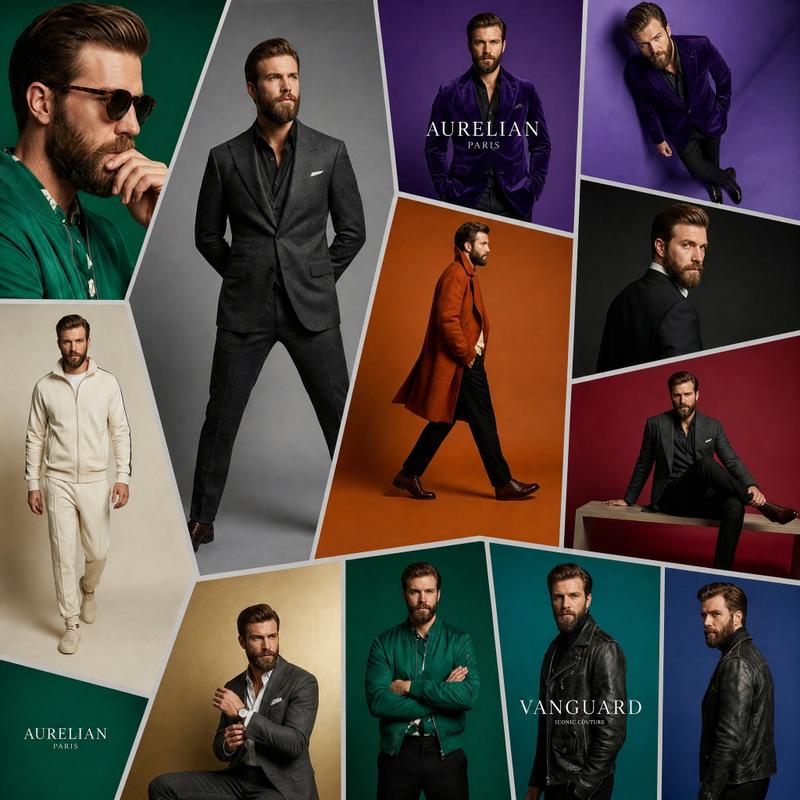
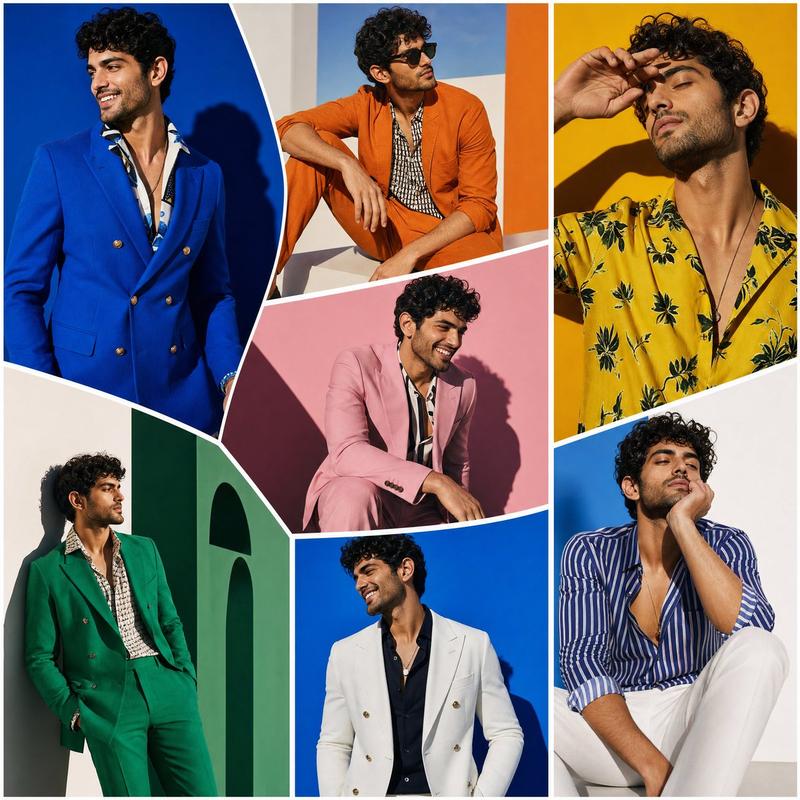
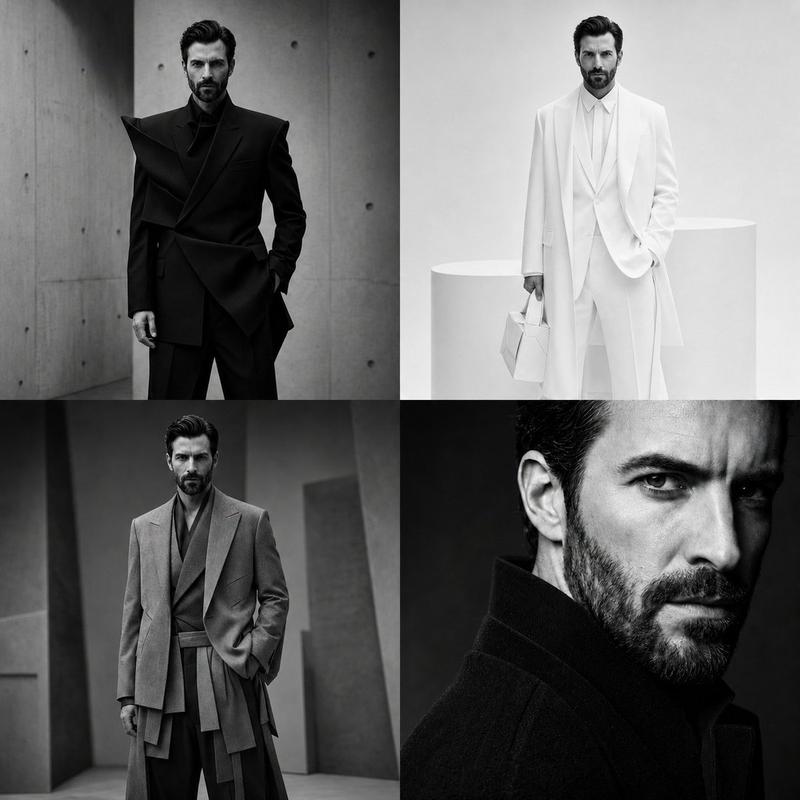
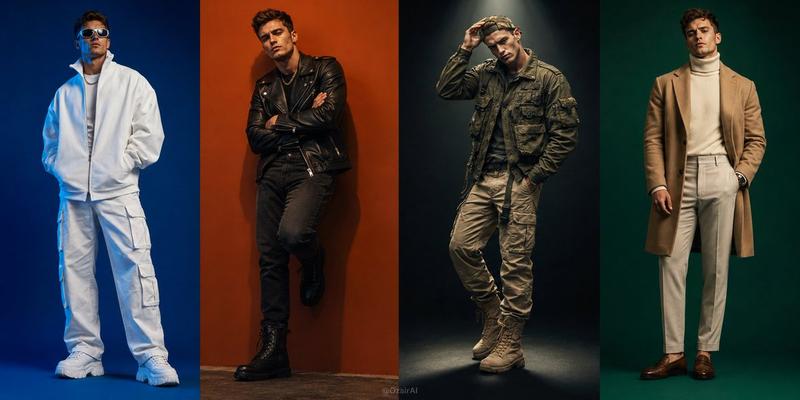
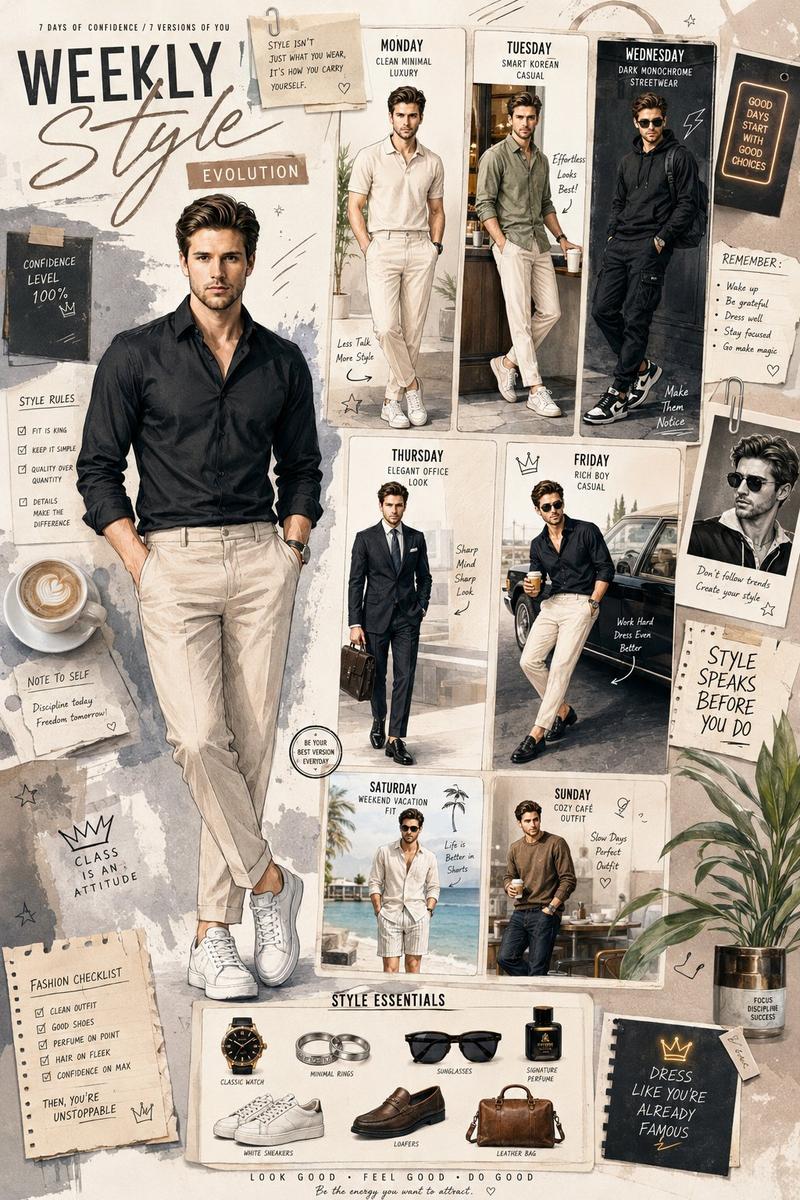
奢华男装画廊拼贴画
Prompt
Goal: Create a photorealistic high-end fashion exhibition interior showing an enormous wall-sized luxury menswear advertising collage inside a concrete gallery.

Canvas: Wide cinematic 16:9 image, eye-level perspective, realistic lighting, polished concrete floor with subtle reflections, industrial ceiling beams and black track lights.

Layout: A spacious modern gallery with a large central feature wall occupying most of the frame. Add upper mezzanine walkways on the left and right with glass railings, plus visitors standing and observing. The central wall is a geometric mosaic of exactly 13 fashion-ad panels separated by thick white beveled borders: 1) top-left large purple panel with a suited male model and the brand text “AURELIAN PARIS”; 2) center dominant tall emerald-green hexagonal panel with a full-body male model in a green jacket; 3) top-center purple panel with a seated male model and “AURELIAN PARIS”; 4) upper gold panel with a seated man adjusting his cuff and “AURELIAN PARIS”; 5) middle teal panel with a male model sitting on a rectangular bench; 6) upper-right black silhouette portrait panel; 7) far upper-right stacked brand panel with two small blocks, one reading “AESTHETE” and one reading “GALAISM”; 8) left lower cream panel with a man in an ivory tracksuit walking forward; 9) small lower green brand block reading “AURELIAN PARIS”; 10) lower gold panel with a man in a gray suit; 11) lower emerald panel with a man in a green jacket standing arms crossed; 12) lower teal/black panel with the large word “VANGUARD”; 13) far-right vertical blue panel with a side-profile man in a black leather jacket.

Subject details: The advertising models are adult men in upscale menswear: suits, blazers, leather jackets, knitwear, dress shoes, and one ivory athleisure outfit. Faces should be intentionally soft-blurred or featureless, while clothing and posture remain sharp. Use the main brand name {argument name="brand name" default="AURELIAN PARIS"} prominently in several panels, with a secondary headline {argument name="collection name" default="VANGUARD"} on the lower-right panel. Keep the palette elegant and editorial: emerald green, deep purple, teal, gold, cream, black, and white.

Gallery environment: Include exactly 9 visible visitors: two people on the left mezzanine, two people on the right mezzanine, one man standing near the left foreground looking at the wall, two small visitors near the left wall, and two men near the right foreground. Add smaller framed fashion posters on the side walls and minimalist brand placards on the concrete columns.

Visual style: Ultra-realistic commercial architecture visualization mixed with luxury fashion campaign photography, crisp details, soft museum lighting, premium editorial mood, no cartoon styling.

Constraints: Do not add extra readable text beyond the indicated luxury brand labels. Keep the 13-panel mosaic clear and symmetrical enough to read as a single monumental fashion installation. No watermark, no captions, no UI elements.- Category
- UI & Interfaces
- Model
- GPT Image 2
- Creator
- Cherry 2.O
- Source ID
- 26071
- Published
- Jun 12, 2026
Views0