15

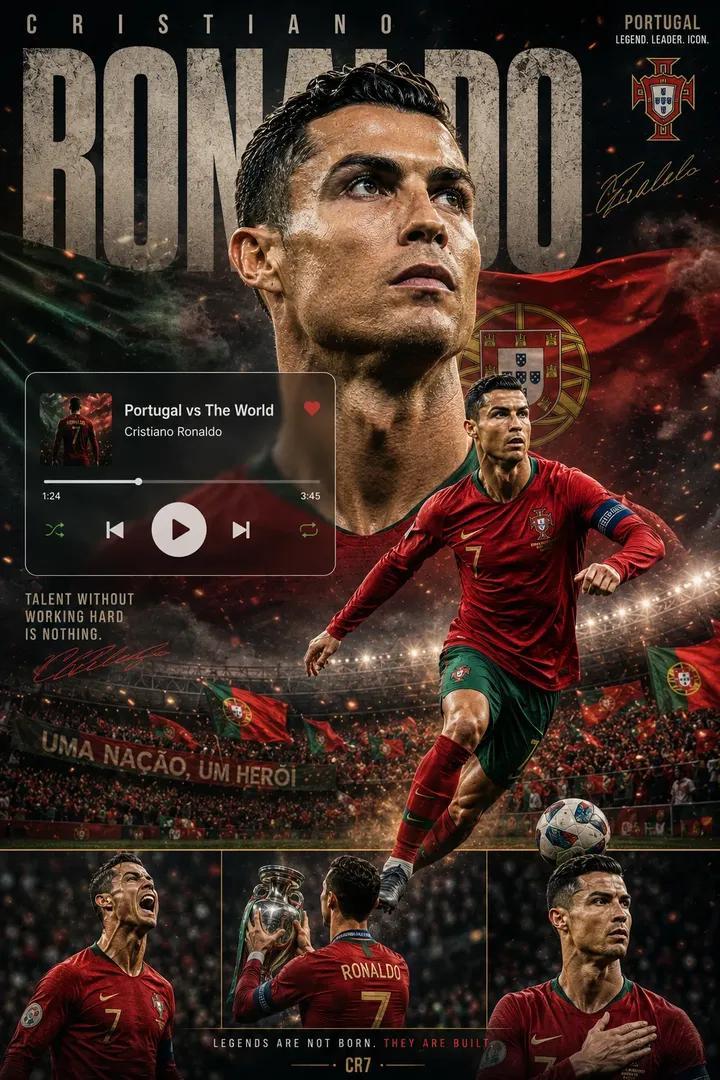
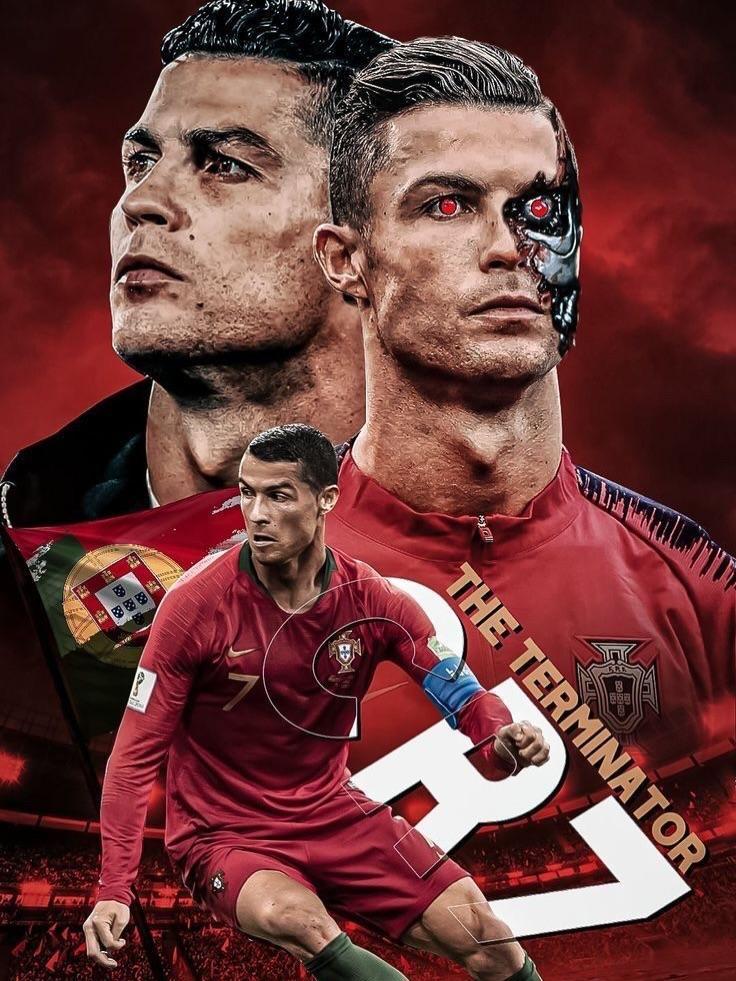
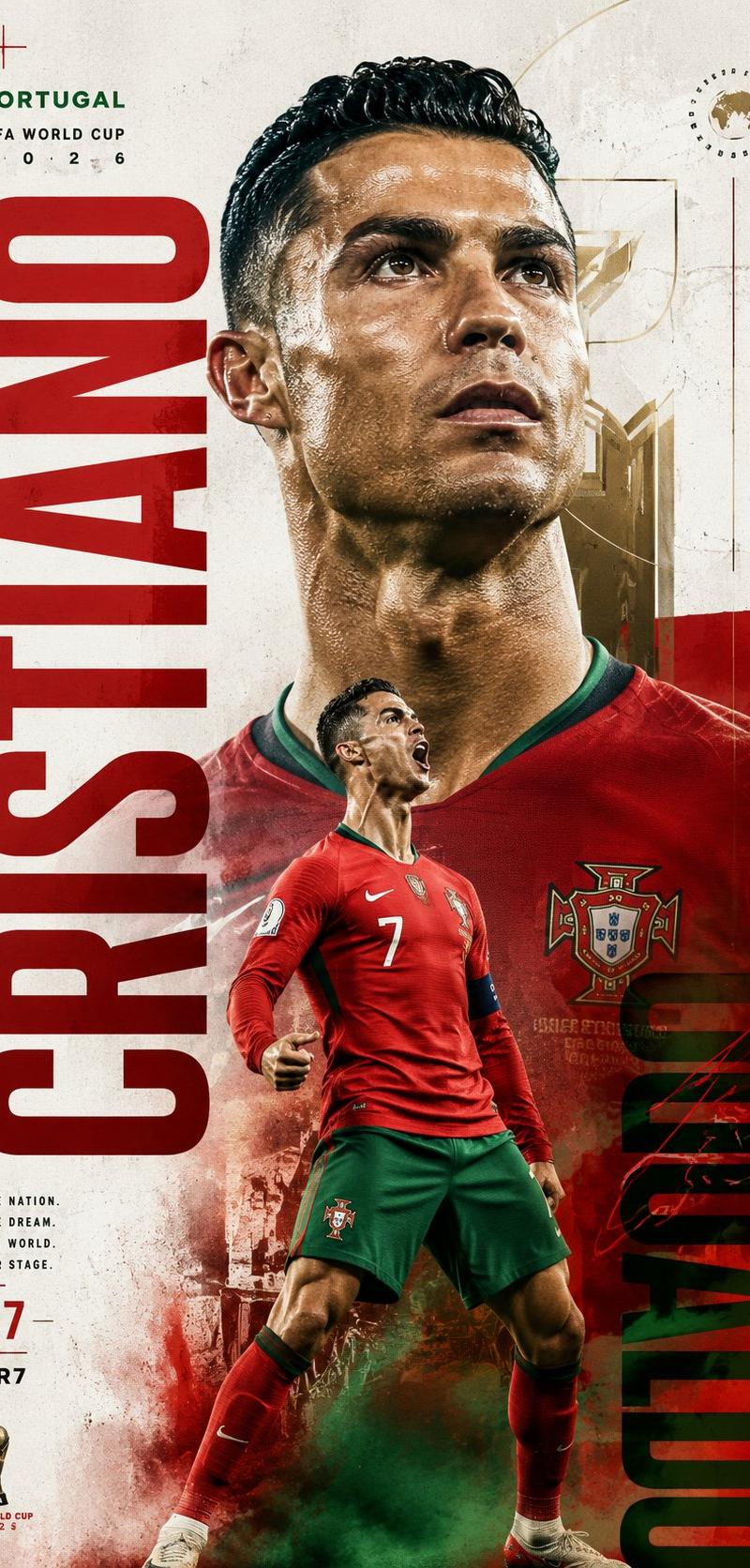
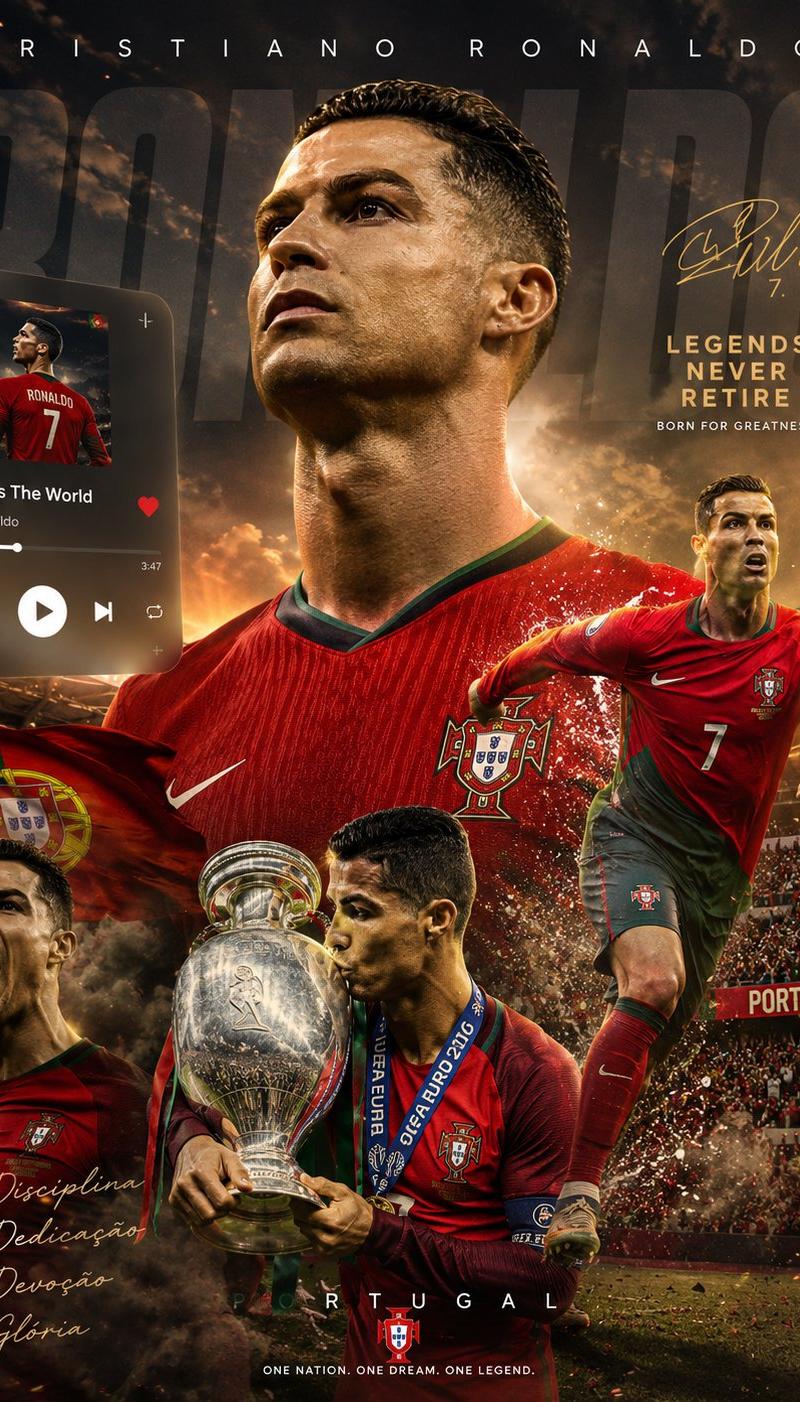
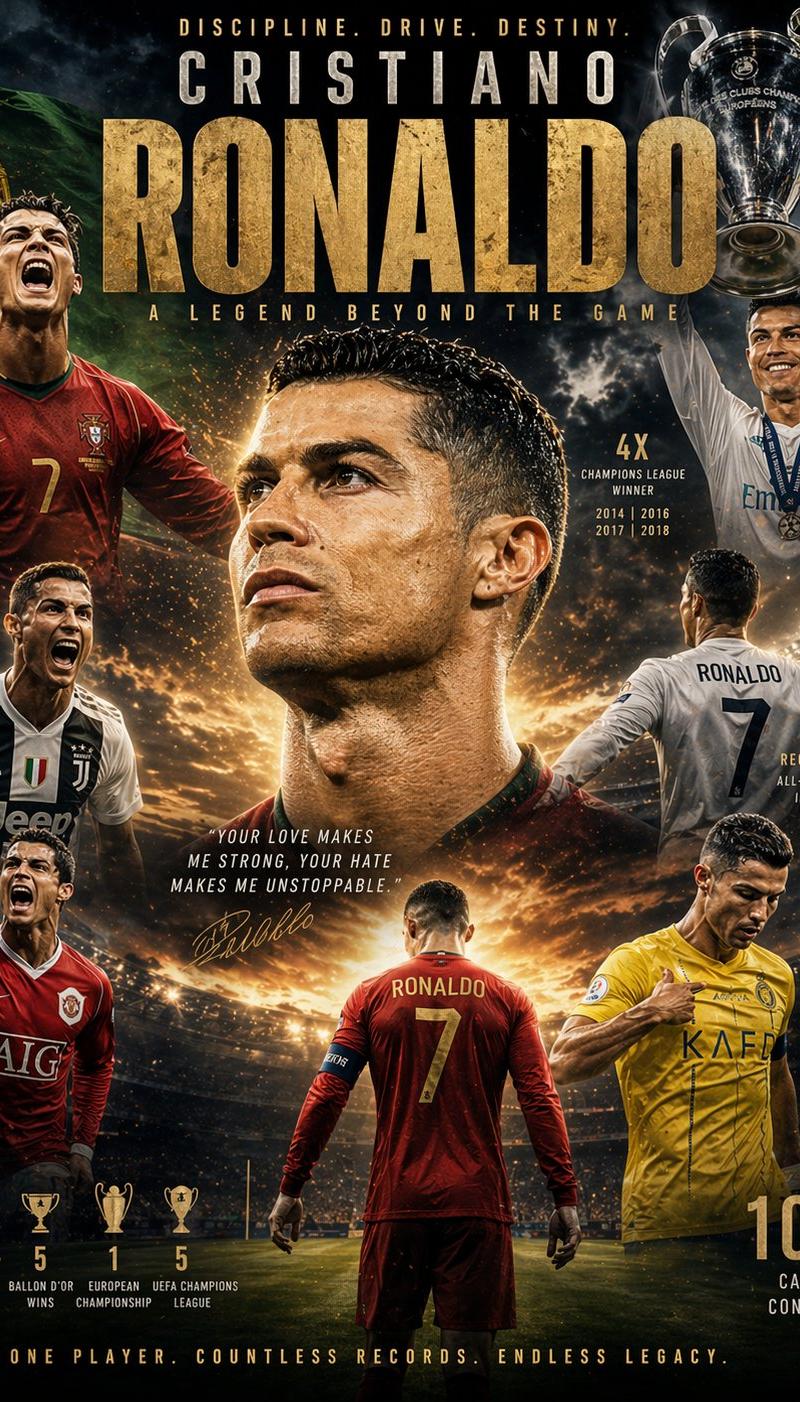
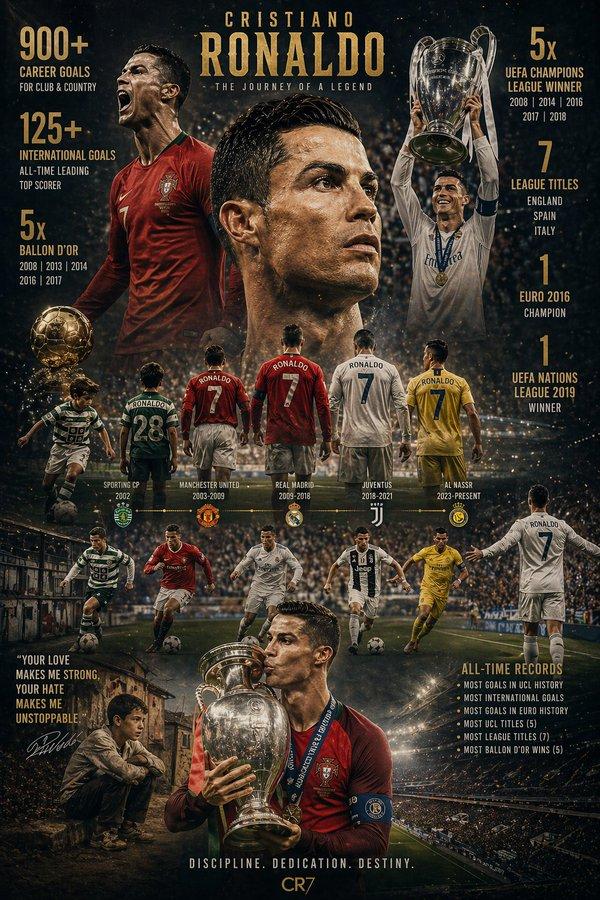
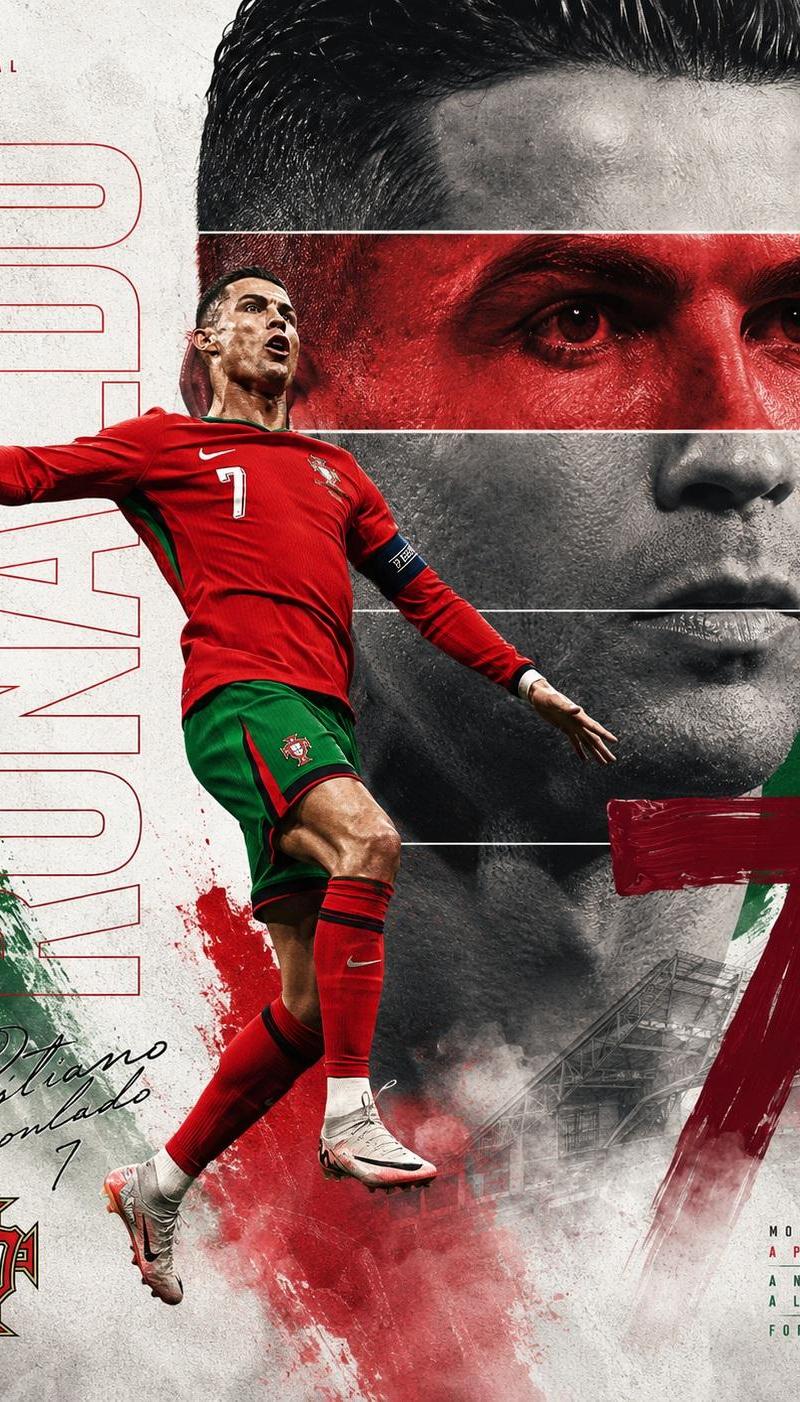
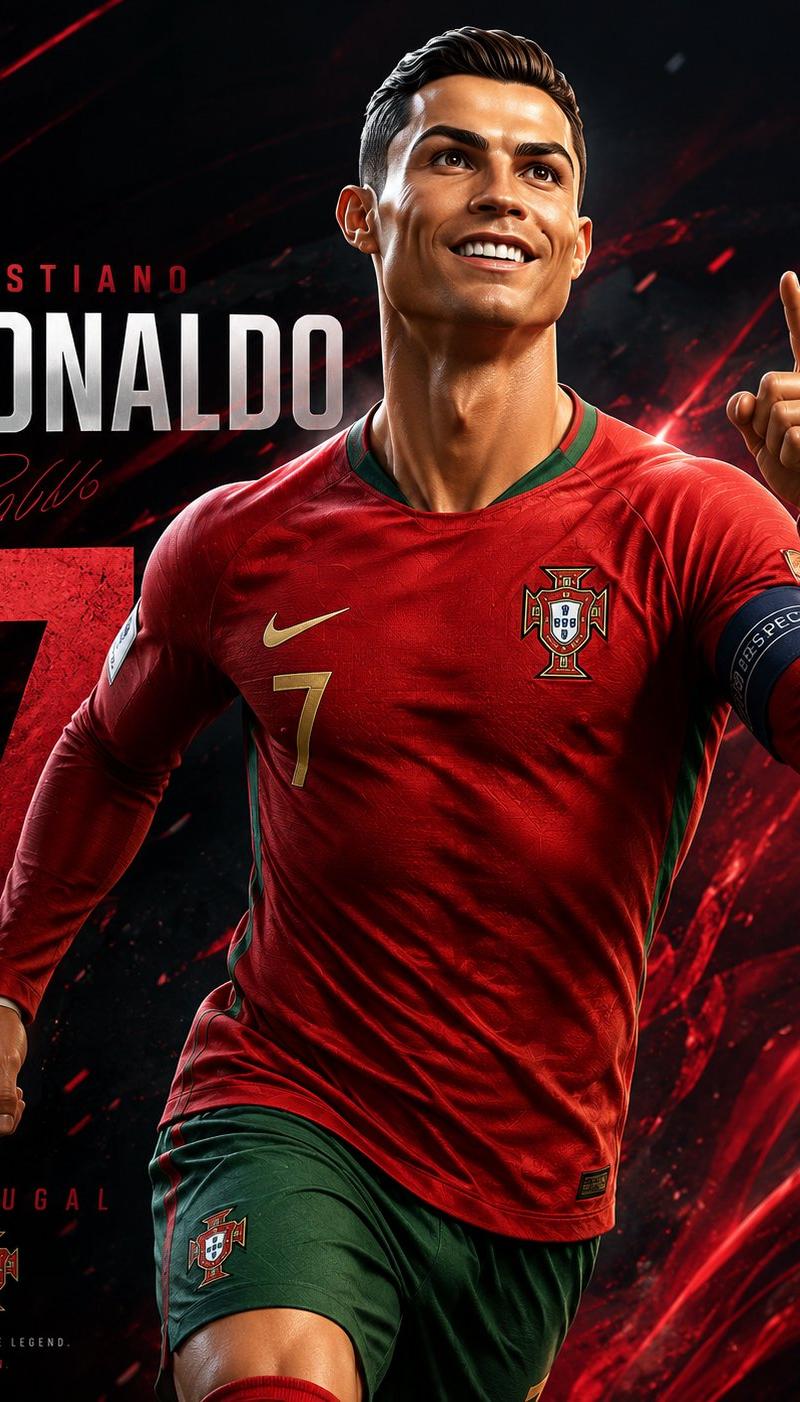
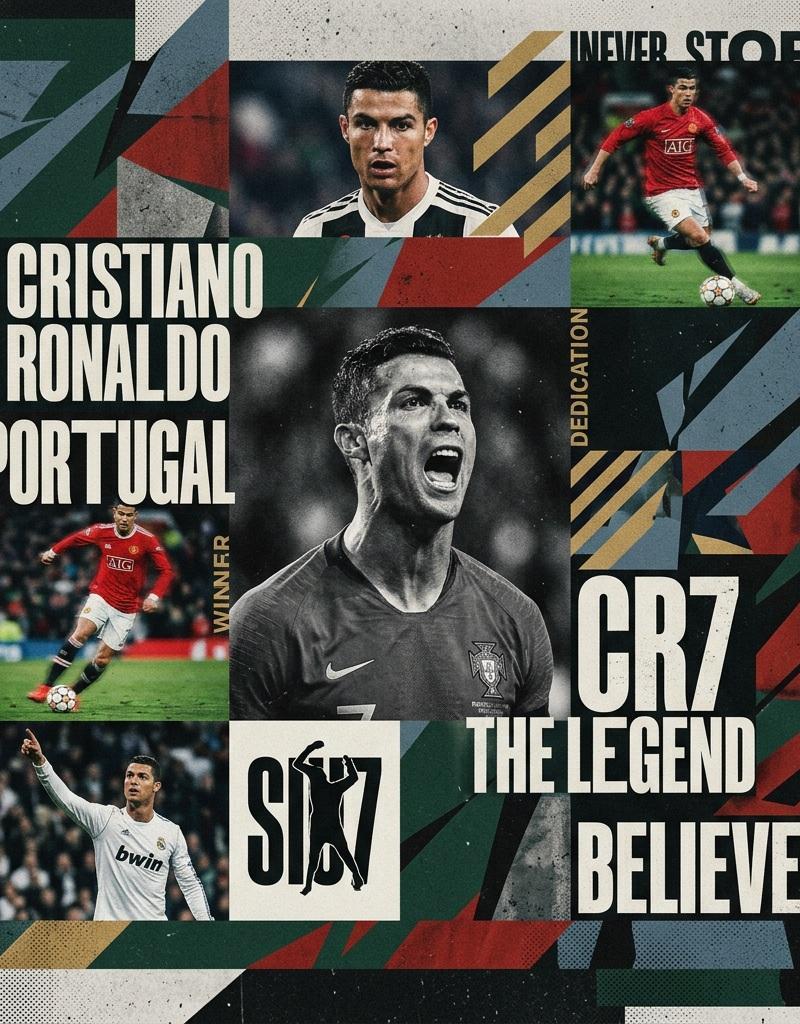
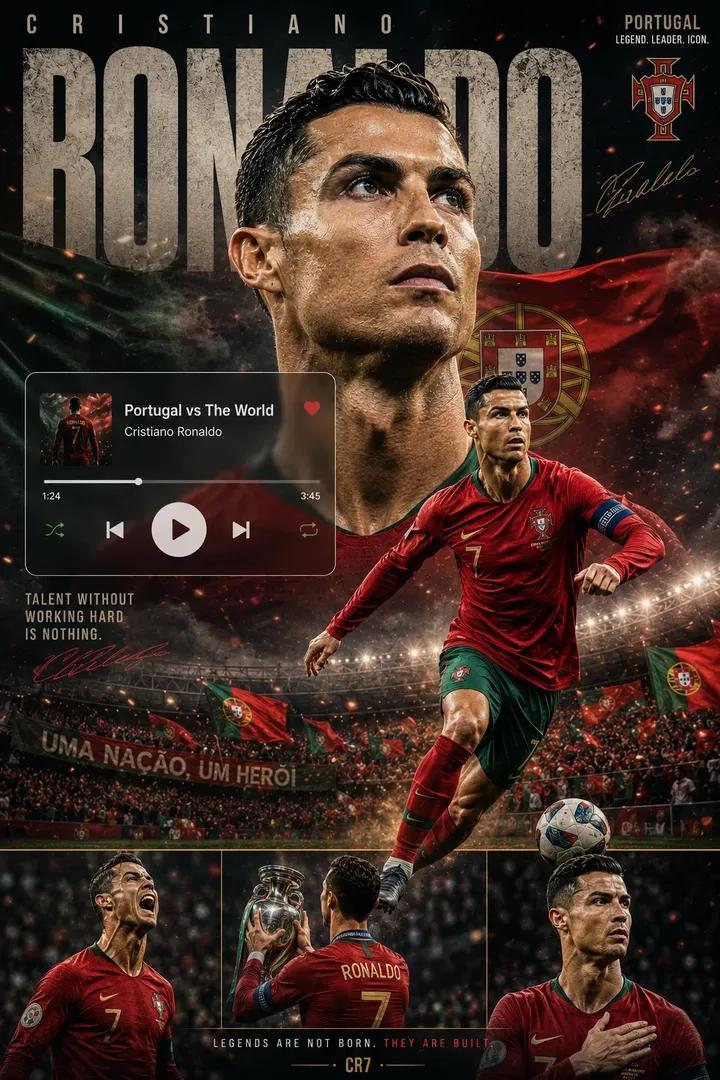
高级足球传奇海报
Enlarge

Example images

高级足球传奇海报

Prompt
Create a premium {argument name="主体" default="football legend"} poster wallpaper inspired by modern sports editorial design, luxury athlete campaigns, Spotify-inspired music cover aesthetics, Apple Music UI elements, and elite football branding. The design must feel cinematic, heroic, collectible, and highly shareable on social media. STYLE Ultra-realistic sports photography Premium sports advertising campaign High-end football magazine cover Modern {argument name="设计元素" default="UI/UX overlay"} design Dynamic depth composition Professional stadium lighting Cinematic atmosphere Photorealistic details Luxury poster aesthetic 4K quality Sharp focus Highly detailed textures Professional color grading
Category
UI & Interfaces
Model
GPT Image 2
Creator
Simply Ray
Source language
en
Views0
Source ID
26143
Published
Jun 18, 2026
Studio

Guide

About "高级足球传奇海报"

What is this prompt for?

"高级足球传奇海报" AI image prompt for GPT Image 2 (UI & Interfaces). 一款用于创作电影质感足球传奇海报的专业提示词,采用现代编辑设计风格,非常适合体育营销和运动员壁纸。 Copy it on Picva and recreate the look in one c…

The full copyable prompt and example visuals above are ready for AI image generation or one-click recreate in Picva.

How to use this prompt

  1. Step 1

    Open the prompt detail

    Review the example visuals, category, and full prompt text for "高级足球传奇海报".

  2. Step 2

    Copy the prompt

    Copy the prompt body from this page, or load it directly in Studio.

  3. Step 3

    Pick a model (GPT Image 2)

    Prefer GPT Image 2. If you switch models, keep subject and composition and tweak style terms.

  4. Step 4

    Generate and export

    Recreate the look in Picva, or export into your workflow for editing and publishing.

FAQ

What is the "高级足球传奇海报" prompt?
It is an AI image-generation prompt for GPT Image 2 in the UI & Interfaces category. This page includes the full prompt text, example visuals, and a one-click recreate path in Picva.
How do I use this prompt to generate an image?
Copy the prompt from this page, or use Generate / Studio. Paste it into a compatible image model, or recreate the look in Picva with optional reference images.
Which model is this prompt for?
This page lists GPT Image 2. Most descriptive prompts also transfer to nearby image models such as GPT Image, Flux, or Midjourney with light style tweaks.
Can I use the result commercially?
You can usually copy the prompt for creation, but commercial use of the final image depends on the model terms, reference-image rights, and the generated content. Follow the source author and platform rules.