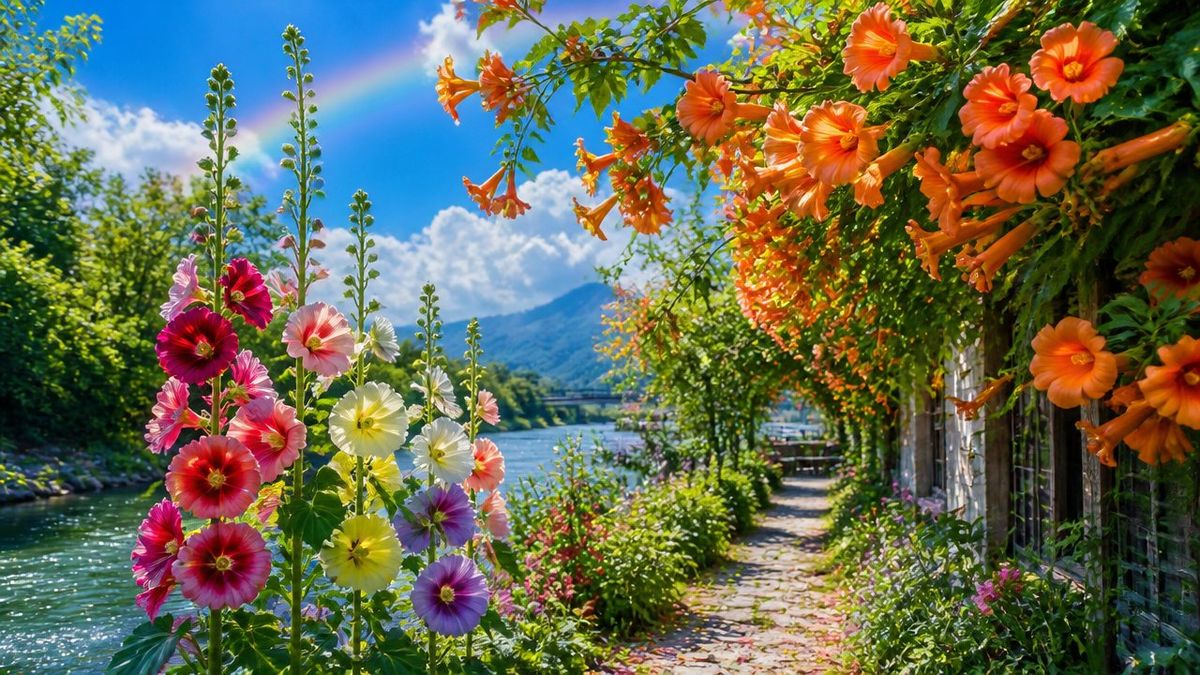
绚丽的六月花园
Prompt
Create a vibrant photorealistic midsummer garden landscape beside a calm river, celebrating {argument name="season and theme" default="magnificent June flowers"}. Use a wide 16:9 horizontal composition from a low eye-level viewpoint on a narrow cobblestone path that curves into the distance along the right side of the river. In the left foreground, show a tall cluster of hollyhocks with about 14 visible blossoms in deep crimson, hot pink, pale pink, lemon yellow, creamy white, and lavender-purple, with long green flower spikes rising upward. On the right and upper foreground, frame the scene with a lush arbor or trellis covered in abundant orange trumpet vine flowers and round orange blooms, approximately 18 prominent orange blossoms/trumpets visible, hanging overhead and cascading down beside a rustic fence or garden wall. The middle ground should contain dense green shrubs, small pink wildflowers, and a sunlit riverside walkway leading toward a tiny seating area or bridge in the distance. The left side contains sparkling turquoise-blue river water with bright sun glints, bordered by leafy trees. In the background, include a soft blue mountain, fluffy white cumulus clouds, and a faint pastel rainbow arcing through the blue sky. Lighting should be bright golden summer sunlight with high saturation, crisp detail, fresh green foliage, strong depth, gentle atmospheric haze in the distance, and a cheerful idyllic travel-photography feeling. Avoid people, animals, text, logos, buildings dominating the scene, or artificial fantasy elements beyond the natural rainbow.- Category
- Charts & Infographics
- Model
- GPT Image 2
- Creator
- TakTempest
- Source ID
- 26170
- Published
- Jun 19, 2026
Views0