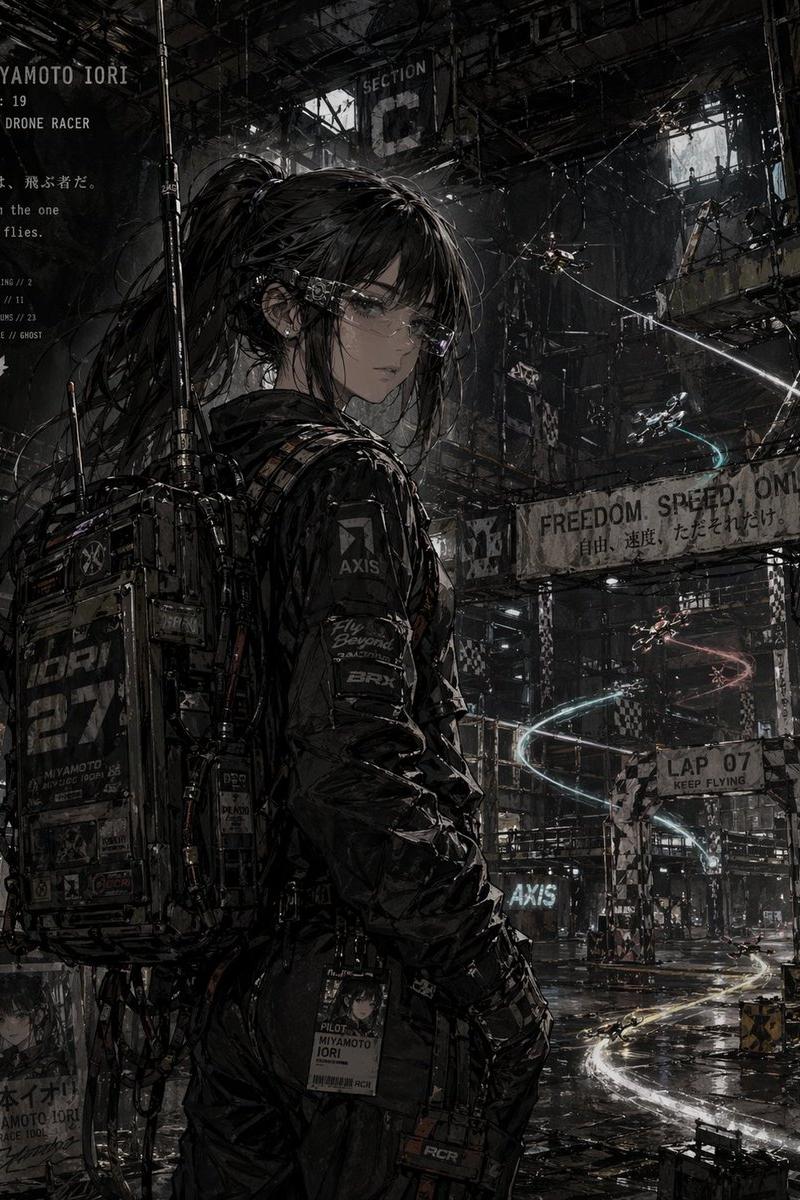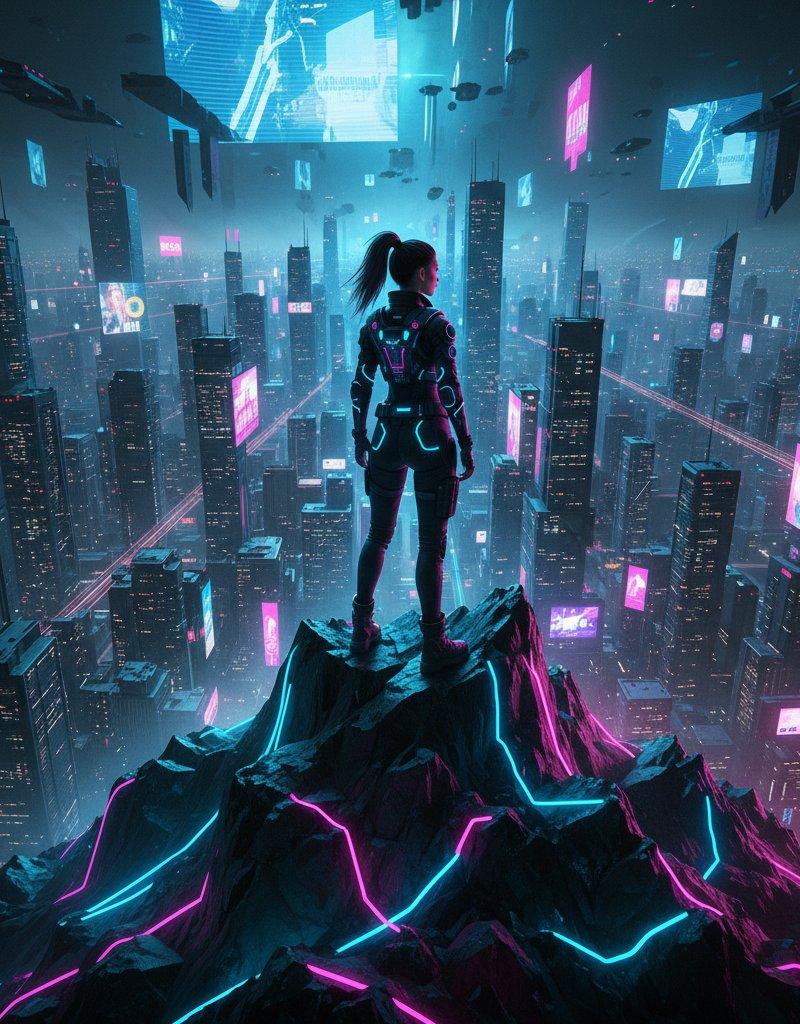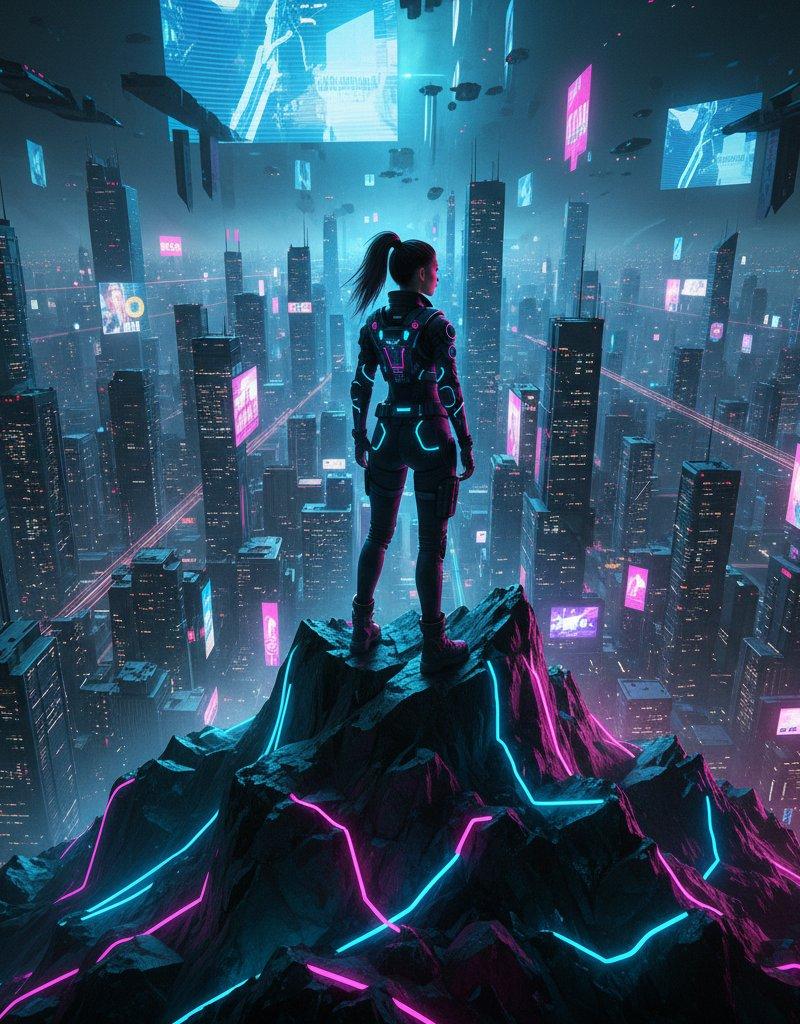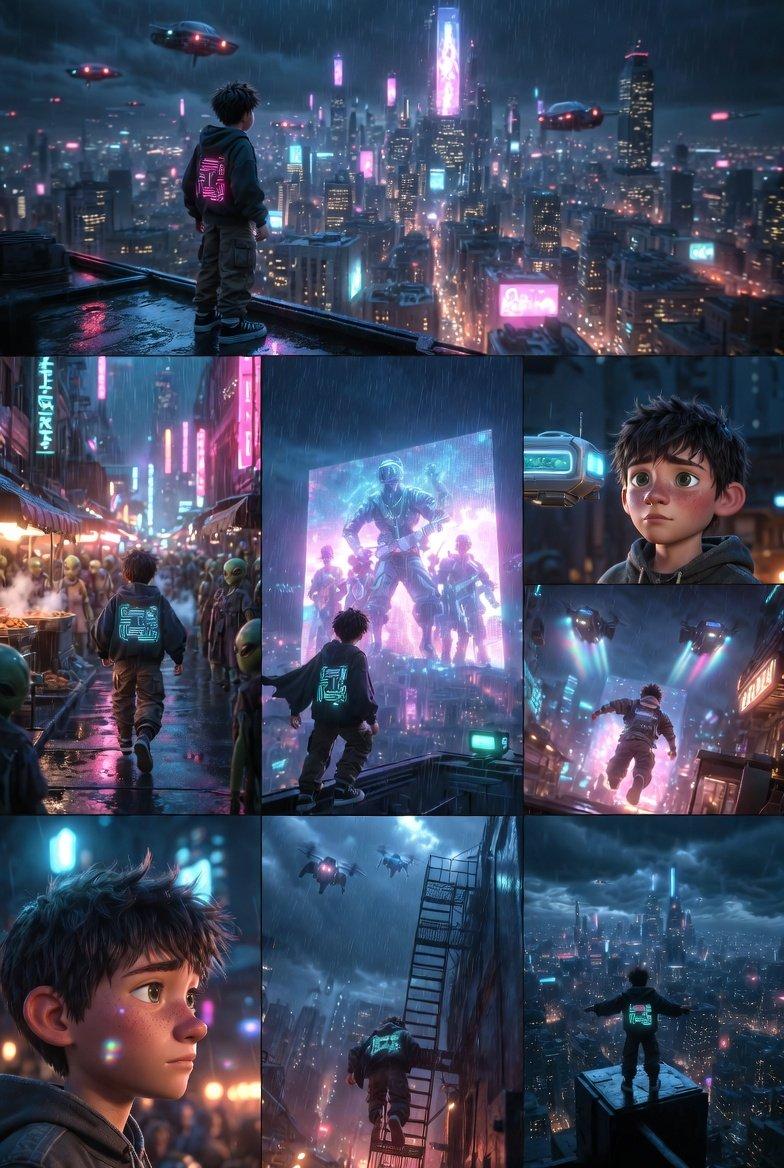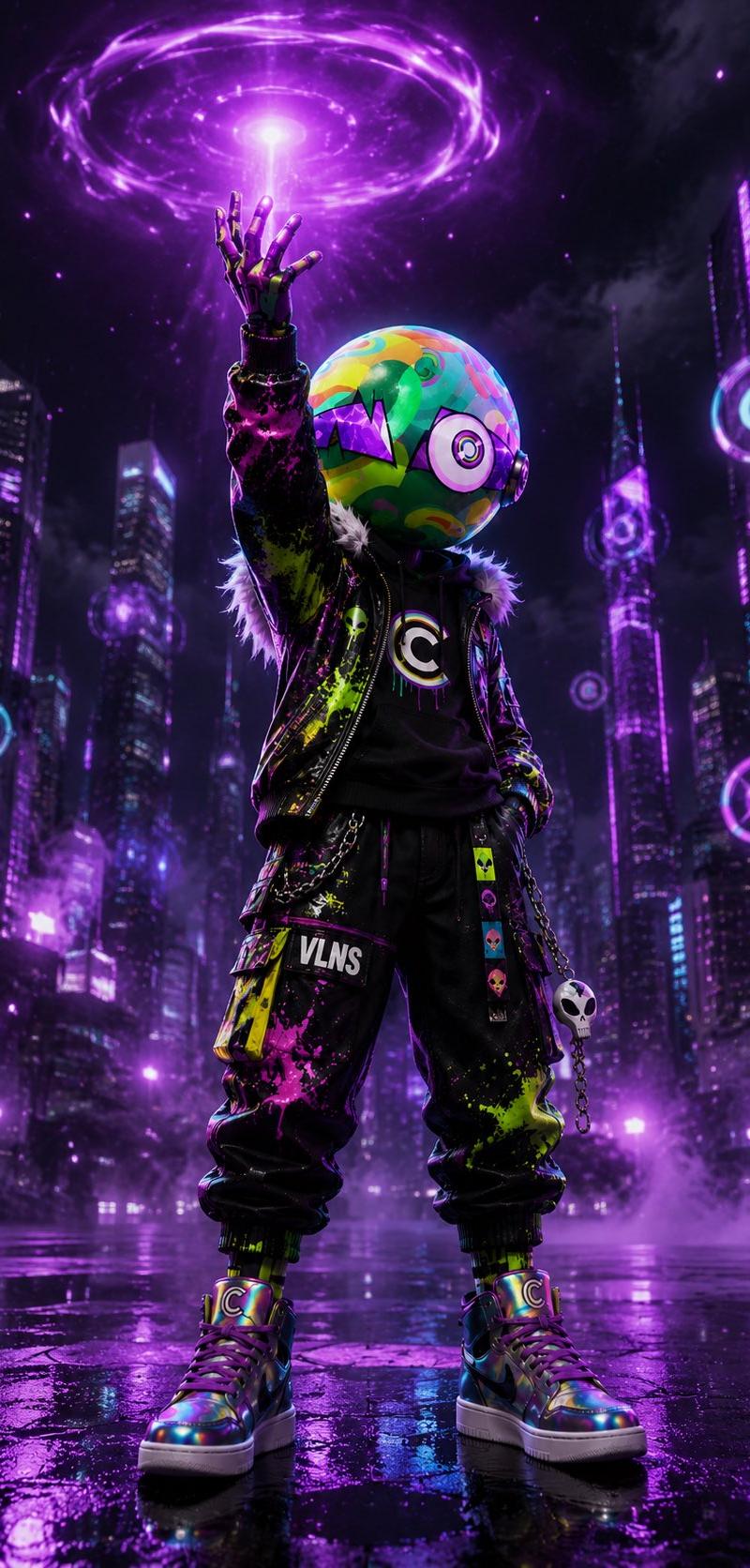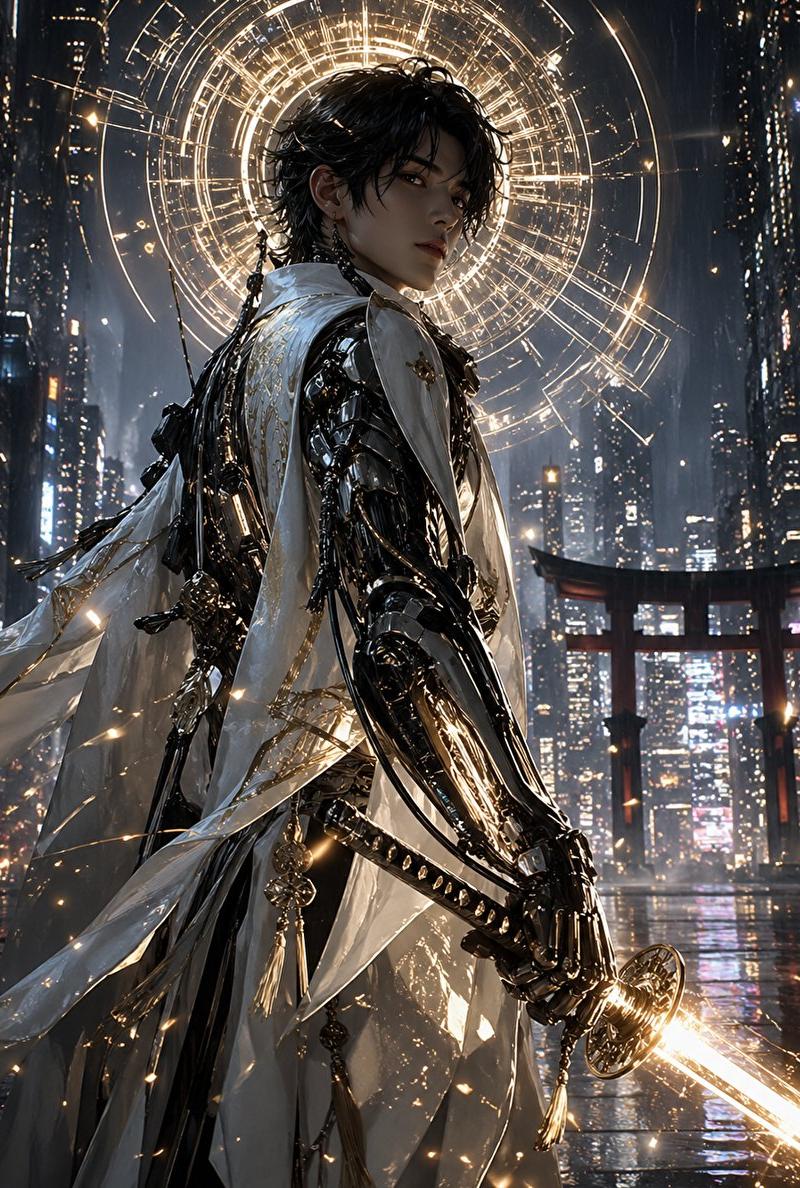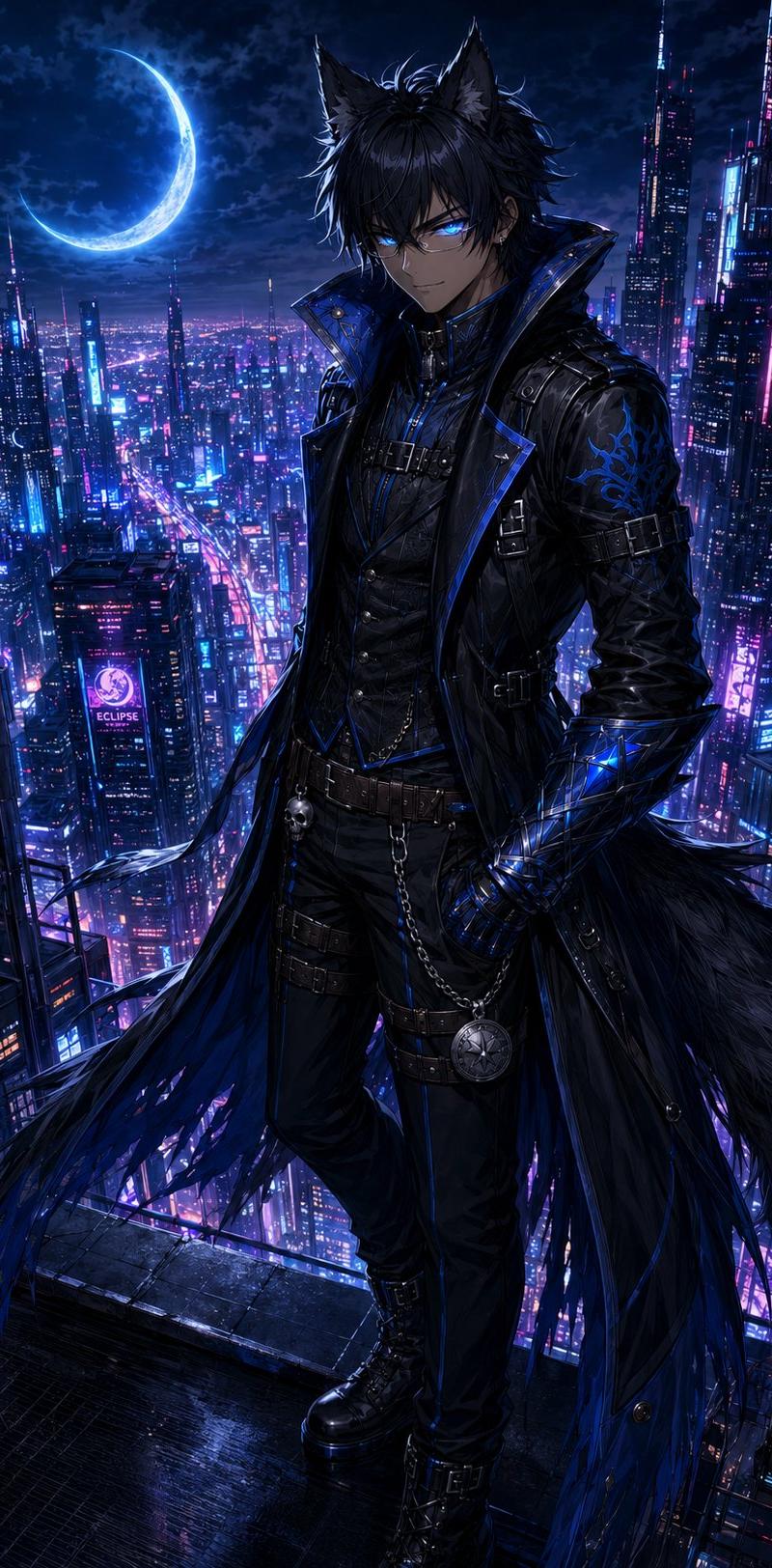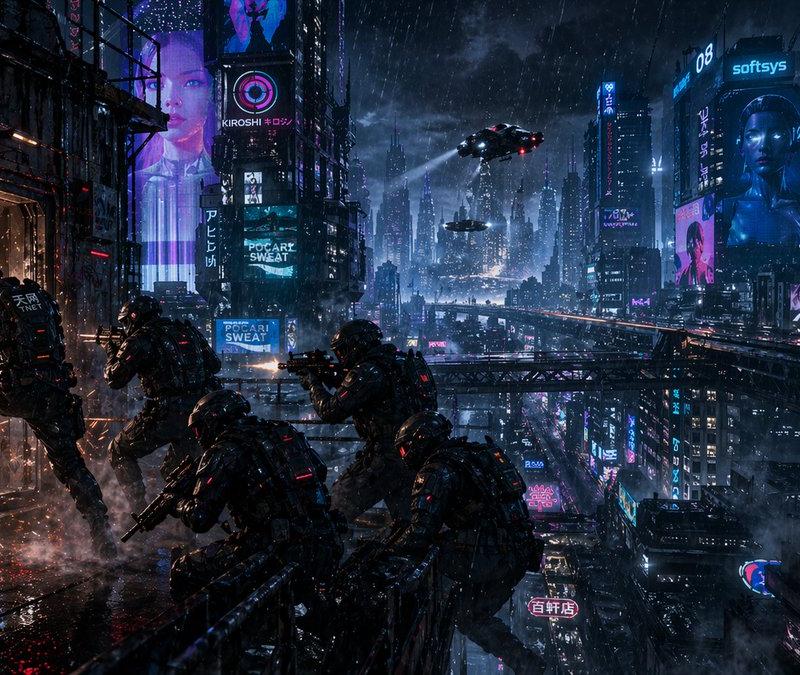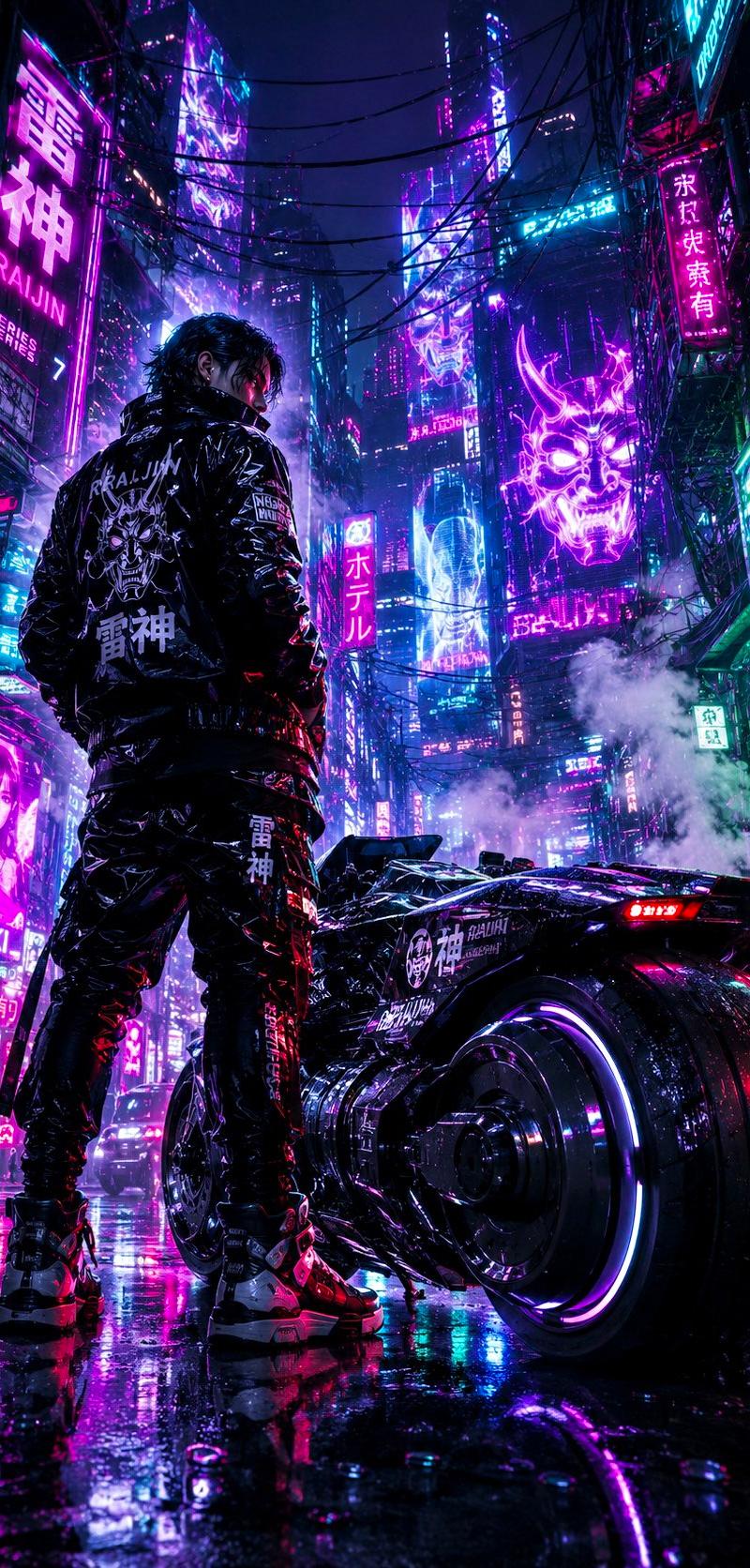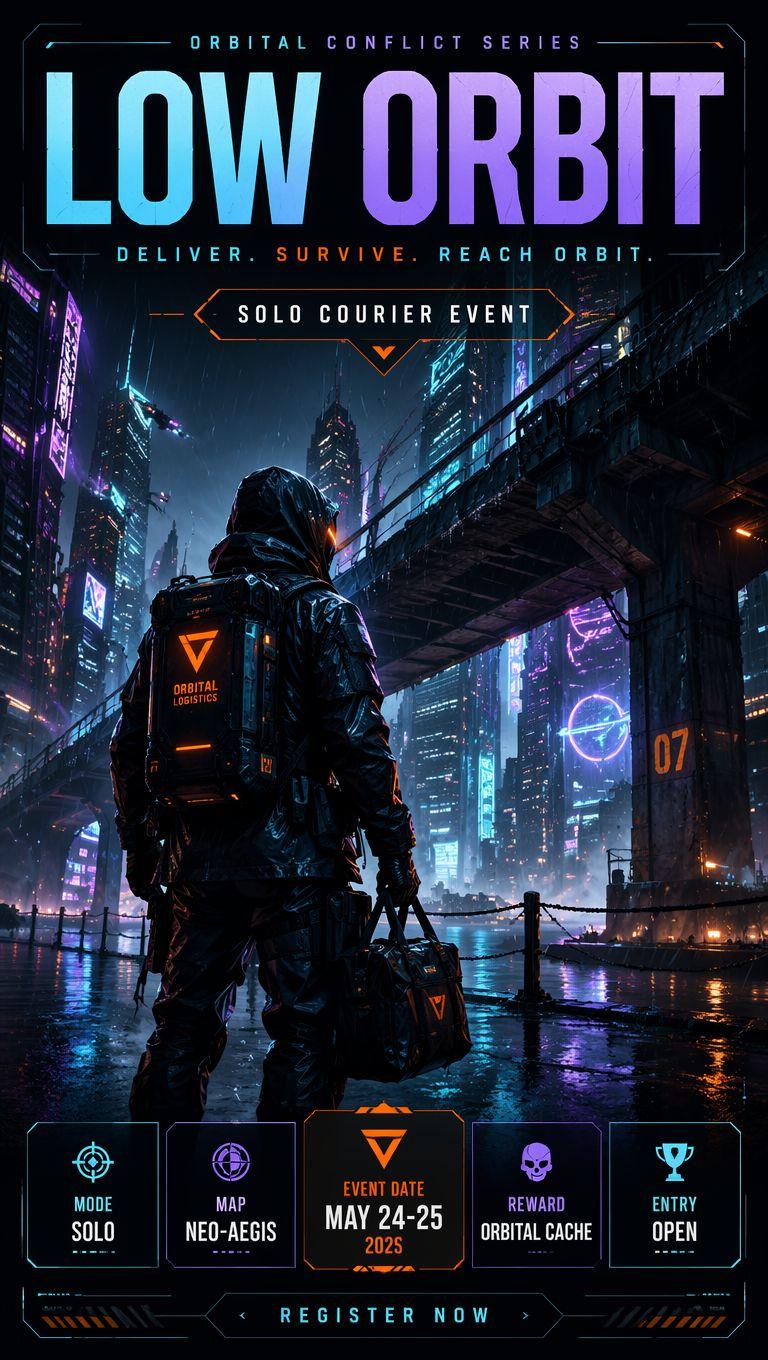
赛博朋克电竞快递员海报
Prompt
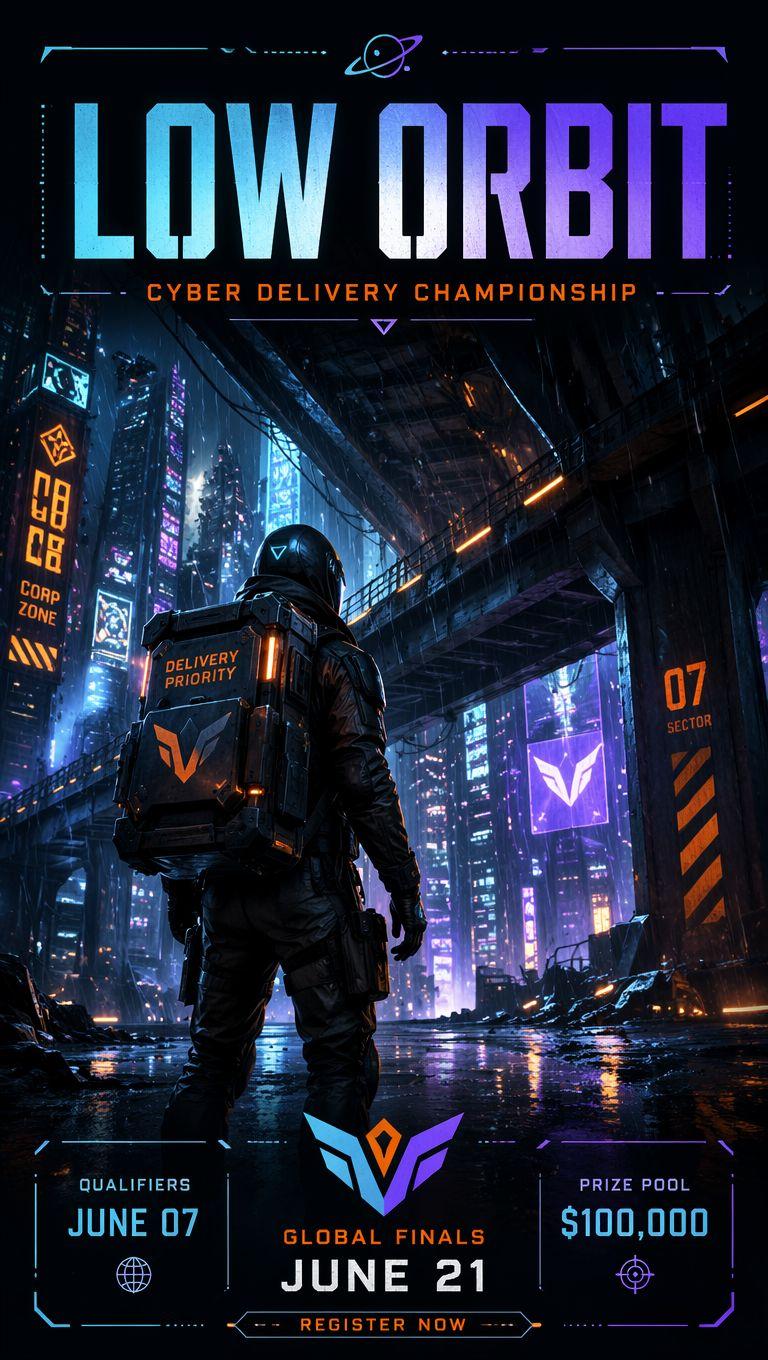
Goal: Create a vertical cyberpunk esports action poster for a futuristic solo courier event titled {argument name="event title" default="LOW ORBIT"}, with a dramatic armored courier standing in a rainy neon megacity.

Canvas: Tall 2:3 poster, dark cinematic sci-fi palette, high contrast, glossy rain reflections, sharp esports key art. Use a futuristic HUD border around the whole poster with thin cyan lines and small orange accents.

Layout: Top third contains the event branding. At the very top, small spaced uppercase text reads “ORBITAL CONFLICT SERIES”. Below it, an enormous bold condensed headline reads “LOW ORBIT” in a cyan-to-violet gradient with subtle distressed texture. Under the headline, a spaced tagline reads “DELIVER. SURVIVE. REACH ORBIT.” with “SURVIVE.” in orange. Centered below is a black angular badge outlined in orange and cyan reading “SOLO COURIER EVENT”, with a small orange downward chevron.

Main scene: A single hooded futuristic courier viewed from behind, centered slightly left, wearing a black wet armored jacket, tactical pants, gloves, and a hard rectangular delivery backpack. The backpack has an orange triangular logo and the words “ORBITAL LOGISTICS”. The courier holds a dark duffel bag in one hand with the same orange logo. The figure stands on a rain-soaked waterfront street at night, facing a dense futuristic city skyline. Add towering skyscrapers with cyan, violet, magenta, and orange holographic signs, mist, falling rain, puddle reflections, distant flying lights, and a massive elevated highway or rail bridge crossing diagonally from upper right to middle left. Include an orange “07” marking on a bridge pillar at the right.

Bottom information strip: Add exactly 5 separate HUD-style event cards across the bottom, each with a thin neon cyan or violet outline and one icon above its label. Card 1: crosshair icon, label “MODE”, value “SOLO”. Card 2: globe/radar icon, label “MAP”, value {argument name="map name" default="NEO-AEGIS"}. Card 3: orange triangular event logo, label “EVENT DATE”, value {argument name="event date" default="MAY 24-25 2025"}. Card 4: skull icon, label “REWARD”, value {argument name="reward name" default="ORBITAL CACHE"}. Card 5: trophy icon, label “ENTRY”, value {argument name="entry status" default="OPEN"}. Beneath the cards, place a long angular button centered at the bottom reading “REGISTER NOW”, with small chevrons and orange hazard stripes on both sides.

Visual style: Premium AAA game marketing poster, cyberpunk esports tournament aesthetic, cinematic lighting, ultra-detailed rain and reflective surfaces, teal-purple-orange neon color scheme, gritty realistic armored character, crisp readable typography, symmetrical poster hierarchy.

Constraints: Include exactly one main character, exactly five bottom info cards, keep all text legible, do not add extra cards, do not add logos or watermarks beyond the fictional event marks, maintain a dark high-tech atmosphere.- Category
- Charts & Infographics
- Model
- GPT Image 2
- Creator
- Eric Kang - Vogue AI
- Source language
- en
- Source ID
- 26451
- Published
- Jun 21, 2026
Views0