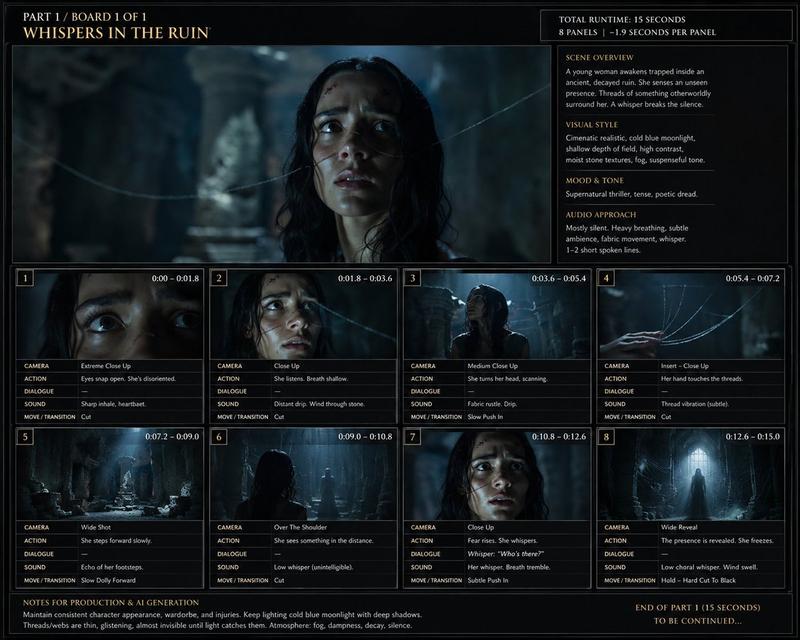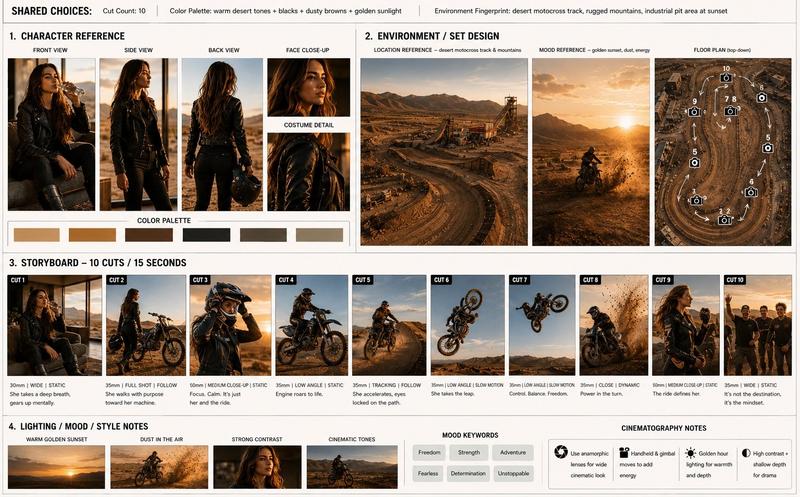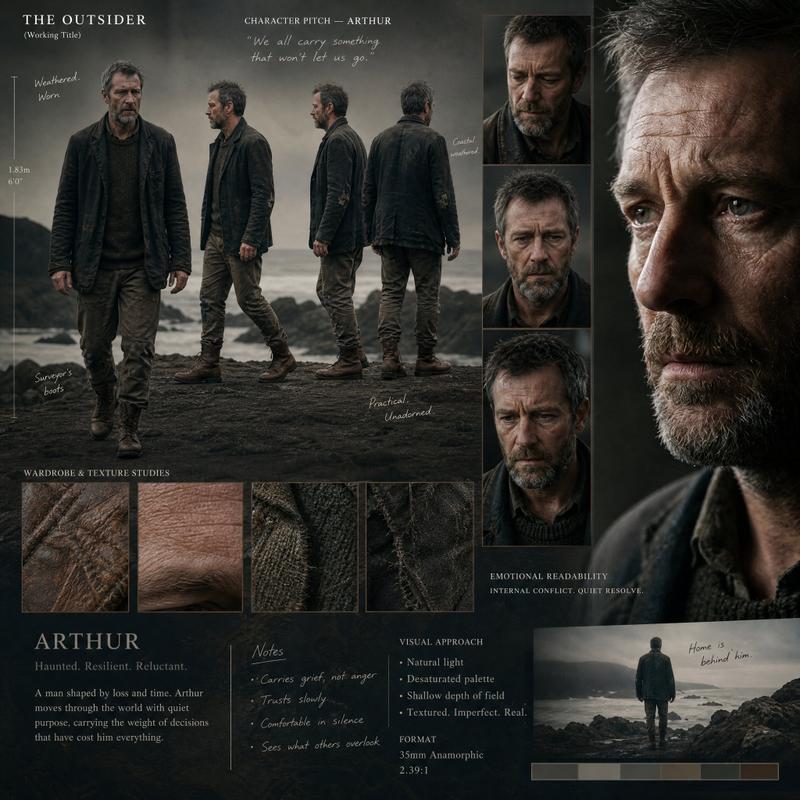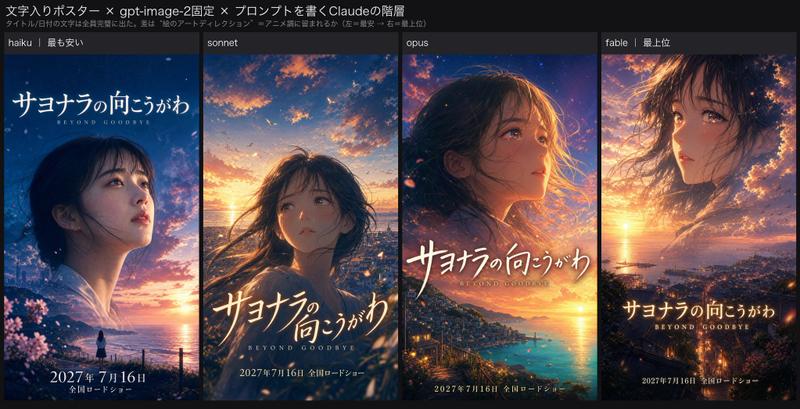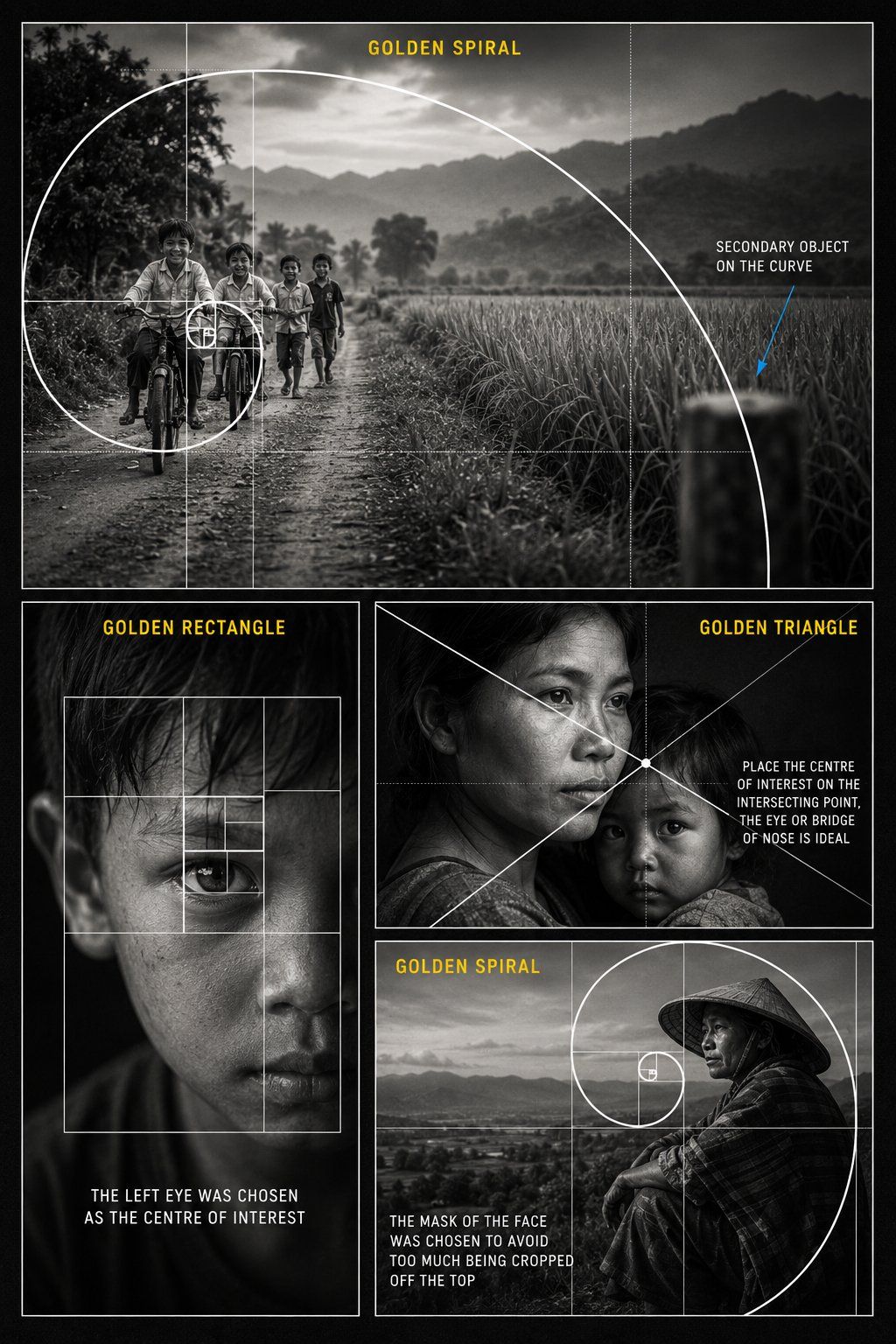
黄金分割摄影构图海报
Prompt
Create a {argument name="style" default="premium black and white educational photography composition poster"} about the {argument name="subject" default="Golden Ratio in visual storytelling"}. Design the poster as a vertical cinematic collage with a dark charcoal background, thin white borders, realistic documentary photography, soft film grain, high contrast monochrome lighting, and clean editorial typography. Use four photo panels. Top large panel: Show children riding bicycles and walking on a rural dirt road, with fields, trees, mountains, and a soft cloudy sky in the background. Place the children toward the left side of the frame. Overlay a large clean white golden spiral and golden ratio grid, with the spiral curling toward the children as the main focal point. Add yellow title text: “GOLDEN SPIRAL”. Add white annotation text on the right: “SECONDARY OBJECT ON THE CURVE”, with a thin blue arrow pointing to a blurred object on the spiral curve. Bottom left panel: Show a close up black and white portrait of a young boy’s face with dramatic lighting and one eye as the main focus. Overlay a white golden rectangle grid with nested rectangles around the eye. Add yellow title text: “GOLDEN RECTANGLE”. Add white caption text: “THE LEFT EYE WAS CHOSEN AS THE CENTRE OF INTEREST”. Bottom right upper panel: Show an emotional black and white portrait of a mother holding a child. Use cinematic documentary lighting. Overlay white diagonal golden triangle composition lines crossing near the mother’s eye or bridge of the nose. Add yellow title text: “GOLDEN TRIANGLE”. Add white annotation text: “PLACE THE CENTRE OF INTEREST ON THE INTERSECTING POINT, THE EYE OR BRIDGE OF NOSE IS IDEAL”. Bottom right lower panel: Show a black and white portrait of a person wearing a traditional conical hat, sitting near a landscape or open valley. Place the face near the golden spiral focal point. Overlay a white golden spiral and golden ratio grid. Add yellow title text: “GOLDEN SPIRAL”. Add white caption text: “THE FACE WAS PLACED INSIDE THE SPIRAL TO AVOID CROPPING TOO MUCH OFF THE TOP”. Overall style: Professional photography masterclass poster, realistic black and white photos, clean white composition overlays, yellow section headings, readable educational text, thin grid lines, elegant layout, no logo, no watermark, high resolution poster design.- Category
- Charts & Infographics
- Model
- GPT Image 2
- Creator
- BMX
- Source ID
- 26849
- Published
- Jun 26, 2026
Views0