18

石墨铅笔星空肖像
Enlarge

石墨铅笔星空肖像

Prompt
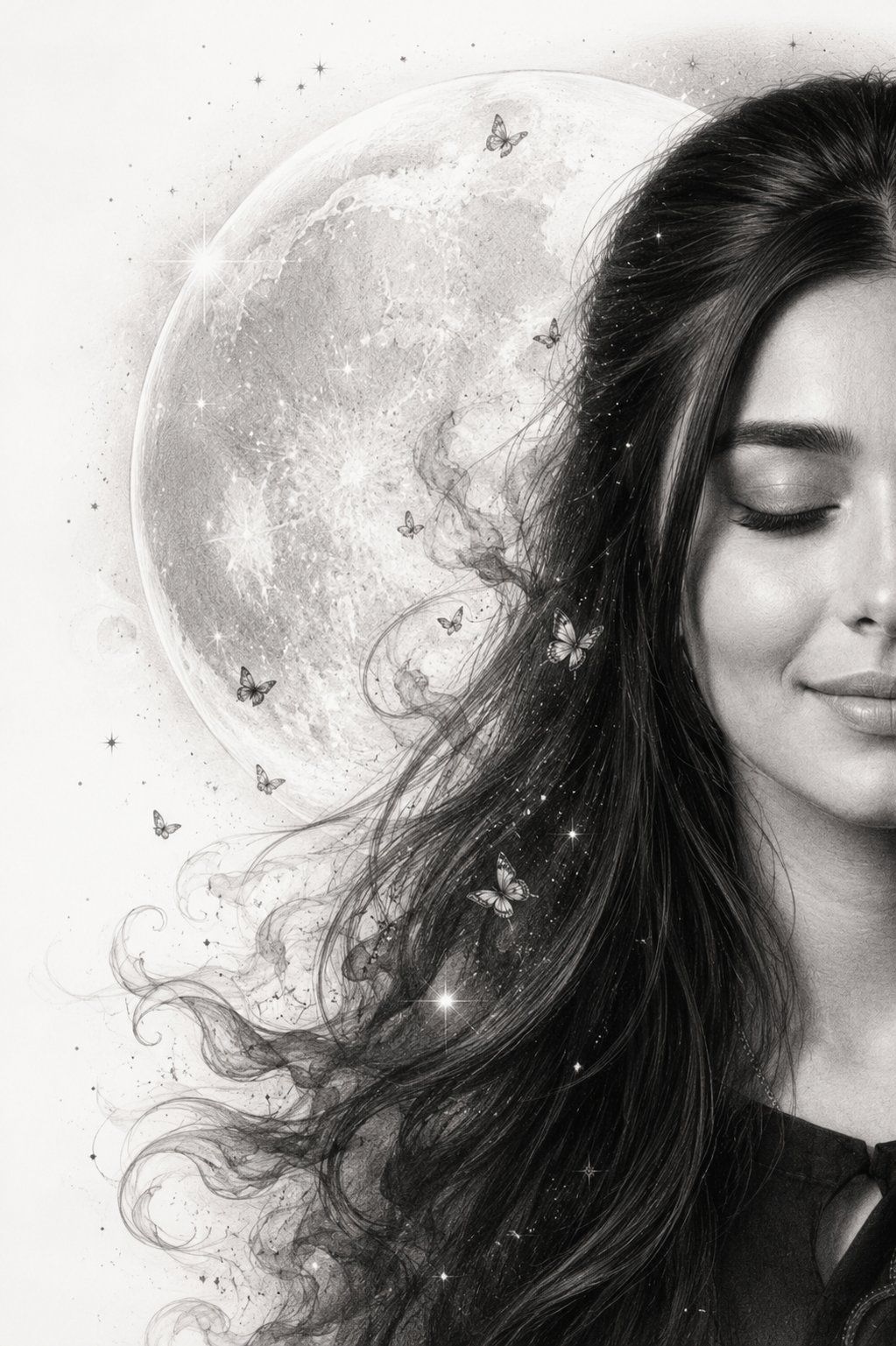
Create an ultra-detailed monochrome graphite pencil masterpiece featuring a graceful {argument name="portrait type" default="HALF-FACE"} portrait emerging from a {argument name="background" default="pure white background"}. Position the face on the {argument name="alignment" default="far right"} side of the composition, with eyes gently closed in peaceful reflection. The visible half of the face should be large, elegant, and highly detailed with realistic graphite shading and delicate pencil textures.

Behind the subject, place a MASSIVE luminous full moon dominating the background, occupying nearly half of the artwork. Surround it with tiny graphite stars, subtle stardust, and soft celestial particles. Long flowing black hair dissolves into dreamy smoke-like wisps, delicate butterflies, and elegant swirling pencil strokes that blend into the moonlit atmosphere.

Maintain a minimalist fine-art composition with generous negative space, museum-quality graphite rendering, ultra-realistic pencil textures, soft shadows, emotional elegance, ethereal beauty, luxury gallery artwork, vertical phone wallpaper, masterpiece, 8K, hyper-detailed, Moon Whisper theme.
Category
Charts & Infographics
Model
GPT Image 2
Views0
Source ID
27072
Published
Jun 28, 2026

Guide

About "石墨铅笔星空肖像"

What is this prompt for?

"石墨铅笔星空肖像" AI image prompt for GPT Image 2 (Charts & Infographics). 一个为 GPT Image 2 设计的优雅提示词,用于生成一幅以巨大明月为背景、半面肖像为主题的单色石墨铅笔杰作。 Copy it on Picva and recreate the…

The full copyable prompt and example visuals above are ready for AI image generation or one-click recreate in Picva.

How to use this prompt

  1. Step 1

    Open the prompt detail

    Review the example visuals, category, and full prompt text for "石墨铅笔星空肖像".

  2. Step 2

    Copy the prompt

    Copy the prompt body from this page, or load it directly in Studio.

  3. Step 3

    Pick a model (GPT Image 2)

    Prefer GPT Image 2. If you switch models, keep subject and composition and tweak style terms.

  4. Step 4

    Generate and export

    Recreate the look in Picva, or export into your workflow for editing and publishing.

FAQ

What is the "石墨铅笔星空肖像" prompt?
It is an AI image-generation prompt for GPT Image 2 in the Charts & Infographics category. This page includes the full prompt text, example visuals, and a one-click recreate path in Picva.
How do I use this prompt to generate an image?
Copy the prompt from this page, or use Generate / Studio. Paste it into a compatible image model, or recreate the look in Picva with optional reference images.
Which model is this prompt for?
This page lists GPT Image 2. Most descriptive prompts also transfer to nearby image models such as GPT Image, Flux, or Midjourney with light style tweaks.
Can I use the result commercially?
You can usually copy the prompt for creation, but commercial use of the final image depends on the model terms, reference-image rights, and the generated content. Follow the source author and platform rules.