超现实工作室摄影与手绘涂鸦
Prompt
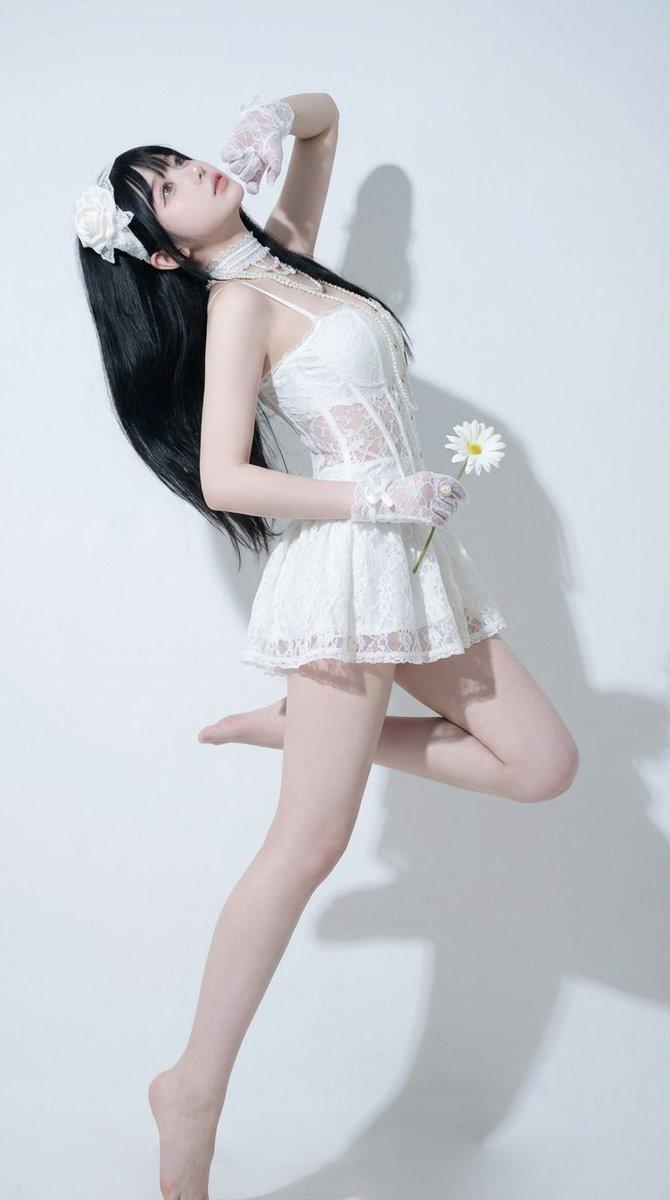
Please reproduce the reference face image exactly. Retain the subject’s identity, proportions, hairstyle, age, skin tone and all identifiable facial features exactly as shown.

Create a surreal editorial lifestyle photograph in a clean, minimalist studio with a {argument name="background" default="smooth, light grey, plain background"}.

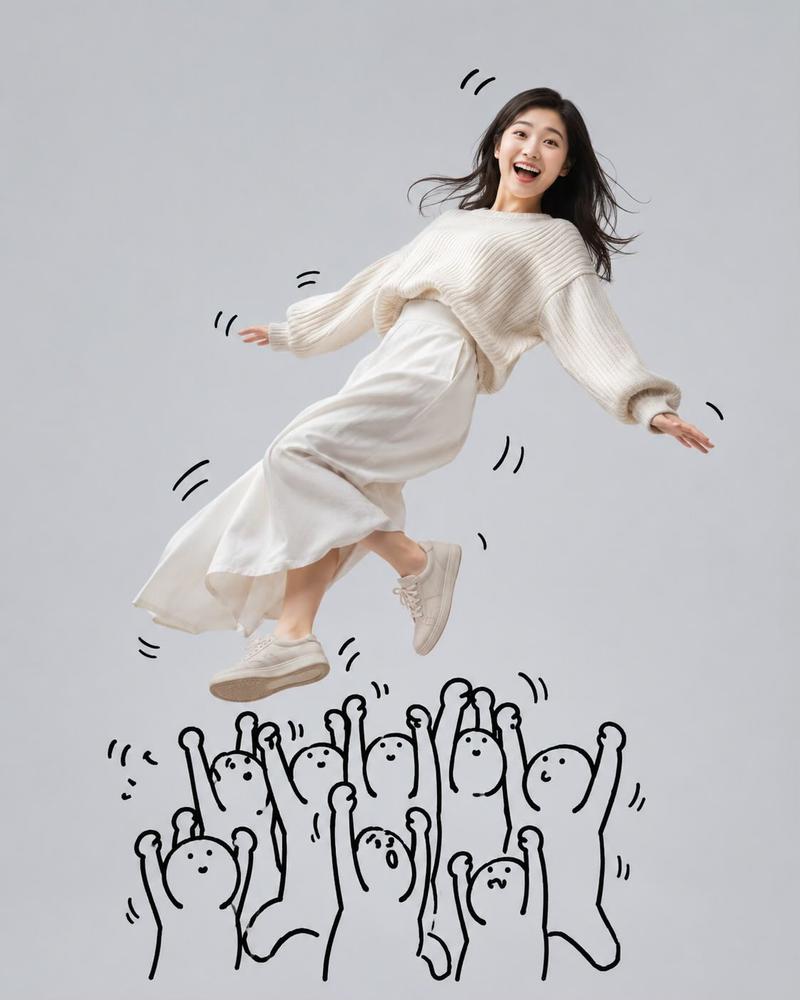
The subject is a {argument name="subject" default="cheerful woman"} with the hairstyle shown in the attached photograph. The figure in the photograph has been captured mid-run, as if trying to escape; she is laughing uncontrollably with her mouth wide open, her eyes crinkled with happiness, and her expression is playful and lively. The pull of the sweatshirt causes the body to lean back slightly, whilst at the same time, the upper body leans forward naturally in time with the movement.

Pose:
A dynamic running pose.
One foot is naturally off the ground.
Arms swinging naturally whilst running.
Holding a {argument name="held object" default="colourful lollipop with a rainbow swirl pattern"} in one hand.
Her hair sways subtly in time with her running motion.
The outfit and body posture must clearly convey the forward momentum.

Outfit: Use the outfit shown in the attached photo.

Interaction with the doodle character:
Draw a simple, hand-drawn black doodle character in a minimalist stick-figure style on the left-hand side of the screen. Its features are as follows:
A round head,
Small dot-shaped eyes,
An expressionless, straight line for a mouth,
Thick, bold black marker lines.

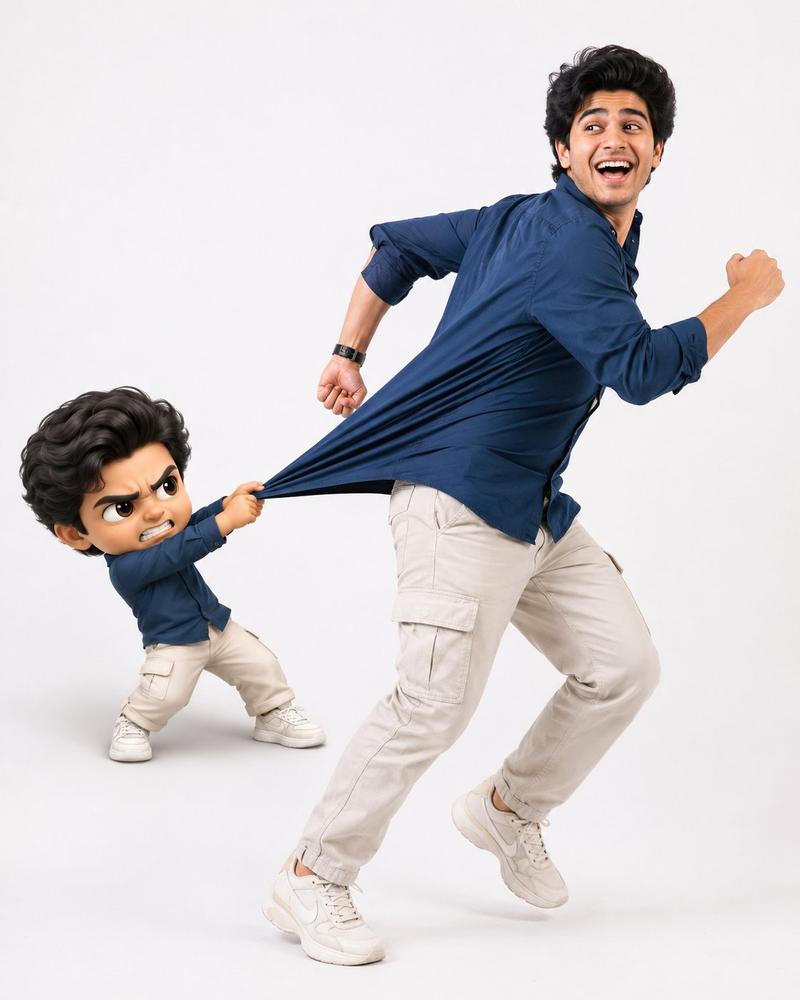
The doodle character has one arm stretched out, firmly gripping the back of the woman’s outfit and dramatically pulling the fabric backwards to prevent her from escaping.

The outfit must stretch naturally to reflect realistic fabric tension, with multiple layers of folds and creases radiating outwards towards the doodle character’s hand. As the woman struggles to keep running forwards, her upper body should be subtly pulled backwards by the pulling force, creating a believable physical interaction.

The doodle character itself should also appear slightly strained, with subtle motion lines drawn around the hands and arms to emphasise the pulling force.

Add playful doodle motion lines around the woman’s head to emphasise laughter and movement.

The doodle should look as though it has been drawn by hand directly onto a photograph, as if finished with thick black marker ink.

Hands:
Anatomically accurate hands.
Natural finger proportions.
Keep the sleeves oversized, but ensure both hands are clearly visible.
The pose of holding the lollipop must be depicted realistically.

Lighting and Style:
Bright, high-key studio lighting.
Soft, natural light shadows.
A very clean, minimalist composition.
Editorial lifestyle photography.
Realistic physical rendering of fabrics.
Humorous visual storytelling.
A sophisticated and contemporary aesthetic.
A playful yet wholesome atmosphere.
Surreal.
Sharp detail.
8K resolution.
Vertical 4:5 aspect ratio.- Category
- Charts & Infographics
- Model
- GPT Image 2
- Creator
- 루피노드 🐰💕
- Source ID
- 27159
- Published
- Jun 29, 2026
Views0