18

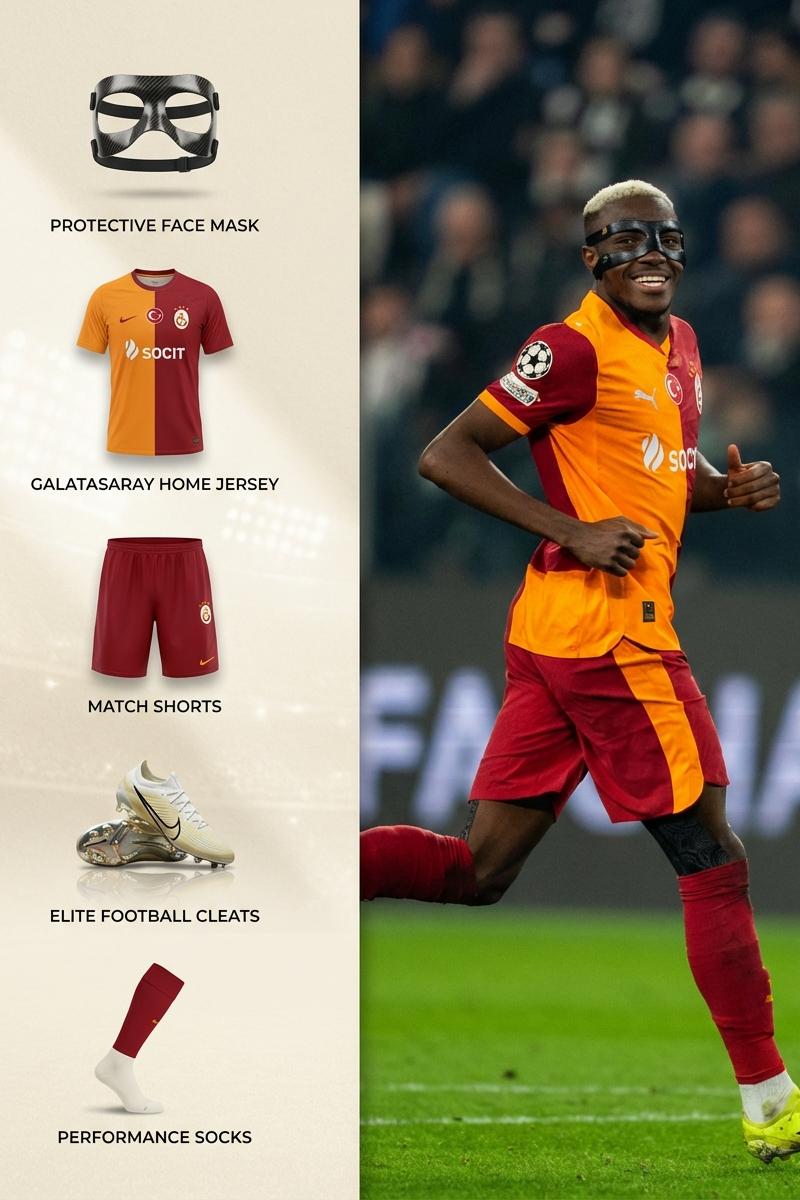
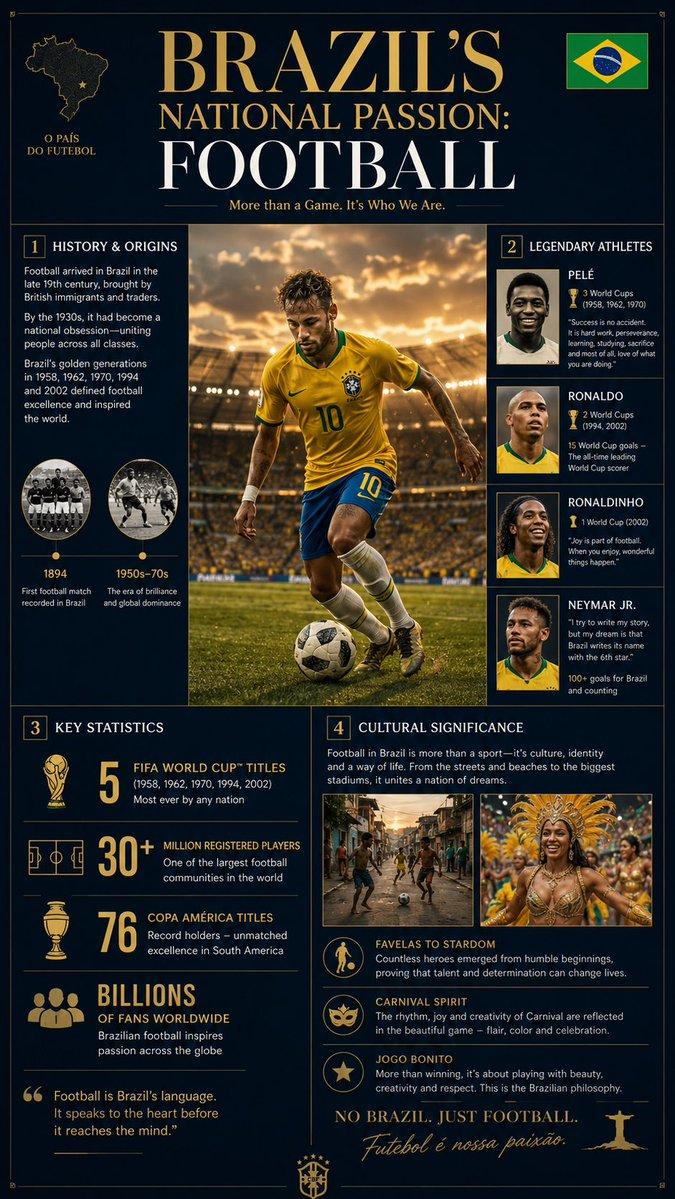
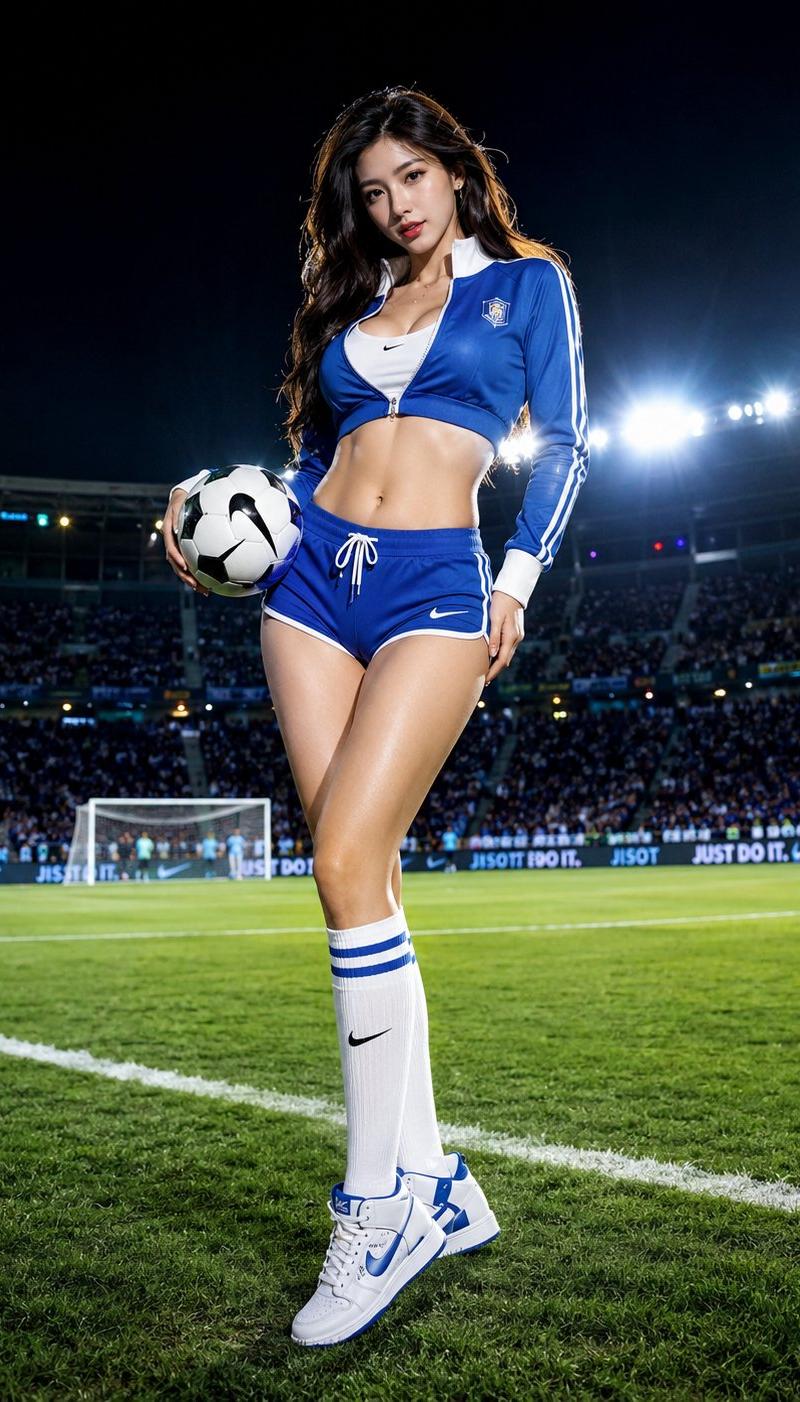
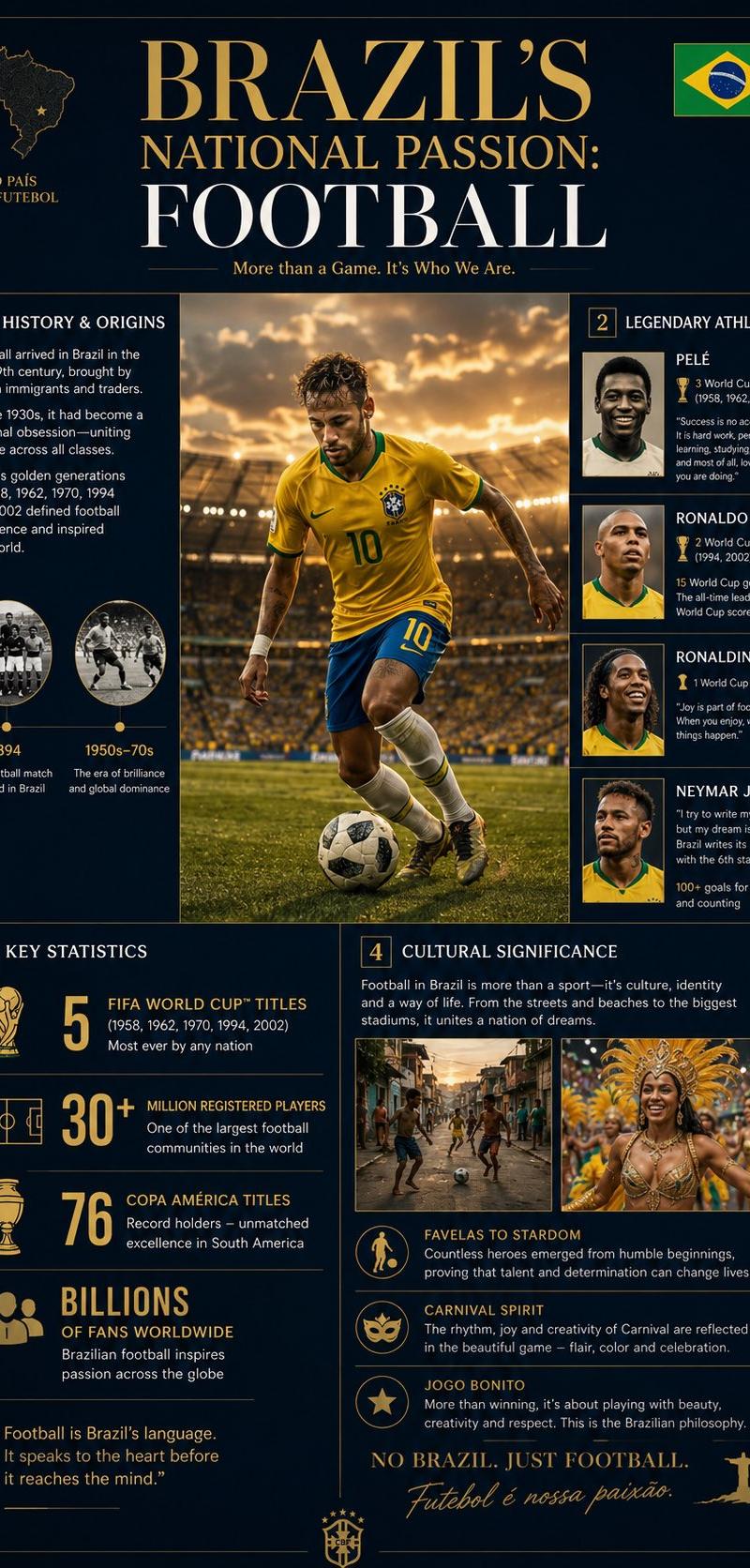
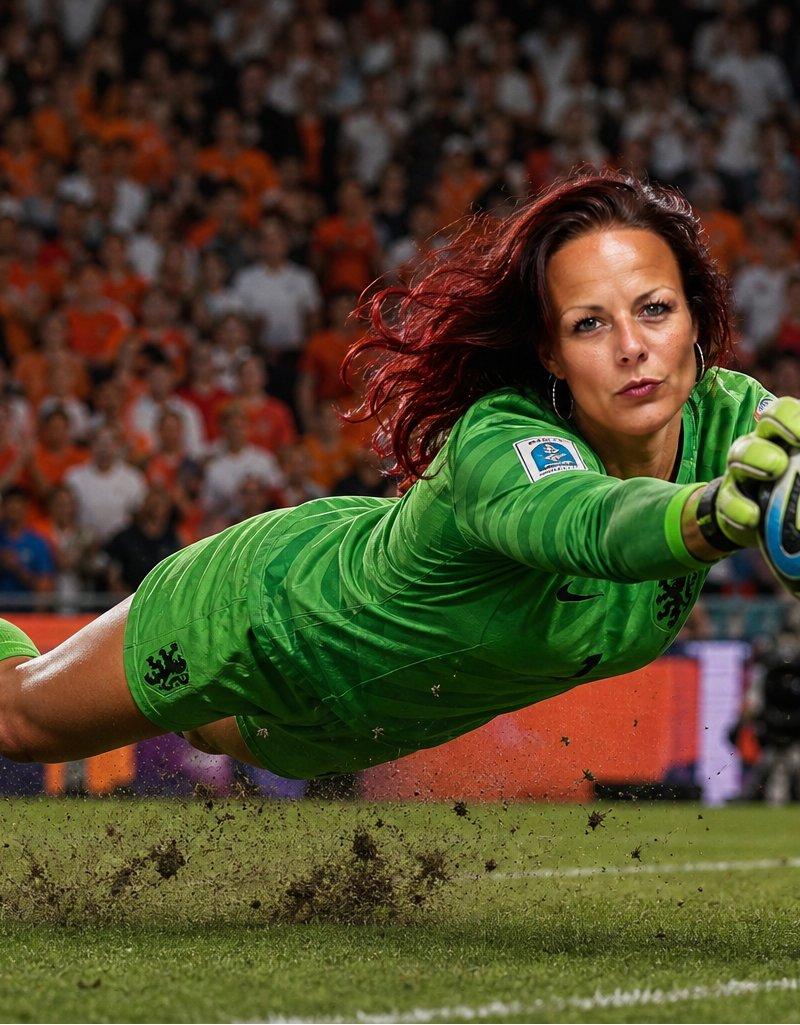
World Cup Goalkeeper Save
Enlarge

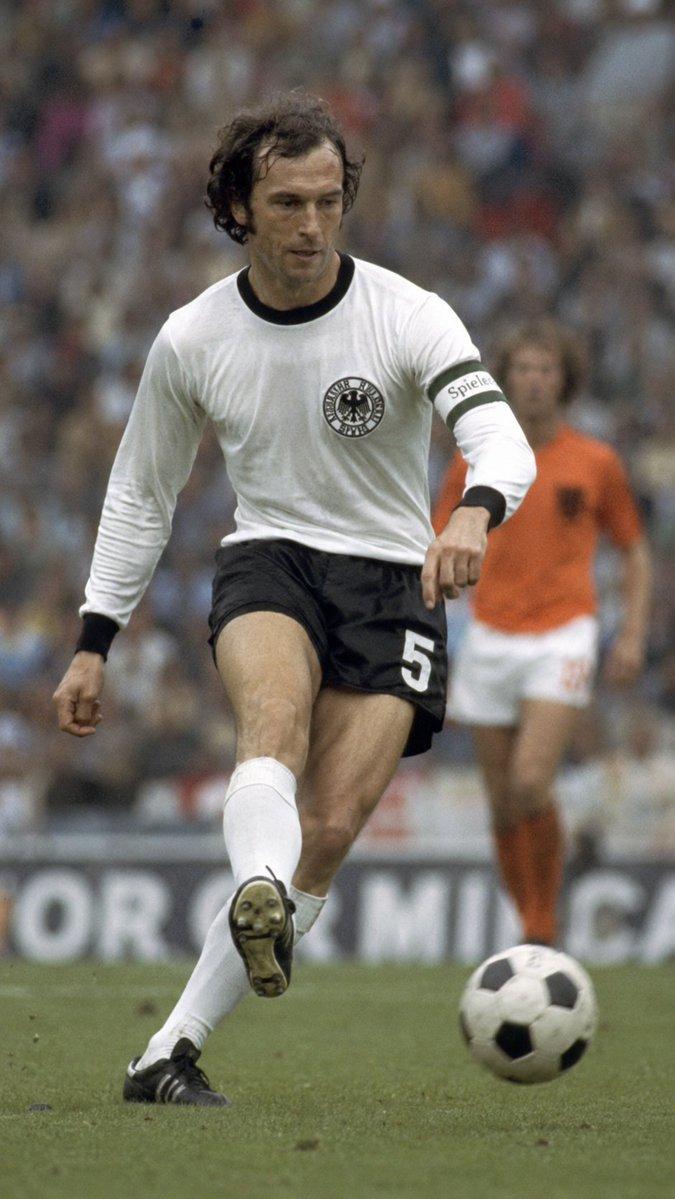
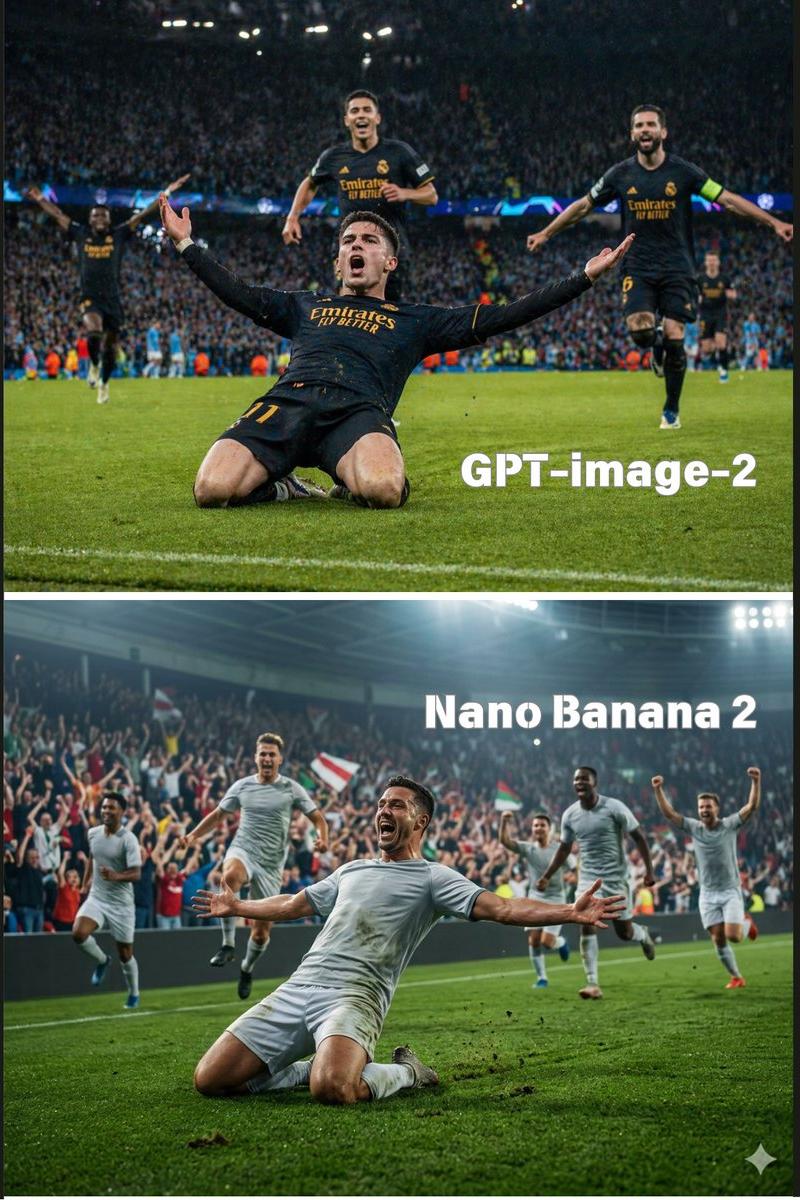
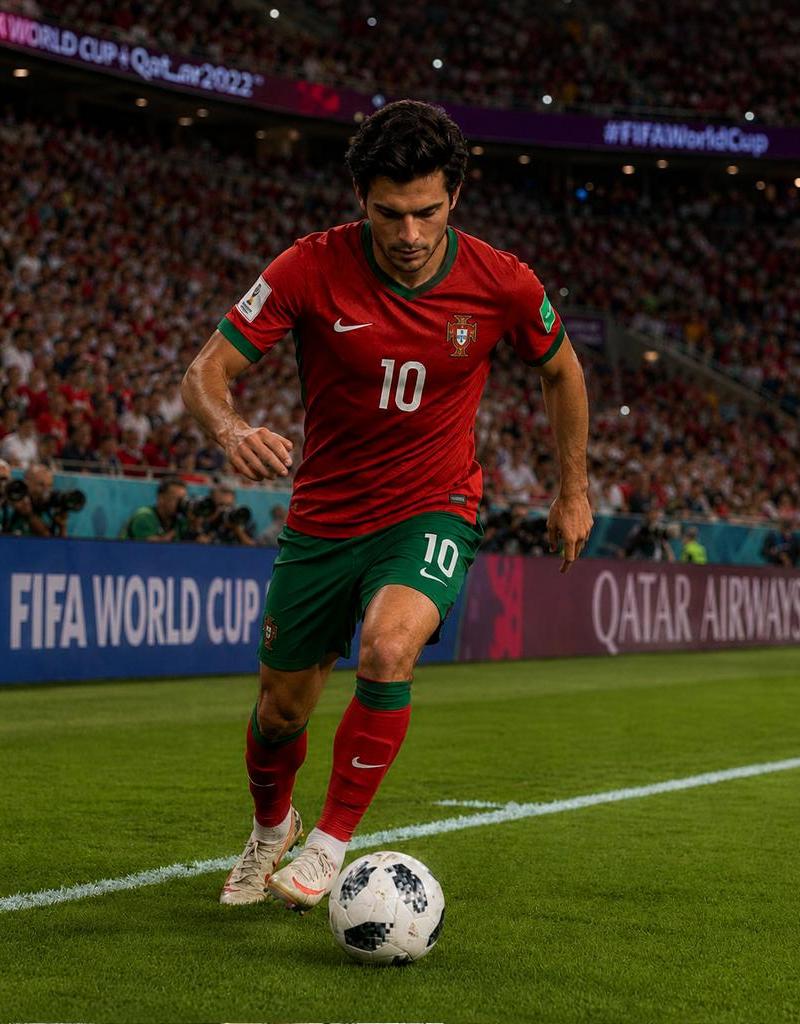
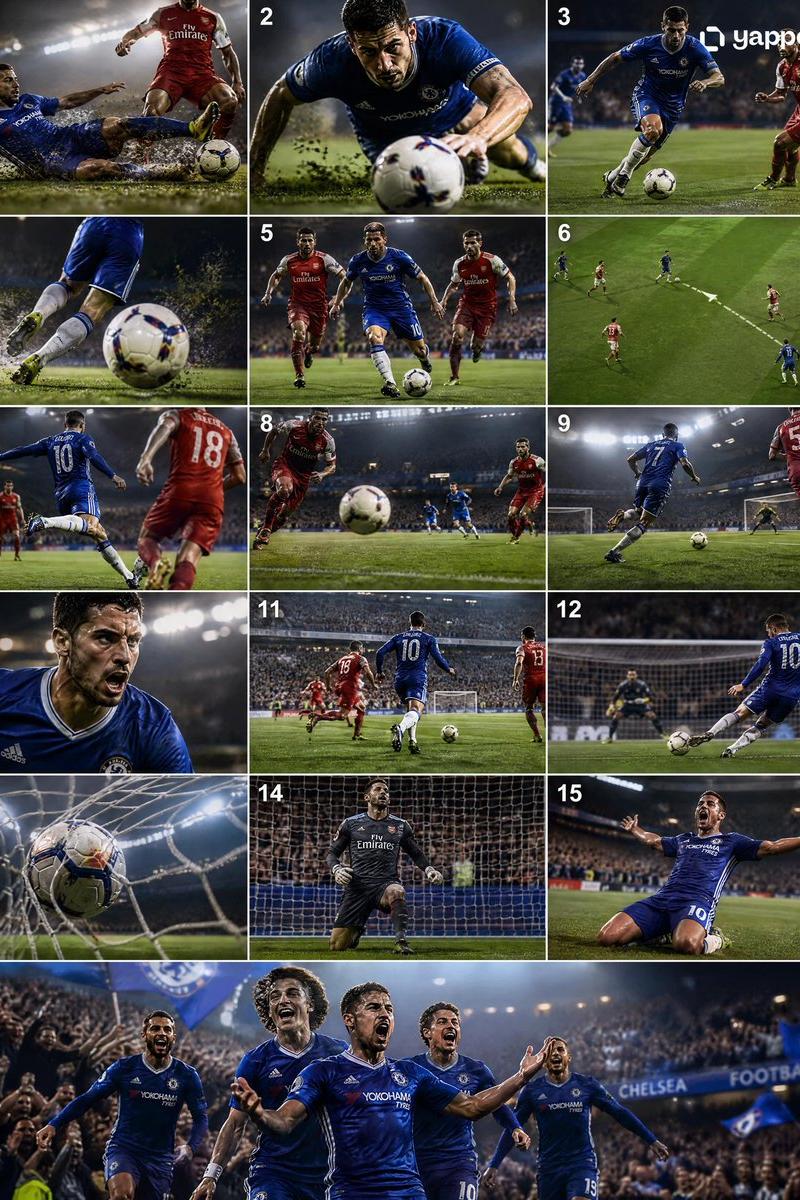
Example images

World Cup Goalkeeper Save

Prompt
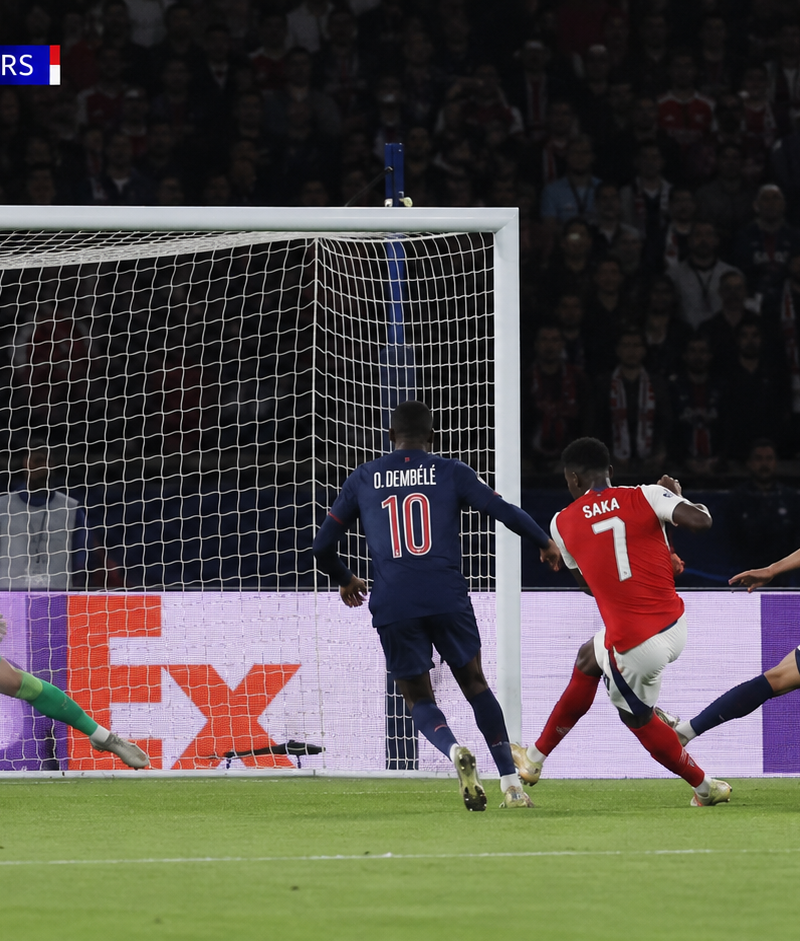
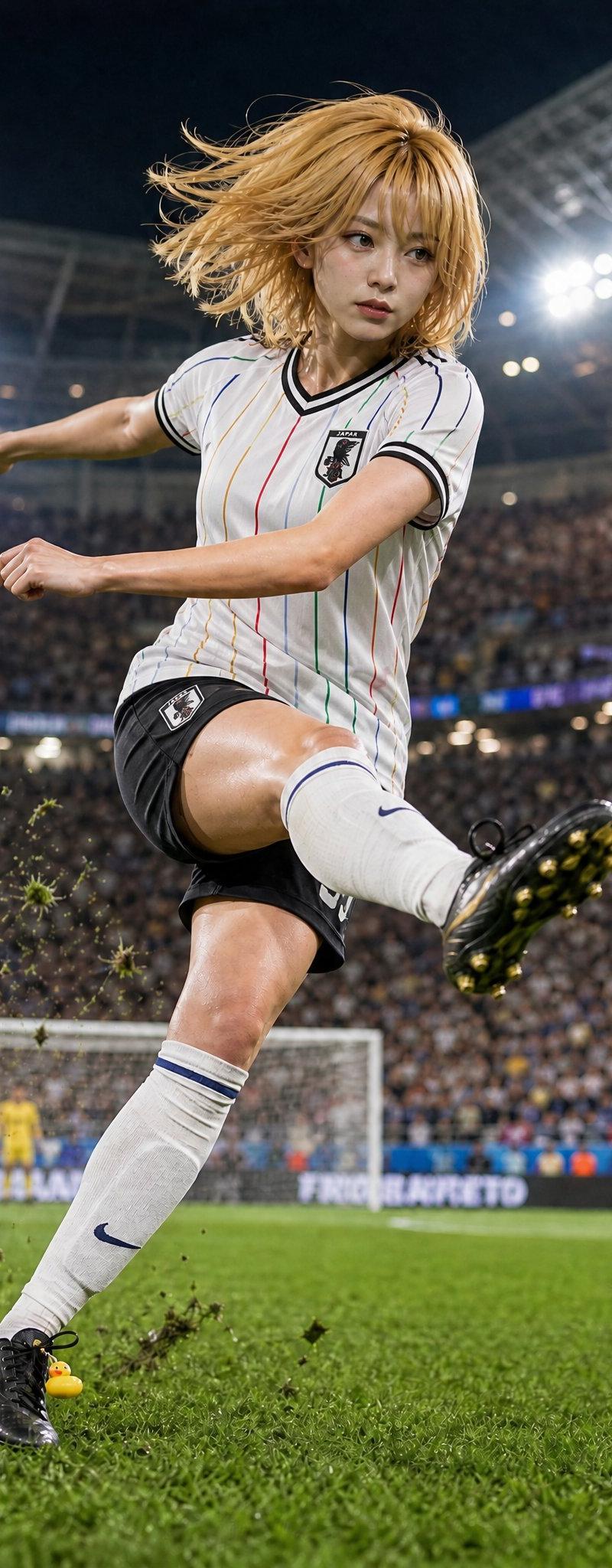
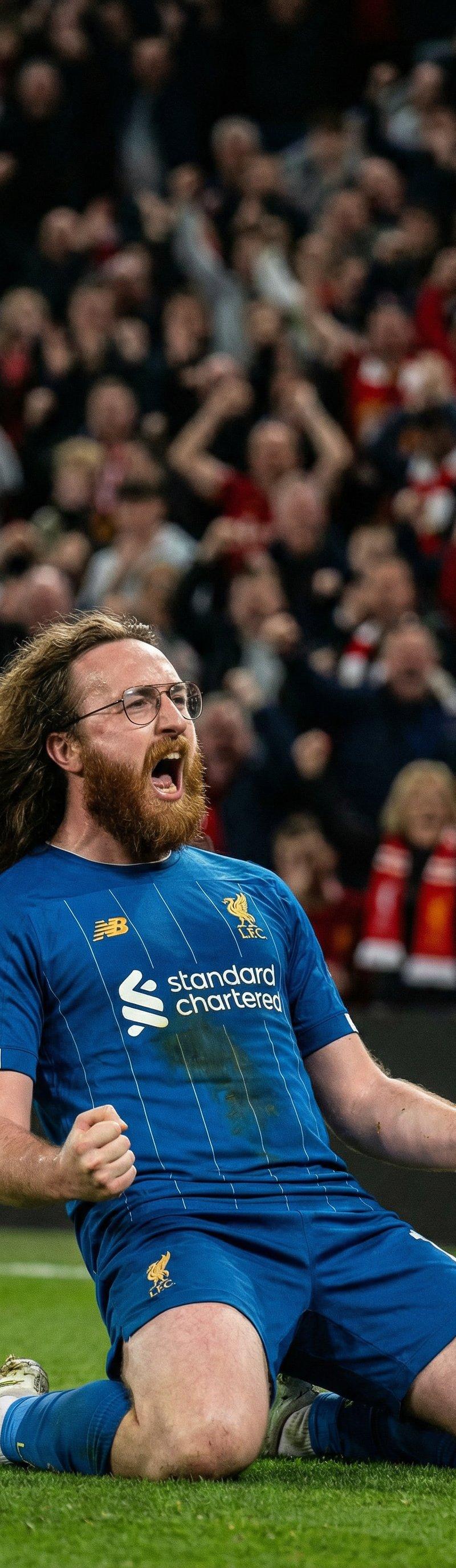
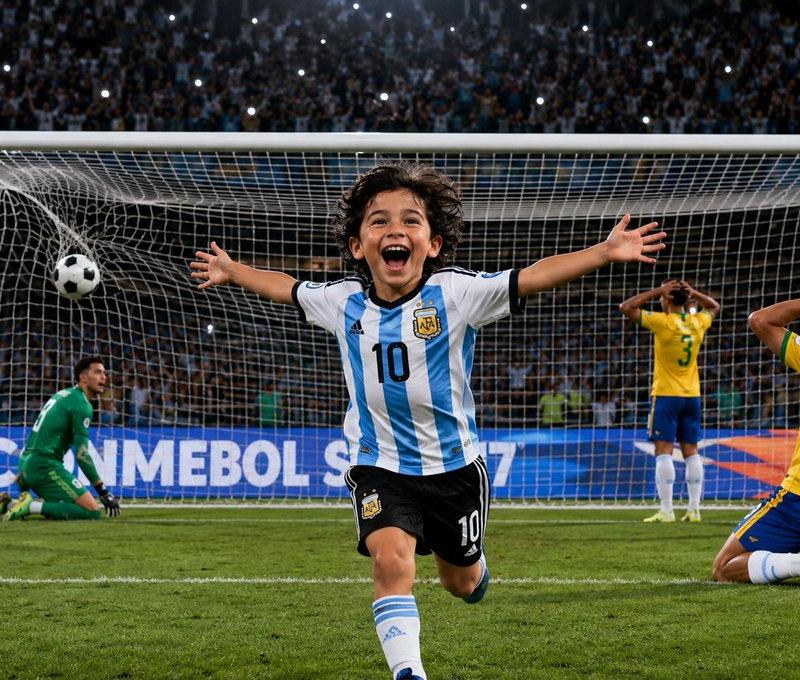
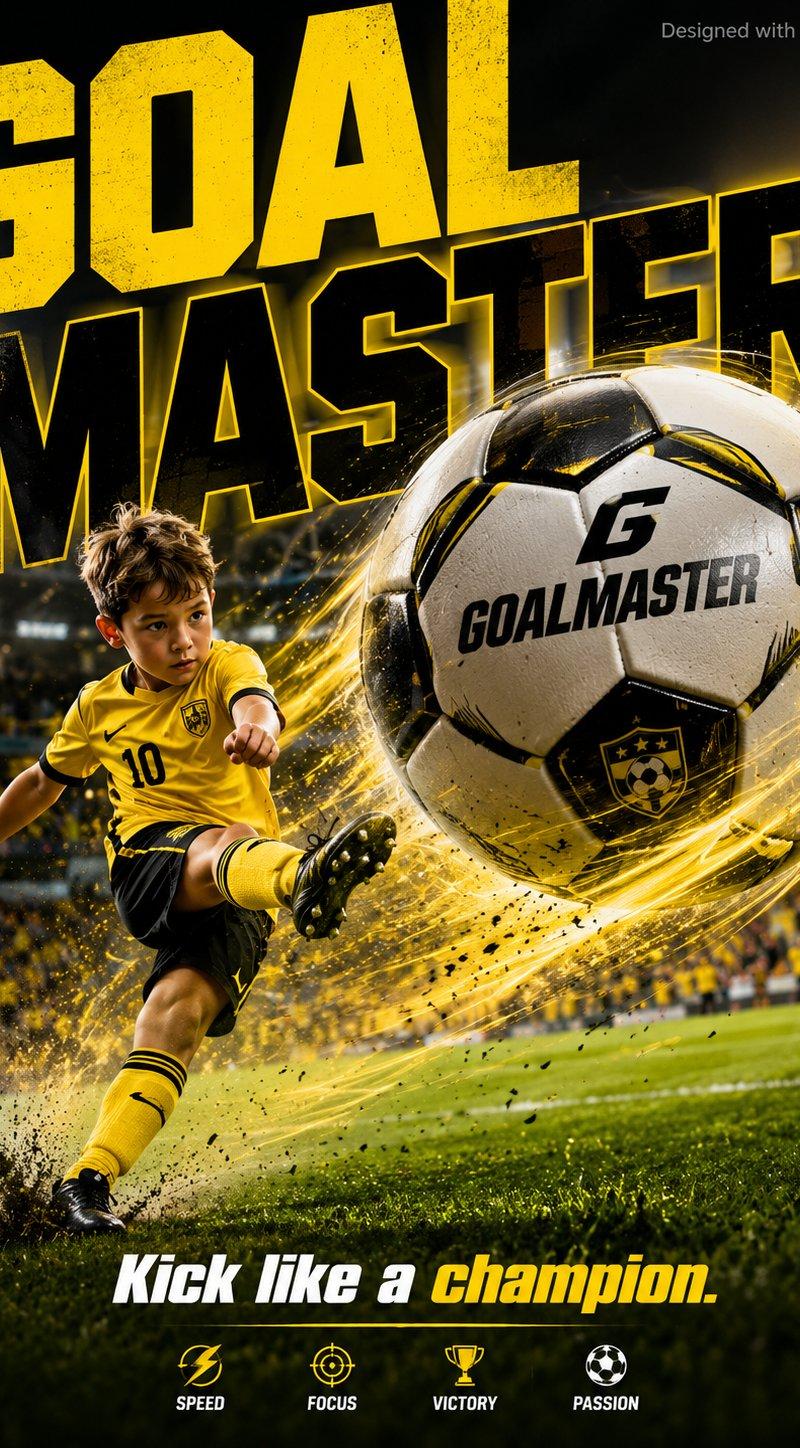
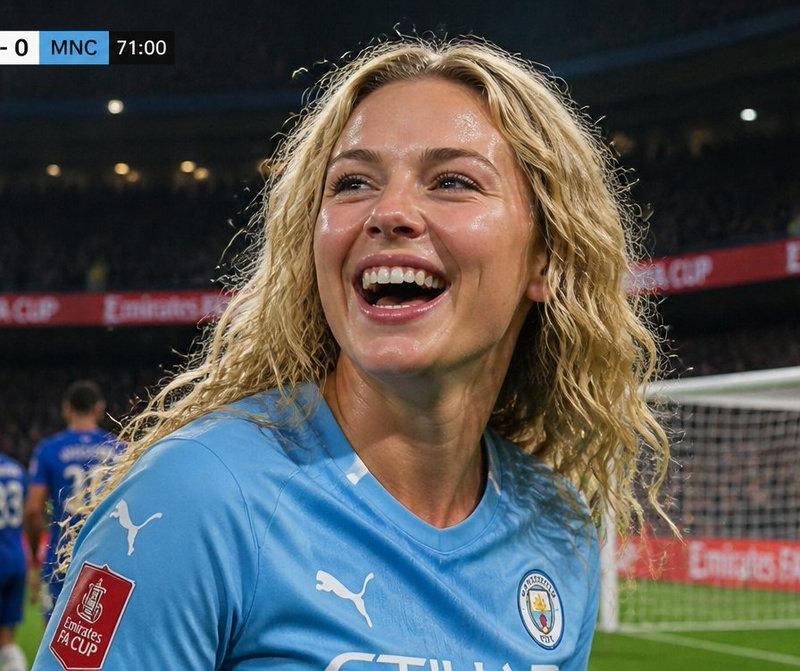
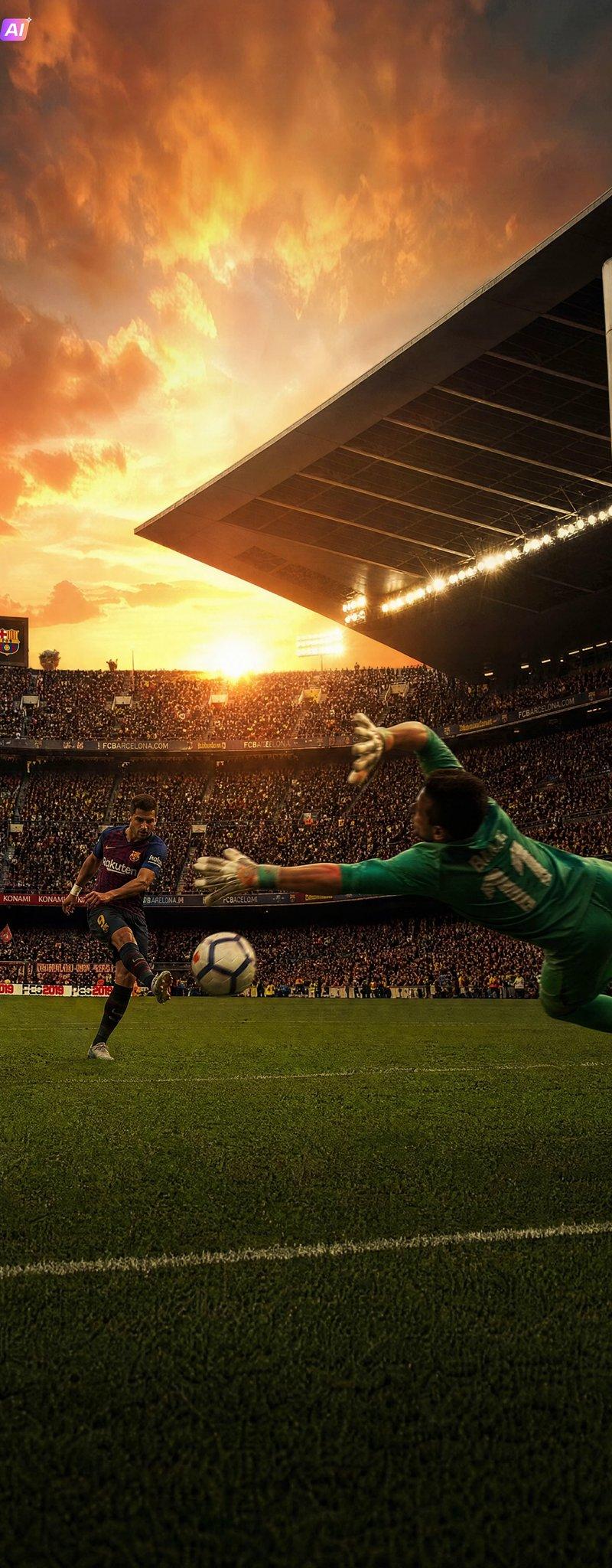
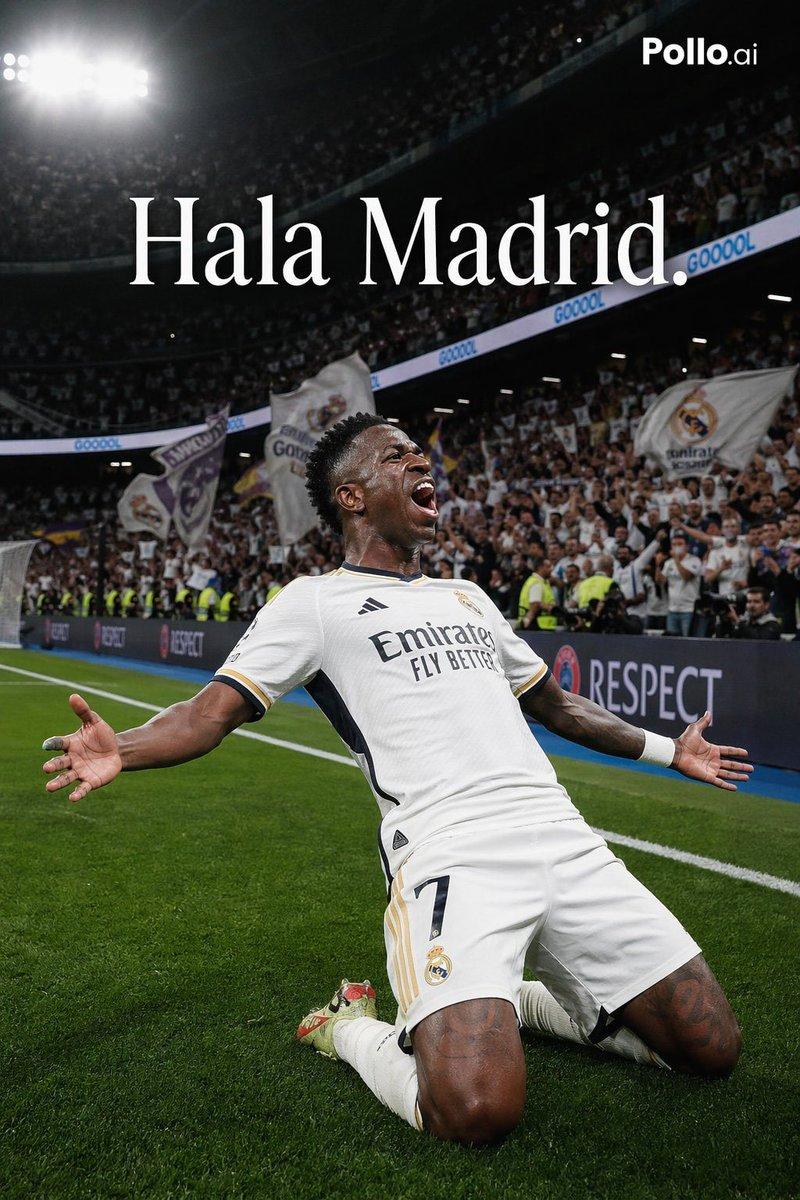
World Cup Final penalty save, the subject as goalkeeper, strict face reference, full-stretch horizontal dive, professional FIFA-style soccer ball impacting compressed goalkeeper glove, frozen action, intense focus, visible sweat and muscle tension, {argument name="nationality" default="[NATIONALITY]"} supporters in {argument name="primary color" default="[COLOR1]"} and {argument name="secondary color" default="[COLOR2]"} filling the stadium, flying turf particles, pitch-level side angle, 400mm sports lens, 1/4000 shutter, dramatic floodlights, Getty Images sports photography, ultra-photorealistic
Category
Charts & Infographics
Model
nano-banana-pro
Creator
Shine by Nous ✨
Source language
en
Views2.3K
Source ID
24364
Published
Jun 6, 2026
Studio

Guide

About "World Cup Goalkeeper Save"

What is this prompt for?

"World Cup Goalkeeper Save" AI image prompt for nano-banana-pro (Charts & Infographics). Action-packed sports photography prompt capturing a goalkeeper making…

The full copyable prompt and example visuals above are ready for AI image generation or one-click recreate in Picva.

How to use this prompt

  1. Step 1

    Open the prompt detail

    Review the example visuals, category, and full prompt text for "World Cup Goalkeeper Save".

  2. Step 2

    Copy the prompt

    Copy the prompt body from this page, or load it directly in Studio.

  3. Step 3

    Pick a model (nano-banana-pro)

    Prefer nano-banana-pro. If you switch models, keep subject and composition and tweak style terms.

  4. Step 4

    Generate and export

    Recreate the look in Picva, or export into your workflow for editing and publishing.

FAQ

What is the "World Cup Goalkeeper Save" prompt?
It is an AI image-generation prompt for nano-banana-pro in the Charts & Infographics category. This page includes the full prompt text, example visuals, and a one-click recreate path in Picva.
How do I use this prompt to generate an image?
Copy the prompt from this page, or use Generate / Studio. Paste it into a compatible image model, or recreate the look in Picva with optional reference images.
Which model is this prompt for?
This page lists nano-banana-pro. Most descriptive prompts also transfer to nearby image models such as GPT Image, Flux, or Midjourney with light style tweaks.
Can I use the result commercially?
You can usually copy the prompt for creation, but commercial use of the final image depends on the model terms, reference-image rights, and the generated content. Follow the source author and platform rules.