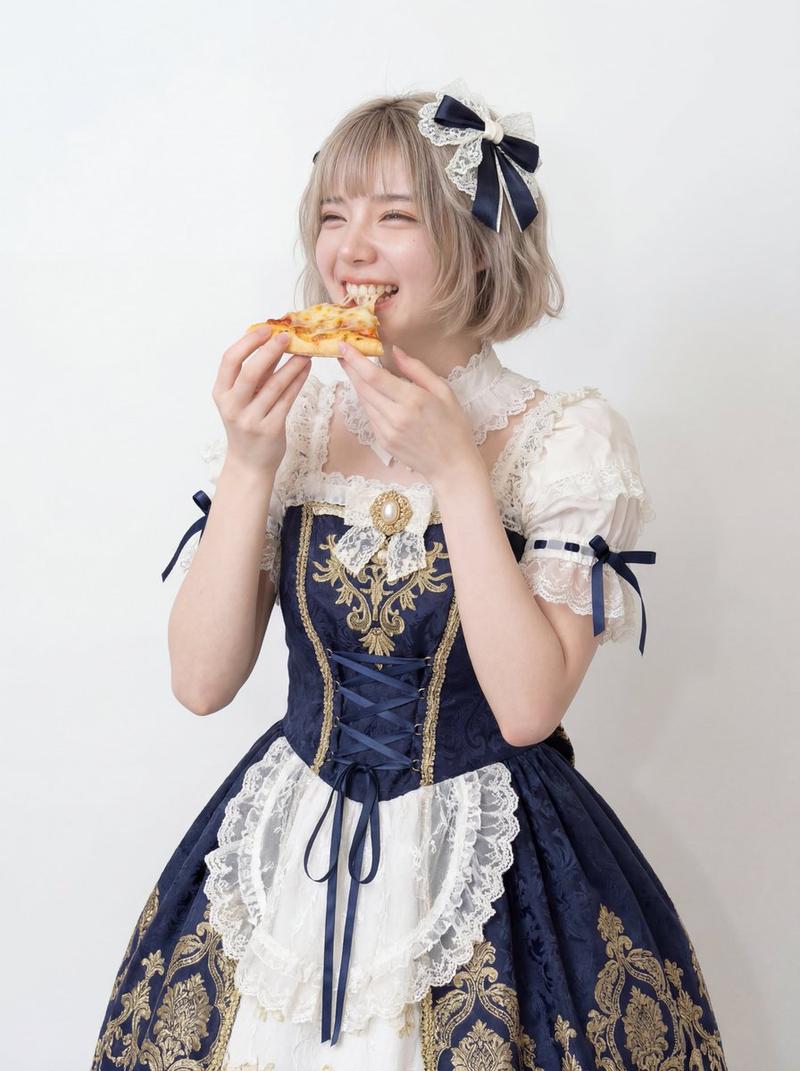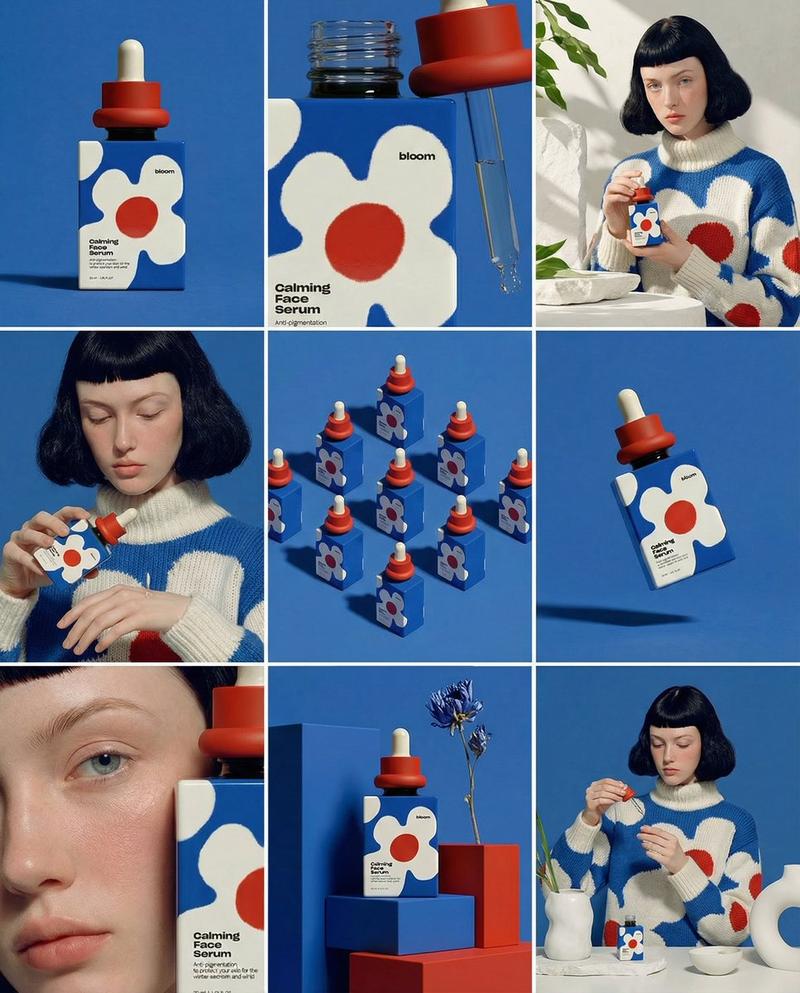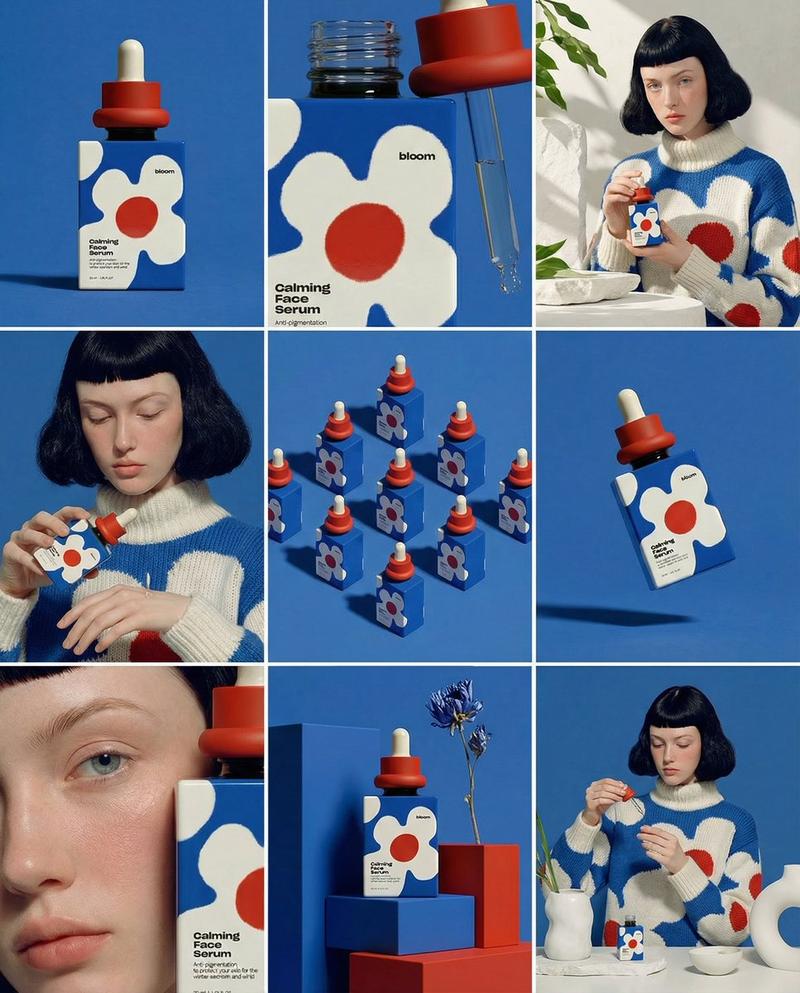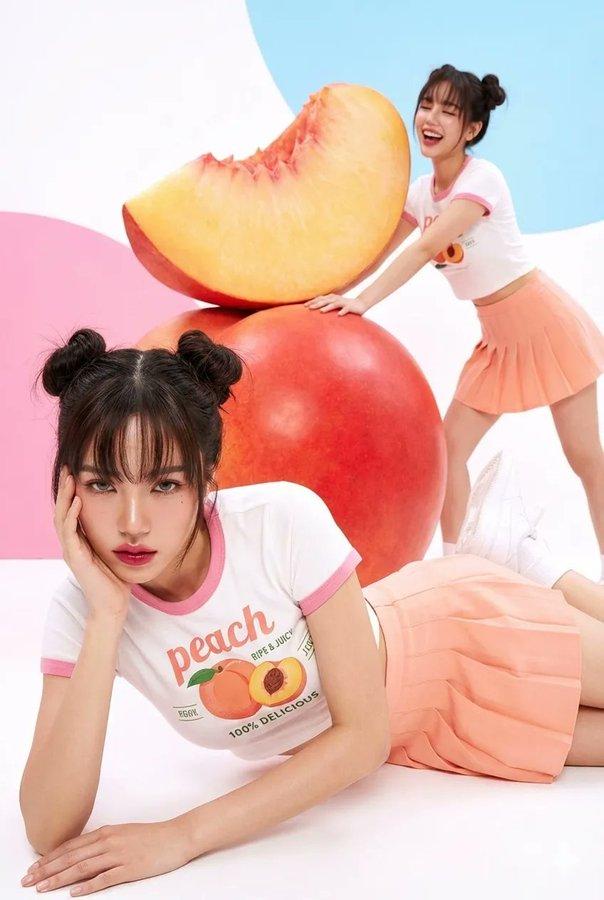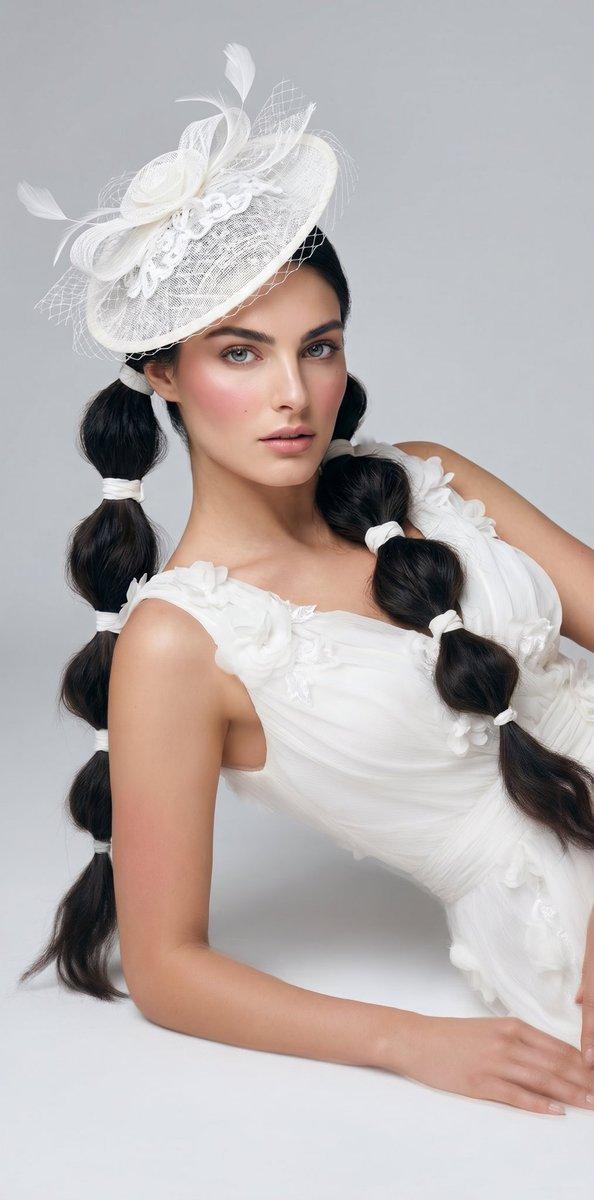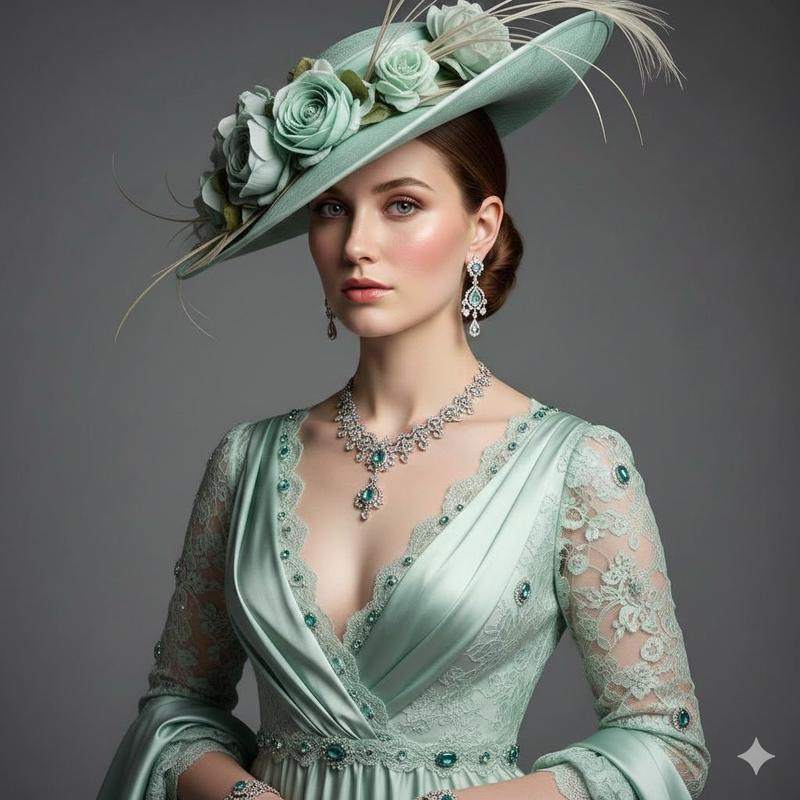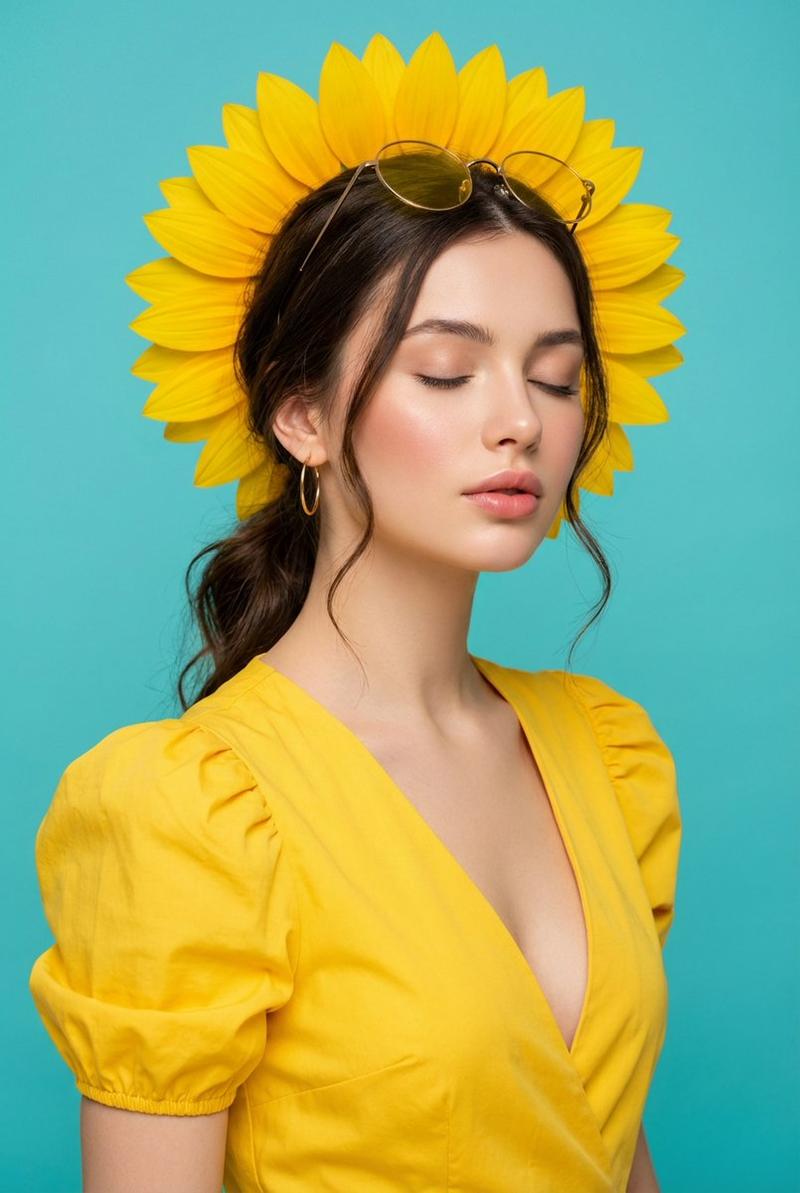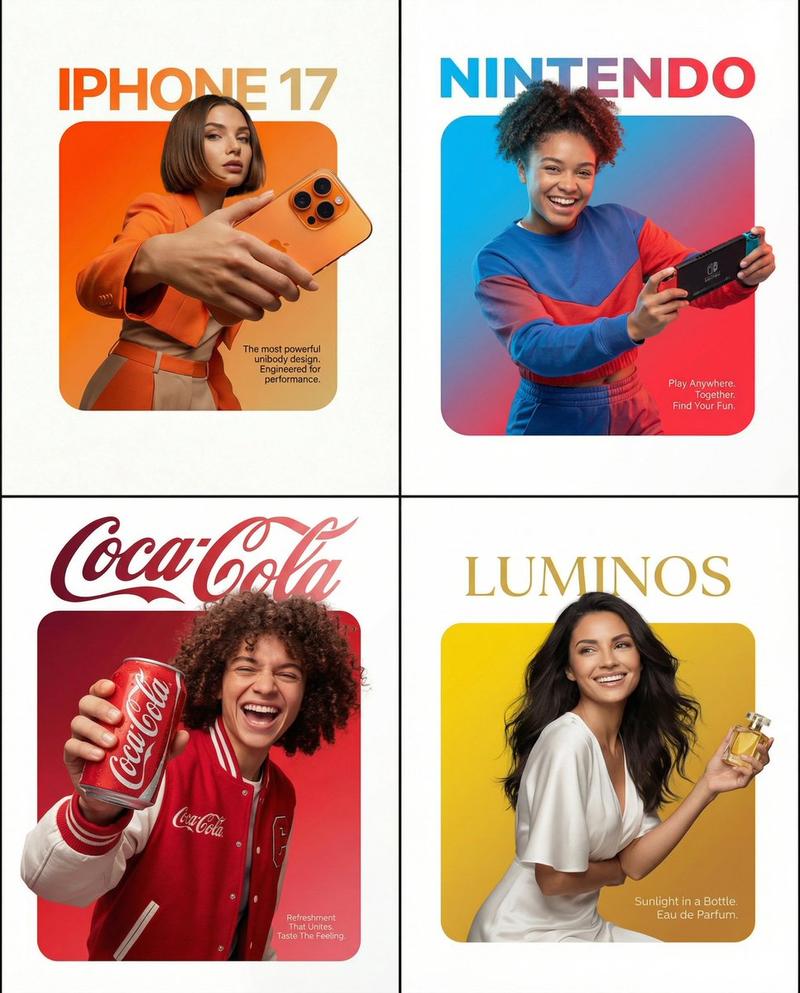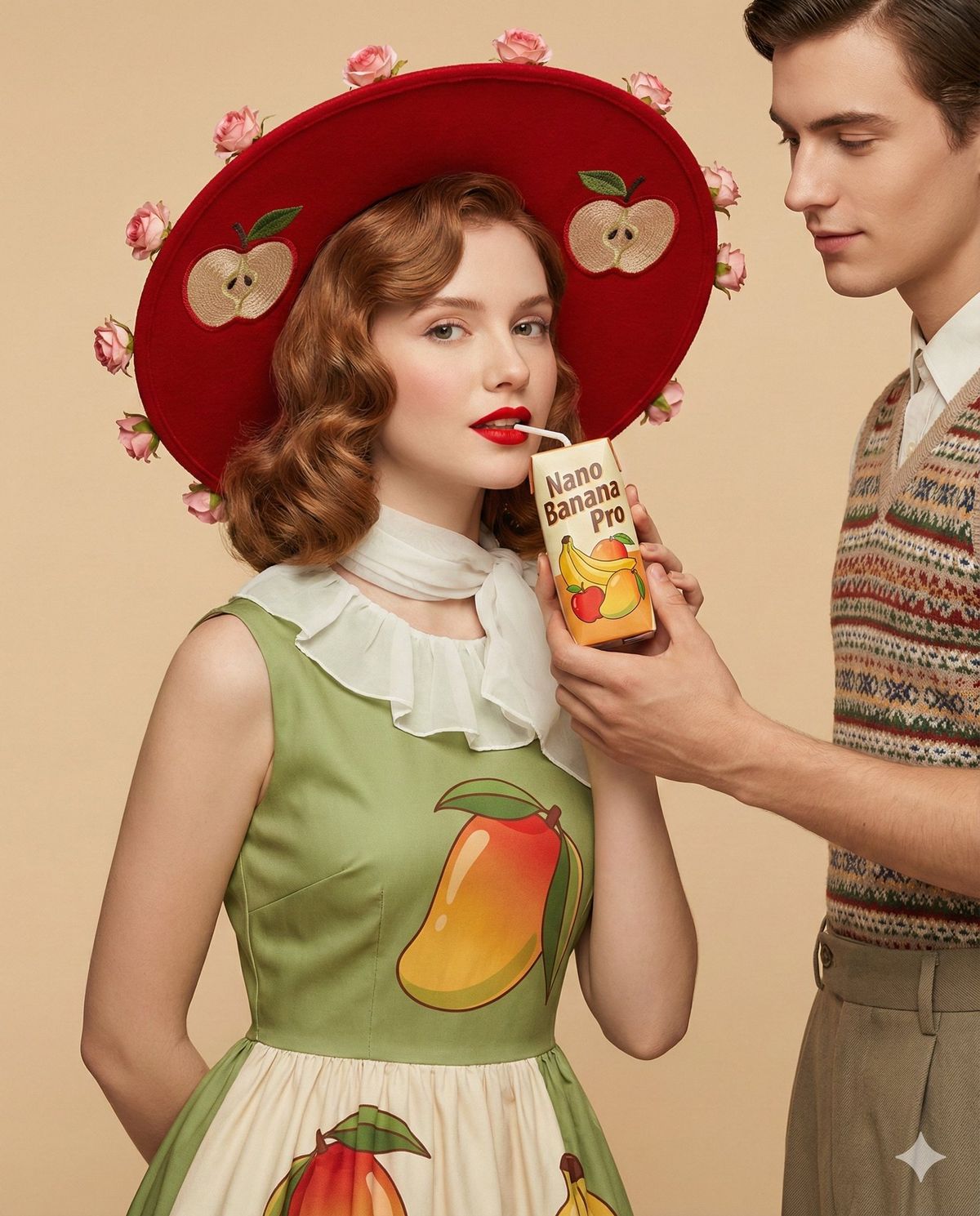
复古时尚编辑人像
提示词
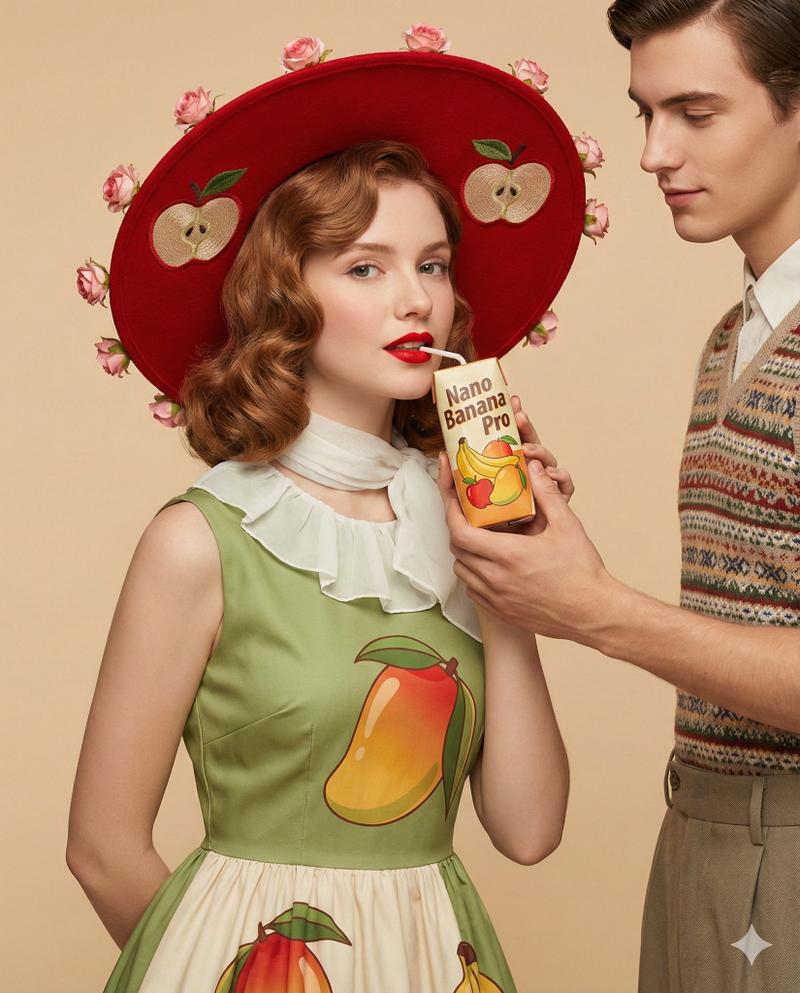
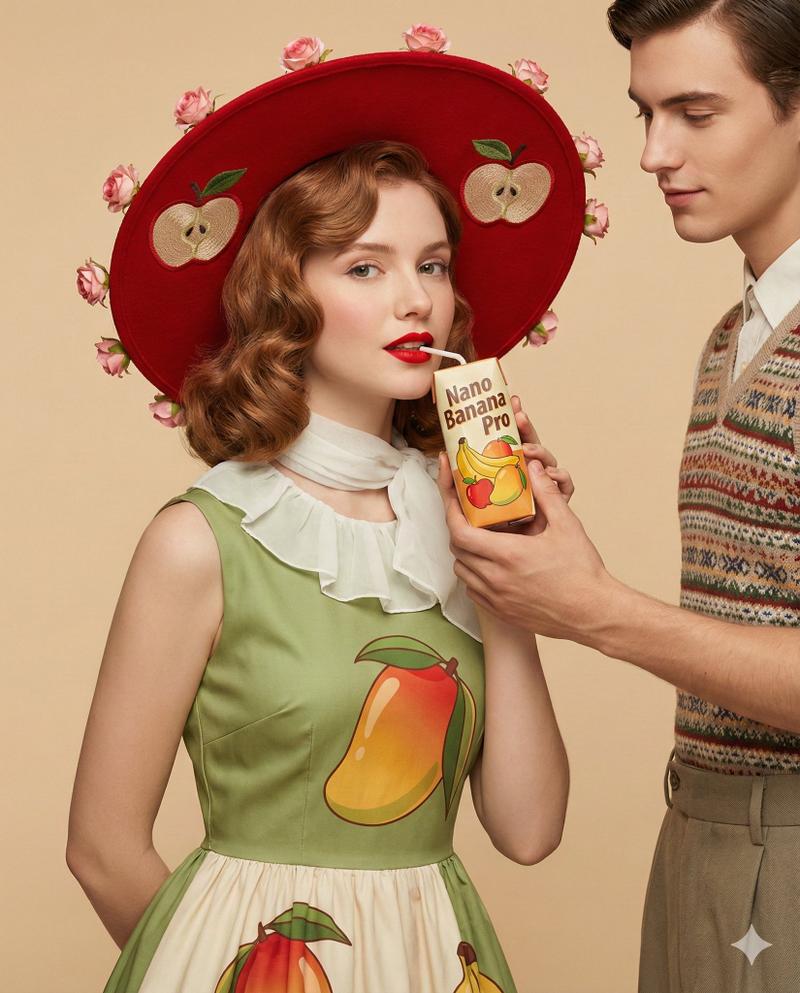
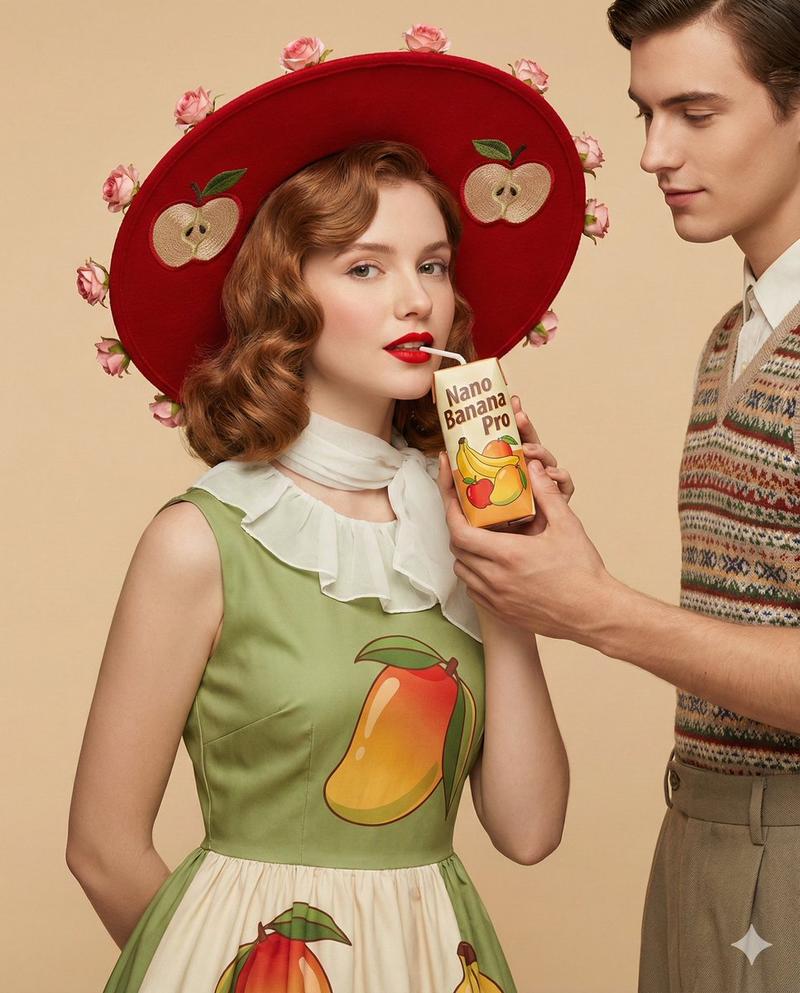
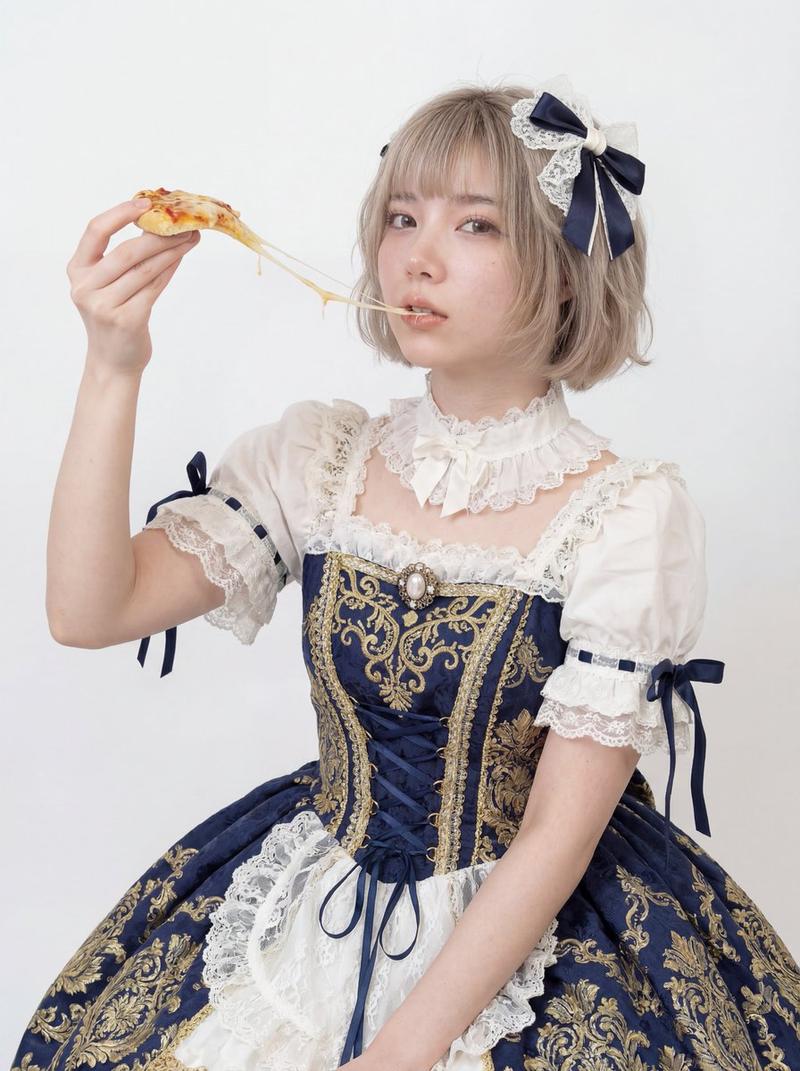
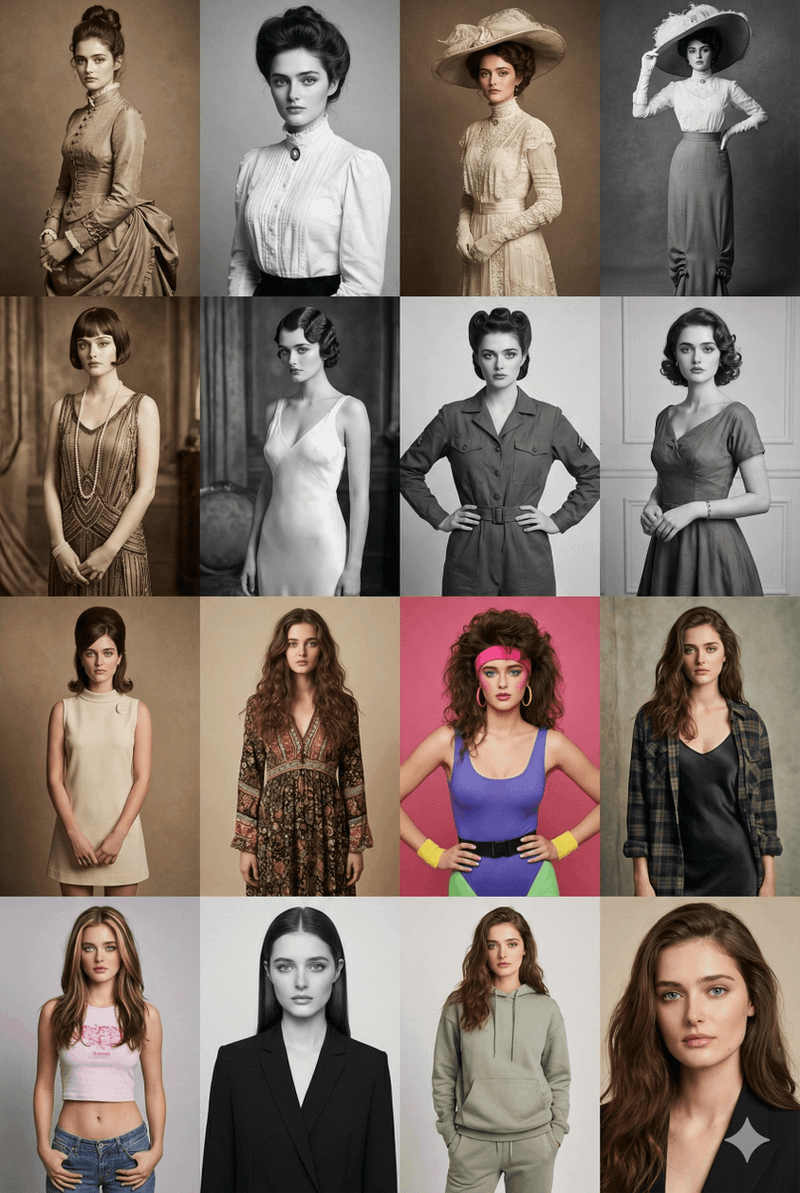
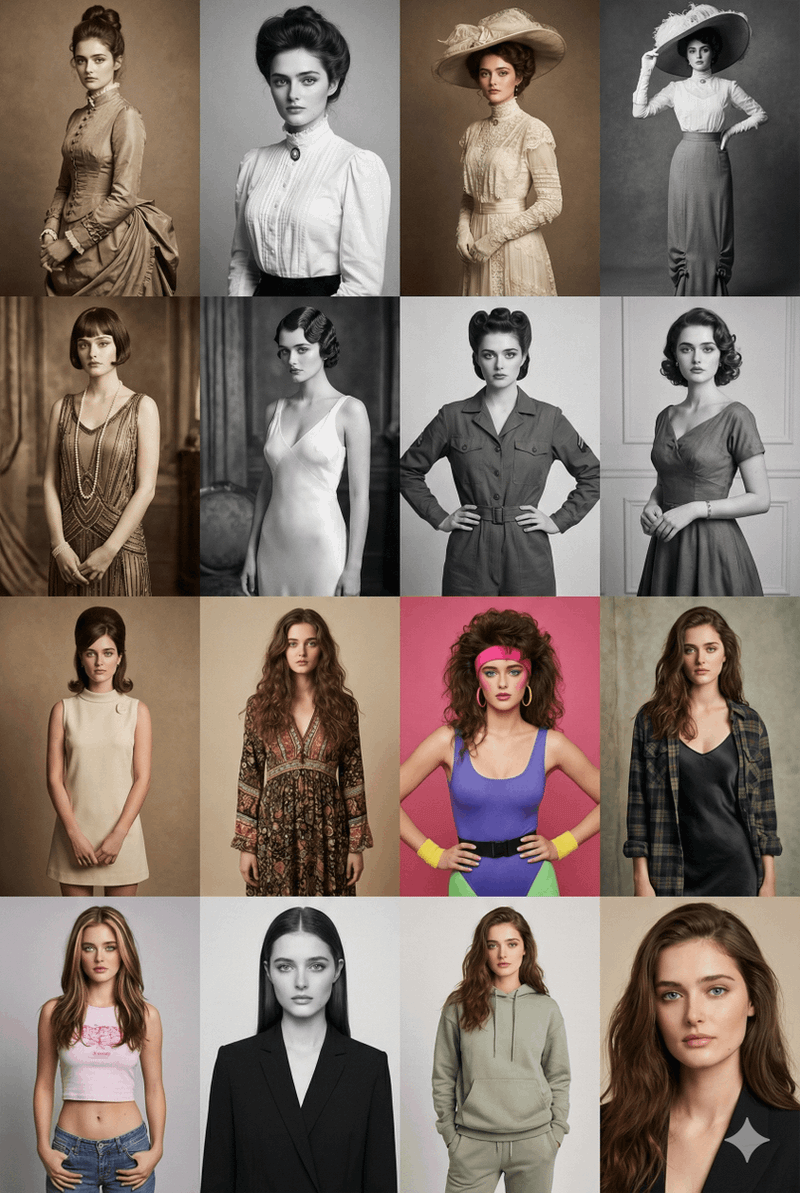
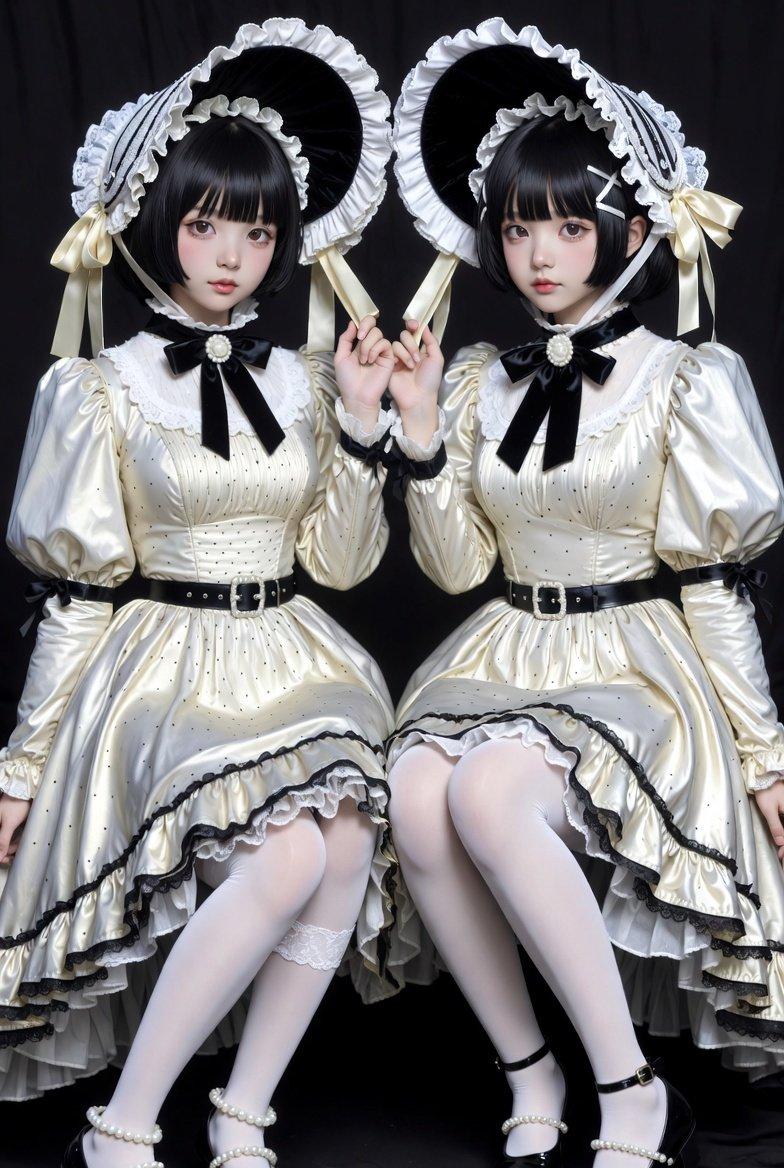
a retro inspired fashion editorial portrait of a {argument name="subject" default="Boy"} against a soft beige background. She is wearing a vintage style sleeveless {argument name="outfit" default="Apple dress"} with a white collar like a scarf detail, and big mango prints. On her head, a decorative big Red hat with {argument name="hat decoration" default="two big Apple prints and Pink roses"} wrapped around the hat’s rim. He is holding the juice pack from the reference image near her lips. Elegant pose, confident expression, red lipstick, softly curled hair styled in a classic retro wave. Clean white background, studio lighting, smooth skin texture, vibrant yet balanced color palette, sharp focus, high fashion advertising photography, surreal fruit styling, ultra detailed, cinematic lighting, professional product shoot, hyper realistic, 4K quality and image size 4 5.- 分类
- 图表信息图
- 模型
- nano-banana-pro
- 来源作者
- Maddox
- 来源 ID
- 24562
- 发布时间
- 2026年6月7日
浏览量801