20

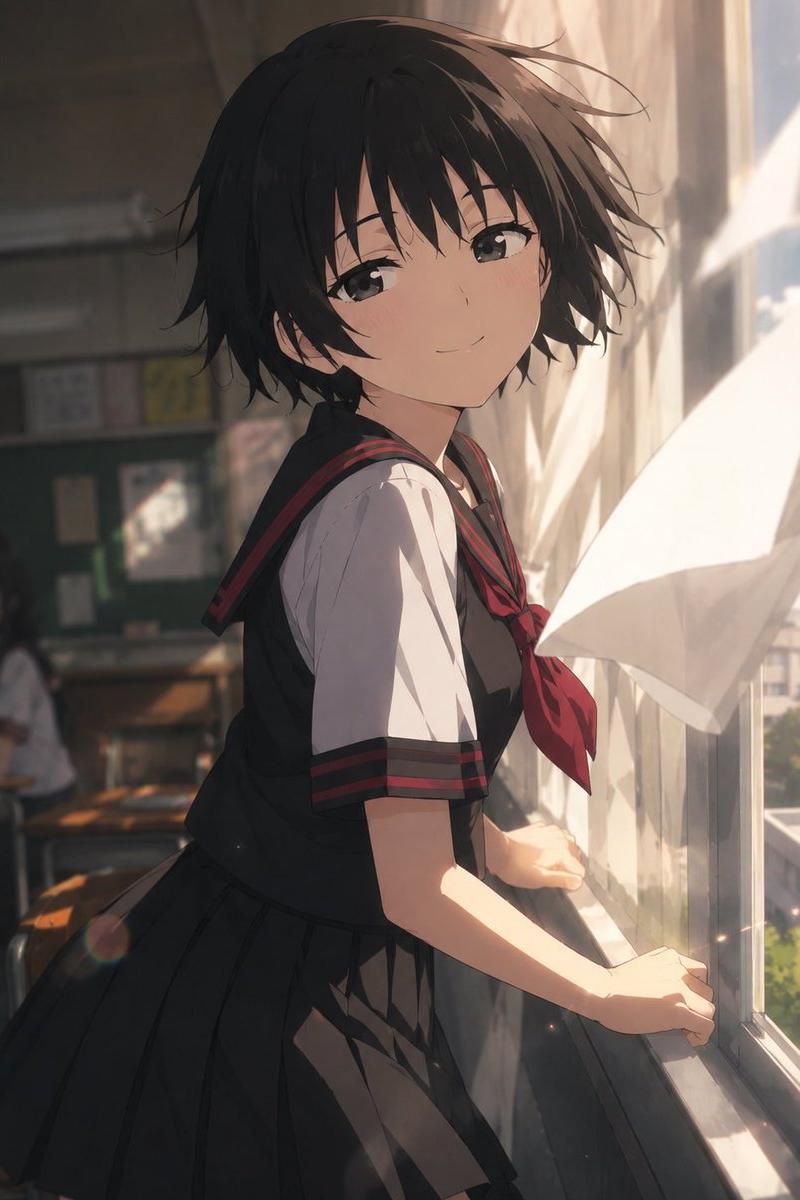
萌系动漫企鹅少女

Prompt
A high-quality 3D chibi moe anime short video, vertical 9:16. Adorable kawaii penguin girl character "Aunt Gaga" (Gugu Gaga), big sparkling doe eyes, chubby cheeks, tiny body, black-and-white penguin hoodie costume with yellow beak and feet details, soft blush, black hair peeking out, playful mischievous expression. Cozy dimly lit bedroom at night, warm desk-lamp lighting, pastel vibrant colors.

Sequence: She appears bouncily at a desk. Off-screen warm voice says "Aunt Gaga, you're here to make trouble again! It's so late, don't sleep!" She tilts head cutely with big sparkling eyes, responds innocently "Aunt Gaga is fine!" then excitedly claps and bounces "Take a five-minute break and play with Aunt Gaga!" Smooth fluid chibi animations, exaggerated cute gestures, bouncy movements, gentle camera zoom on face, wholesome and heart-melting vibe, highly detailed render, kawaii style, soft glows and sparkles --ar 9:16 --motion 3 --quality 4K
Category
Photography & Realism
Model
seedance-2.0
Creator
Sharon Riley
Source language
en
Views0
Source ID
1767
Published
Mar 20, 2026
Studio

Guide

About "萌系动漫企鹅少女"

What is this prompt for?

"萌系动漫企鹅少女" AI image prompt for seedance-2.0 (Photography & Realism). 一个为 Seedance 2.0 设计的高度详细的提示,用于生成一个垂直、高质量的 3D 萌系动漫短视频,主角是一个名为“Gaga 阿姨”的可爱企鹅女孩,场景设定在一个舒适的卧室中…

The full copyable prompt and example visuals above are ready for AI image generation or one-click recreate in Picva.

How to use this prompt

  1. Step 1

    Open the prompt detail

    Review the example visuals, category, and full prompt text for "萌系动漫企鹅少女".

  2. Step 2

    Copy the prompt

    Copy the prompt body from this page, or load it directly in Studio.

  3. Step 3

    Pick a model (seedance-2.0)

    Prefer seedance-2.0. If you switch models, keep subject and composition and tweak style terms.

  4. Step 4

    Generate and export

    Recreate the look in Picva, or export into your workflow for editing and publishing.

FAQ

What is the "萌系动漫企鹅少女" prompt?
It is an AI image-generation prompt for seedance-2.0 in the Photography & Realism category. This page includes the full prompt text, example visuals, and a one-click recreate path in Picva.
How do I use this prompt to generate an image?
Copy the prompt from this page, or use Generate / Studio. Paste it into a compatible image model, or recreate the look in Picva with optional reference images.
Which model is this prompt for?
This page lists seedance-2.0. Most descriptive prompts also transfer to nearby image models such as GPT Image, Flux, or Midjourney with light style tweaks.
Can I use the result commercially?
You can usually copy the prompt for creation, but commercial use of the final image depends on the model terms, reference-image rights, and the generated content. Follow the source author and platform rules.