20

动漫少女 CG 爆炸与特写序列

Prompt
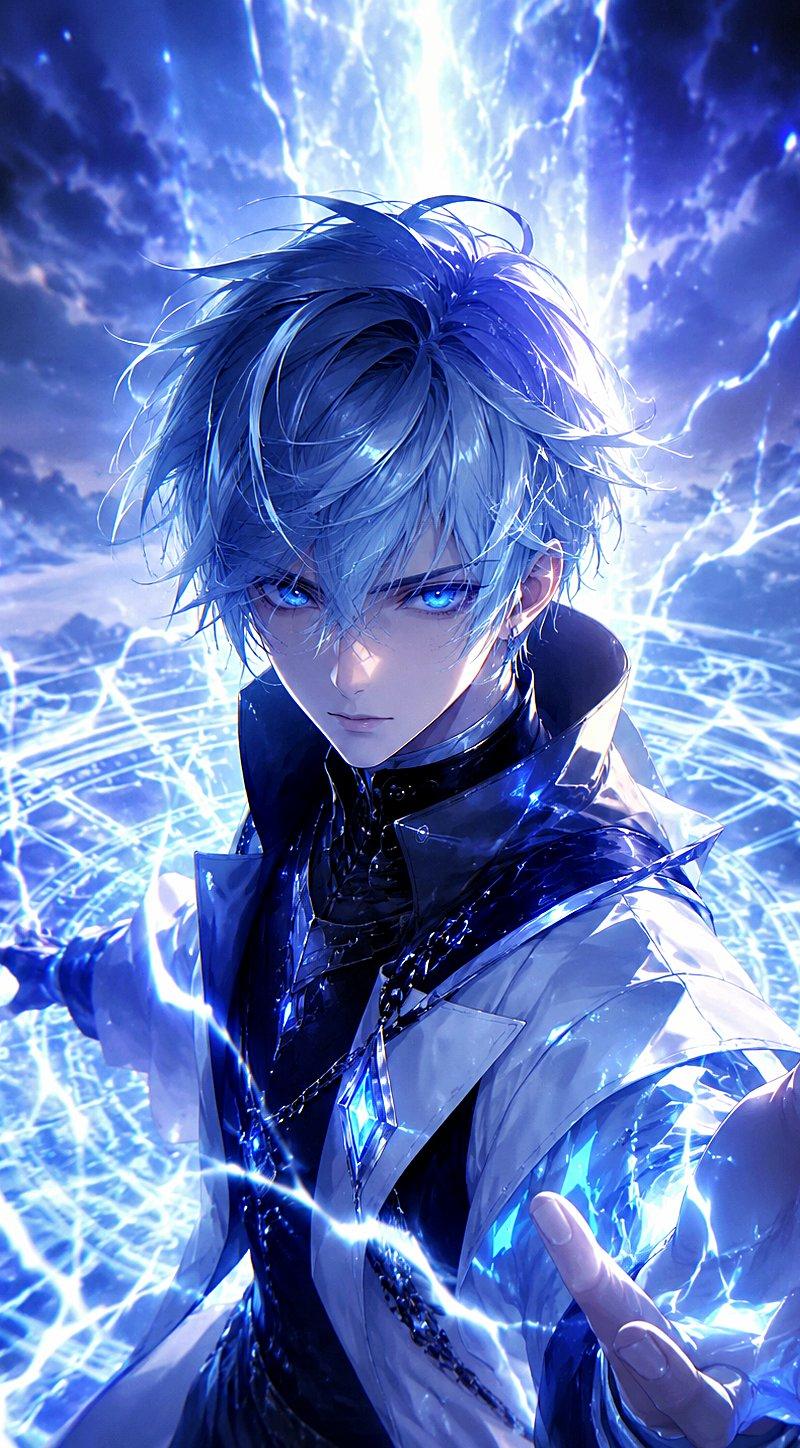
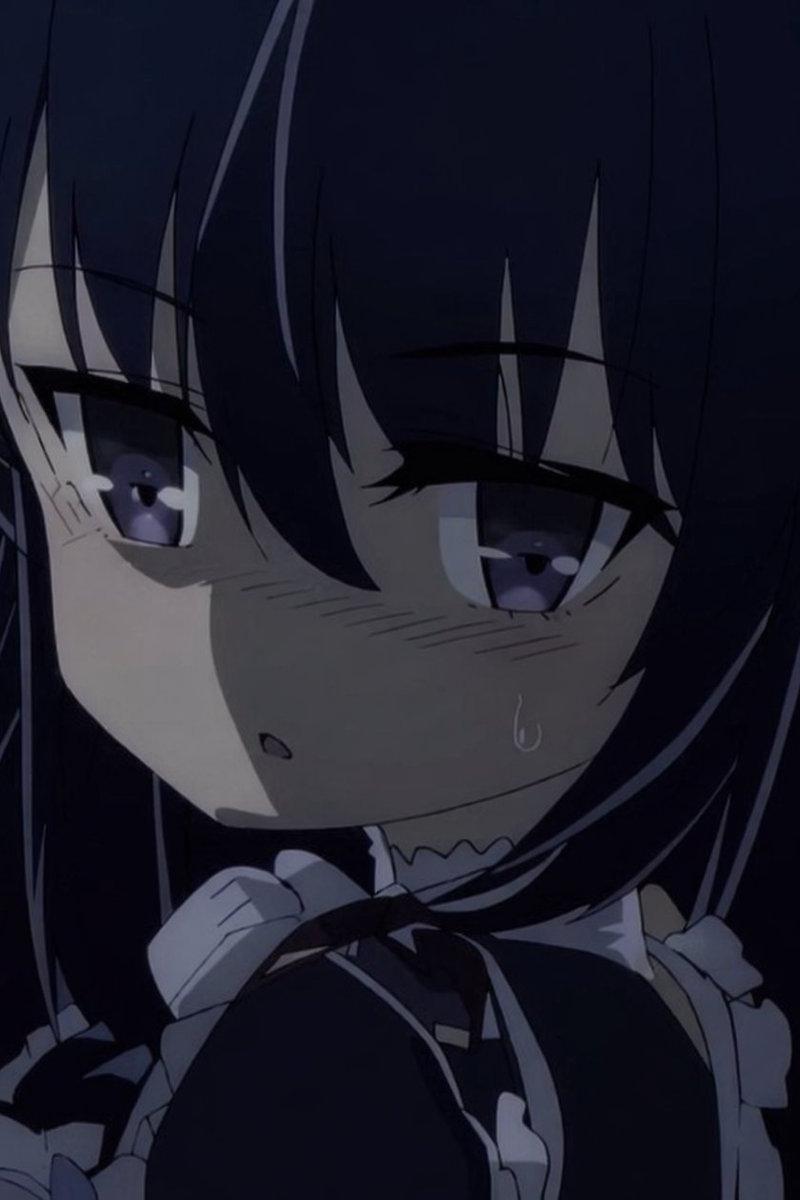
Three anime girls (left: short black hair with horn accessories, black-cyan-magenta cyberpunk outfit; center: long silver-white hair, red eyes, black dress; right: red ponytail, blue eyes, white outfit) stand still as holographic wireframe CG objects surrounding them crack and explode into cyan particle dust over 6 seconds — fragments scatter outward like shattered glass. Stage clears to pure black. Girls walk slowly to center, forming back-to-back triangle, heads tilted up, eyes closed. Overhead single white spotlight narrows to illuminate only them. LED floor pulses one final triangle ripple outward from their feet. At 10 seconds hard cut to extreme close-up of center girl, silver hair flowing across face, single cyan light-streak crossing her red eye like a tear. Headset mic glows faintly. Dead silence framing. 15 seconds.
Category
Characters & People
Model
seedance-2.0
Creator
ShadeLurk
Source language
en
Views0
Source ID
2687
Published
Apr 4, 2026
Studio

Guide

About "动漫少女 CG 爆炸与特写序列"

What is this prompt for?

"动漫少女 CG 爆炸与特写序列" AI image prompt for seedance-2.0 (Characters & People). 这是一个为 Seedance 2.0 准备的详细多场景提示词,旨在生成一段动漫音乐视频序列,包含三位少女、全息物体的 CG 爆炸、戏剧性的行走动作,以及带有泪痕般光束的极…

The full copyable prompt and example visuals above are ready for AI image generation or one-click recreate in Picva.

How to use this prompt

  1. Step 1

    Open the prompt detail

    Review the example visuals, category, and full prompt text for "动漫少女 CG 爆炸与特写序列".

  2. Step 2

    Copy the prompt

    Copy the prompt body from this page, or load it directly in Studio.

  3. Step 3

    Pick a model (seedance-2.0)

    Prefer seedance-2.0. If you switch models, keep subject and composition and tweak style terms.

  4. Step 4

    Generate and export

    Recreate the look in Picva, or export into your workflow for editing and publishing.

FAQ

What is the "动漫少女 CG 爆炸与特写序列" prompt?
It is an AI image-generation prompt for seedance-2.0 in the Characters & People category. This page includes the full prompt text, example visuals, and a one-click recreate path in Picva.
How do I use this prompt to generate an image?
Copy the prompt from this page, or use Generate / Studio. Paste it into a compatible image model, or recreate the look in Picva with optional reference images.
Which model is this prompt for?
This page lists seedance-2.0. Most descriptive prompts also transfer to nearby image models such as GPT Image, Flux, or Midjourney with light style tweaks.
Can I use the result commercially?
You can usually copy the prompt for creation, but commercial use of the final image depends on the model terms, reference-image rights, and the generated content. Follow the source author and platform rules.