快节奏黑暗奇幻动作预告片
Prompt
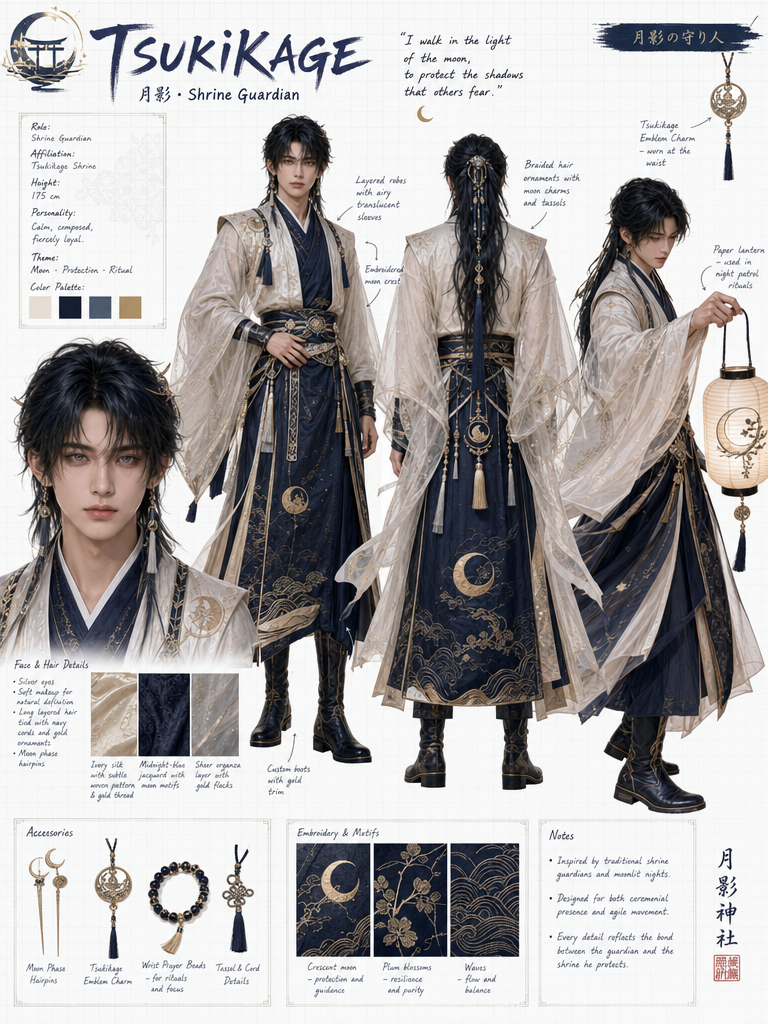
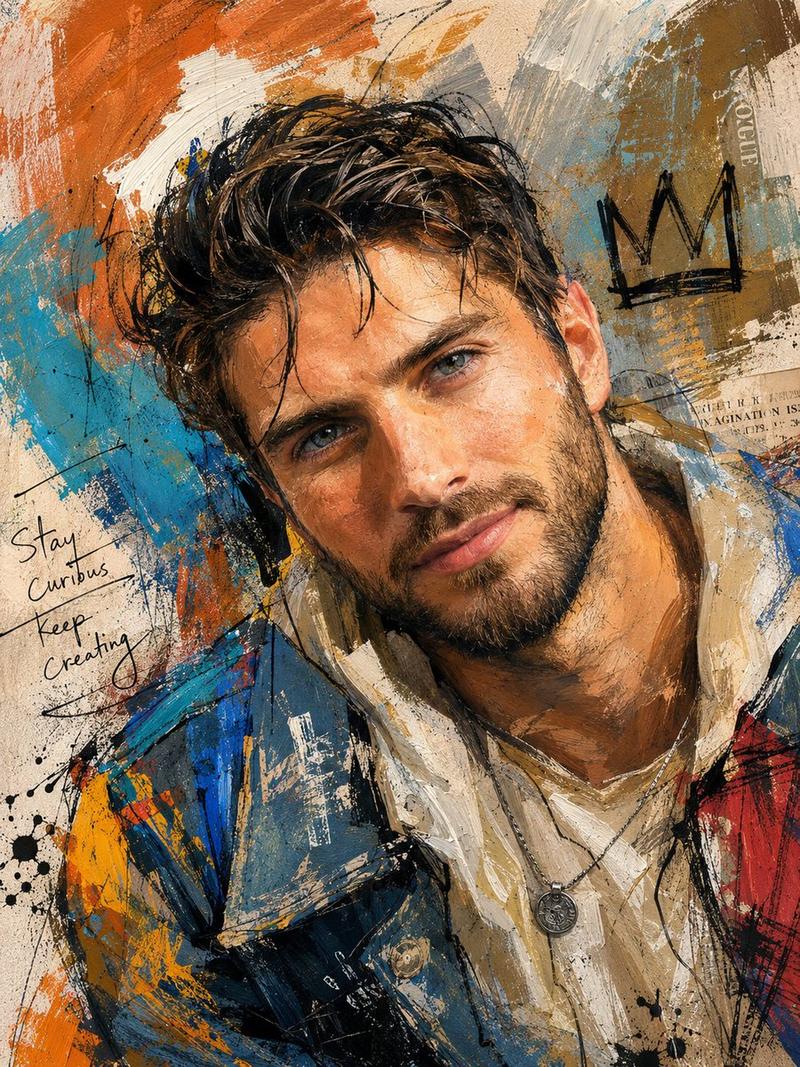
high-tempo dark fantasy action trailer, Use Image for all character and logo.
[0-2s] ultra-low drone shot skimming across ruined fantasy fortress, storm, lightning illuminating walls, low string pizzicato begins;
[2-4s] extreme close-up of hero's eyes emerging from darkness, slow deliberate sword draw;
[4-5s] low angle — hero raises sword shouting in Japanese "行くぞ!", blade flares, brass explodes;
[5-9s] four hard cuts one second each — (a) mage detonates massive magic with burst sfx, (b) wolfman swings axe sending enemies flying with heavy crash, (c) archer rapid-fires arrows sharp consecutive hits, (d) hero slow-motion slash with blade light trail;
[9-11s] wide shot — four heroes stand together facing colossal enemy silhouette, mage says in Japanese "一緒に戦います";
[11-13.5s] all four charge simultaneously, blazing sword strikes, pillar of light, screen-filling explosion;
[13.5-15s] cut to black, title logo with golden light burst, deep bass drop, reverberating brass sting, silence.
- Category
- Brand & Logos
- Model
- seedance-2.0
- Creator
- SSSS.CRYPTOMAN⚡️AI
- Source ID
- 2927
- Published
- Apr 7, 2026
Views0




![[Character] in his iconic pose, [Universe Name], standing on a shattered rock ba](https://whqgdndlpxjbwosvipip.supabase.co/storage/v1/render/image/public/prompt-source-media/promptsref/work-43965/image-1-c1a7c6acb20a7434.png?width=800&quality=75&resize=contain)