20

励志演讲者工作室场景

Prompt
00-03s [The Hook]:
Close-up of a person in a modern, sun-lit studio. They lean into the camera, hands resting on a desk. Natural lighting with slight lens flare.
Voiceover: "Stop trying to be loud. In a world of noise, volume isn't an advantage."

03-09s [The Core Message]:
Mid-shot. The speaker stands up and walks toward a large window overlooking a realistic city street. They gesture naturally, no robotic movements.
Voiceover: "Advertising isn't about buying attention; it’s about earning trust. Your brand isn't what you say it is—it’s the promise you actually keep."

09-13s [The Shift]:
Low-angle shot, looking up at the speaker. They look confident but approachable, with natural micro-expressions (a slight blink, a small nod).
Voiceover: "If you want to build something that lasts, stop selling features. Start solving human problems."

13-15s [The Finisher]:
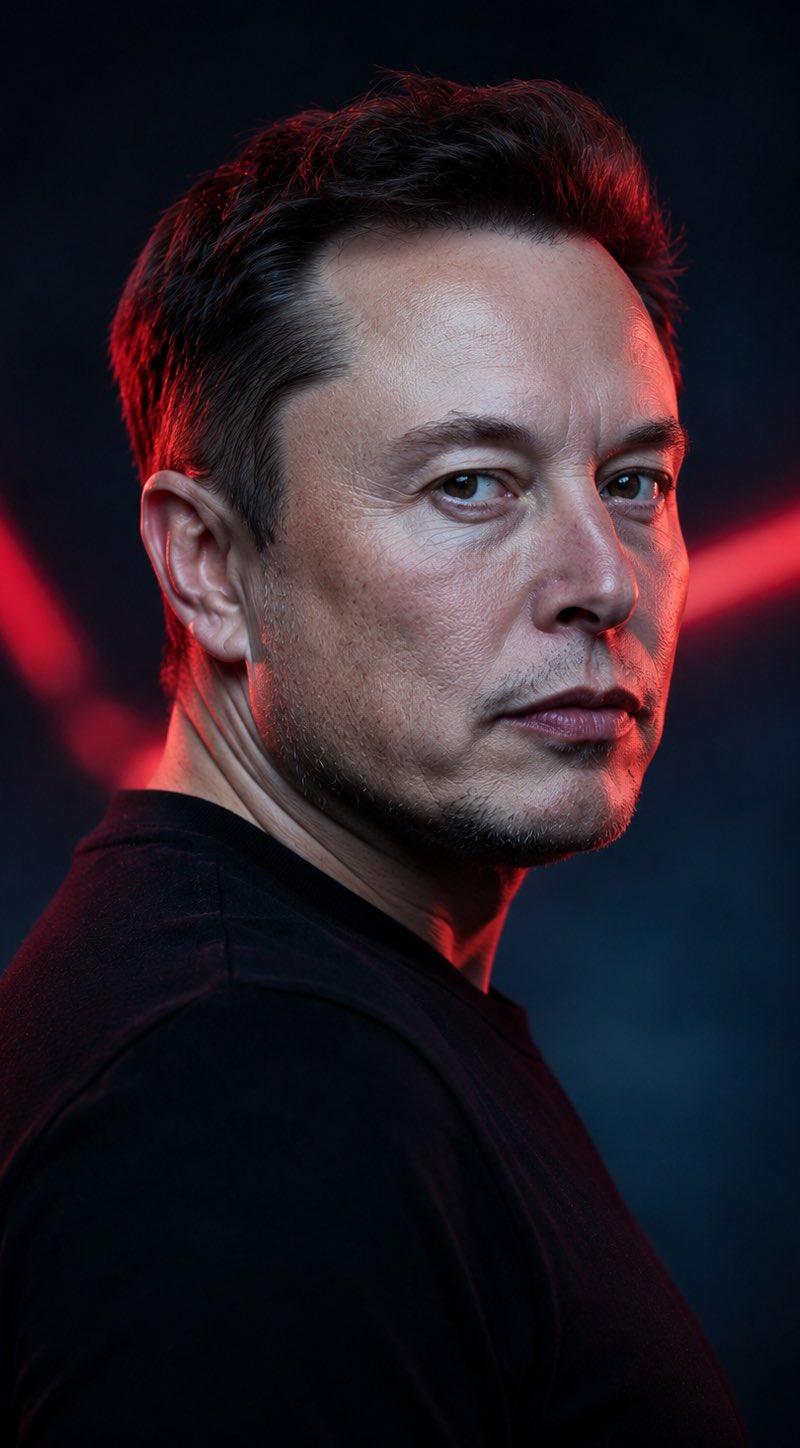
Extreme close-up on the speaker’s face. High detail on skin texture and eyes. They give a sharp, knowing look.
Voiceover: "Build the signal. Let them find you."
Category
Posters & Typography
Model
seedance-2.0
Creator
ÀBDŪLLÂH
Source language
en
Views0
Source ID
4616
Published
May 11, 2026
Studio

Guide

About "励志演讲者工作室场景"

What is this prompt for?

"励志演讲者工作室场景" AI image prompt for seedance-2.0 (Posters & Typography). 一个用于创作励志演讲视频的多镜头提示词,重点在于自然动作、微表情和专业工作室灯光。 Copy it on Picva and recreate the look in one c…

The full copyable prompt and example visuals above are ready for AI image generation or one-click recreate in Picva.

How to use this prompt

  1. Step 1

    Open the prompt detail

    Review the example visuals, category, and full prompt text for "励志演讲者工作室场景".

  2. Step 2

    Copy the prompt

    Copy the prompt body from this page, or load it directly in Studio.

  3. Step 3

    Pick a model (seedance-2.0)

    Prefer seedance-2.0. If you switch models, keep subject and composition and tweak style terms.

  4. Step 4

    Generate and export

    Recreate the look in Picva, or export into your workflow for editing and publishing.

FAQ

What is the "励志演讲者工作室场景" prompt?
It is an AI image-generation prompt for seedance-2.0 in the Posters & Typography category. This page includes the full prompt text, example visuals, and a one-click recreate path in Picva.
How do I use this prompt to generate an image?
Copy the prompt from this page, or use Generate / Studio. Paste it into a compatible image model, or recreate the look in Picva with optional reference images.
Which model is this prompt for?
This page lists seedance-2.0. Most descriptive prompts also transfer to nearby image models such as GPT Image, Flux, or Midjourney with light style tweaks.
Can I use the result commercially?
You can usually copy the prompt for creation, but commercial use of the final image depends on the model terms, reference-image rights, and the generated content. Follow the source author and platform rules.