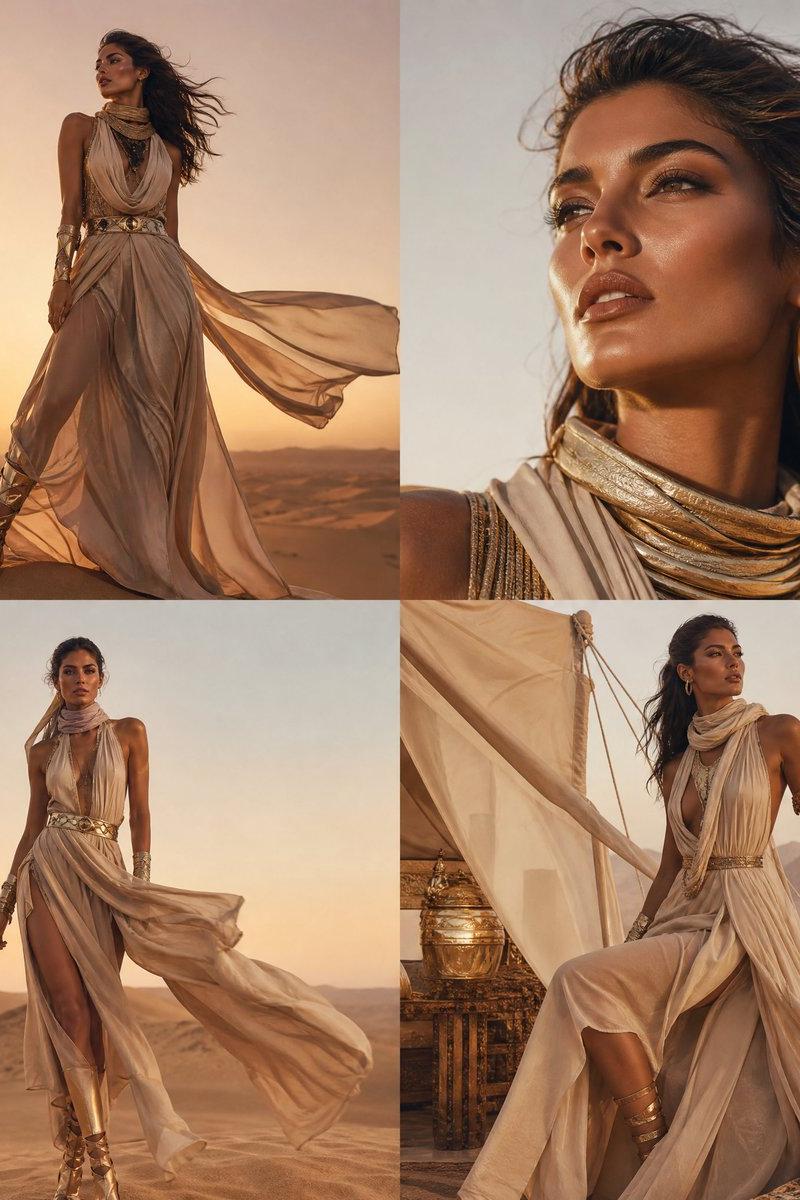
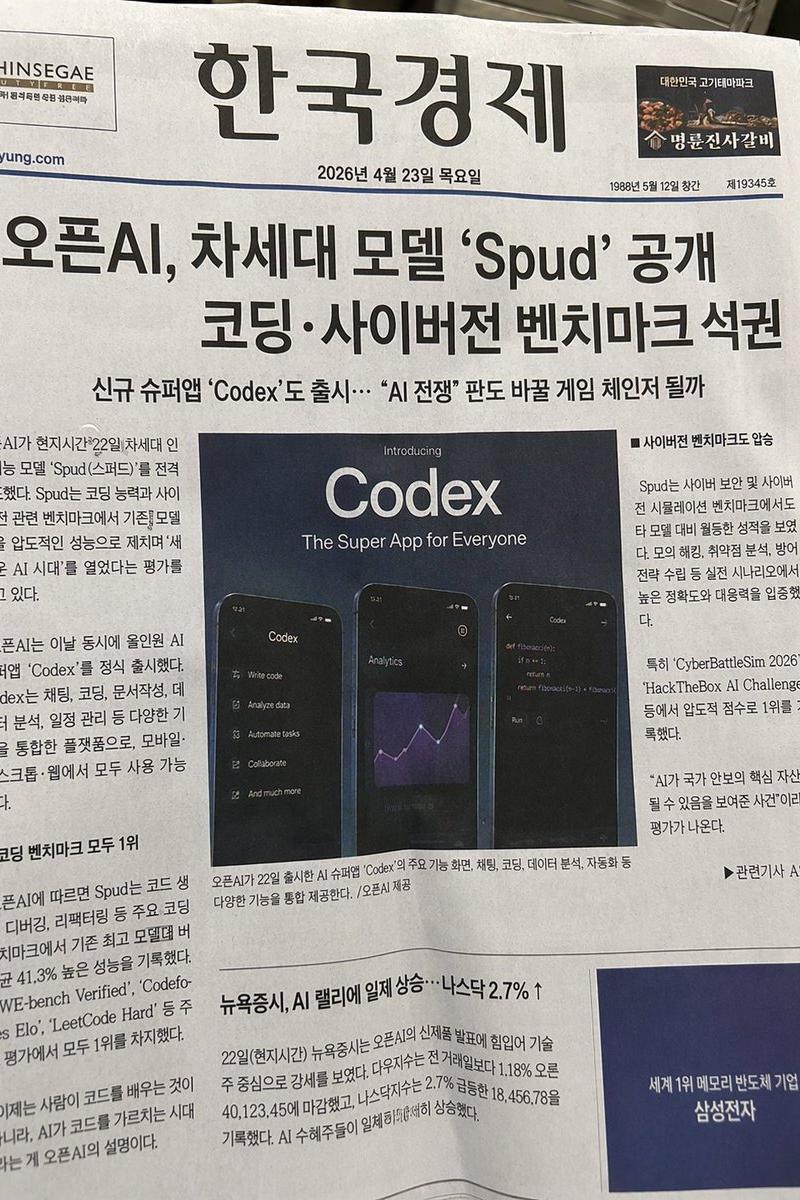
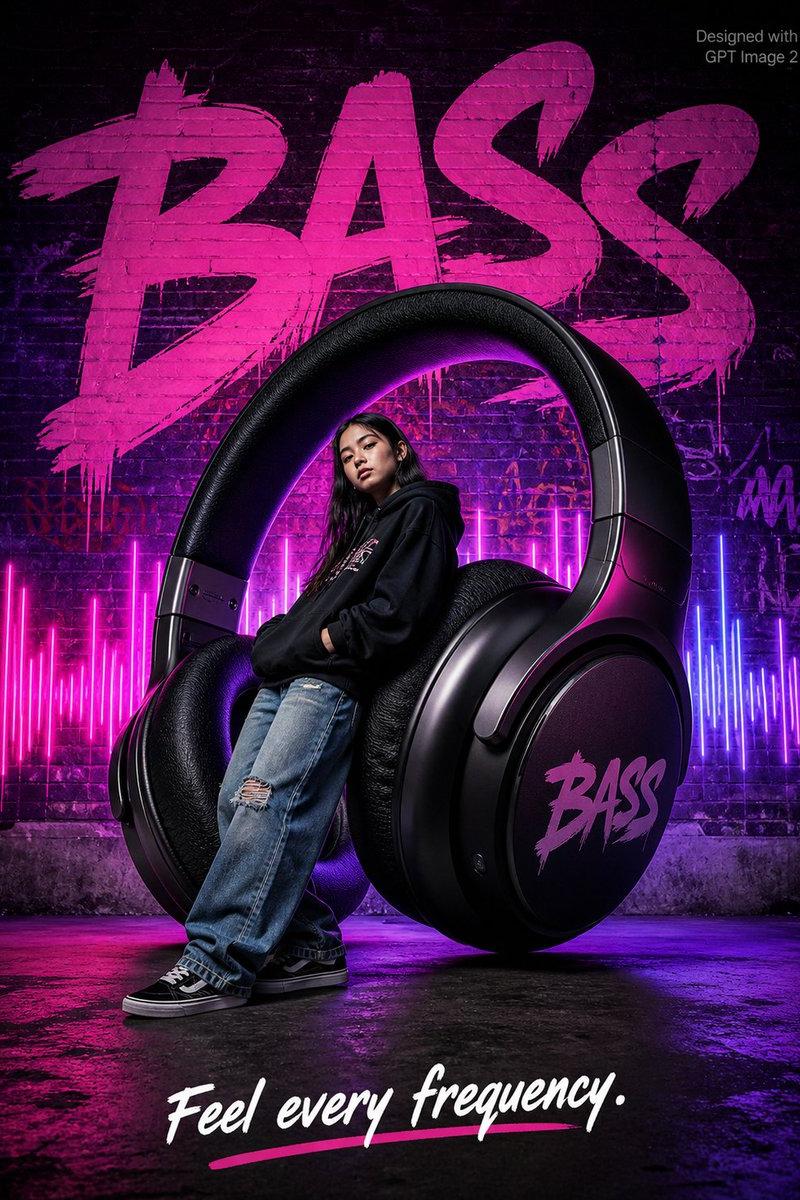
20

iPhone 手持街头偶遇视频

Prompt
以未经处理的真实 iPhone 手持视频风格渲染,所有摄像机设置均为自动,无后期调色或特效。画面包含真实的手持微抖动和拍摄者(路人)的呼吸感,镜头因行走而自然下沉或倾斜,随后迅速修正。自动对焦偶尔会出现搜索、延迟或短暂失焦,特别是在跟随运动或手部动作期间。自动白平衡随着街灯和树影的变化,在冷暖色调之间自然切换。整体画面平实,保留了真实的镜头眩光、边缘轻微的色差以及运动模糊等光学瑕疵。模拟 CCD 传感器效果,带有轻微的垂直拖影、色彩溢出、颗粒噪点以及高对比度边缘的紫/绿边。仅使用机内自然环境音效,包括街道交通声、脚步声和树叶间的风声;人声说话时麦克风可能会有轻微失真。采用街头第三人称路人视角(由附近路人拍摄),镜头运动跟随路人的本能反应。100% 保留参考图中模特的年龄、面部特征、骨骼结构、眼距、下颌几何形状、气质、肤色和发型。禁止皮肤平滑、过度柔化或趋向“大众脸”。15 秒时间轴(场景:电话误会 -> 女子以为被冒犯 -> 尴尬转身 -> 反转):0 秒时,镜头以路人视角轻微抖动,对准种满金色梧桐树的街道。一位戴口罩、穿着特定服装的长发苗条女子向镜头走来。右侧,一名穿黑色夹克的男子正在打电话。环境交通声自然。自动对焦锁定在他们的互动上;可见轻微过曝和 CCD 颗粒。1-3 秒时,女子走近,男子对着手机大喊:“你敢穿成这样出门?”女子停下脚步,愤怒地瞪视。男子无辜地看着她并展示手机屏幕。镜头轻微跟随,伴有短暂的自动对焦搜索和明显的 CCD 拖影。4-7 秒时,女子感到尴尬,道歉后继续前行。男子继续大声通话。镜头随着她的行走自然跟随,带有轻微的行走晃动。8-11 秒时,女子走开后突然回头,抬手作势要打男子。男子一脸困惑,再次展示手机。路人镜头迅速转向跟随,自动对焦滞后,手持抖动加剧。麦克风捕捉到女子愤怒的声音和男子无奈的解释。12-15 秒时,她最终挥手示意离开。随着路人重心转移,镜头轻微倾斜。整体感觉是未经处理的手持街头互动,具有纪录片级别的自然瑕疵。
Category
Charts & Infographics
Model
seedance-2.0
Creator
John
Source language
zh-CN
Views0
Source ID
6187
Published
Jun 18, 2026
Studio

Guide

About "iPhone 手持街头偶遇视频"

What is this prompt for?

"iPhone 手持街头偶遇视频" AI image prompt for seedance-2.0 (Charts & Infographics). 这是一个高度技术化的提示词,旨在模拟真实、未经剪辑的 iPhone 街头拍摄风格。它包含了手持抖动、自动对焦延迟和 CCD 传感器伪影等特定的摄像机行为,以呈现模特与…

The full copyable prompt and example visuals above are ready for AI image generation or one-click recreate in Picva.

How to use this prompt

  1. Step 1

    Open the prompt detail

    Review the example visuals, category, and full prompt text for "iPhone 手持街头偶遇视频".

  2. Step 2

    Copy the prompt

    Copy the prompt body from this page, or load it directly in Studio.

  3. Step 3

    Pick a model (seedance-2.0)

    Prefer seedance-2.0. If you switch models, keep subject and composition and tweak style terms.

  4. Step 4

    Generate and export

    Recreate the look in Picva, or export into your workflow for editing and publishing.

FAQ

What is the "iPhone 手持街头偶遇视频" prompt?
It is an AI image-generation prompt for seedance-2.0 in the Charts & Infographics category. This page includes the full prompt text, example visuals, and a one-click recreate path in Picva.
How do I use this prompt to generate an image?
Copy the prompt from this page, or use Generate / Studio. Paste it into a compatible image model, or recreate the look in Picva with optional reference images.
Which model is this prompt for?
This page lists seedance-2.0. Most descriptive prompts also transfer to nearby image models such as GPT Image, Flux, or Midjourney with light style tweaks.
Can I use the result commercially?
You can usually copy the prompt for creation, but commercial use of the final image depends on the model terms, reference-image rights, and the generated content. Follow the source author and platform rules.