20

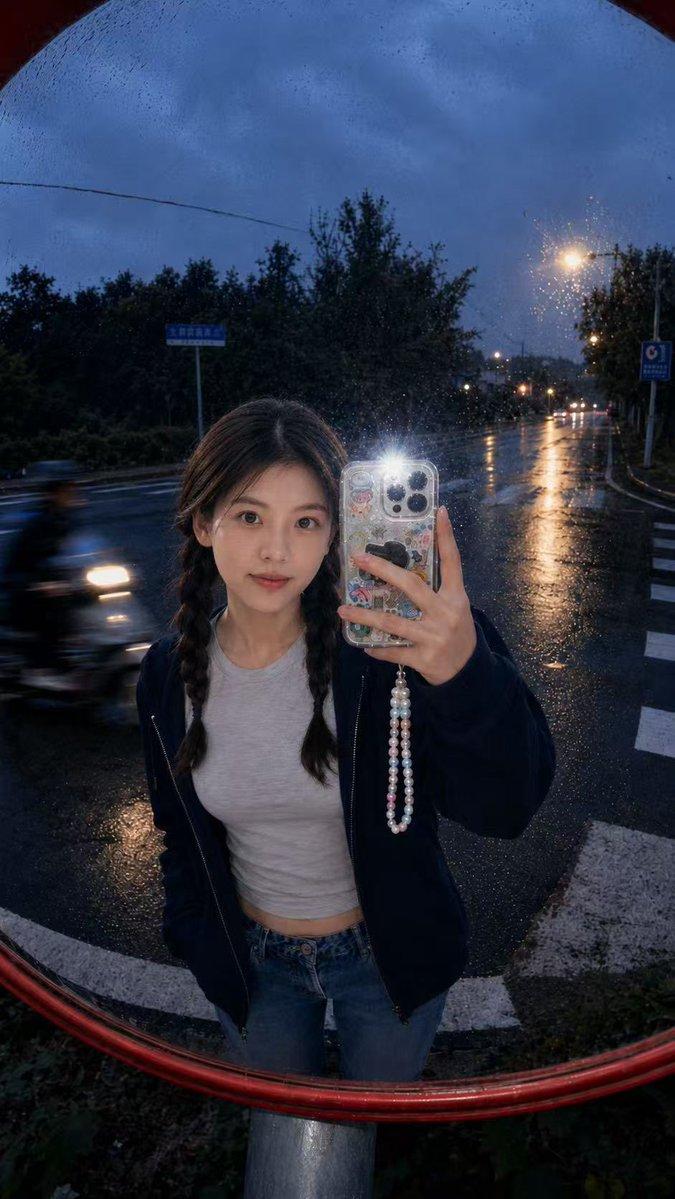
Example images

15 秒 UGC 美妆教程脚本

Prompt
“15-Second UGC Makeup Tutorial Script (Natural, Fast-Paced, Viral Style)

0.0 – 1.5s | Hook (Front Camera, natural light)
“Stop scrolling— a girl without makeup "

1.5 – 4.0s | Base (Close-up cuts)
“Start with a lightweight moisturizer… then a skin tint, just dab and blend with fingers.”

4.0 – 7.0s | Face (Fast transitions)
“Cream blush on cheeks and nose—this gives that soft, fresh girl look instantly.”

7.0 – 10.0s | Eyes + Brows (Quick mirror shots)
“Brush brows up, add a tiny bit of mascara… no heavy eyes, just clean and lifted.”

10.0 – 12.5s | Lips (Close-up)
“Lip tint or gloss—blur it slightly with fingers for that natural stain effect.”

12.5 – 15s | Final Reveal (Smile, camera pull-back)
“And that’s it—everyday glow in seconds. Save this if you love easy makeup, party look"
Category
Charts & Infographics
Model
seedance-2.0
Creator
Ai Girllie
Source language
en
Views0
Source ID
6305
Published
Jun 21, 2026
Studio

Guide

About "15 秒 UGC 美妆教程脚本"

What is this prompt for?

"15 秒 UGC 美妆教程脚本" AI image prompt for seedance-2.0 (Charts & Infographics). 一份用于制作快节奏、病毒式传播风格 UGC 美妆教程视频的项目提示词。 Copy it on Picva and recreate the look in one c…

The full copyable prompt and example visuals above are ready for AI image generation or one-click recreate in Picva.

How to use this prompt

  1. Step 1

    Open the prompt detail

    Review the example visuals, category, and full prompt text for "15 秒 UGC 美妆教程脚本".

  2. Step 2

    Copy the prompt

    Copy the prompt body from this page, or load it directly in Studio.

  3. Step 3

    Pick a model (seedance-2.0)

    Prefer seedance-2.0. If you switch models, keep subject and composition and tweak style terms.

  4. Step 4

    Generate and export

    Recreate the look in Picva, or export into your workflow for editing and publishing.

FAQ

What is the "15 秒 UGC 美妆教程脚本" prompt?
It is an AI image-generation prompt for seedance-2.0 in the Charts & Infographics category. This page includes the full prompt text, example visuals, and a one-click recreate path in Picva.
How do I use this prompt to generate an image?
Copy the prompt from this page, or use Generate / Studio. Paste it into a compatible image model, or recreate the look in Picva with optional reference images.
Which model is this prompt for?
This page lists seedance-2.0. Most descriptive prompts also transfer to nearby image models such as GPT Image, Flux, or Midjourney with light style tweaks.
Can I use the result commercially?
You can usually copy the prompt for creation, but commercial use of the final image depends on the model terms, reference-image rights, and the generated content. Follow the source author and platform rules.