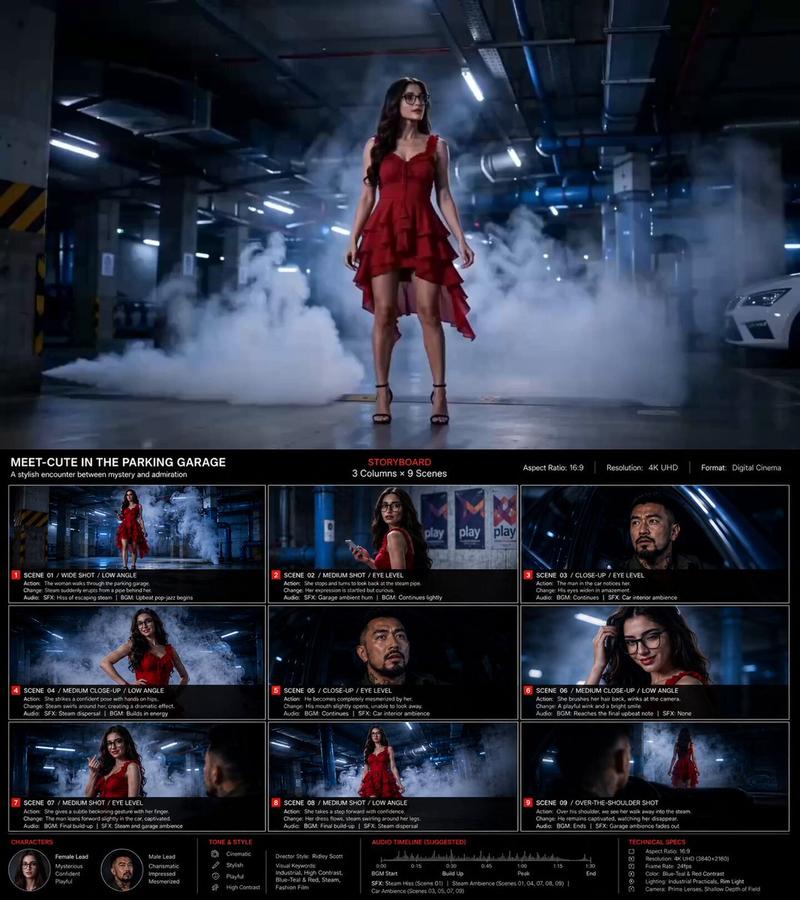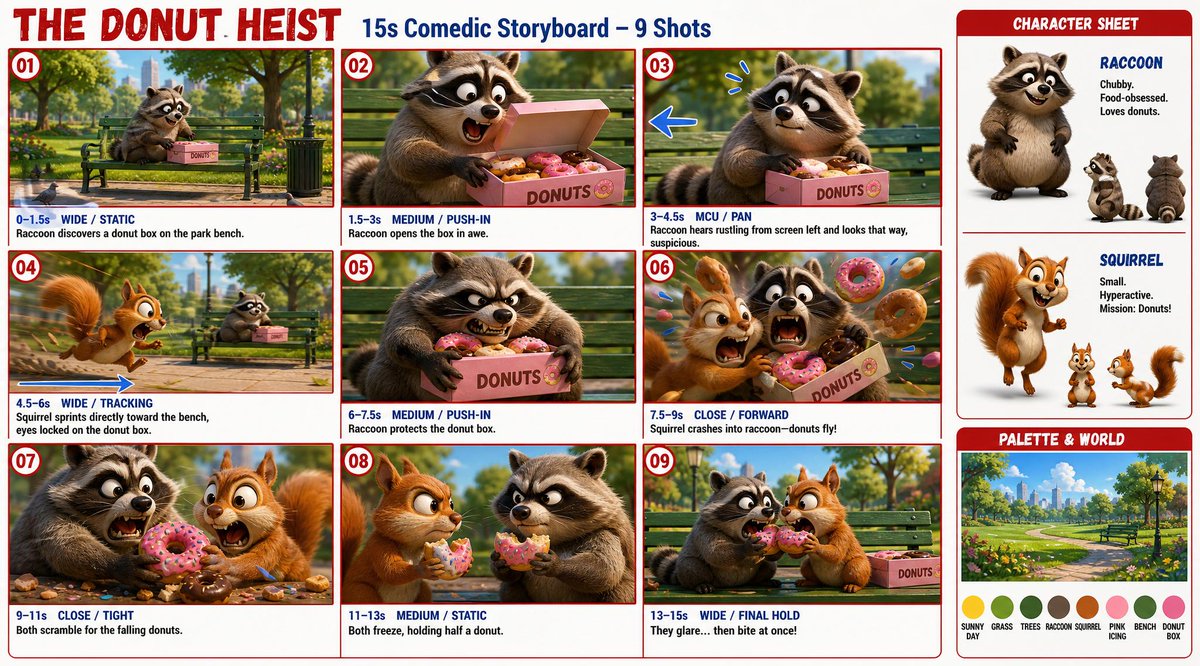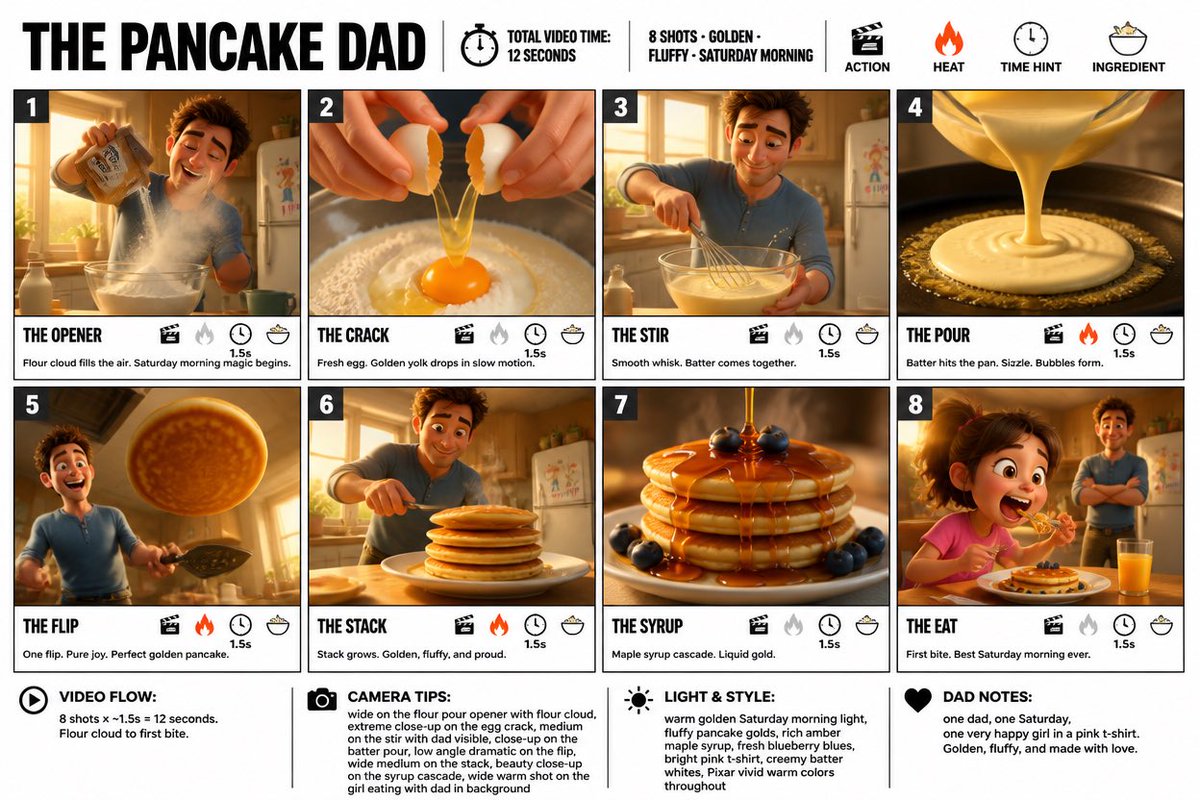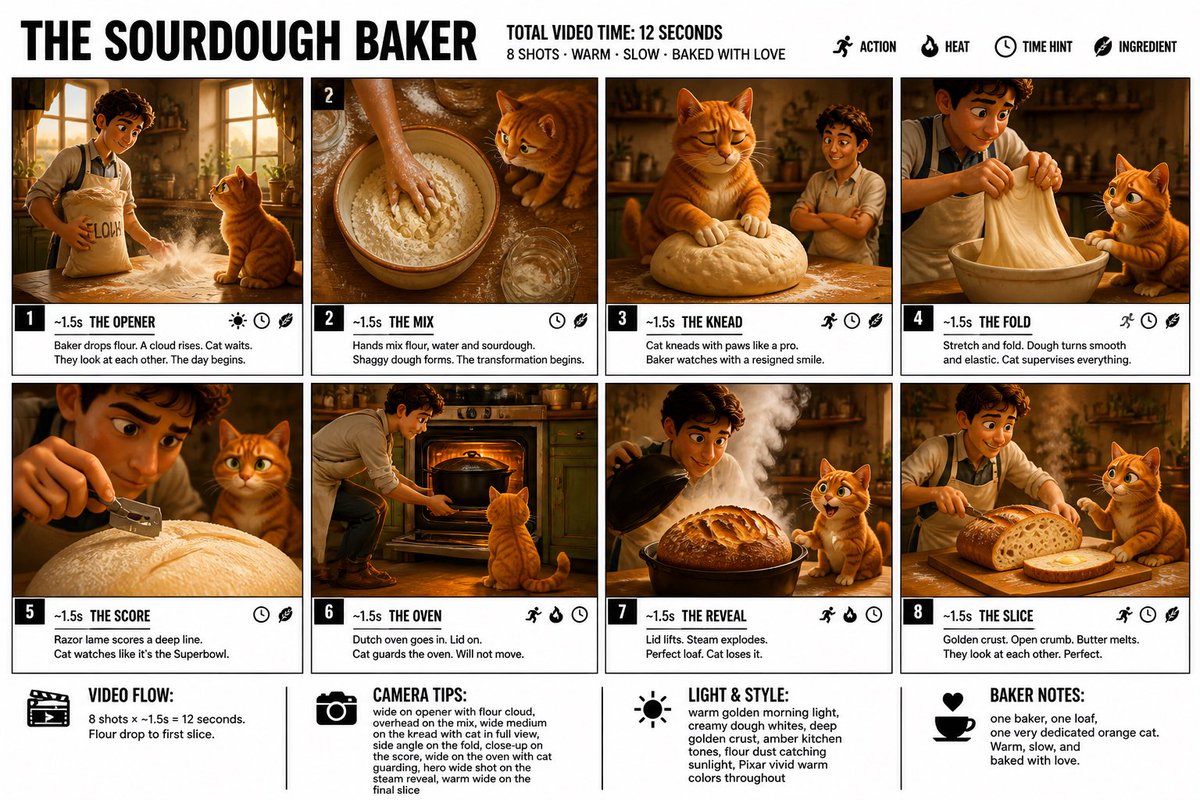
Storyboard Grid Template
提示词
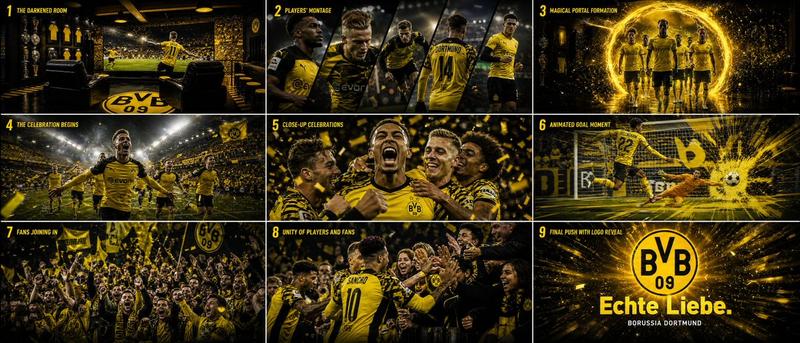
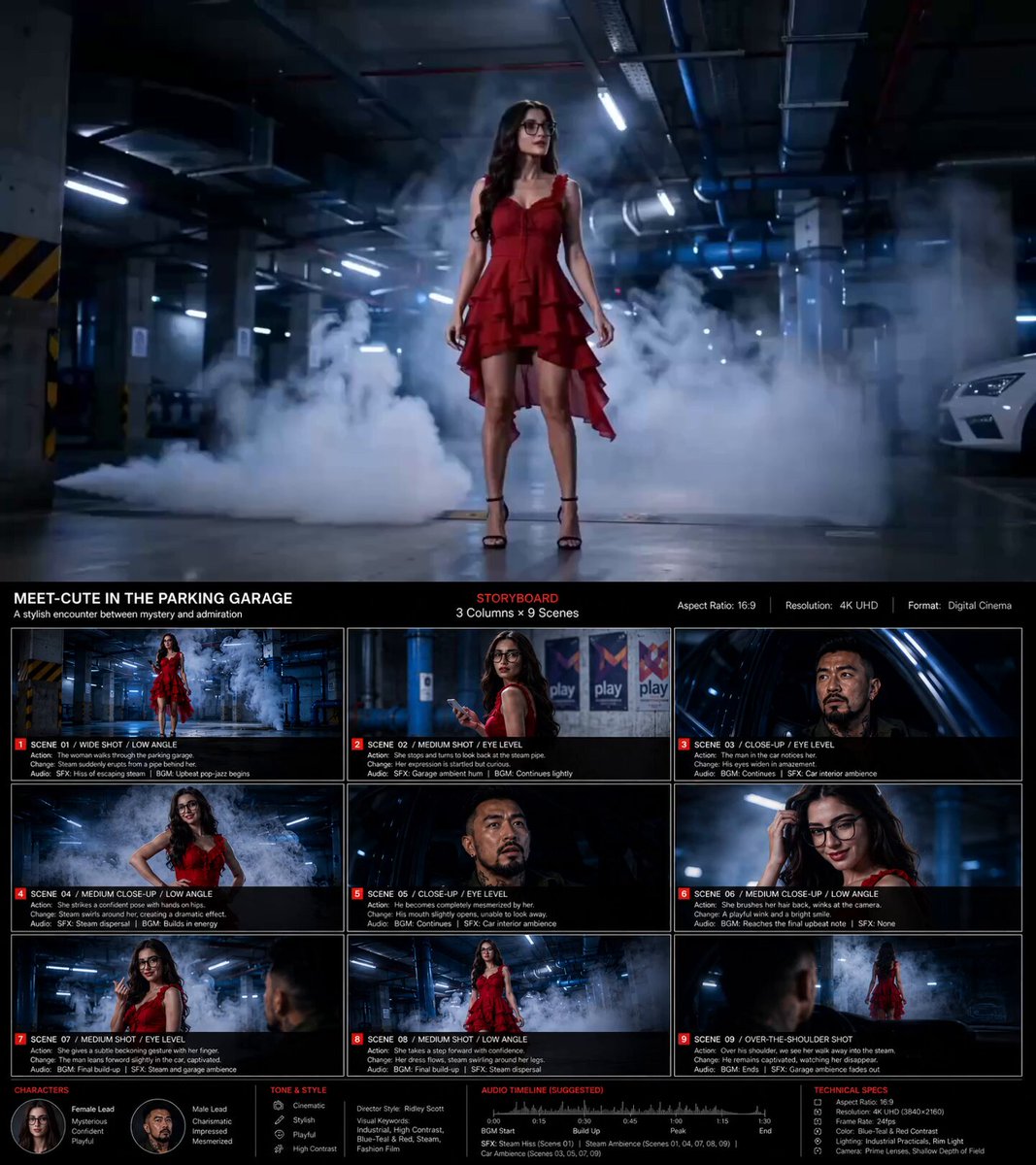
Based on the content【 *****】, create a storyboard image in 16:9 ratio, 4K resolution.
1️⃣ Basic Setup
Main Title + Subtitle
Aspect Ratio
Layout Design (3-column × 9-scene storyboard grid)
2️⃣ Style Direction
Director-inspired visual style
Visual keywords (for example: Ridley Scott / low-saturation atmospheric sci-fi)
3️⃣ Storyboard Details
For each scene, clearly describe:
Camera shot
Character action
Visual progression / scene transition
Sound effects / audio cues
4️⃣ Visual Guidelines
Color palette and tone
Cinematic language and lighting style
(example: desaturated earthy tones + strong rim lighting)
5️⃣ Bottom Information Section
Character profiles
Overall mood / tone
Audio timeline / sound design notes
Technical specifications
#AIArt #AIFilm #AIStoryboard
- 分类
- 对比案例
- 模型
- GPT Image 2
- 来源作者
- EricoolWong
- 来源 ID
- evolink-ericoolwong-2055788309511917880
- 发布时间
- 2026年5月17日
浏览量0