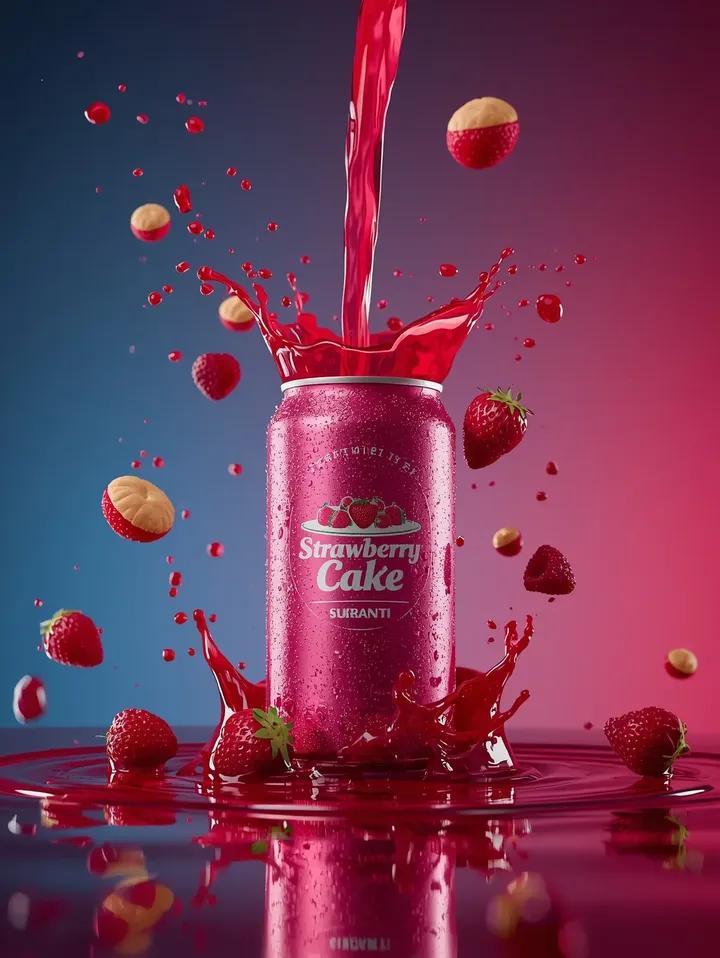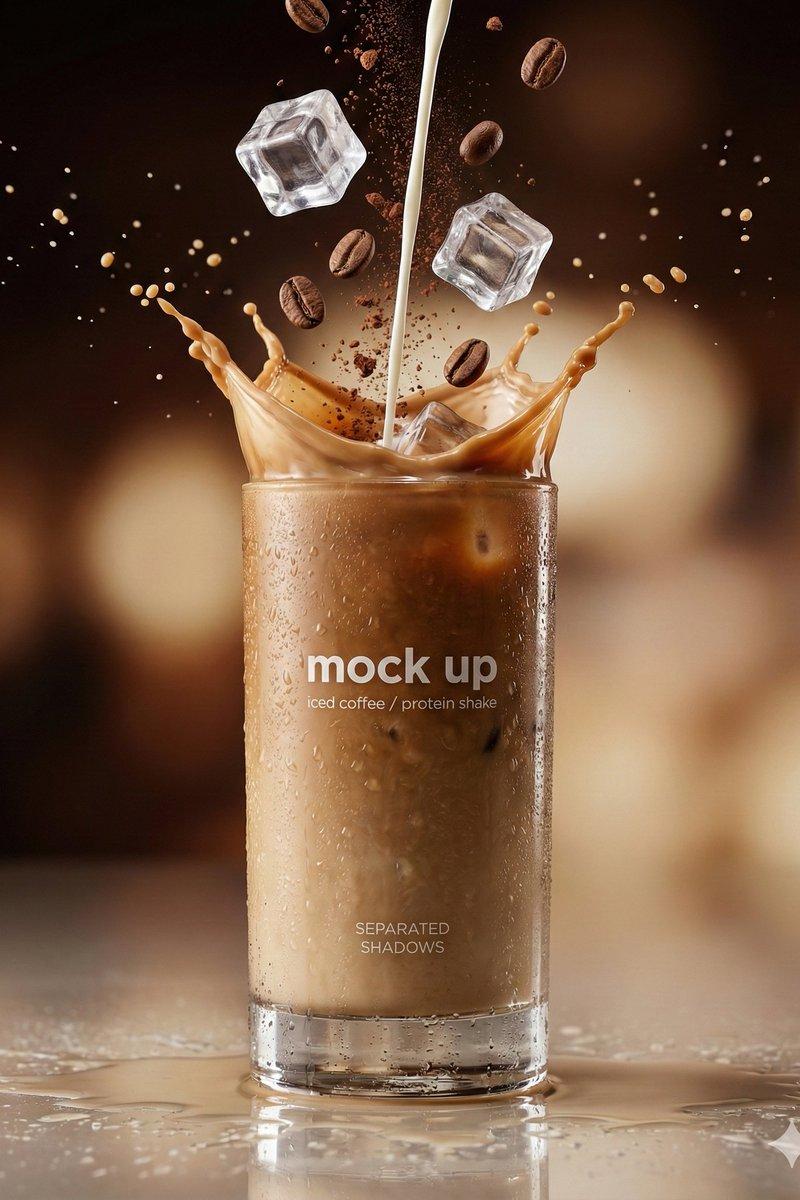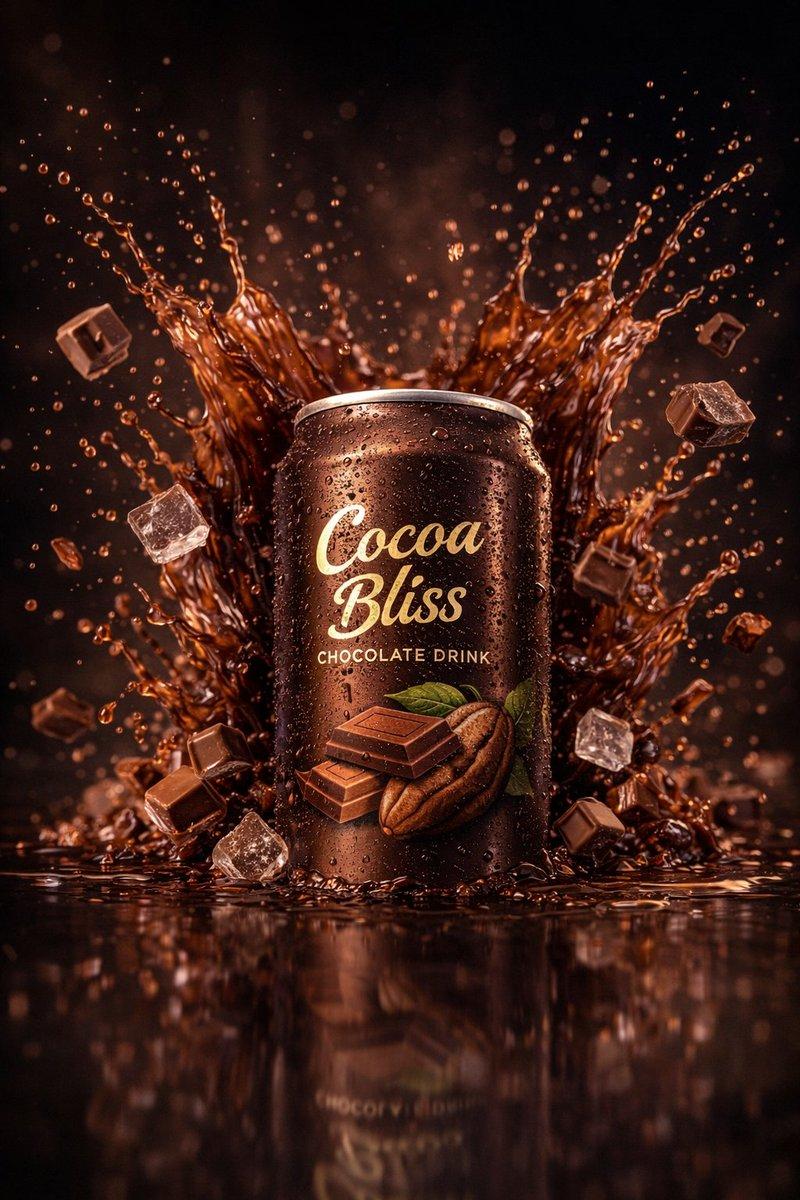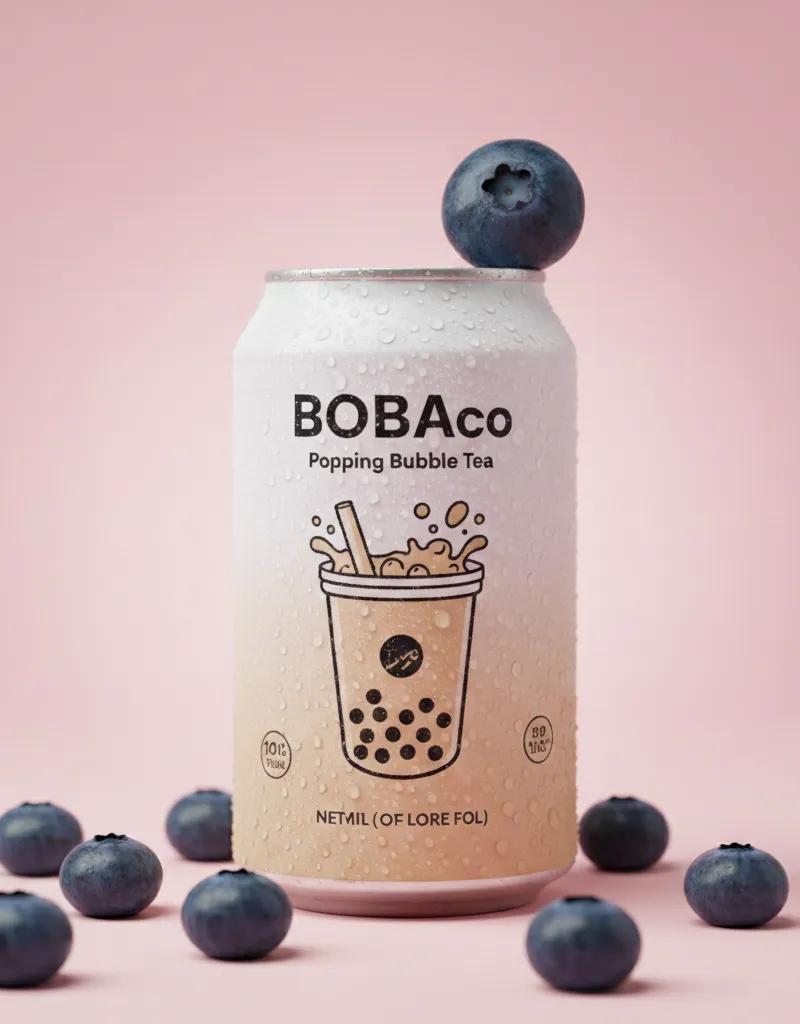
Coffee product shot: GPT Image 2 prompt
提示词
{
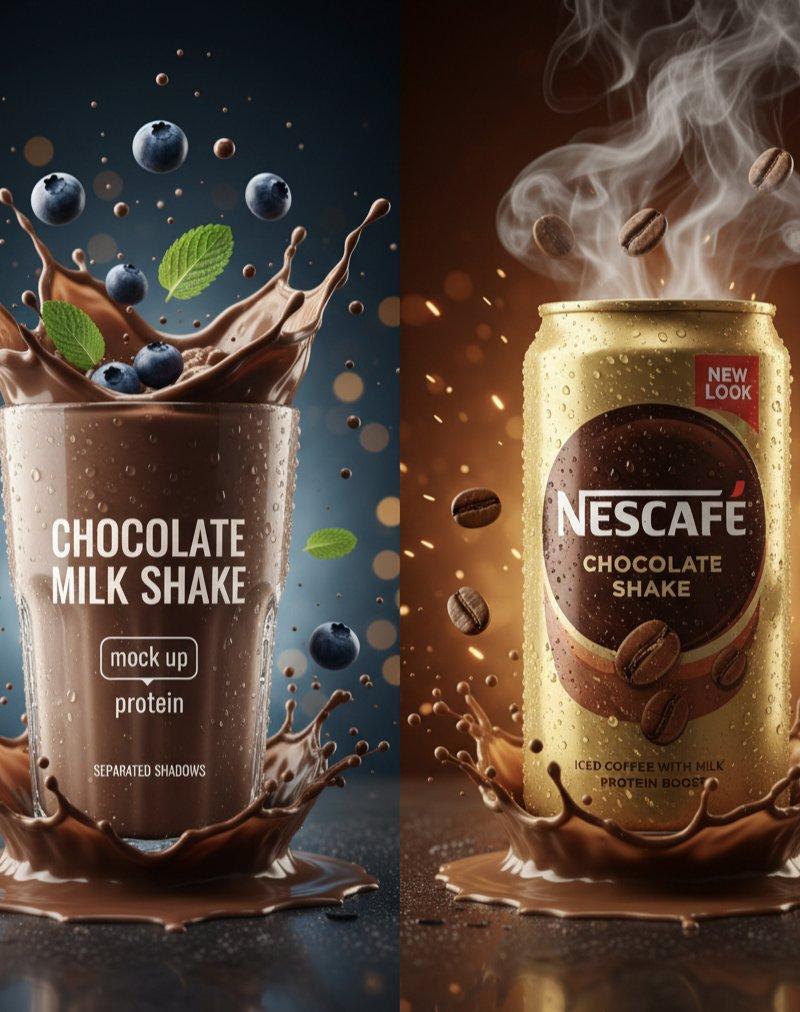
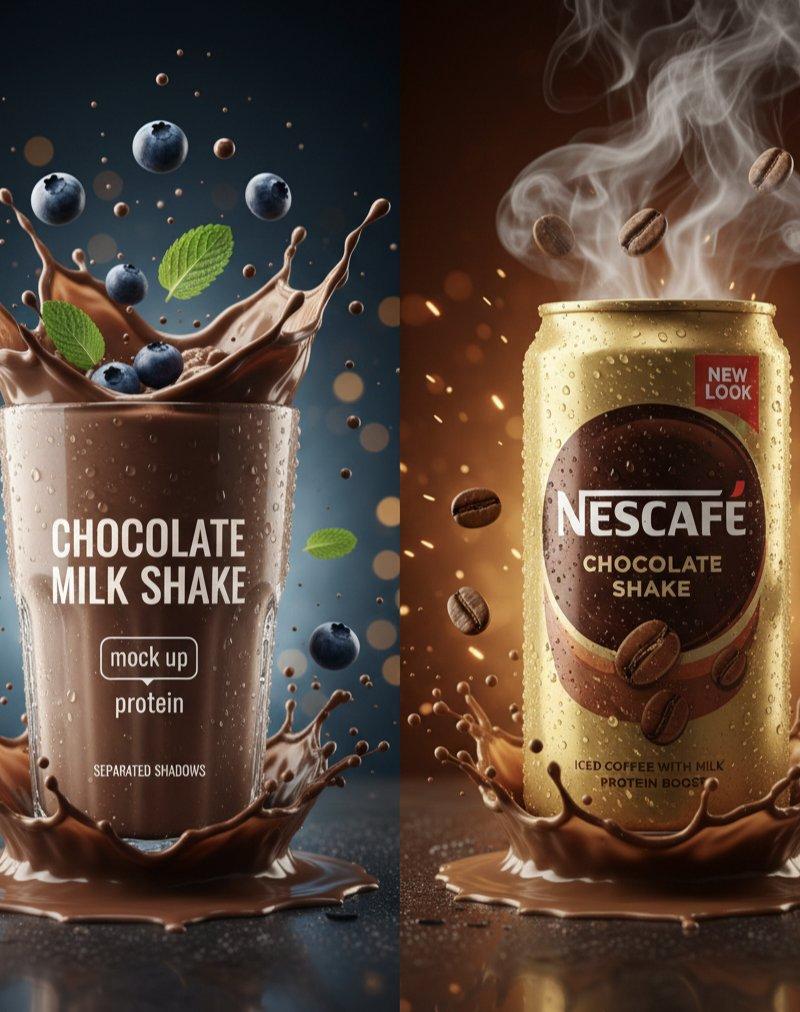
 "master_prompt": {
 "global_settings": {
 "style": "Hyper-realistic commercial product photography",
 "layout": "Vertical split-screen, two distinct modules",
 "resolution": "8K UHD, cinematic lighting",
 "details": "Extreme clarity, frozen motion splashes, micro-condensation"
 },
 "module_1_left": {
 "subject": {
 "type": "Clear tall glass of thick chocolate milkshake",
 "details": "Frothy texture, visible condensation on glass",
 "text_on_glass": ["CHOCOLATE MILK SHAKE", "mock up", "protein"]
 },
 "action": "Dynamic chocolate liquid splash erupting from the base and top",
 "floating_elements": [
 "Whole blueberries with water droplets",
 "Fresh green mint leaves",
 "Tiny chocolate particles suspended in air"
 ],
 "background": {
 "color": "Deep dark blue with soft golden bokeh particles",
 "lighting": "Cool moonlight-style rim lighting"
 }
 },
 "module_2_right": {
 "subject": {
 "type": "Slim gold metallic Nescafé can",
 "details": "Heavy condensation, matte gold finish",
 "text_on_can": ["NESCAFÉ", "CHOCOLATE SHAKE", "NEW LOOK", "PROTEIN BOOST"]
 },
 "action": "Explosive chocolate liquid crown splash at the base",
 "floating_elements": [
 "Roasted coffee beans",
 "Swirling thick white steam/smoke rising from the top",
 "Glowing amber embers and sparks"
 ],
 "background": {
 "color": "Warm chocolate brown to dark amber gradient",
 "atmosphere": "Moody, intense, and smoky"
 }
 },
 "surface_details": {
 "base": "Reflective dark wet surface with liquid pooling",
 "shadows": "Soft separated realistic shadows"
 }
 }
}- 分类
- 图表信息图
- 模型
- GPT Image 2
- 来源作者
- Minahil
- 原始语言
- en
- 来源 ID
- 2019630789474861400
- 发布时间
- 2026年2月6日
浏览量0