Editorial poster: GPT Image 2 prompt
提示词
{
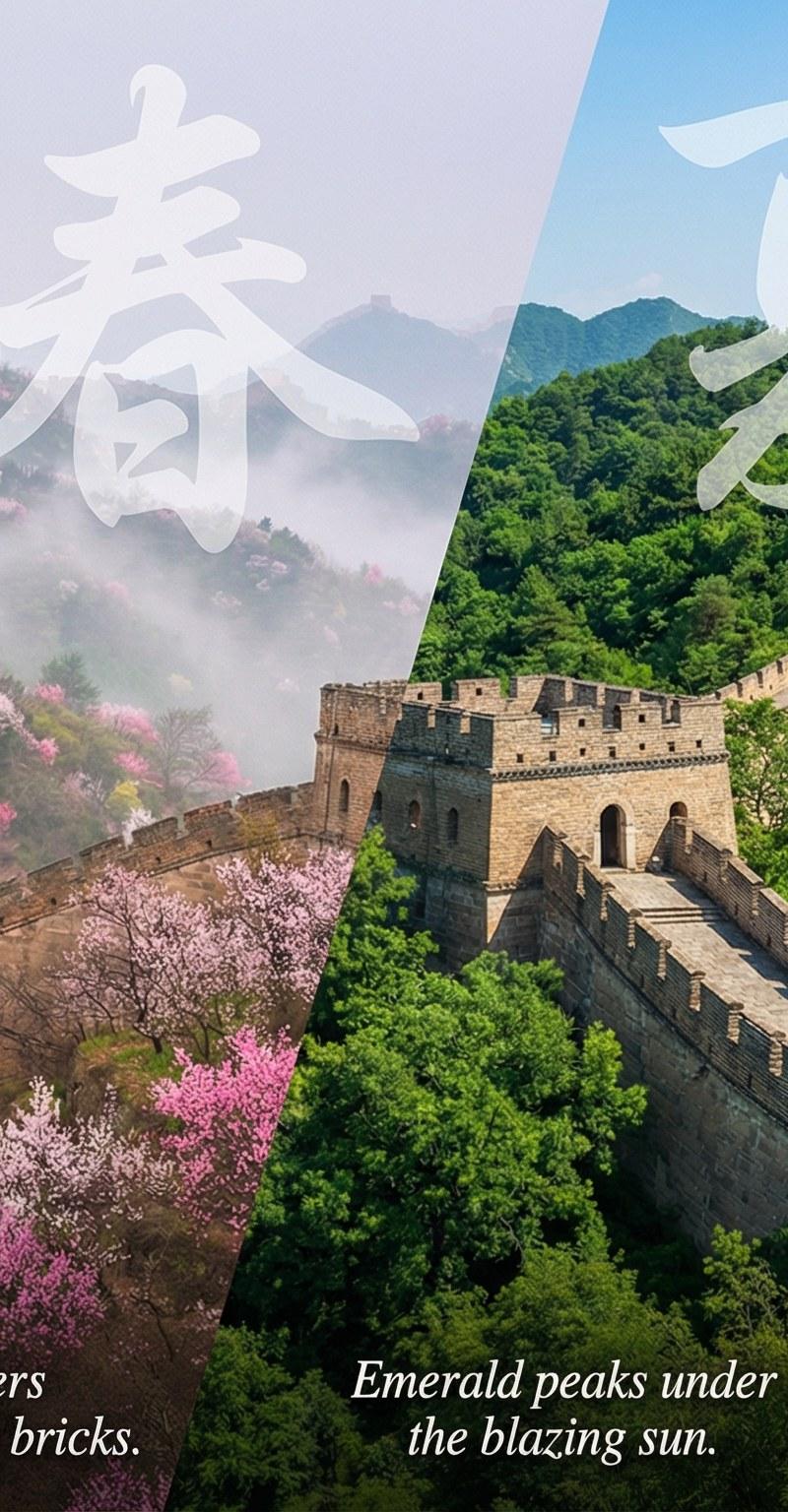
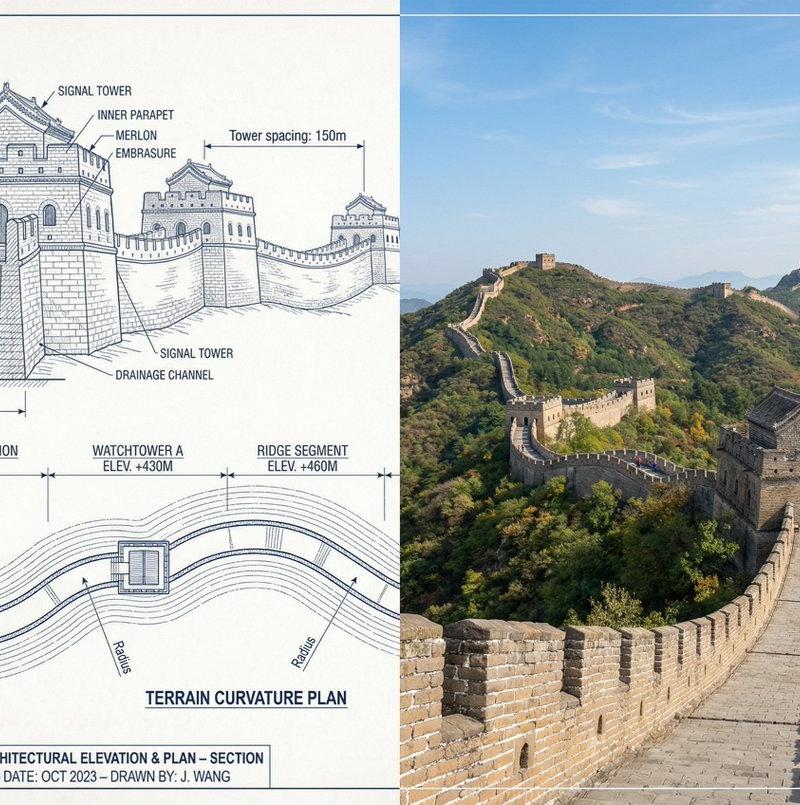
 "objective": "Create a side-by-side comparison image featuring a technical sketch and real photograph of the Great Wall of China",
 "image_specifications": {
 "style": "Mixed media (Technical drawing + Real photograph)",
 "layout": "Horizontal split - Left side: Sketch with measurements, Right side: Real photo",
 "aspect_ratio": "3:2"
 },
 "left_side": {
 "content_type": "Technical sketch of the Great Wall of China",
 "features": [
 "Detailed architectural lines showing wall segments, watchtowers, and defensive structures",
 "Numerical measurements for wall height, width, and tower spacing",
 "Elevation labels for wall sections and towers",
 "Side elevation and top-down layout illustrating wall curvature along terrain"
 ],
 "text_annotations": {
 "units": "Metric (meters)",
 "language": "English",
 "font_style": "Blueprint or engineering-style typography"
 },
 "positioning": "Take up the left half of the image"
 },
 "right_side": {
 "content_type": "High-resolution real photo of the Great Wall of China",
 "features": [
 "Wide panoramic view of the wall stretching across mountains",
 "Natural daylight with clear or lightly clouded sky",
 "Realistic colors with visible stone texture and surrounding landscape"
 ],
 "positioning": "Take up the right half of the image"
 },
 "visual_elements": {
 "border_division": "Vertical line or subtle transition between left (sketch) and right (photo)",
 "color_palette": {
 "left": "Monochrome or blueprint blue for sketch",
 "right": "Natural realistic colors"
 }
 },
 "output_format": {
 "type": "Image",
 "use_case": [
 "Educational poster",
 "Architectural comparison",
 "Historical visualization",
 "Tourism visual aid"
 ],
 "high_resolution": true
 }
}- 分类
- 图表信息图
- 模型
- GPT Image 2
- 来源作者
- 𝐌
- 原始语言
- en
- 来源 ID
- 2020051579710374133
- 发布时间
- 2026年2月7日
浏览量0