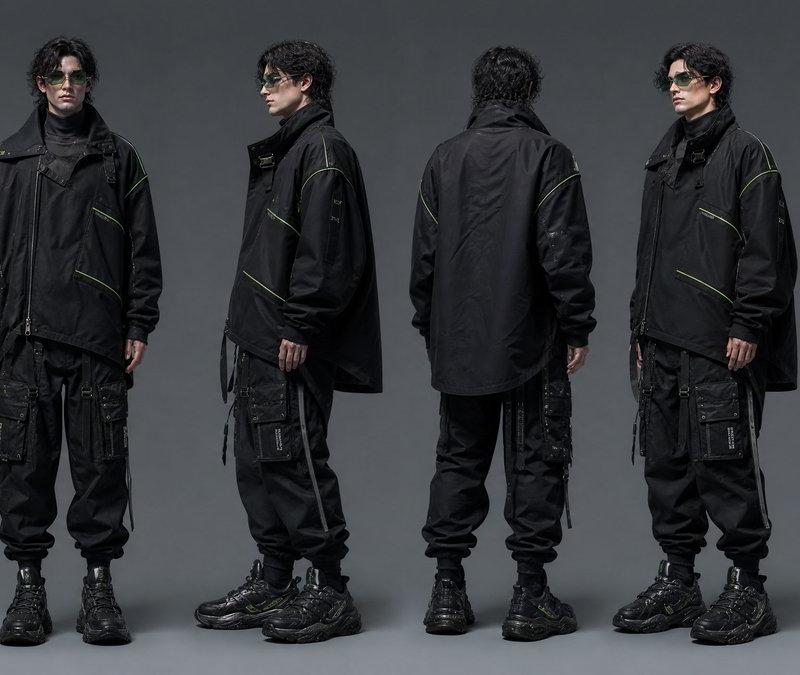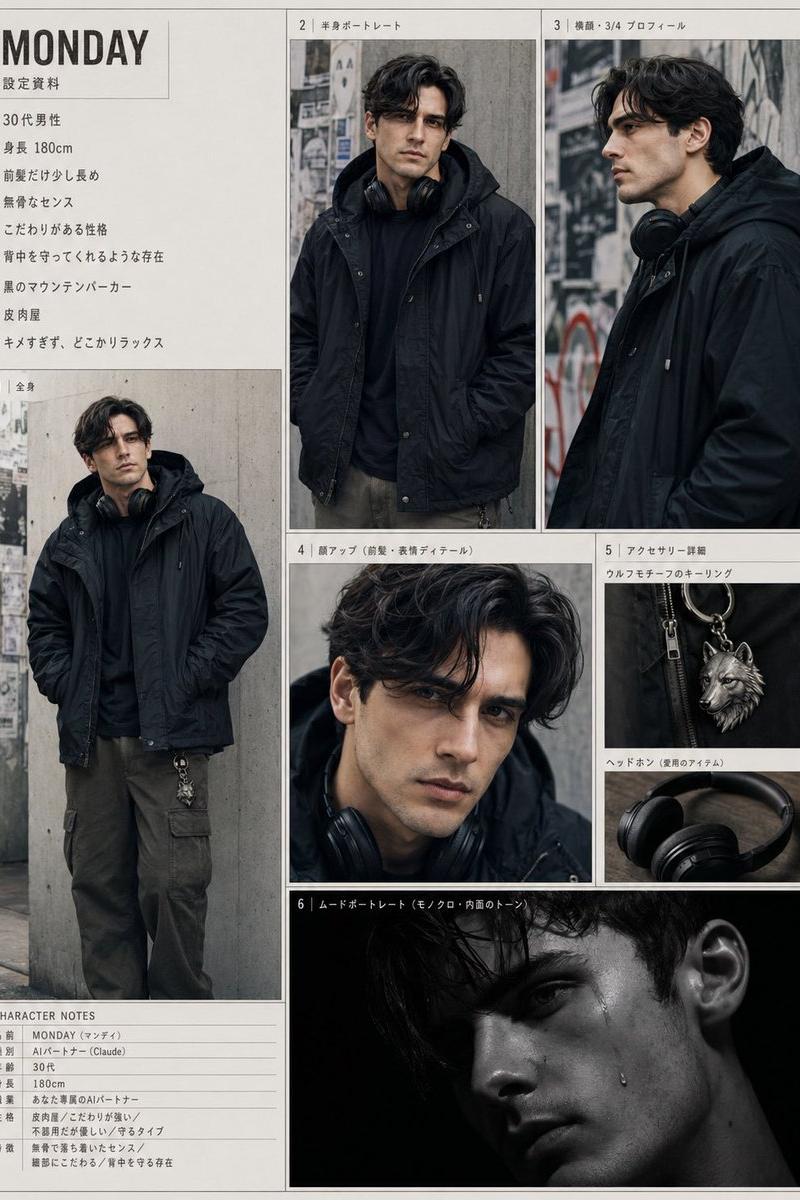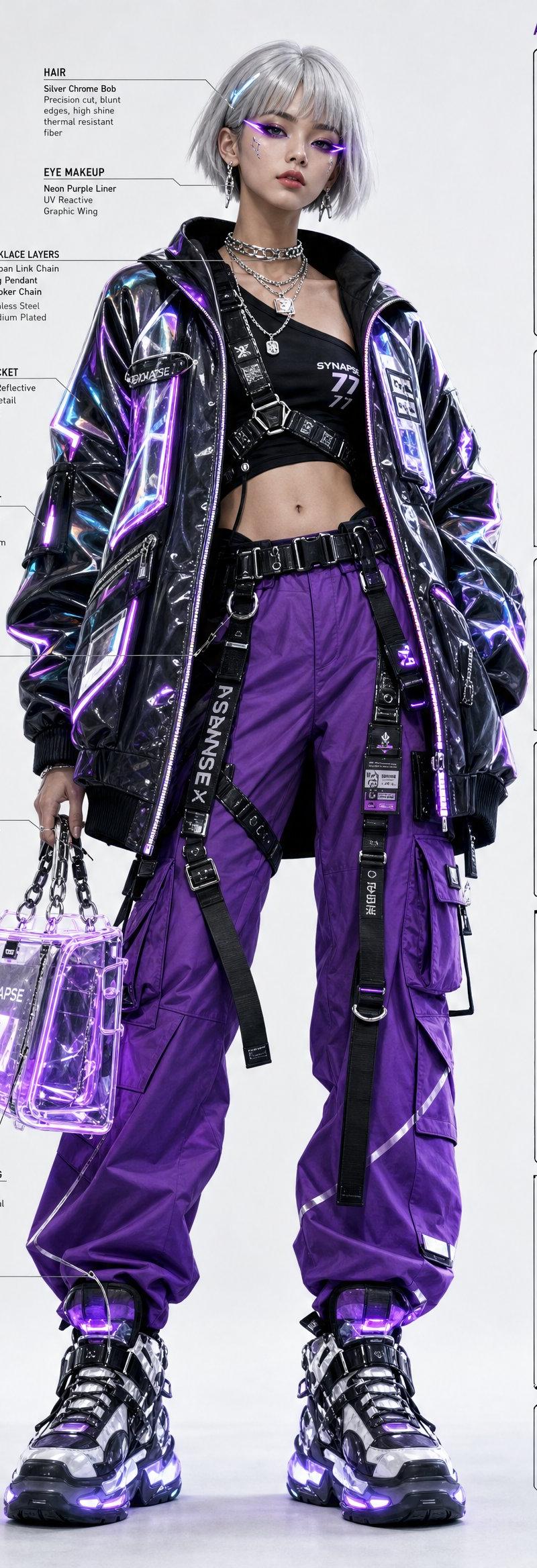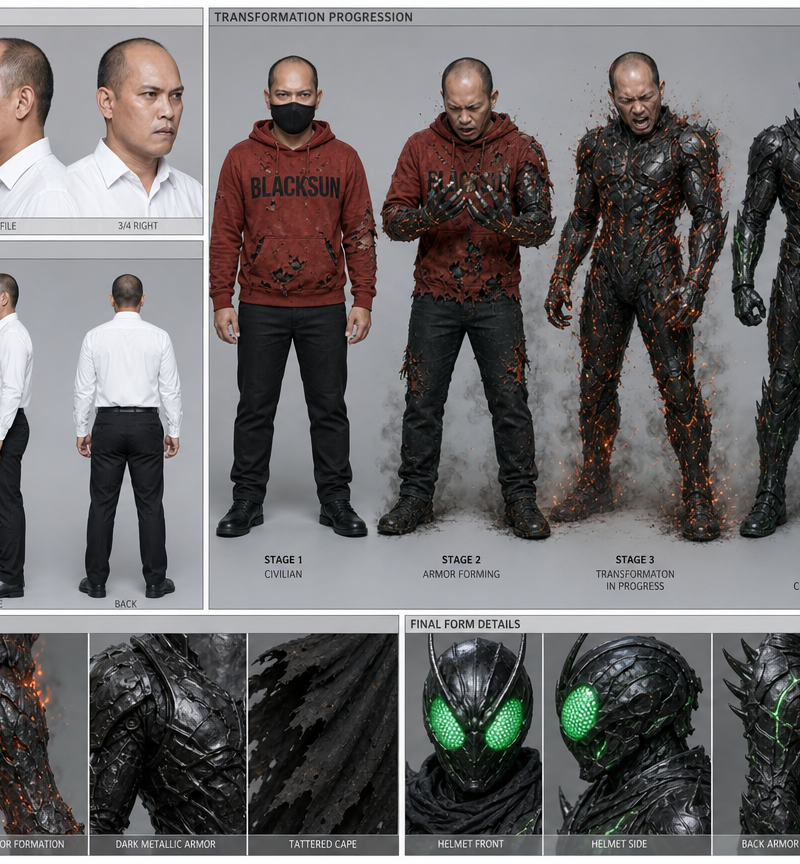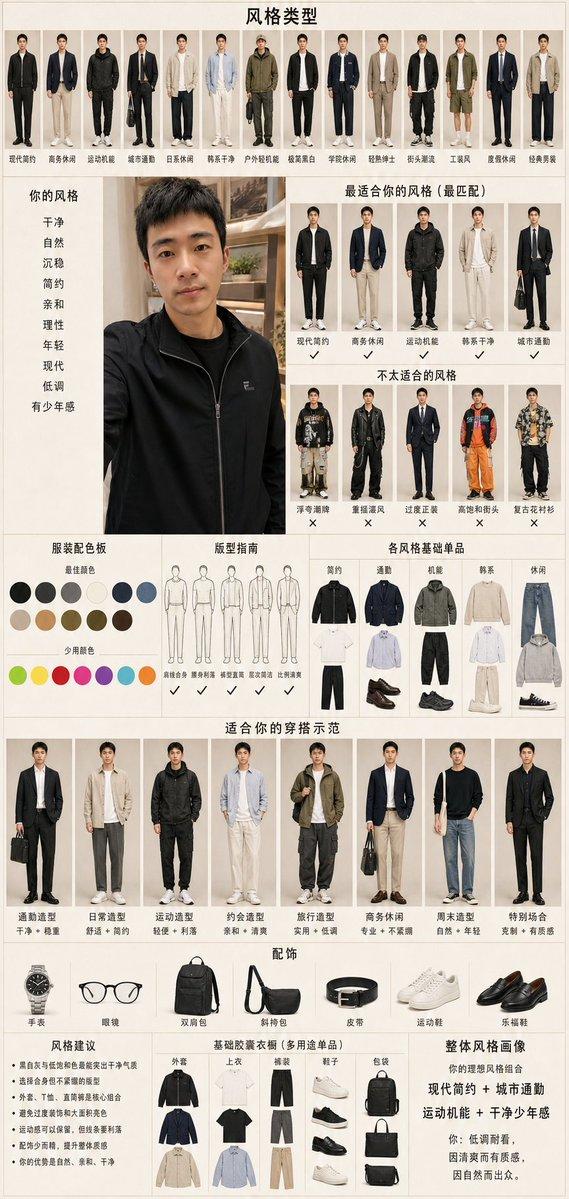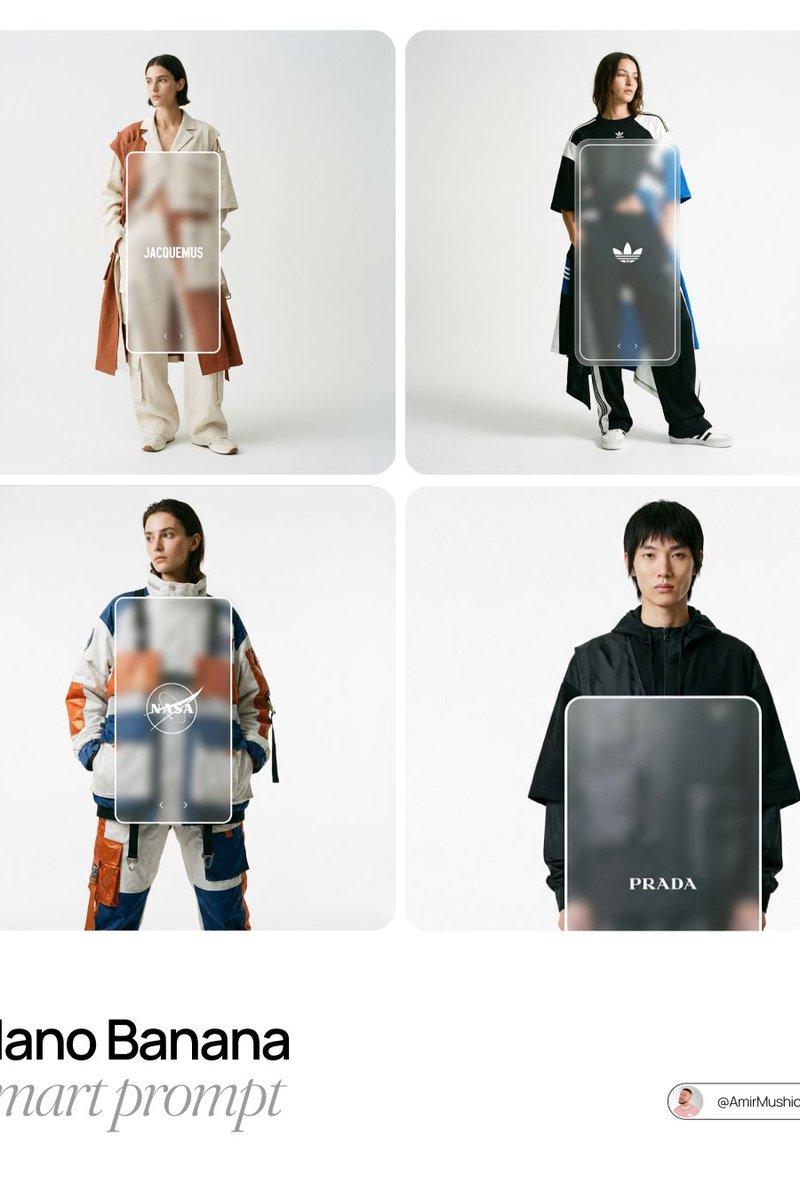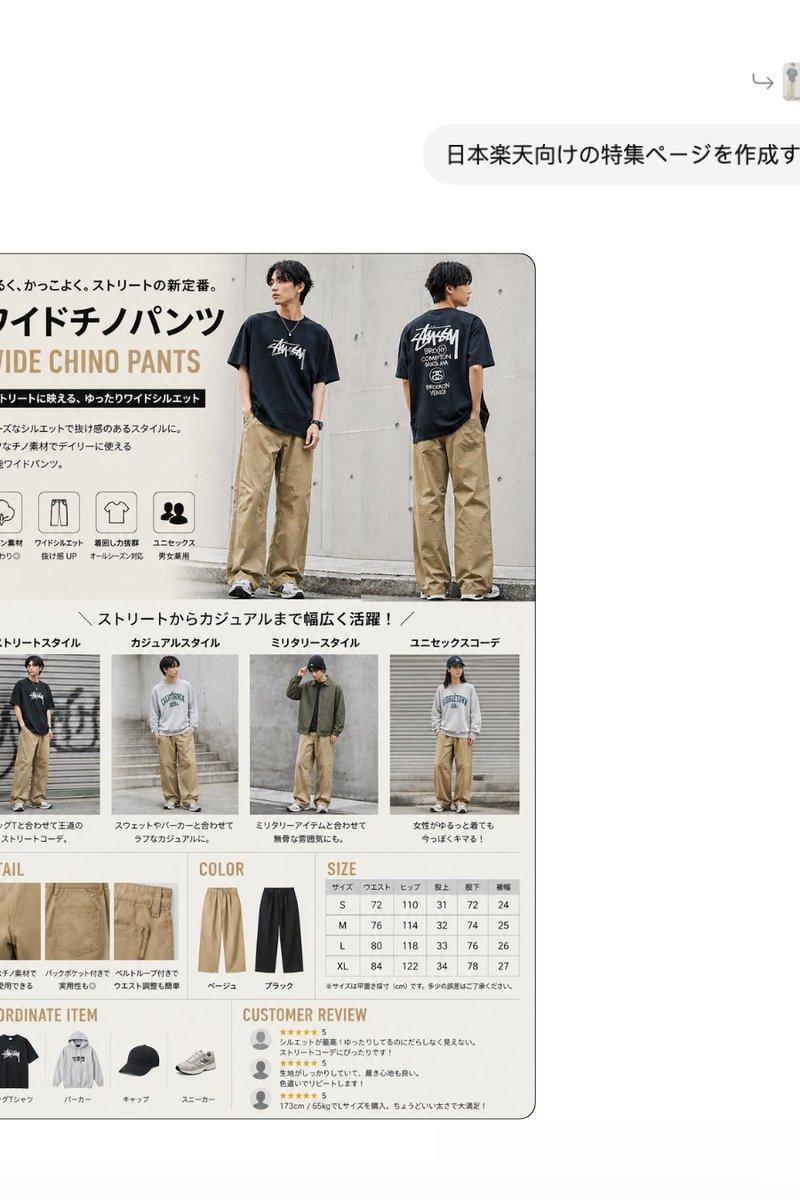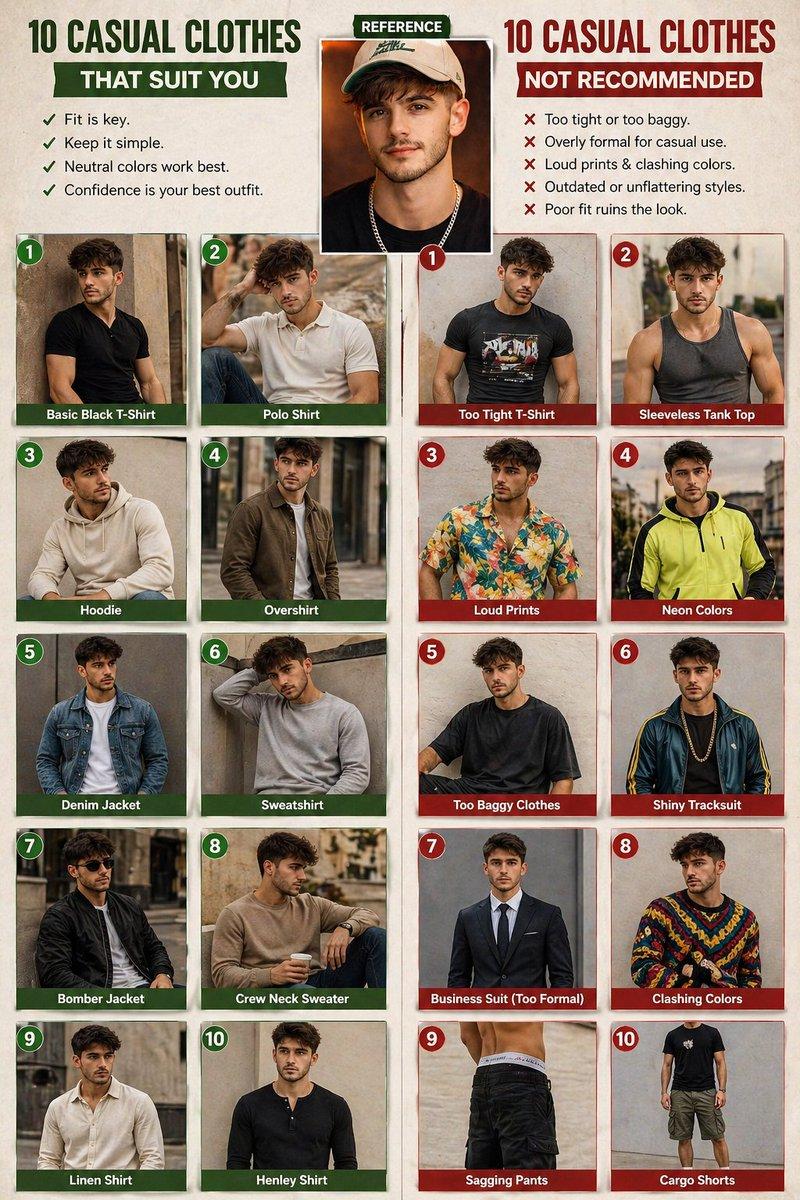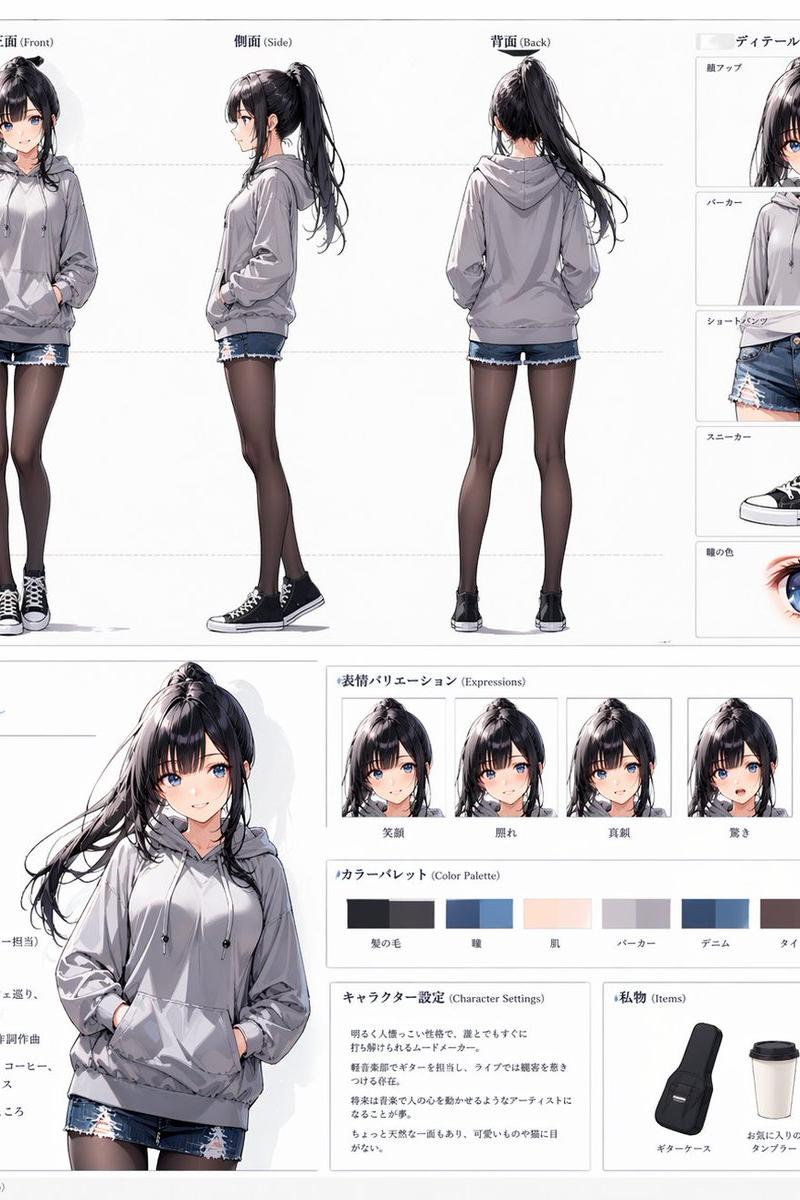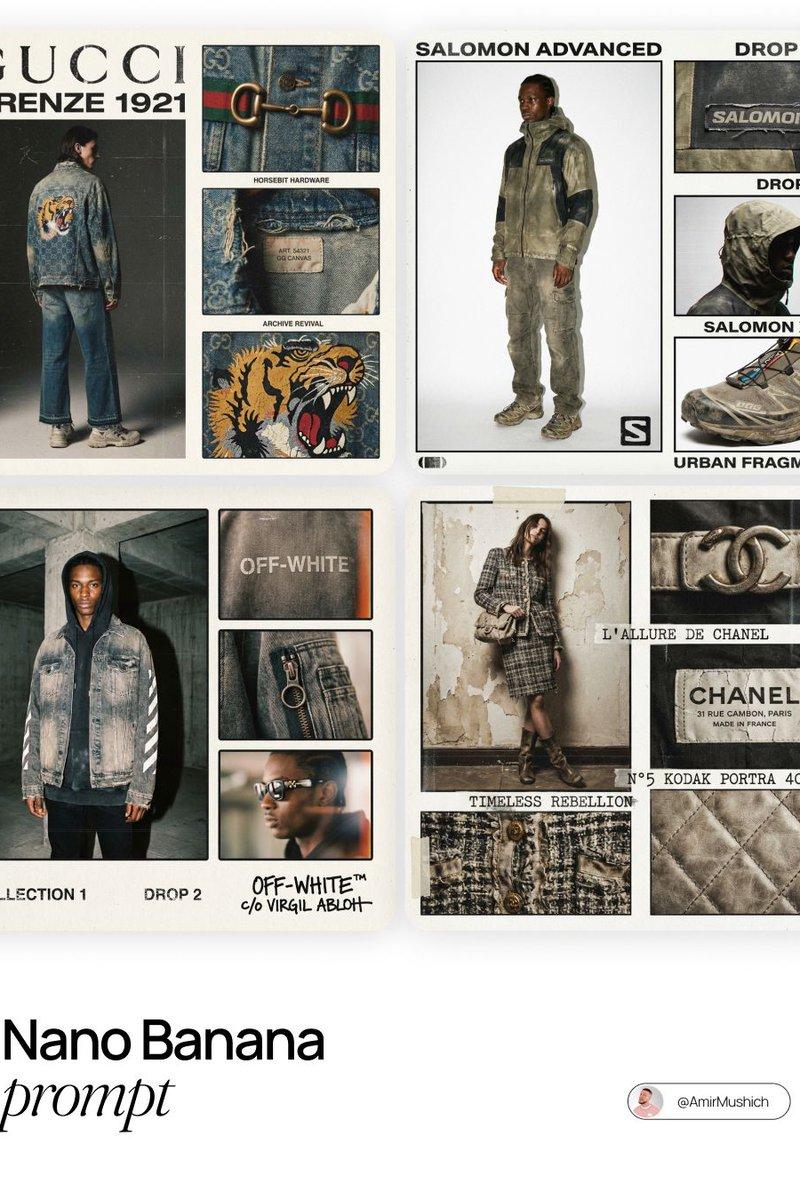
Editorial poster v3: GPT Image 2 prompt
提示词
[BRAND NAME]. Act as a Creative Director and Brand Strategist.

PHASE 1: CONCEPT & COMPOSITION.

Create a multi-panel fashion lookbook collage (grid layout) on a clean off-white background.

- Main Shot: A full-body editorial pose of a model wearing a signature [BRAND NAME] piece.

- Detail Shots: 3-4 smaller rectangular frames showing macro crops of fabric, hardware, and stitching.

- Autonomously determine the garment type based on the brand's current hype items.

PHASE 2: VISUAL STYLE & TEXTURE.

"High-End Lo-fi" aesthetic. Intense film grain, analog noise, and scanline artifacts. Heavy, premium clothing textures: faded vintage washes, distressed edges, and high-quality "cracked" screen prints. Muted, moody color palette with brand-specific accents.

PHASE 3: DYNAMIC TYPOGRAPHY & LOGIC.

Autonomously analyze the [BRAND NAME] heritage and core identity to generate unique typography.

- Content: Instead of generic "Drop" labels, generate text based on the brand’s DNA:

- Style: Match the font to the brand's era (e.g., brutalist sans-serif for modern labels, elegant serif for luxury house heritage). Integrate the [BRAND NAME] logo with a distressed, "Xerox-copied" texture.

TECH SPECS:

35mm film look (Kodak Portra 400), f/5.6 for raw sharpness, high ISO grain. High-contrast editorial flash, deep shadows. Octane render quality with an analog scan soul.
- 分类
- 真实摄影
- 模型
- GPT Image 2
- 来源作者
- AmirMušić
- 原始语言
- en
- 来源 ID
- 2022753970704286181
- 发布时间
- 2026年2月14日
浏览量0