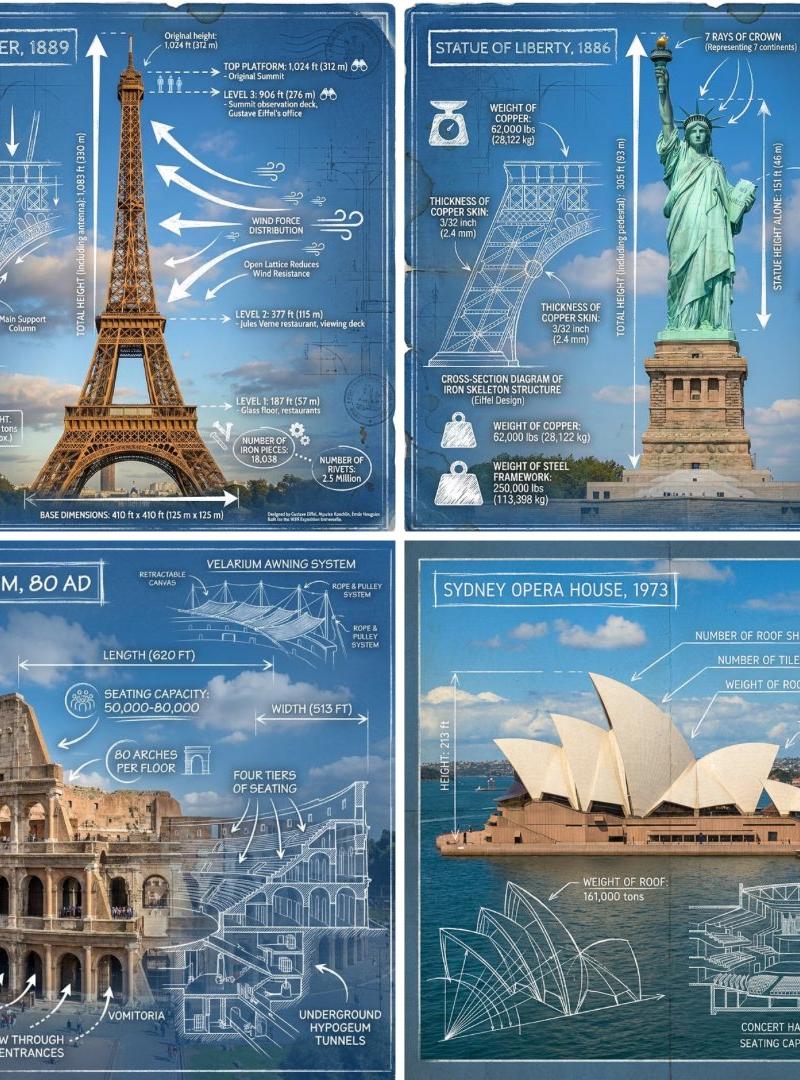
Landmark architectural blueprint poster set: GPT Image 2 prompt
提示词
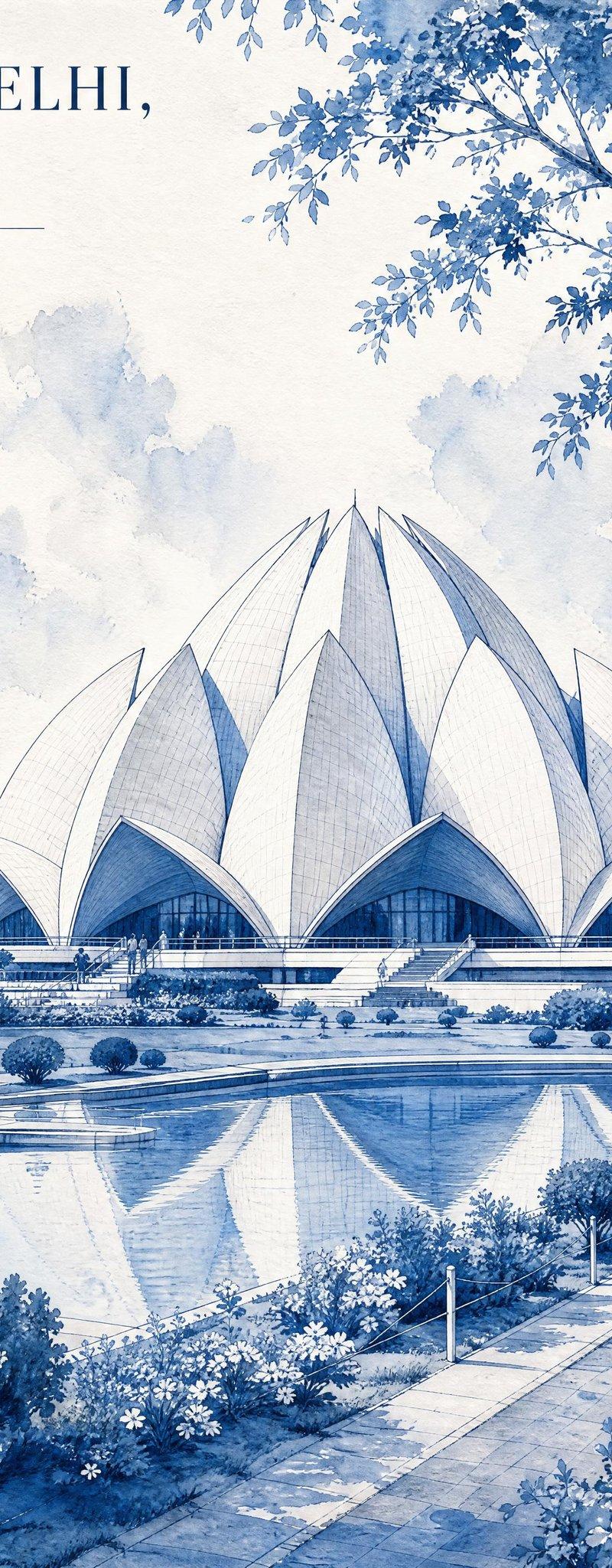
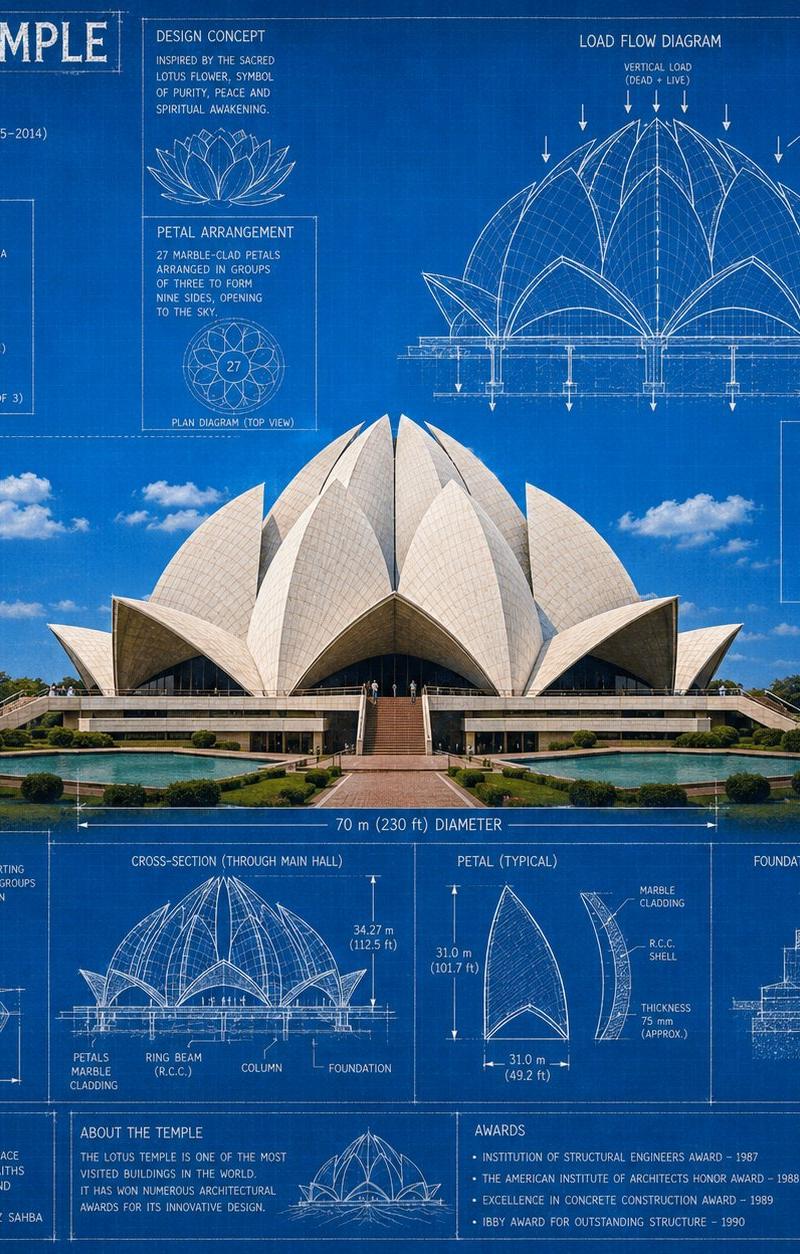
Create a highly detailed architectural blueprint poster collection featuring four iconic landmarks: the Lotus Temple, Elizabeth Tower (Big Ben / Clock Tower London), The White House, and Burj Khalifa.
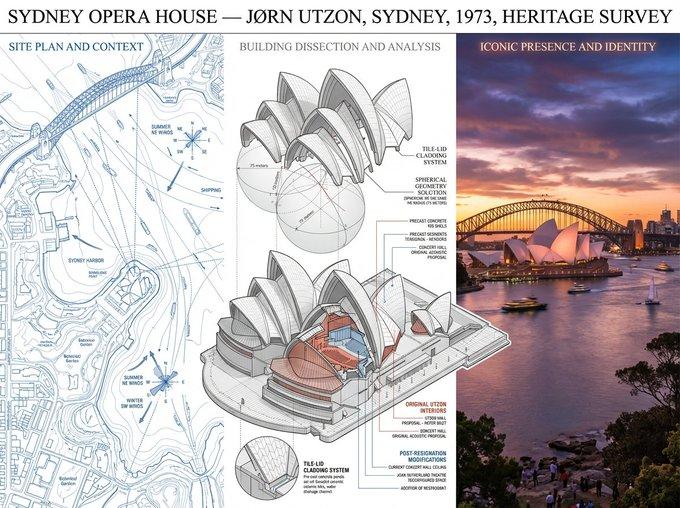
Use a vintage engineering blueprint aesthetic with a deep cyan-blue background, white technical drafting lines, measurement annotations, architectural diagrams, floor plans, load-flow sketches, cross-sections, elevation drawings, and structural details.
Each landmark should include:
A large realistic central image of the structure
Technical blueprint sketches surrounding it
Engineering notes and dimensions
Material and structural information
Floor plans and foundation diagrams
Clean grid-based infographic layout
White typography labels in architectural drafting style
Cinematic sky with soft clouds
Ultra-detailed textures and realistic lighting
Landmarks:
Lotus Temple — futuristic lotus-petal geometry and marble structure
Elizabeth Tower (Big Ben) — gothic clock tower details and bell structure
The White House — neoclassical presidential mansion with elevation drawings
Burj Khalifa — futuristic skyscraper with height comparison diagrams
Style:
architectural blueprint poster, engineering infographic, technical drawing aesthetic, ultra detailed, clean composition, realistic photography mixed with white schematic line art, cinematic, 8k, museum-quality design, blueprint texture, vintage drafting paper look.
- 分类
- 图表信息图
- 模型
- GPT Image 2
- 来源作者
- Noor 🌸
- 原始语言
- en
- 来源 ID
- 2059186971797487755
- 发布时间
- 2026年5月26日
浏览量0