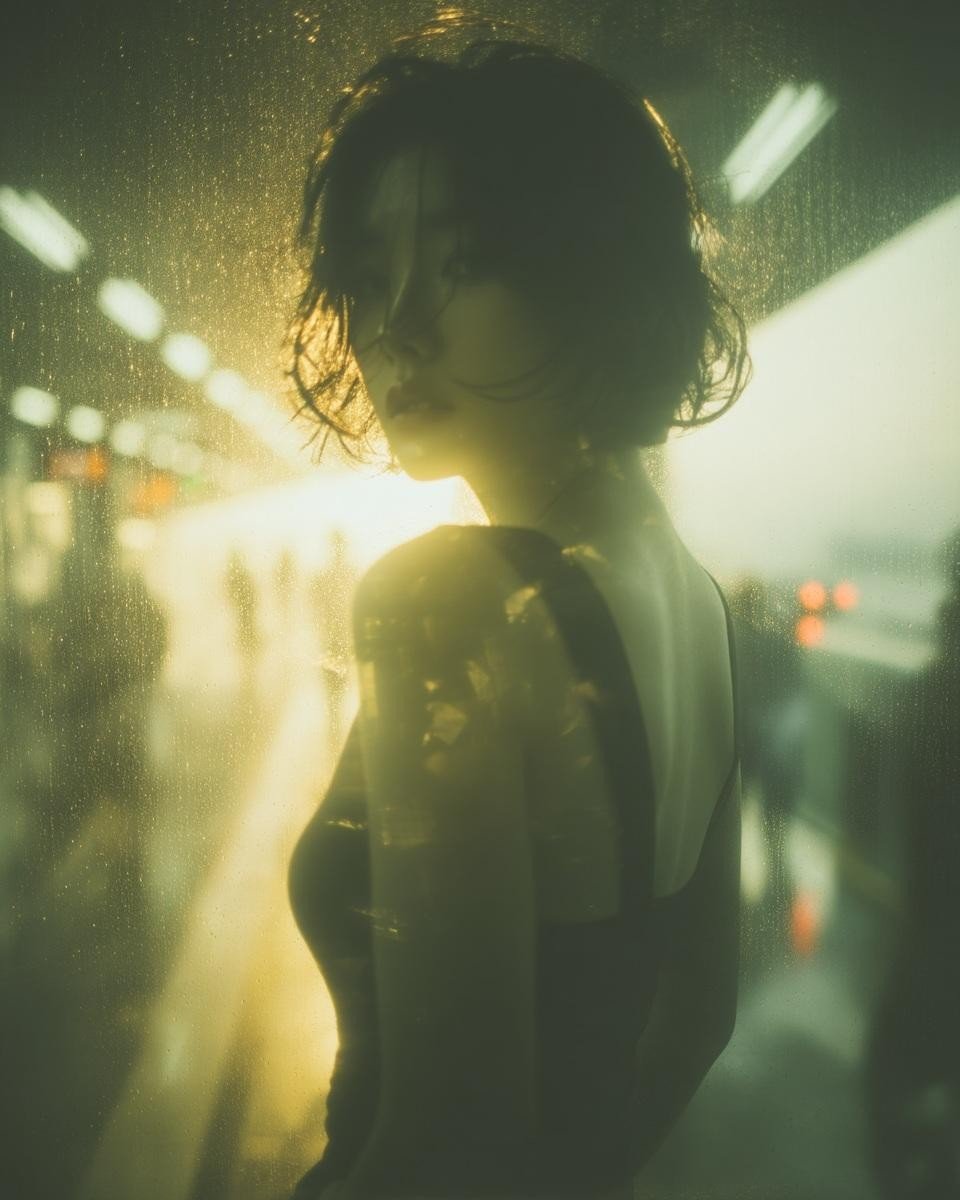
Old photo restoration colorization: GPT Image 2 prompt
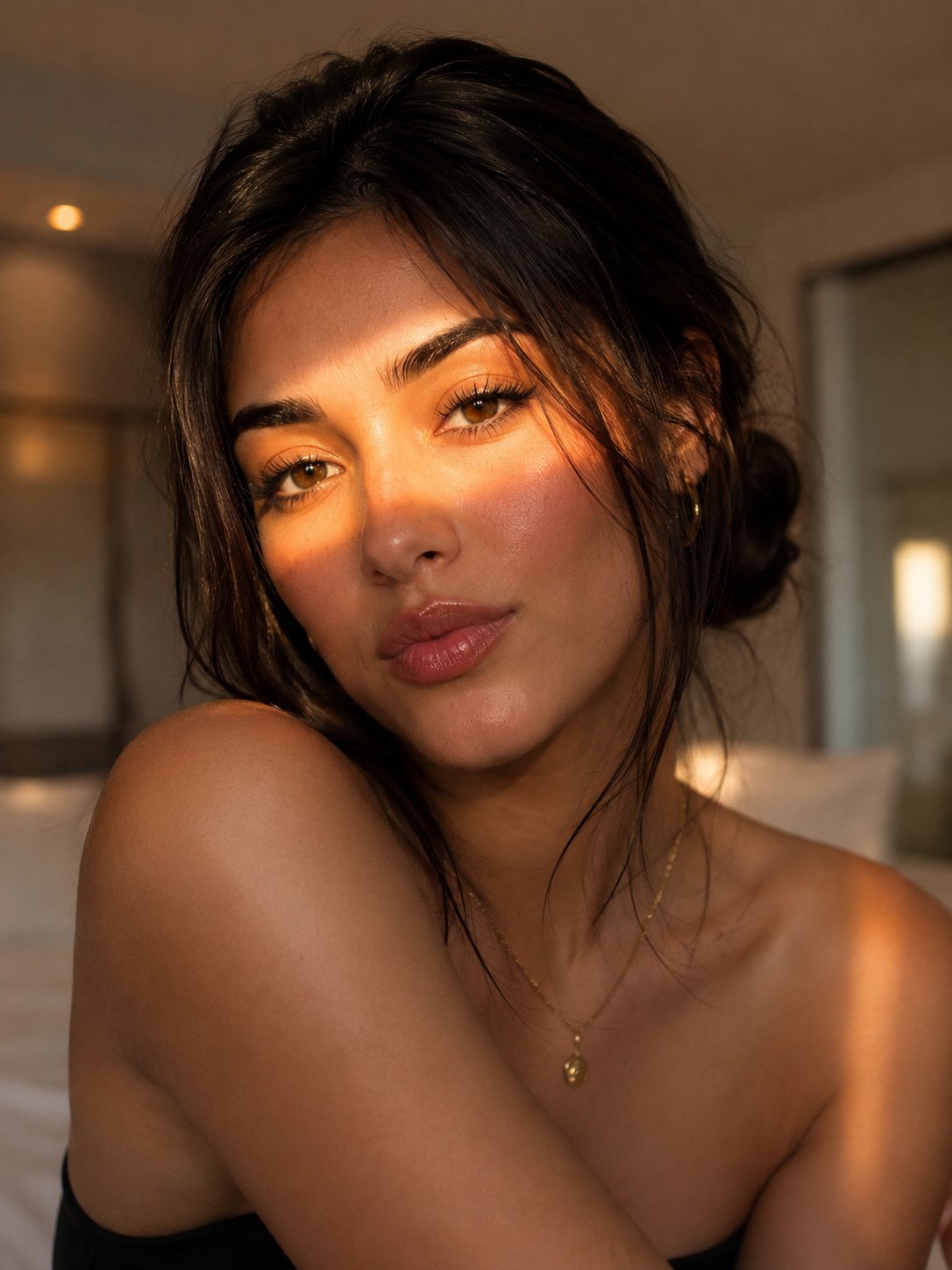
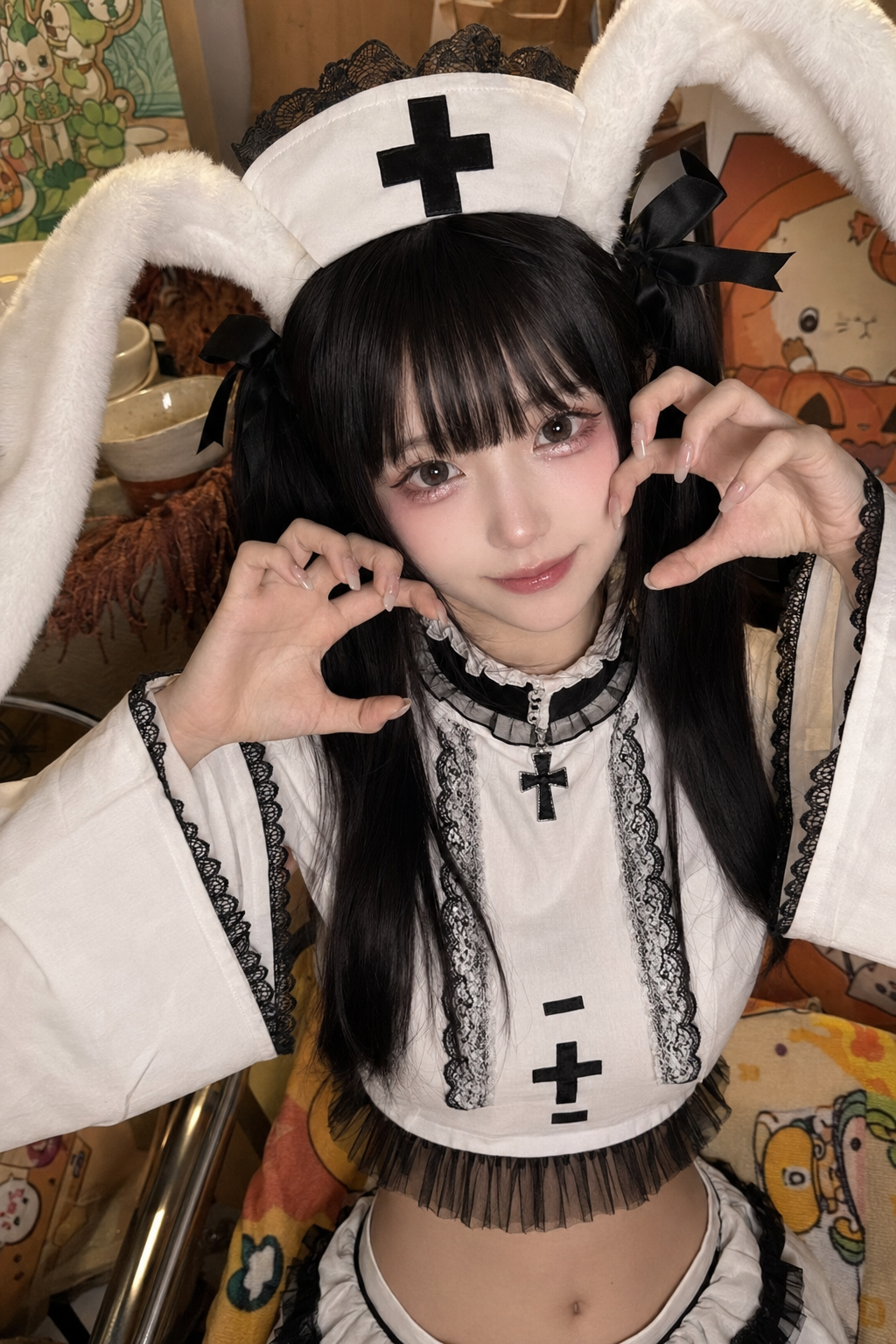
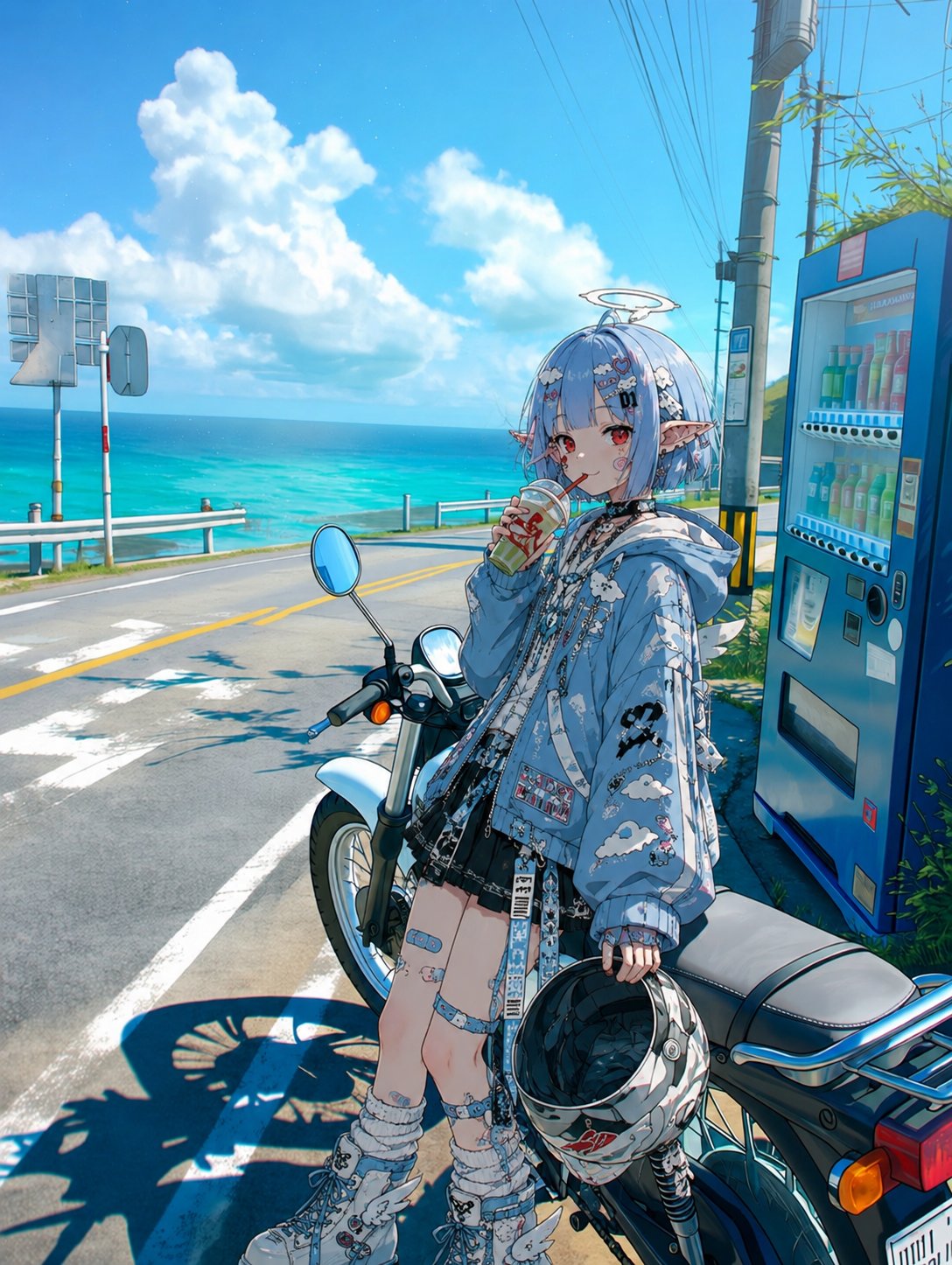
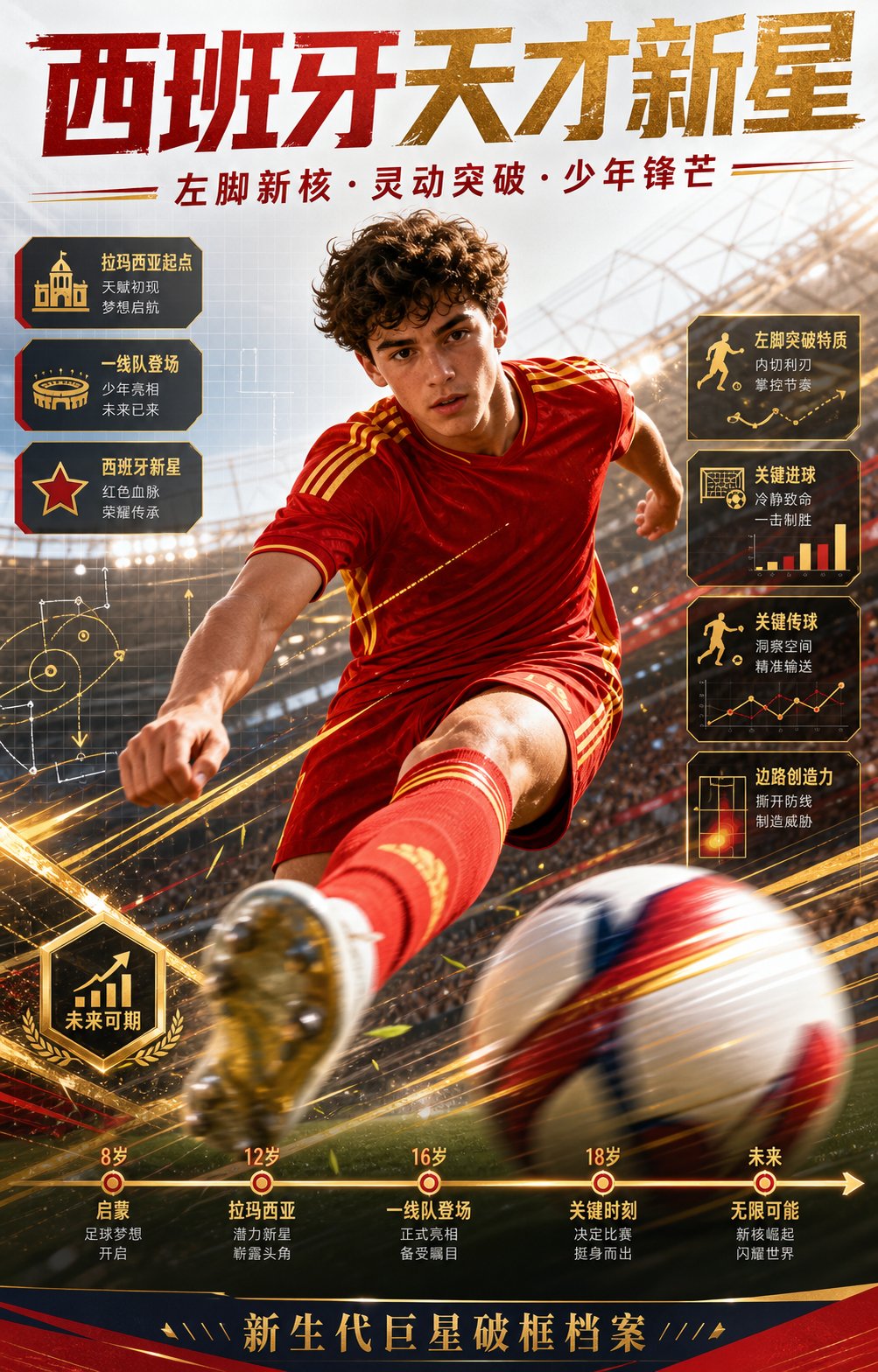
Restore and enhance an old damaged photo. Remove scratches, stains, and noise. Reconstruct faded or torn areas while preserving original details. Slightly sharpen the image for better clarity, but keep it realistic. Apply natural and era-appropriate colors to skin, hair, and clothing. Use a soft, balanced background color without being too striking. The final result should look like an old photo that has been realistically restored and colorized, while respecting its original appearance.
- 分类
- 图表信息图
- 模型
- GPT Image 2
- 来源作者
- Saul Goodman
- 原始语言
- en
- 来源 ID
- 2077626016969924859
- 发布时间
- 2026年7月16日
完整提示词
Restore and enhance an old damaged photo. Remove scratches, stains, and noise. Reconstruct faded or torn areas while preserving original details. Slightly sharpen the image for better clarity, but keep it realistic. Apply natural and era-appropriate colors to skin, hair, and clothing. Use a soft, balanced background color without being too striking. The final result should look like an old photo that has been realistically restored and colorized, while respecting its original appearance.
多语言版本
Old photo restoration colorization: GPT Image 2 prompt
enRestore and enhance an old damaged photo. Remove scratches, stains, and noise. Reconstruct faded or torn areas while preserving original details. Slightly sharpen the image for better clarity, but keep it realistic. Apply natural and era-appropriate colors to skin, hair, and clothing. Use a soft, balanced background color without being too striking. The final result should look like an old photo that has been realistically restored and colorized, while respecting its original appearance.