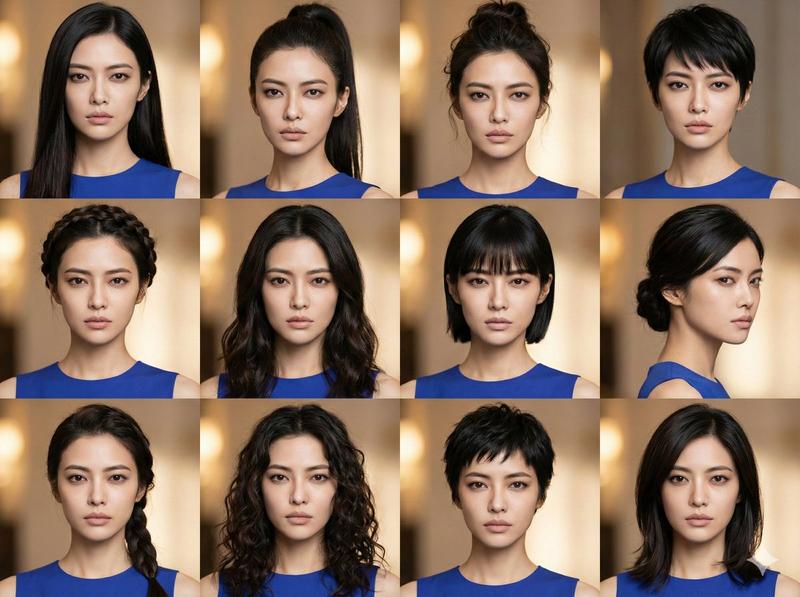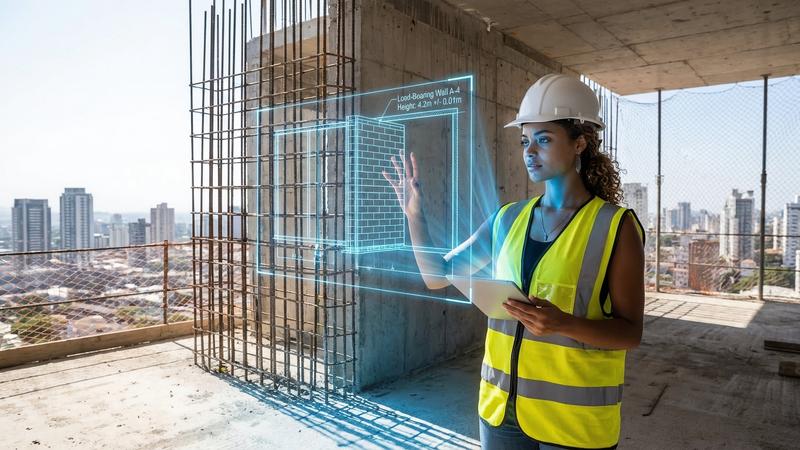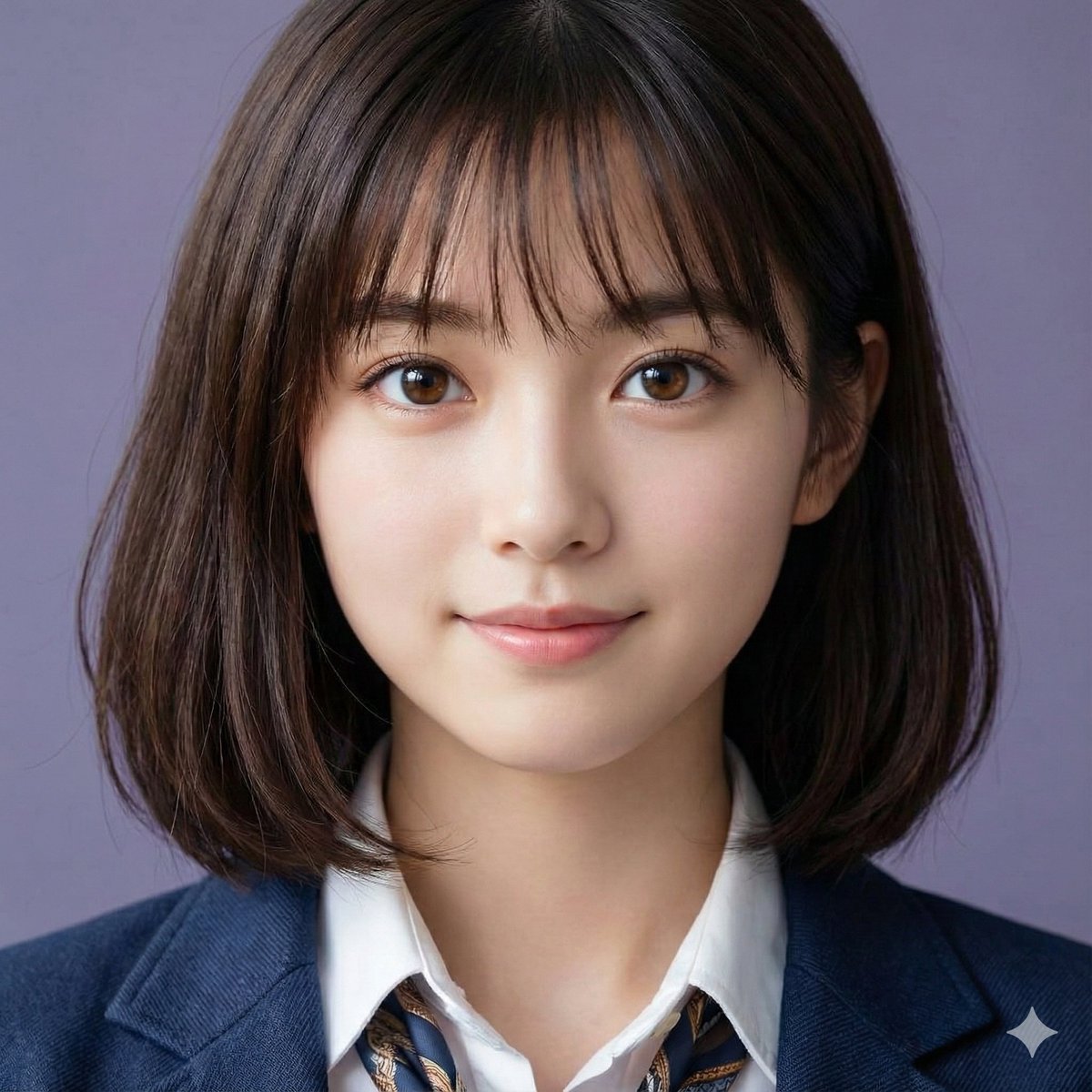
写实摄影风格创作
提示词
{
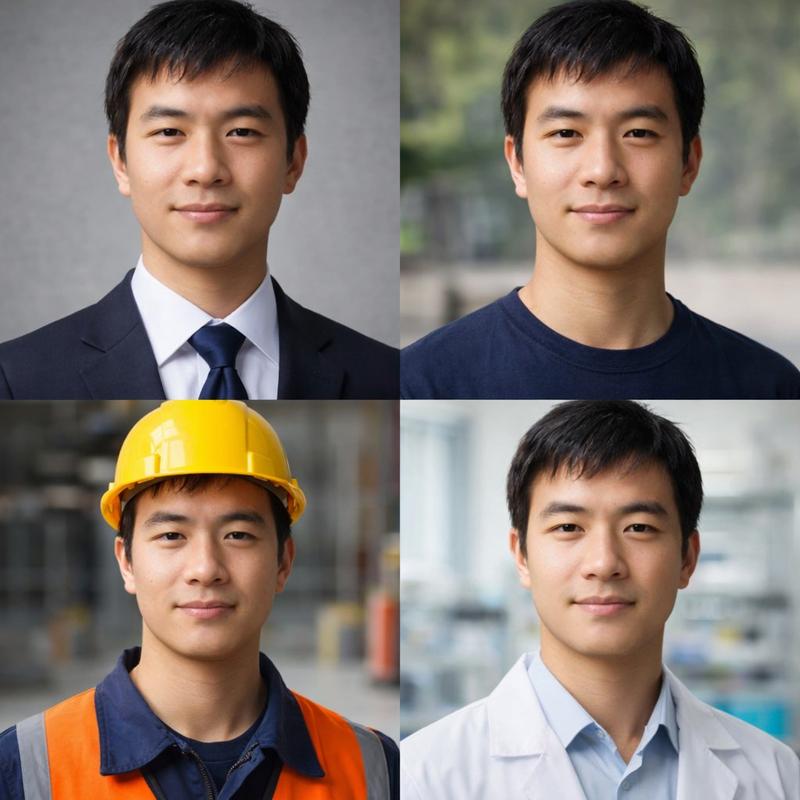
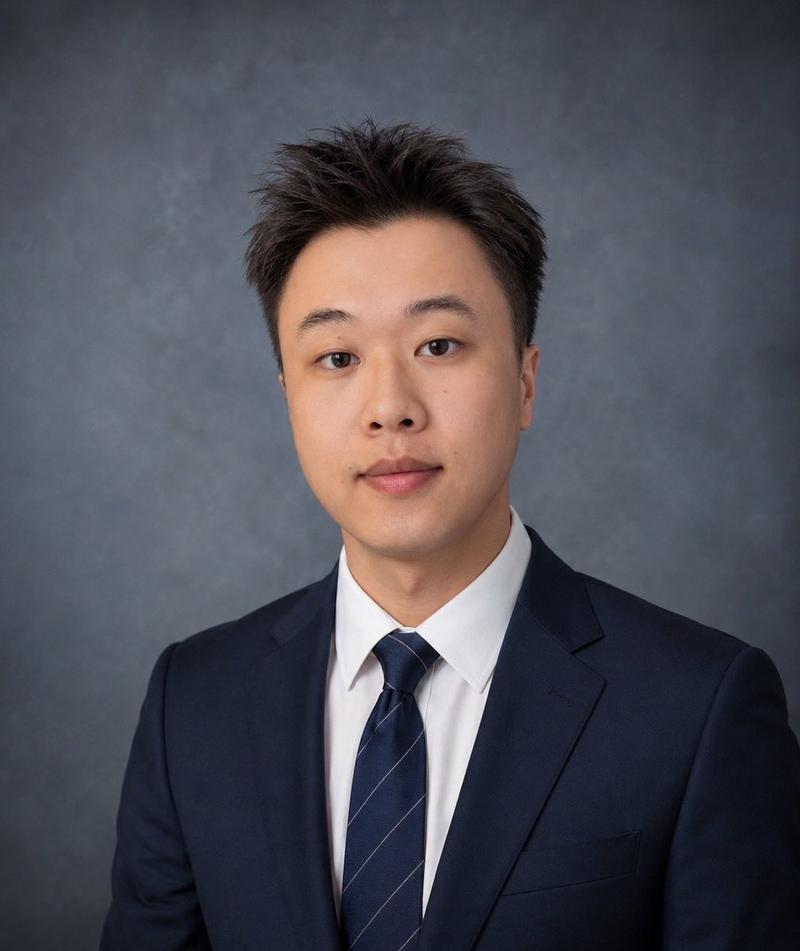
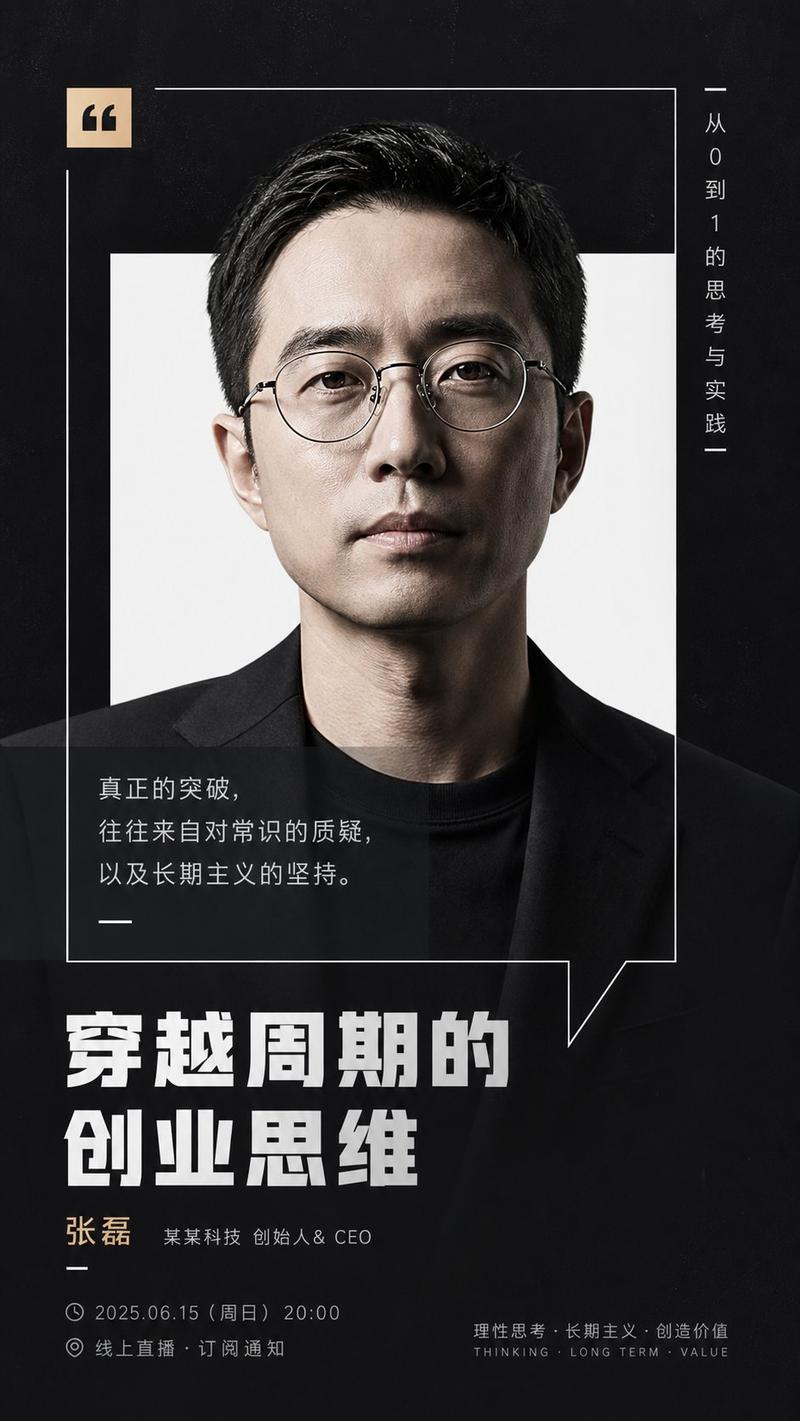
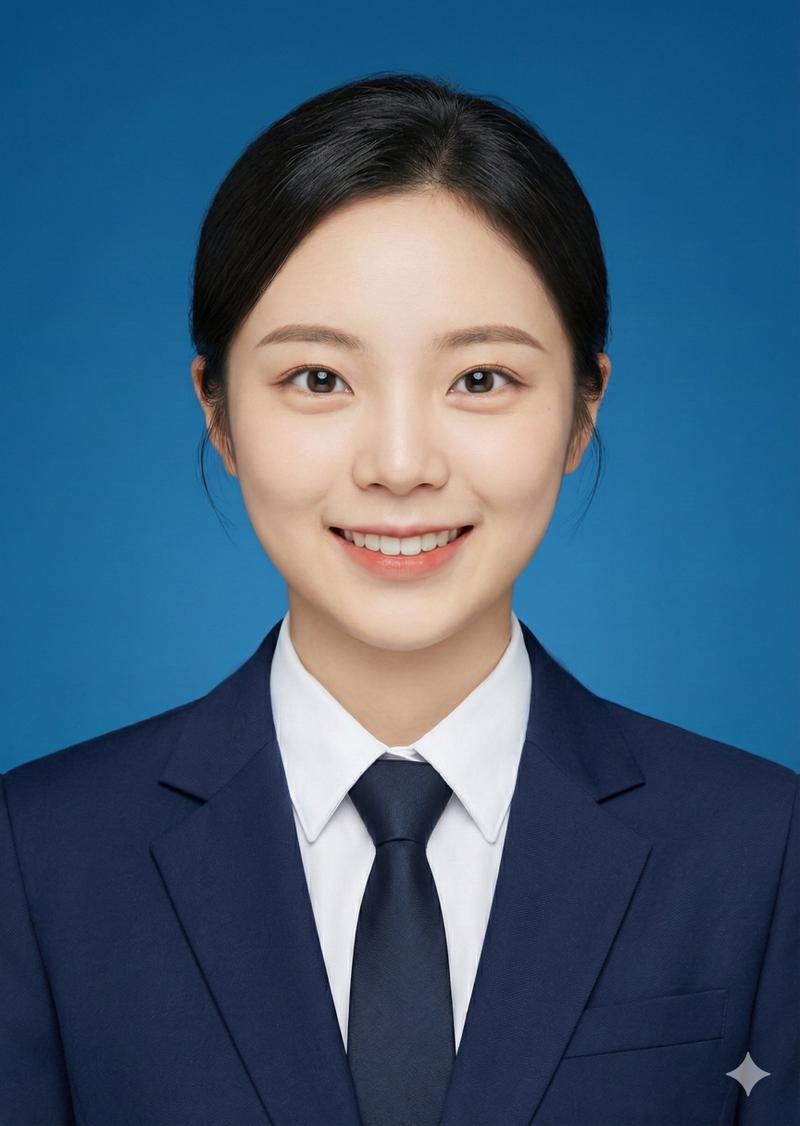
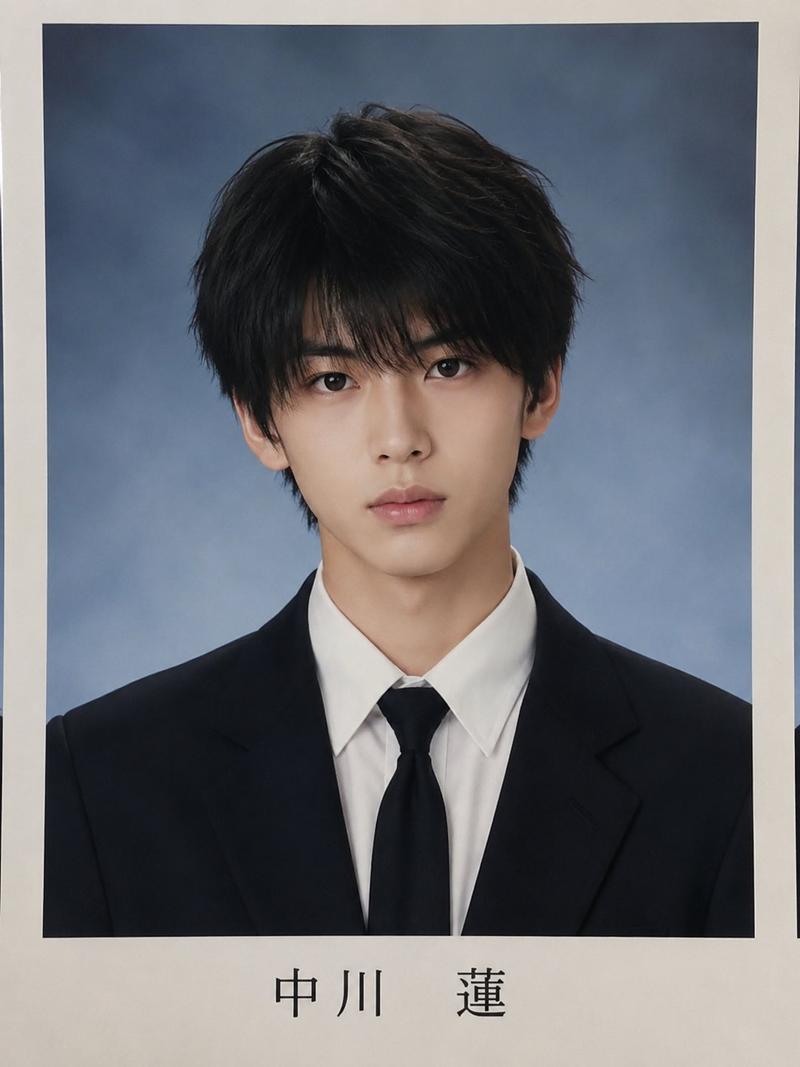
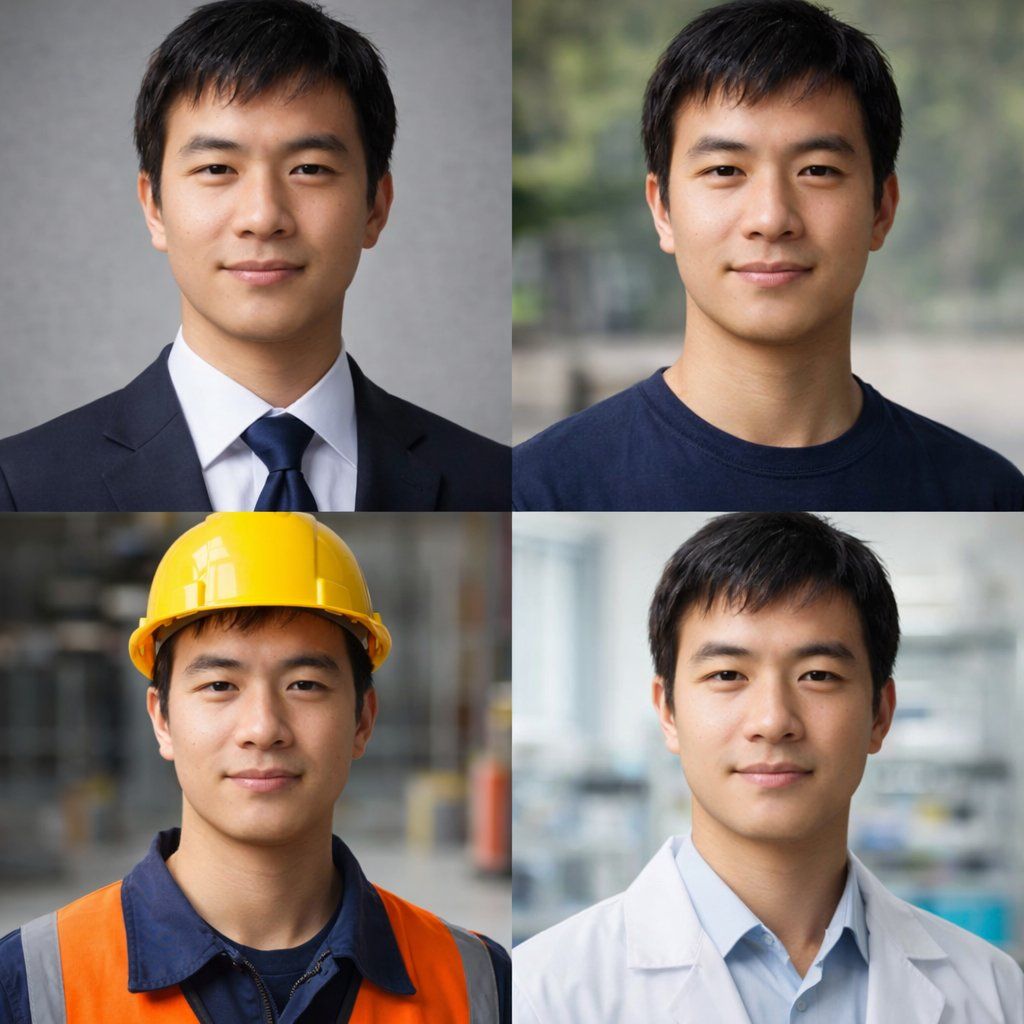
  "type": "2x2 portrait grid",
  "subject": "{argument name=\"subject description\" default=\"young adult East Asian male with short black hair and a slight smile\"}",
  "style": "photorealistic, high-resolution, professional lighting, consistent facial identity across all panels",
  "layout": {
    "format": "2x2 grid",
    "panel_count": 4,
    "panels": [
      {
        "position": "top-left",
        "description": "{argument name=\"profession 1\" default=\"Corporate professional wearing a dark navy suit, white shirt, and blue tie against a gray textured background\"}"
      },
      {
        "position": "top-right",
        "description": "{argument name=\"profession 2\" default=\"Casual attire wearing a dark blue crew neck t-shirt against a blurred outdoor park background\"}"
      },
      {
        "position": "bottom-left",
        "description": "{argument name=\"profession 3\" default=\"Construction worker wearing a yellow hard hat, navy blue work shirt, and bright orange high-visibility vest against a blurred warehouse background\"}"
      },
      {
        "position": "bottom-right",
        "description": "{argument name=\"profession 4\" default=\"Medical professional wearing a white lab coat over a light blue collared shirt against a blurred laboratory background\"}"
      }
    ]
  }
}- 分类
- 真实摄影
- 模型
- GPT Image 2
- 来源作者
- freestylefly
- 来源 ID
- 28
浏览量1