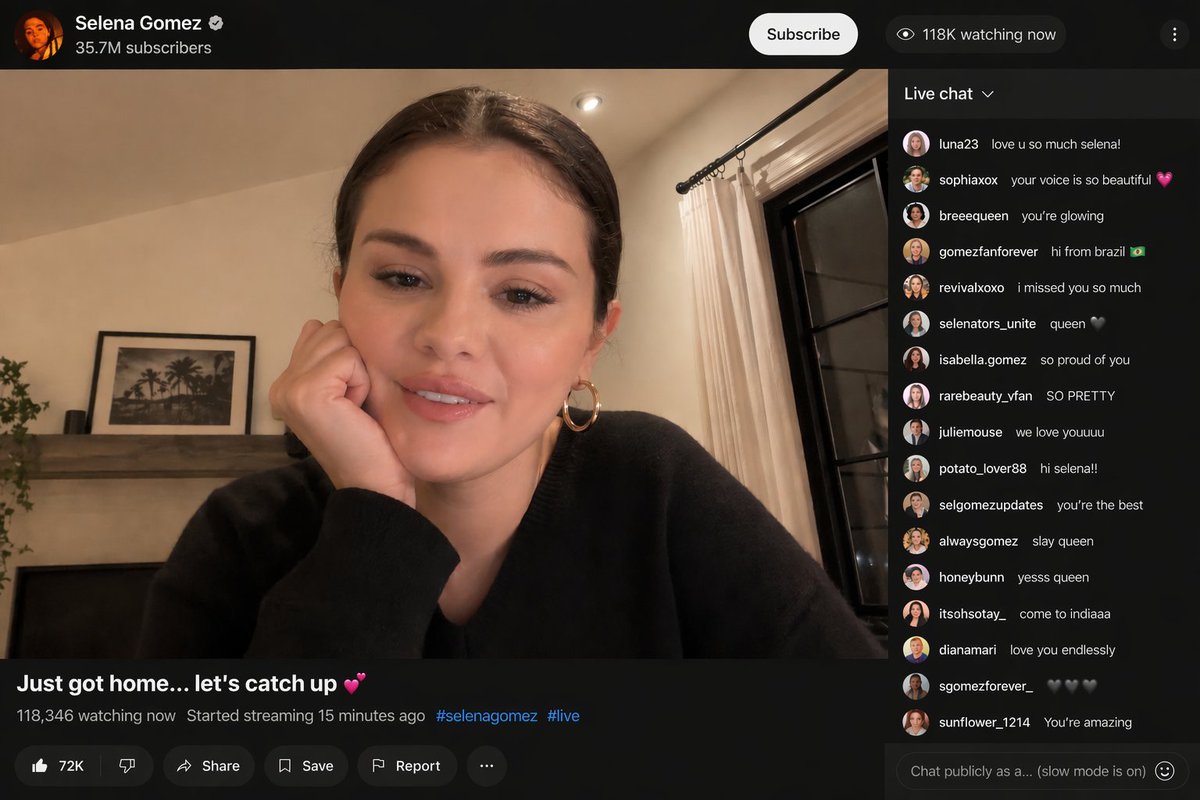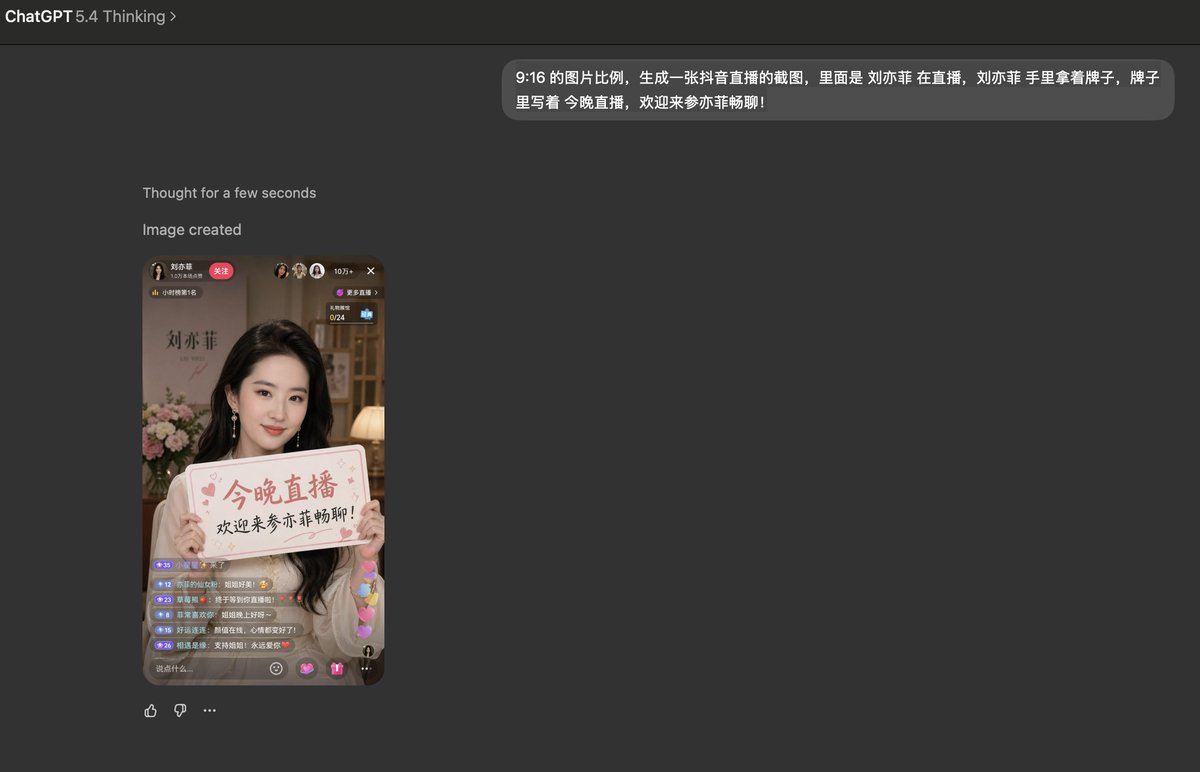
analyze this photo and give me a detailed JSON prompt that recreates it. brea...
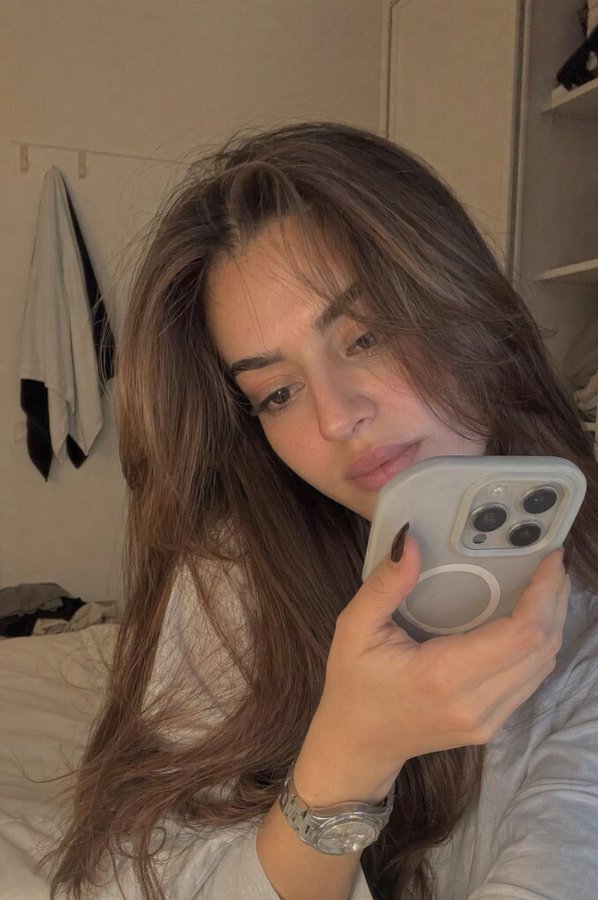
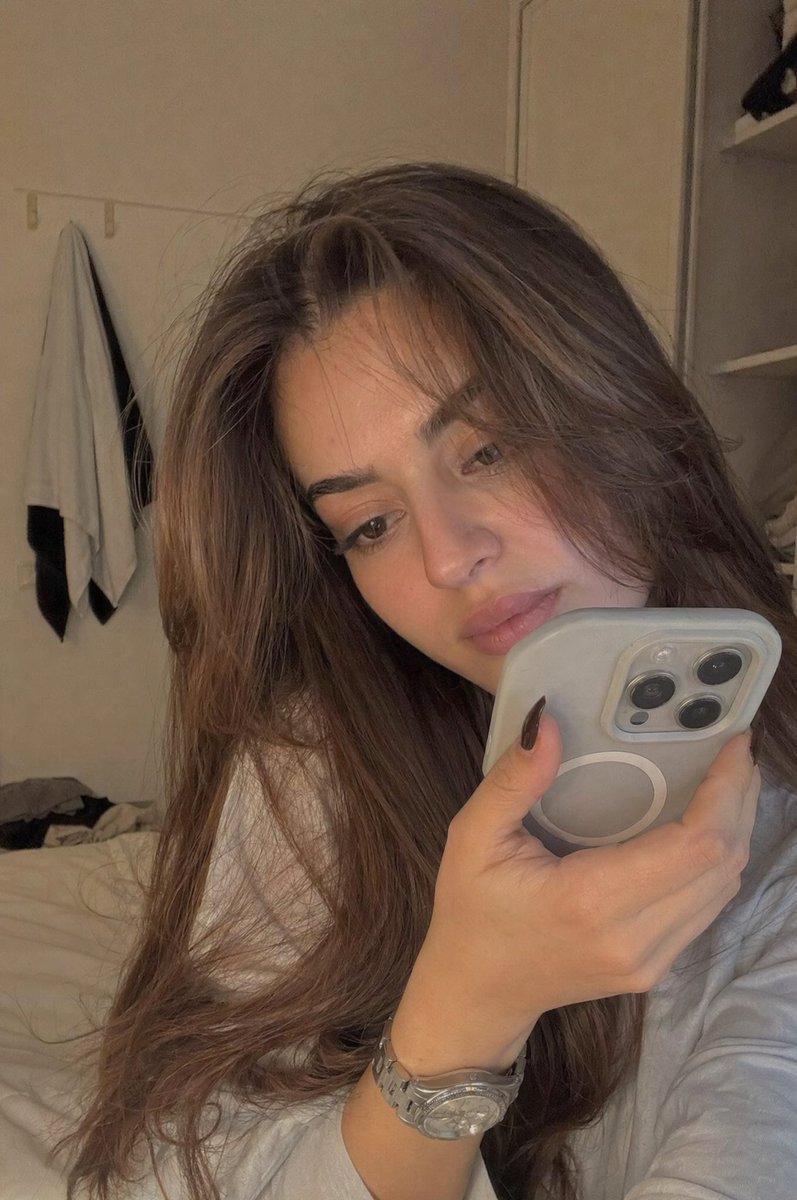
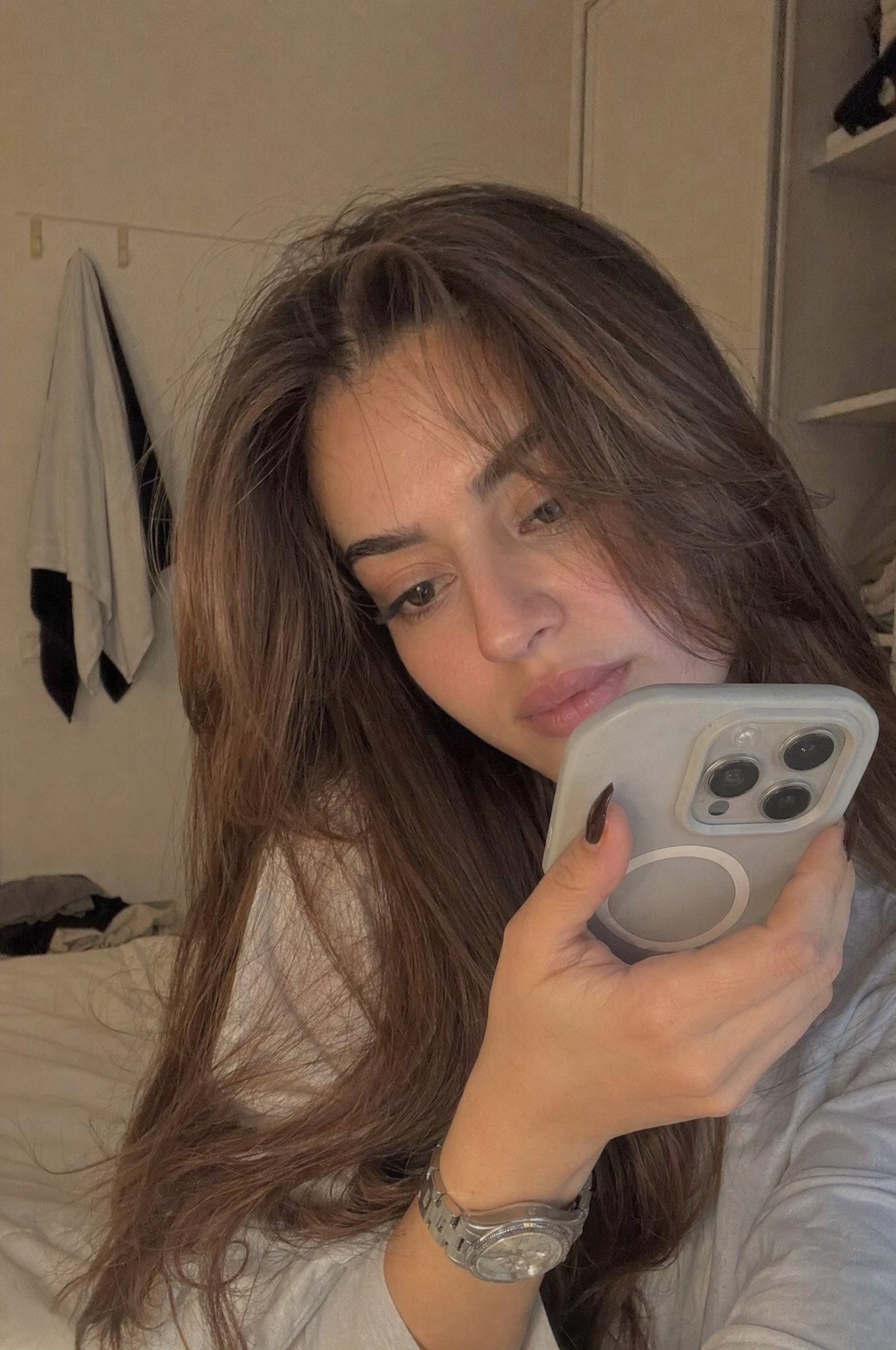
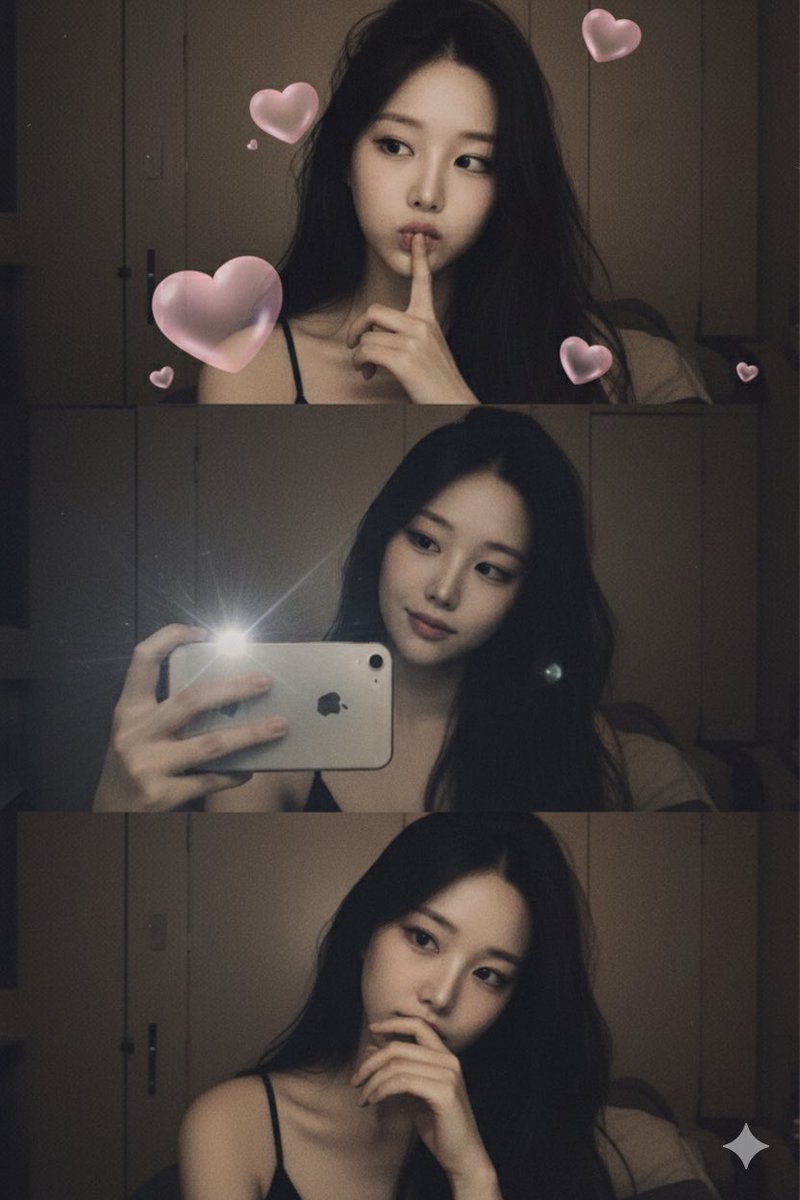
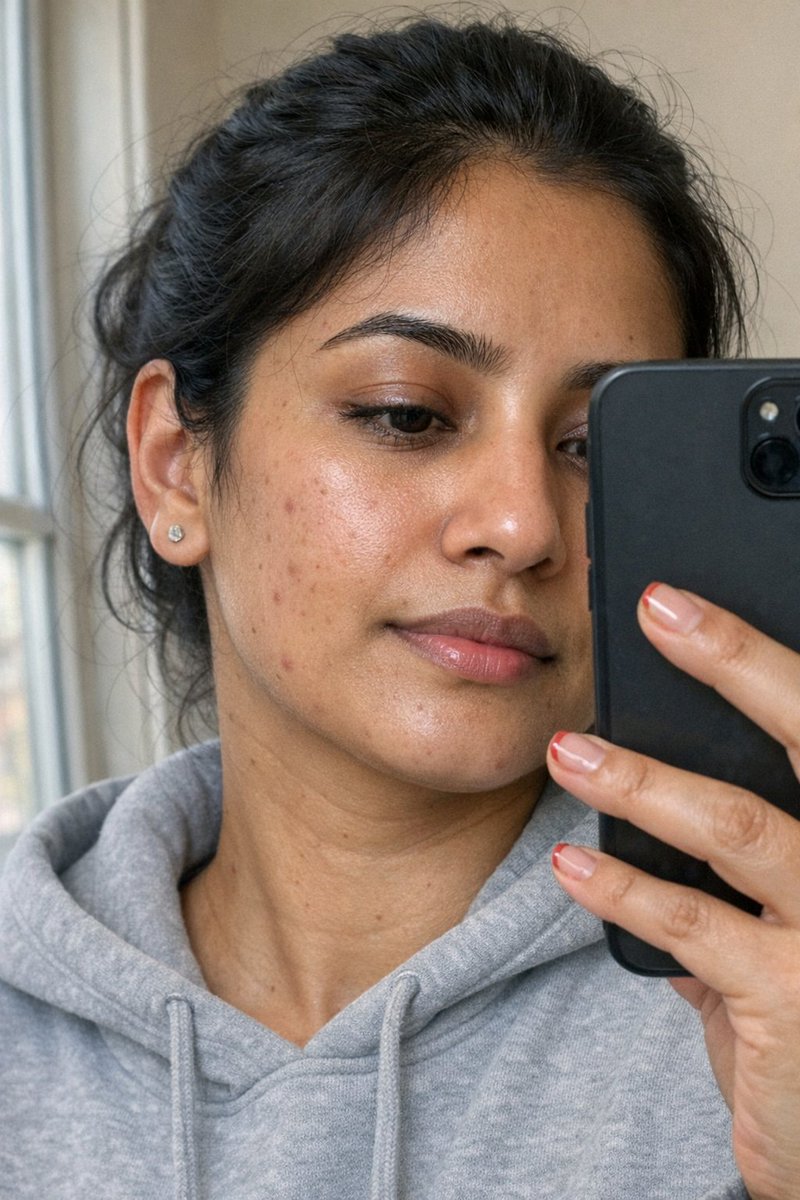
analyze this photo and give me a detailed JSON prompt that recreates it. break down the color grading and every exact color in the photo (use Opus, not Sonnet. Opus has stronger v
- 分类
- 真实摄影
- 模型
- GPT Image 2
- 来源作者
- EvoLinkAI
- 原始语言
- en
- 来源 ID
- portrait-21
完整提示词
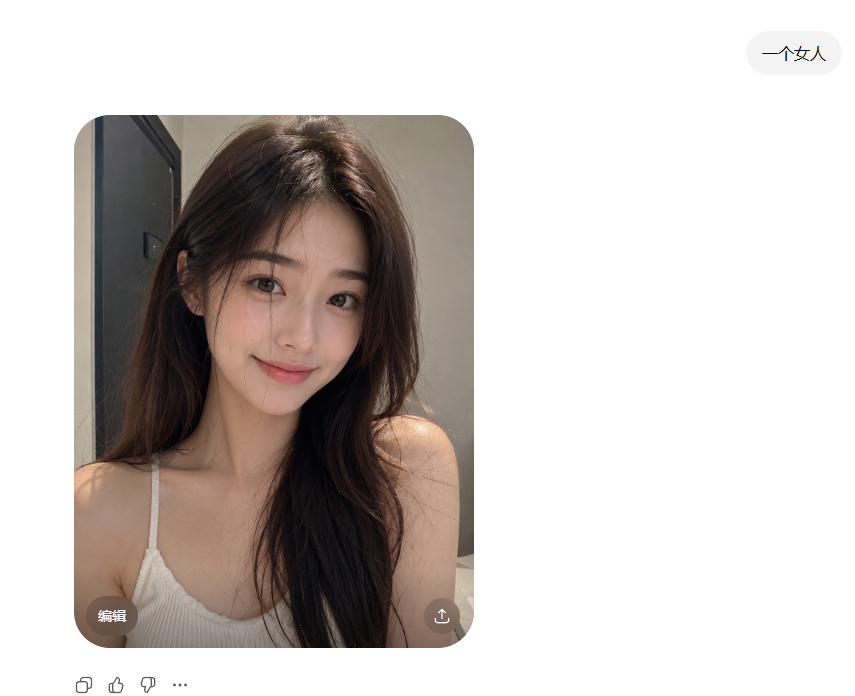
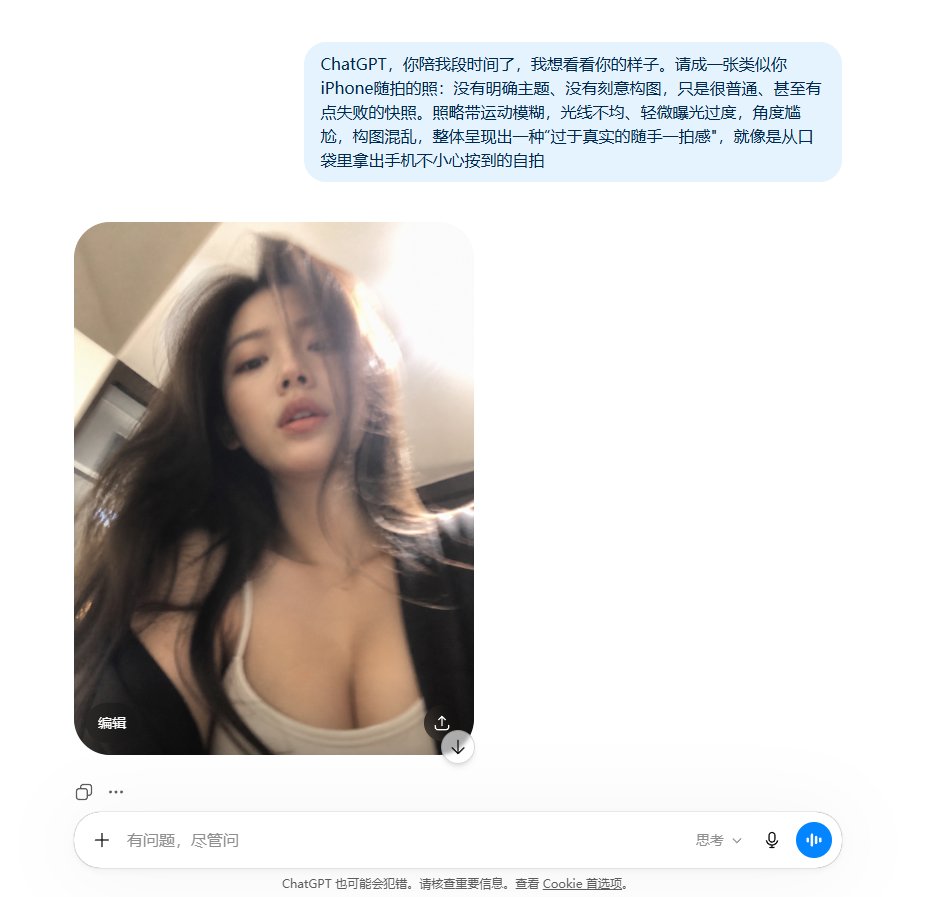
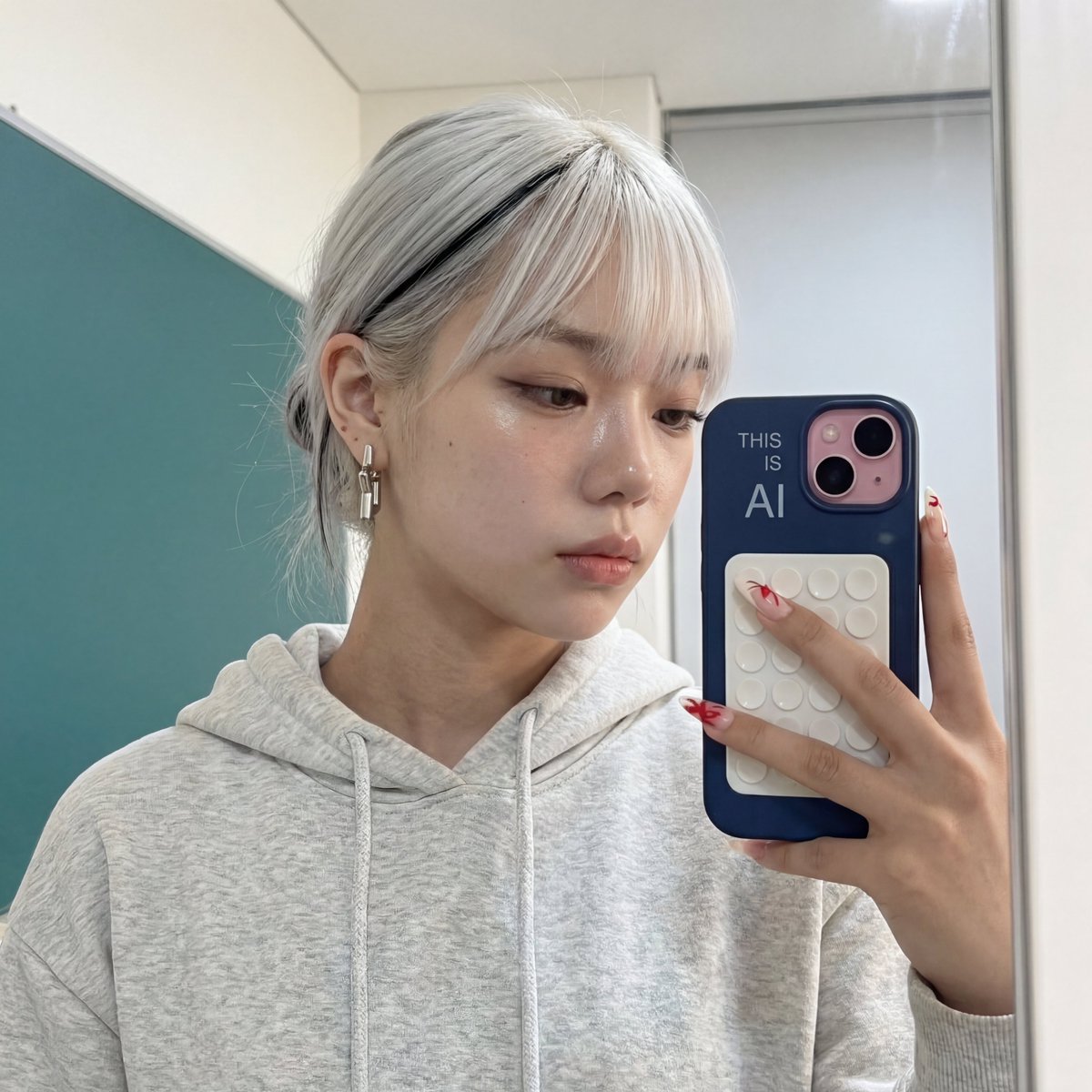
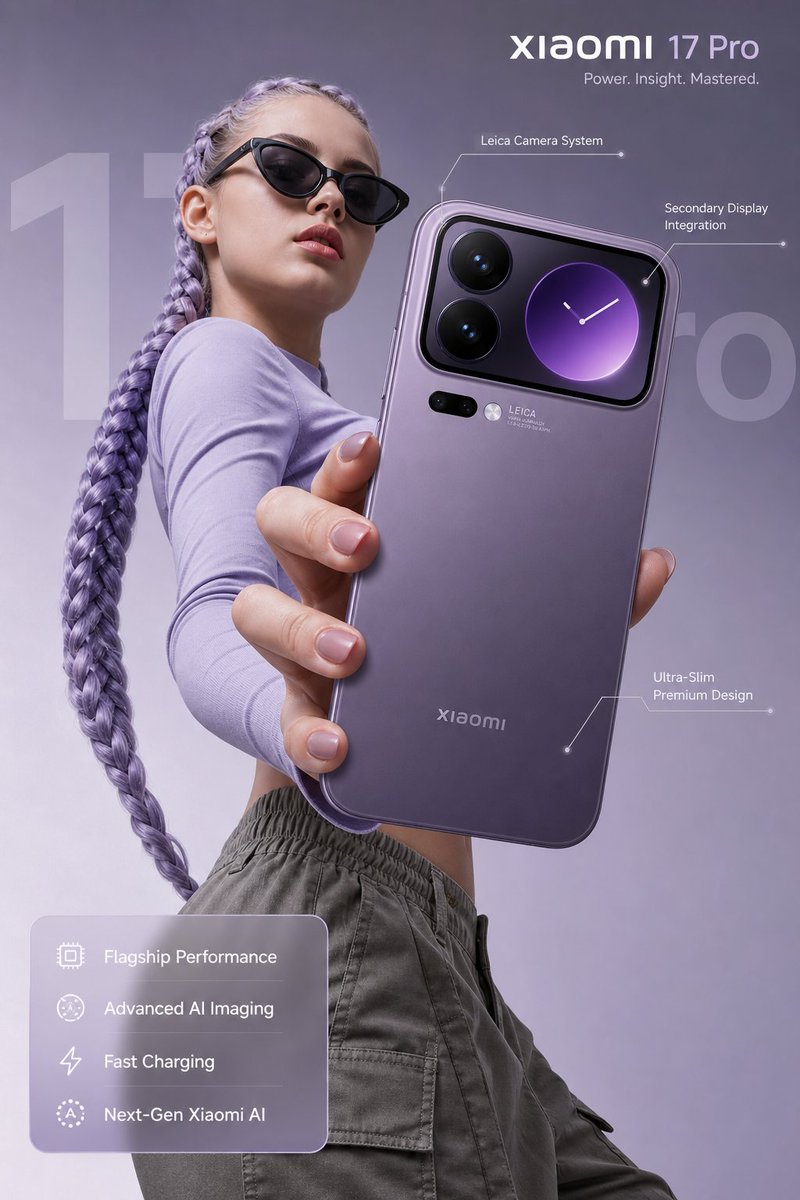
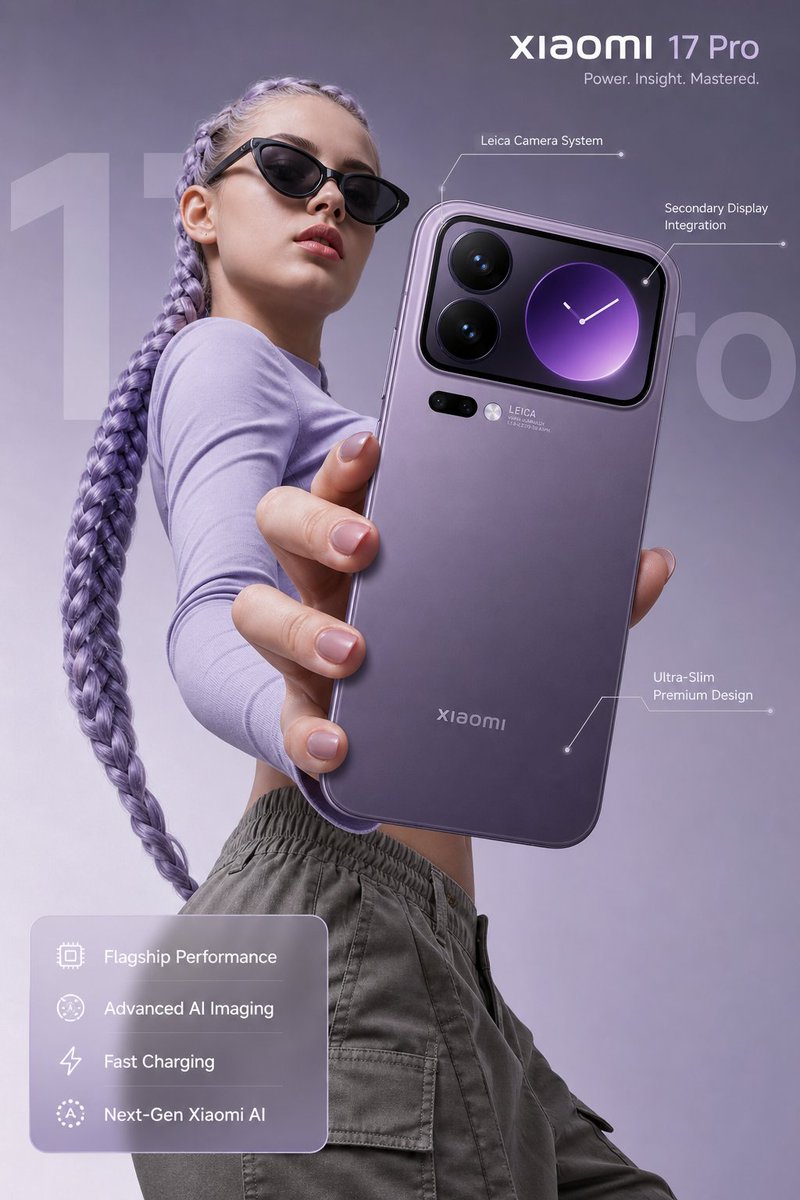
analyze this photo and give me a detailed JSON prompt that recreates it. break down the color grading and every exact color in the photo

(use Opus, not Sonnet. Opus has stronger visual analysis and writes more detailed JSON)

paste that JSON into ChatGPT
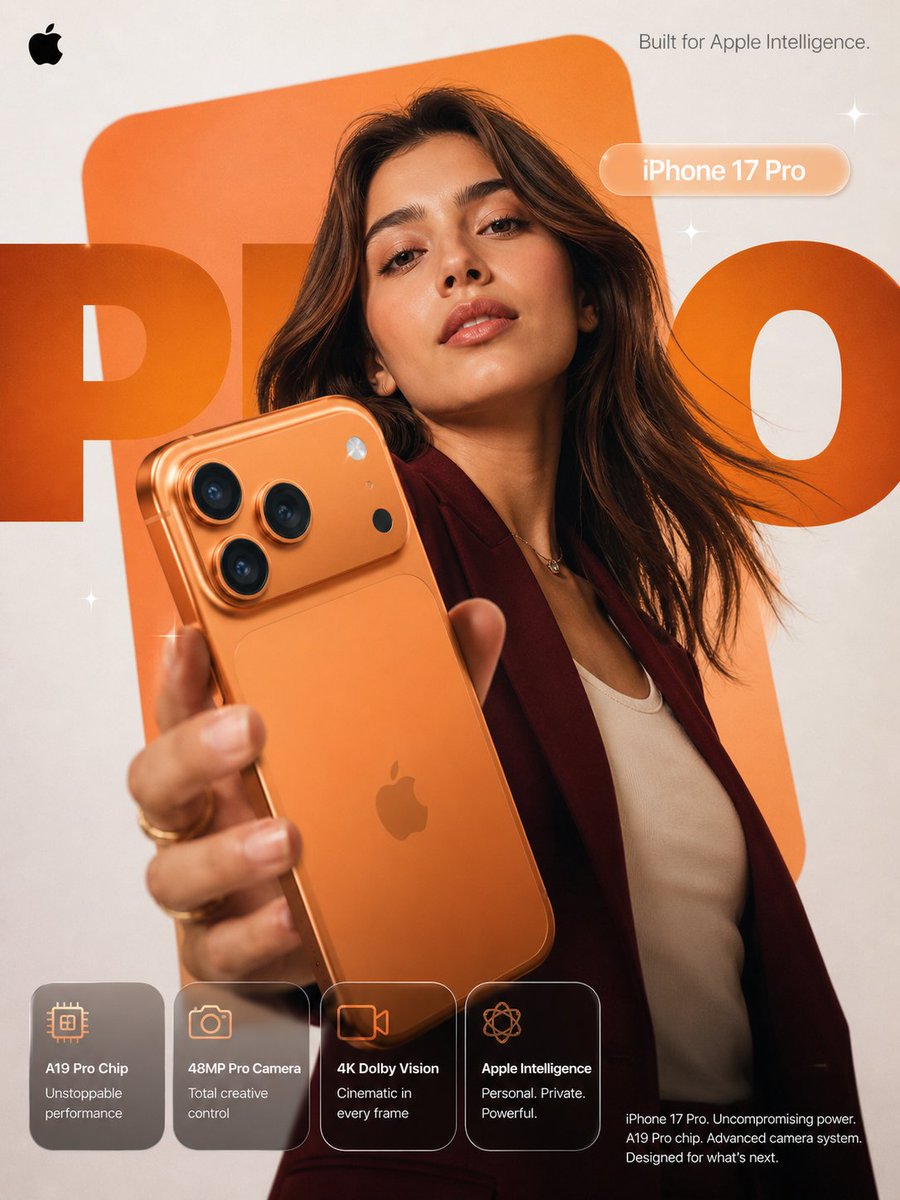
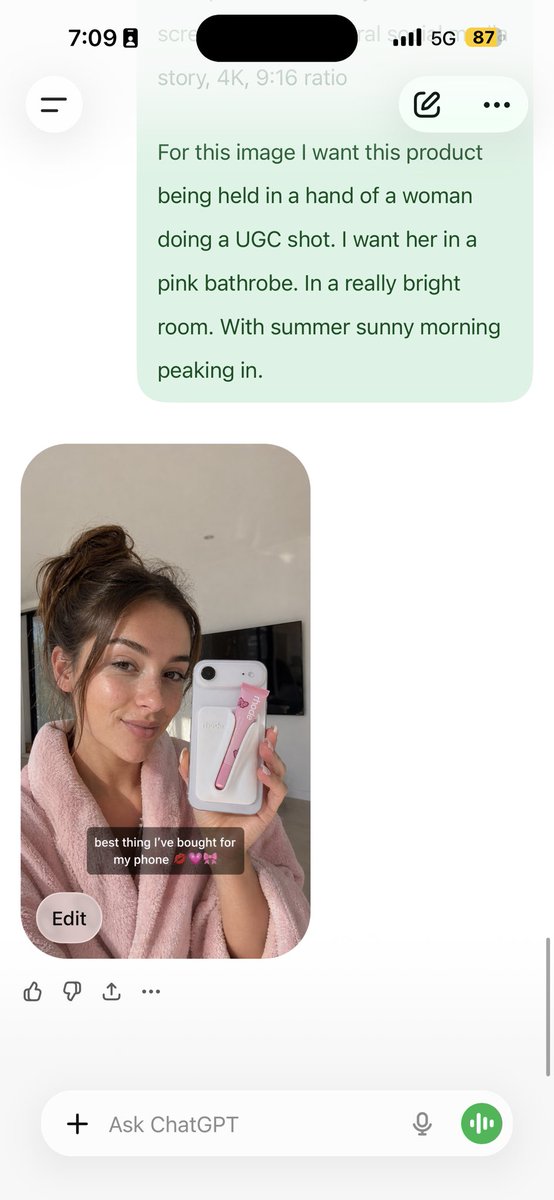
upload your product image and prompt:
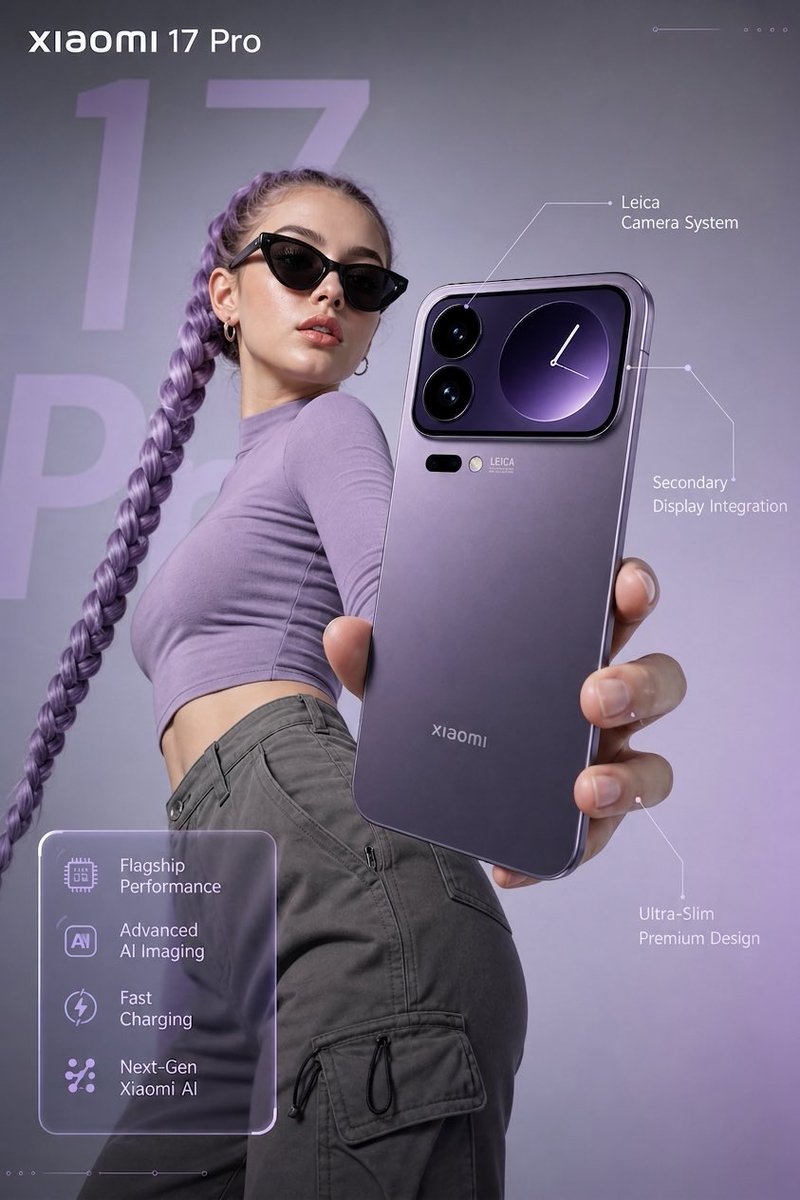
using this JSON as reference, generate a person holding my product
save that generated photo as your character reference

attach it to every future generation for facial consistency

you now have a consistent UGC model that works across any product

the JSON controls the lighting and color grading. GPT image-2 handles the character. you control the product placement.

the #1 tell on AI photos is flat colors and a grainy look. this method removes both.
5 minutes to set up. unlimited variations after.
多语言版本
analyze this photo and give me a detailed JSON prompt that recreates it. brea...
deanalyze this photo and give me a detailed JSON prompt that recreates it. break down the color grading and every exact color in the photo (use Opus, not Sonnet. Opus has stronger visual analysis and writes more detailed JSON) paste that JSON into ChatGPT upload your product image and prompt: using this JSON as reference, generate a person holding my product save that generated photo as your character reference attach it to every future generation for facial consistency you now have a consistent UGC model that works across any product the JSON controls the lighting and color grading. GPT image-2 handles the character. you control the product placement. the #1 tell on AI photos is flat colors and a grainy look. this method removes both. 5 minutes to set up. unlimited variations after.
analyze this photo and give me a detailed JSON prompt that recreates it. brea...
enanalyze this photo and give me a detailed JSON prompt that recreates it. break down the color grading and every exact color in the photo (use Opus, not Sonnet. Opus has stronger visual analysis and writes more detailed JSON) paste that JSON into ChatGPT upload your product image and prompt: using this JSON as reference, generate a person holding my product save that generated photo as your character reference attach it to every future generation for facial consistency you now have a consistent UGC model that works across any product the JSON controls the lighting and color grading. GPT image-2 handles the character. you control the product placement. the #1 tell on AI photos is flat colors and a grainy look. this method removes both. 5 minutes to set up. unlimited variations after.
analyze this photo and give me a detailed JSON prompt that recreates it. brea...
esanalyze this photo and give me a detailed JSON prompt that recreates it. break down the color grading and every exact color in the photo (use Opus, not Sonnet. Opus has stronger visual analysis and writes more detailed JSON) paste that JSON into ChatGPT upload your product image and prompt: using this JSON as reference, generate a person holding my product save that generated photo as your character reference attach it to every future generation for facial consistency you now have a consistent UGC model that works across any product the JSON controls the lighting and color grading. GPT image-2 handles the character. you control the product placement. the #1 tell on AI photos is flat colors and a grainy look. this method removes both. 5 minutes to set up. unlimited variations after.
analyze this photo and give me a detailed JSON prompt that recreates it. brea...
franalyze this photo and give me a detailed JSON prompt that recreates it. break down the color grading and every exact color in the photo (use Opus, not Sonnet. Opus has stronger visual analysis and writes more detailed JSON) paste that JSON into ChatGPT upload your product image and prompt: using this JSON as reference, generate a person holding my product save that generated photo as your character reference attach it to every future generation for facial consistency you now have a consistent UGC model that works across any product the JSON controls the lighting and color grading. GPT image-2 handles the character. you control the product placement. the #1 tell on AI photos is flat colors and a grainy look. this method removes both. 5 minutes to set up. unlimited variations after.
analyze this photo and give me a detailed JSON prompt that recreates it. brea...
jaanalyze this photo and give me a detailed JSON prompt that recreates it. break down the color grading and every exact color in the photo (use Opus, not Sonnet. Opus has stronger visual analysis and writes more detailed JSON) paste that JSON into ChatGPT upload your product image and prompt: using this JSON as reference, generate a person holding my product save that generated photo as your character reference attach it to every future generation for facial consistency you now have a consistent UGC model that works across any product the JSON controls the lighting and color grading. GPT image-2 handles the character. you control the product placement. the #1 tell on AI photos is flat colors and a grainy look. this method removes both. 5 minutes to set up. unlimited variations after.
analyze this photo and give me a detailed JSON prompt that recreates it. brea...
koanalyze this photo and give me a detailed JSON prompt that recreates it. break down the color grading and every exact color in the photo (use Opus, not Sonnet. Opus has stronger visual analysis and writes more detailed JSON) paste that JSON into ChatGPT upload your product image and prompt: using this JSON as reference, generate a person holding my product save that generated photo as your character reference attach it to every future generation for facial consistency you now have a consistent UGC model that works across any product the JSON controls the lighting and color grading. GPT image-2 handles the character. you control the product placement. the #1 tell on AI photos is flat colors and a grainy look. this method removes both. 5 minutes to set up. unlimited variations after.
analyze this photo and give me a detailed JSON prompt that recreates it. brea...
ptanalyze this photo and give me a detailed JSON prompt that recreates it. break down the color grading and every exact color in the photo (use Opus, not Sonnet. Opus has stronger visual analysis and writes more detailed JSON) paste that JSON into ChatGPT upload your product image and prompt: using this JSON as reference, generate a person holding my product save that generated photo as your character reference attach it to every future generation for facial consistency you now have a consistent UGC model that works across any product the JSON controls the lighting and color grading. GPT image-2 handles the character. you control the product placement. the #1 tell on AI photos is flat colors and a grainy look. this method removes both. 5 minutes to set up. unlimited variations after.
analyze this photo and give me a detailed JSON prompt that recreates it. brea...
ruanalyze this photo and give me a detailed JSON prompt that recreates it. break down the color grading and every exact color in the photo (use Opus, not Sonnet. Opus has stronger visual analysis and writes more detailed JSON) paste that JSON into ChatGPT upload your product image and prompt: using this JSON as reference, generate a person holding my product save that generated photo as your character reference attach it to every future generation for facial consistency you now have a consistent UGC model that works across any product the JSON controls the lighting and color grading. GPT image-2 handles the character. you control the product placement. the #1 tell on AI photos is flat colors and a grainy look. this method removes both. 5 minutes to set up. unlimited variations after.
analyze this photo and give me a detailed JSON prompt that recreates it. brea...
tranalyze this photo and give me a detailed JSON prompt that recreates it. break down the color grading and every exact color in the photo (use Opus, not Sonnet. Opus has stronger visual analysis and writes more detailed JSON) paste that JSON into ChatGPT upload your product image and prompt: using this JSON as reference, generate a person holding my product save that generated photo as your character reference attach it to every future generation for facial consistency you now have a consistent UGC model that works across any product the JSON controls the lighting and color grading. GPT image-2 handles the character. you control the product placement. the #1 tell on AI photos is flat colors and a grainy look. this method removes both. 5 minutes to set up. unlimited variations after.
analyze this photo and give me a detailed JSON prompt that recreates it. brea...
zh-CNanalyze this photo and give me a detailed JSON prompt that recreates it. break down the color grading and every exact color in the photo (use Opus, not Sonnet. Opus has stronger visual analysis and writes more detailed JSON) paste that JSON into ChatGPT upload your product image and prompt: using this JSON as reference, generate a person holding my product save that generated photo as your character reference attach it to every future generation for facial consistency you now have a consistent UGC model that works across any product the JSON controls the lighting and color grading. GPT image-2 handles the character. you control the product placement. the #1 tell on AI photos is flat colors and a grainy look. this method removes both. 5 minutes to set up. unlimited variations after.
analyze this photo and give me a detailed JSON prompt that recreates it. brea...
zh-TWanalyze this photo and give me a detailed JSON prompt that recreates it. break down the color grading and every exact color in the photo (use Opus, not Sonnet. Opus has stronger visual analysis and writes more detailed JSON) paste that JSON into ChatGPT upload your product image and prompt: using this JSON as reference, generate a person holding my product save that generated photo as your character reference attach it to every future generation for facial consistency you now have a consistent UGC model that works across any product the JSON controls the lighting and color grading. GPT image-2 handles the character. you control the product placement. the #1 tell on AI photos is flat colors and a grainy look. this method removes both. 5 minutes to set up. unlimited variations after.