Z 世代情人节卧室场景提示
提示词
Create a hyper-realistic, trendy Gen Z Valentine’s Day scene inside a cozy, aesthetic bedroom during late afternoon golden hour.
The room has soft pastel walls, fairy lights, heart-shaped wall décor, polaroid photos, plush pillows, and scattered fashion magazines. Natural sunlight streams through sheer curtains, casting warm golden light across the space.
A stylish young couple sits casually on a messy bed covered with white and blush blankets.
The man wears relaxed streetwear — oversized hoodie, loose jeans, layered chains, soft curls slightly messy.
The woman wears an oversized pink sweater with knee-high socks, natural dewy makeup, glossy lips, and soft waves in her hair.
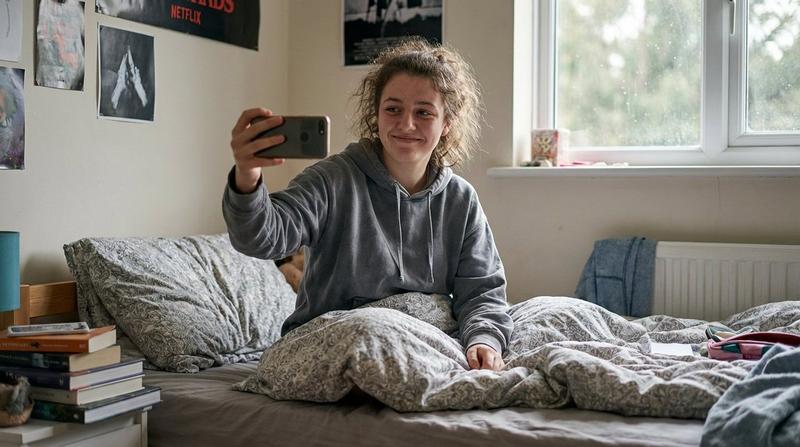
She holds a phone up as if filming a “Get Ready With Me – Valentine Edition” video while he leans in from behind, smiling playfully at the camera. They look relaxed, flirty, and authentic — candid but cinematic.
Heart-shaped balloons rest on the floor, and a glowing pink LED sign reading “Be Mine” is mounted on the wall.
Lighting: warm natural golden hour light + soft fairy light glow.
Lens: 35mm lifestyle lens, shallow depth of field, creamy background blur.
Style: ultra-detailed, soft skin texture, cozy influencer aesthetic, TikTok vibe, romantic but modern, candid editorial photography.
- 分类
- 创意图片
- 模型
- Nano Banana Pro
- 来源作者
- Oogie
- 来源 ID
- 42fa6a5a-8b10-4761-9820-79909cf60ada
- 发布时间
- 2026年3月8日
浏览量0