锁镰武士动态战斗场景提示
提示词
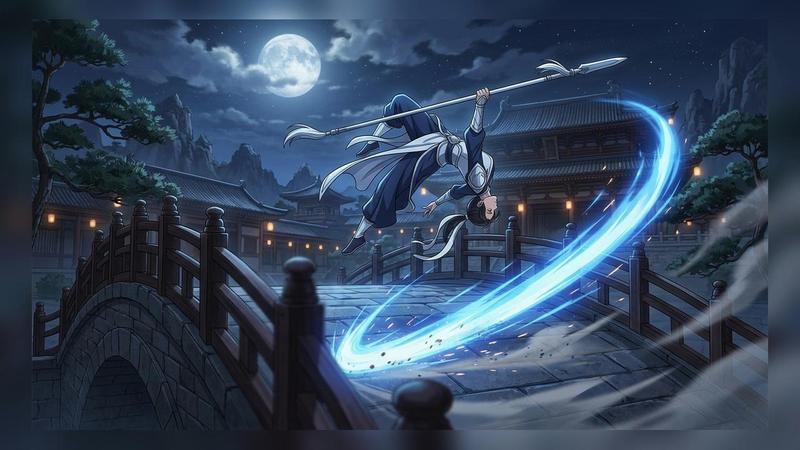
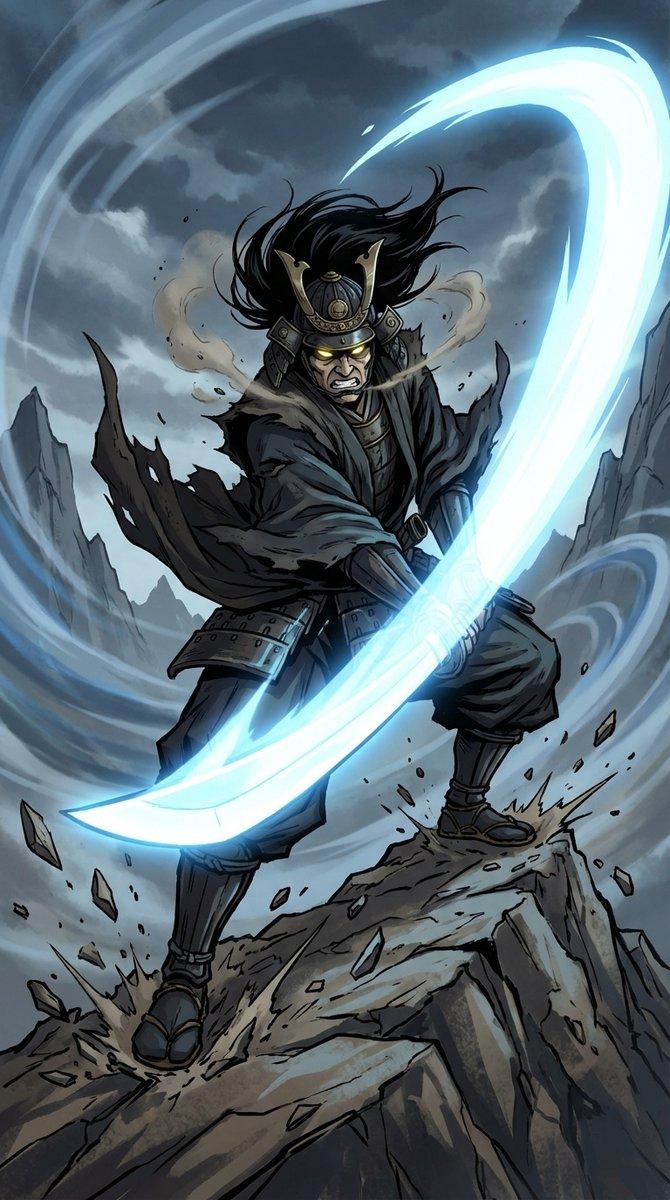
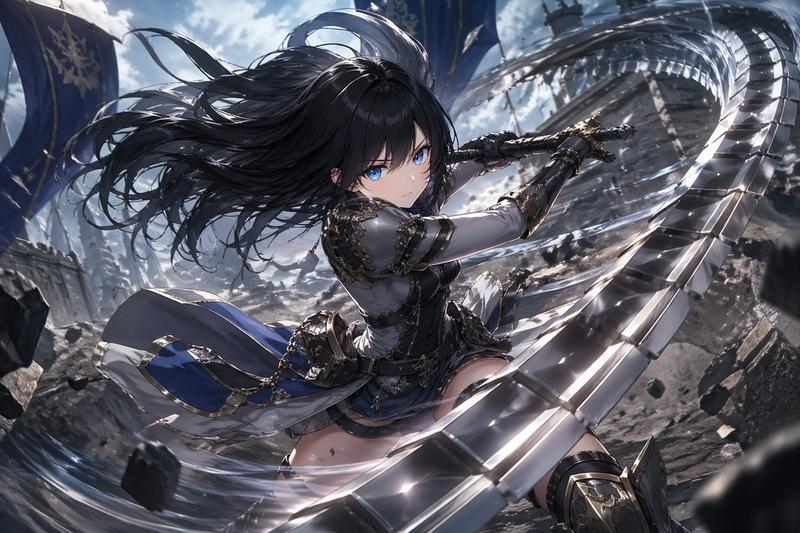
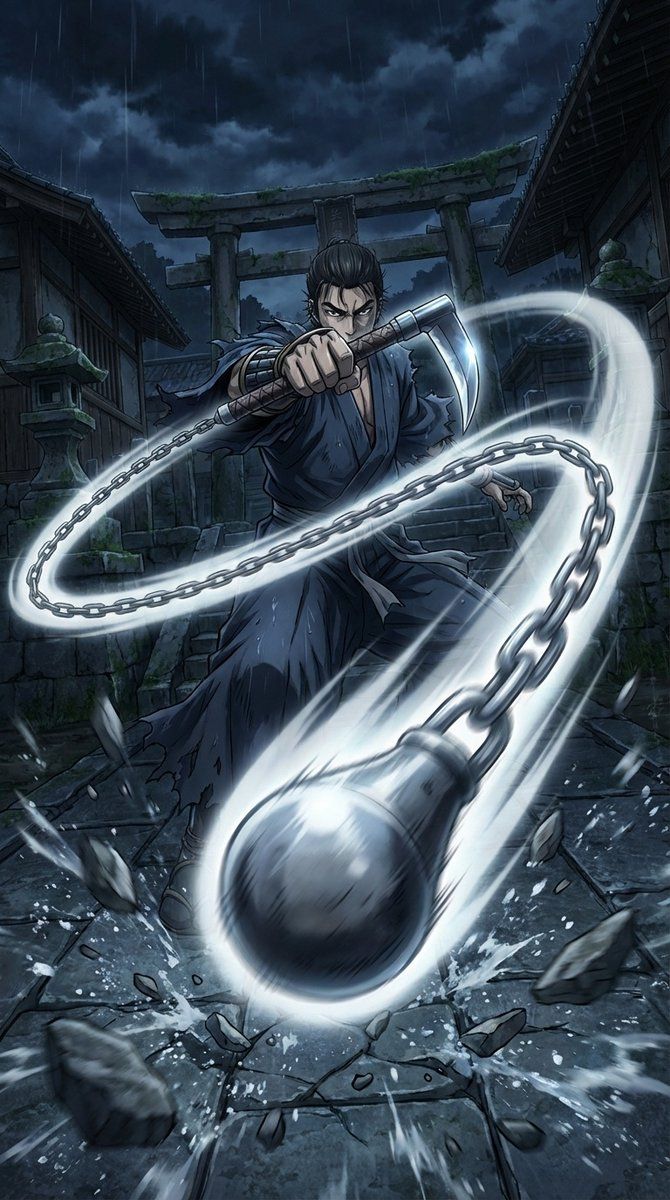
Masterpiece quality, theatrical anime-scale dynamic battle scene. A Japanese-style warrior is the main subject. Intense low-angle perspective with exaggerated depth; extreme perspective and bold framing with the weapon thrusting forward as if breaking through the screen.

Weapon: a kusarigama. The sickle blade gleams sharply; the chain whips in a wide arc, and the weighted end rushes toward the camera with heavy motion blur. Captured at the exact instant of launching the attack—piercing gaze, taut determined expression. The chain’s movement slices the air, leaving a pale platinum spark-like luminous trail as an afterimage.

Setting: a collapsing old shrine deep in the mountains at night. Wet stone steps, a fallen torii gate, cracked stone lanterns. The impact shatters the stone pavement; fragments and splashing water burst upward. Violent wind sends talismans and paper scraps swirling; clothing and hair whip wildly. High-contrast dramatic lighting: cold moonlight crossing with warm red lantern light, deep shadows. Background filled with thick mist and dark storm clouds, tree branches bending and flying in the gale. Wide-angle lens, dynamic motion blur, cinematic.

Vertical cinematic poster composition, 9:16 aspect ratio, no text.
- 分类
- 创意图片
- 模型
- Nano Banana Pro
- 来源作者
- kei
- 来源 ID
- d4d11969-77c5-426a-96f8-5b4a0d54157e
- 发布时间
- 2026年3月8日
浏览量0