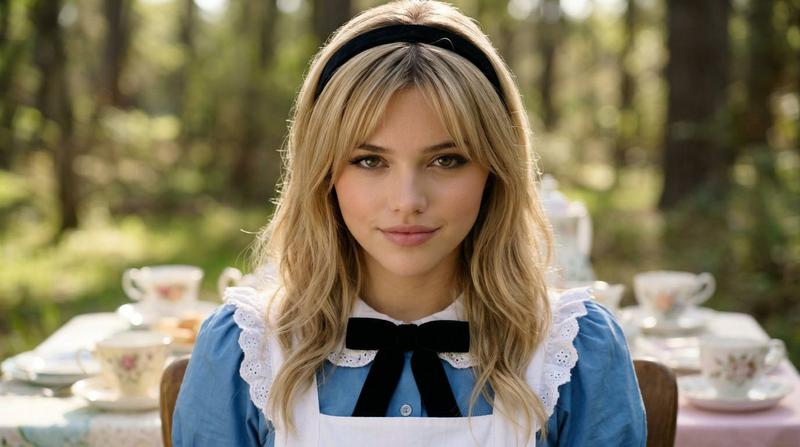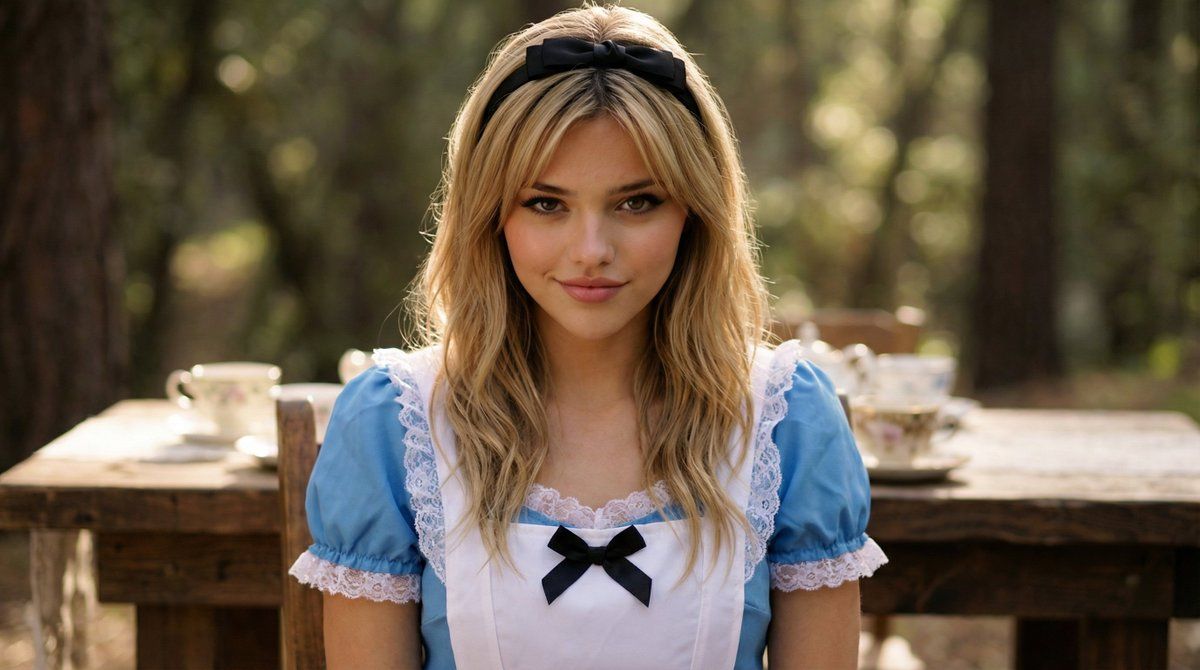
爱丽丝梦游仙境的电影特写肖像
提示词
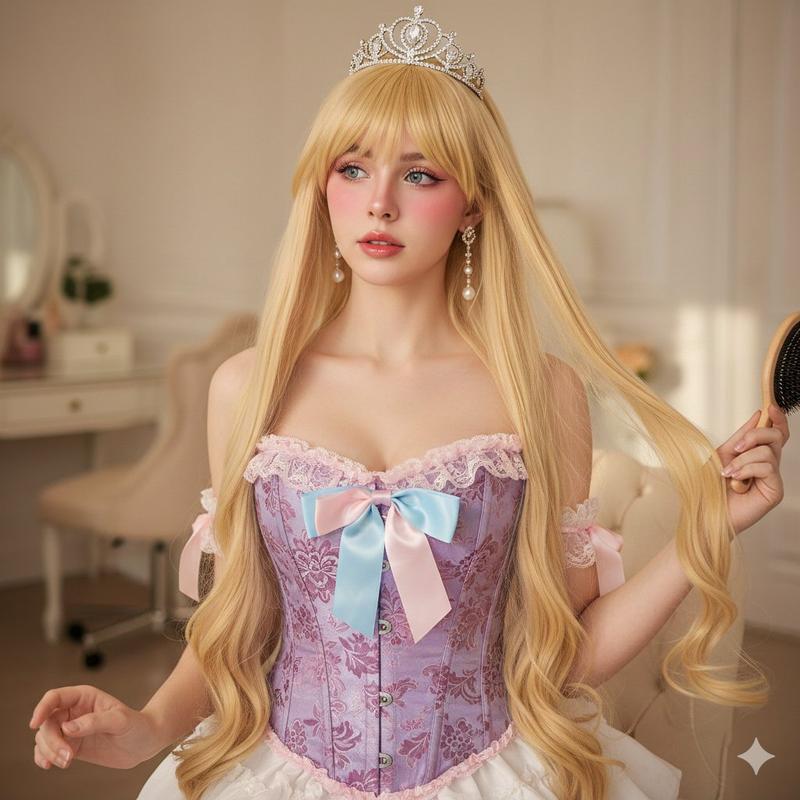
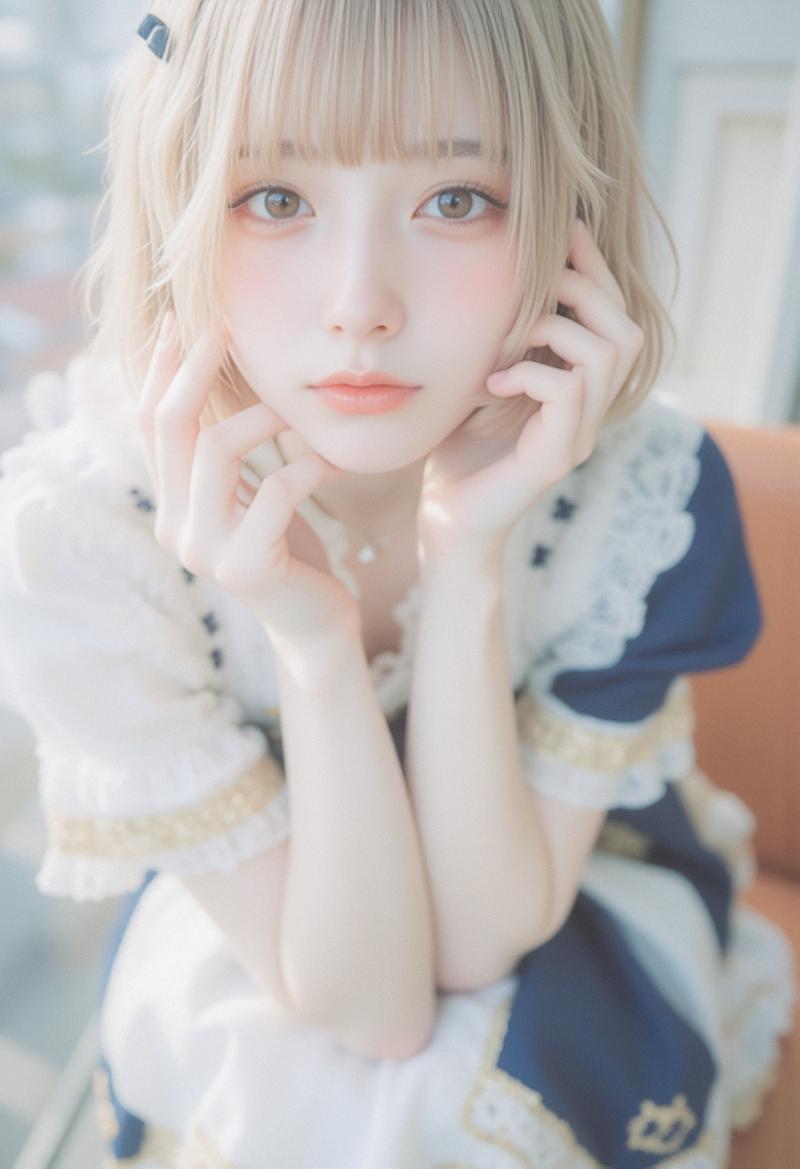
CLOSE UP ON ALICE (Confident, Knowing Expression) 🎥 Camera Choice: • 85mm lens • Eye-level • Tight close-up (shoulders up) • Slight shallow depth of field Why? 85mm compresses background and makes it intimate and dramatic. Perfect for subtle expression. 📸 Prompt – Close Up Alice Cinematic live-action portrait of a young woman dressed as Alice in Wonderland sitting at a whimsical tea table in a forest clearing. She wears a tailored blue Victorian-style dress with white apron, subtle lace trim, and a black bow at her collar. Her blonde hair is softly styled with a black ribbon headband. Expression: confident and knowing, subtle half-smile, eyes slightly narrowed as if she understands something the others do not. Calm, composed, intelligent gaze directed toward camera. Camera: 85mm lens, eye-level framing, tight close-up from shoulders up, shallow depth of field. Lighting: soft natural forest light filtering through trees, gentle rim light outlining her hair, warm highlights on skin, realistic texture. Environment: blurred long wooden tea table behind her with vintage teacups and mismatched china barely visible in background. Style: high-budget fantasy film realism, natural skin texture, subtle makeup, realistic fabric detail, grounded Victorian aesthetic.
- 分类
- 创意图片
- 模型
- Nano Banana Pro
- 来源作者
- FoldingEnd A.I.
- 来源 ID
- e4ef39ad-4fcc-4a08-8cb7-7481e5173817
- 发布时间
- 2026年3月8日
浏览量1