奇幻水彩城市插画提示词
提示词
Scene:
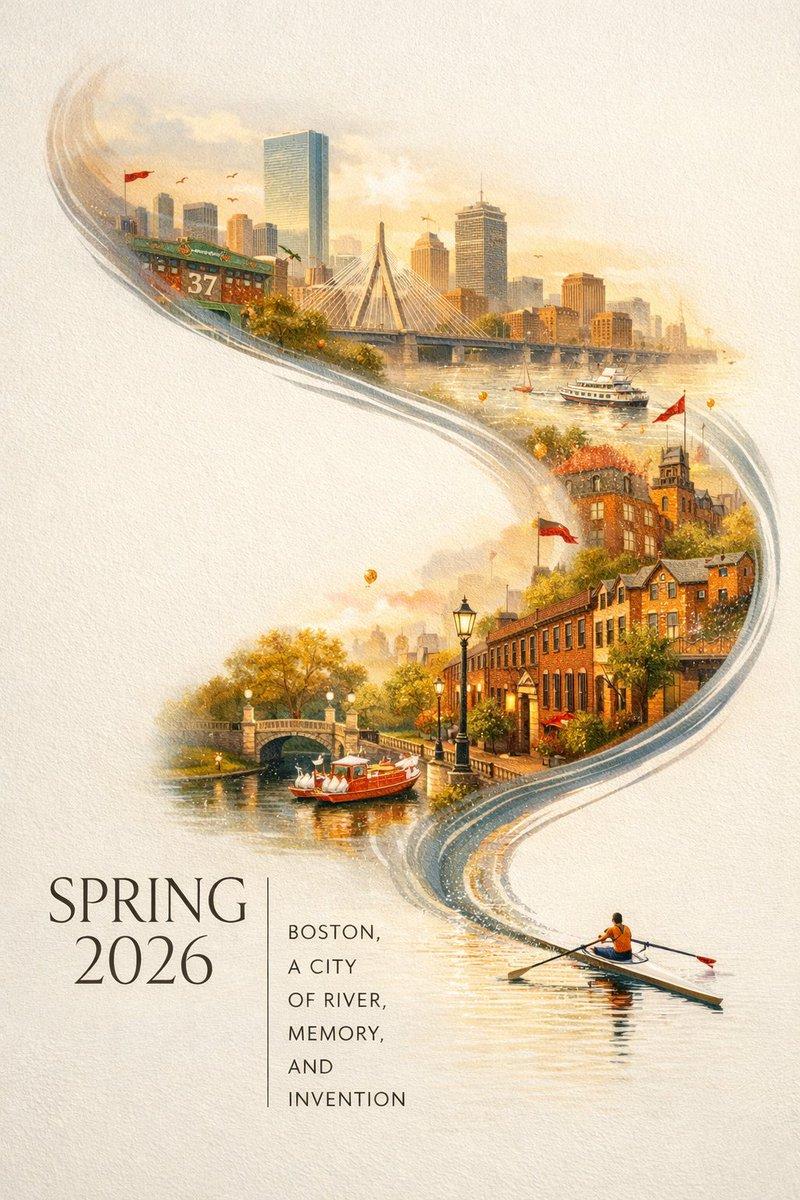
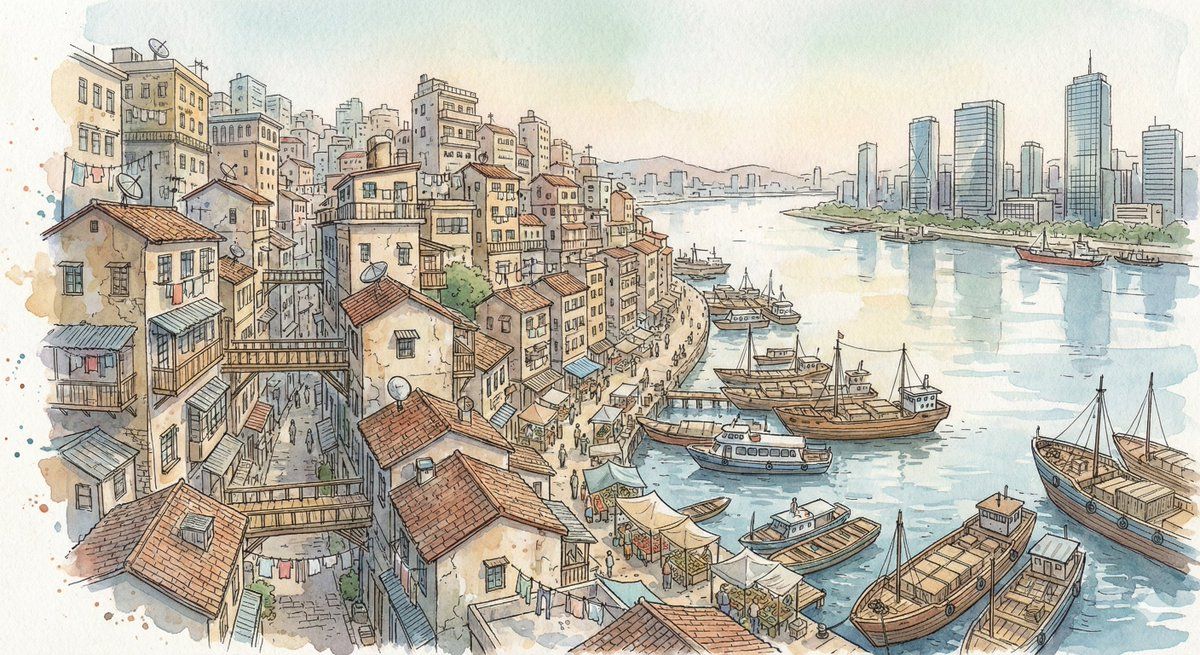
A dense hillside city spreads downward toward a wide river harbor packed with cargo ships, ferries, and floating markets. Countless tightly stacked buildings climb the slopes, their rooftops crowded with satellite dishes, water tanks, and hanging laundry. Elevated pedestrian walkways cross between structures while narrow alleys descend toward the waterfront. In the far distance, modern glass towers rise from the opposite shore, contrasting sharply with the older layered district and emphasizing the city’s vast urban sprawl.

Style:
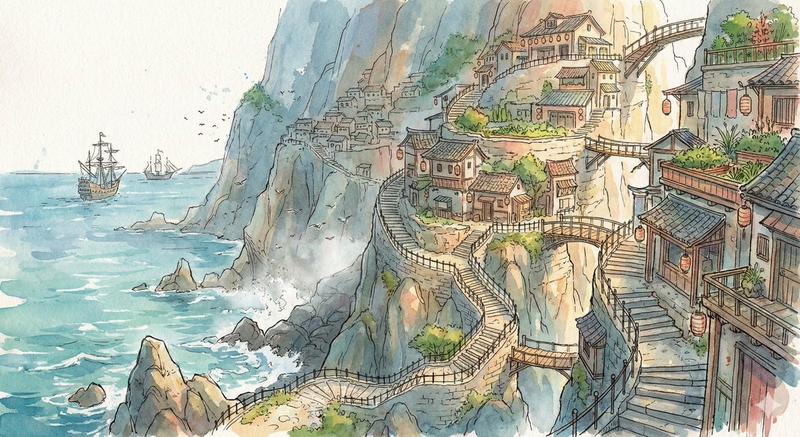
Fantasy hand-drawn watercolor illustration style. Traditional watercolor rendering with visible pigment splashes, fluid paint diffusion, and softly blended tonal transitions. Delicate hand-illustrated linework with expressive drawn detailing and organic sketch-like contours. Soft, gentle color palette emphasizing airy tones and subtle saturation rather than strong contrast. Painterly layered watercolor textures combined with illustrative fantasy art aesthetics. Decorative, richly illustrated environments with numerous small background details integrated into the composition. Elegant full illustration treatment prioritizing handcrafted visual charm, artistic softness, and classic storybook-inspired fantasy rendering.
- 分类
- 创意图片
- 模型
- Nano Banana Pro
- 来源作者
- Artingent
- 来源 ID
- d1eb10df-872b-4d75-823b-184d7b579295
- 发布时间
- 2026年3月8日
浏览量0