{"prompt_breakdown":{"subject_parameters":{"identity_constraint":"Preserve facial features from r...
提示词
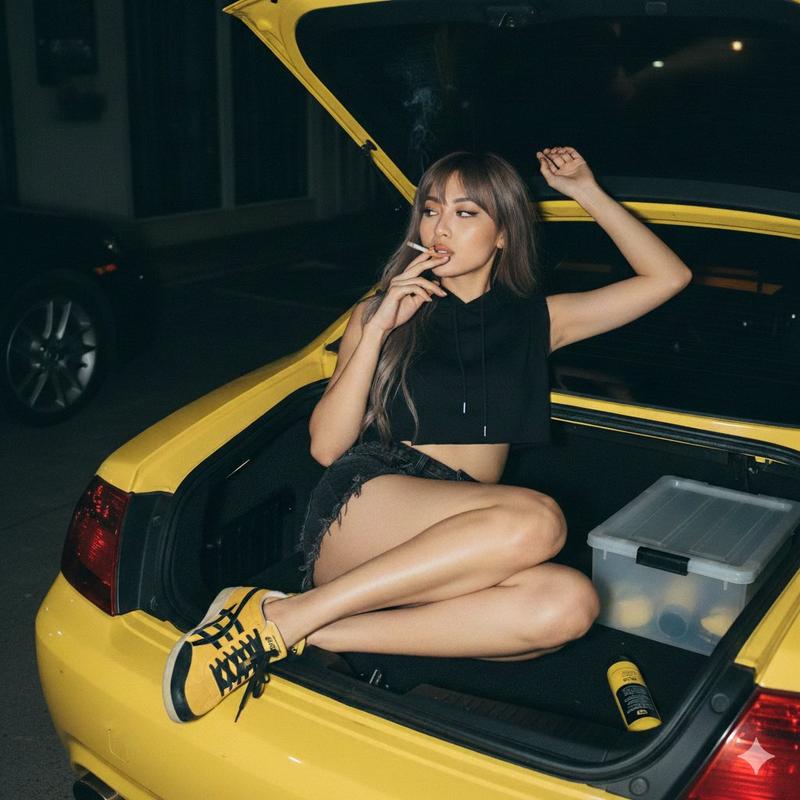
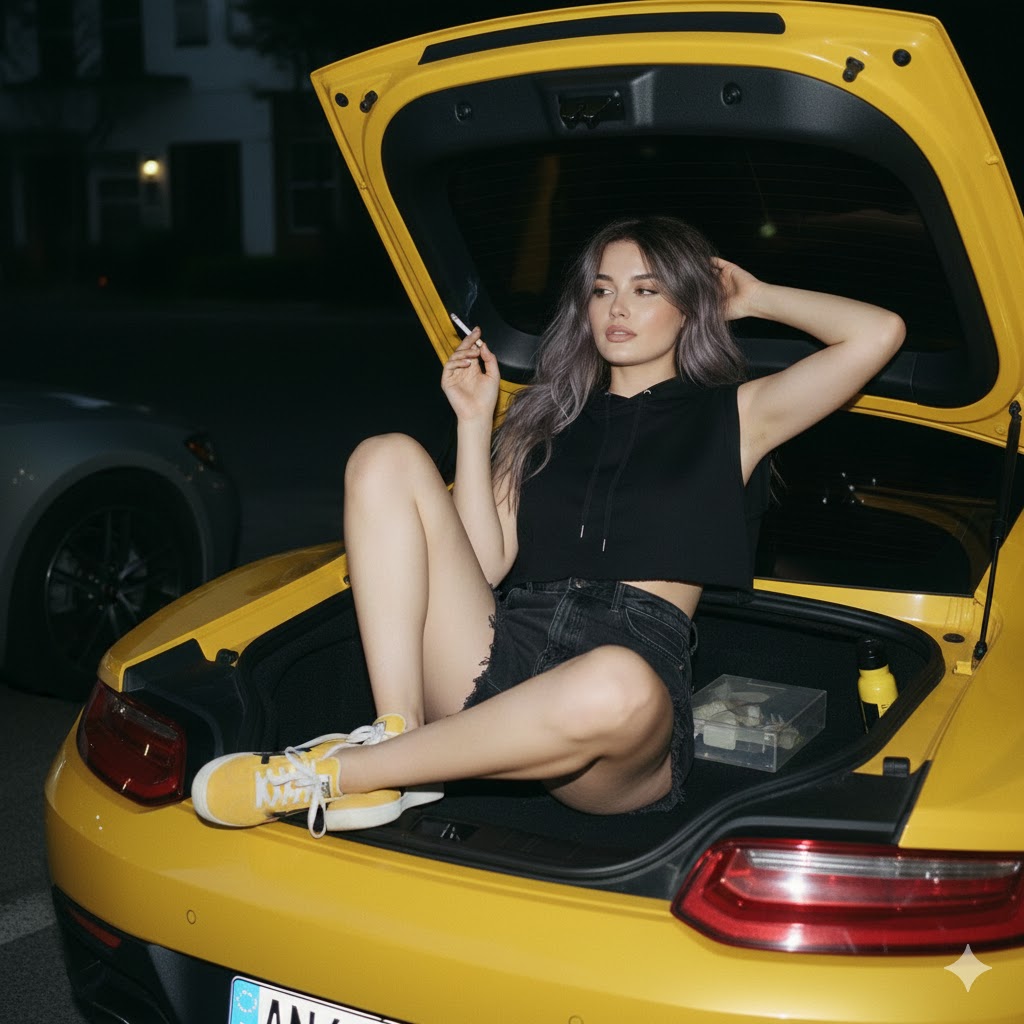
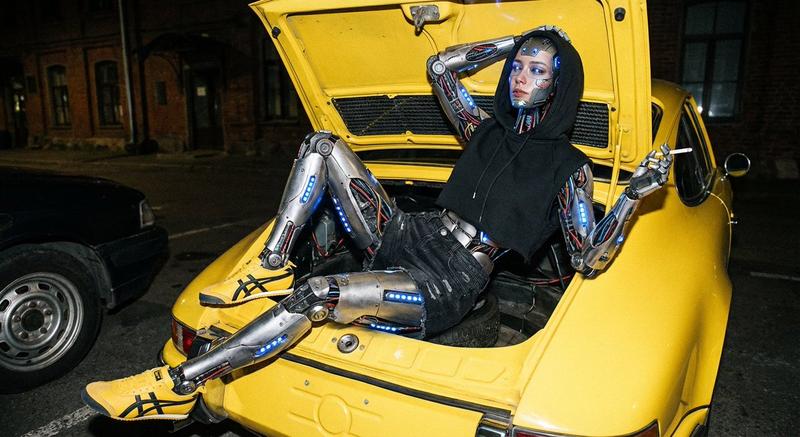
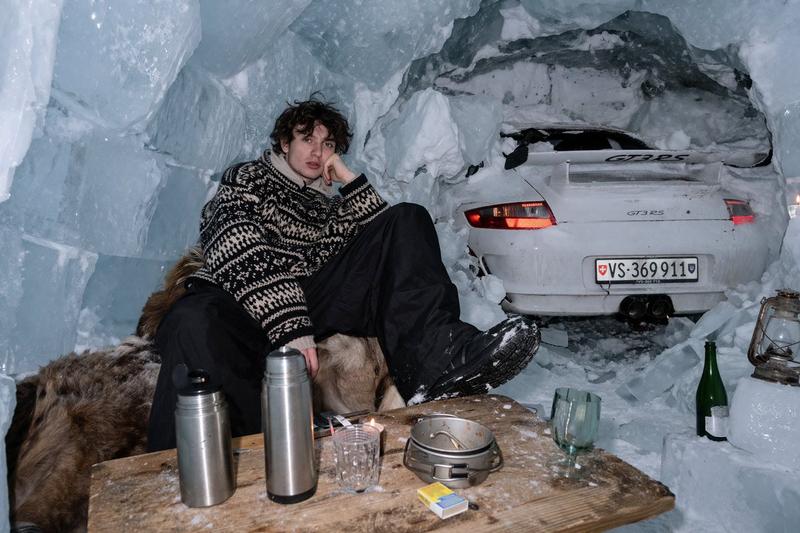
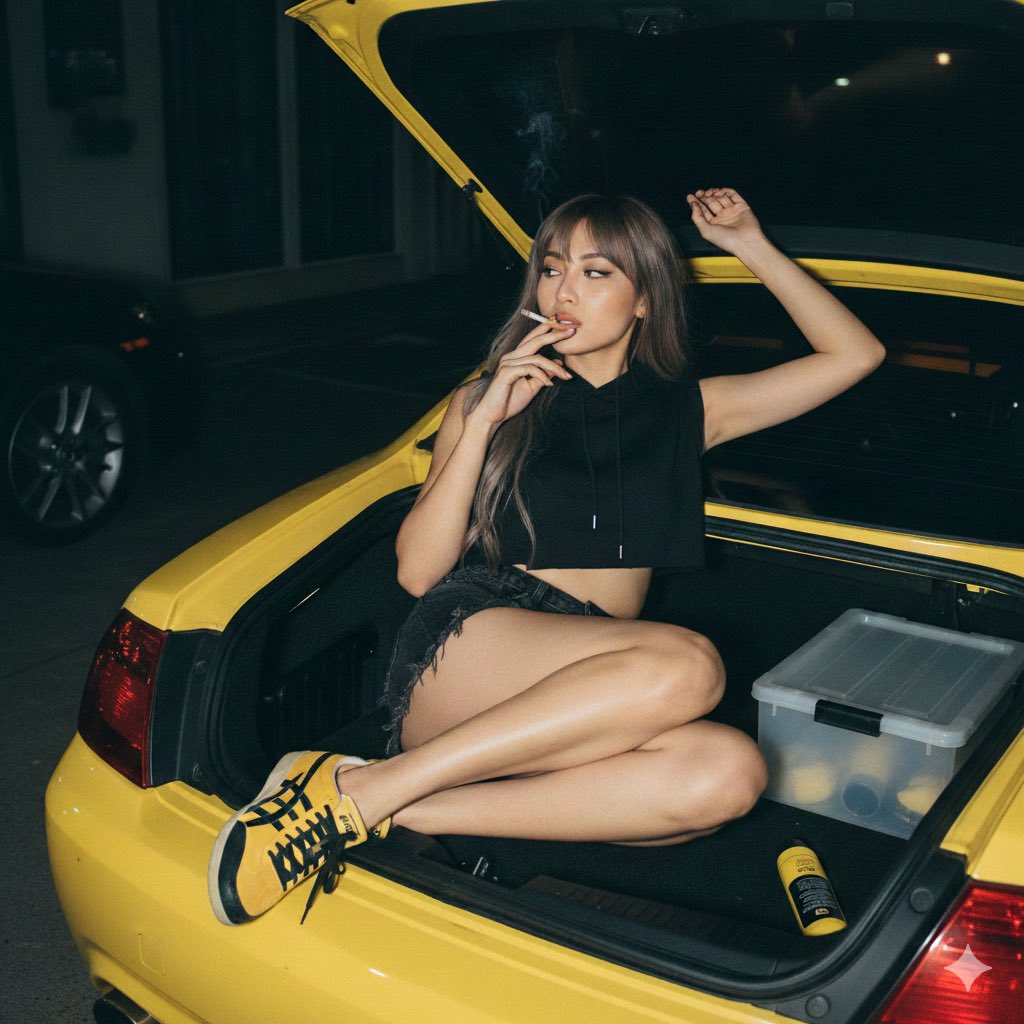
{"prompt_breakdown":{"subject_parameters":{"identity_constraint":"Preserve facial features from reference image","hair":"Long, ash-brown, textured wolf cut","expression":"Relaxed, dreamy, looking to the side"},"apparel":{"top":"Sleeveless cropped black hoodie with high collar","bottom":"Faded black denim shorts, vintage distressed style, raw hem with frayed fibers","footwear":"Onitsuka Tiger Mexico 66 sneakers (Yellow and Black)"},"pose_and_action":{"body_position":"Lying relaxed inside an open car trunk, legs bent and crossed","arms":"Right arm stretched upward, left hand holding a lit cigarette near mouth","action":"Smoking"},"environment_and_props":{"primary_container":"Trunk of a bright yellow sports car","trunk_contents":"Transparent box, yellow bottle or black tube attached to the side","background":"Dark outdoor nighttime setting, faint building silhouette, partial wheel of another vehicle on the left"},"technical_specs":{"angle":"High-angle shot (looking down)","lighting":"Hard direct flash (35mm analog style), dark ambient background","medium":"Flash photography, grainy film texture","atmosphere":"Edgy, mysterious, candid"}}}- 分类
- creative_scene
- 模型
- Nano Banana Pro
- 来源作者
- Pixshop
- 来源 ID
- 3d26c9e8-cdfe-4c11-847c-6b9536394d7c
- 发布时间
- 2026年1月14日
浏览量3