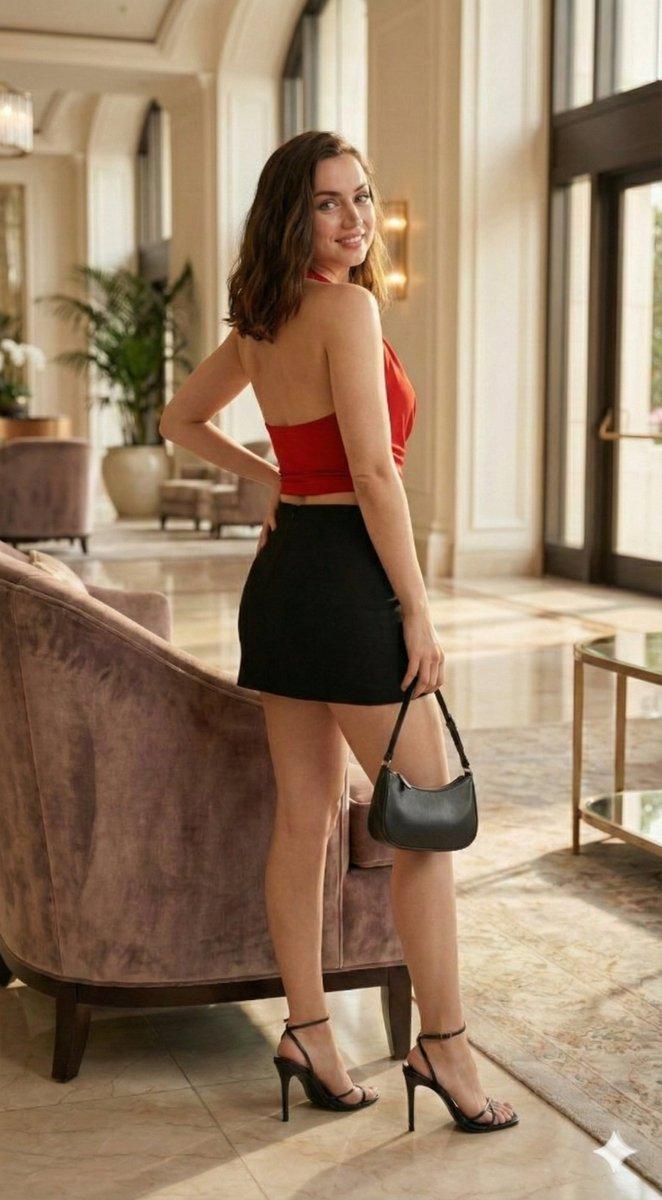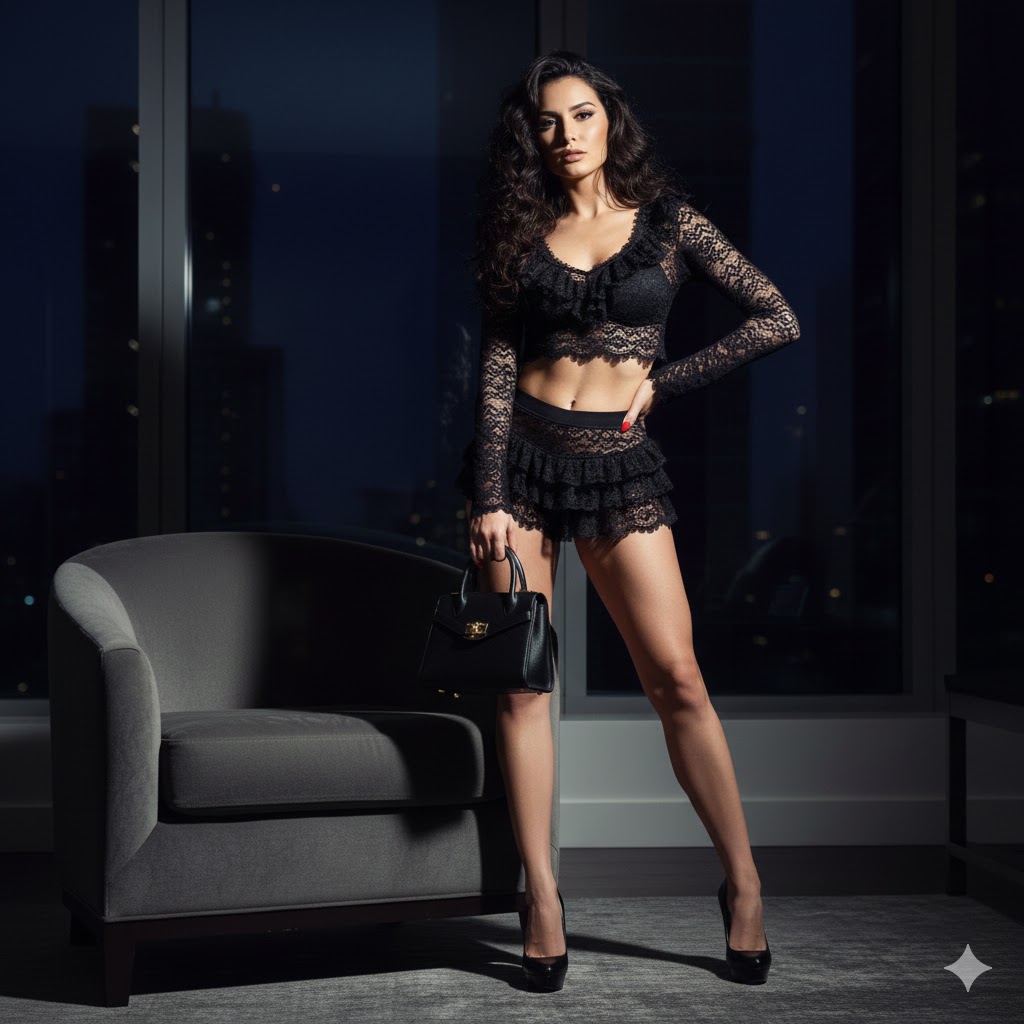
{"image_generation_parameters":{"resolution":"1200x1200px","aspect_ratio":"1:1","reference_usage"...
提示词
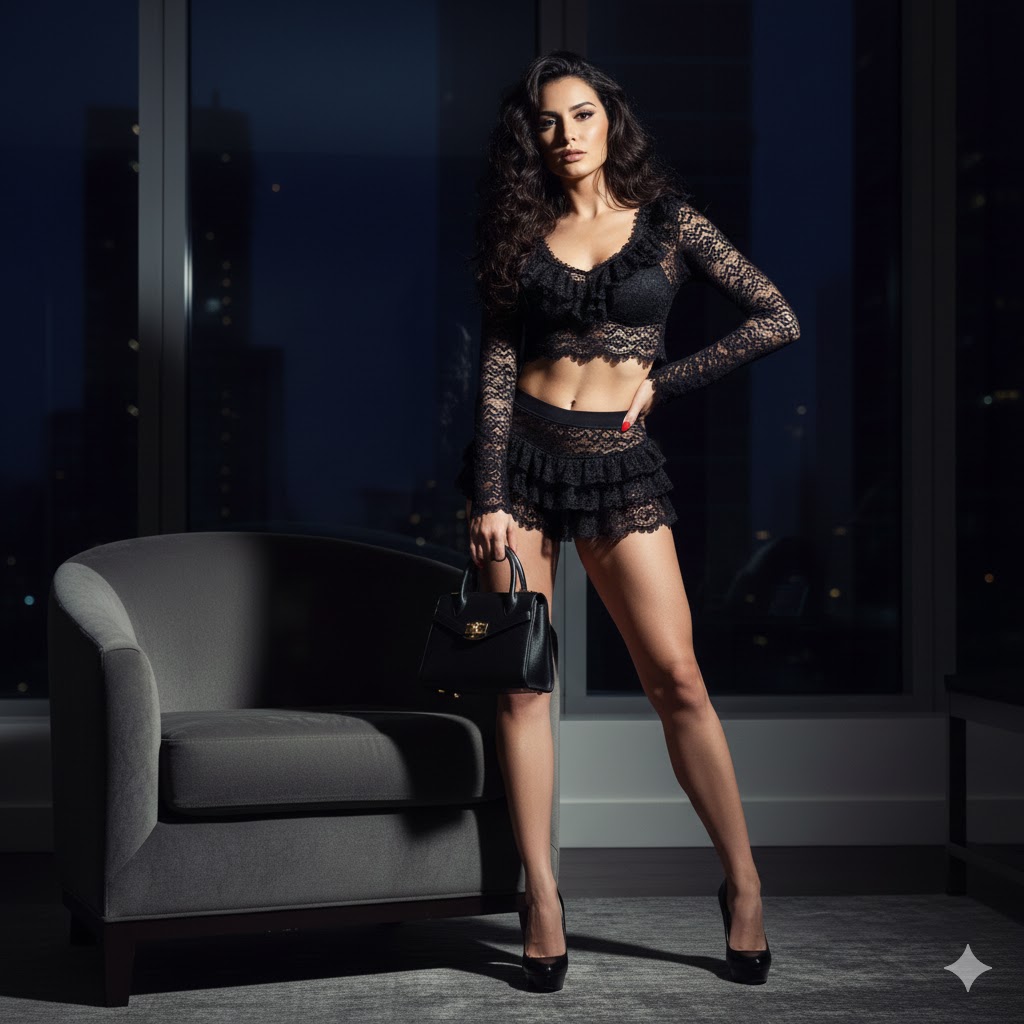
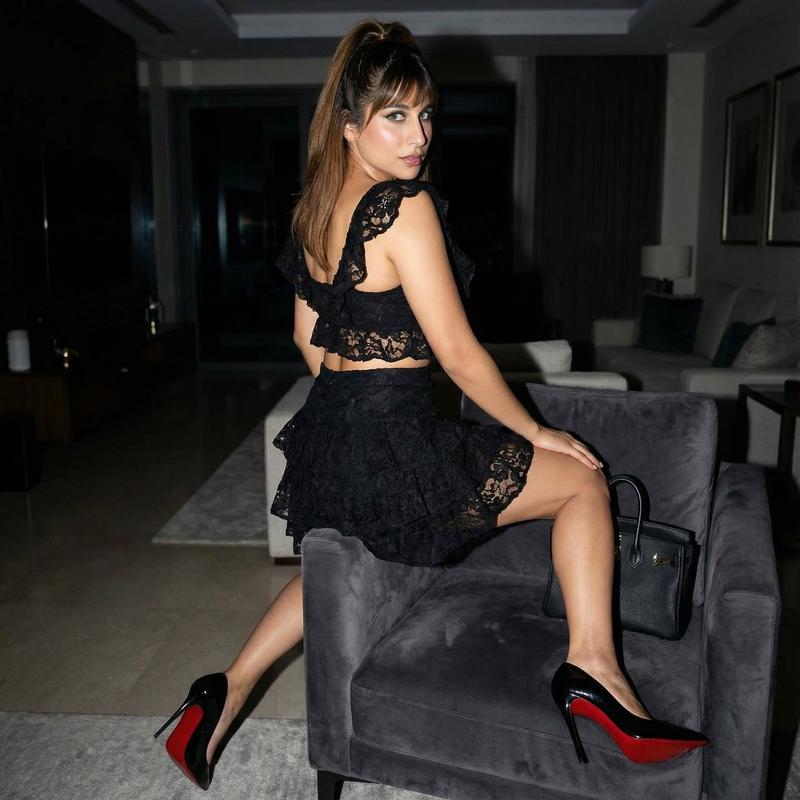
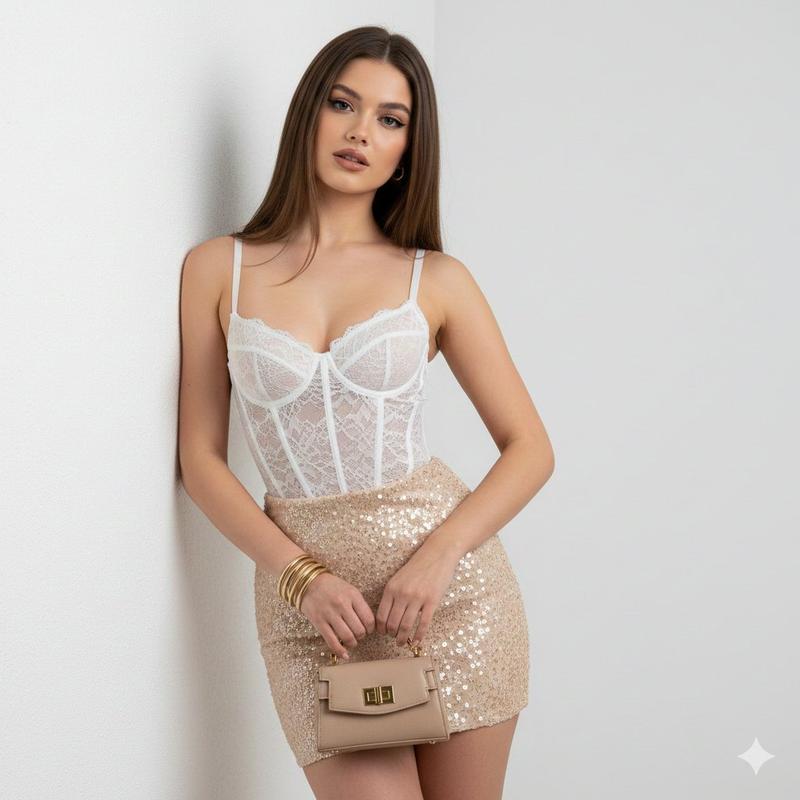
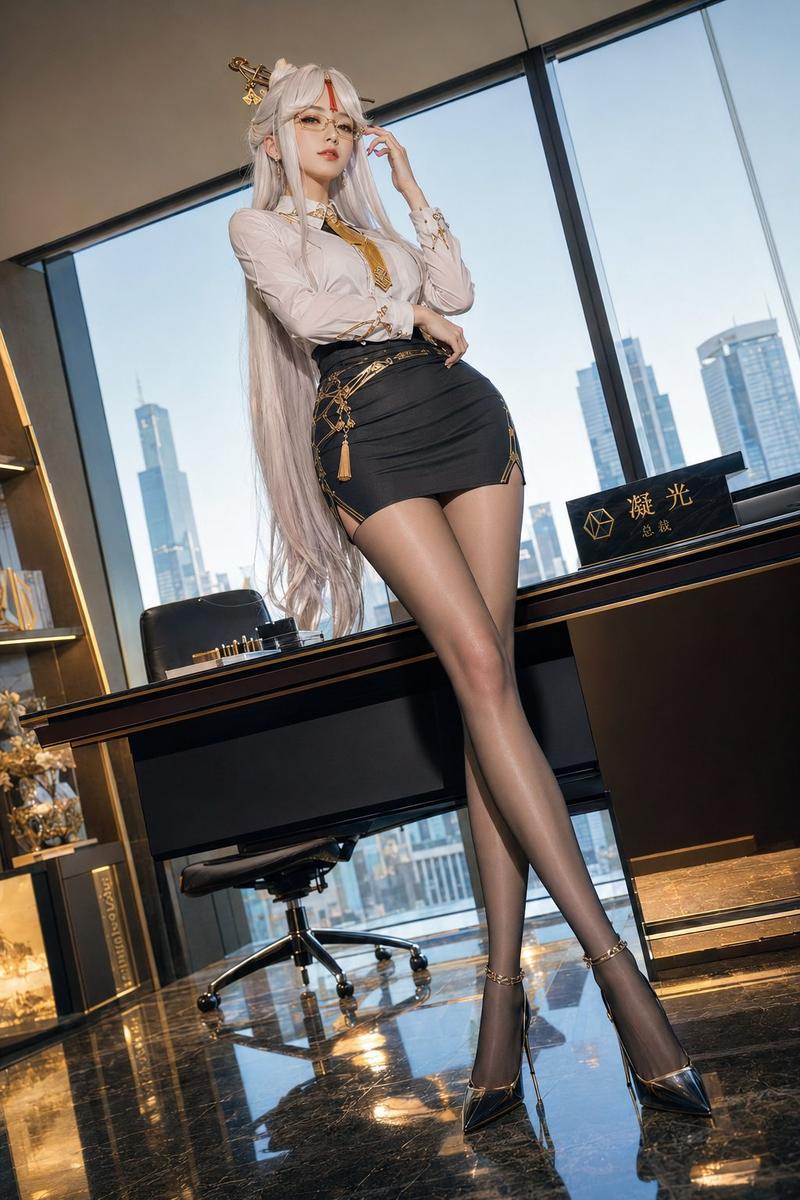
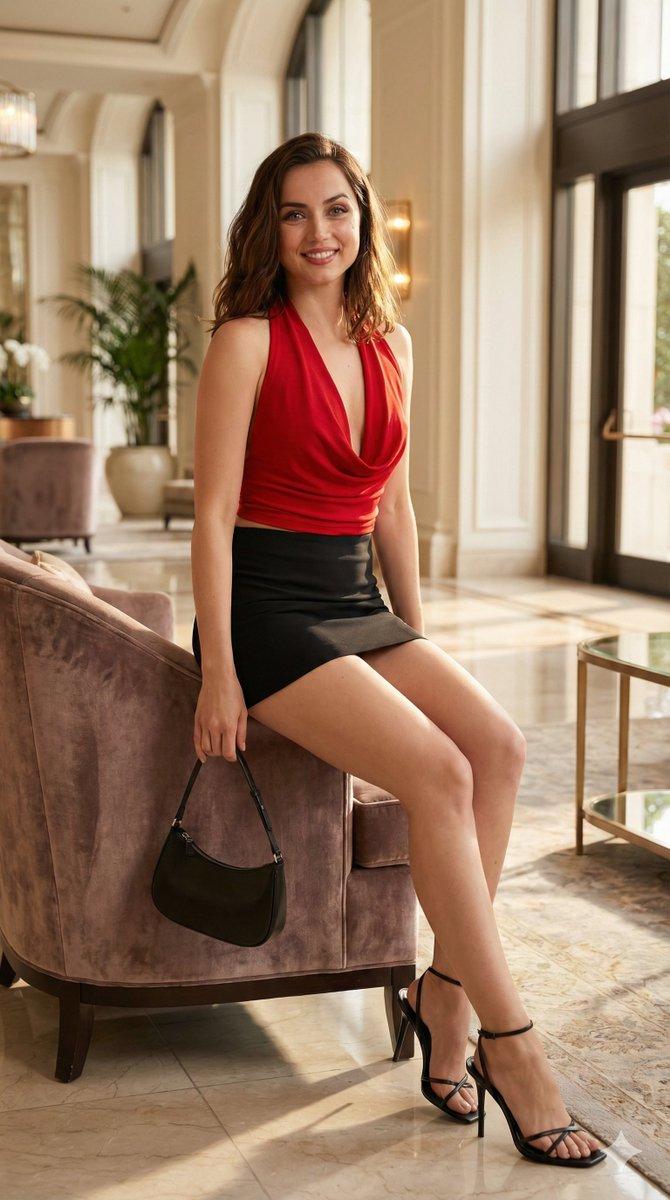
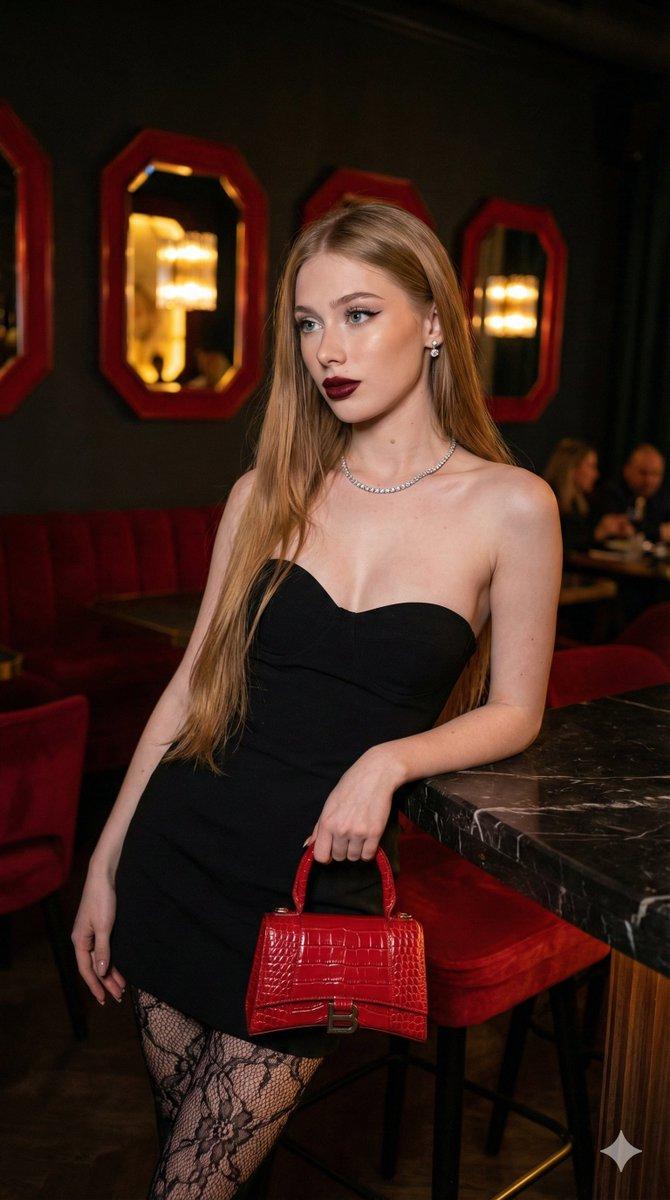
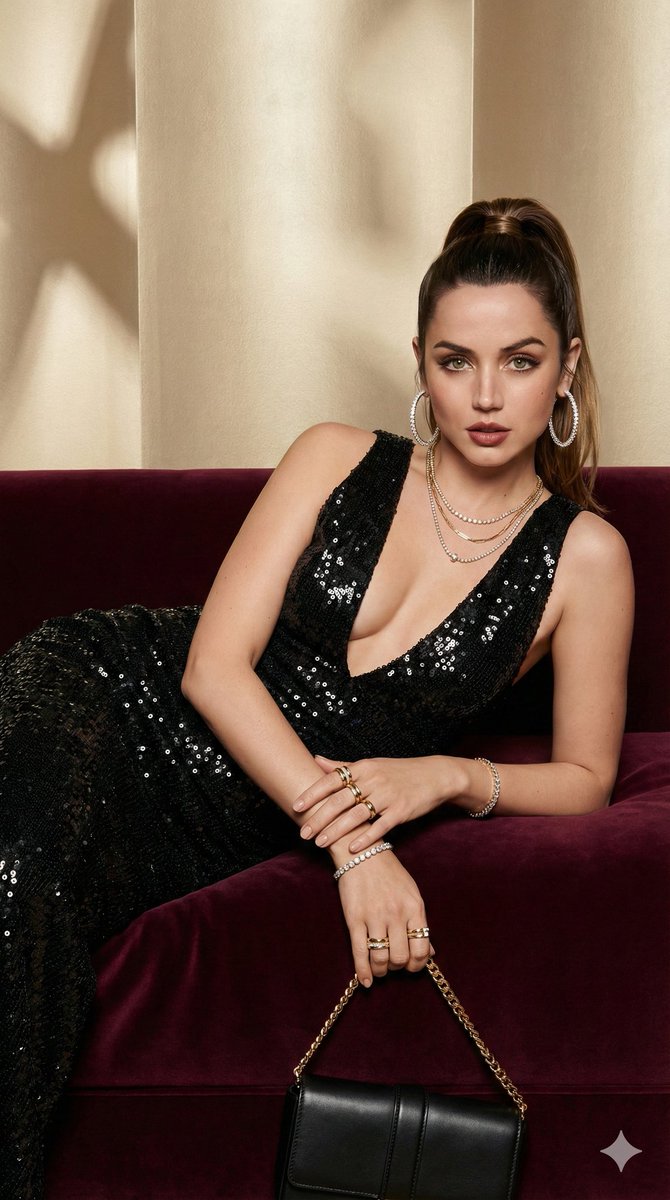
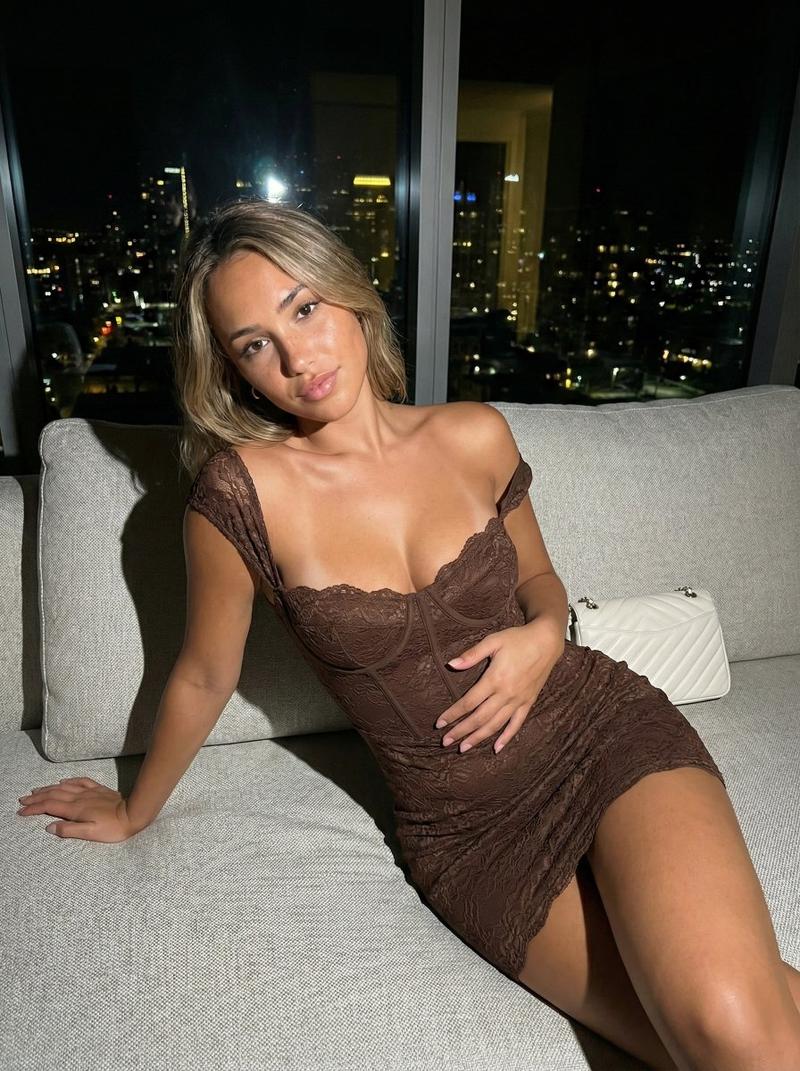
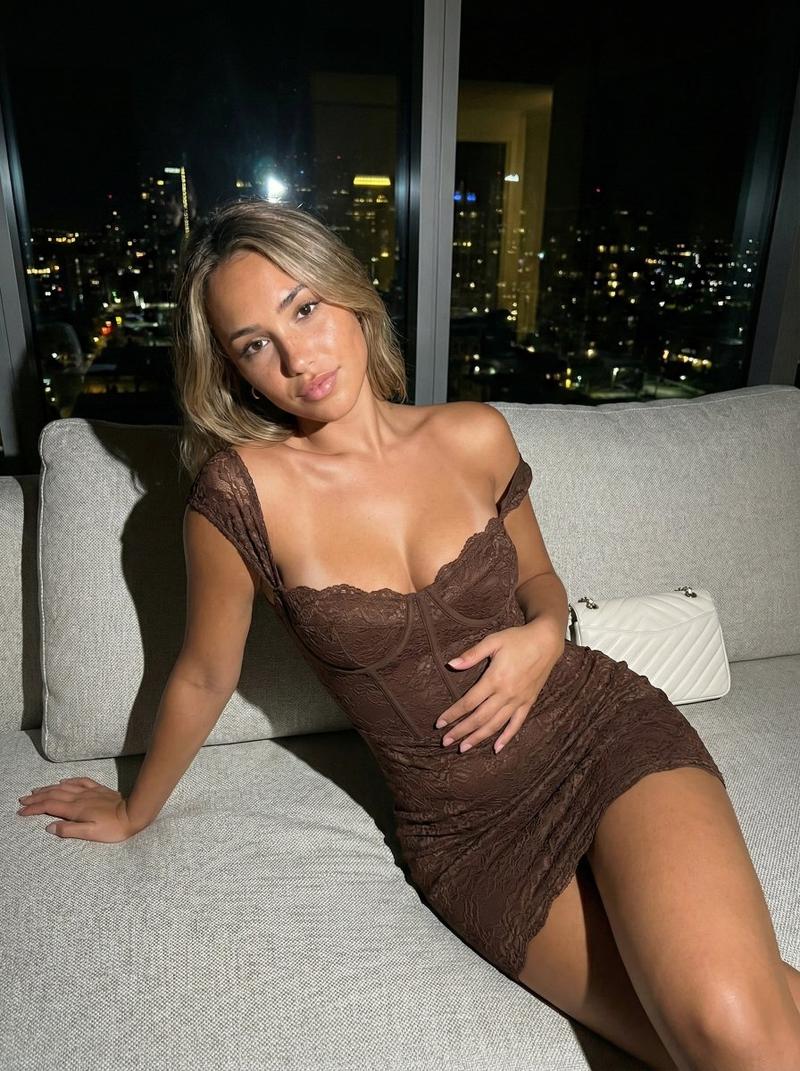
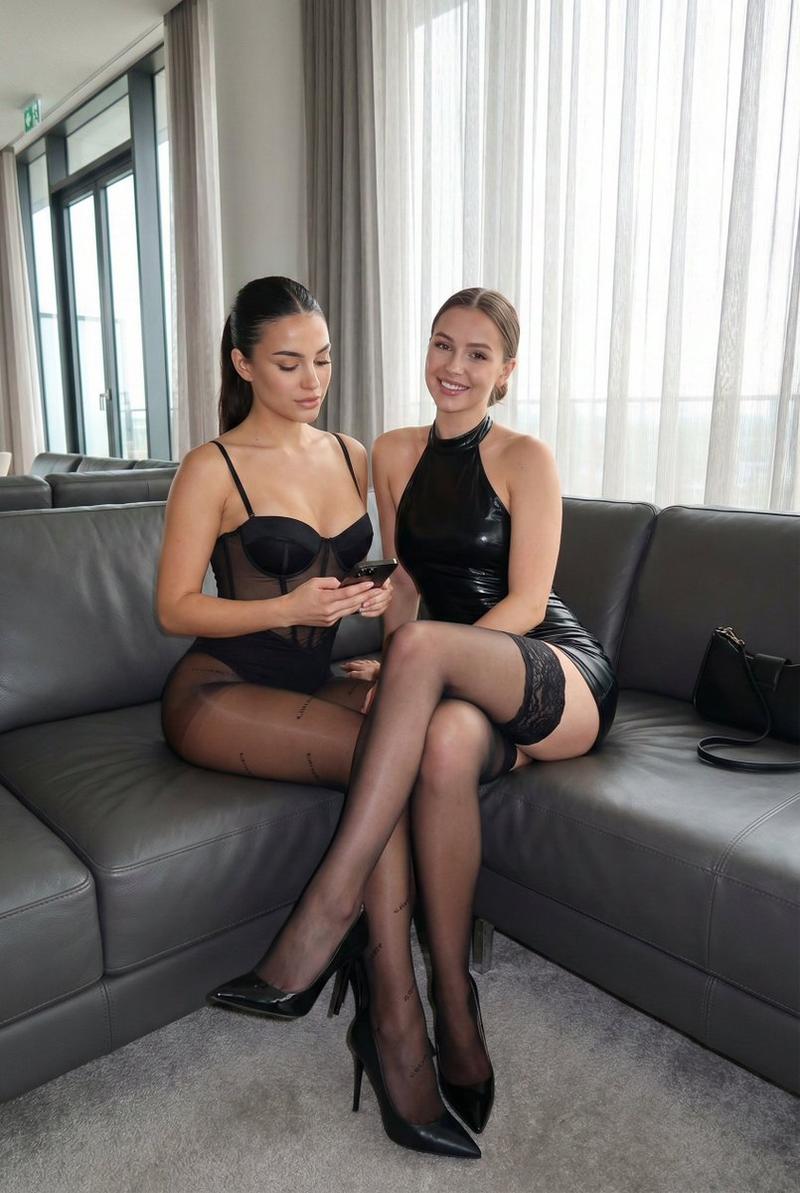
{"image_generation_parameters":{"resolution":"1200x1200px","aspect_ratio":"1:1","reference_usage":"Preserve facial features from reference image strictly"},"visual_style":{"genre":"High-fashion magazine editorial","technique":"Direct flash photography","atmosphere":"Glamorous, bold, nightlife aesthetic, paparazzi style","lighting":"Hard direct flash creating sharp shadows and high contrast against a dark background"},"subject_breakdown":{"appearance":{"hair":"Long dark wavy hair, voluminous and glossy","expression":"Confident, alluring, looking back over the shoulder","gaze":"Direct connection with the camera"},"pose":" perched elegantly on the armchair, twisting torso to look back","wardrobe":{"garment":"Black lace ruffled two-piece outfit (top and bottom)","footwear":"Black high stiletto heels with signature red soles","accessories":"None specified other than props"}},"environment_details":{"setting":"Modern luxury living room interior","time_of_day":"Night","furniture":"Plush charcoal grey armchair","props":"Black designer handbag resting on the chair cushion beside the subject","background":"Dimly lit upscale interior, out of focus"}}- 分类
- figure_toy
- 模型
- Nano Banana Pro
- 来源作者
- Pixshop
- 来源 ID
- d2d187ed-c4aa-4d35-89ae-1cb0df0040a0
- 发布时间
- 2026年1月14日
浏览量5