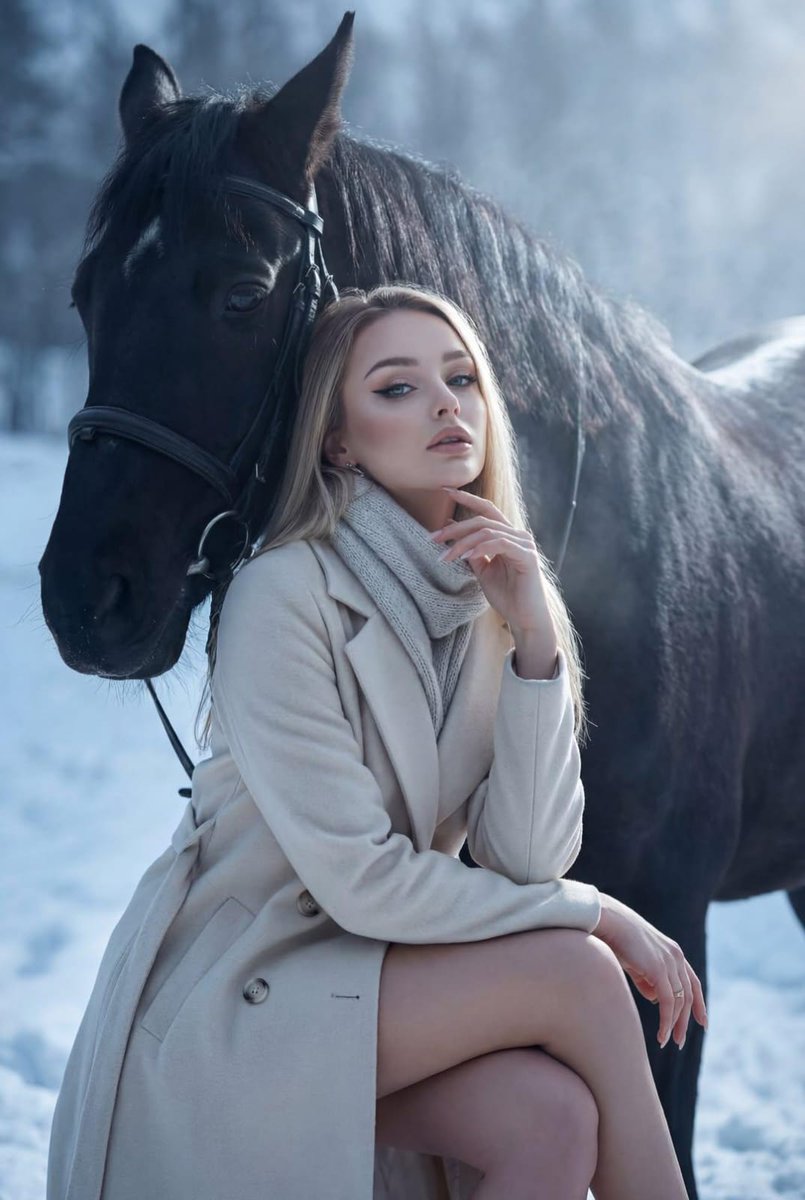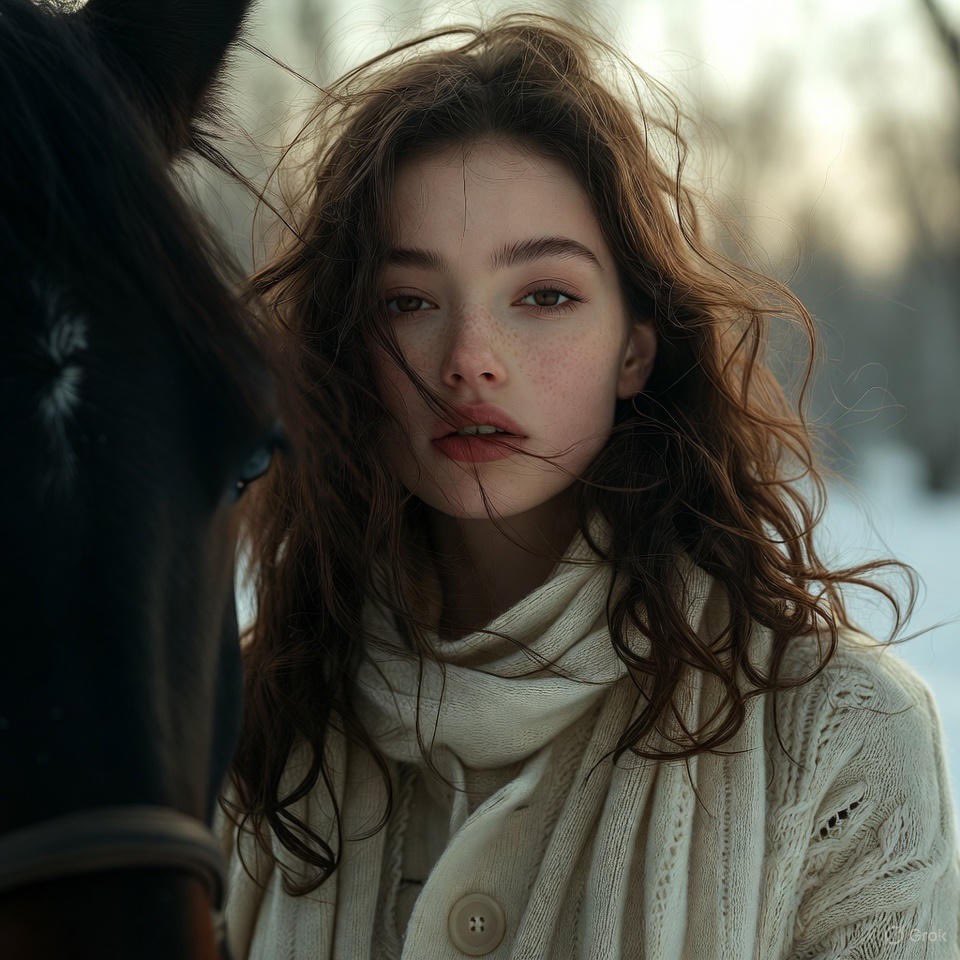
{"project_directive":"Fashion Editorial Interpretation","resolution":"1200x1200px","scene_composi...
提示词
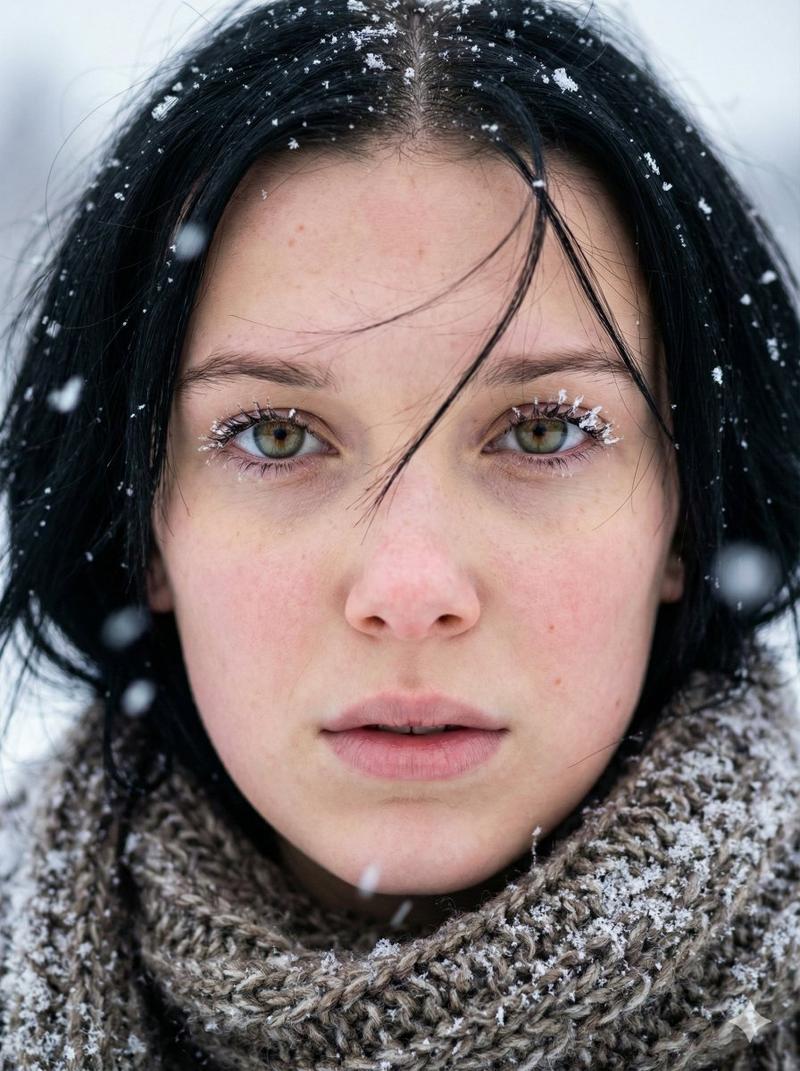
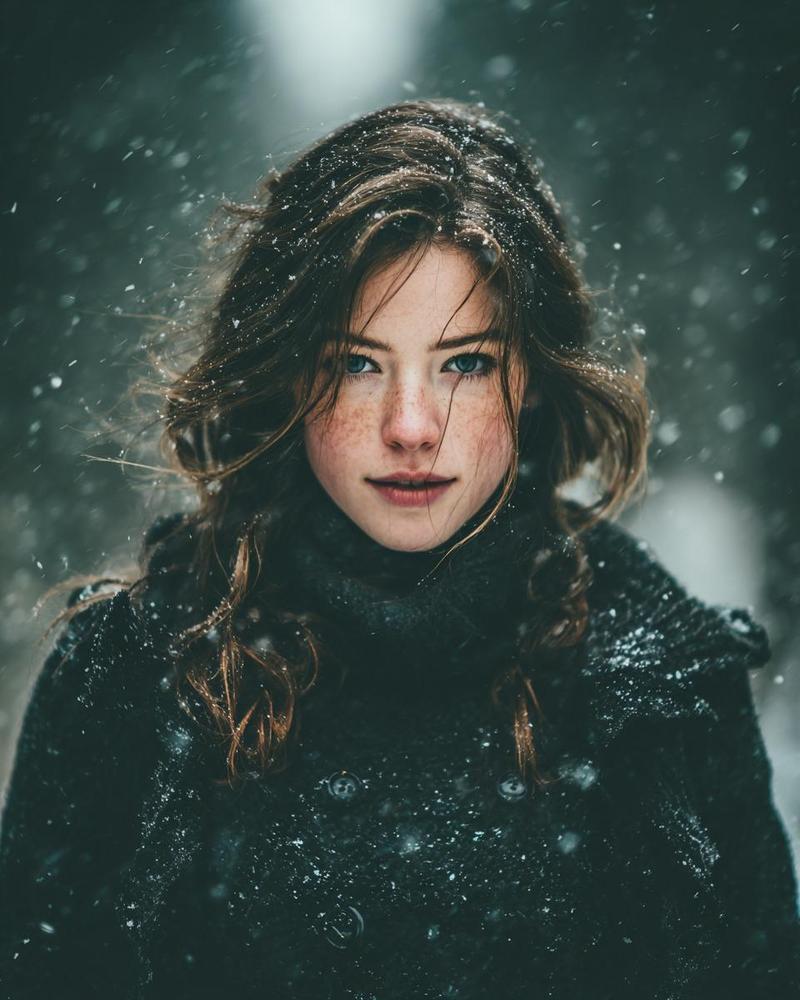
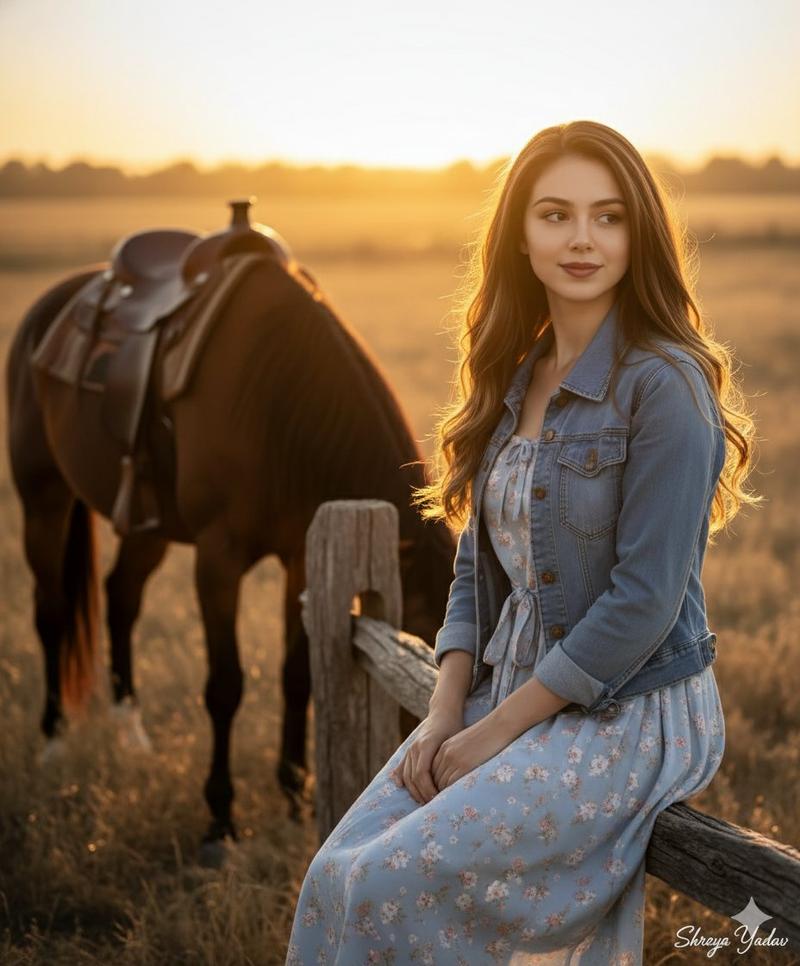
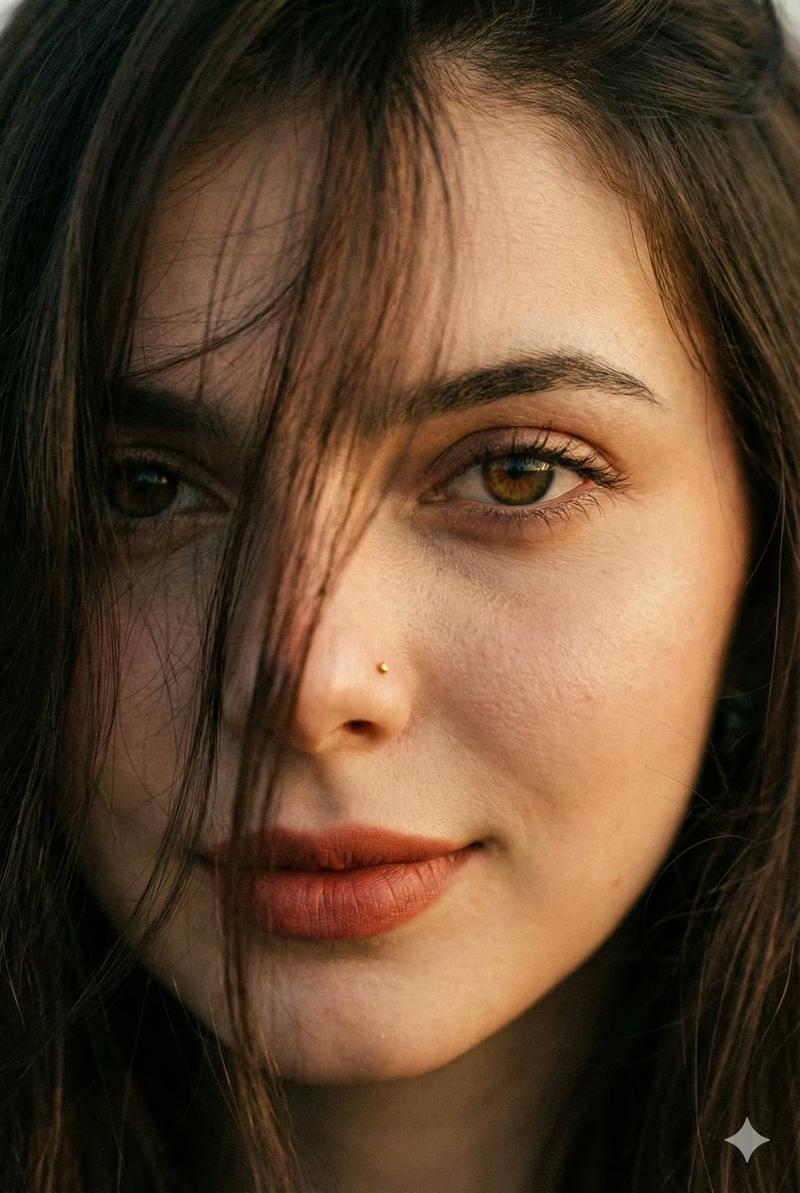
{"project_directive":"Fashion Editorial Interpretation","resolution":"1200x1200px","scene_composition":{"preservation_mandate":{"accuracy_level":"Nano-level of accuracy of all key elements","subject_pose":"Maintain initial pose, soft movement of hair, direction of gaze","interaction":"Natural connection with the horse","setting_base":"Winter landscape"},"atmosphere":{"vibe":"Elite fashion magazine aesthetic","mood":"Cinematic, premium, intellectual understanding of the scene"}},"visual_enhancements":{"lighting":{"contrast":"Increased contrast and depth","tone":"Precise molecular adjustment of cold shades","effects":["Light cinematic haze","Silvery diffused shine around model and horse contours","Light glossy glow"],"shadows":"Slightly enhanced drama in snow shadows"},"textures_and_materials":{"fabric_processing":"Smart texture detail on coat and scarf (luxurious high fashion wool)","skin_processing":"Improved micro-details, retouched while preserving naturalness and individuality"},"color_grading":{"palette":["Soft cream","Ice blue","Platinum shades"],"adaptation":"Harmonized to fashion-editorial standards"}}}- 分类
- 创意图片
- 模型
- Nano Banana Pro
- 来源作者
- Pixshop
- 来源 ID
- 73b6af1b-714e-4cee-ae85-c492f13997ff
- 发布时间
- 2026年1月14日
浏览量3