Create this photo into a photorealistic image with a strong nostalgic and melancholic atmosphere,...
提示词
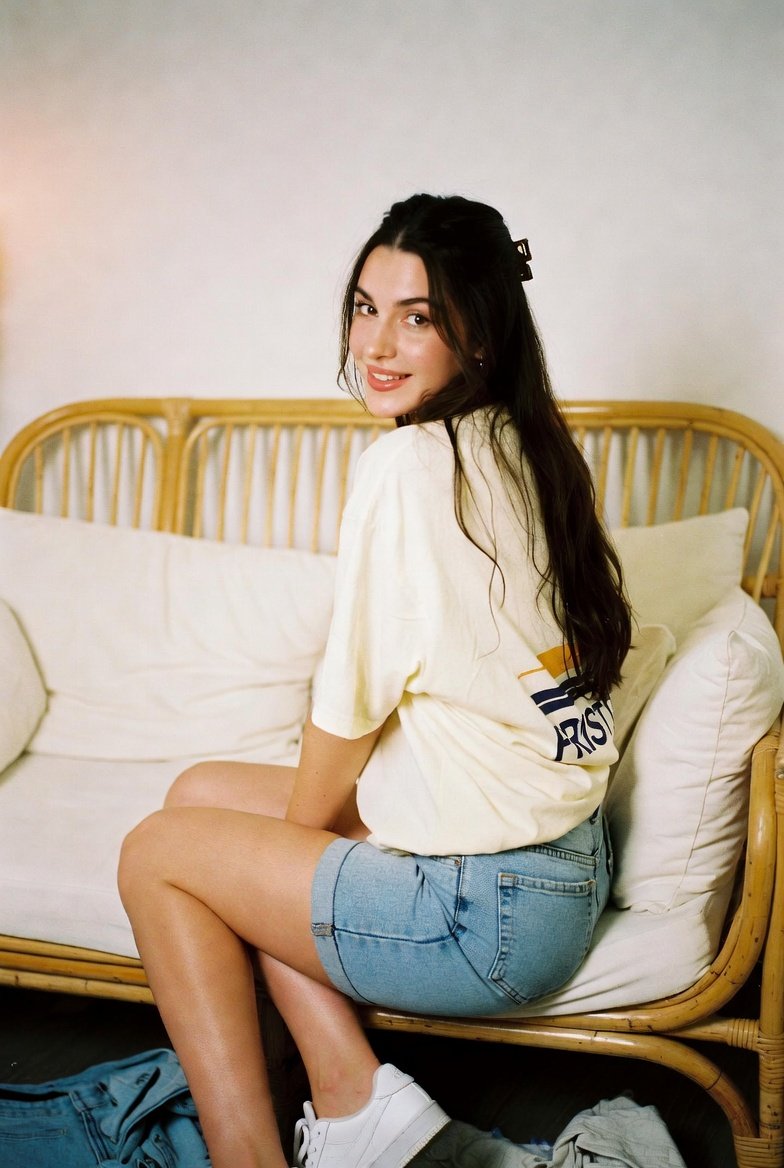
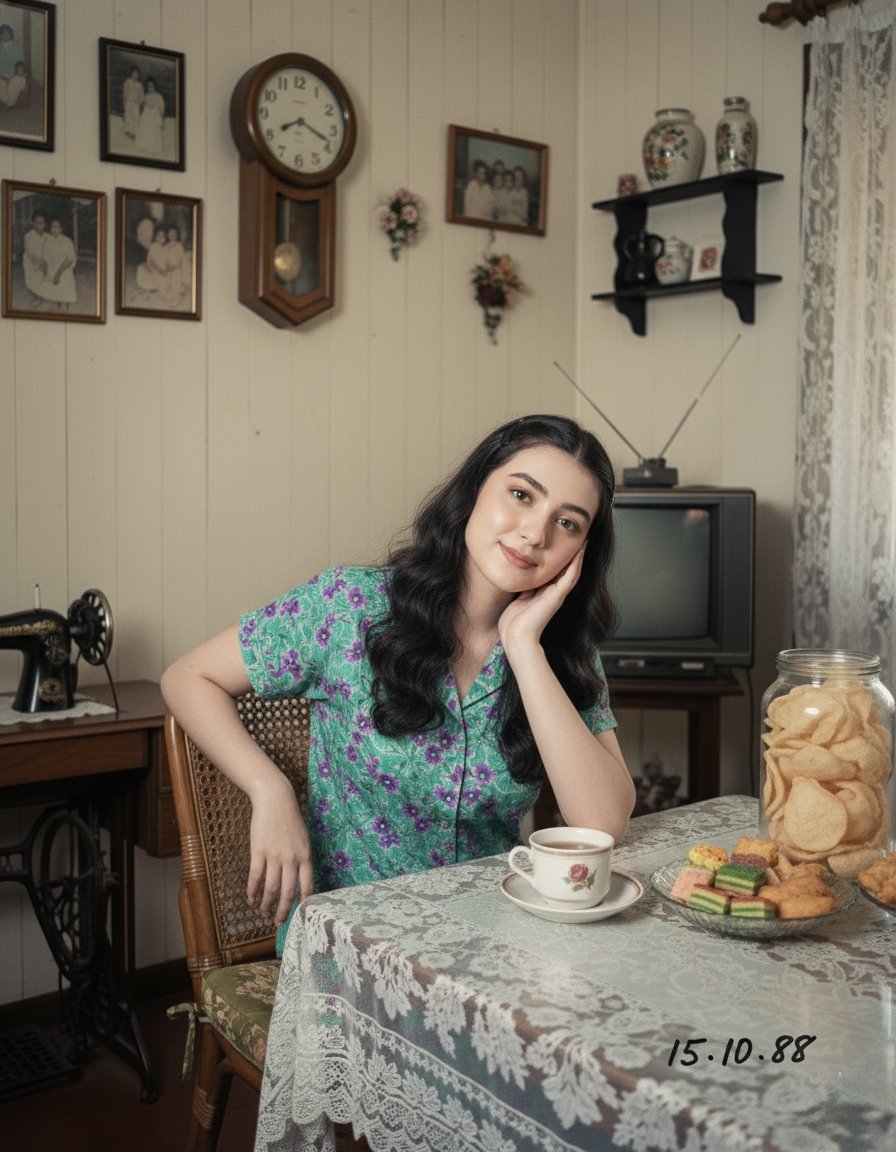
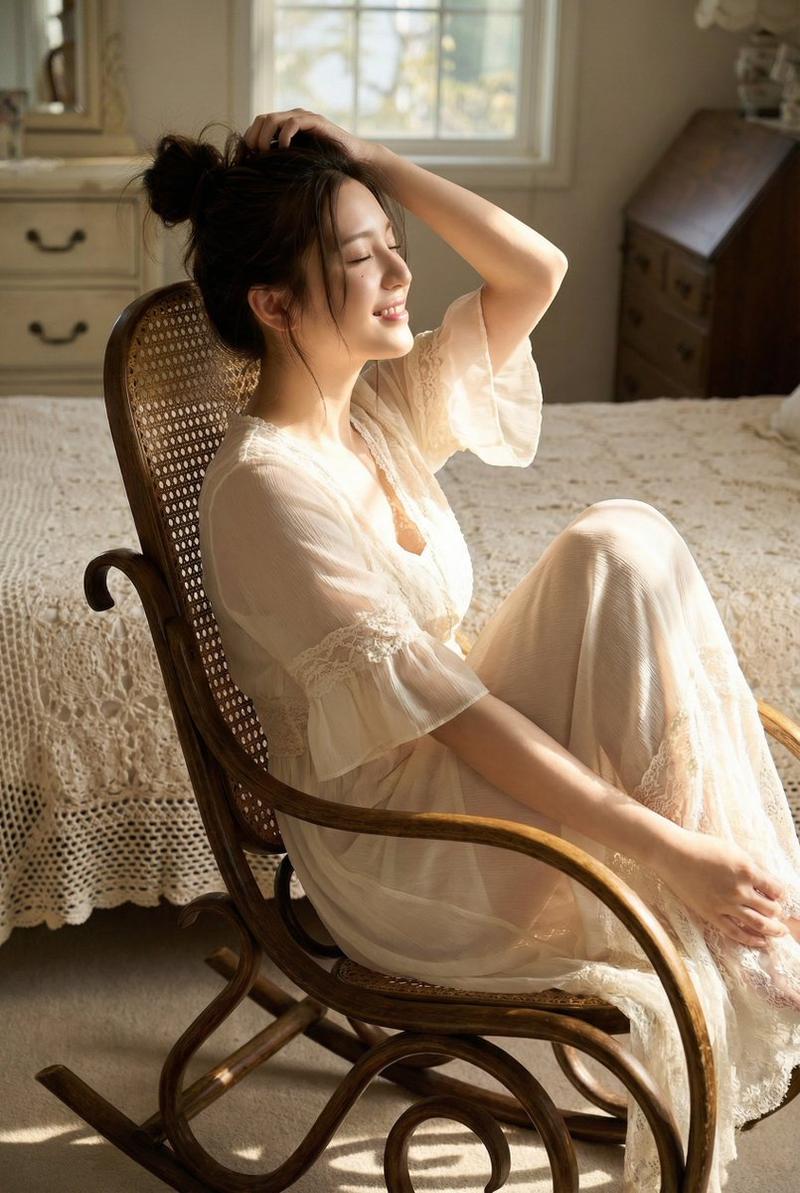
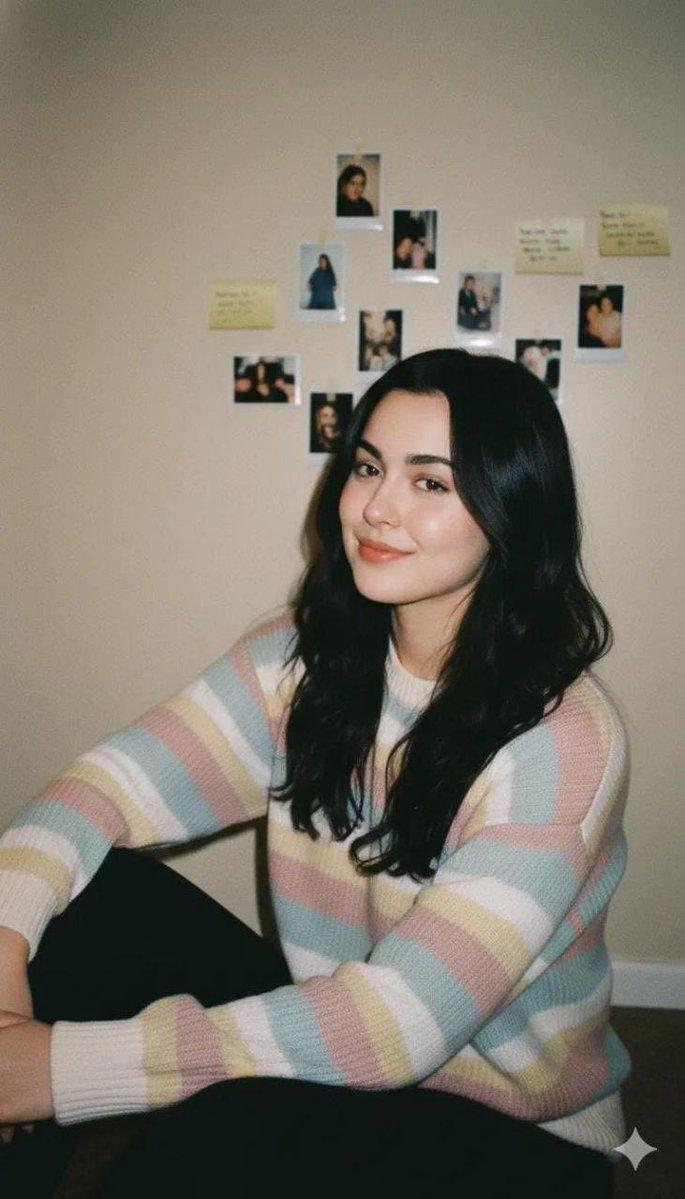
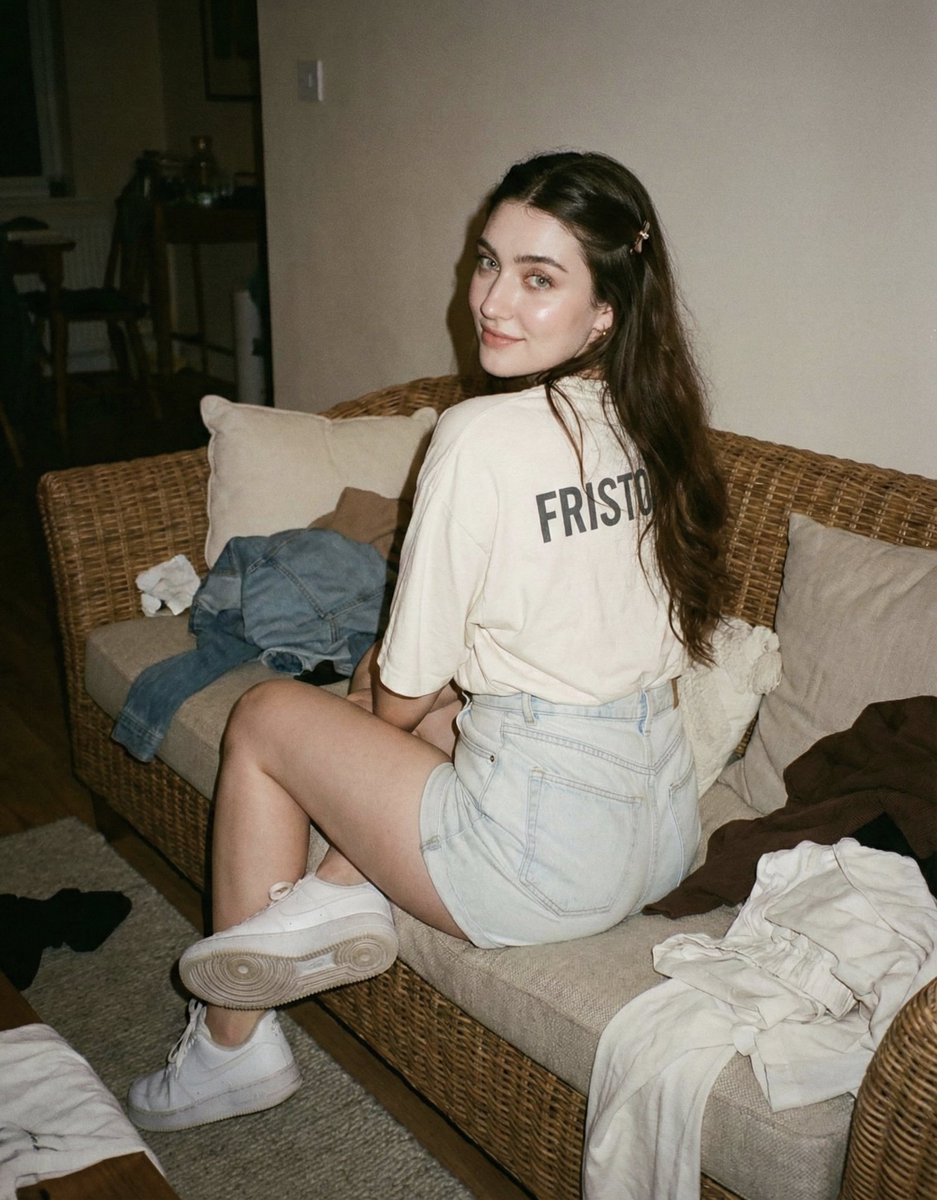
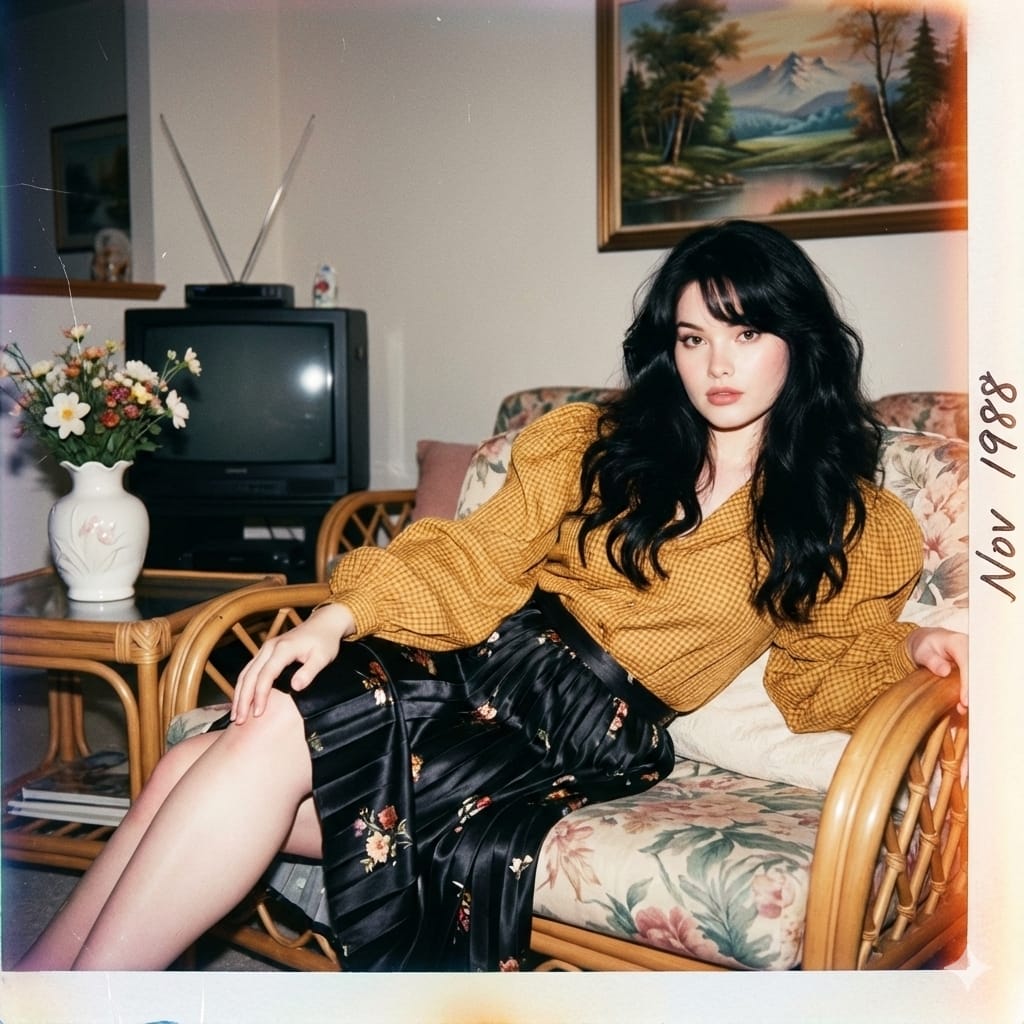
Create this photo into a photorealistic image with a strong nostalgic and melancholic atmosphere, without altering the face in any way (maintain 100% likeness to the reference photo). The subject is a young Asian woman with an ideal figure, styled with a distinctly 1980s aesthetic. She is sitting casually on a floral-patterned rattan chair. She wears a mustard-yellow blouse with fine checkered patterns and dramatic balloon sleeves that give a glamorous, vintage feel. She pairs it with a black satin skirt featuring delicate pleated textures and raised floral motifs. Her thick black hair is left down—naturally wavy, long, and voluminous in true 80s fashion. Her bangs are styled transparently and swept to the right. She sits in a relaxed, slightly reclined position, leaning a bit to the right. Her legs are crossed, and her left hand rests on her thigh, adding a candid, unposed impression. The background is an old-fashioned living room with a minimalist arrangement: aged cream walls decorated with a landscape-style painting typical of the 80s and several family photos; vintage items such as a CRT television, a rattan table with a white ceramic vase of flowers, and an old-school biscuit tin. The floor is covered with yellowish-brown ceramic tiles in a retro pattern. The moment is captured with a 1980s analog point-and-shoot camera, producing warm-faded analog tones with internal flash: strong highlights on the face, soft contrast, dense/sharp subject shadows, and a darker background—especially around the frame edges. The image has soft sharpness, natural film grain, light vignetting, and slight overexposure on the clothing. Low contrast with slightly muted saturation. Fine grain indicates it’s a scanned analog film photo or a retro-style filter. Overall mood: vintage glam, rebellious, artsy, and casual. Add old-photo aging effects: a bluish-magenta color fade, thin white lines along the edges typical of old film, subtle horizontal scratches like worn folded paper, a faint orange burn effect around the borders, and handwritten cursive text made with a faded black marker: Nov 1988.
- 分类
- creative_scene
- 模型
- Nano Banana Pro
- 来源作者
- Pixshop
- 来源 ID
- fdec489b-ee5a-4f93-91ef-262c700f956b
- 发布时间
- 2026年1月14日
浏览量8