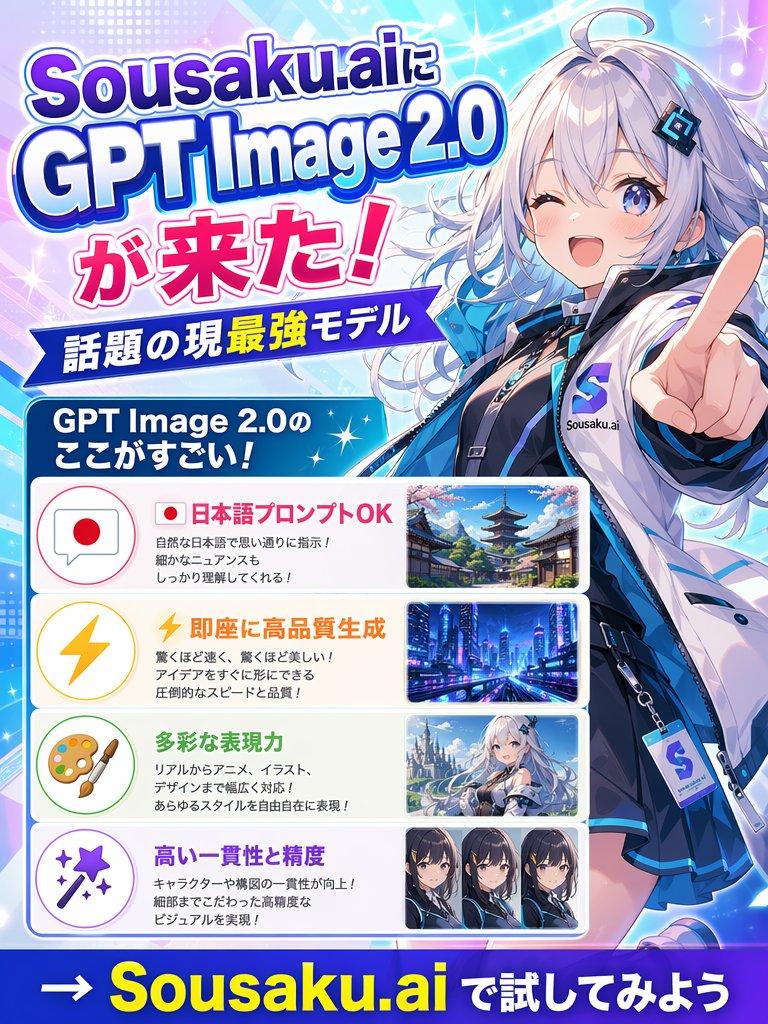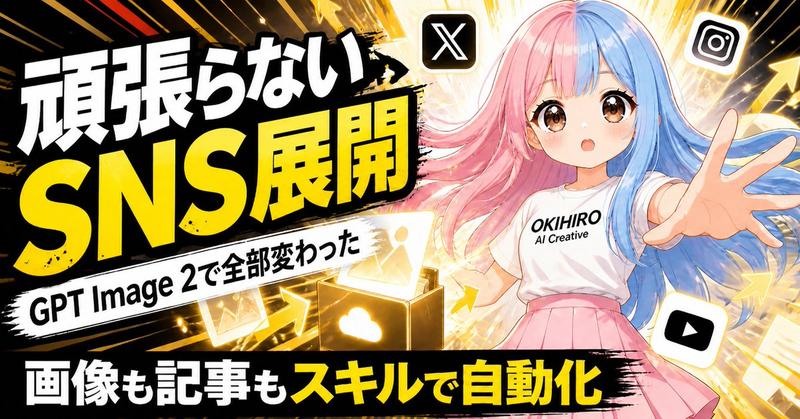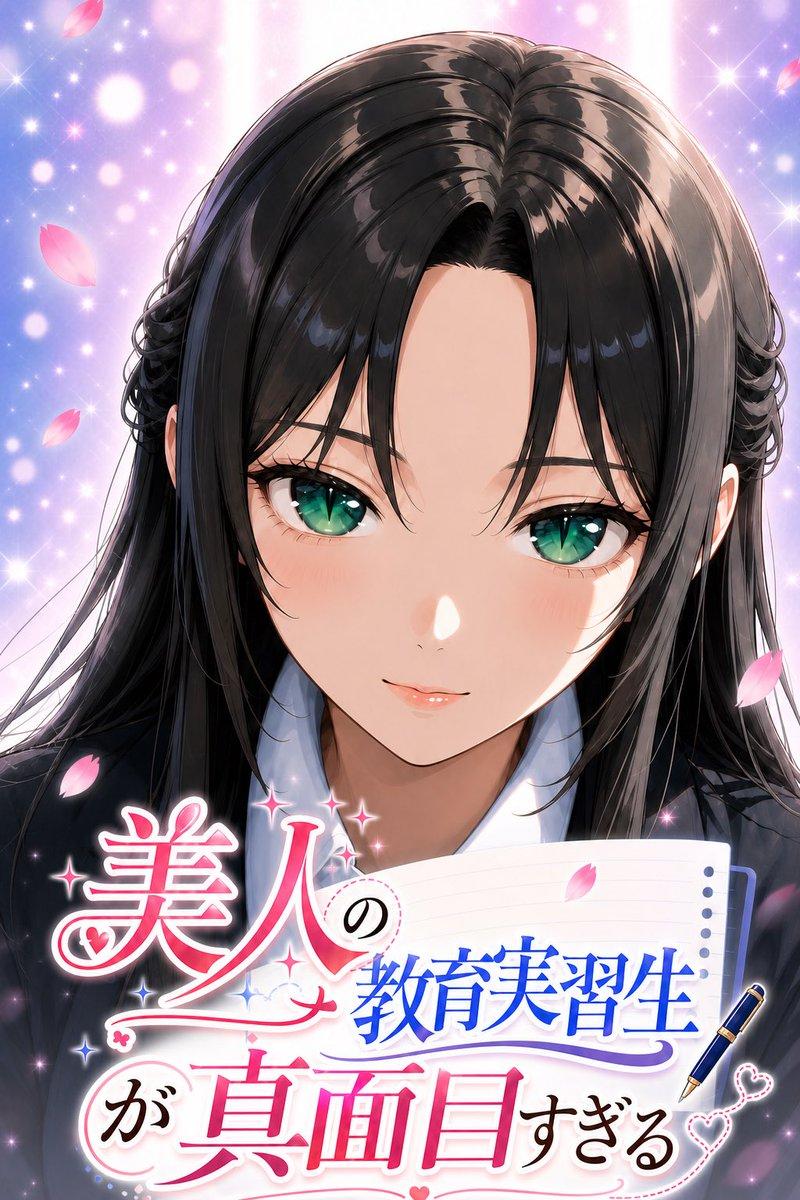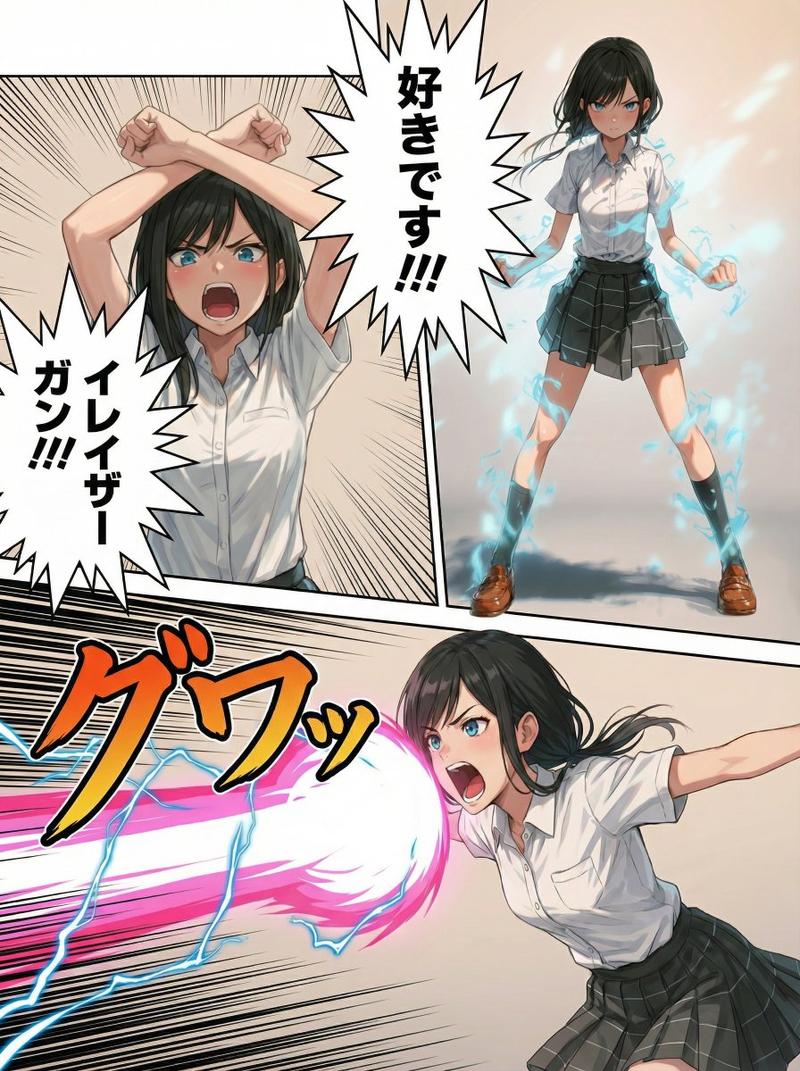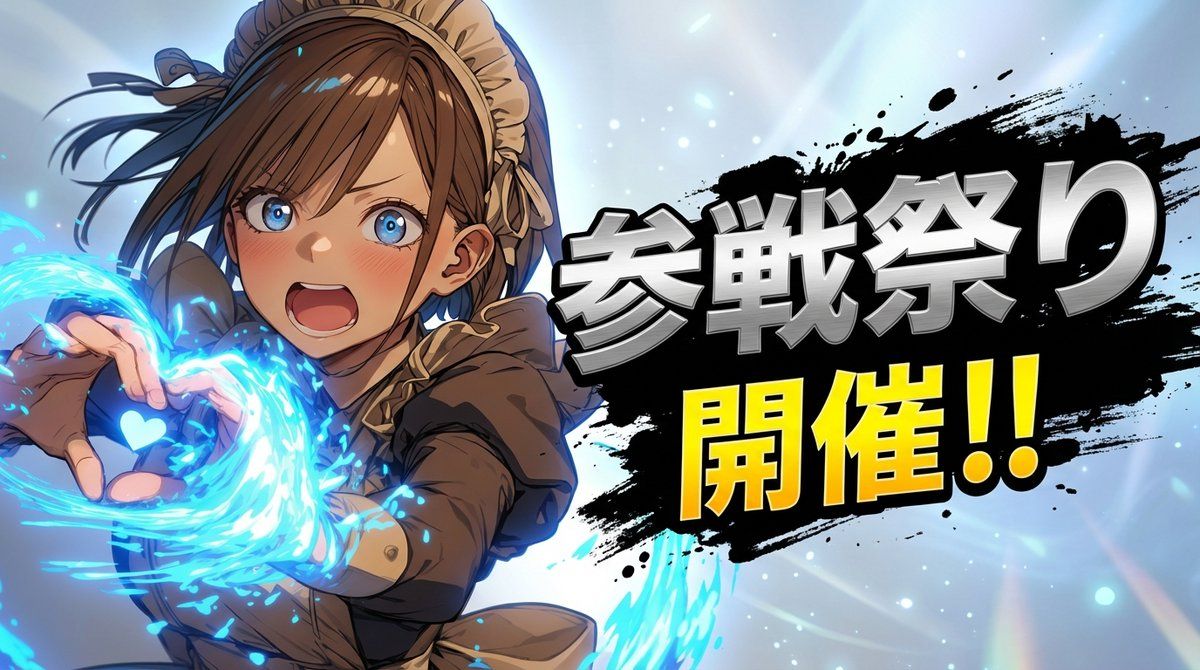
角色“参与屏幕”揭示提示
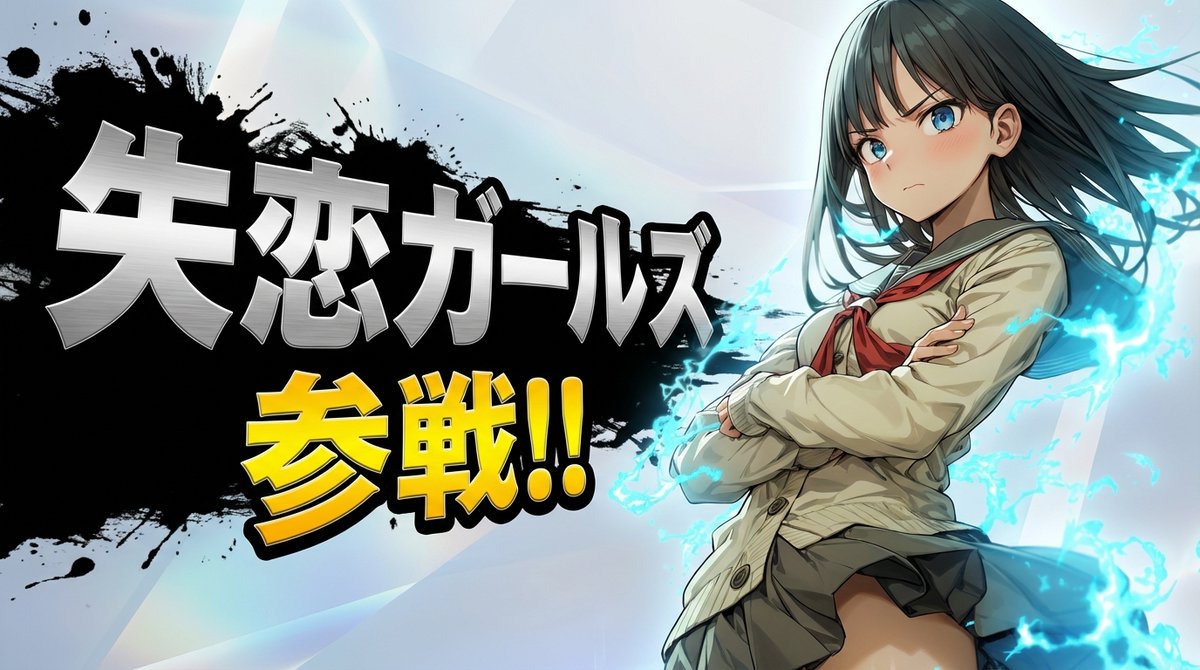
提示词
layering:
  order:
    - text_layer
    - character_layer
    - background_layer
  strict: true

subject:
  description: >
    Preserve the subject exactly as in the reference image, keeping all facial features,
    colors, hairstyle, clothing, and proportions. No redesign or reinterpretation.
  framing: >
    Bust-up composition (head to upper torso), making the subject appear large and prominent.
  integrity: full_identity_preservation
  detail_level: ultra_high_resolution
  micro_details: preserve_skin_texture_hair_edges_fabric_details

composition:
  aspect_ratio: "16:9"
  layout: >
    Subject positioned on one side; headline text on the opposite side.
  emphasis: >
    Strong presence on the character's upper body and expression.

action:
  description: >
    Minimal motion enhancement. Maintain the reference pose while adding subtle dramatic energy.

location:
  description: >
    Simple background created by interpreting the reference image’s mood.
    Use soft gradients, atmospheric glow, light particles, or abstract light rays.
    Avoid complex textures or any copyrighted shapes.
    Background must NOT contain any characters, silhouettes, faces, bodies,
    or blurred forms derived from the subject.
  background_feel: >
    Subtle, atmospheric, clean.
  allowed_elements: pure_color_gradients_light_abstract_shapes_only
  prohibit_subject_reuse_in_background: true

style:
  visual_style: >
    High-impact reveal-splash aesthetic with strong contrast between character and headline.
  text_effects: >
    Metallic, high-energy lettering with pronounced depth and perspective. No glow effects.
  character_rendering: >
    Extremely high-resolution rendering with sharp facial details, clean hair definition,
    precise edges, and crisp texture fidelity.
  background_style_rules: >
    Background must be purely non-figurative. No silhouettes, no blurred shapes,
    and no reused subject elements.
  ink_splash_rules: >
    Ink splash must be pure black only. No other colors, tinting, blending, or variation.

camera_lighting:
  camera_angle: from_reference
  lighting: >
    Enhance with dramatic key lighting and subtle rim highlights to emphasize the reveal.
  clarity: maximum_definition

colors:
  palette: >
    Background colors inferred from the reference image.
    Character name in metallic silver; announcement text in saturated yellow.
  mood: dramatic, heroic, high_energy

text:
  character_name: "{argument name="キャラクター名" default="キャラクター名"}"
  announcement_fixed: "参戦!!"
  placement: opposite_side_of_character
p- 分类
- 创意图片
- 模型
- Nano Banana Pro
- 来源作者
- てんねん
- 来源 ID
- 6ce01c1e-0912-4067-9aa3-5f97bca96484
- 发布时间
- 2026年3月8日
浏览量0